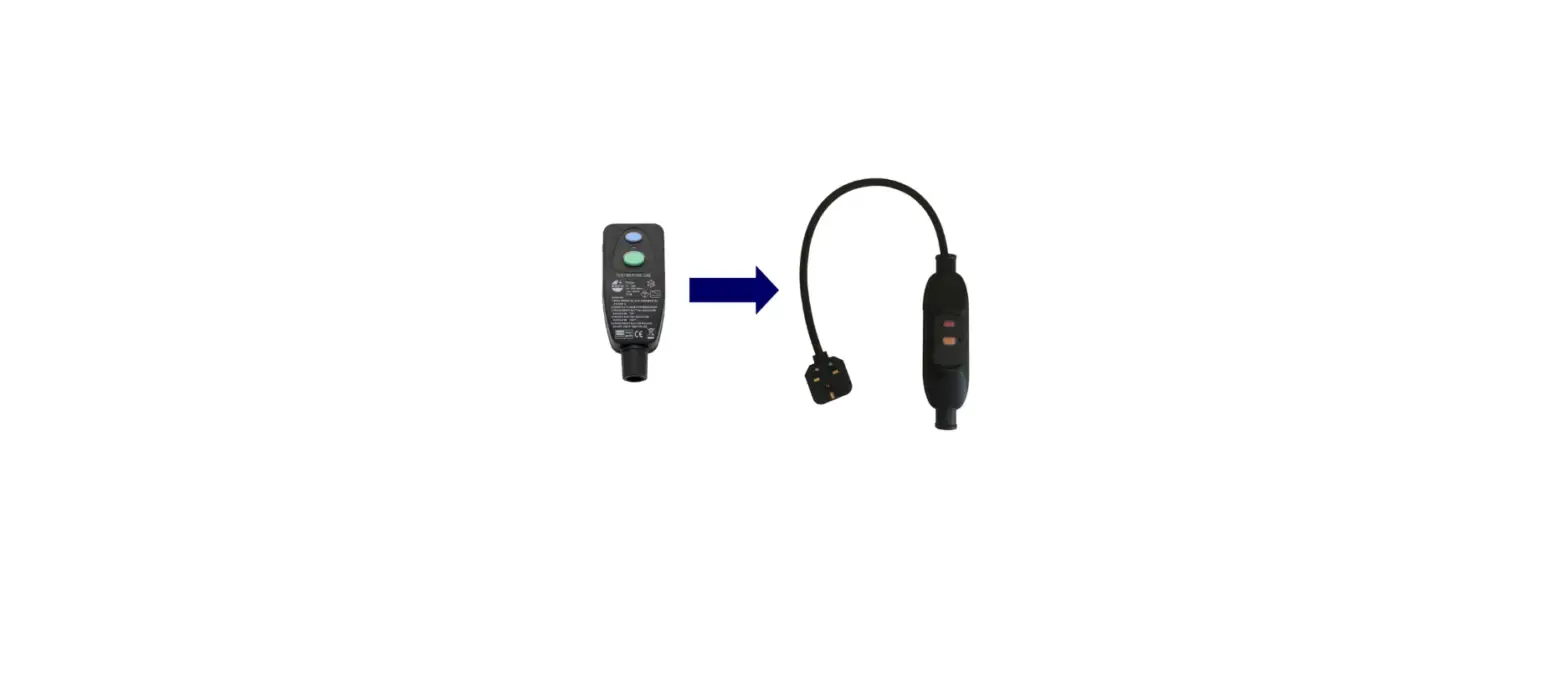

Tough Leads 10mA RCD Conversion Kit
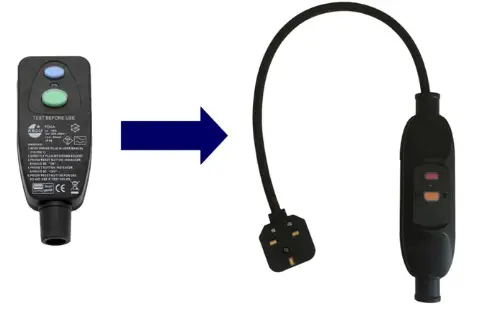
Fitting Instructions
Step 1 – Remove the cable from the current plug RCD:
- Unscrew the cover.
- Remove the cord grip.
- Unscrew the terminals.
- Remove the wires.
Step 2 – Fit the new inline RCD:
- Unscrew the RCD cover whcih is at the opposite end to the plug.
- Remove the cord grip.
- Ensure all 3 terminals are loosened.
- Push the cable into the RCD gland. A small amount of lubricant may be necessary.
- Insert the brown wire into the terminal marked ‘L’.
- Insert the blue wire into the terminal marked ‘N’.
- Insert the green/yellow wire into the terminal marked ‘E’.
- Ensure all terminals are tight – loose connections can lead to over heating.
- Push the cable flex into the RCD, so that 3-4mm is showing past the position of the cord grip.
- Screw down the cord grip. Tug the cable to ensure that it is tightly held in place.
- Ensure that the wires are lying in a position where they will not be trapped or damaged by the cover.
- Place the cover onto the RCD and screw down.
Operating Instructions
- Plug in the 13A plug to a suitable 13A socket.
- Press the ‘RESET’ button.
- The RCD will latch on, and remain so until the power supply to the RCD is turned off.
- Press the ‘TEST’ button regularly to check for correct operation. After ‘TEST’, press the ‘RESET’ button.
Specification
- Voltage: 230v
- Current: 13A
- Trip current: 10mA
- Weaterproof rating: IP66 (protected against powerful water jets from any angle).