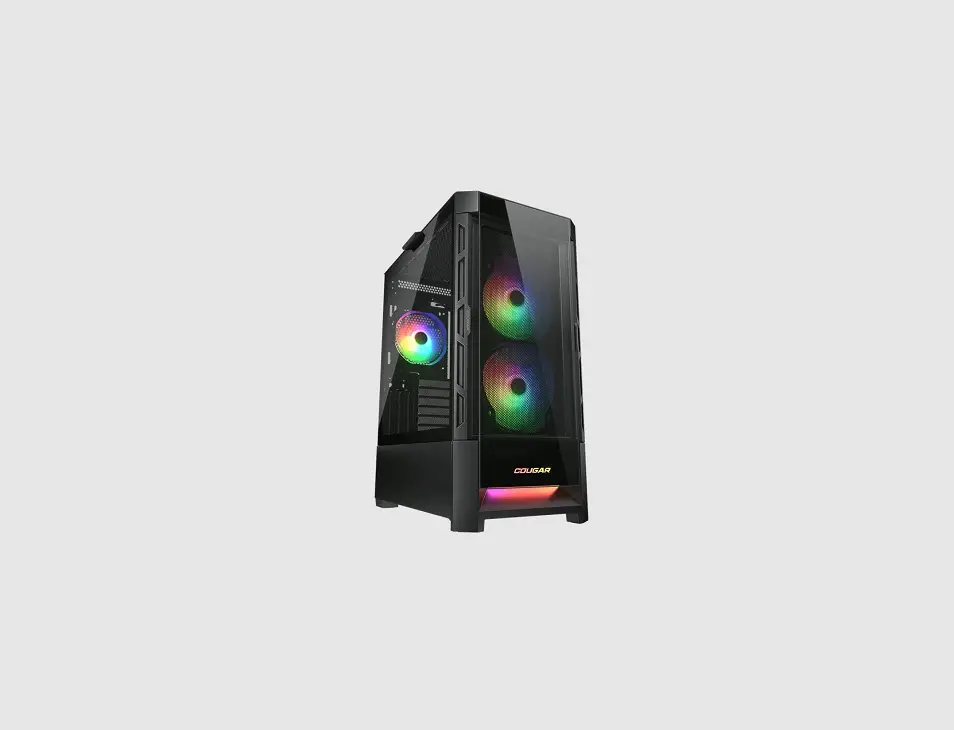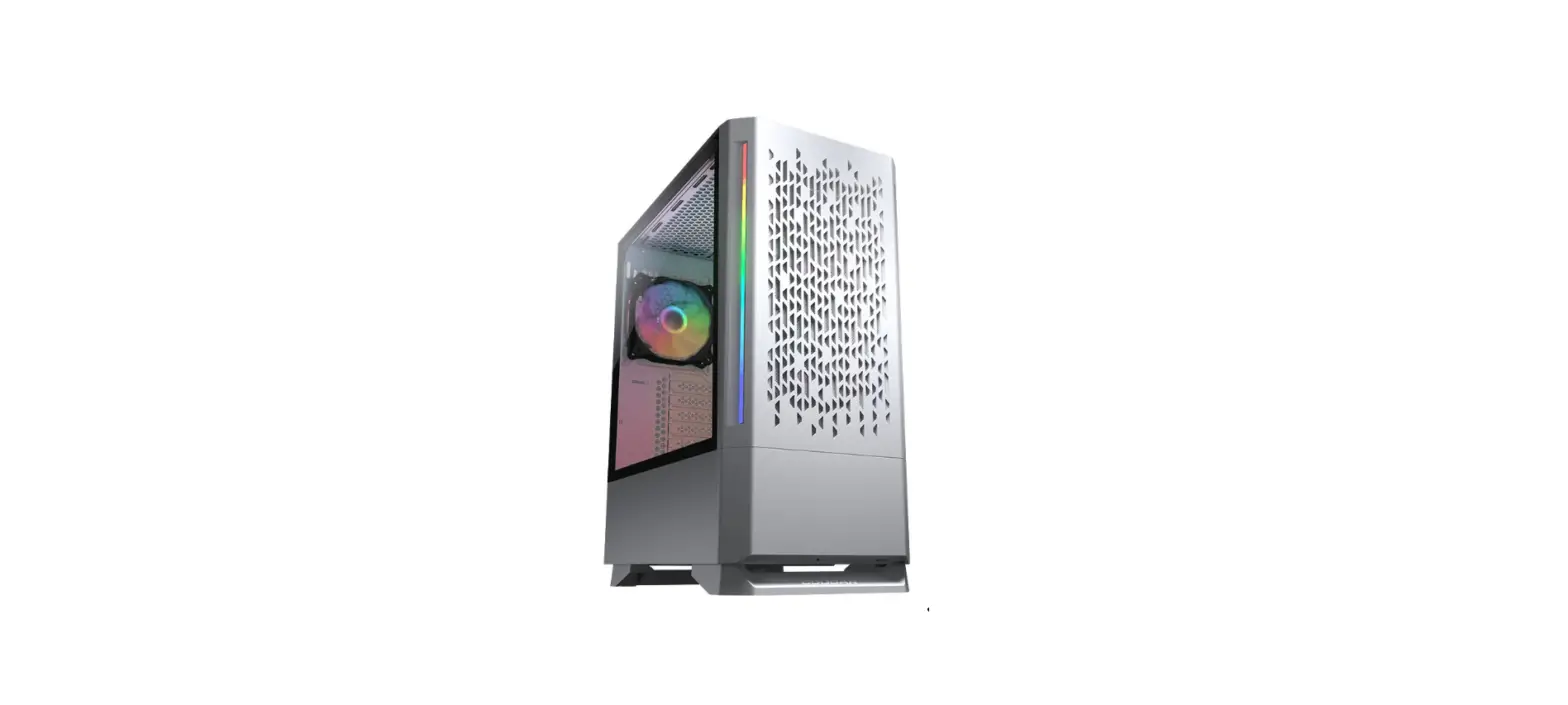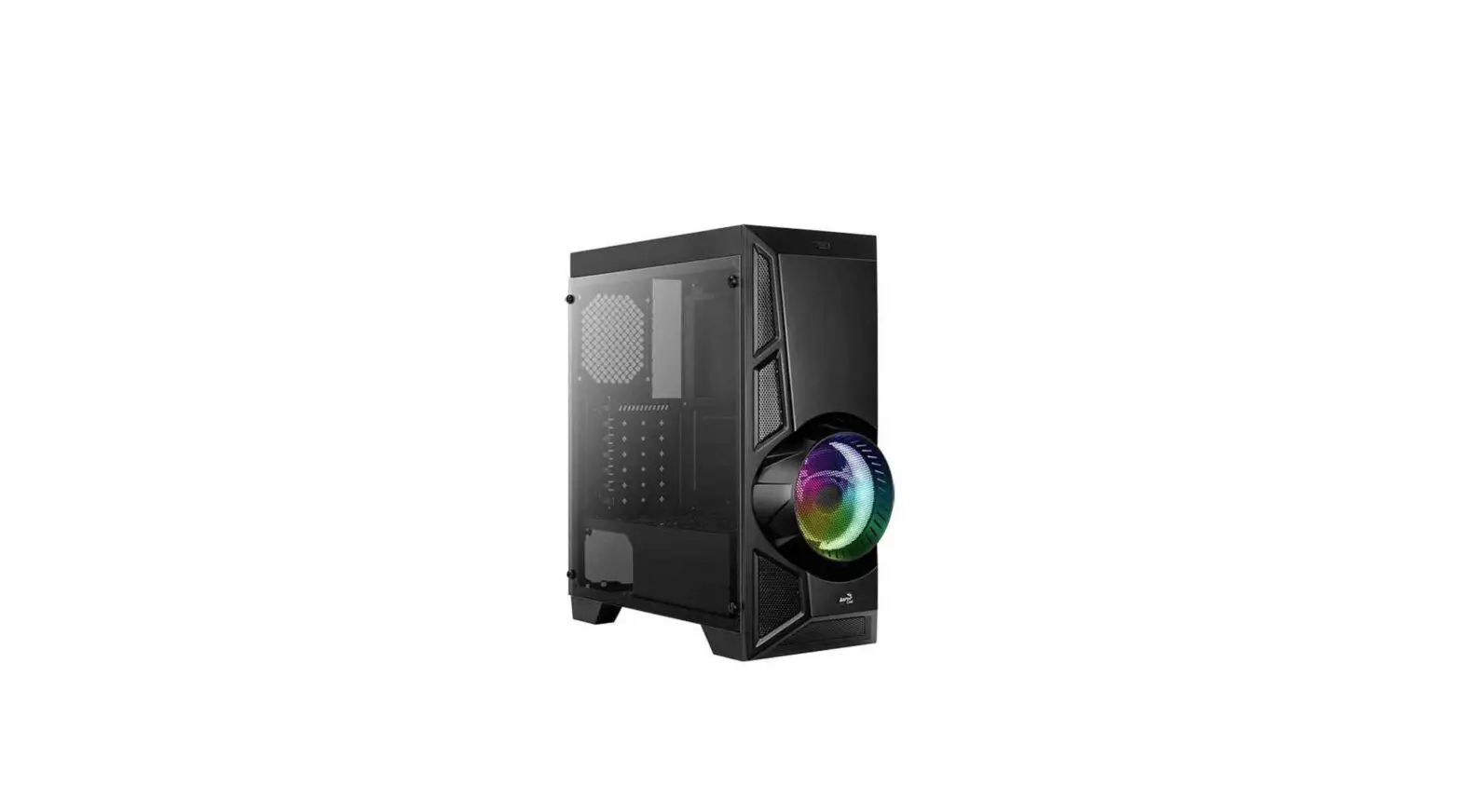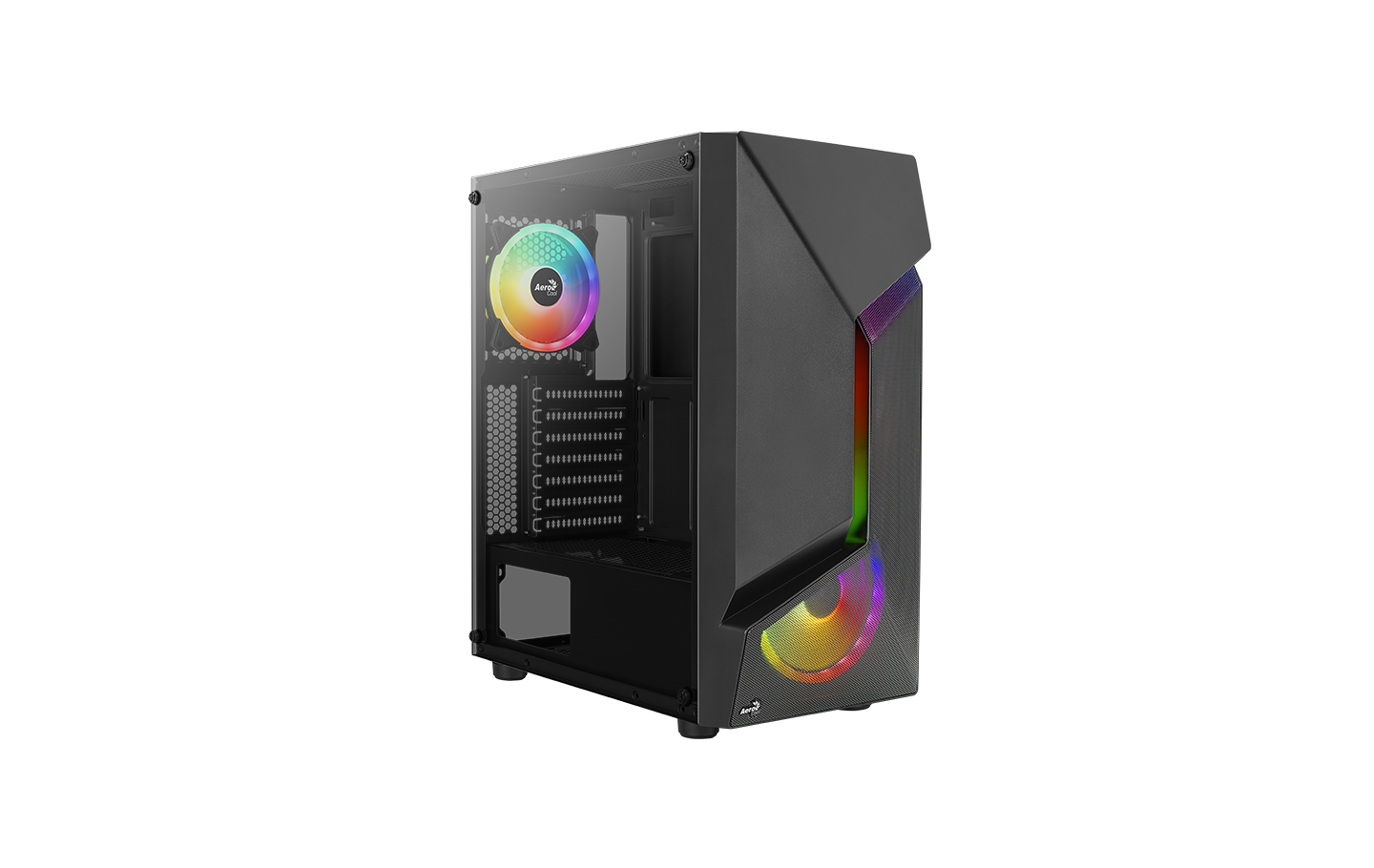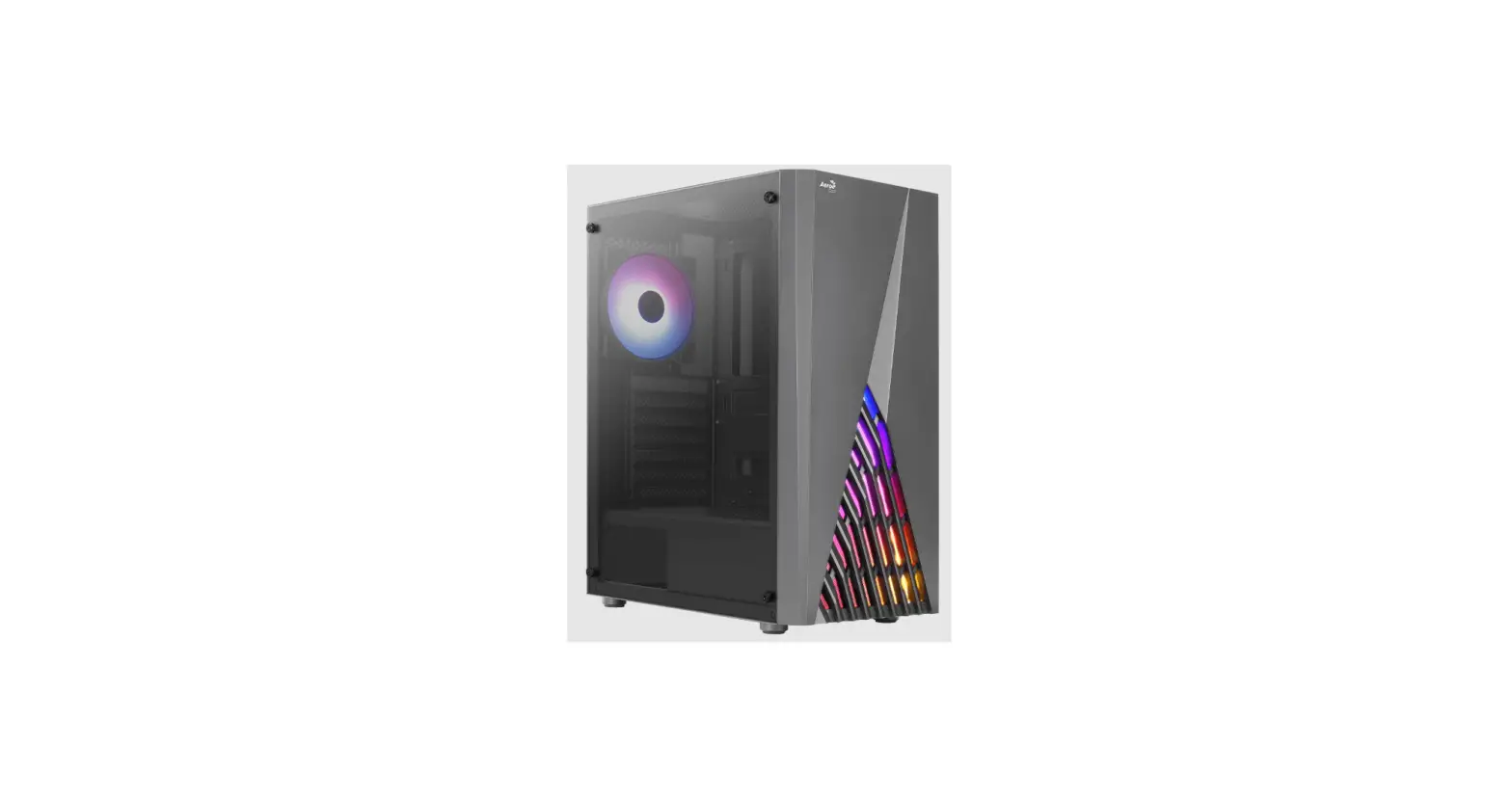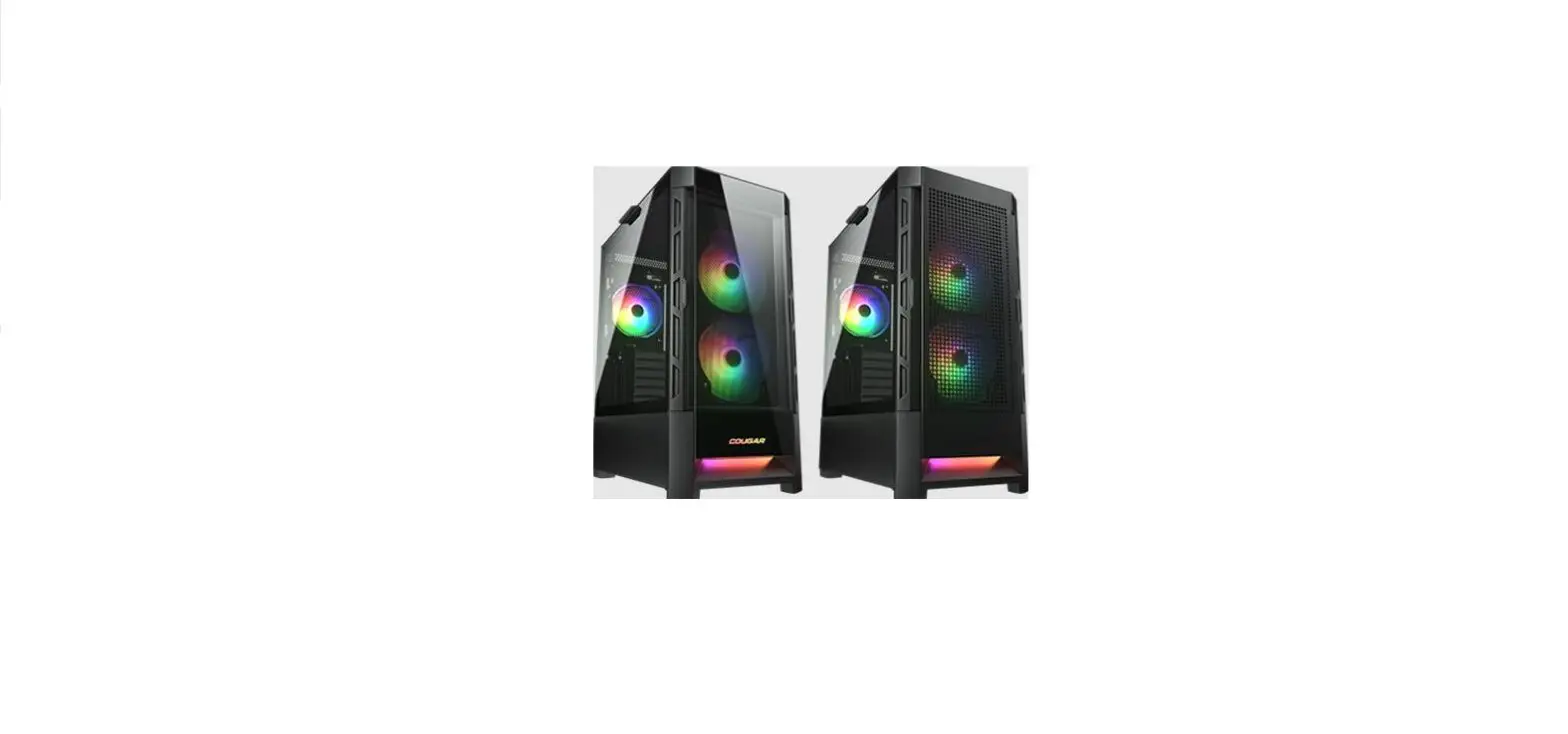

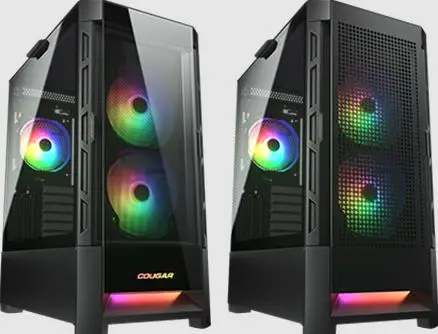
COUGAR AIRFACE RGB
FEATURES
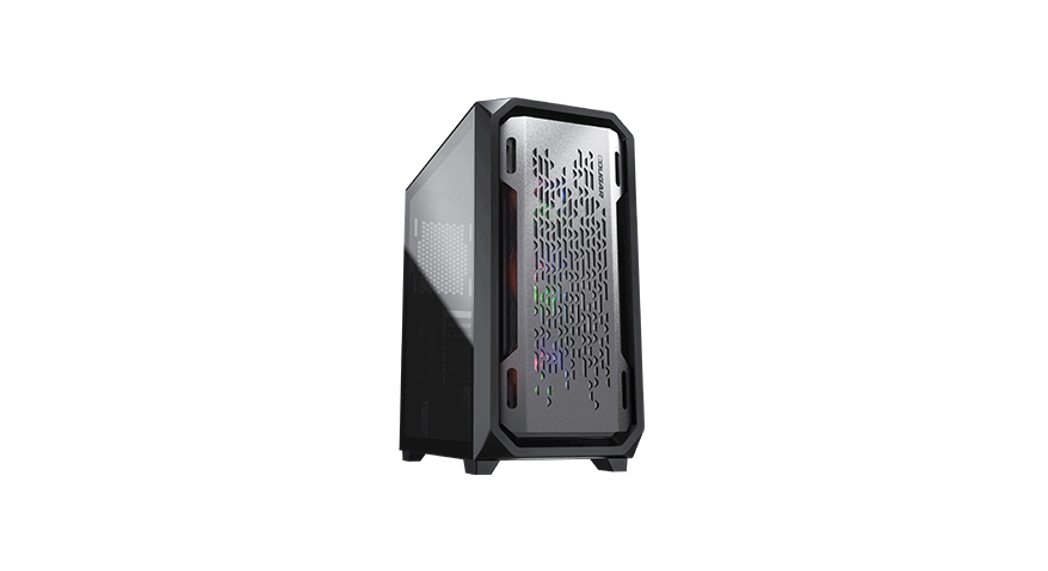
- Perforated design for unobstructed ventilation
- Innovative quick slide dust filter
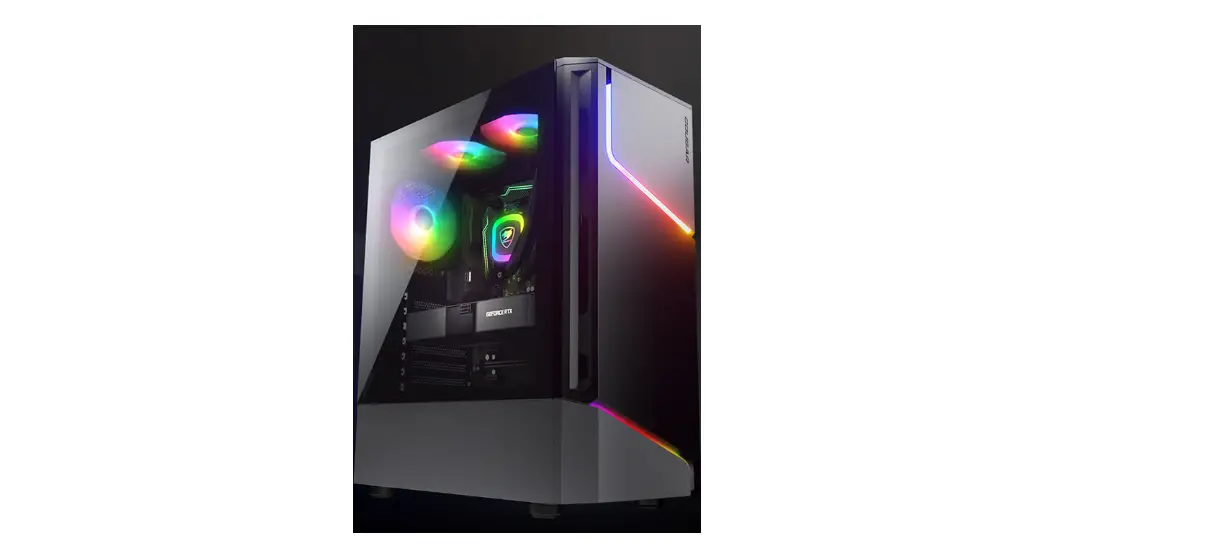
- Integrated RGB system with 5V ARGB motherboard synchronization
- Support for E-ATX motherboard
- Up to 330 mm graphics cards
- Up to five fans and 190 mm CPU cooler
ASSEMBLY DRAWING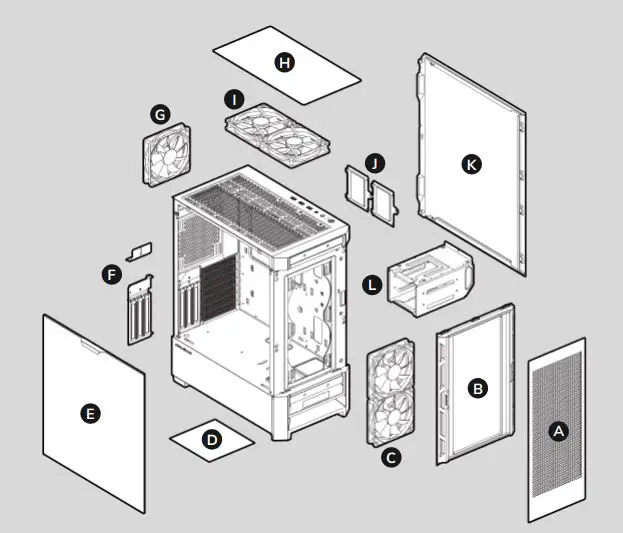
- A – Airflow front panel
- B – Quick slide dust filter
- C – 2 x 120mm / 2 x 140mm fans for front panel(140mm ARGB fans x 2 pre-installed)
- D – Air filter for bottom panel
- E – Tempered glass side panel
- F – Vertical slot covers
- G – 1 x 120mm / 1 x 140mm fan for rear panel (120mm ARGB fan x 1 pre-installed)
- H – Air filter for top panel
- I – 2 x 120mm / 2 x 140mm fans for top panel
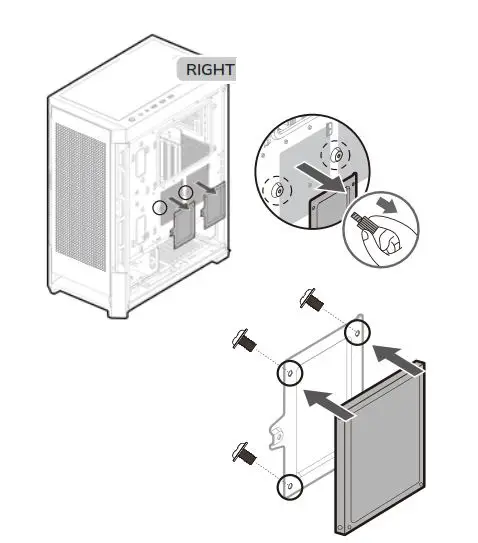
- J – 2.5”SSD tray
- K – Right side panel
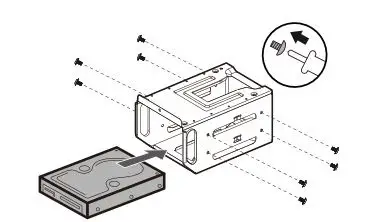
- H – 3.5”HDD cage
SPECIFICATIONS
| Product Name | Airface RGB |
| Case Form Factor | Mid Tower |
| Motherboard Type | Mini ITX / Micro ATX / ATX / CEB / *E-ATX |
| Dimension | 230(W) x 491(H) x 386(D) (mm) / 9.1(W) x 19.3(H) x 15.2(D) (in) |
| I/O Panel | USB 3.0 x 2, USB 2.0 x 1, 4 Pole Headset Audio Jack x1, RGB Button |
| 3.5″ Drive Bay | 2 |
| 2.5″ Drive Bay | 2 (2 SSD trays included) |
| Expansion Slots | 7+3 |
| Cooling Fan Support
| Front : 120mm x 2 / 140mm x 2 (140mm ARGB fan x 2 pre-installed) |
| Top : 120mm x 2 / 140mm x 2 | |
| Rear : 120mm x 1 / 140mm x 1 (120mm ARGB fan x 1 pre-installed) | |
| Maximum Number of Fans | 5 |
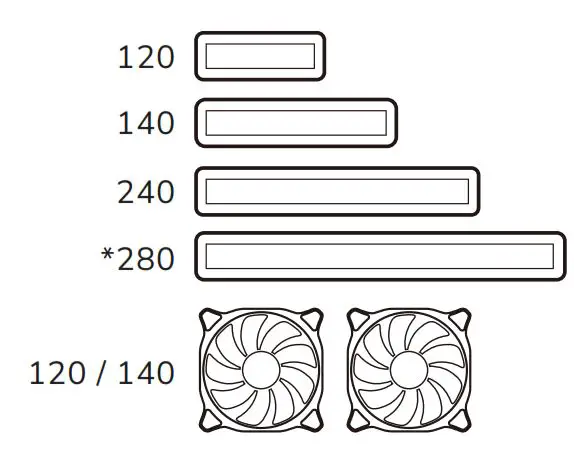
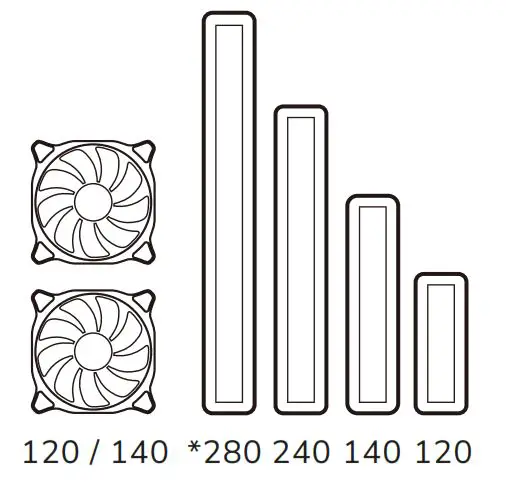
| Water Cooling Radiator Support | Front : *280mm / 240mm / 140mm / 120mm |
| Top : *280mm / 240mm / 140mm / 120mm | |
| Rear : 140mm / 120mm | |
| Transparent Left Panel | 4mm Tempered Glass |
| Onboard Lighting System | Yes |
| RGB Sync with M/B | Yes |
| ARGB LED strip ARGB LED ARGB LED | Yes |
| Max. Graphics Card Length | 330(mm) / 13(in) |
| Max. CPU Cooler Height CPU | 190(mm) / 7.5(in) |
| Max. PSU Length | 160(mm) / 6.3(in) |
- E-ATX up to 277 mm wide.
- Please choose either front or top to install a 280 mm radiator.
- Max. length of RTX 3090 graphic card is 325 mm
INSTALLING THE I/O CONNECTORS
| USB 3.0 | USB 2.0 | HD AUDIO | POWER SW | POWER LED | H.D.D LED |
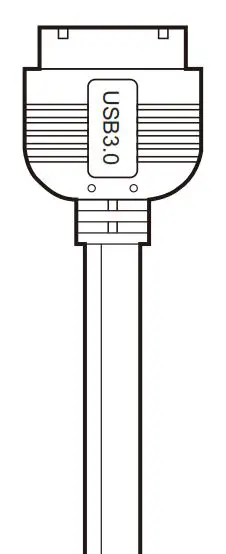 | 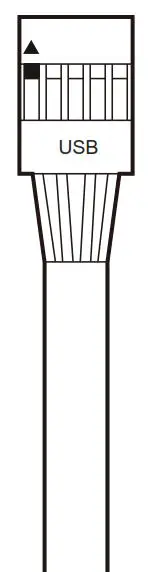 | 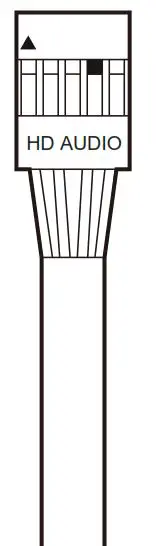 |  | 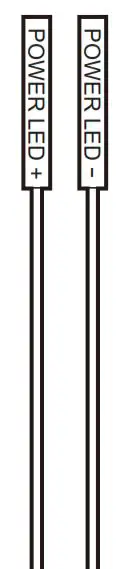 |  |
ACCESSORY KIT
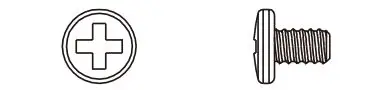 | 3.5″ HDD screws | X 8 | ||
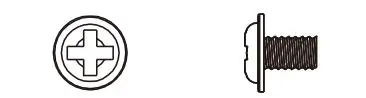 | Motherboard screws and 2.5″ SSD screws | X 17 | ||
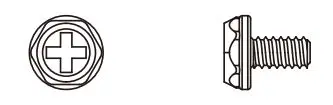 | Power supply screws | X 7 | ||
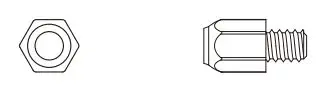 | Stand off for motherboard and VGA riser cable | X 5 | ||
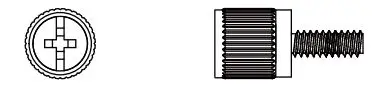 | 3.5” HDD cage screws | X 1 | ||
 | Cable ties | X 6 | ||
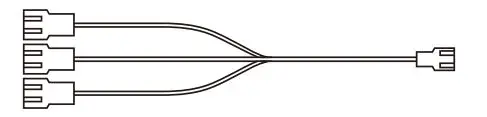 | Fan splitter cable | X 1 | ||
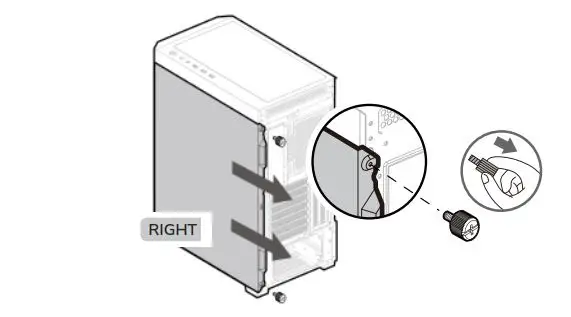
REMOVING PANELS
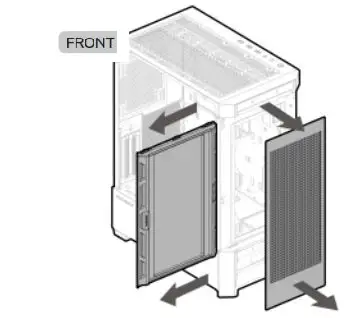
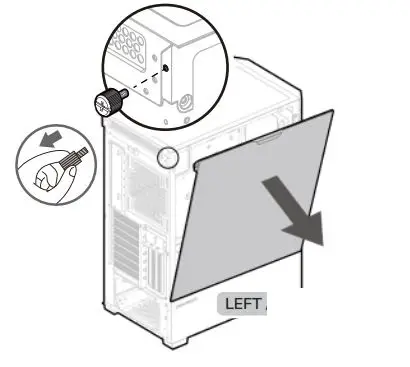
INSTALLATION
INSTALLING WATER COOLING RADIATORS & COOLING FANS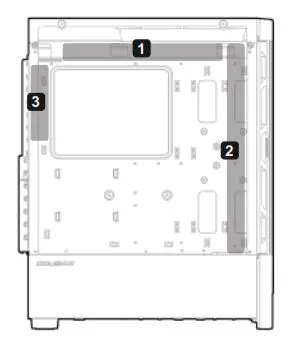
- Please choose either front or top to install a 280 mm radiator.
- 280 mm
- 280 mm
- Top

- Front

- Rear

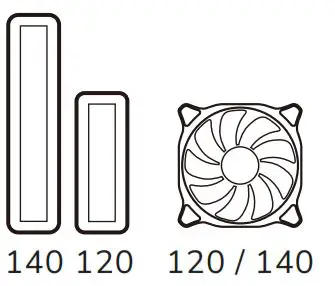
INSTALLING THE 3.5″ HDDS
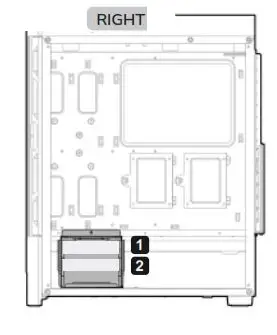
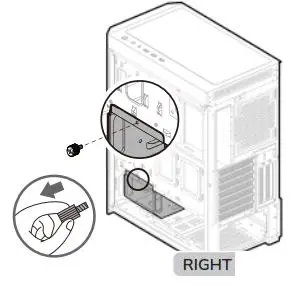
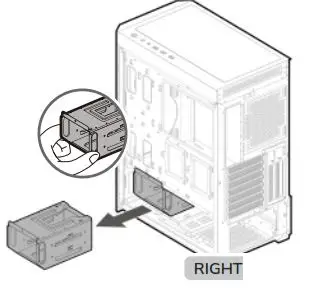
INSTALLING THE 2.5″ SSDS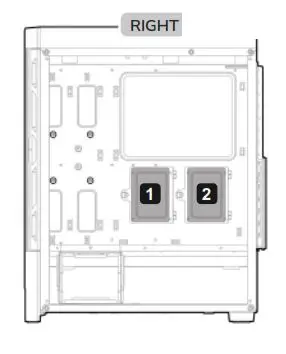
CONTROLLING LIGHTING MODES
FIRST MODE: SEVERAL LIGHTING EFFECTS
You can use the top panel’s RGB button to switch between several beautiful lighting effects we have preset for you.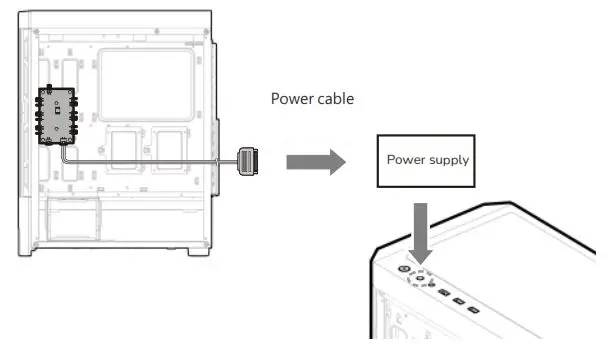
RGB SW botton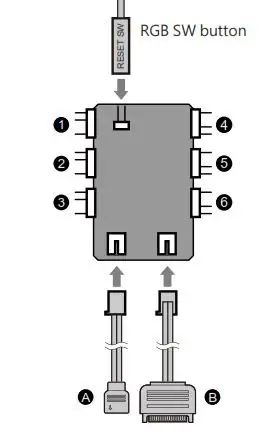
- A – 5V Addressable RGB adapter
- B – Power connector
- 1 – 6 5V Addressable RGB connector
SECOND MODE: MOTHERBOARD SYNCHRONIZATION
Please use the included adapter to connect to a compatible motherboard’s 3-pin 5V Addressable RGB header. Then, press and hold the RGB SW button for 3 seconds. The lights will flash in white once, it means the light signal has been changed to motherboard synchronization mode. 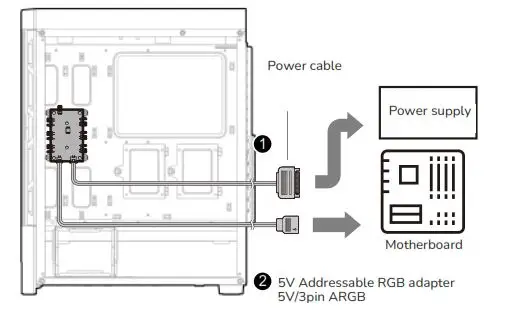
SECOND MODE
Motherboard synchronization
- Press and hold the RGB button for 3 seconds


BACK TO FIRST MODE
Several Lighting Effects
- Press the RGB button for one second.


If you press and hold the RGB button for 6 seconds, the lights will flash in white for twice, and the lights will be turned off.
The lighting controller has memory function after REBOOTING. However, if you press and hold for 6 seconds and return on the light again, it will only return to the first light mode of default, and it cannot memorize the light effect before it was turned off.
INSTALLING GRAPHIC CARD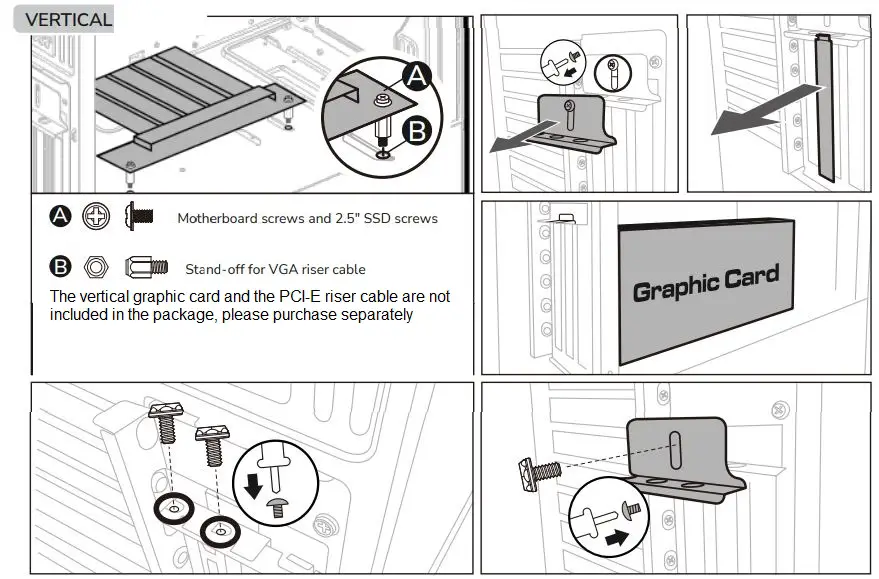
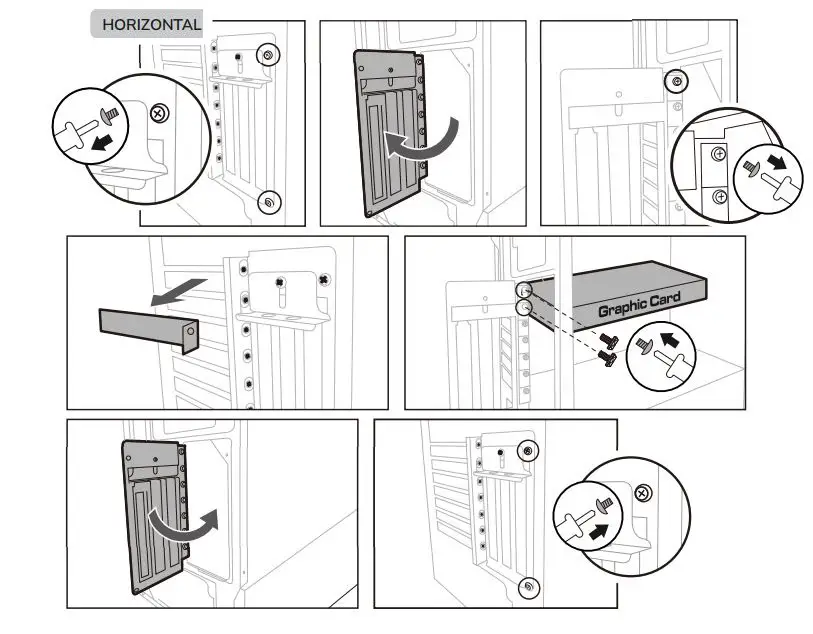
GLOBAL WARRANTY POLICY
WARRANTY PERIODS OF COUGAR GAMING DEVICES / COUGAR
Product: COUGAR AIRFACE RGB
Warranty : 1 Year
- This warranty gives you specific legal rights. You may also have other rights granted under local law.These rights may vary.
- Only for electrical components


COUGAR USA Technical Service
Tel: (833) 256-3778
Mail:[email protected]
Compucase Enterprise Co.,Ltd. All rights reserved.
 COUGAR – Real Gear For Real Gamers