Contents hide

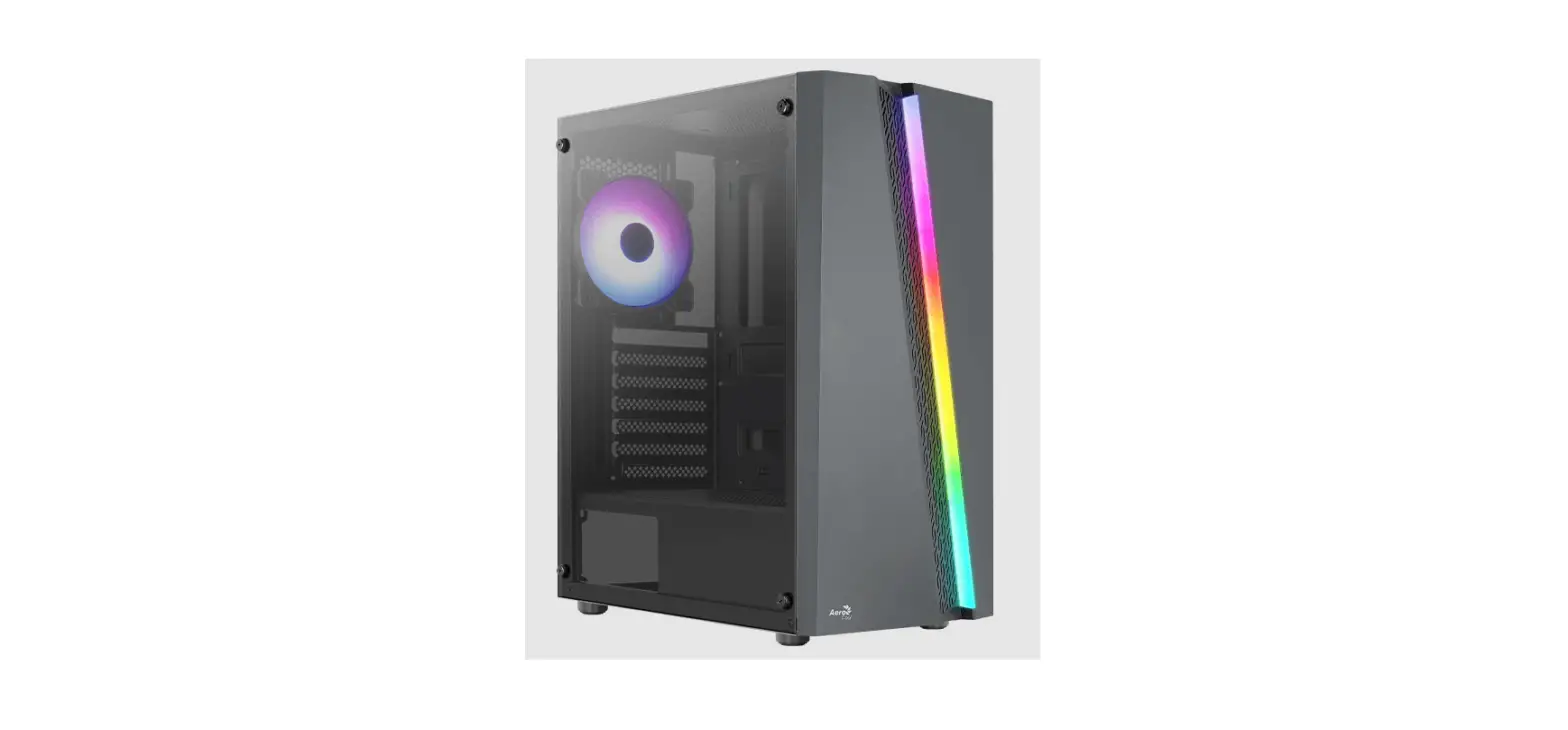
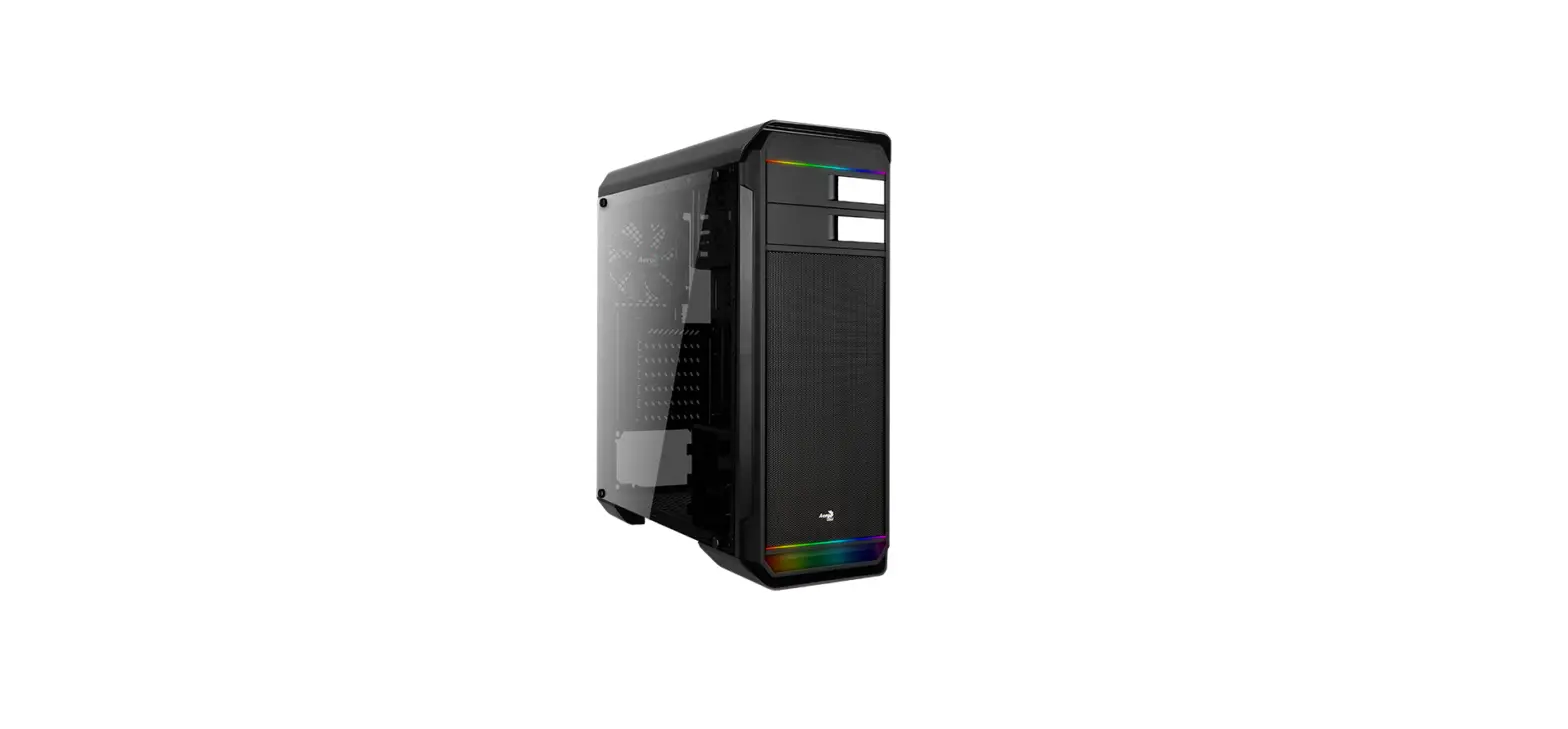
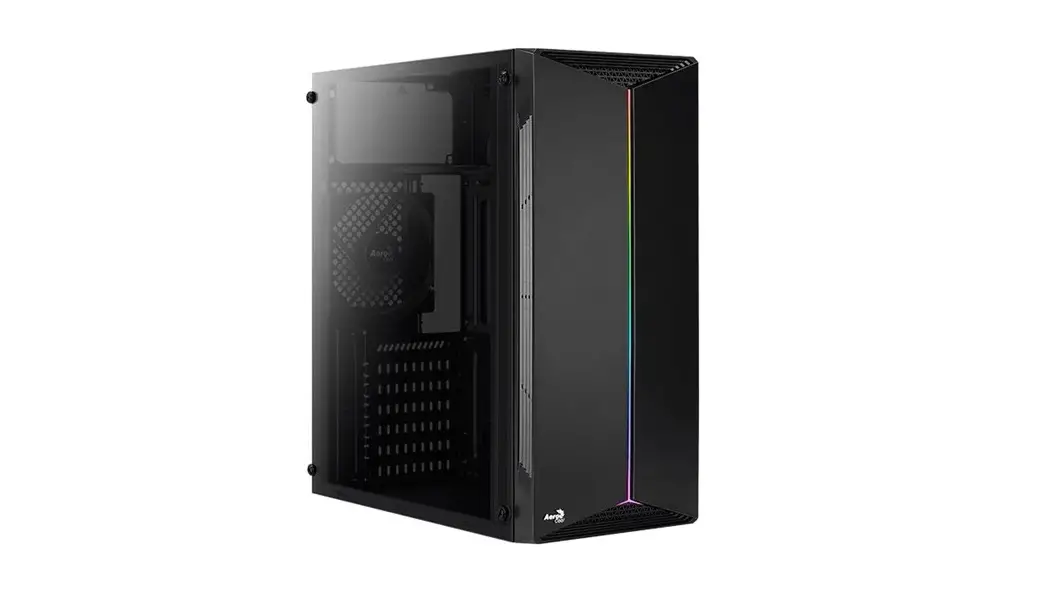
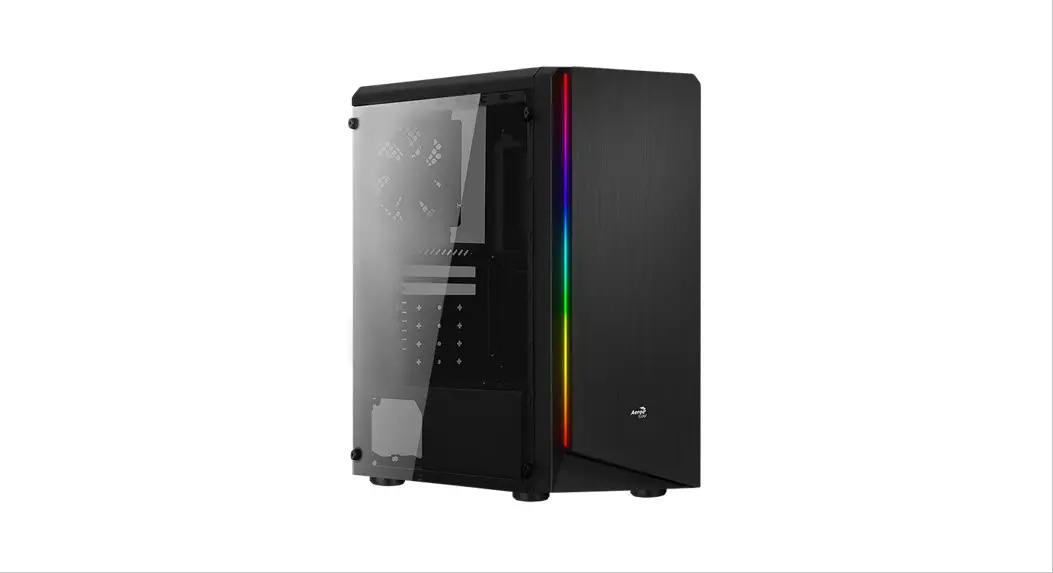
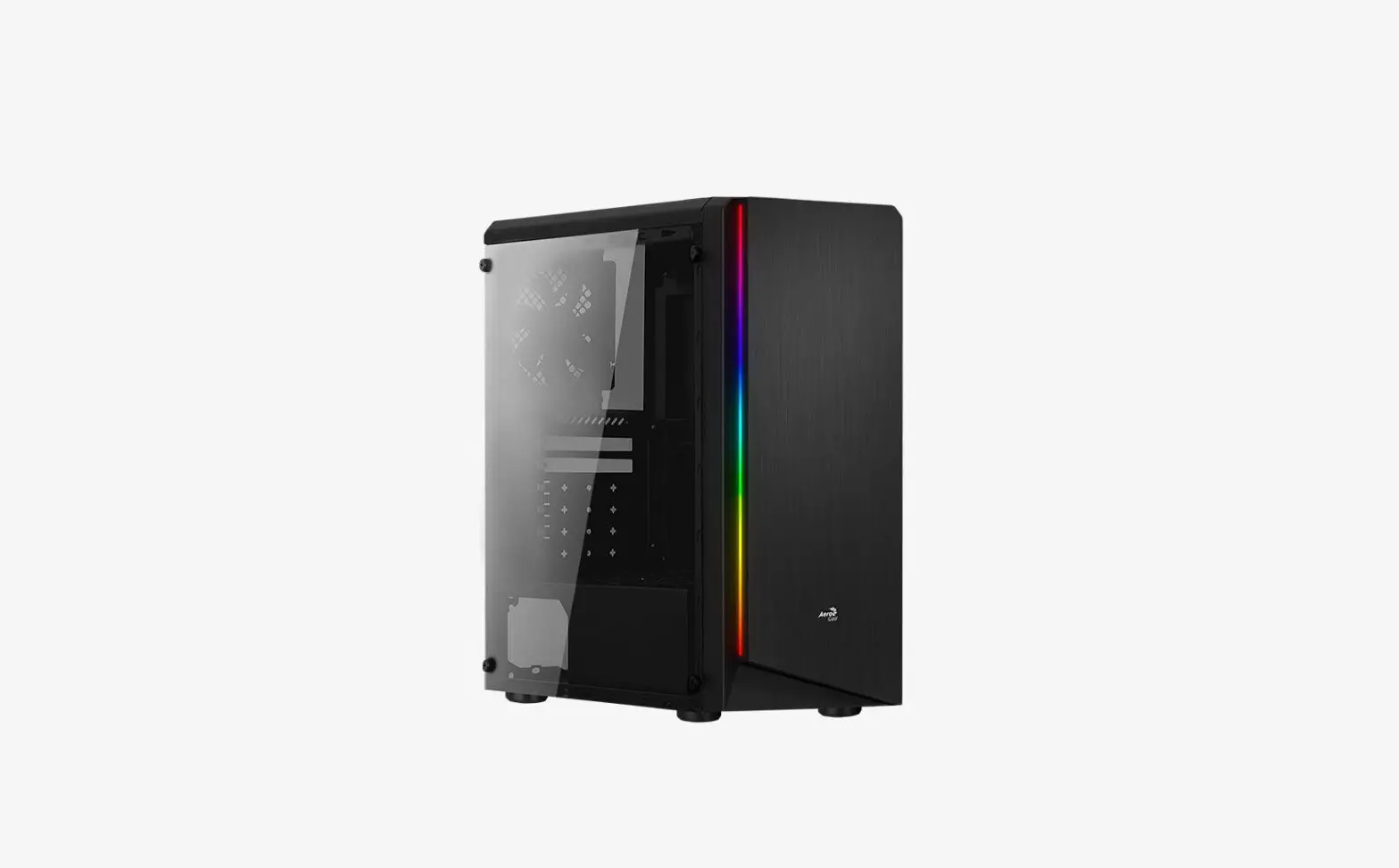
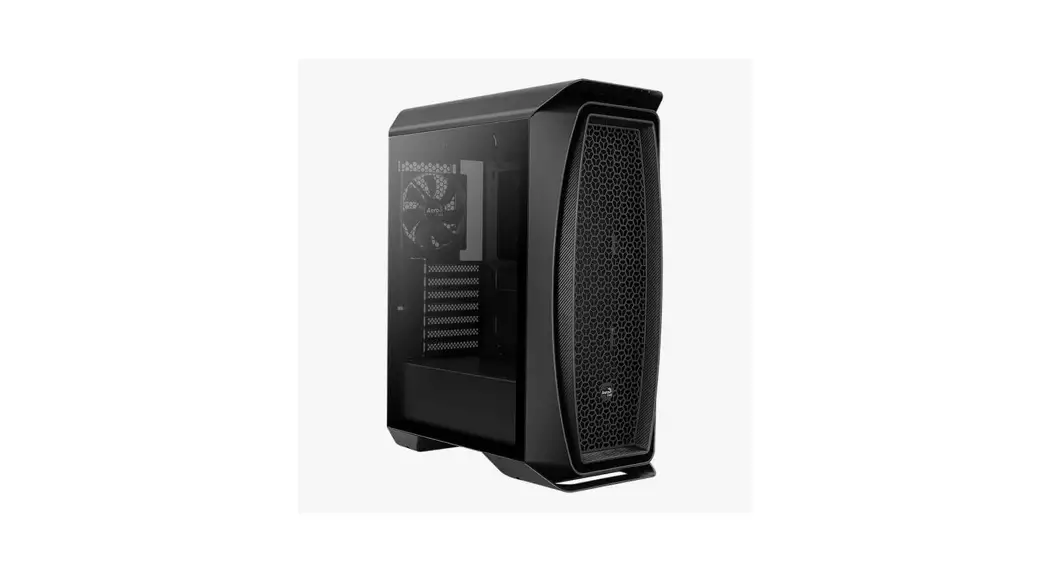
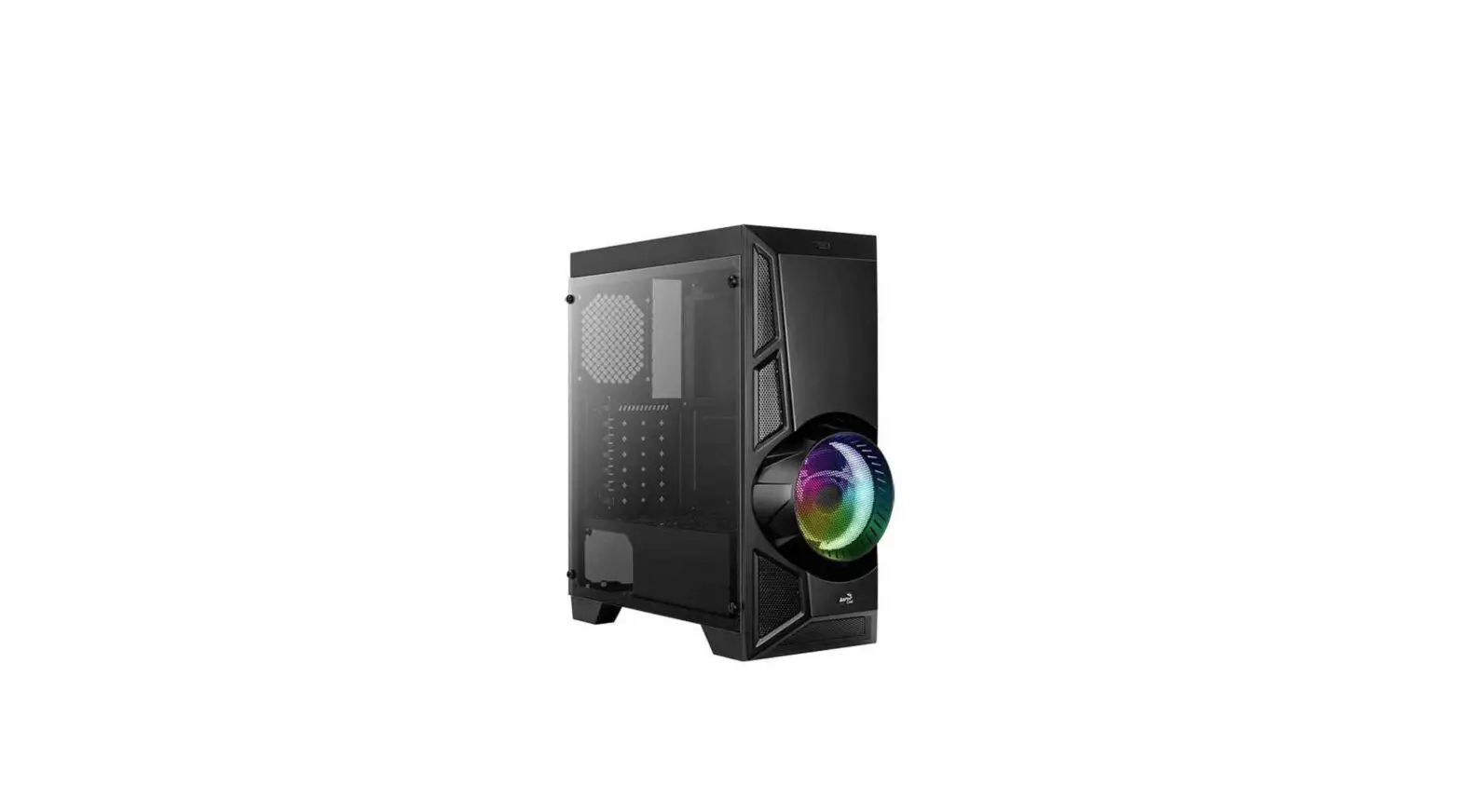
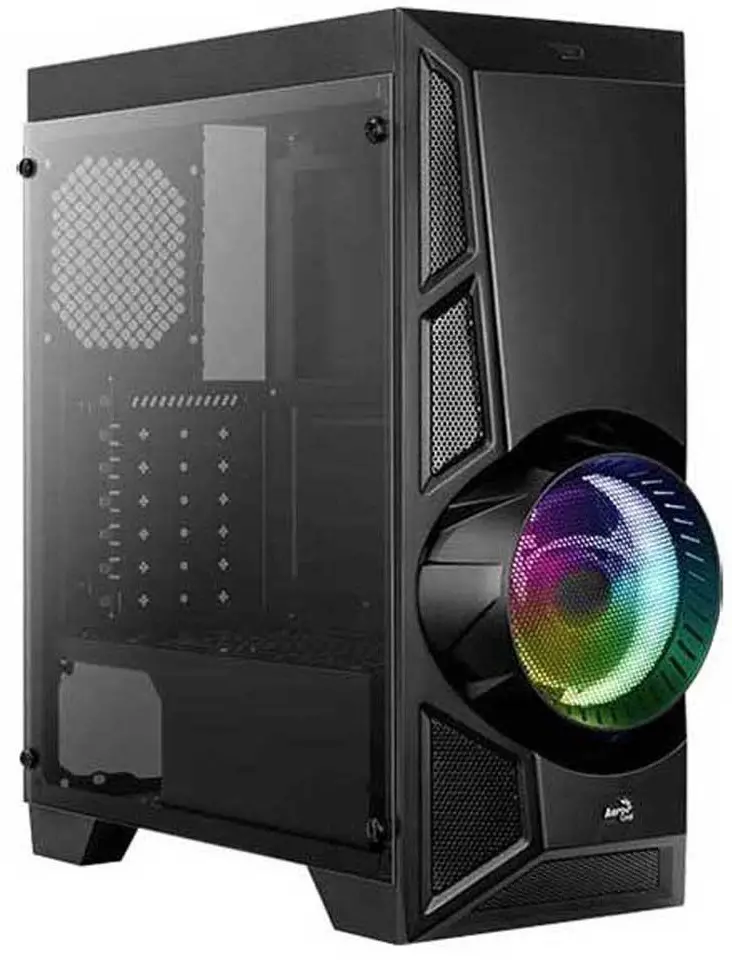
AeroCool Aero Engine RGB
Front 1/0 Panel Cable Connection
Front Panel Connector
Please refer to the motherboard’s manual for further instructions.
Note:
Specifications may vary depending on your region. Contact your local retailer for more information.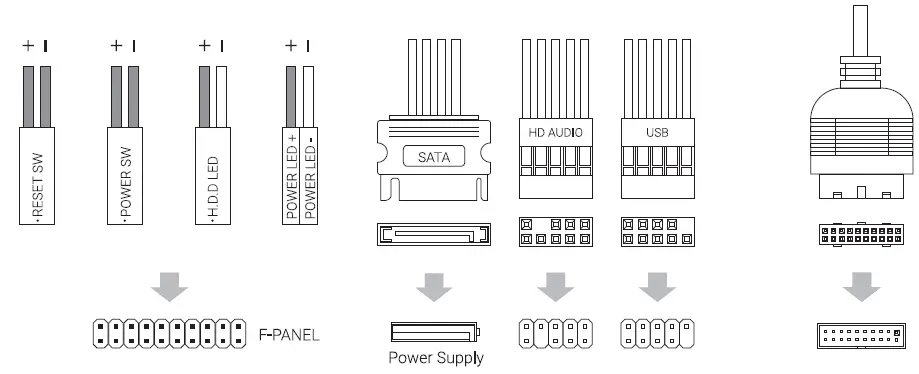
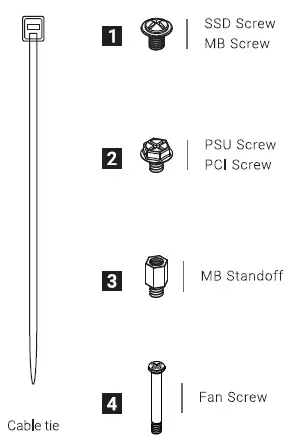
Accessory Bag Contents
How to install Guide
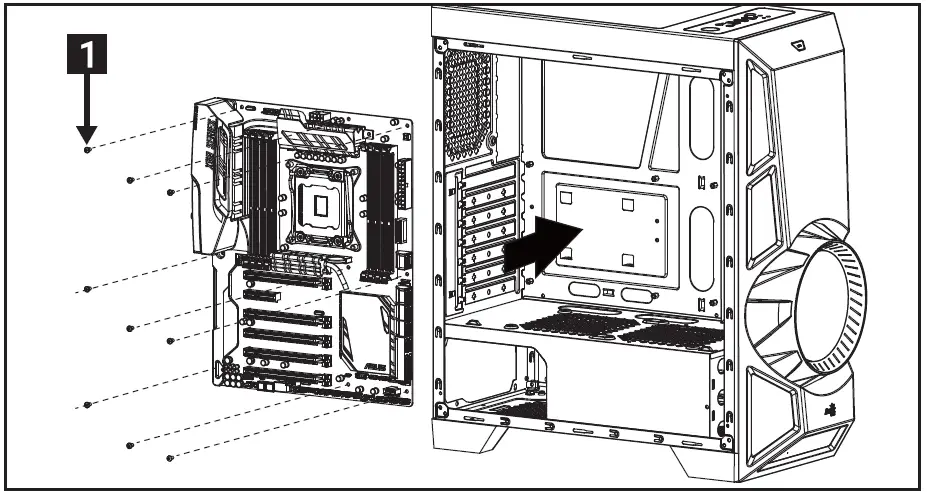
Install Motherboard
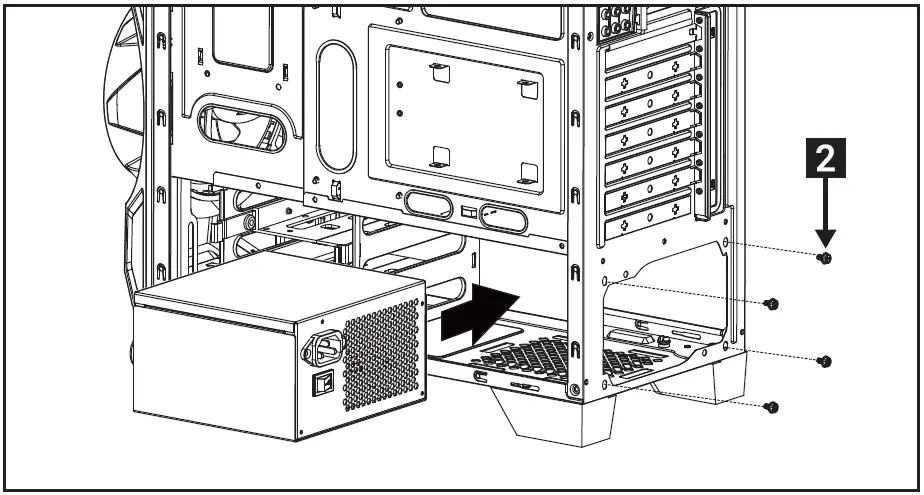
Install PSU
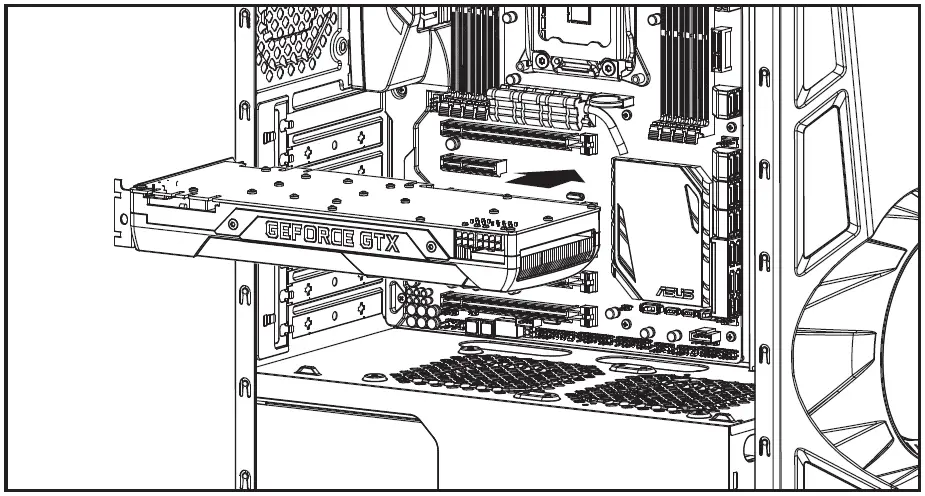
Install add-on Card
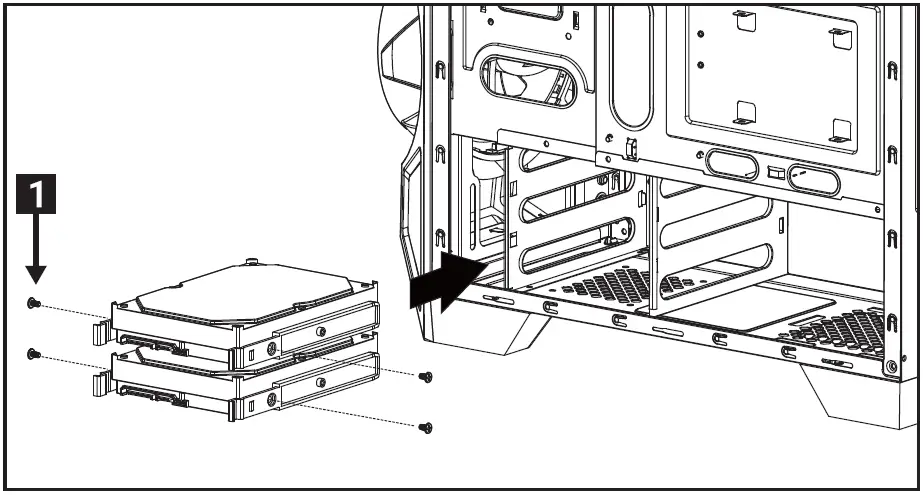
Install 3.5″ HDD x 2
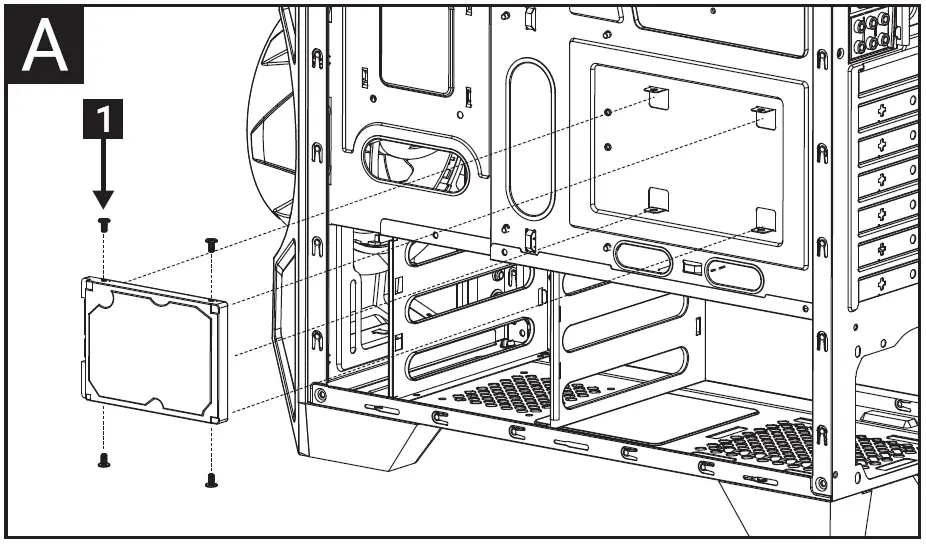
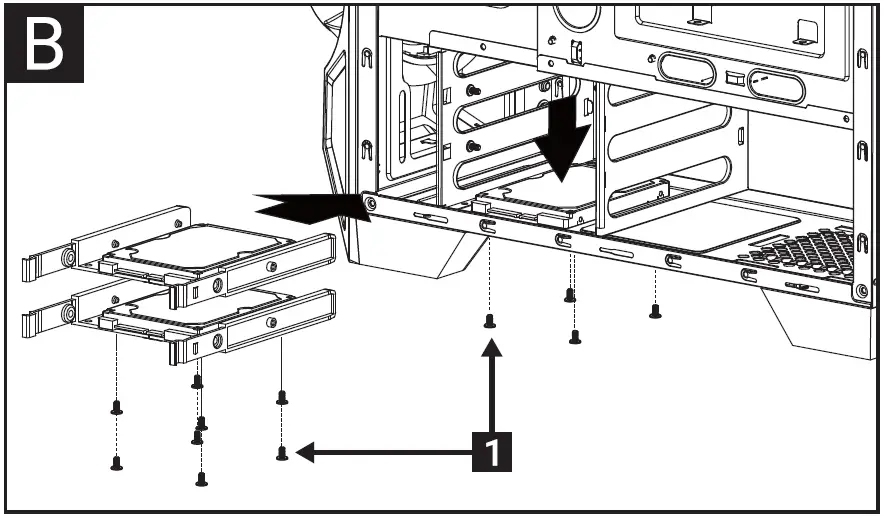
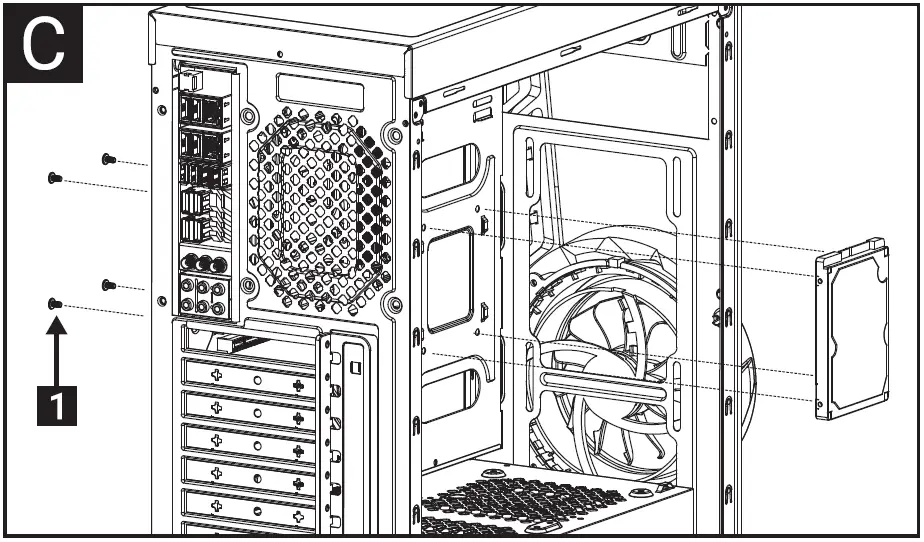
Install 2.5″ SSD x 5
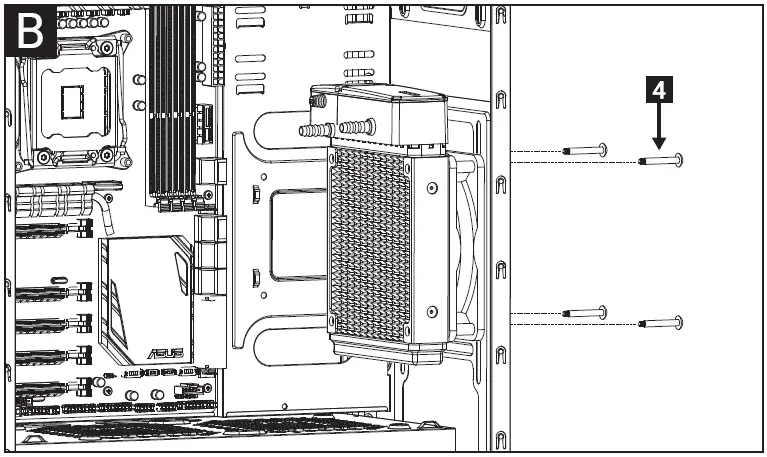
Install Front Radiator
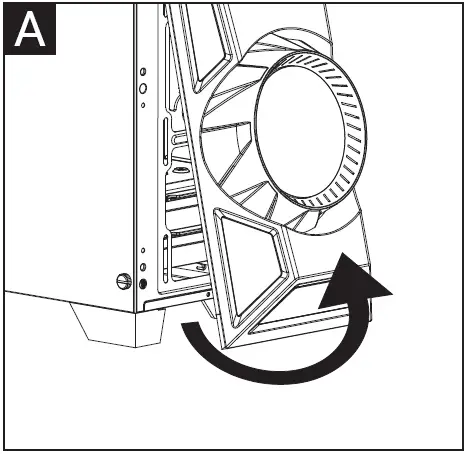
lnstallare radiator
Install Fans
Install Front Fans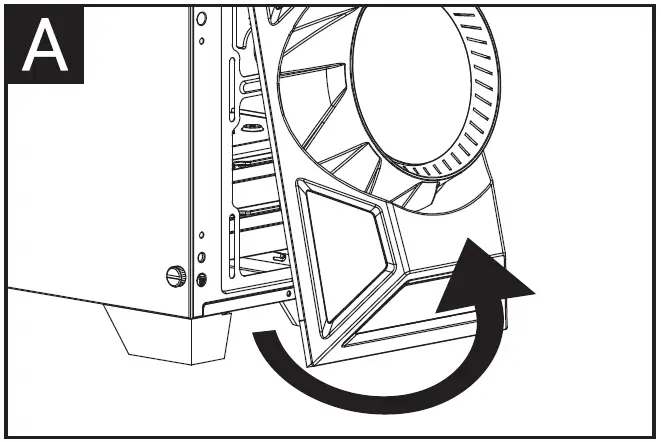
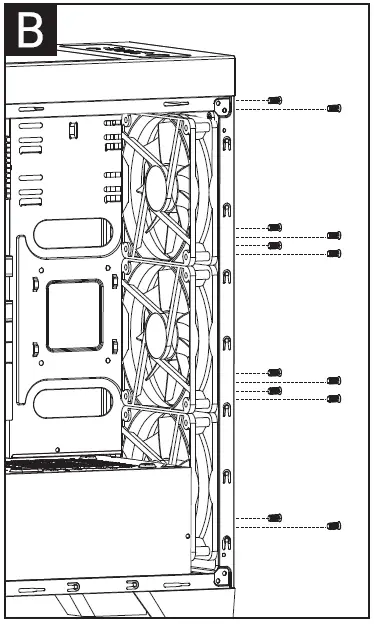
Install Top and VGA Fans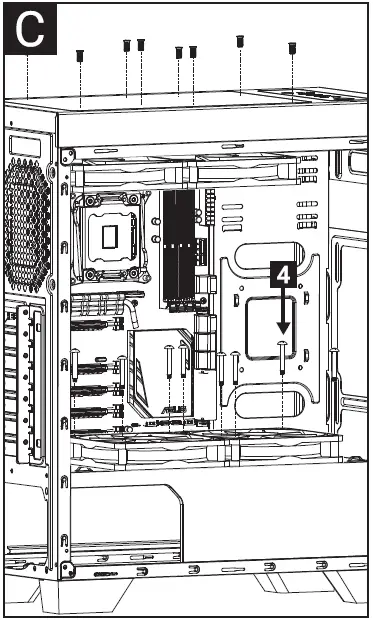
1/0 Panel
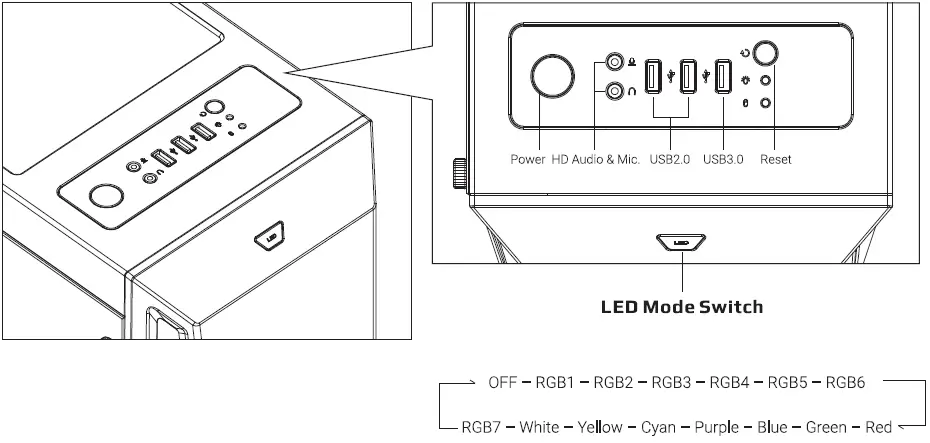
Note: Specifications may vary depending on your region. Contact your local retailer for more information.
 ANDPRO.RU - интернет магазин компьютерной и офисной техники с выгодными ценами и доставкой