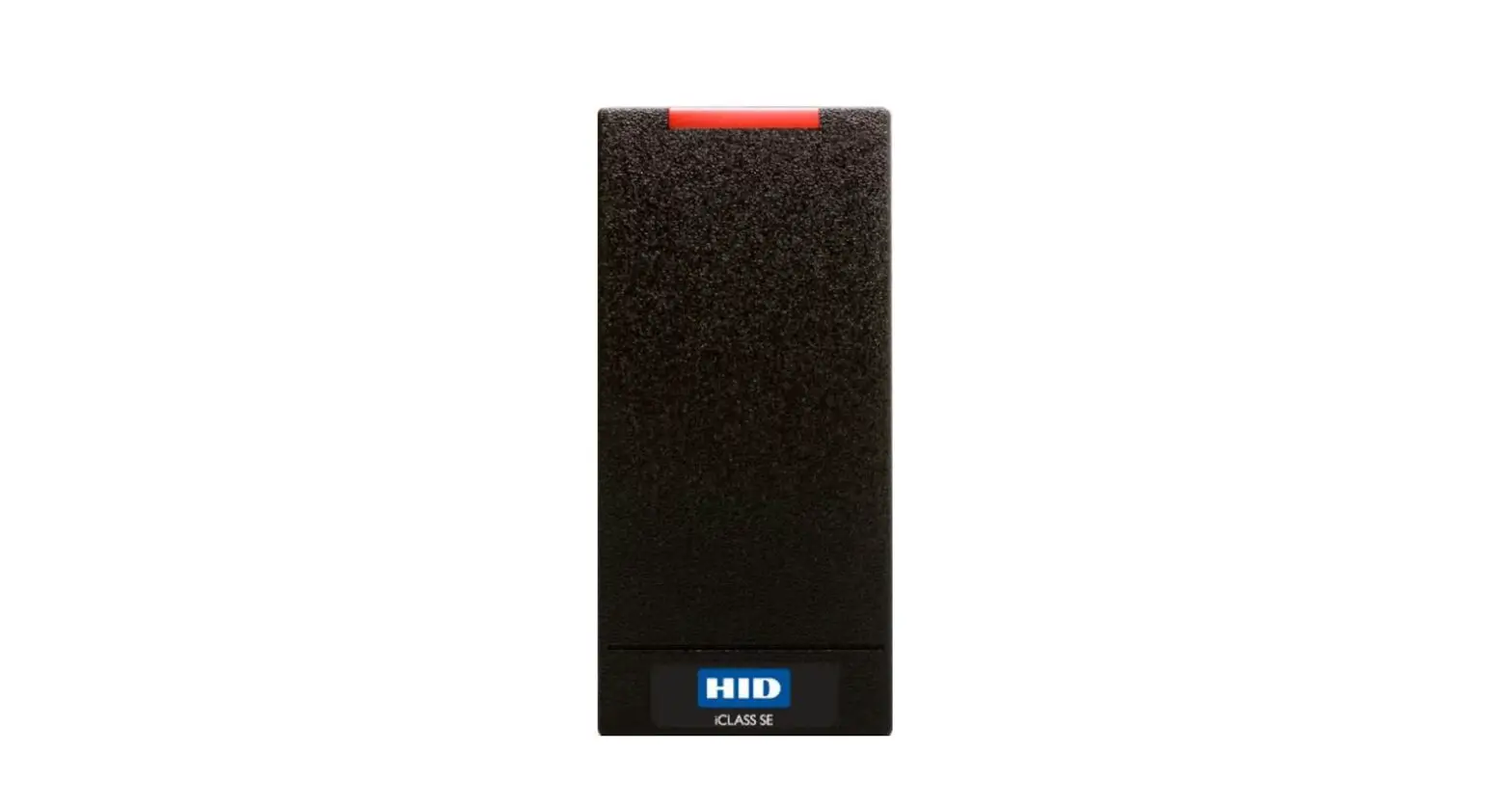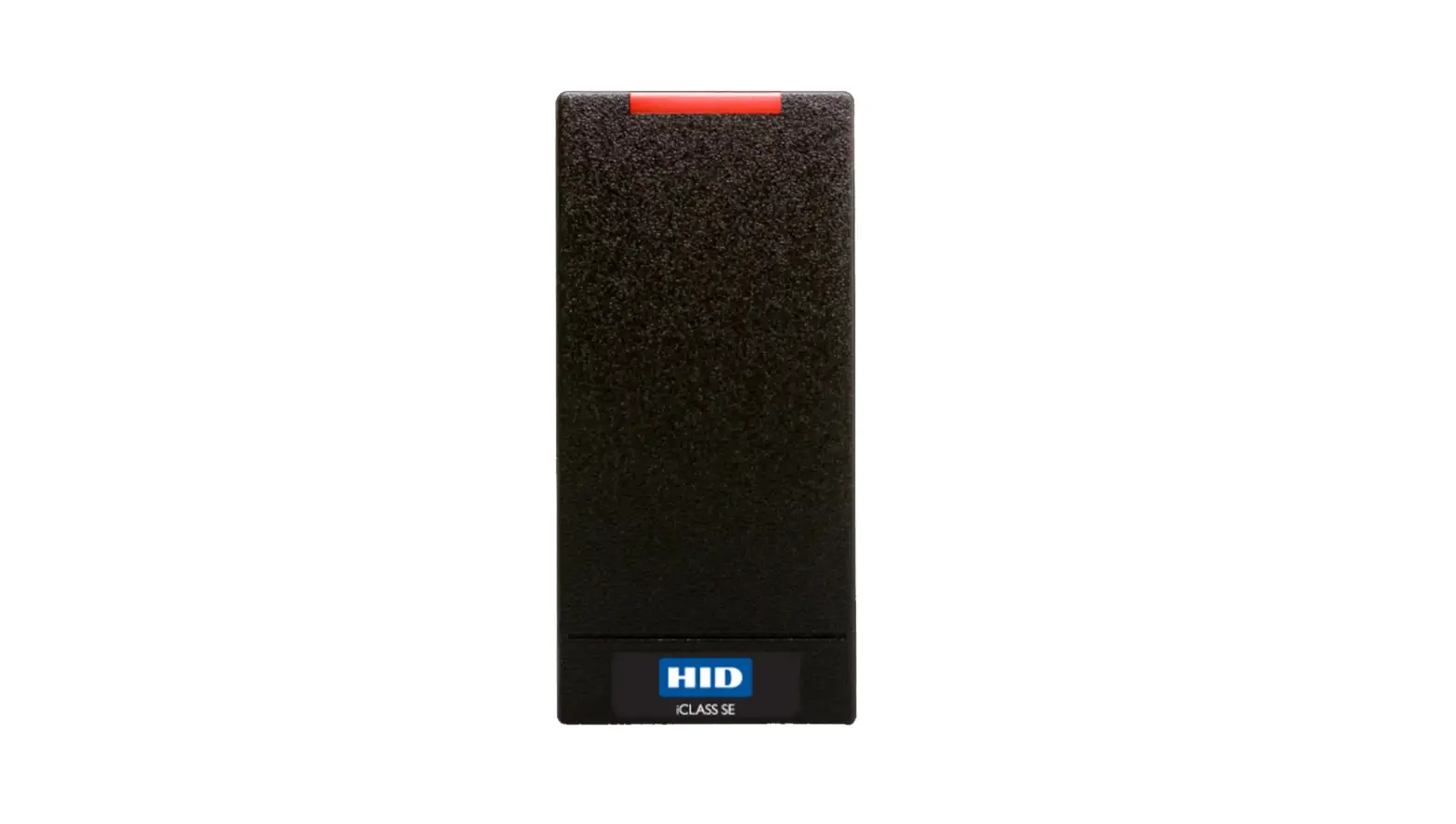
HID MDP-04875 iCLASS SE Connectivity Module Owner’s Manual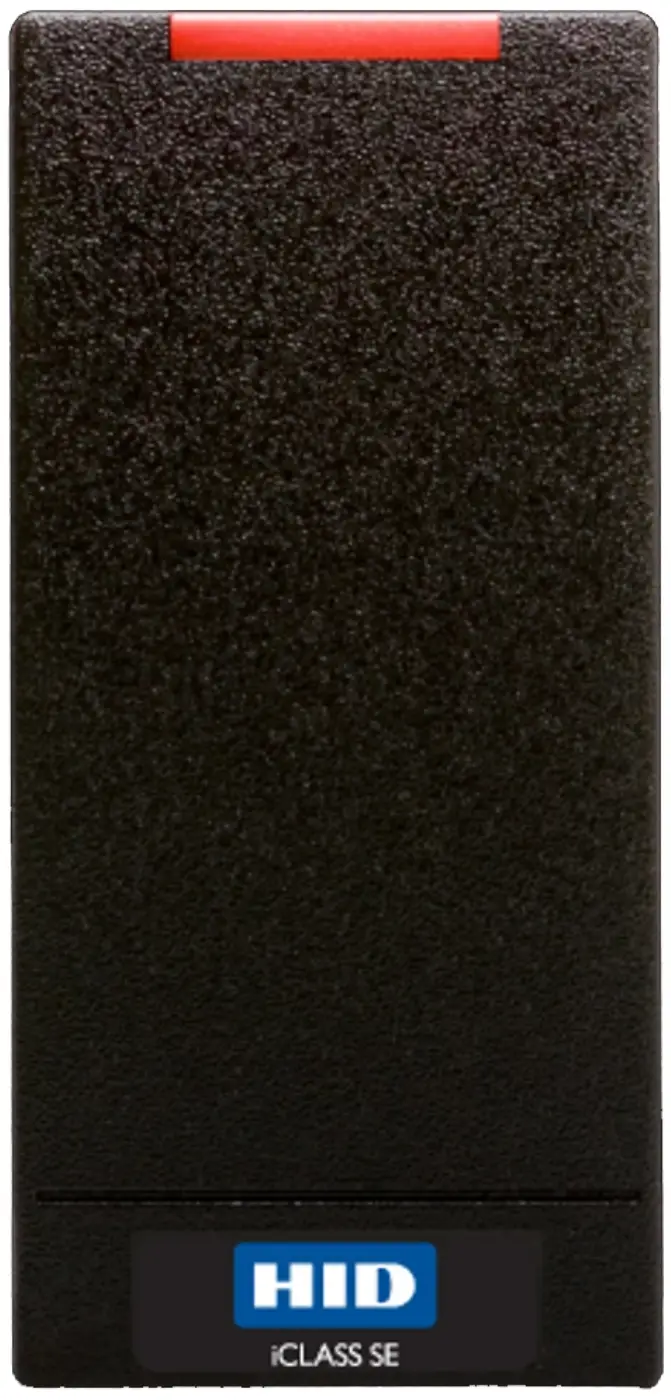
Combatible with iCLASS SE reader models:
- R101
- RP101
- R151
- RP151
- R401
- RP401
- RK401
- RPK401
- R95
Supplied parts
- iCLASS SE Connectivity Module
- Install guide
- Metallic reflective sticker
- FCC/IC regulatory label
Recommended parts (not supplied)
- HID Reader ManagerTM app to complete module set up
- Drill with various bits for mounting reader
- Torque driver
Module installation
Download the latest versions of HID Reader Manager from the App Store or Google Play.
App Store (Apple devices)

Google Play (Android devices)

- Disconnect the power from the reader.
- Remove the reader from the backplate.
- Remove the electrical tape covering the module expansion slot on the back of the reader.
Note: If there is already a module installed, carefully remove it. You can discard the old module as it will be replaced by the iCLASS SE Connectivity Module. - Insert the iCLASS SE Connectivity Module into the expansion slot.
Note: Take care not to touch the expansion slot with anything except the module as this could remove the colorless anti-corrosive compound. - Remove the backing from the supplied FCC/IC regulatory label and stick the label to the back of the reader.
- Remove the reader backplate from the wall and check if there’s a metallic sticker already fitted. If there is a sticker, go to step 9. If there’s not a sticker, go to step 7.
- With the paper backing still intact, align the metallic sticker from the upgrade kit with the reader backplate to ensure correct orientation.
- Remove the paper backing from the metallic sticker and carefully adhere the sticker to the inside of the reader backplate.
Note: The metallic sticker has cut outs to allow the reader wiring to remain intact during installation. - Reattach the reader backplate to the wall.
- Power on the reader and configure the iCLASS SE Connectivity Module using the HID Reader Manager app. Detailed set up instructions for module onboarding and account set up can be found in the HID Reader Manager App User Guide (Android) (PLT-03858) and HID Reader Manager App User Guide (iOS) (PLT-03683). Note: Ensure the reader wiring is correct before powering on the reader. Refer to the reader install guide for details.
- Once the iCLASS SE Connectivity Module is correctly set up, secure it to the reader by tightening the two screws.
Note: Only tighten the module screws once set up is complete. Repeatedly inserting or overtightening can cause damage to the screw bosses. The recommended torque for tightening is 0.2Nm. - Reattach the reader to the backplate.
Note: It is possible to reuse existing Wiegand wiring for OSDP however, the use of simple stranded cable typically used in Wiegand access control readers may not meet the RS-485 twisted pair recommendations. Note: For OSDP cable lengths greater than 200ft (61 m) or where EMF interference is present, install 1200 +/- 20 resistor across RS-485 termination ends.
Specifications
| Module Part Number | MDP-04875 |
| SRD Model Number | BT/WIFIE |
| Input Voltage VDC | 5 – 16 VDC |
| Standby Current AVG | 10 mA |
| Peak Current | 250 mA |
| Operating Temperature | -30° F to 149° F (-35° C to 65° C) |
| FCC ID | JQ6-SECONNECT |
| IC | 2236B-SECONNECT |
| Product7 | Base Part Number | Input Voltage VDC | Current 1 | Operating Temperature5 | ||
| Standby AVG2 | Max AVG3 | Peak4 | ||||
| R10 | 900N | 5 – 16 VDC (12 VDC for RS-485) | 60 mA | 95 mA | 200 mA | 30° F to 150° F (-35° C to 66° C) |
| RP10 | 900P | 75 mA | 100 mA | |||
| 900L | 110 mA | 135 mA | ||||
| R15 | 910N | 60 mA | 95 mA | |||
| RP15 | 910P | 75 mA | 100 mA | |||
| 910L | 110 mA | 135 mA | ||||
| R40 | 920N | 65 mA | 95 mA | |||
| RP40 | 920P | 85 mA | 100 mA | |||
| 920L | 120 mA | 145 mA | ||||
| RK40 | 921N | 85 mA | 100 mA | |||
| RPK40 | 921P | RPK40 921P 5.5 – 16 VDC (12 VDC for RS-485) 95 mA | 95 mA | 105 mA | 220 mA | |
| 921L | 130 mA | 155 mA | ||||
| R95A | 95AN | 5 – 16 VDC | 75 mA | 125 mA | 165 mA | |
| R95B | 95BN | 75 mA | ||||
| RP95B | 95BP | 90 mA | ||||
| Product7 | Cable Length6 | Regulatory Ref Number |
| R10 | Communication Lines Wiegand = 500 ft – 22 AWG (152 m), 300 ft – 24 AWG (91 m) RS-485 = Max bus length: 4,000 ft – 24 AWG (1,219 m) | R10Ex1x2x3 |
| RP10 | RP10Ex1x2x3 | |
| R15 | R15Ex1x2x3 | |
| RP15 | RP15Ex1x2x3 | |
| R40 | RP40Ex1x2x3 | |
| RP40 | RP40Ex1x2x3 | |
| RK40 | RK40Ex1x2x3 | |
| RPK40 | RPK40Ex1x2x3 | |
| R95A | RA30Ex1x2x3x4 | |
| R95B | RPA30Ex1x2x3x4 | |
| RP95B | RPA30x1x2x3x4 |
- Communication protocols other than Wiegand or Clock & Data (for control panels), as well as credential interfaces over BLE (not applicable for 9xxL models), require an additional hardware module which increases current by 40 mA.
- Standby AVG – RMS current draw without a card in the RF field.
- Maximum AVG – RMS current draw during continuous card reads. Not evaluated by UL.
- Peak – highest instantaneous current draw during RF communication.
- When configured for Bluetooth Operating Range is -13° F to 150° F (-25° C to 65° C)
- Wiegand Cable Lengths:
100ft (30.5 m) 22 AWG @ 5 – 6.4 VDC
500ft (152m) 22 AWG @ 6.5 -16 VDC 7 - Mobile Enabled Products, see specifications below.
UL Reference Number Deciphering:
- x1 Reader Colors: K = Black
- x2 Wiring:
N = Pigtail
T = Terminal
5 = 5 meter Pigtail - x3 Communication:
N = No Module
R = RS-485 (OSDP)
L = Indala Prox
B = Bluetooth
W = WiFi - x4 Harware version:
Blank = Potted Electronics
2 = Overmolded Electronics
Regulatory
Intended for outdoor use.
Approved to UL 294, CAN/ ULC 60839-11-1 (Grade 2), UL/ CSA/ IEC 62368-1
FCC
This device complies with part 15 of the FCC Rules. Operation is subject to the following two conditions: (1) This device may not cause harmful interference, and (2) this device must accept any interference received, including interference that may cause undesired operation.
CAUTION: Any changes or modifications to this device not explicitly approved by the manufacturer could void your authority to operate this equipment.
Canada
This device complies with Innovation, Science and Economic Development Canada license-exempt RSS standard(s). Operation is subject to the following two conditions: (1) this device may not cause interference, and (2) this device must accept any interference, including interference that may cause undesired operation of the device.
CE Marking
HID Global hereby declares that these proximity readers are in compliance with the essential requirements and other relevant provisions of the Radio Equipment Directive 2014/53/EU.
Download copies of the R&TTE Declaration of Conformity (DoC) at http://certifications.hidglobal.com.
WARNING: Changes or modifications to this unit not expressly approved by the party responsible for compliance could void the user’s authority to operate the equipment.
PLT-05750, Rev A.0.R2
© 2022 HID Global Corporation/ASSA ABLOY AB. All rights reserved.
Contact [email protected]