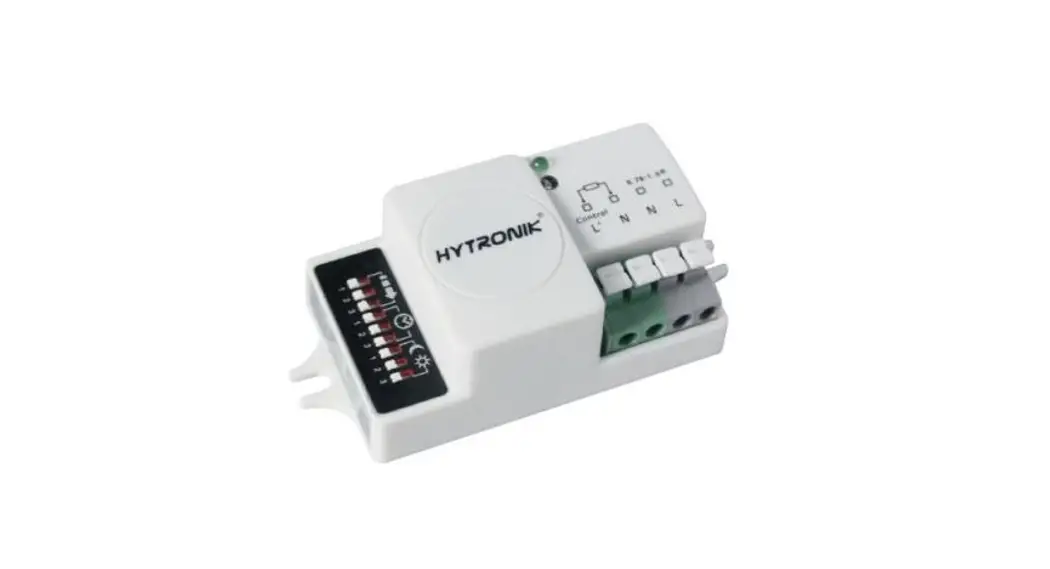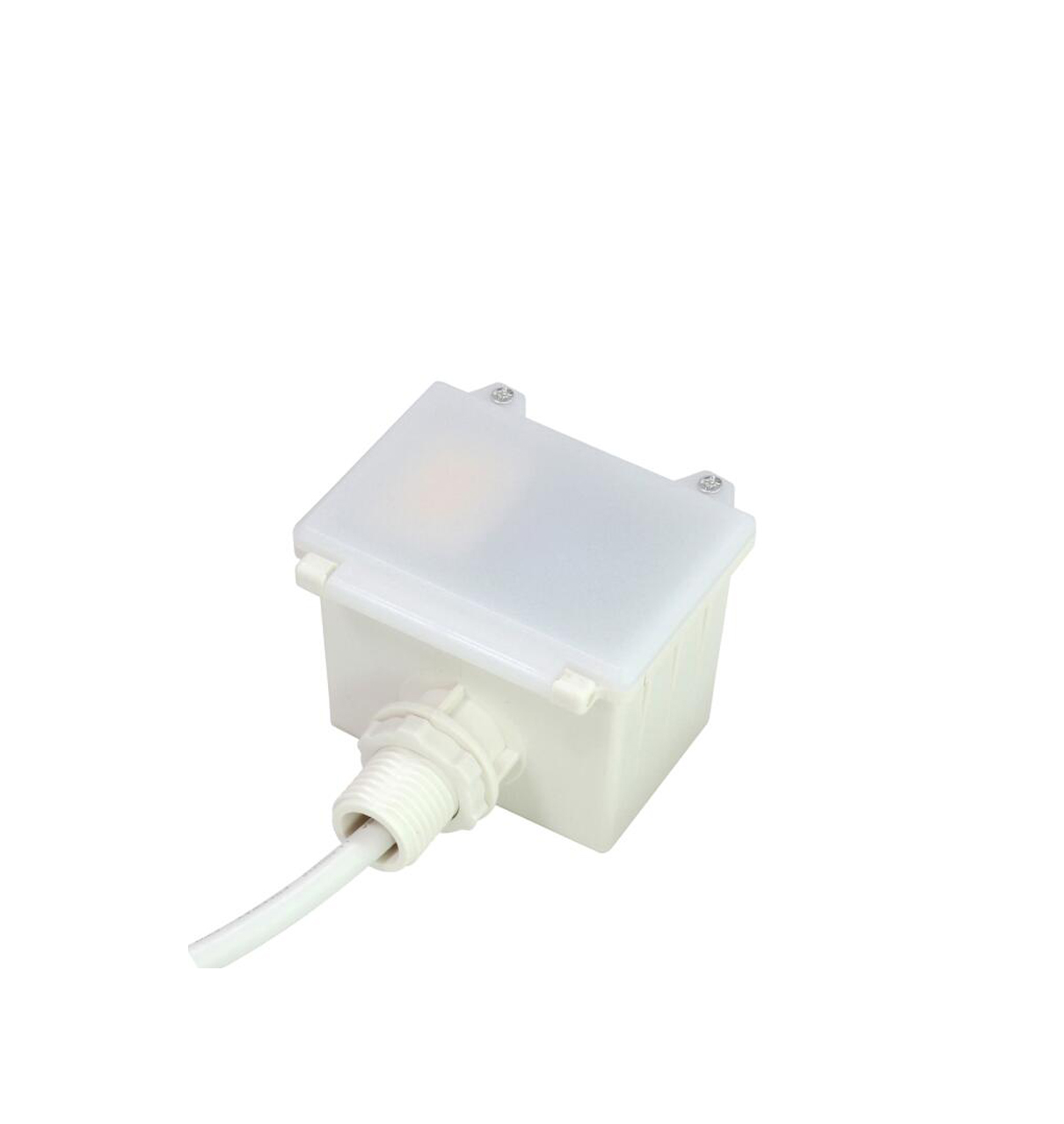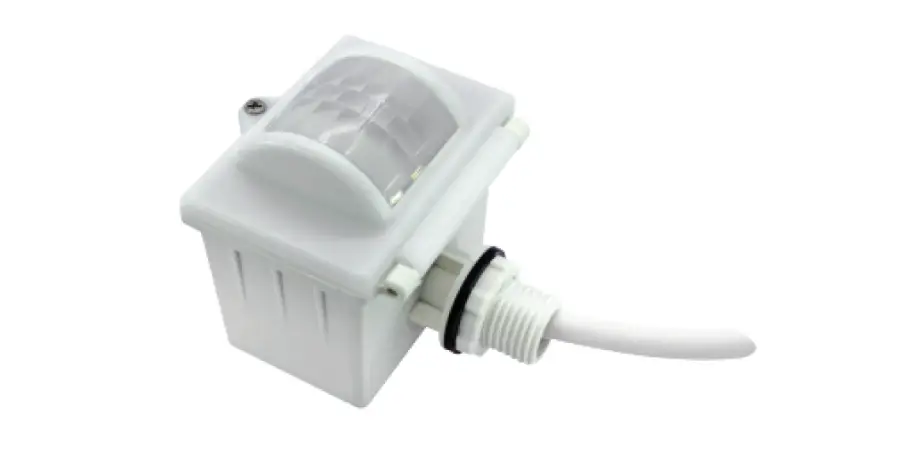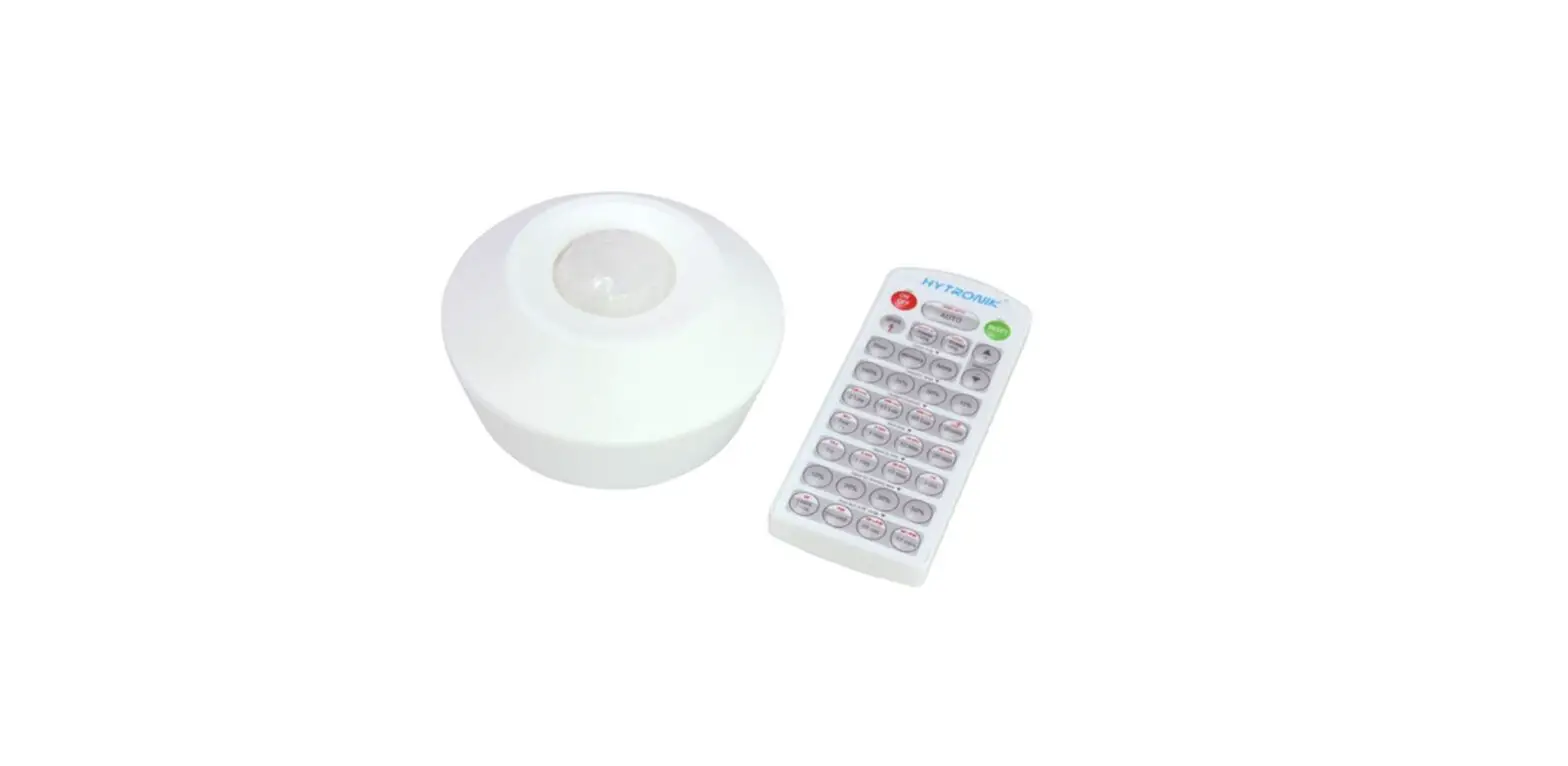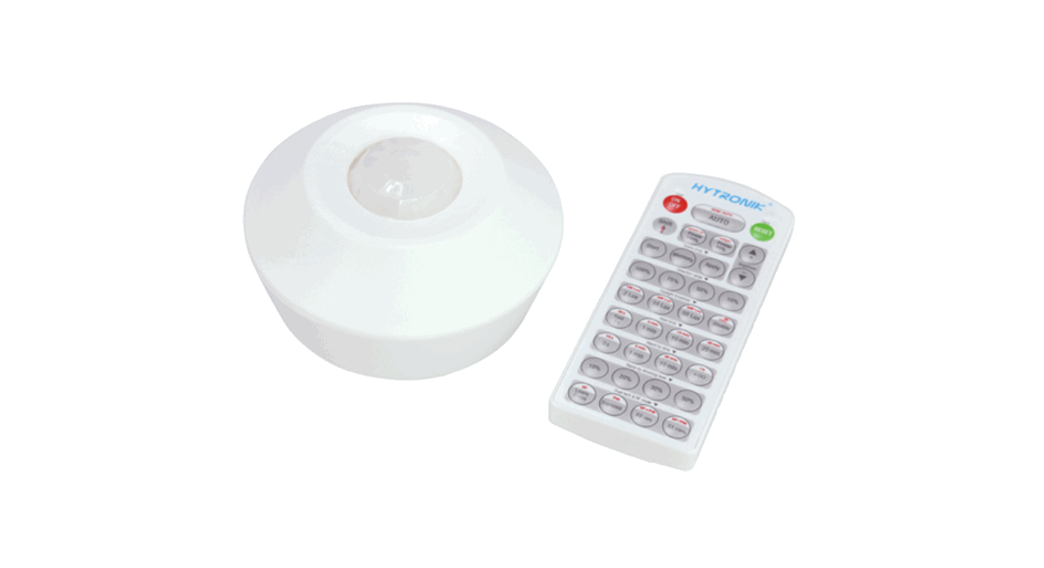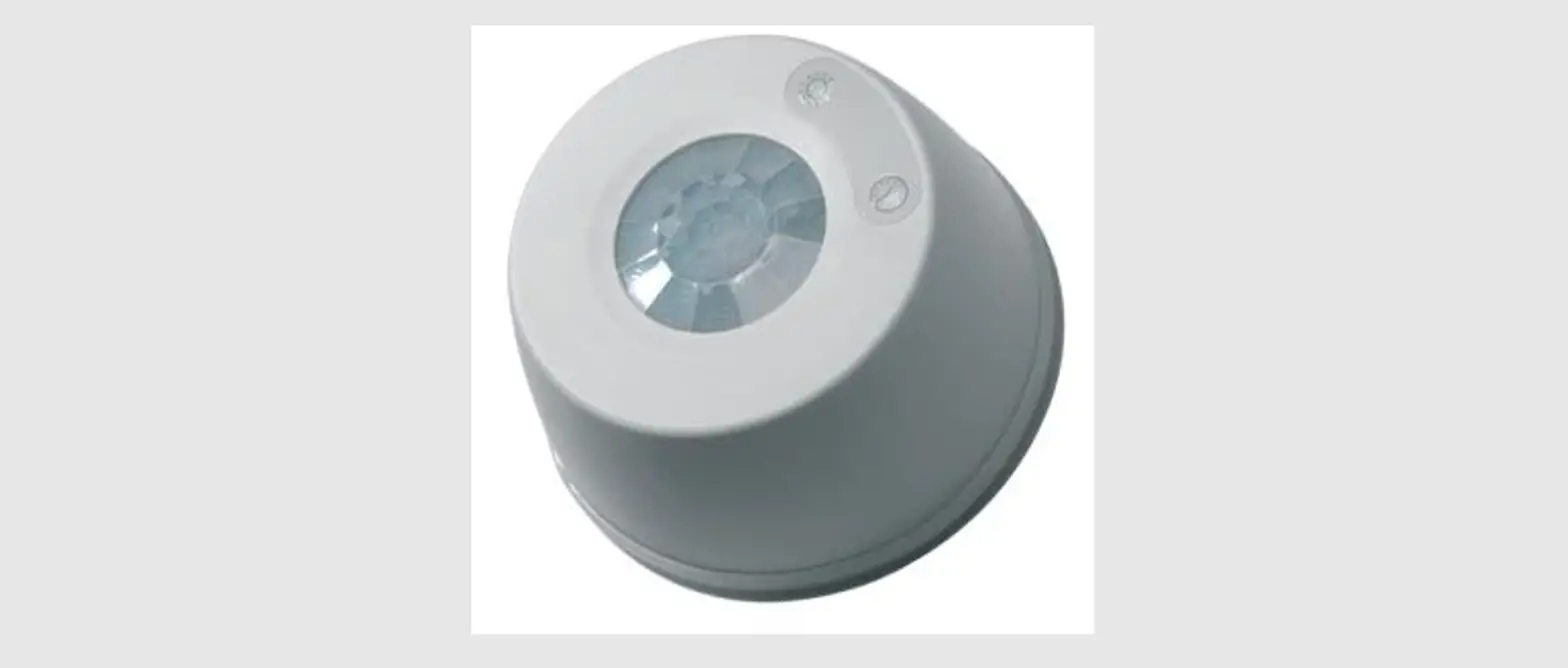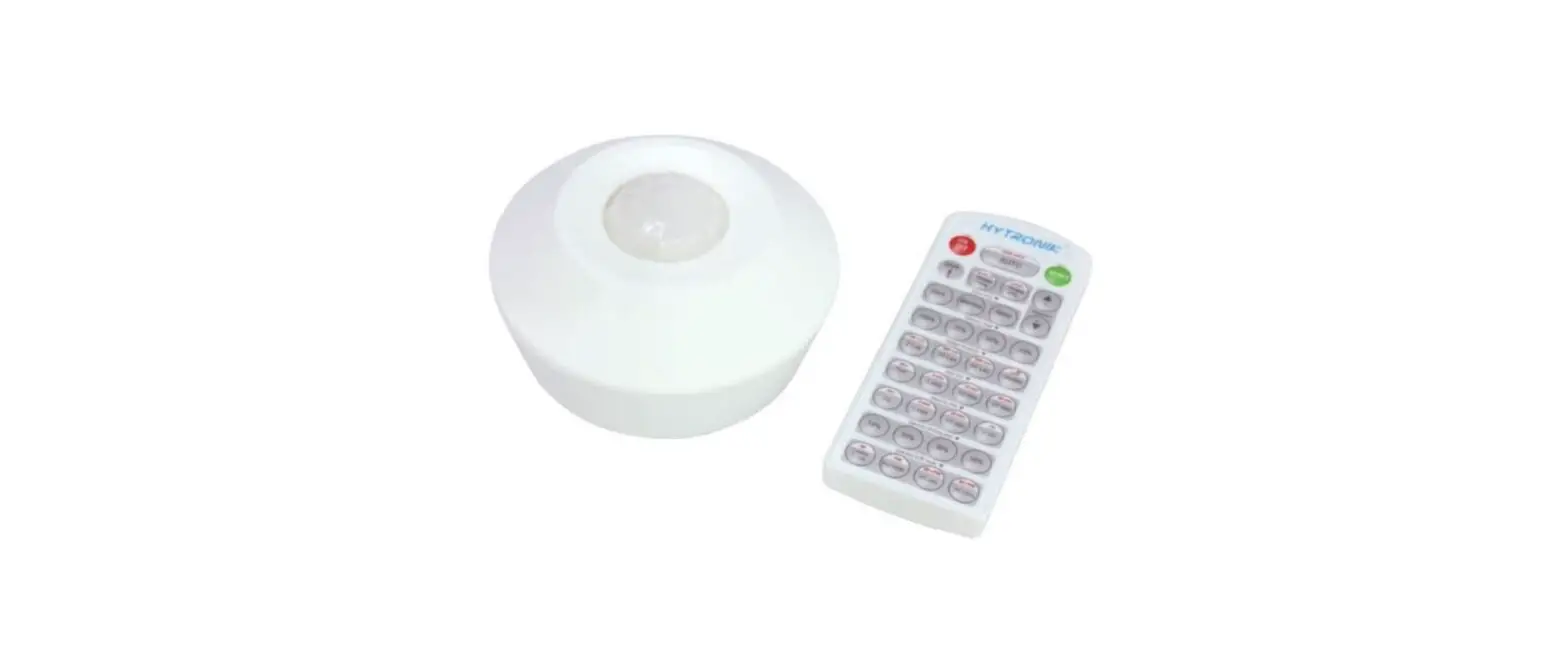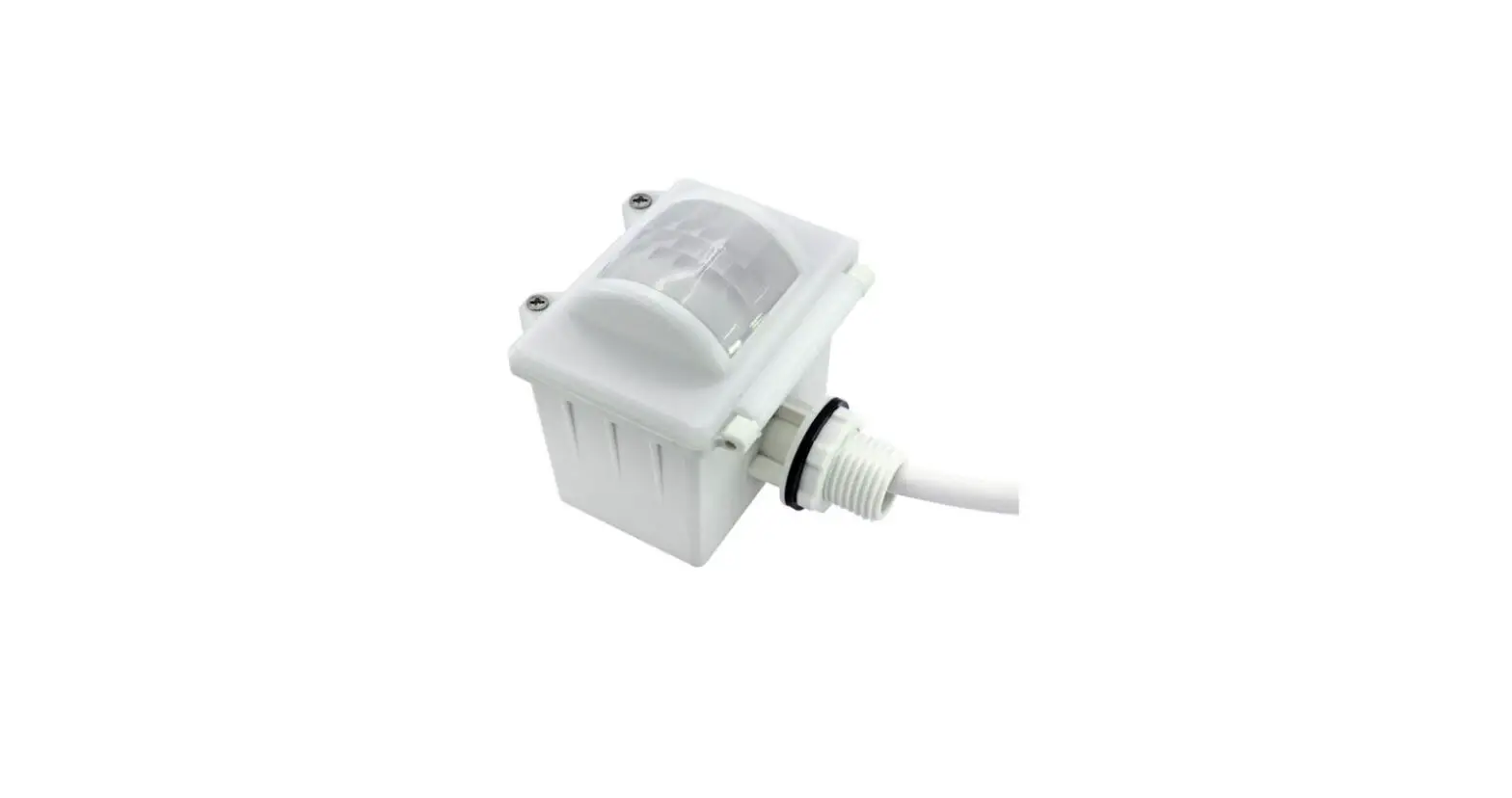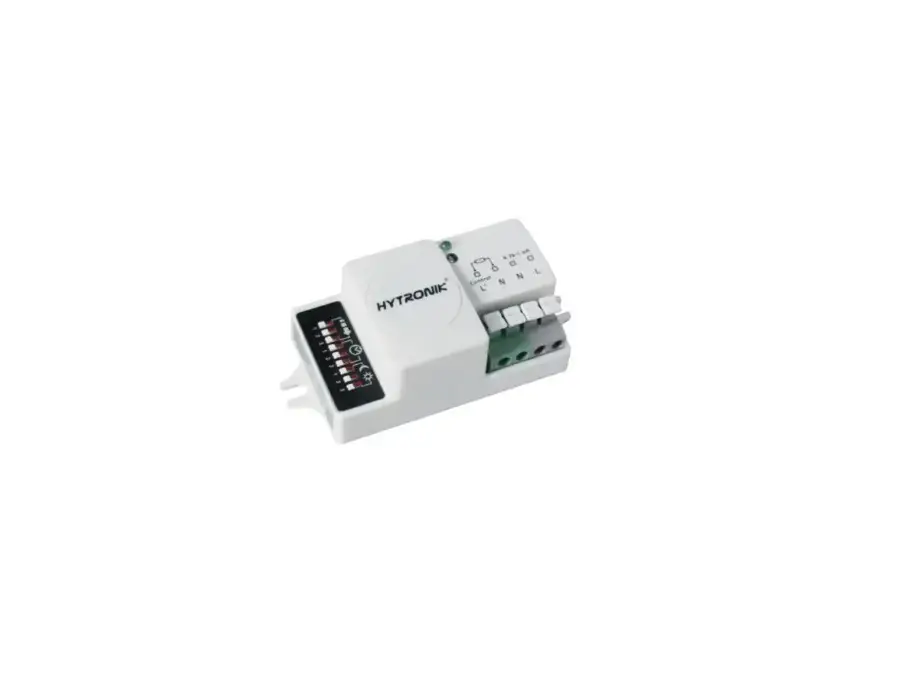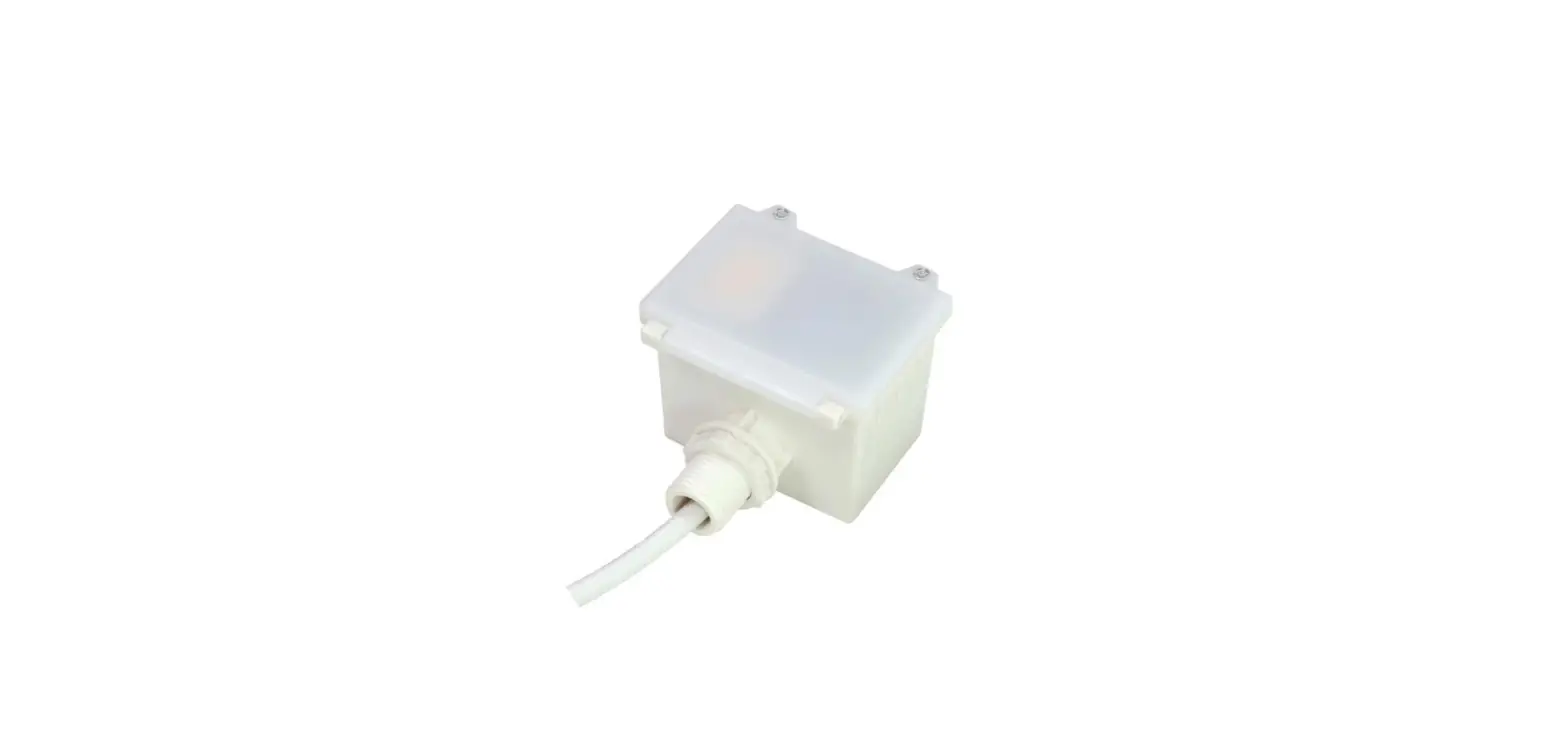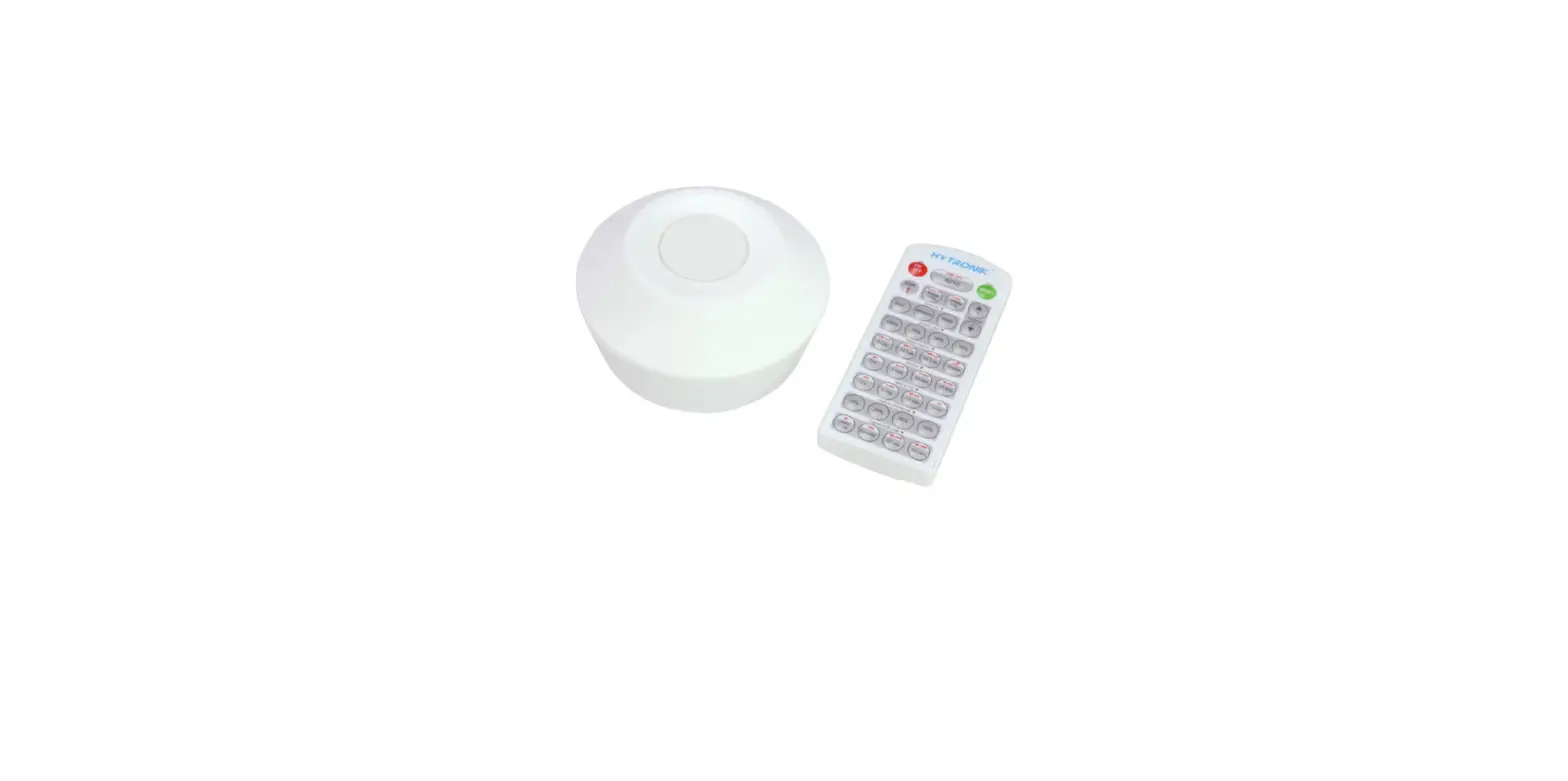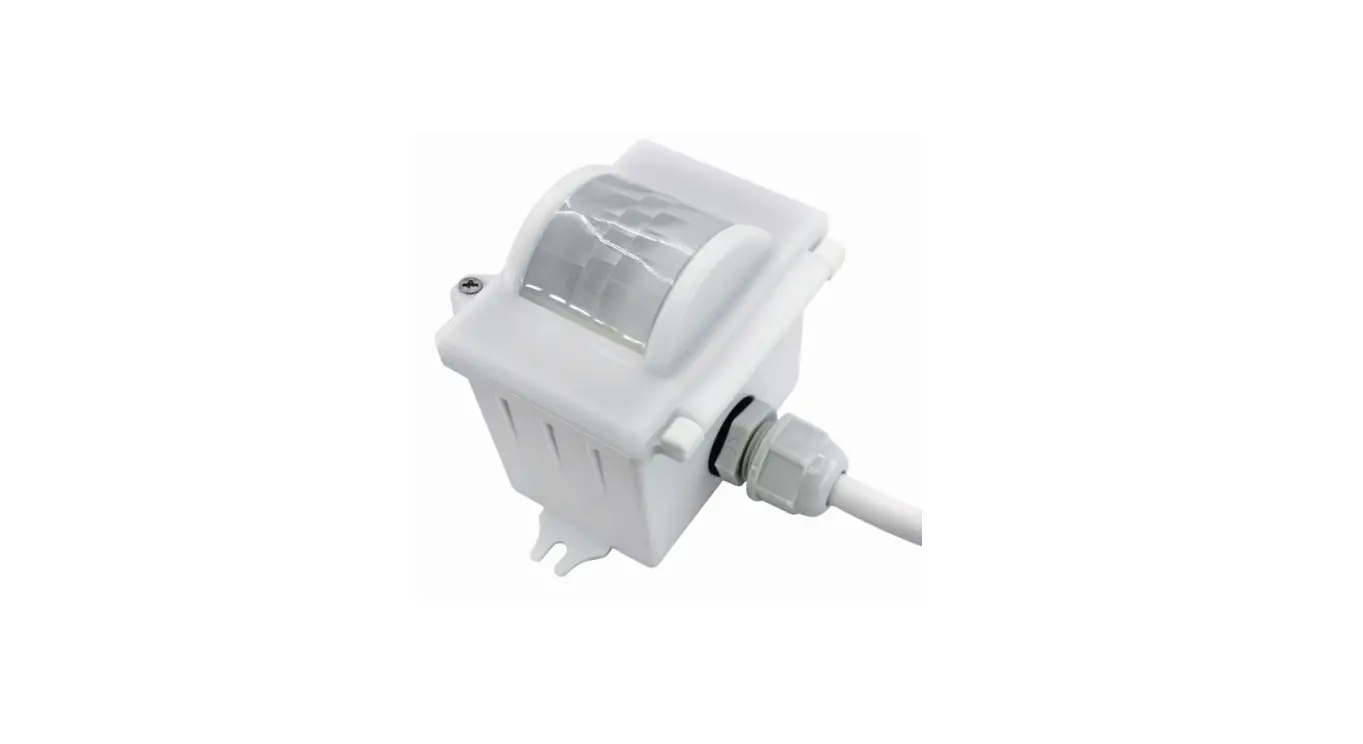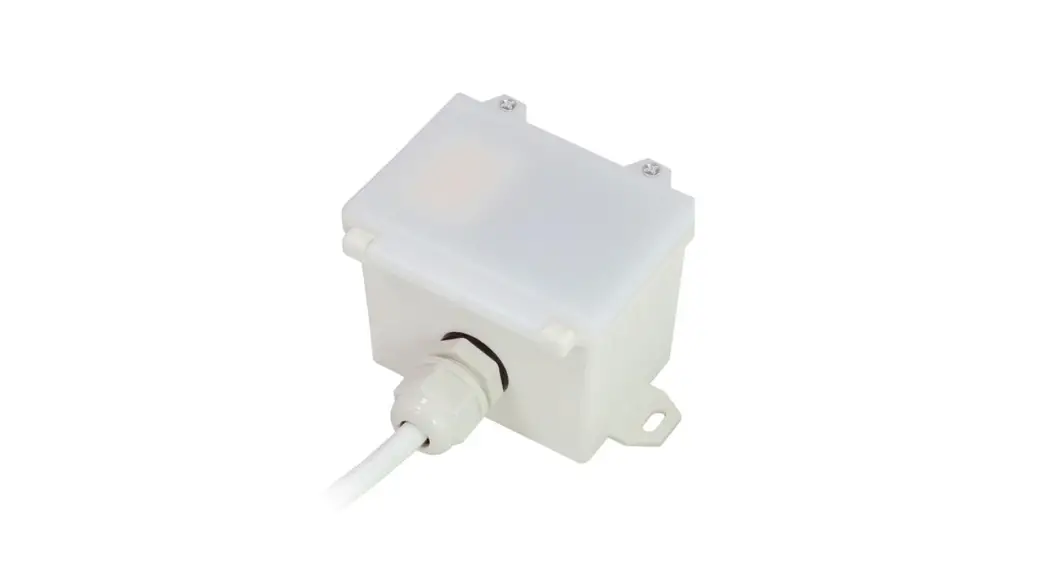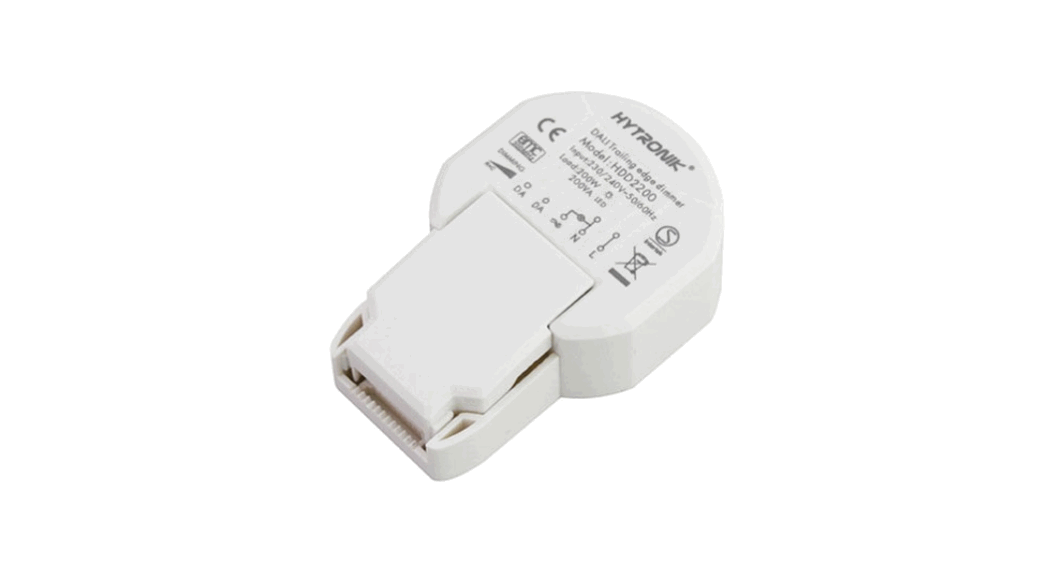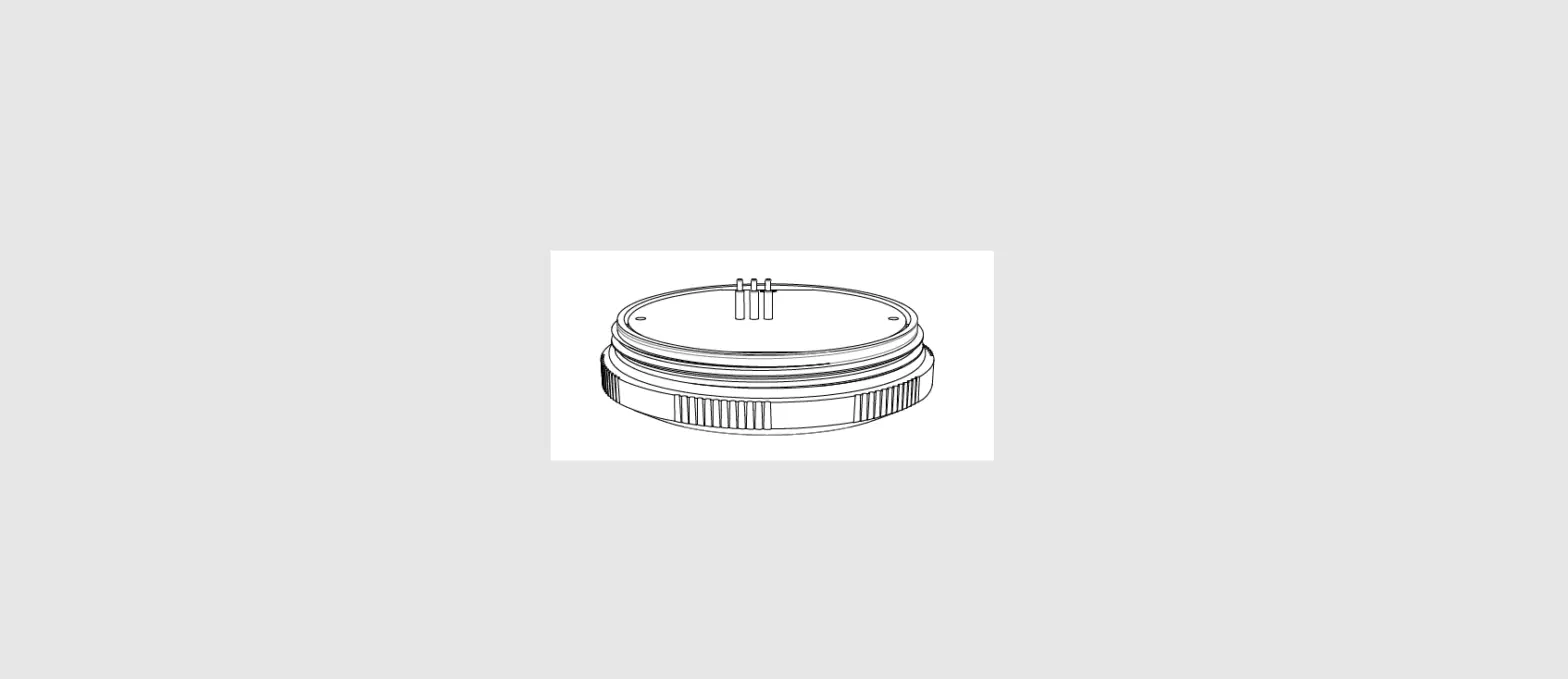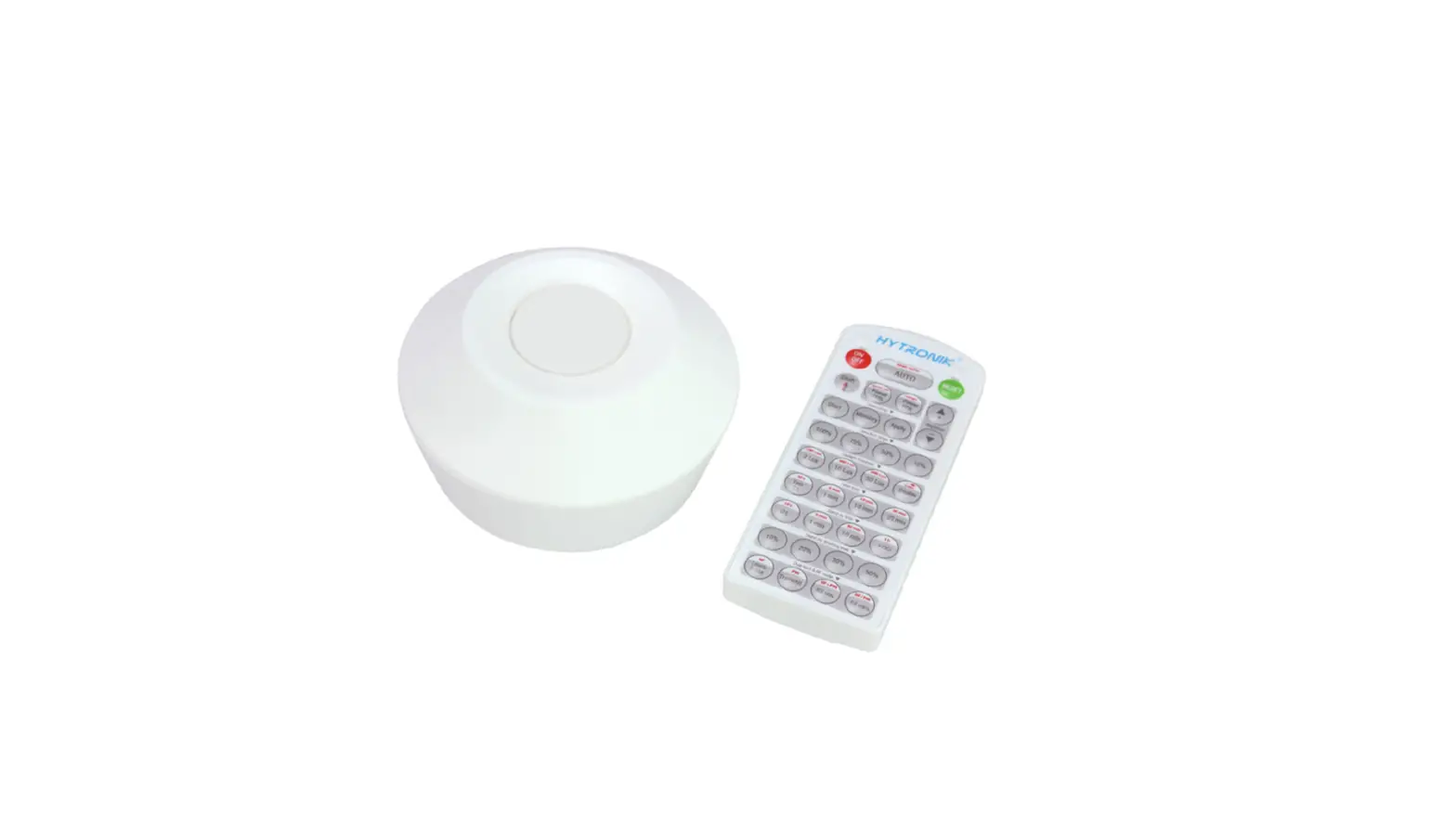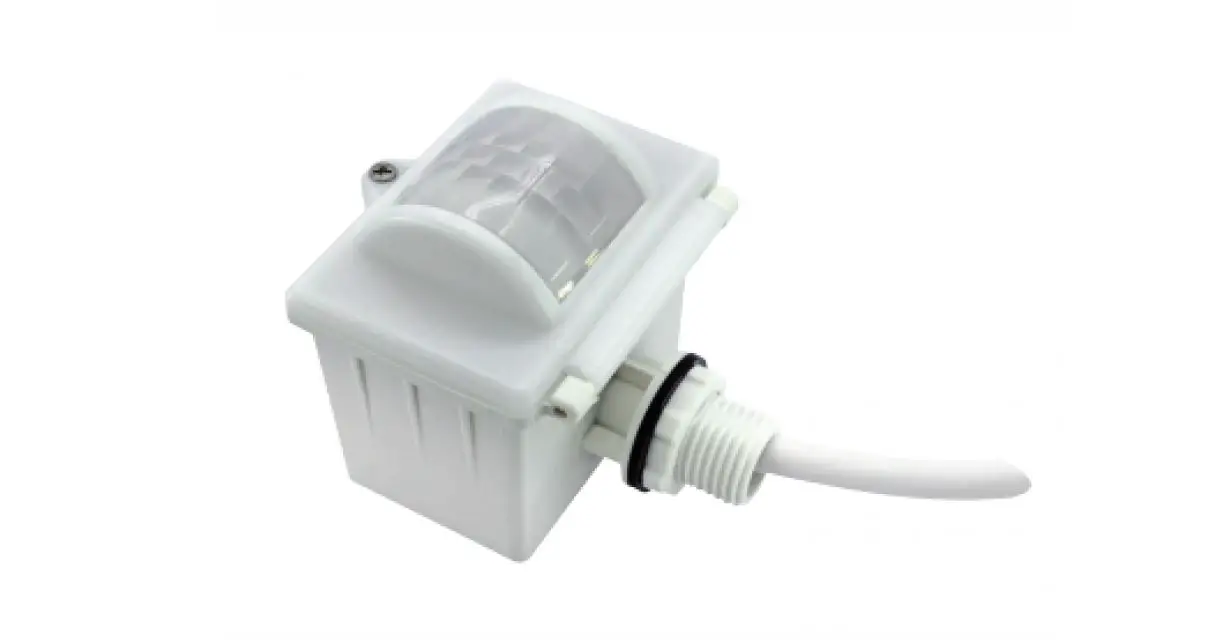

HYTRONIK HIM31 High Bay Dual Sense Sensor
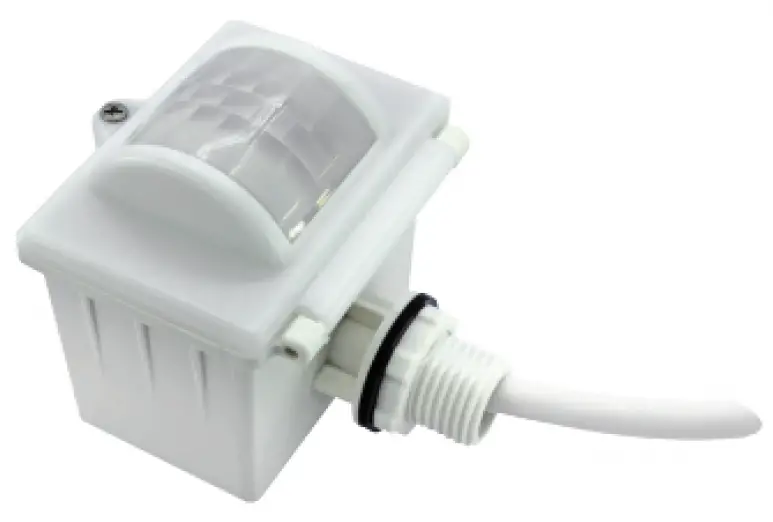
Technical Specifications
| Product type | Tri-level control dual sense sensor |
| Operating voltage | 220-240VAC 50/60Hz |
| Rated load | 800VA(Capacitive) 1000W(Resistive) |
| Power consumption | < 1W |
| Detection angle | 360o |
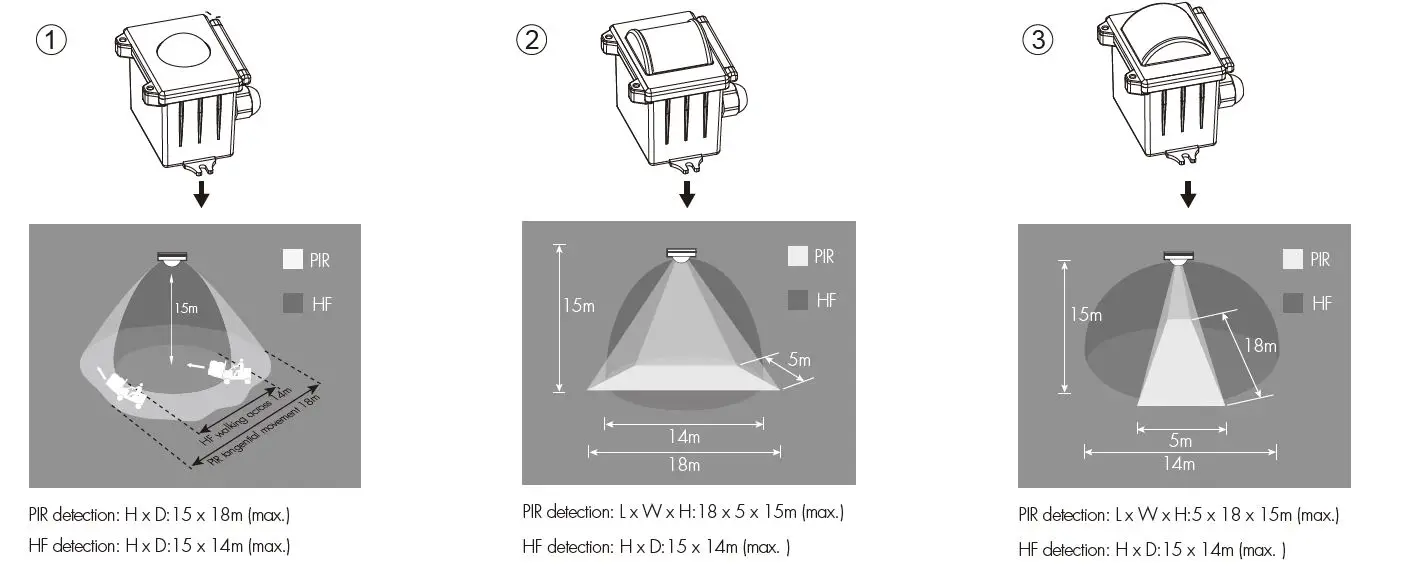
| Detection area (Max.)* | Installation Height : 15m Detection Range (Ø) :18m |
| Detection range | 10% / 50% / 75% / 100% |
| Hold time | 2s / 30s / 1min / 5min / 10min / 15min / 20min / 30min |
| Stand-by time | 0s / 10s / 1min / 5min / 10min / 30min / 1h / + ∞ |
| Stand-by dimming level | 10% / 20% / 30% / 50% |
| Daylight threshold | 2 ~ 500Lux, Disable |
| Warmming up time | 30s |
| Operating temperature | -30oC ~ +50oC |
| IP rating | IP65 |
| Sensor mode | HF, PIR, HF+PIR, HF / PIR |
Rotary Switch Settings
A rotary switch is built inside the sensor for scene selection / fast programming. Total of 16 channels available:
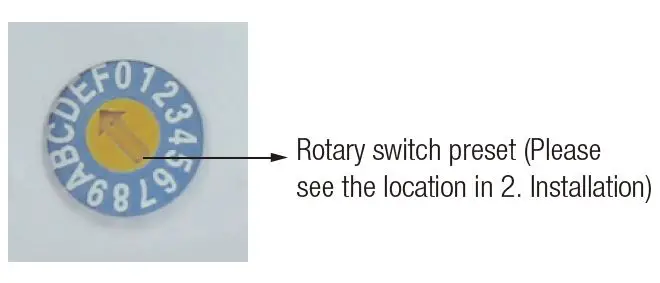
| Channel | Detection range | Hold time | Stand-by time | Stand-by dimming level | Daylight threshold |
| 0 | 100% | 5s | 10s | 10% | Disable |
| 1 | 100% | 1min | 5min | 10% | 2Lux |
| 2 | 100% | 5min | 10min | 10% | 10Lux |
| 3 | 100% | 5min | 30min | 10% | 30Lux |
| 4 | 100% | 5min | 0s | Disable | 10Lux |
| 5 | 100% | 5min | +∞ | 10% | 30Lux |
| 6 | 100% | 5min | +∞ | 30% | Disable |
| 7 | 100% | 10min | 10min | 10% | 2Lux |
| 8 | 100% | 10min | 30min | 10% | 10Lux |
| 9 | 100% | 10min | +∞ | 10% | 30Lux |
| A | 100% | 10min | +∞ | 30% | Disable |
| B | 75% | 10min | +∞ | 10% | 30Lux |
| C | 50% | 10min | +∞ | 10% | 10Lux |
| D | 100% | 30min | +∞ | 10% | 50Lux |
| E | 100% | 30min | +∞ | 30% | Disable |
| F | 100% | 5s | 10s | 10% | 2Lux |
Functions
- 3.1 Tri-level Control (Corridor Function)
Hytronik builds this function inside the motion sensor to achieve tri-level control, for some areas it requires a light change notice before switch-off. It offers 3 levels of light: 100%–>dimmed light–>off; and 2 periods of selectable waiting time: motion hold-time and stand-by period; Selectable daylight threshold and freedom of detection area. - 3.2 Lux Off Function
The built-in daylight sensor can read ambient natural light and switch off the fixture automatically whenever artificial light is unnecessary (natural light lux level exceeds daylight threshold).
Note: if the stand-by time is preset at “+∞”, the fixture never switches off even when natural light is sufficient. - 3.3 Load Indication
The light will flash ONCE rapidly after receiving the command from the remote controller. Note: There is no load indication (the light will not flash) when button ON/OFF, POWER 100% or POWER 80% is pressed.
Installation
Warnings:
- Installation of the sensor involves connecting it to the mains supply. This work must be carried out by a specialist in accordance with electrotechnical regulations.
- Disconnect power supply before installing.
- Ceiling mount
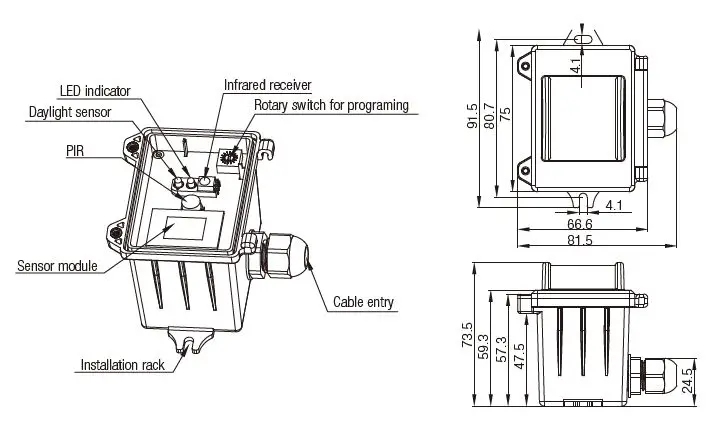
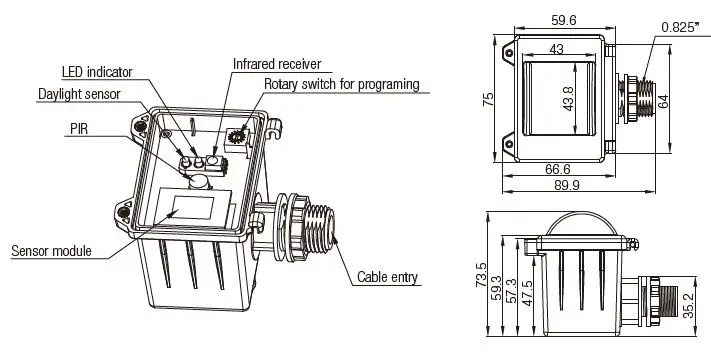
- Screw to the Luminaire by conduit
 Attach to the shade by clamp
 Attach to the shade by clamp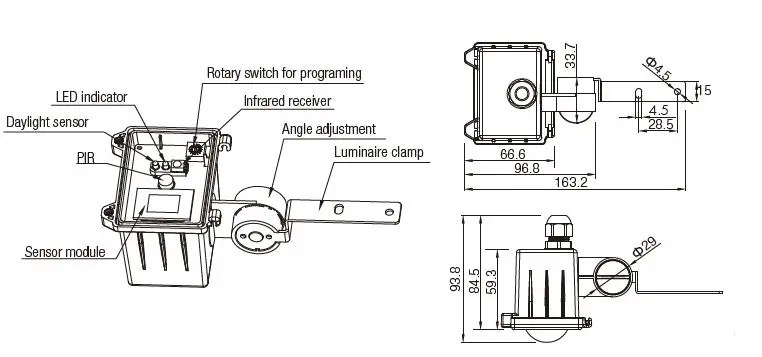
Note: We recommend the mounting distance between sensor to sensor should be more than 2m to prevent sensors from false-triggering.
Wiring Diagram
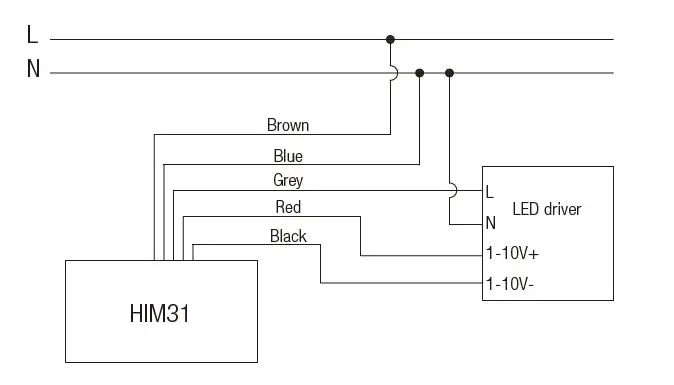
Three Options for PIR Lens and Detection Patterns
(End user can choose the suitable lens in real application for various requirements) * For single person walking across, the detection range is reduced by 1/3.
Descriptions of the
Button Functions (remote control HRC-11)
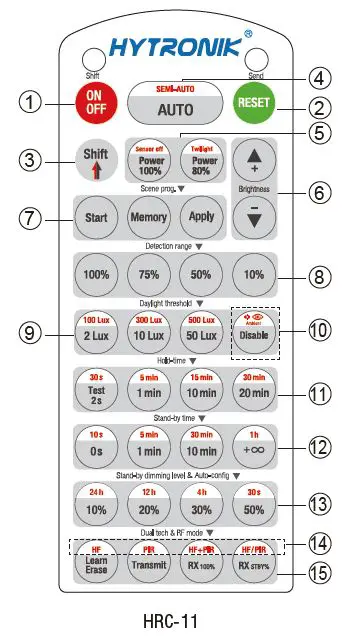
- Permanent ON/OFF [button 1 ]
Press button 1 to select permanent ON or permanent OFF mode. Press button 2/4 to resume automatic operation.The mode will change to AUTO Mode after power failure. - RESET [ button 2]
Press button 2, all settings go back to the rotary switch settings. - Shift [ button 3 ]
Press buttonB, the LED on the top left corner is on for indication. All values/settings in RED are valid for 20 seconds. - Auto Mode [ button 4]
Press button 4 to initiate automatic mode. The sensor starts working and all settings remain as before the light was switched ON/OFF.
Note: the function of Semi-auto is disabled - Power output [ button 5]
Press button 5 , the light output shifts between 80% and 100%.
Note: the function of “Sensor off” and “Twilight” are disabled. - Brightness +/- [ button 6 ]
Press button 6 to adjust the light brightness between 10%~100% Scene prog. [ zone 7 ] (One-key-commissioning)
- Press button “Start” to program.
- Select the buttons in 8“Detection range”, 9/ 10“Daylight threshold”,11“Hold time”, “Stand-by time”, “Stand-by dimming level” to set all parameters.
- Press button “Memory” to save all the settings programmed in the remote control.
- Press button “Apply” to set the settings to each sensor unit(s). For example, to pre-set detection range 100%, daylight threshold Disable, hold time 5min, stand-by time +, stand-by dimming level 30%, the steps should be as follows: Press button 7 Start, button 8 100%,10 Disable, 3 Shift, 11 5min, 3 Shift, +12+ , 30%, 7 Memory. By pointing to the sensor unit(s) and pressing 7 Apply, all settings are passed on the sensor(s).
- Detection range [ zone 8 ]
Press buttons in zone 8 to set detection range at 100% / 75% / 50% / 10%. - Daylight threshold [ zone 9 ]
Press buttons in zone 9 to set the daylight sensor at 2Lux / 10Lux / 50Lux / 100Lux / 300Lux / 500Lux or Disable.
Note: To set daylight sensor at 100Lux / 300 Lux / 500Lux, press button Shift 3 at first. - Ambient daylight threshold [ button 10 ]
1. Press button 3 Shift, the red LED is on for indication.
2. Press button 10 , the ambient lux level is sampled and set as the new daylight threshold. - Hold time [ zone 11 ]
Press buttons in zone 11 to set the hold time at 2s / 30s / 1min / 5min / 10min / 15min / 20min / 30min.
Note: 1.To set hold-time at 30s / 5min / 15min / 30min, press button Shift 3at first.
2. 2s is for testing purpose only, stand-by period and daylight sensor settings are disabled in this mode. *To exit from Test mode, press button 2 or any button in zone 11 . - Stand-by time [ zone 12]
Press buttons in zone 12 to set the stand-by period at 0s / 10s / 1min / 5min / 10min / 30min / 1h /
Note: “0s” means on/off control; “+” means bi-level control, 100% on when motion detected, and remains at the stand-by dimming level when no presence is detected after hold-time. - Stand-by dimming level [ zone 13 ]
Press buttons in zone 13 to set the stand-by dimming level at 10% / 20% / 30% / 50%.
Note.the function of 24h / 12h / 4h / 30s are disabled. - Dual tech [ zone 14 ]
Press buttons in zone 14 to select sensor technology. HF+PIR: Light is on when both HF and PIR sensors are activated. HF/PIR: Light is on when HF or PIR sensors are activated - RF mode [ zone 15 ]
All buttons in zone 15 are disabled.
Trouble Shooting
| MALFUNCTION CAUSE REMEDY | CAUSE | REMEDY |
|
The fixture does not light up | Incorrect daylight threshold setting | Adjust daylight threshold setting |
| Faulty fixture | Replace fixture | |
| No power supply | Check power to sensor | |
| Detection zone not targeted | Check detection area setting | |
| The fixture is always on | Continous movement in the detection zone | Check detection area setting |
| The fixture is on when it should not | Sudden change in temperature due to weather (wind, rain, snow) or air expelled from fans, open windows | Adjust zone, change installation site |
Hytronik Industrial Ltd. | www.hytronik.com
3rd Floor, block C, complex building, 155#, Bai’gang road south,
Bo’gang village, Xiao Jin Kou town,Huicheng district, Huizhou 516023
Tel: 86-752-2772020 Fax: 86-752-2777877