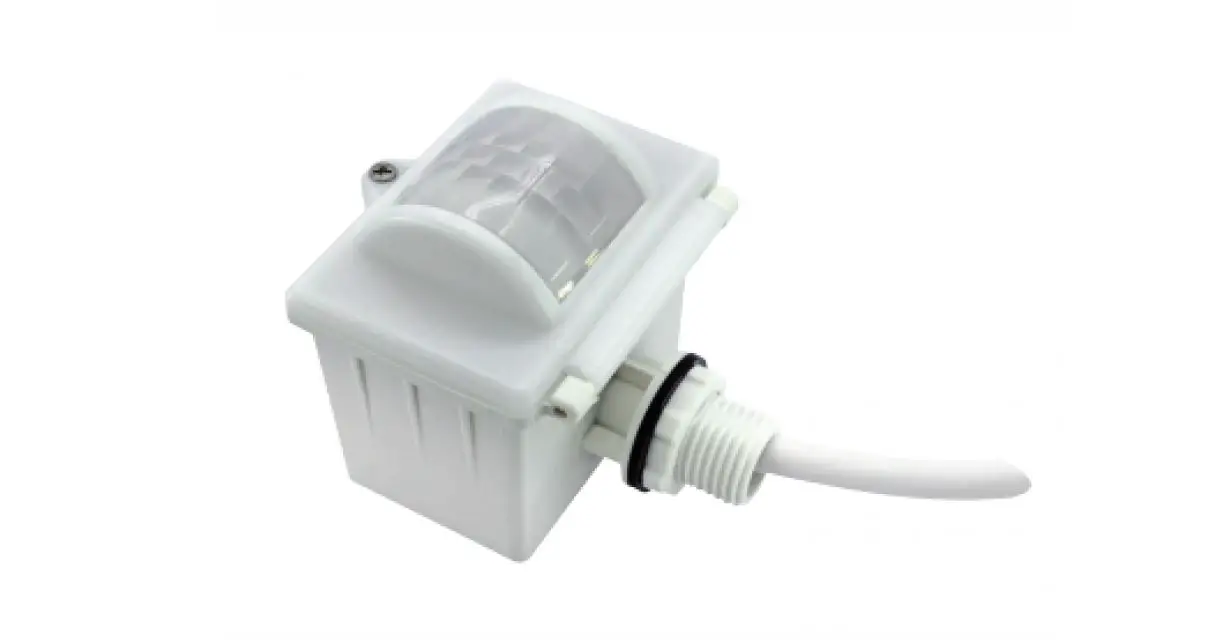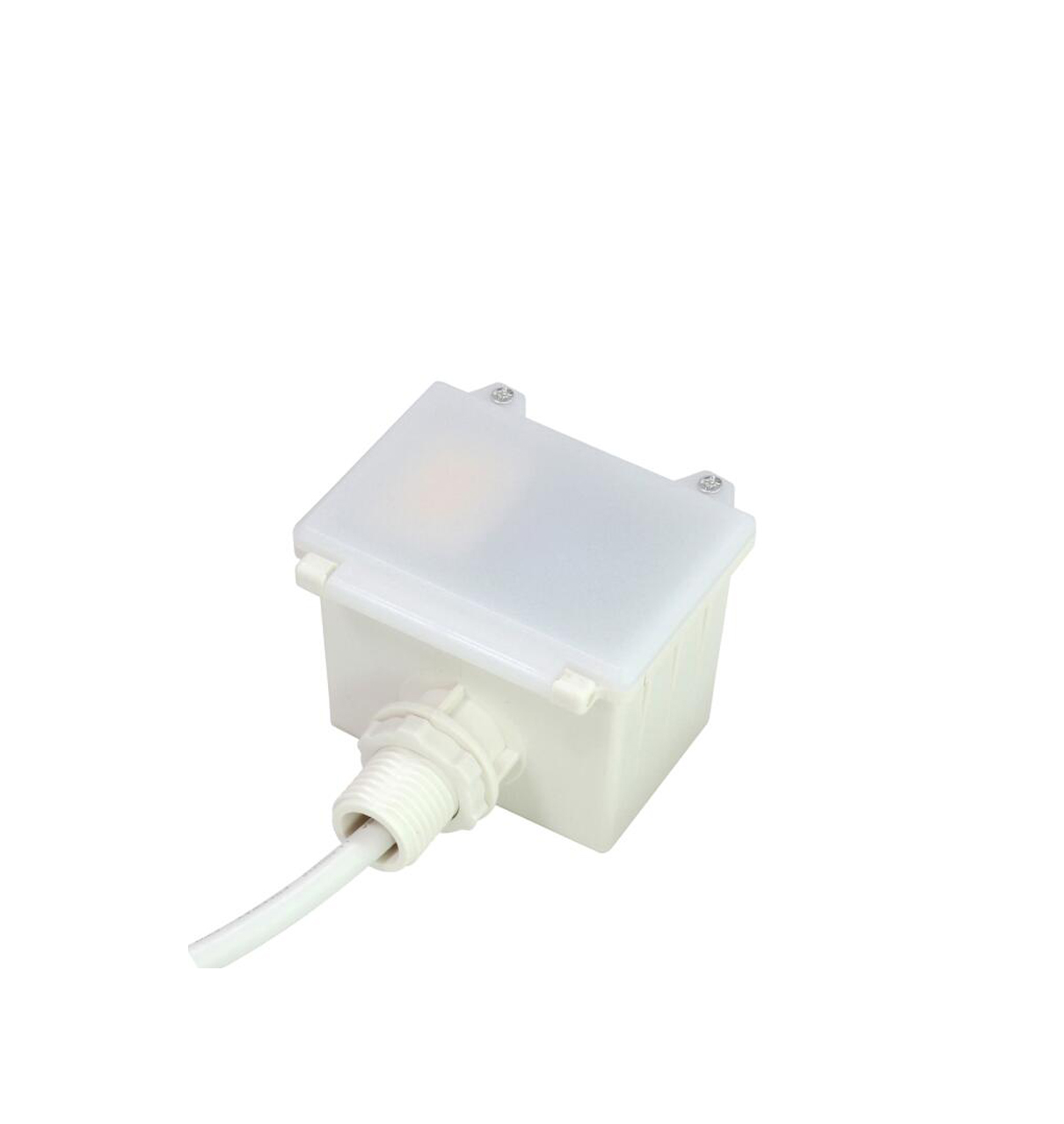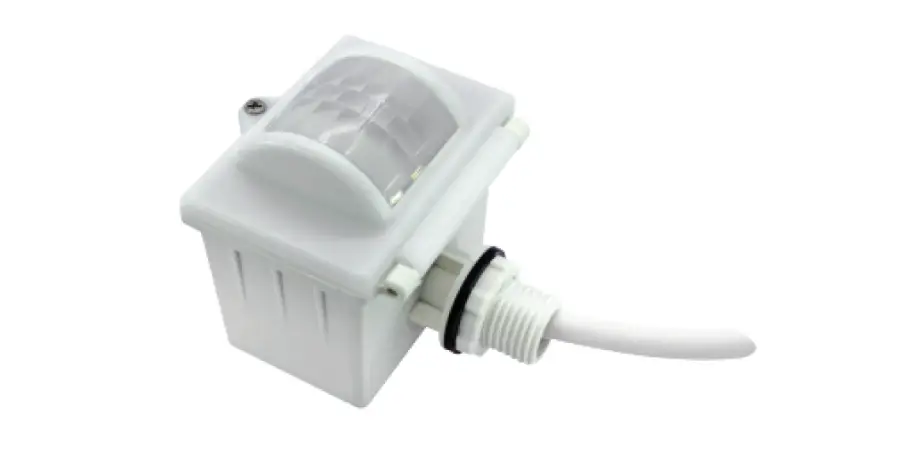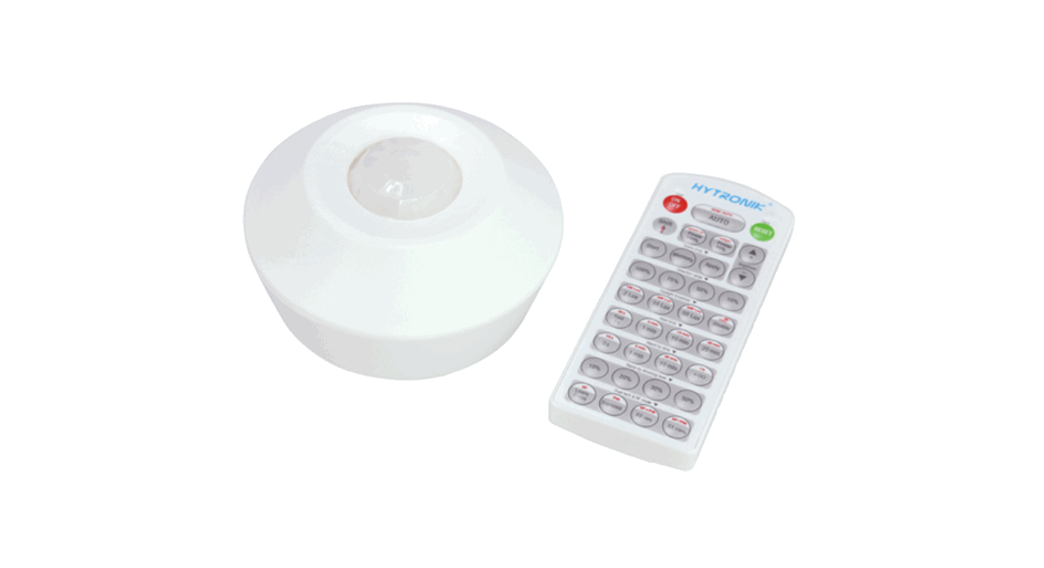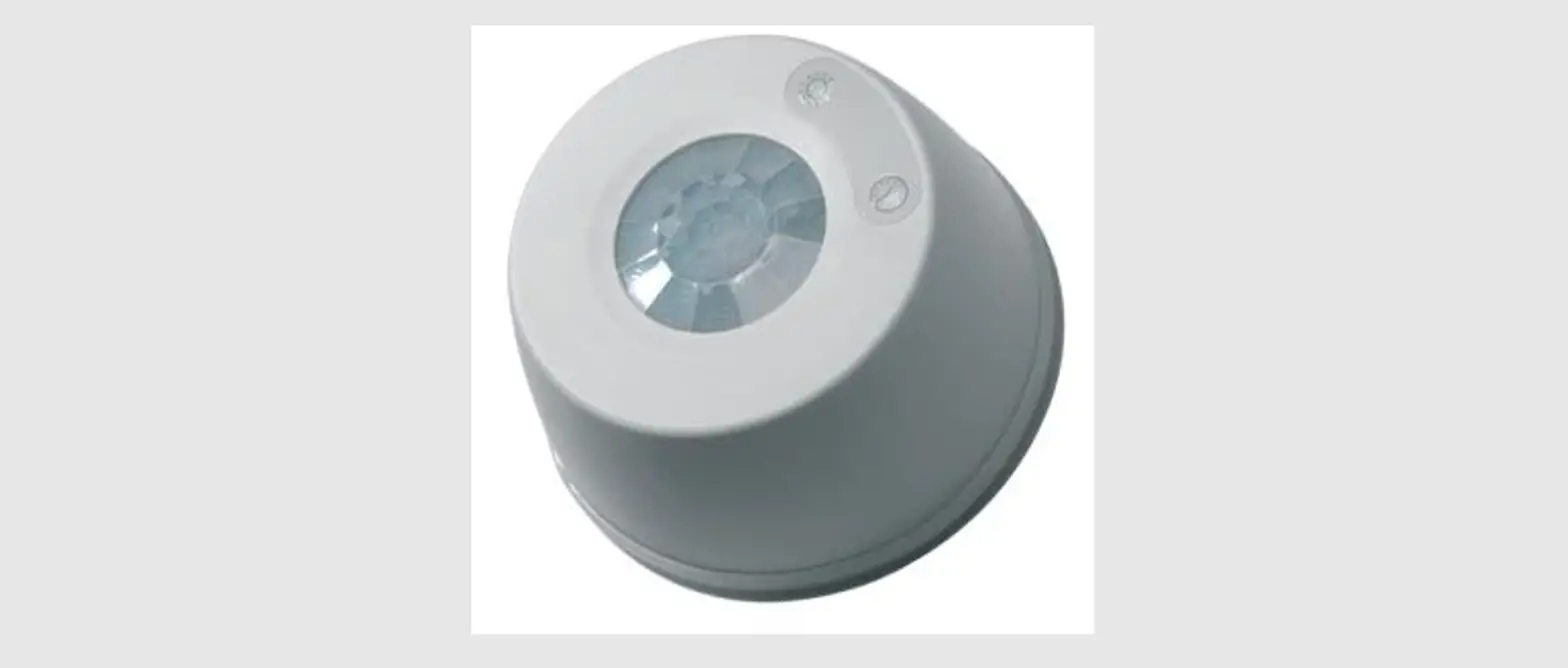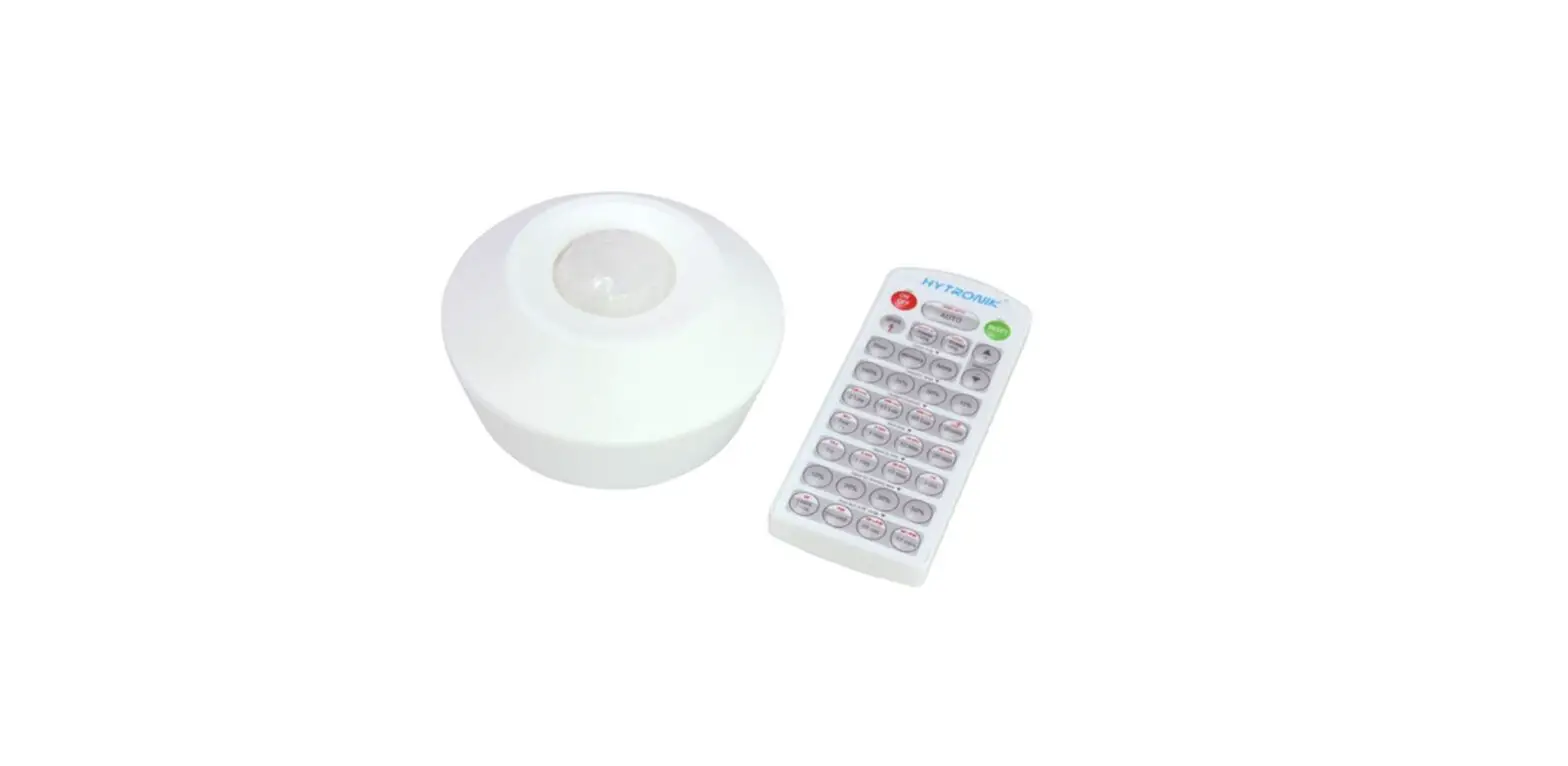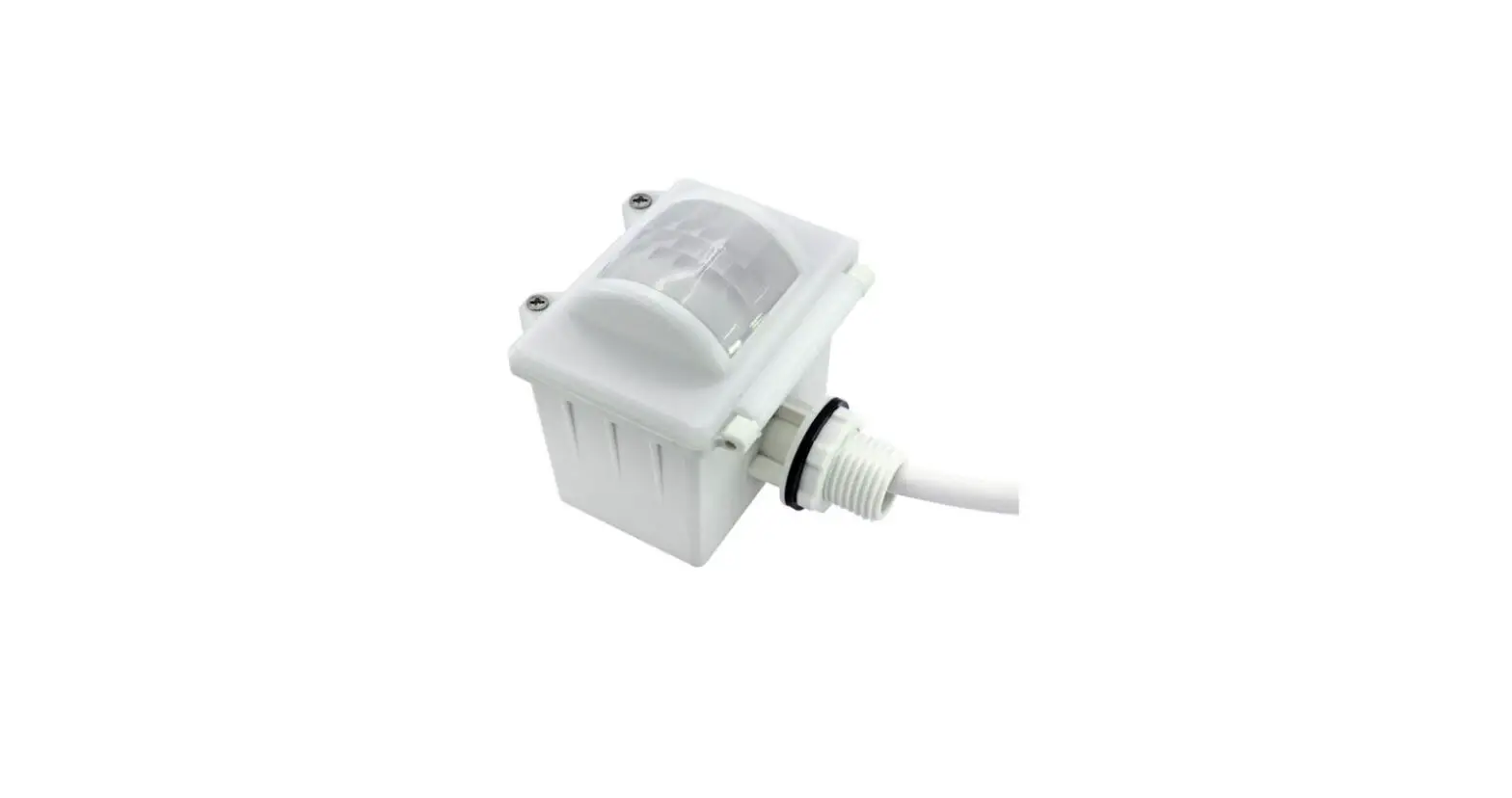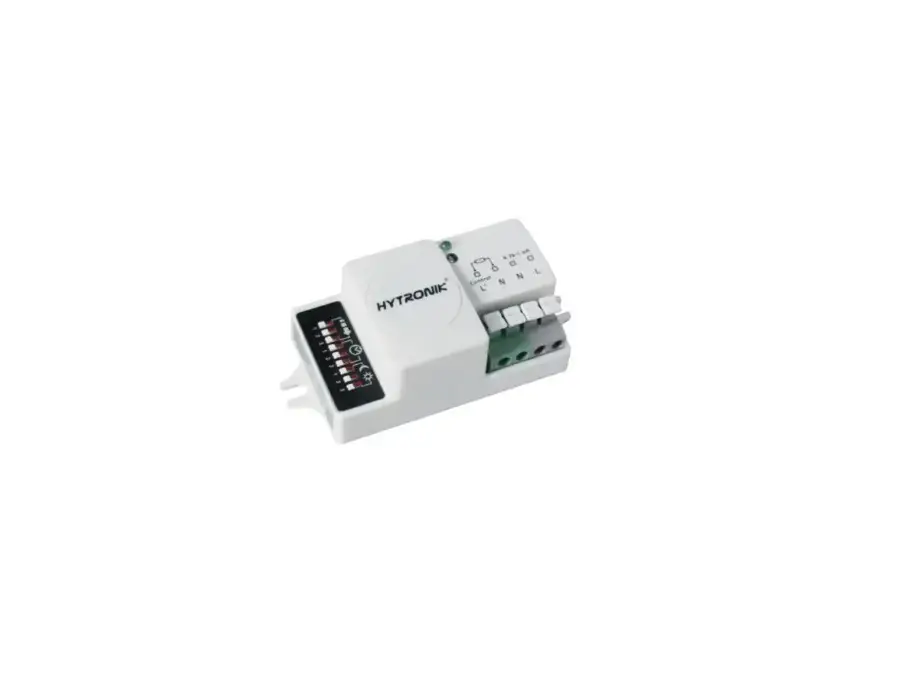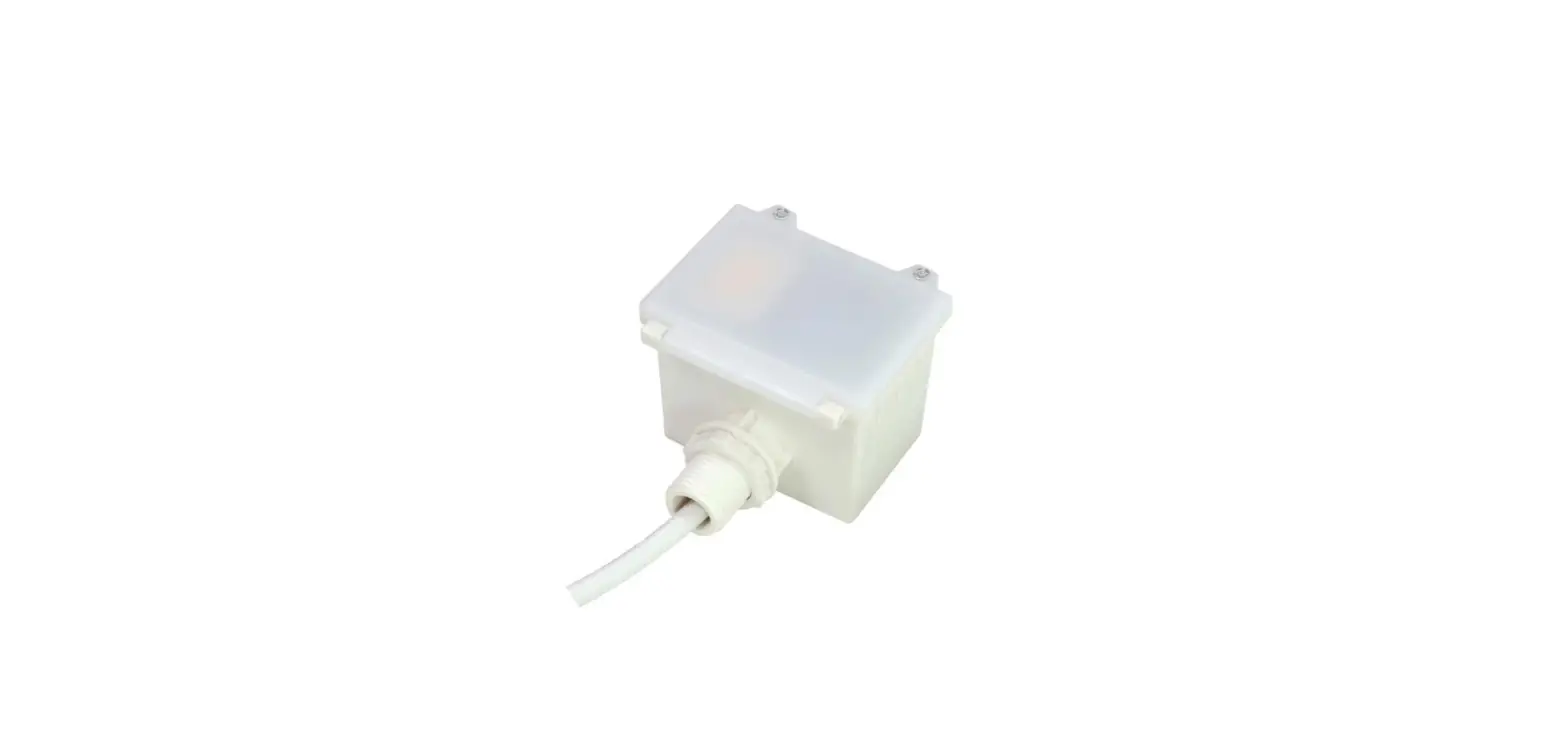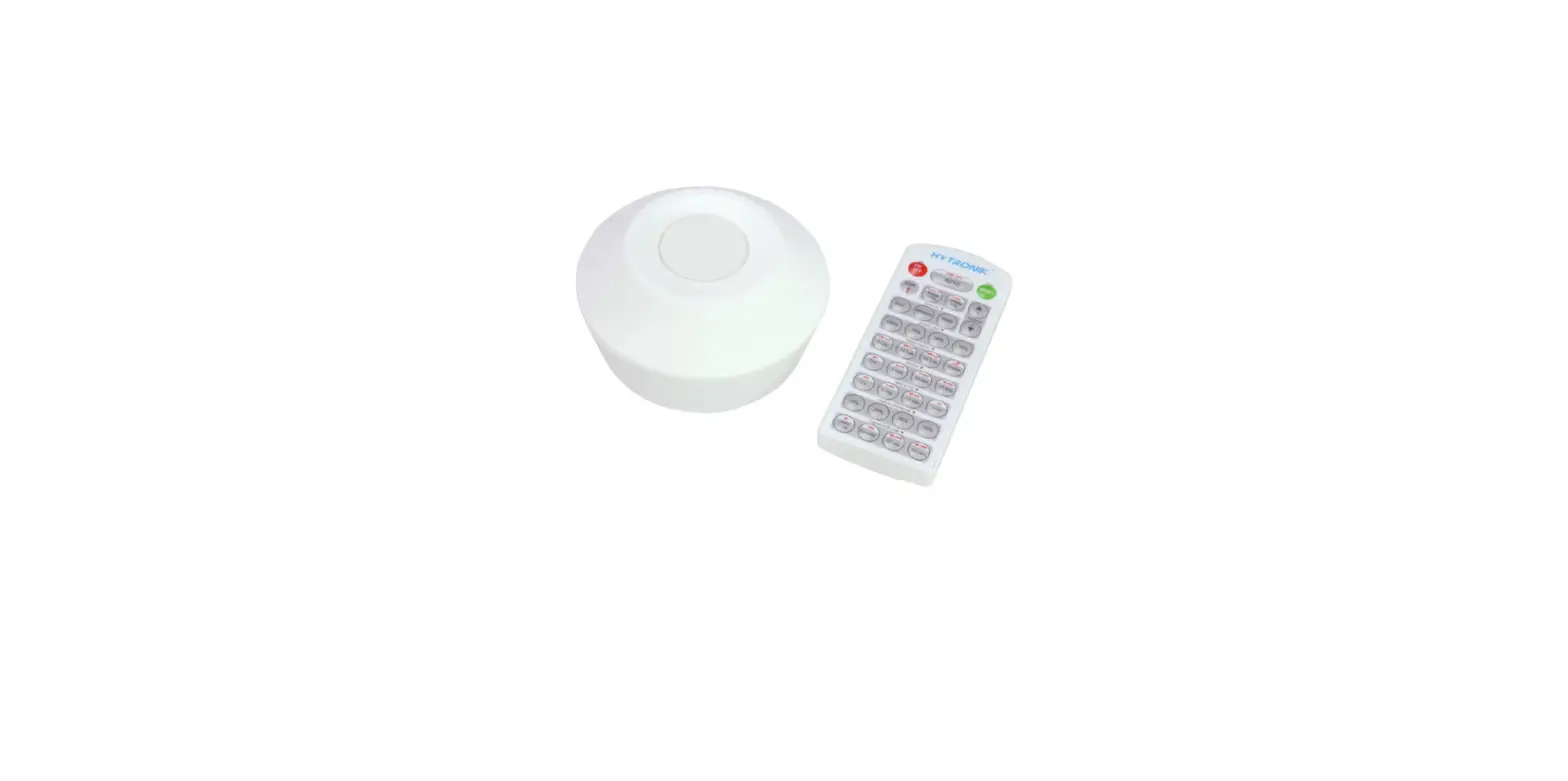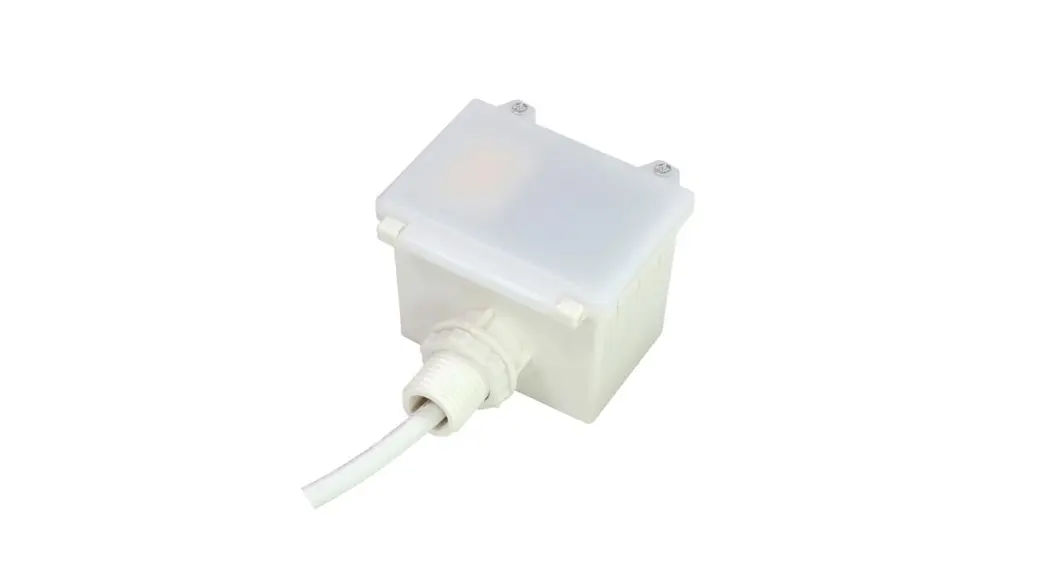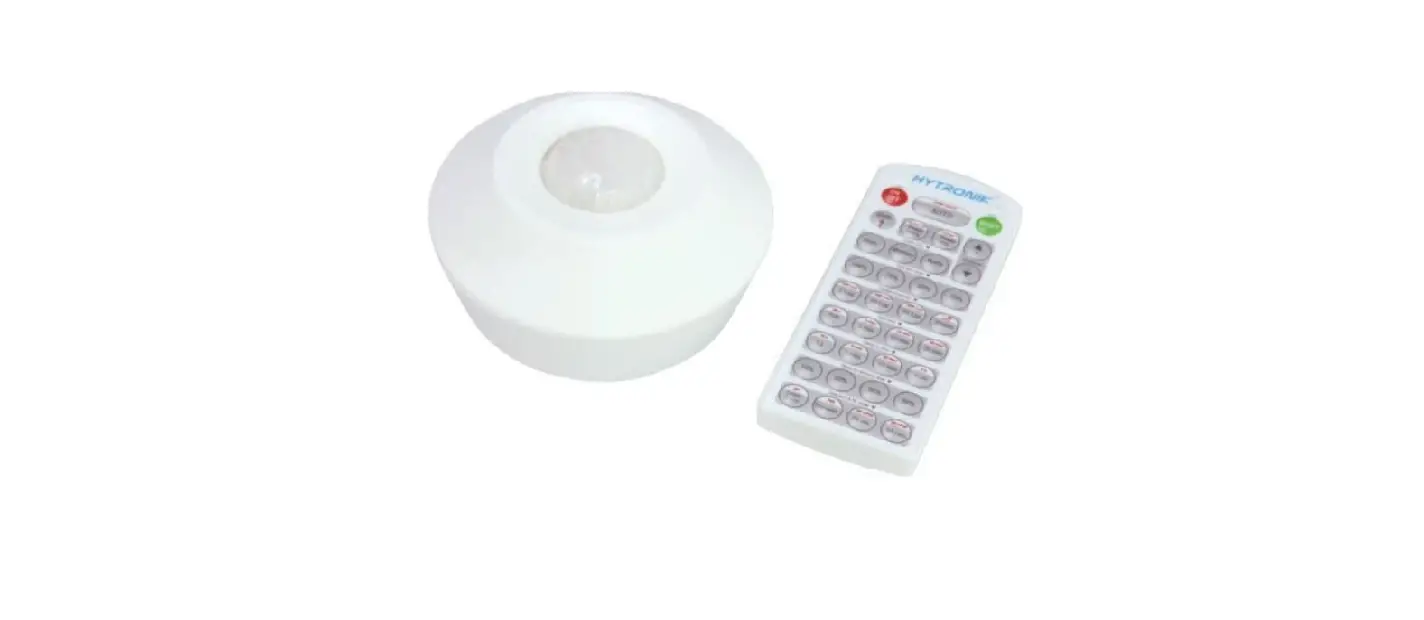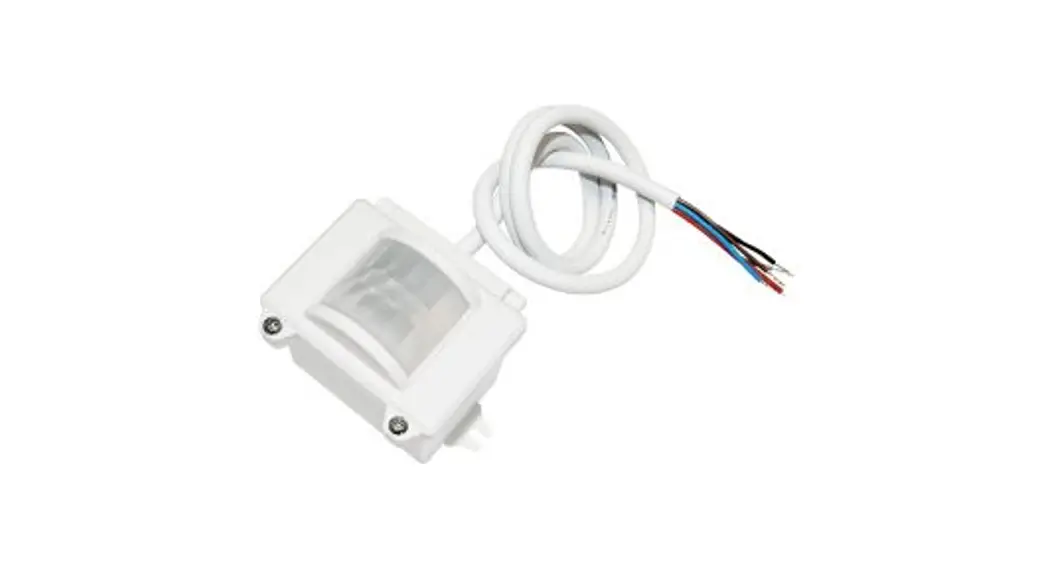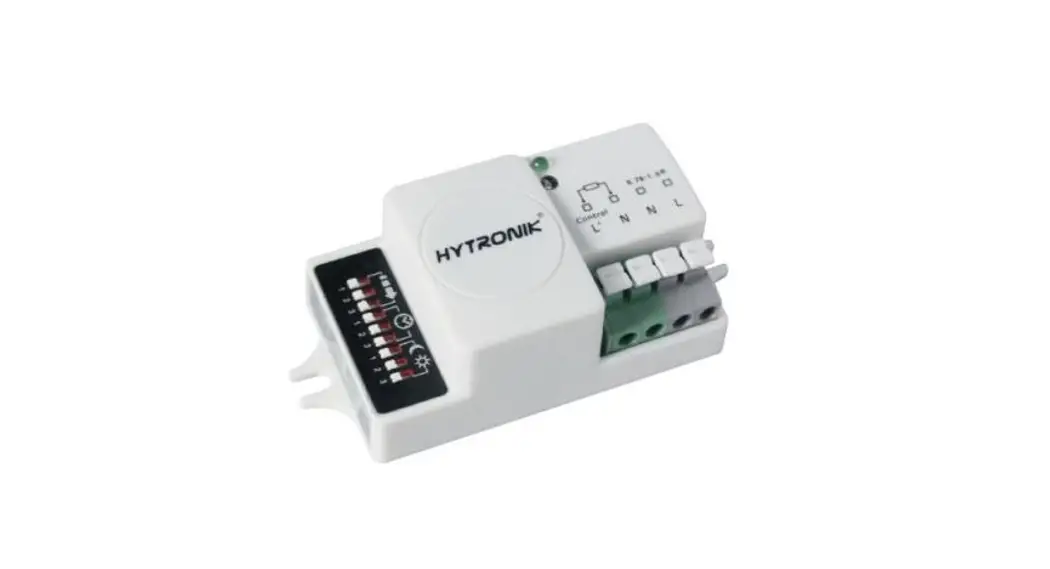
 HIGH BAY DUAL SENSE SENSOR HIM30
Installation and Instruction Manual
Technical Specifications
| Product type | On/Off control dual sense sensor |
| Operating voltage | 220-240VAC 50/60Hz |
| Rated load | 800VA(Capacitive) 1000W(Resistive) |
| Power consumption | < 1W |
| Detection angle | 360° |
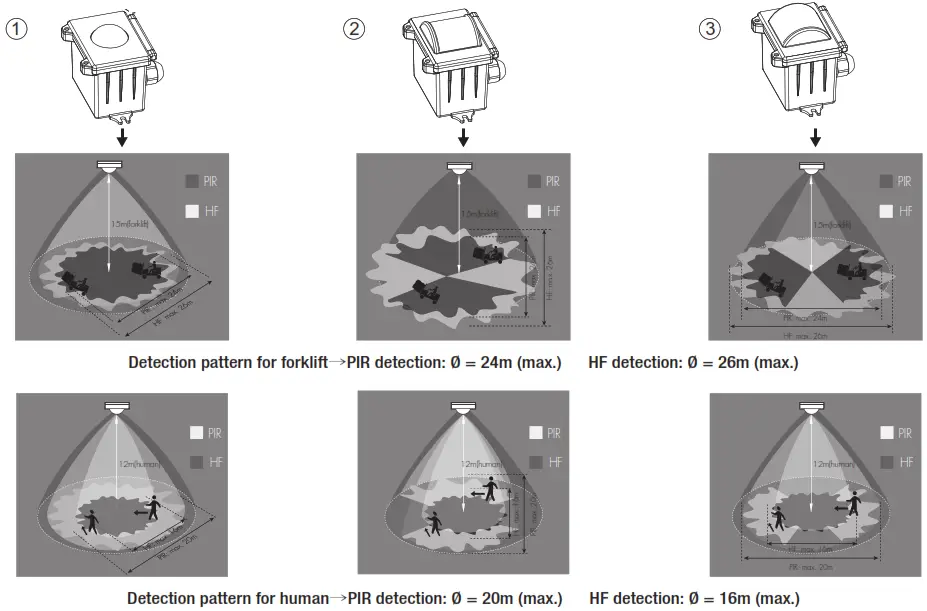
| Detection area (Max.)* | Installation Height :15m (forklift) / 12m (human) Detection Range (0) : HF: 0 = 26m (forklift) / 16m (human) PIR: 0 = 24m (forklift) / 20m (human) |
| Detection range | 10% / 50% / 75% / 100% |
| Hold time | 2s / 30s / lmin / 5min / 10min / 15min / 20min / 30min |
| Daylight threshold | 2 — 500Lux, Disable |
| Warming up time | 30s |
| Operating temperature | -35°C — +509C |
| IP rating | IP65 |
| Sensor mode | HF. PIR, HF+PIR, HF / PIR |
Rotary Switch Settings
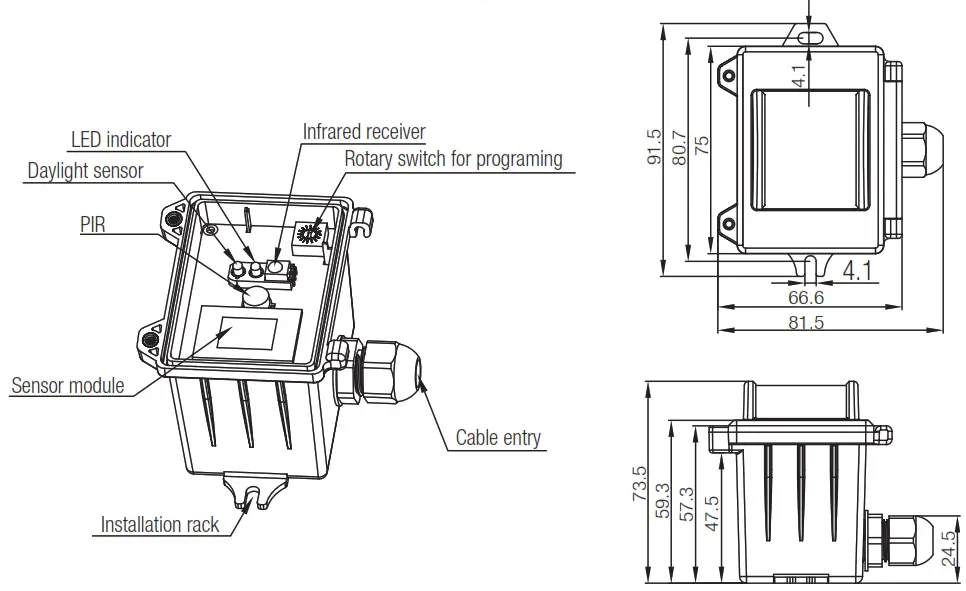
A rotary switch is built inside the sensor for scene selection / fast programming. A total of 16 channels are available: Rotary switch preset (Please see the location in 2. installation)
| Channel | Detection range | Hold-time | Daylight sensor |
| 0 | 100% | 5s | Disable |
| 1 | 100% | 1min | 2Lux |
| 2 | 100% | 5min | 10Lux |
| 3 | 100% | 5min | 30Lux |
| 4 | 100% | 5min | 10Lux |
| 5 | 100% | 5min | 30Lux |
| 6 | 100% | 5min | Disable |
| 7 | 100% | 10min | 2Lux |
| 8 | 100% | 10min | 10Lux |
| 9 | 100% | 10min | 30Lux |
| A | 100% | 10min | Disable |
| B | 75% | 10min | 30Lux |
| C | 50% | 10min | 10Lux |
| D | 100% | 30min | 50Lux |
| E | 100% | 30min | Disable |
| F | 100% | 5s | 2Lux |
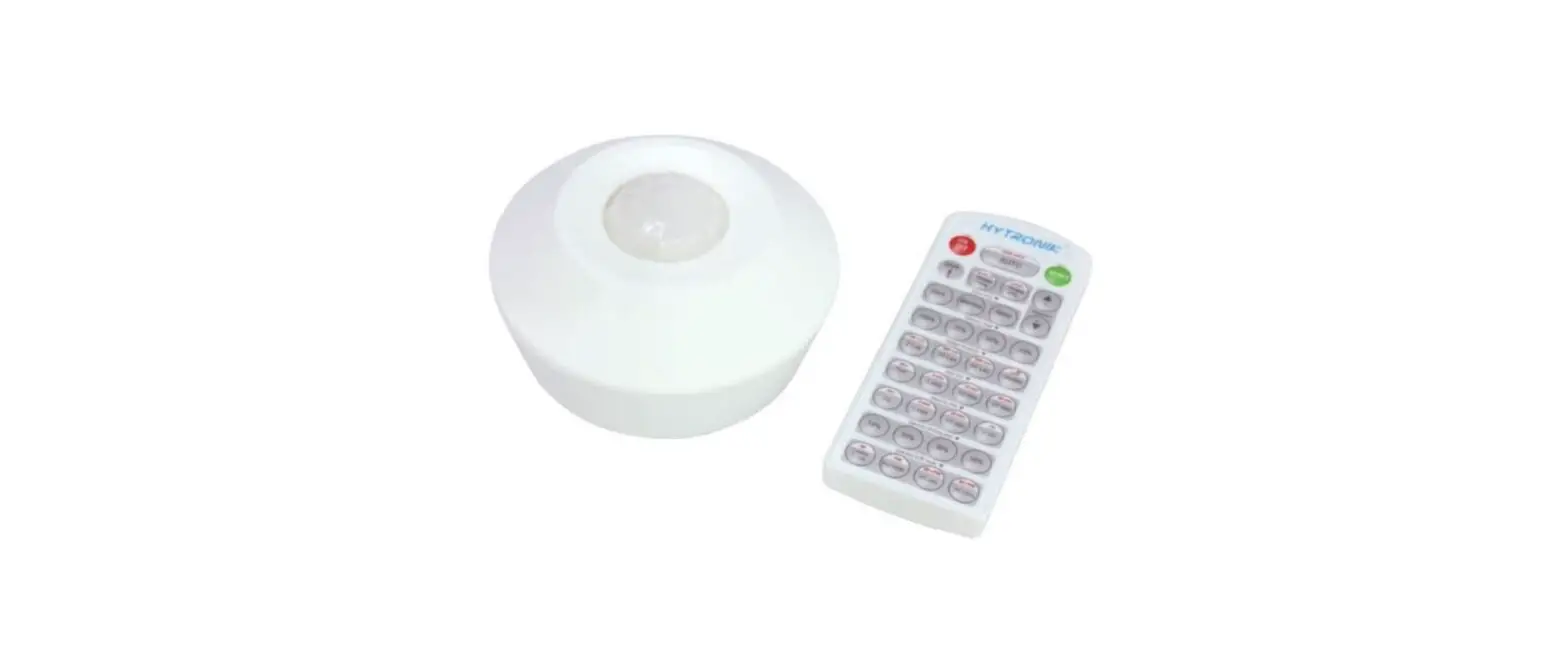
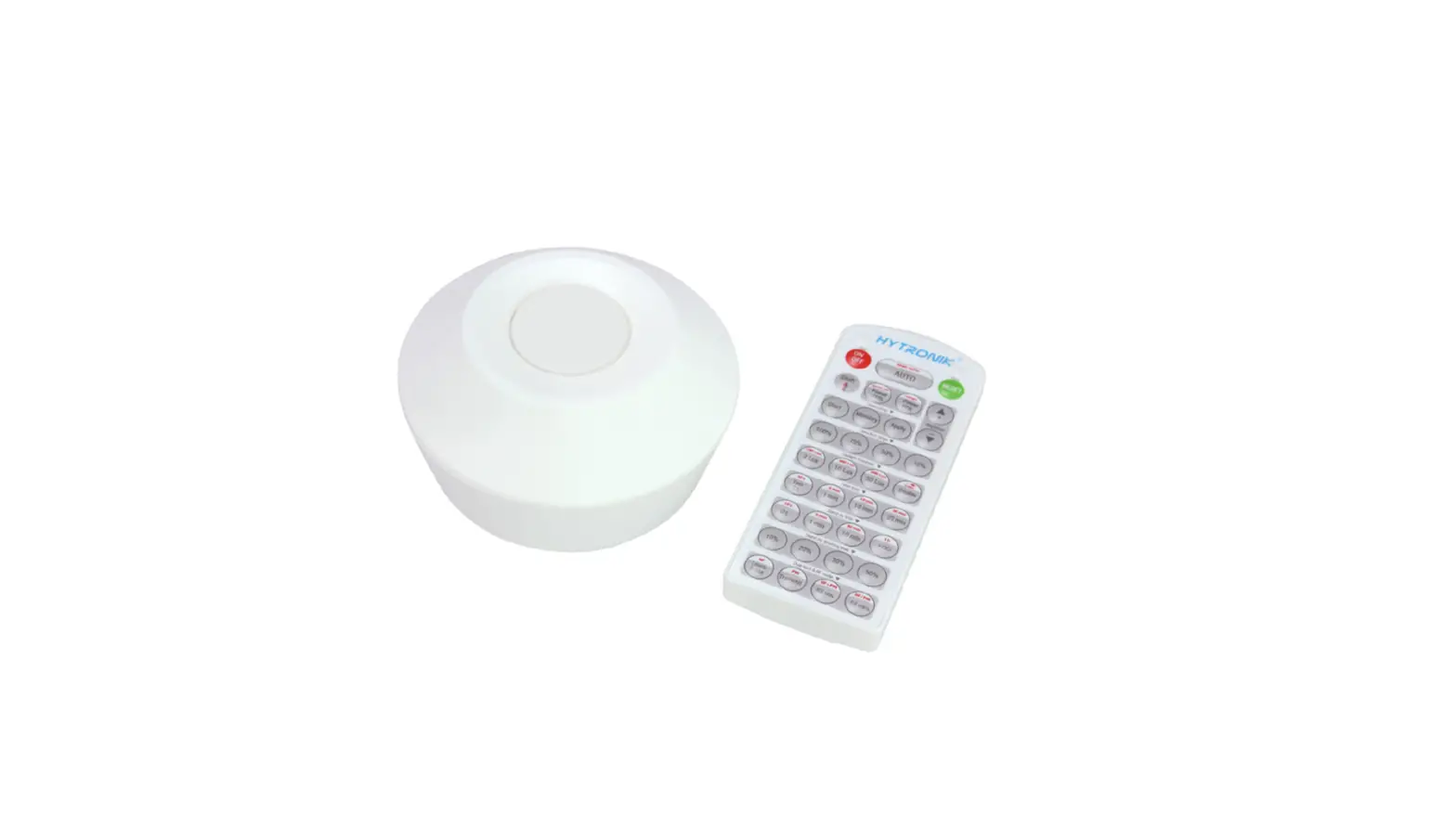
Note: settings can also be changed by remote control HRC-11. The last action controls.
Functions
3.1 On/off Control
This sensor is a motion switch, which turns on the light upon detection of motion, and turns off after a pre-selected hold-time when there is no movement. A daylight sensor is also built in to prevent the light from switching on when there is sufficient natural light.
3.2 Lux Off Function
The built-in daylight sensor can read ambient natural light and switch off the fixture automatically whenever artificial light is unnecessary (natural light lux level exceeds daylight threshold).
Note: if the stand-by time is preset at “+∞”, the fixture never switches off even when natural light is sufficient.
3.3 Load Indication
The light will flash ONCE rapidly after receiving the command from the remote controller.
Note: There is no load indication (the light will not flash) when the button ON/OFF, POWER 100% or POWER 80% is pressed.
Installation
Warnings:
- Installation of the sensor involves connecting it to the main supply. This work must be carried out by a specialist in accordance with electrotechnical regulations.
- Disconnect the power supply before installing.
A. Ceiling mount
B. Screw to the Luminaire by conduit
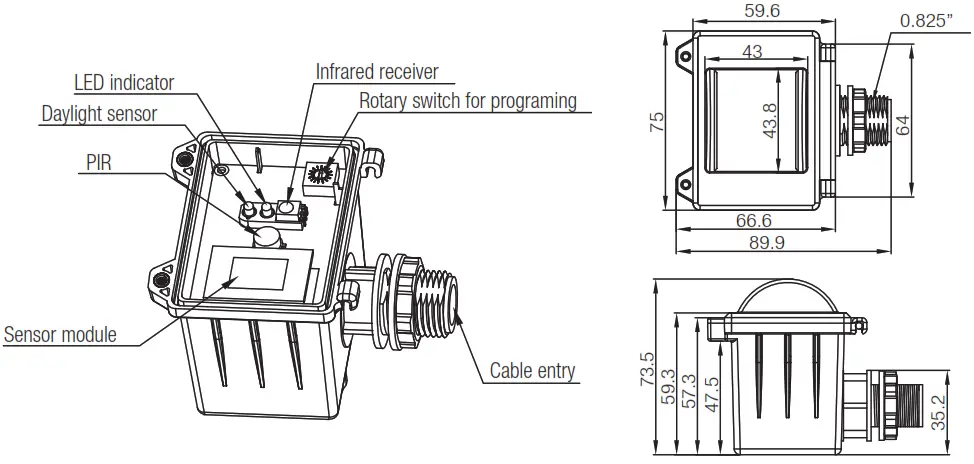
C. Attach to the shade by clamp
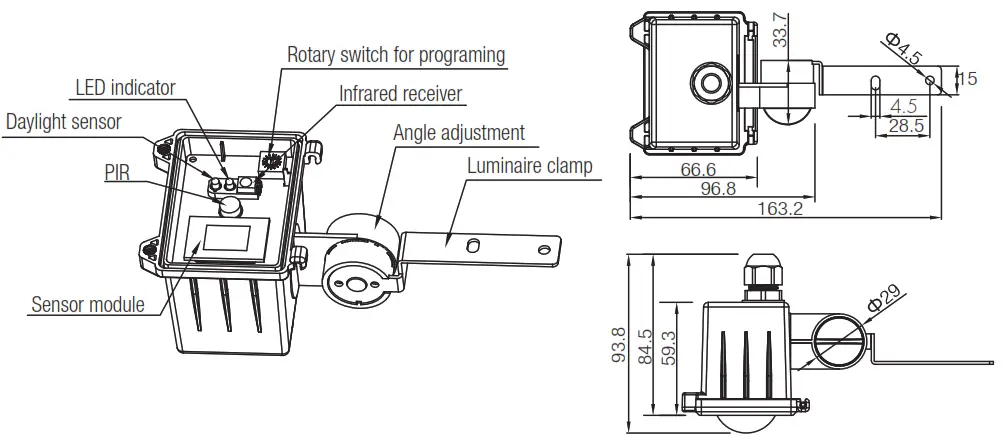
Note: We recommend the mounting distance between sensor to sensor should be more than 2m to prevent sensors from false triggering.
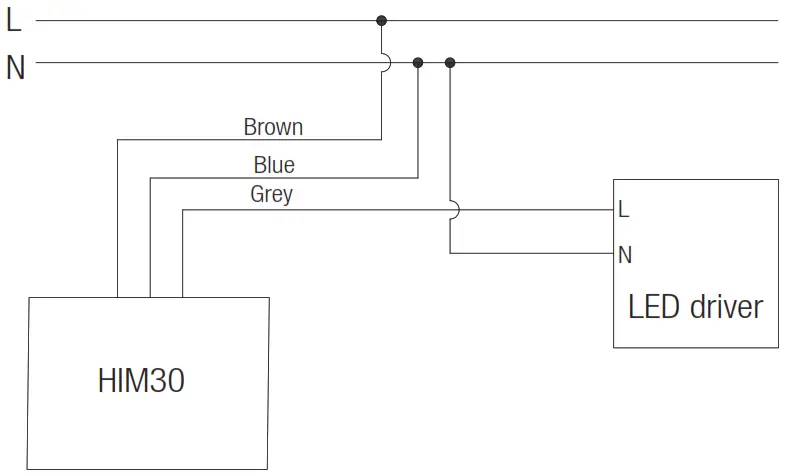
Wiring Diagram
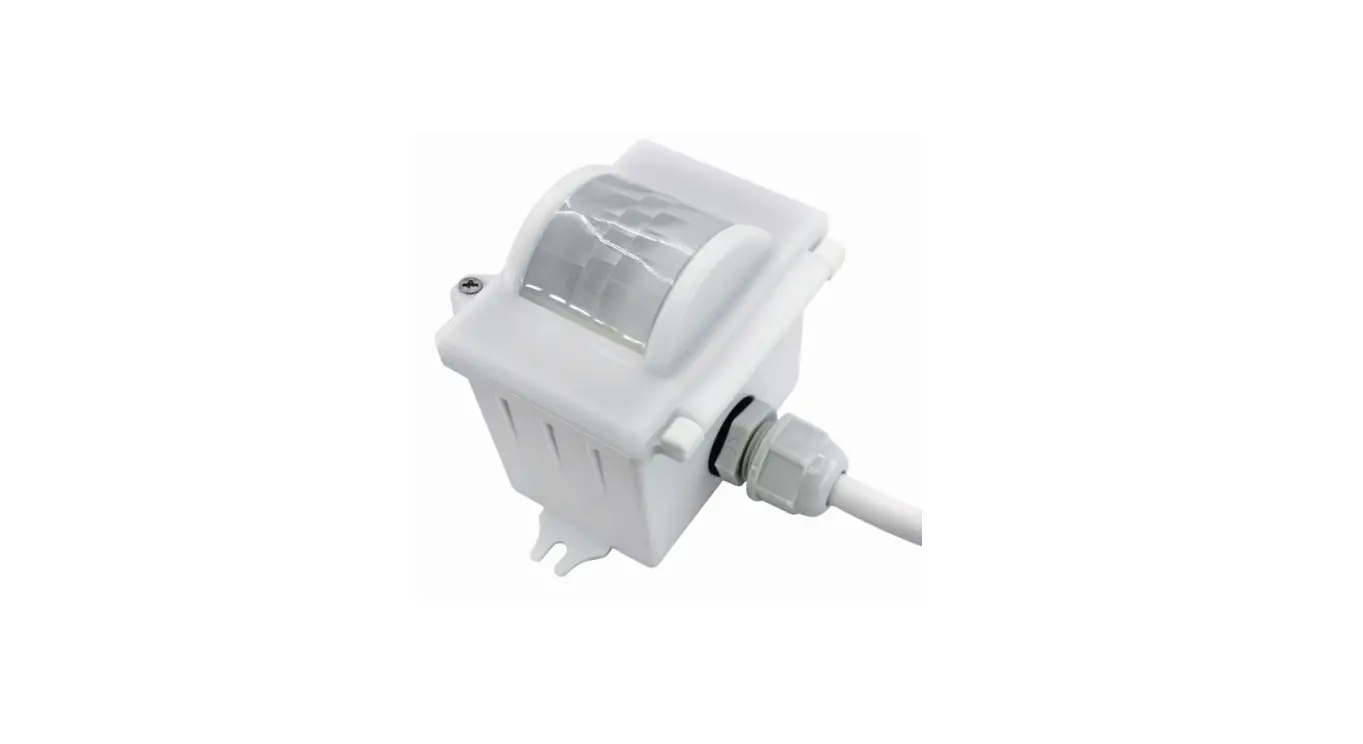
Three Options for PIR Lens and Detection Patterns (End user can choose the suitable lens in real application for various requirements)
* For a single person walking across, the detection range is reduced by 1/3.
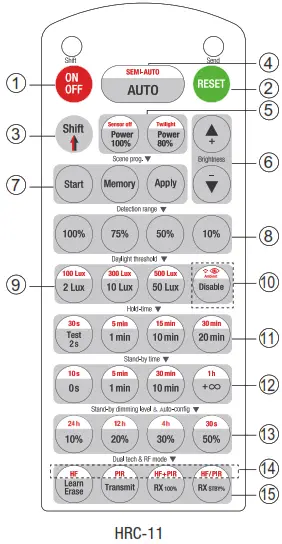
Permanent ON/OFF [button(1)]
Press button 1 to select permanent ON or permanent OFF mode.
Press button 2/4 to resume automatic operation. The mode will change to AUTO Mode after power failure.
RESET ( button 2]
Press button 2 and all settings go back to the rotary switch settings.
Shift [ button ]
Press button C), and the LED on the top left corner is on for indication. All values/settings in RED are valid for 20 seconds.
Auto Mode ( button 4]
Press button 4 to initiate automatic mode. The sensor starts working and all settings remain as before the light was switched ON/OFF. Note: the function of Semi-auto is disabled.
Power output button 5 ]
These two buttons are disabled.
Brightness +/- button 6 ]
These two buttons are disabled.
Scene prog. zone 7 ] (One-key-commissioning)
- Press the button “Start” to program.
- Select the buttons in 8 “Detection range”, 9 /10 “Daylight threshold”,11 hold time”, 12 “Stand-by time”, and 13 “Stand-by dimming level” to set all parameters.
- Press the button “Memory” to save all the settings programmed in the remote control.
- Press the button “Apply” to set the settings to each sensor unit(s). For example, to pre-set detection range 100%, daylight threshold Disable, hold time 5min, the steps should be as follows: Press button 7 Start, button 8 100%, Disable, 3 Shift, 11 5min, 7 Memory. By pointing to the sensor unit(s) and pressing 7 Apply, all settings are passed on to the sensor(s).
Detection range ( zone 8 ]
Press buttons in zone 8 to set detection range at 100% / 75% / 50% / 10%.
Daylight threshold zone 9 ]
Press buttons in zone 9 to set the daylight sensor at 2Lux / 10Lux / 50Lux / 100Lux / 300Lux / 500Lux or Disable.
Note: To set the daylight sensor at 100Lux / 300 Lux / 500Lux, press button 3 Shift at first.
Ambient daylight threshold ( button 10 ]
- Press button 3 Shift, the red LED is on for indication.
- Press button 10, the ambient lux level is sampled and set as the new daylight threshold.
Hold time [ zone 11 ]
Press buttons in zone 11 to set the hold time at 2s / 30s / lmin / 5min / 10min / 15min / 20min / 30min.
Note:
- To set hold-time at 30s / 5min / 15min / 30min, press button 3 Shift at first.
- 2s is for testing purposes only, stand-by period and daylight sensor settings are disabled in this mode.
*To exit from Test mode, press button 2 or any button in zone 11 p
Additional Information / Documents
- Regarding precautions for microwave sensor installation and operation, please kindly refer to www.hytronik.com/download ->knowledge ->Microwave Sensors – Precautions for Product Installation and Operation
- Regarding precautions for PIR sensor installation and operation, please kindly refer to www.hytronik.com/download ->knowledge ->PIR Sensors – Precautions for Product Installation and Operation
- Regarding Hytronik standard guarantee policy, please refer to www.hytronik.com/download ->knowledge ->Hytronik Standard Guarantee Policy
www.hytronik.com
HIM30-20220802-A0