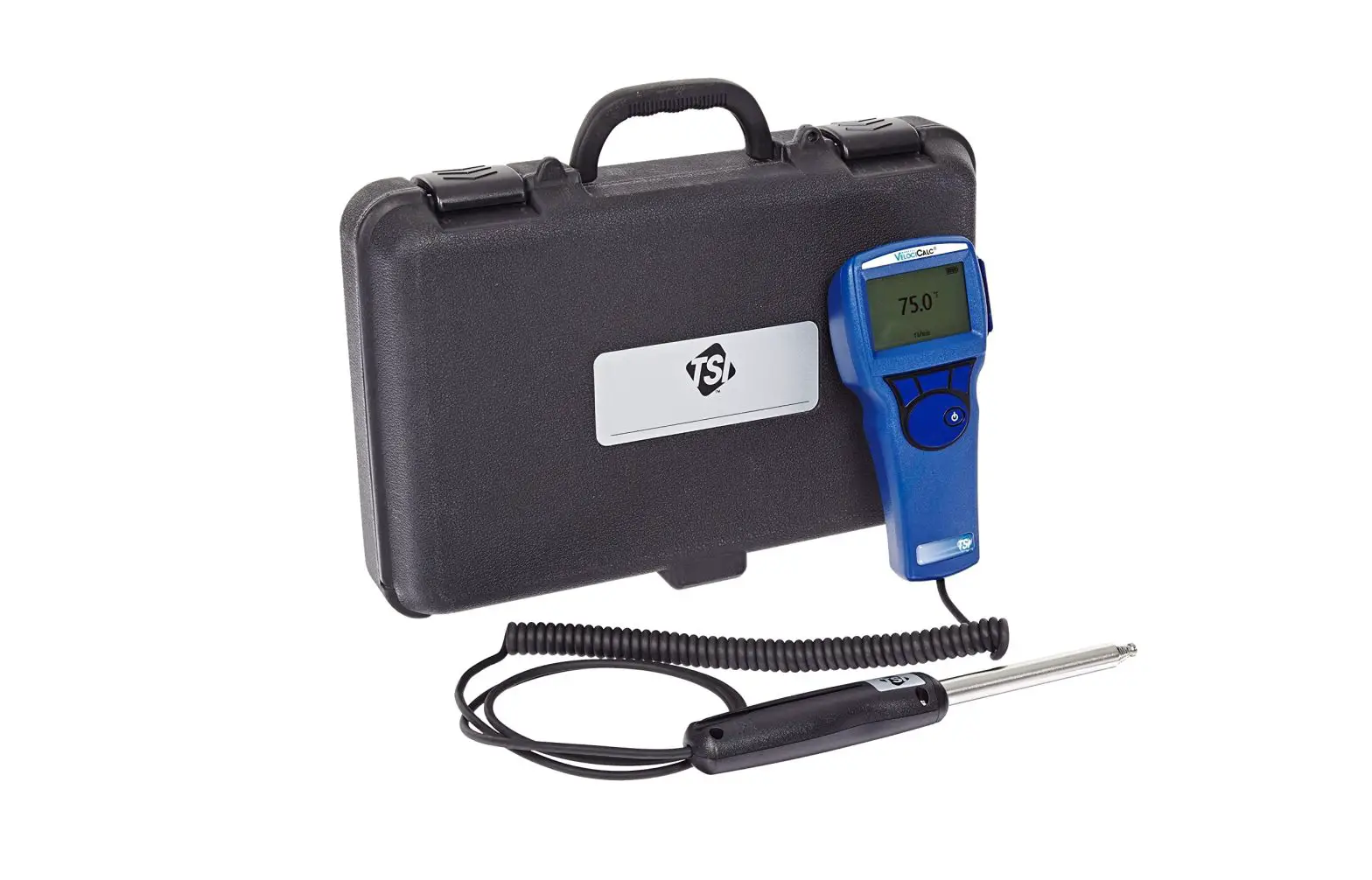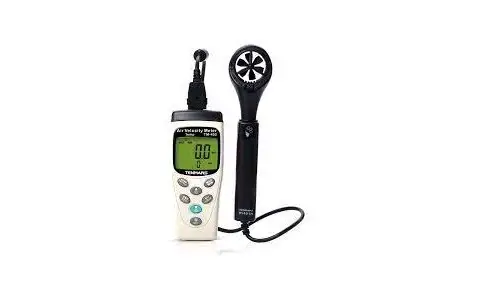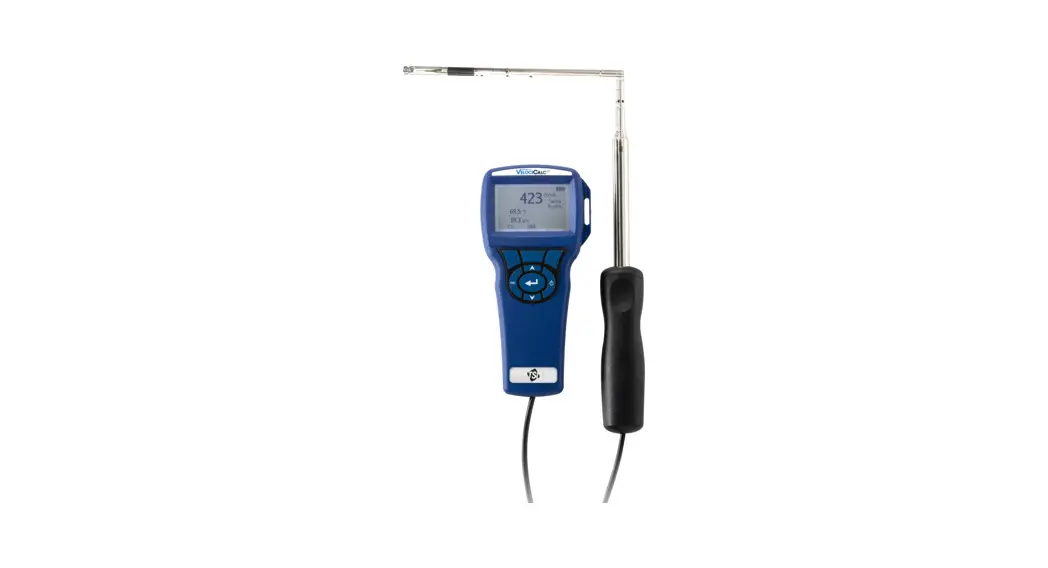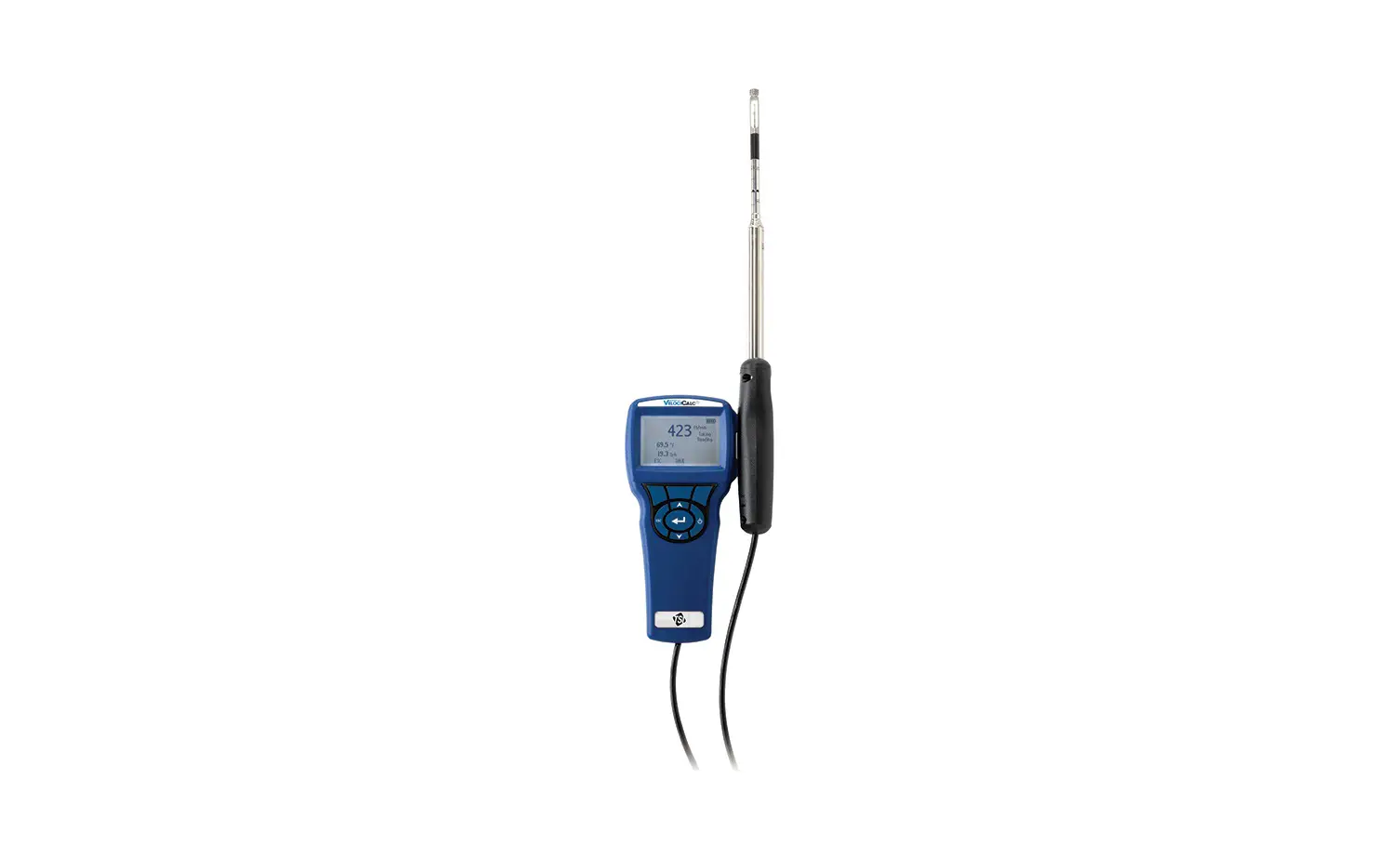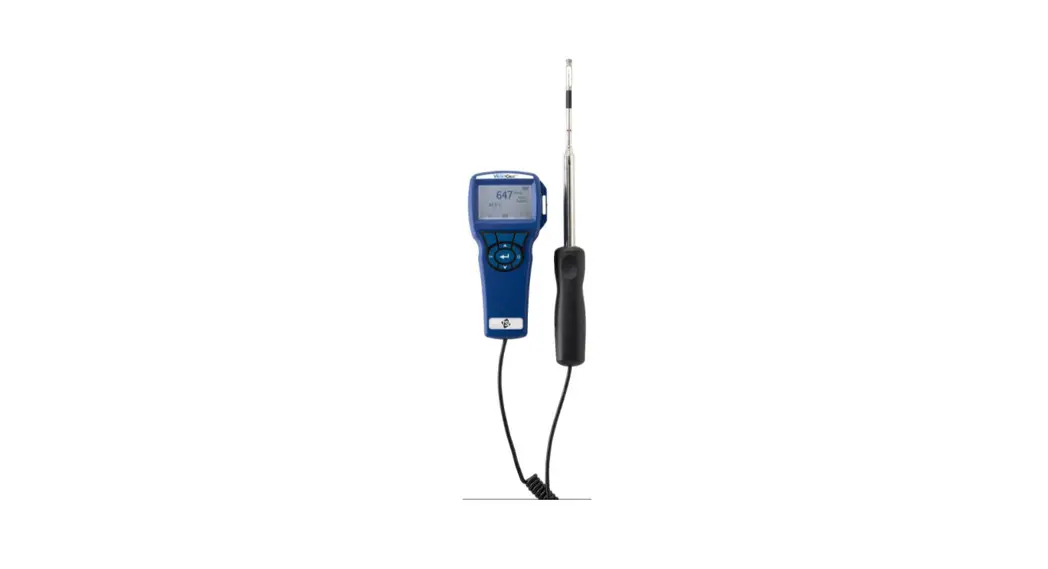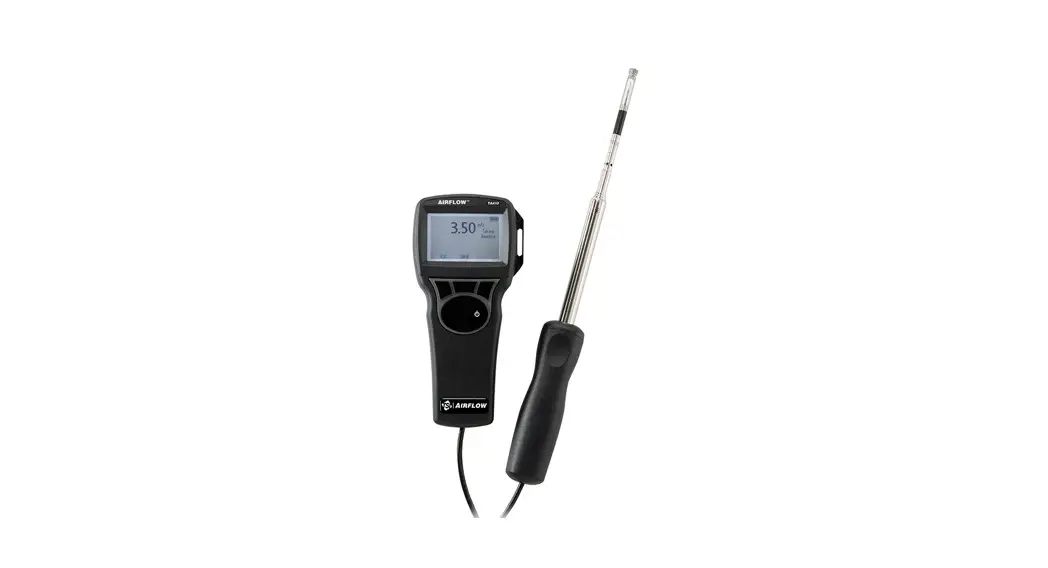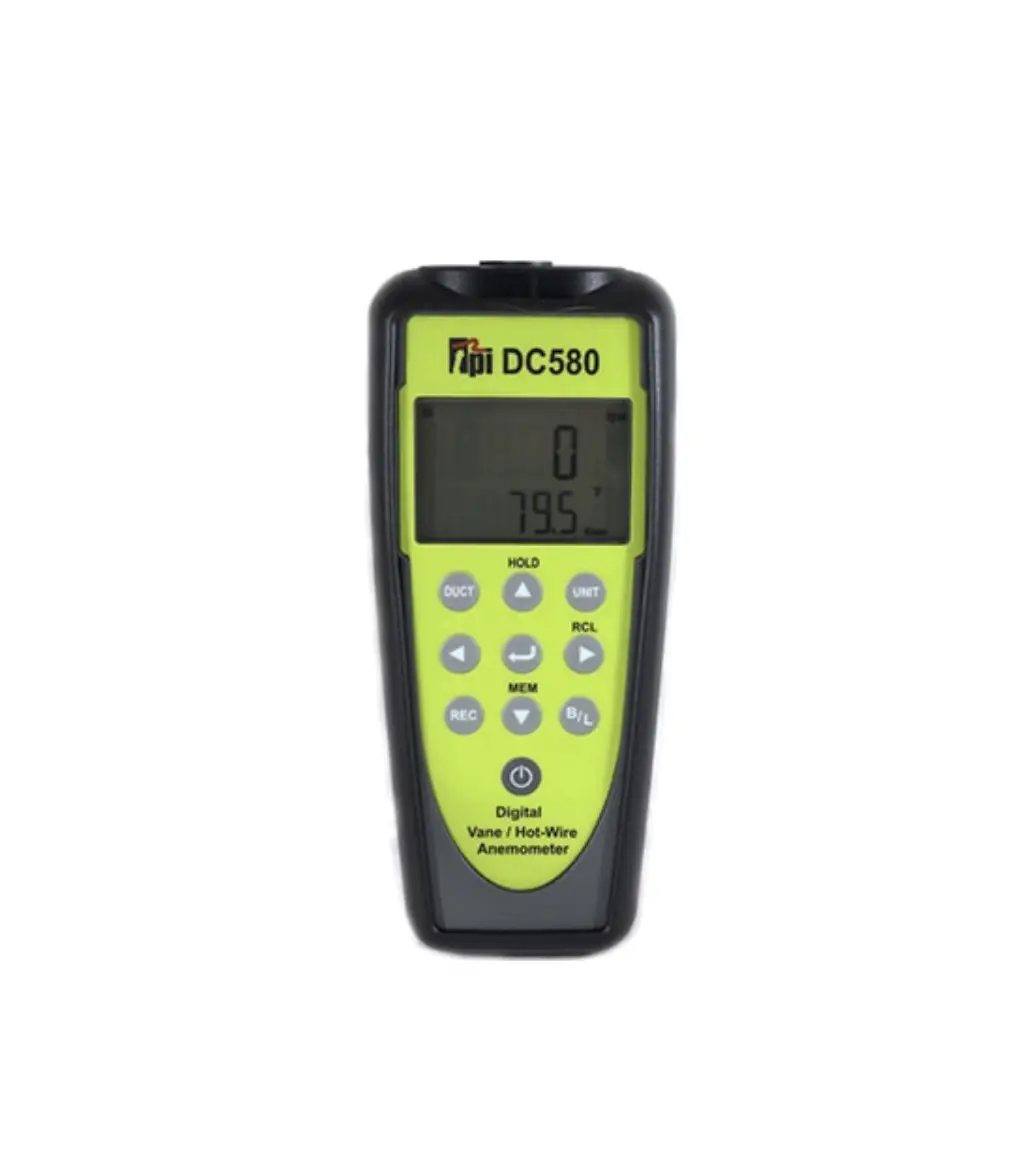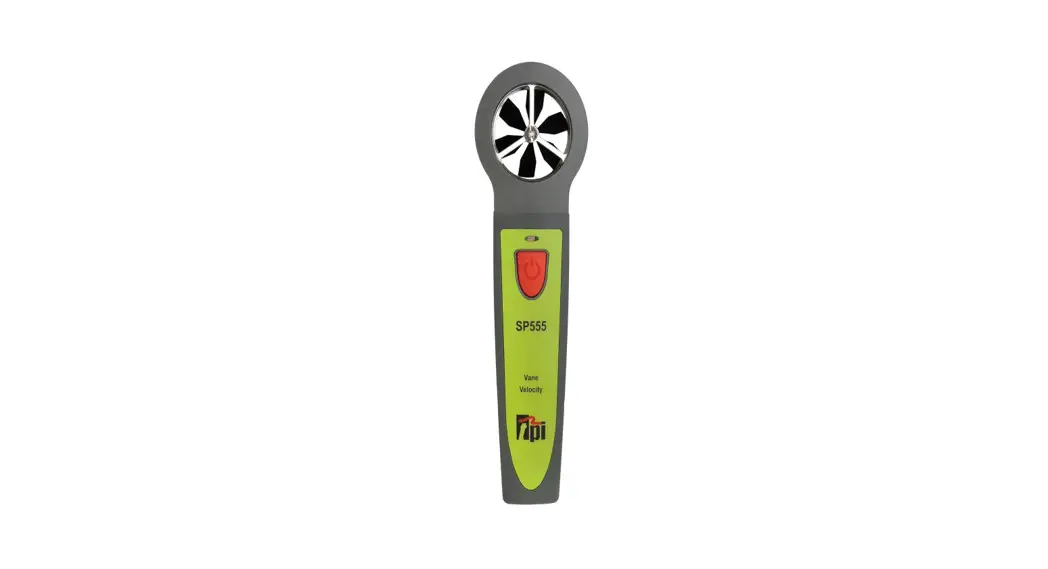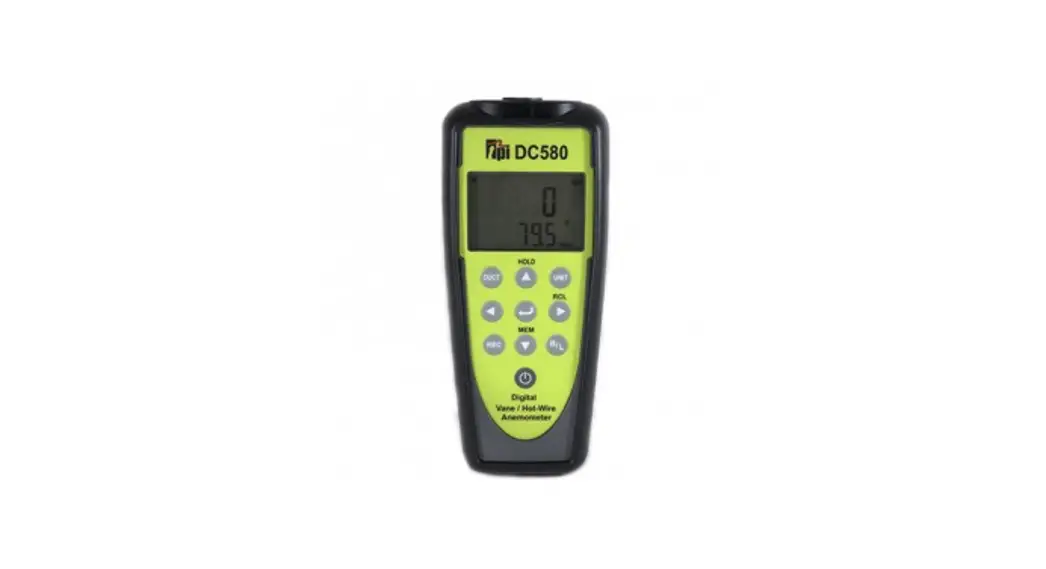
 Tpi580 Air Velocity Meter
User Guide
Features
 | Hot wire / Vane Combo unit. |
| Smart probe : Interchangeable probe. |
| Probe hot wire/vane auto recognition. |
| CFM / CMM Measurement ( Volume calculate ) |
| Backlight |
| Bluetooth LE / Apps for Android / iOS ( Model : Tpi580BT Only ) |
| Auto power off ( 15 min ) |
Function and Accuracy
| Function | Description | |
| Hotwire Air | Range | 0.2 m/s ~ 20 m/s |
| Resolution | 0.01 m/s | |
| Accuracy | ±( 5% + 1digit ) or | |
| ±( 1% + 1digit ) F.S | ||
| Unit | m/s, km/h, mph, fpm | |
| Vane Air | Range | 1 m/s ~ 25 m/s |
| Resolution | 0.1 m/s | |
| Accuracy | ±( 2% + 3digit ) | |
| Unit | m/s, km/h, mph, fpm | |
| Temperature | Range | -20 °C ~ 60 °C ( -4 °F ~ 140 °F ) |
| Resolution | 0.1 °C ( 0.1 °F) | |
| Accuracy | ± 0.5 °C ( 0 °C ~ 45 °C ) | |
| ± 1 °C ( -20 °C ~ 0°C, 45°C ~ 60°C ) | ||
| ± 1 °F ( 32 °F ~ 113 °F ) | ||
| ± 2 °F ( -4 °F ~ 32°F, 113°F ~ 140°F ) | ||
| Others | Airflow(volume) calculate | CFM, CMM. |
| REC, HOLD | MIN, MAX, AVG, Data HOLD | |
| Operation environment | -20 °C ~ 60 °C ( -4 °F ~ 140 °F ) at <75%RH | |
| Communication | Bluetooth LE ( Tpi580BT only ) | |
| Battery | 4.5V ( AA size x 3) | |
| Battery life time | Hot air probe : about. 30h Vane air probe : about. 68h | |
| Auto power off | 15 min ( if APO is active ) | |
Key
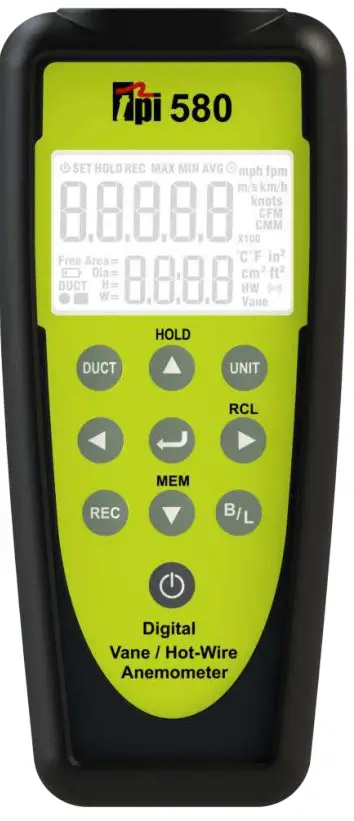
 : On / Off (Push it more than 2 sec.)
 : Air Velocity unit ( m/s, km/h, fpm, mph, knots) ,Volume unit ( CMM,CFM), Temperature unit ( °C, °F ), Area unit ( in²,cm2 ,m,ft
 : Record mode ( Time record mode, Point record mode ), MAX , MIN , AVG
 : Backlight On / Off ( Backlight Auto off 60 Sec. ) ** ( Tpi580BT Only = Bluetooth Model – Bluetooth feature On / Off to push it more than 2 sec. )
 : SET mode: Up feature. General mode: Data Hold
 :SET mode: Down feature. General mode: Auto power On/Off enable / disable General mode: Save the air velocity and air volume between 0 ~ 299.
 :SET mode: Left feature
 : SET mode: Right feature. General mode: Display the saved value between 0 ~ 299.
 : SET mode: Feature setting (Enter). General mode: Transfer from Air Velocity measurement to Volume (CMM,CFM) measurement. Push it again and transfer to Air Velocity measurement.
** For key feature to work, hot wire probe or vane probe must be connected. Backlight and power Key always work.
LCD display
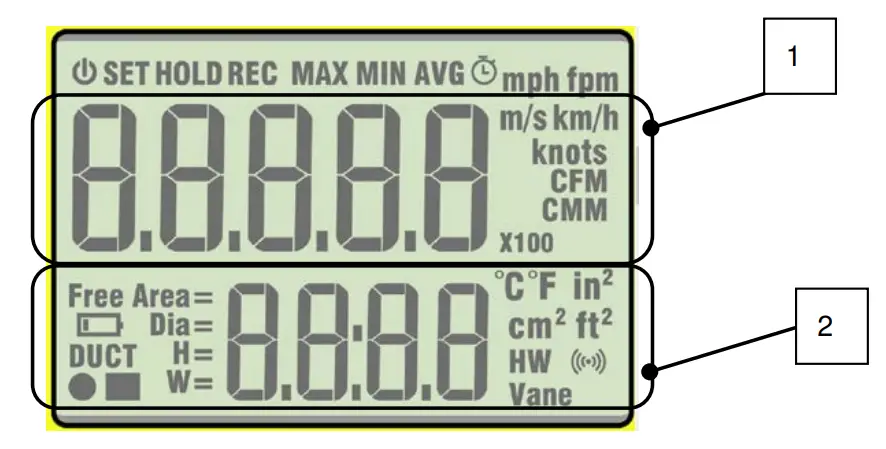
- 1: Air velocity and air volume display.
2: Enter the temperature and DUCT. Display time and Point when the Record feature started.  Auto Power Off feature on/off
 Low Battery display
 Bluetooth on – Blink. Bluetooth connect – Display continuously.
 CMM or CFM measurement – Display x1, x10, x100. 9999900 CMM, 9999900 CFM
 Record
 DUCT: Round DUCT setting. Record: Point Record setting.
 Hot wire probe
 Vane probe
 Auto Power Off feature on/off
 Low Battery display
 Bluetooth on – Blink. Bluetooth connect – Display continuously.
 CMM or CFM measurement – Display x1, x10, x100. 9999900 CMM, 9999900 CFM
 Record
 DUCT: Round DUCT setting. Record: Point Record setting.
 Hot wire probe
 Vane probe
Measurement
- Power on to push the Power key for more than 2 sec. ( Display All >Model#)
- oPEn displays when the probe is not connected.
- Only back light key and power key work in this condition.
- Connect the Hot wire probe and display ‘H—d’.
Main screen: Inverse counting for 5 sec > Hot wire warming up on Hot wire probeH — d : Hotwire warming up Delay - Vane Probe connect > Display the air velocity without delay.
- Measure the air velocity.
UNIT setting
- Push the UNIT key.
- SET display. Display the Air velocity unit. Change the unit to push the UP, Down key.
- Push the Right key when the right unit blinks. CMM, CFM blink next and change to push the Up, Down key.
- Push the Right key when the right unit blinks. The temperature unit blink next and change to push the Up, Down key.
- Push the Right key when the right unit blinks. The area unit blink next and change to push the Up, Dow n key.
- Push the Enter key and set the unit.
Record
- Push the REC key.
- SET display. Choose Point or Time to push the Up / Down key.
- Choose Time , Point to push the Enter key.
- Time: Push the Enter key and capture the measurement value at 1 sec interval. (Start / Stop the capture with the Enter key.)
- Point: Capture with each Enter key.
- Record mode: MAX >MIN>AVG with REC key.
- Record data is cleared when your push the Left key on Record Stop.
- Transfer from Record mode to General measurement mode to push the REC key more than 2 sec.
DUCT setting
- Push the DUCT key.
- Choose Free Area , Rectangle , Circular with the Up / Down key.
- Set to push the Enter Key.
- Choose the value with Up / Down , Left / Right key.
- Set to push the Enter key.
** Push the Enter key on general air velocity measurement mode and it changes to air volume measurement.
- Duct size max value
- Unit cm : 9999
- Unit m : 99.99
- Unit ft : 99.99
- Unit in : 999.9
** The max value is saved if the unit changed value is higher than max value.
Memory ( 0 ~ 299 )
Measure the air velocity and air volume on general mode or Record mode.
- Push the MEM key.
– CaptureTpi580 and Memory mode displays. (Data save mode) - Choose the address with the arrow key ( left, right, up, down ).
- Push the Enter key.
– Tpi580 saves the captured data to the selected address.
– End the Memory mode. Now it is measurement mode.
When you save the measurement value on Record mode, it can be saved on Stop and saves the average value.
* Memory All Clear *
Push the MEM key more than 2 sec on Memory mode and Clear starts.
When Clear is done, the display changes to general measurement mode.
* Escape / Cancel *
The work is done with the UNIT key on Memory mode and Recall mode and now it is general measurement mode.
** Memory mode is not working on “OPEN”.
** It can’t recall when you recall the address without saved data.
RECALL ( 0 ~ 299 )
- Push the RCL key.
- Choose the Recall address with the left, right, up, down key.
- Push the Enter key.
- Display the saved value.
– Recall: “HOLD” and “ REC” display.
– Velocity / Volume display with Enter key.
– You can check the Duct size and type with Bluetooth.