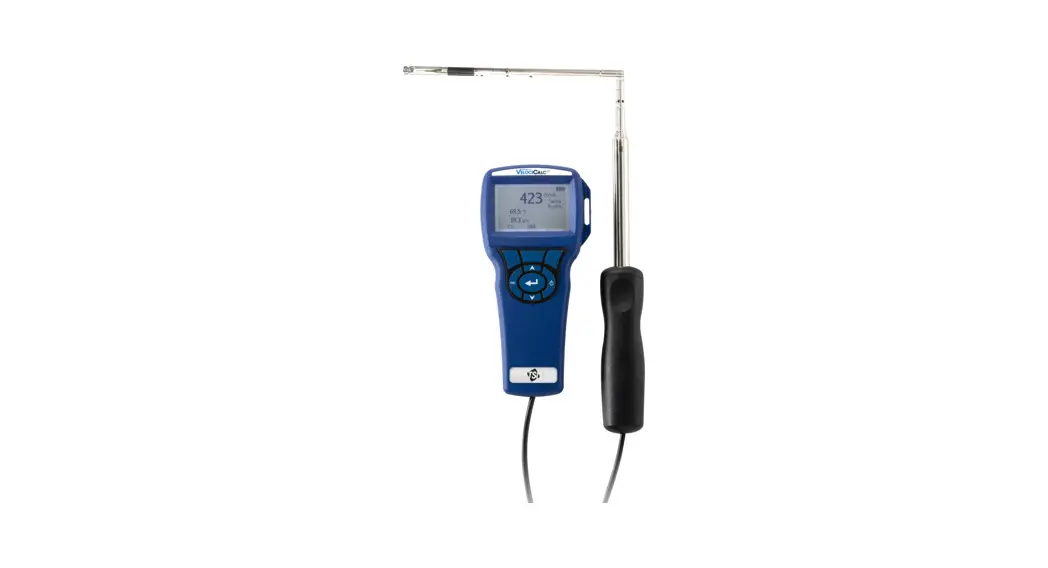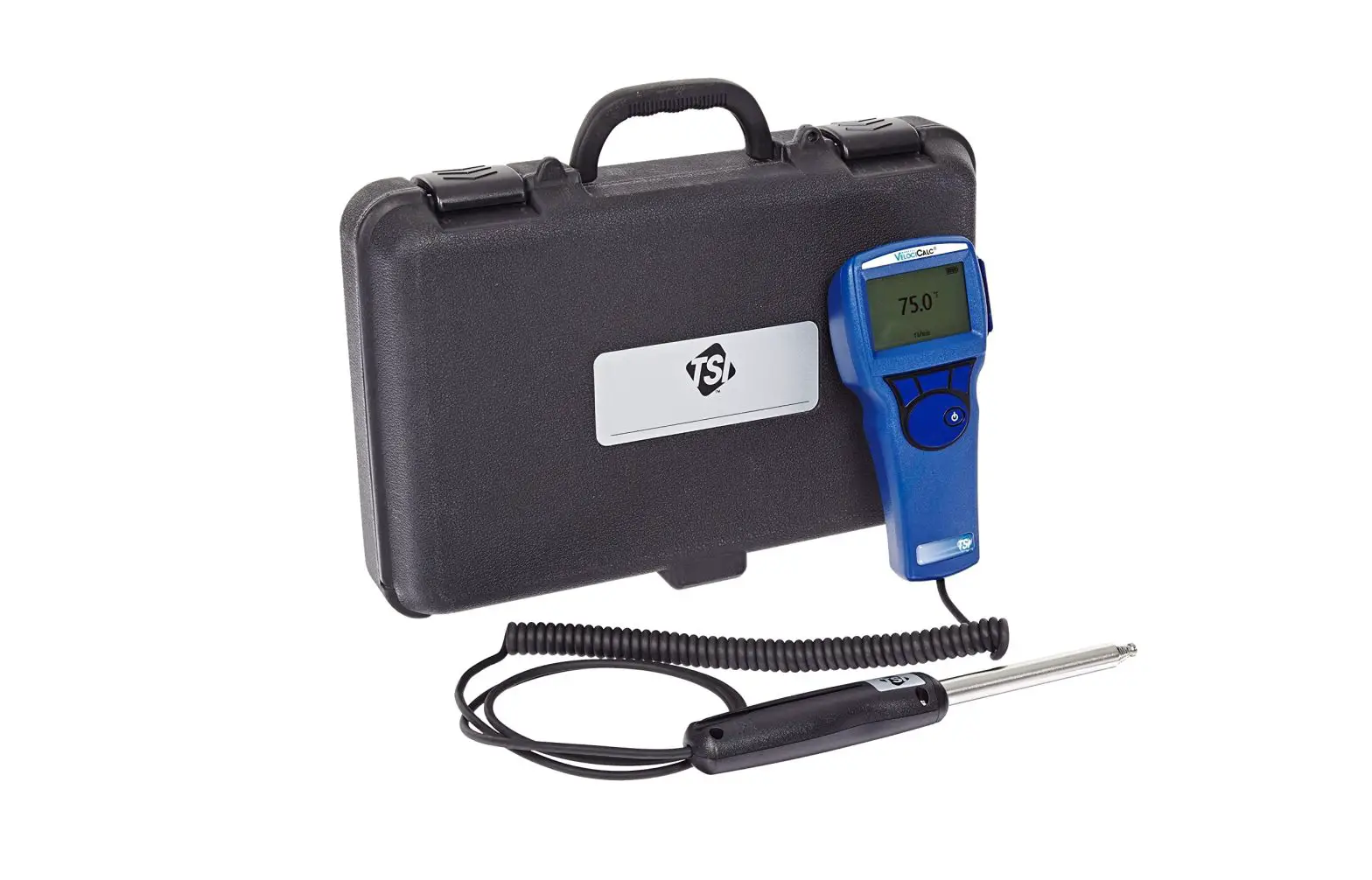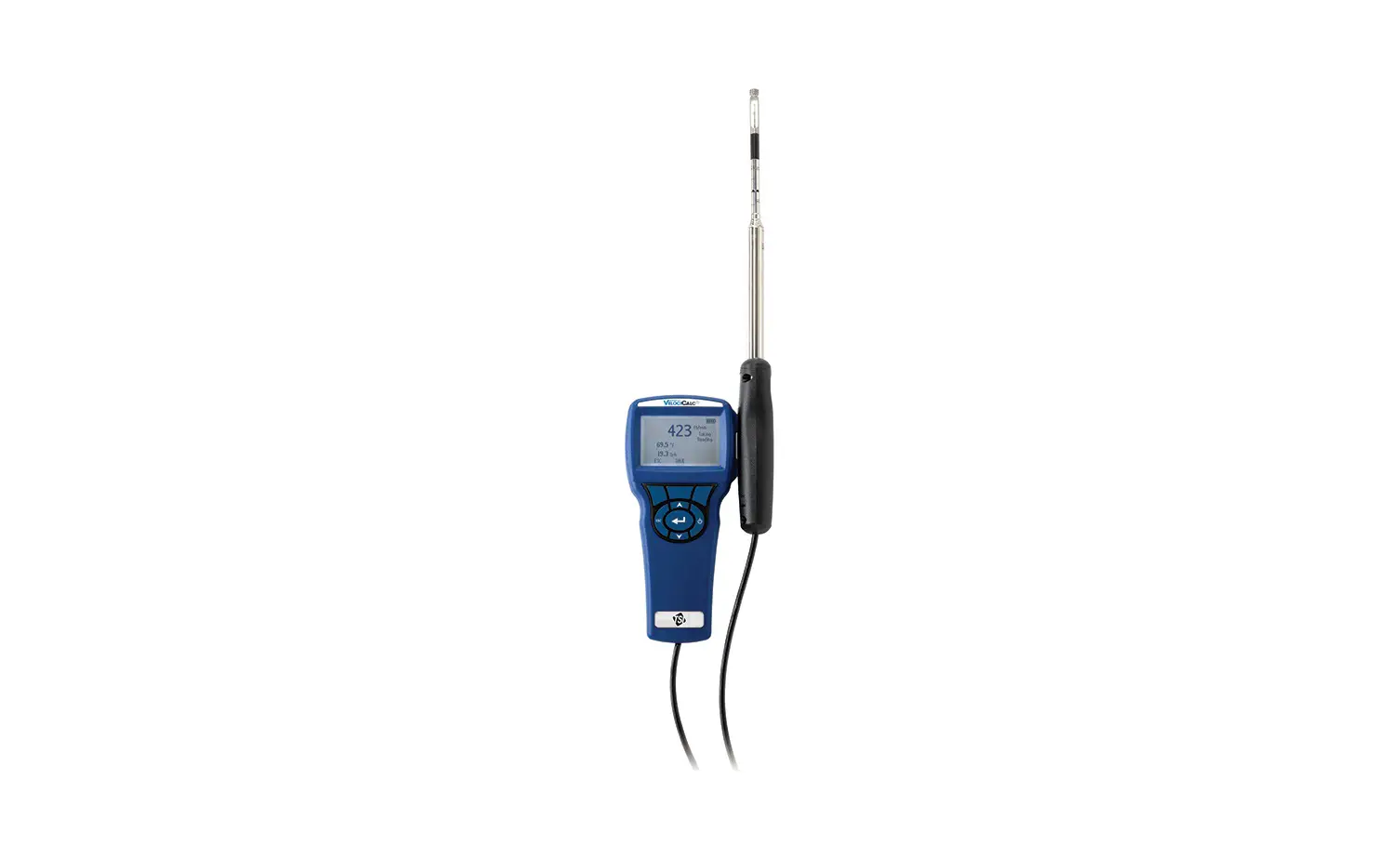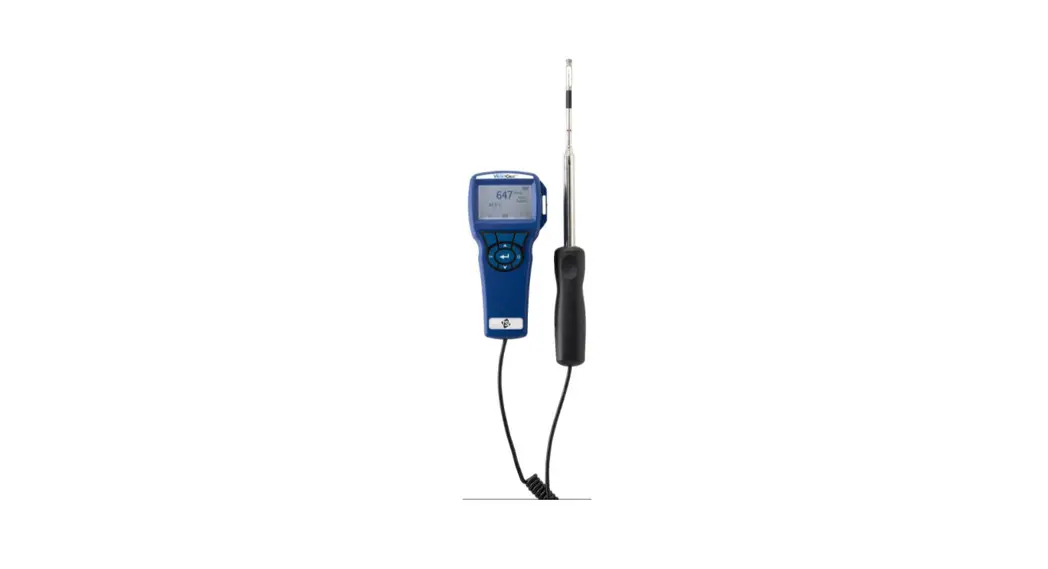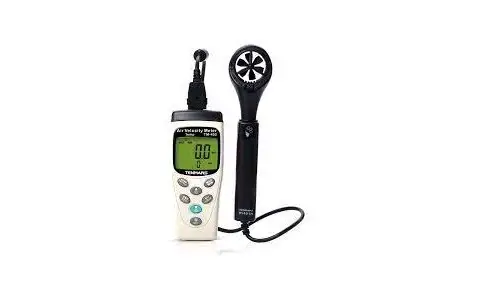
TENMARS TM-402A Air Velocity Meter User Manual
Introduction
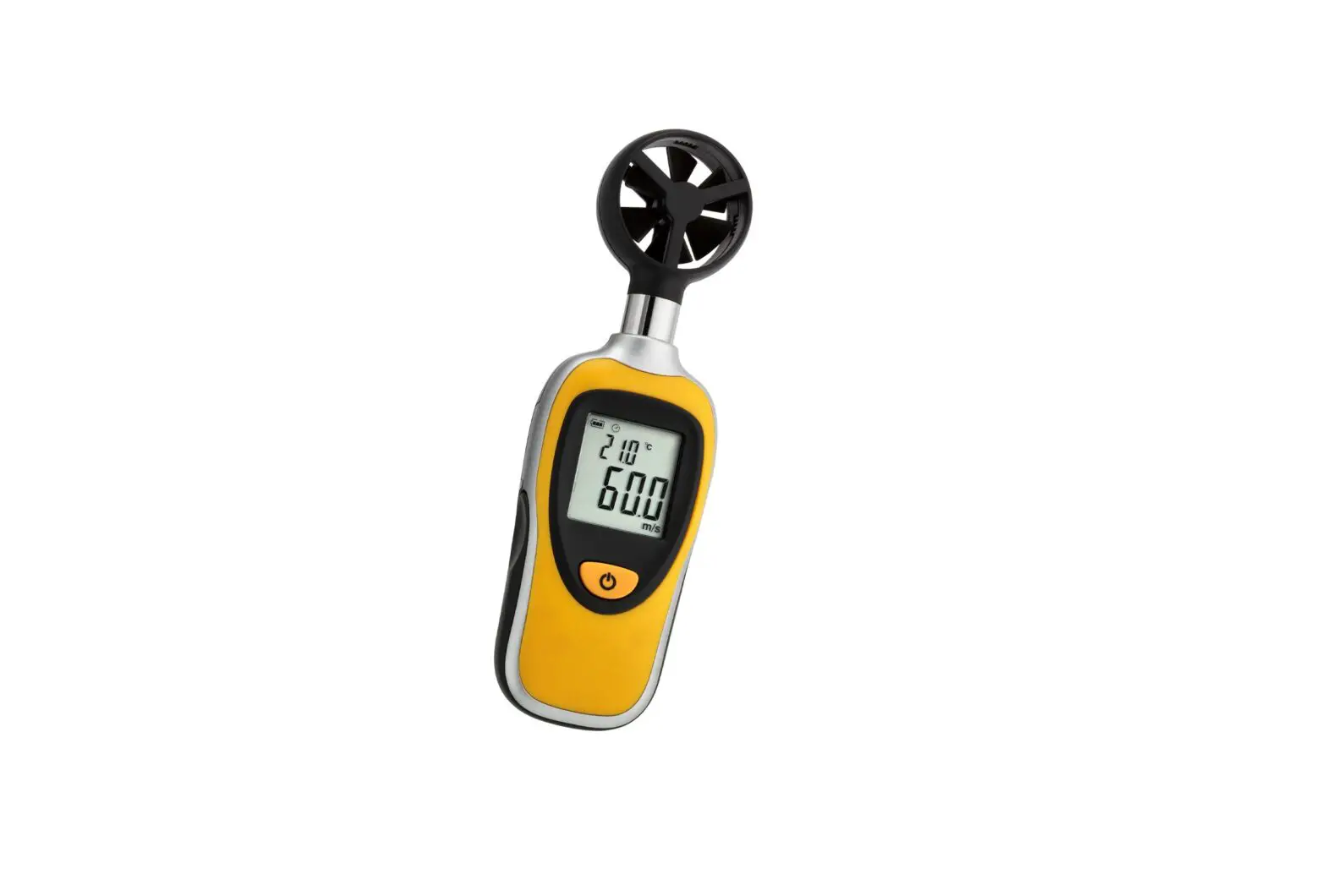
TM-4XXA series measures air speed,temperature and humidity. It is ideal for spot measurements at air outlets on account of its 30mm vane. In addition to air speed and temperature, TM-404A and TM-414A also measures air moisture and absolute pressure. In this way, air conditions can be reliably checked.
CHARACTERISTICS
- 30mm 6 plastics blade.(TM-40XA)
- 45mm 4 plastics blade.(TM-41XA)
- Light air response 0.4m/s
- Rapid response temperature sensor
- Air flow calculate function.
- Max/Min/Avg and data hold.
- Auto power off with disable function.
- Low battery indication. “
 ”
” - Low battery indication.
- Data logging capacity: 99 records.
- Memory recall function.
- Backlight function.
- Absolute Pressure Sensor.
- Humidity Sensor
- DEW-POINT and WET-BULB temperature measurement.
Functions Cross table
| Functions | TM402A(With Pr401T) | TM403A(With Pr401T) | TM404A(With Pr401T) |
| Velocity | ● | ● | ● |
| Flow | ● | ● | ● |
| 99 Record | ● | ● | ● |
| Temperature | ● | ● | ● |
| Humidity | ● | ● | |
| Pressure | ● |
| Functions | TM412A(With Vane-01) | TM413A(With Vane-01) | TM414A(With Vane-01) |
| Velocity | ● | ● | ● |
| Flow | ● | ● | ● |
| 99 Record | ● | ● | ● |
| Temperature | ● | ● | ● |
| Humidity | ● | ● | |
| Pressure | ● |
Air Velocity Meter Features
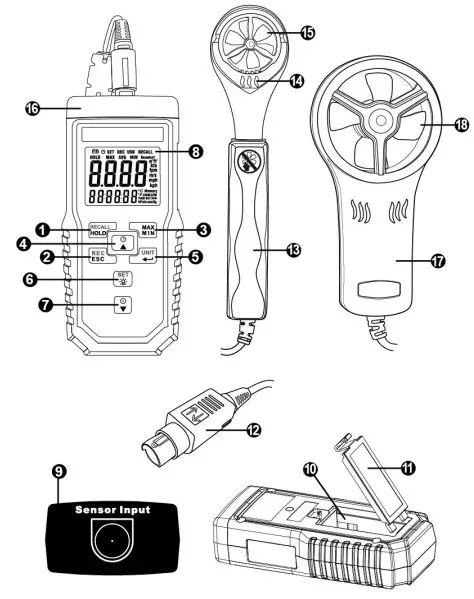
- HOLD and Recall key
- ESC and Rec key
- Max, Min and AVG key
- Select up and Auto shutoff key
- Enter and Unit change key
- Select down and Power key
- Backlight and Set Key
- Display and Backlight
- Probes input
- Battery placement
- Battery cover
- Probes Plug
- Probes hold
- Probes sensor (Temperature/Humidity)
- Blades
- Internal Pressure Sensor (TM-404A/414A)
- Probes hold
- Blades
Display Features
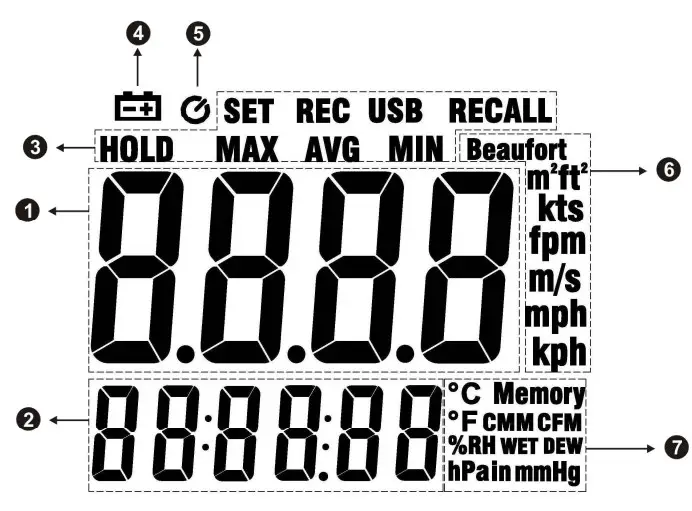
- Primary display
- Secondary display
- Functional symbol display area
- Lower battery indication.
- Auto shutoff symbol indication.
- Units of Primary display
- Units of Secondary display
Power On/Off
In the shutoff mode Press key to turn on he power.
If want to turn off Press and holdkey.
- In the Set ,Unit change and recall mode can not turn off the power
Auto Shutoff
The device will auto shutoff if there is no action for 15 minutes.
If want to disable or enable the auto power off function, please press and hold key.
key.
- In the Set ,Unit change and recall mode can not change this.
LED Backlight
When press key to turn on backlight. Press key to turn off again. The backlight will turn off of after 30 seconds.
Auto Backlight On/Off
Users can set on or off the 30-seconds auto-off backlight
Press and holdkey into setting mode. Pressandkey to select BLIGHT setting, as shown in figures. Press key into Backlight setting. Pressand key to select auto off on or off. Press key to finish and leave setting mode.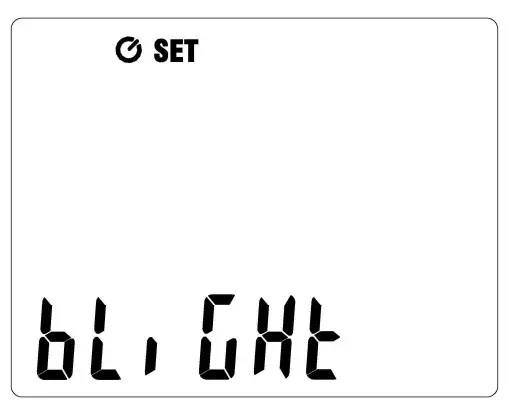
Air Velocity Measures
- Please insert probe plug into the device sensor input socket.
- Fallow the arrows to measure velocity. As shown in figures.

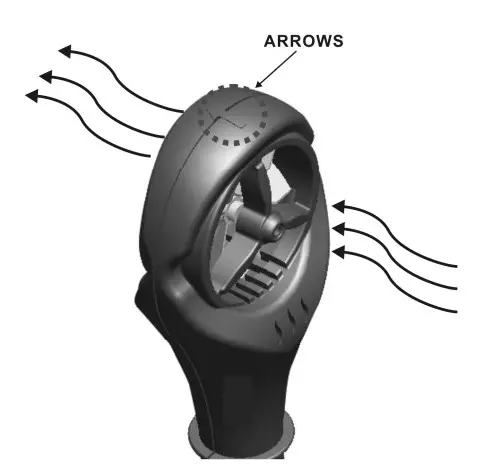
- Please don not touch the blades by fingers or foreign body to avoid damage to the blades.


Change Secondary Display Mode
In the normal mode, Pressandkey to change secondary display mode. The order of ºCCMM(CFM) ºC WET(403A/404A/413A/414A) ºC DEW (403A/404A/413A/414A) HPa(404A/414A)%RH (403A/404A/413A/414A).
- In the Humidity mode need to waiting minutes to acquire accuracy humidity reading
Change Units
Press and holdkey into the setting units mode. If want to change the secondary display units, please press andhold key again.
When in the setting units mode, LCD blink the choose unit. Pressandkey to change the units and presskey to finish and leave
setting mode. Unit to switch the order of Beaufurt kts fpm m/s mph kph
Air Flow Calculation
When secondary display in the flow mode (CMM/CFM), the device will calculate flow by the users key in area volume.
Setting Area
Press and holdkey into the setting mode.
Pressandkey to select setting area mode, as shown in figures. Presskey into the setting area mode.
From left to right to set the digits, and press andkey to adjust digits to left or right.
Pressandkey to increase and decrease volume through last right digits.
Users can press and holdkey to change area units (m2 / ft2 ).
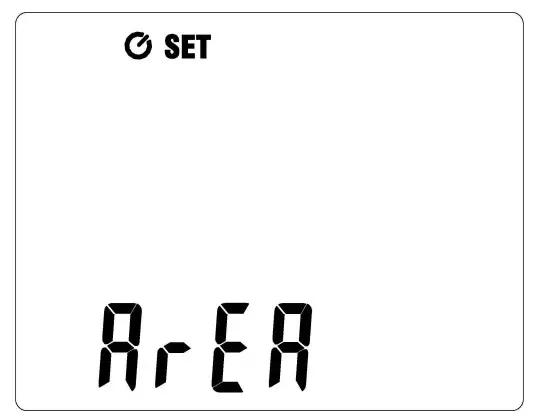
- The units(m2 ) maximum volume is 1.5 m2 , and minimum volume is 0.096 m2 .
- The units (ft2 ) maximum volume is 16.15 ft2 , and minimum volume is 1.03 ft2 .
This function can record maximum, minimum and average. User can select viewing. Press key to start record MAX, MIN, and AVG. Show the max reading to display. Presskey to switch viewing between MAX, AVG and MIN.
Press and holdkey to disable this function.
- In the Set ,Unit change and recall mode can not used this function.
Freeze Display (HOLD)
Users can press key to freeze display, and presskey again to release display.
- In the Set ,Unit change and recall mode can not used this function.
99 Records
Device cans storage air velocity data up to 99 records.
Press key to storage once record data, and shown memory location on the LCD about 1 second.
- When the enable HOLD and MAX/MIN function, the record data still real reading.
Clear Memory
When the memory are full or want to clear memory data, please fallow the setup to clear memory.
Press and holdkey into the setting mode, as\ shown in figures.
Press andkey to select the clear memory mode.
Presskey into the clear memory mode.
The LCD showed the “yes” to reconfirm.
Presskey to leave or presskey to clear memory and leave clear memory mode.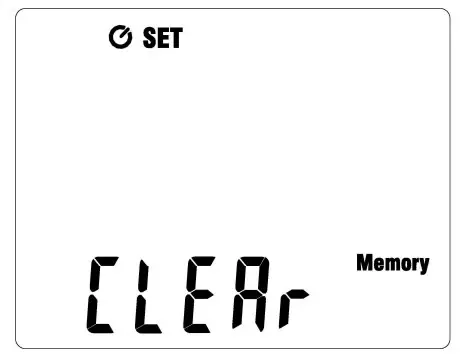
Memory Recall
Users can recall the memory data to show on the display.
Press andhold key into the RECALL mode.
The secondary display showed the memory location and primary display showed the storage velocity data.
Pressandkey to increase and decrease memory location.
If want to leave the recall mode, please press and holdkey to leave this mode.
Checking the LCD and Software Version
In the shutoff mode, Press and holdkey to turn on device and LCD will keep all dark continued. Starting device will show the software version about 1 second.
Battery Replacement
 WARNING
If the symbol “ ” appears on the LCD, please replace the battery immediately
Turn off the device and disconnect all test leads before replacing the battery.
Use only the correct type of batteries, properly installed in the case, to power the device.
PRECAUTIONS
Removing Probe (With LOCK) :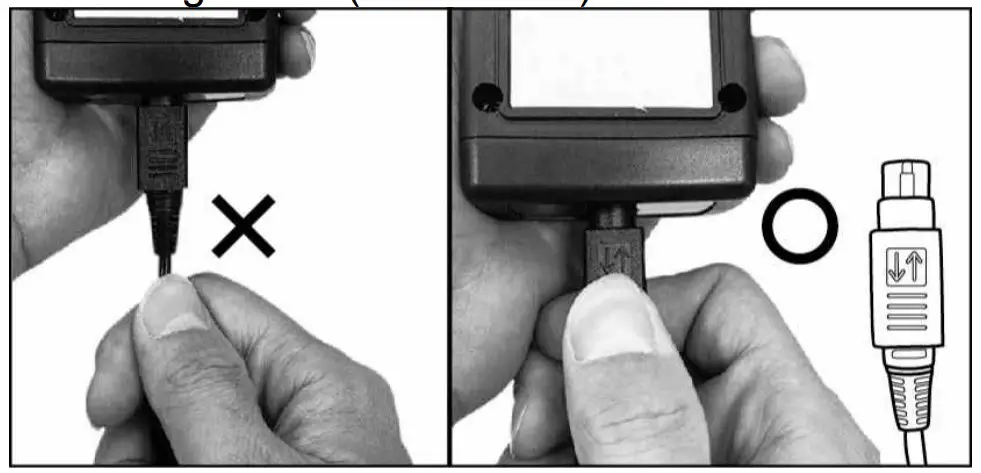
Specifications
Velocity(TM-402A~TM-404A):
| Unit | Range | Resolution | Accuracy |
| m/s | 0.4~20 | 0.1 | ±2﹪+0.2 |
| Km/hr(kph) | 1.5~72 | 0.1 | ±2﹪+0.8 |
| mph | 0.9~44 | 0.1 | ±2﹪+0.4 |
| Knots(kts) | 0.8~38 | 0.1 | ±2﹪+0.4 |
| ft/min(fpm) | 79~4000 | 1 | ±2﹪+40 |
| Beaufort | 1~8 | 1 | — |
Velocity(TM-411~TM-414):
| Unit | Range | Resolution | Accuracy |
| m/s | 0.4~30 | 0.1 | ±3﹪+0.2 |
| Km/hr(kph) | 1.5~106 | 0.1 | ±3﹪+0.8 |
| mph | 0.9~66 | 0.1 | ±3﹪+0.4 |
| Knots(kts) | 0.8~58 | 0.1 | ±3﹪+0.4 |
| ft/min(fpm) | 79~5866 | 1 | ±3﹪+40 |
| Beaufort | 1~8 | 1 | — |
Air Flow Calculation:
| Unit | Range | Resolution | Accuracy |
| CMM | 0~9999 | 1 | — |
| CFM | 0~9999 | 1 | — |
Temperature
| Unit | Range | Resolution | Accuracy |
| ºC | -20~60 | 0.1 | ±1ºC |
| ºF | -4~140 | 0.1 | ±1.8ºF |
Humidity:
| Unit | Range | Resolution | Accuracy |
| %RH | 20~80 | 0.1 | ±3.5%RH |
| %RH | <20 , >80 | 0.1 | ±5%RH |
Absolute Pressure:
| Unit | Range | Resolution | Accuracy |
| hPa | 350~1100 | 0.1 | ±2hPa |
| mmHg | 263~825 | 0.1 | ±1.5mmHg |
| inHg | 10.3~32 | 0.1 | ±0.1 |
- Display : 42mm(W) x33mm(L) Monochrome LCD with backlight
- Battery : 9V (NEDA 1604、IEC 6F22 or JIS 006P)
- Battery Lift : Approx continuous used 100 hours.
- Shutoff Rate Power : 3uA
- Operate Maximum Power : 25mA
- Operating temperature and humidity : 5ºCto 40ºC,below 80% RH.
- Storage temperature and humidity : -10ºC to 60ºC, below 70%.
- Instrument dimensions : 40(L)x 65(W)x 38(H) mm.
Weight : About 285g(TM-402A~403A).
About 240g(TM-404A).
About 296g(TM-412A~414A). - Probe dimensions (TM-402A~TM-404A) : 195(L) x47(W) x30(H) mm. Cable length : 95cm.
- Probe dimensions (TM-412A~TM-414A) : 135(L) x67(W) x31(H) mm. Cable length : 95cm.
- Weight : About 100g.
- Accessories : User’s manual x1, 9V battery x1, Probe x1, Bag x1′
End of life
 Caution:
This symbol indicates that equipment and its accessories shall be subject to a separate collection and correct disposal
Professional Electrical and Environment Test & Measurement Instruments:
Battery Capacity / Impedance Tester
LED light meter, Temperature & Humidity meter, Infrared Thermometer, Sound level meter
Light meter, EMF meter, UV Light meter, RF meter, Hot wire Anemometer, CO meter
Anemometer, Lan cable tester, CO2 meter, Solar power meter, Radiation meter,
Clamp meter, Multimeter, Phase Rotation test, Digital Insulation tester
Our products of high quality are selling well all over the world
TENMARS ELECTRONICS CO., LTD
6F, 586, RUI GUANG ROAD, NEIHU,
TAIPEI 114, TAIWAN.
E-mail: [email protected]
http://www.tenmars.com
 TENMARS