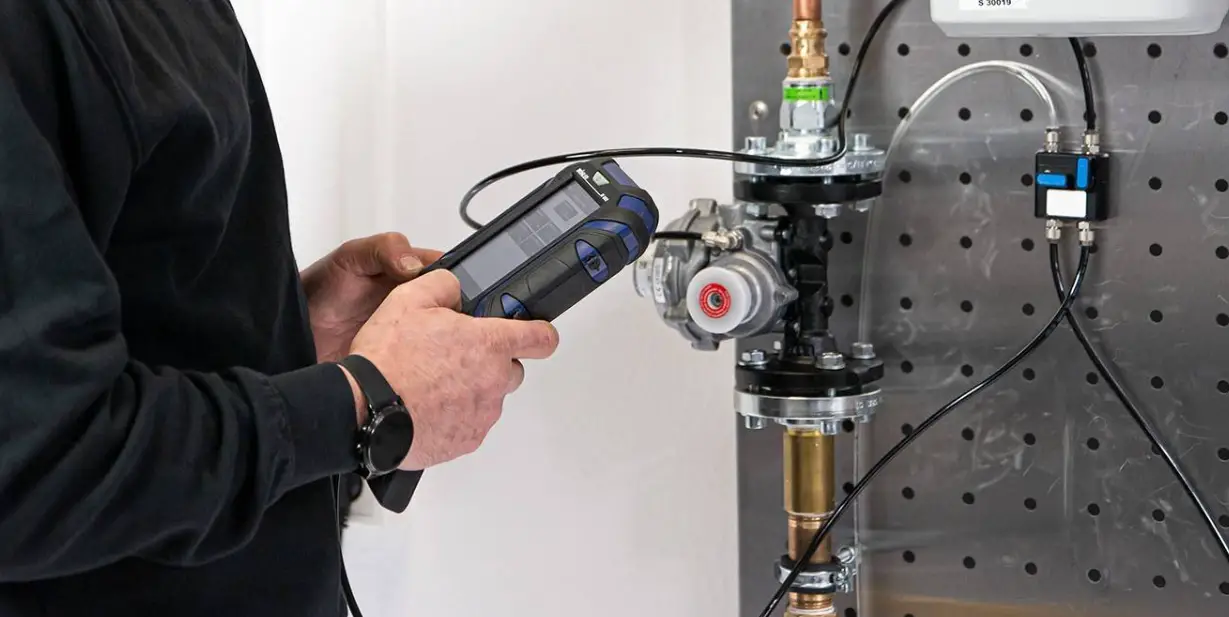
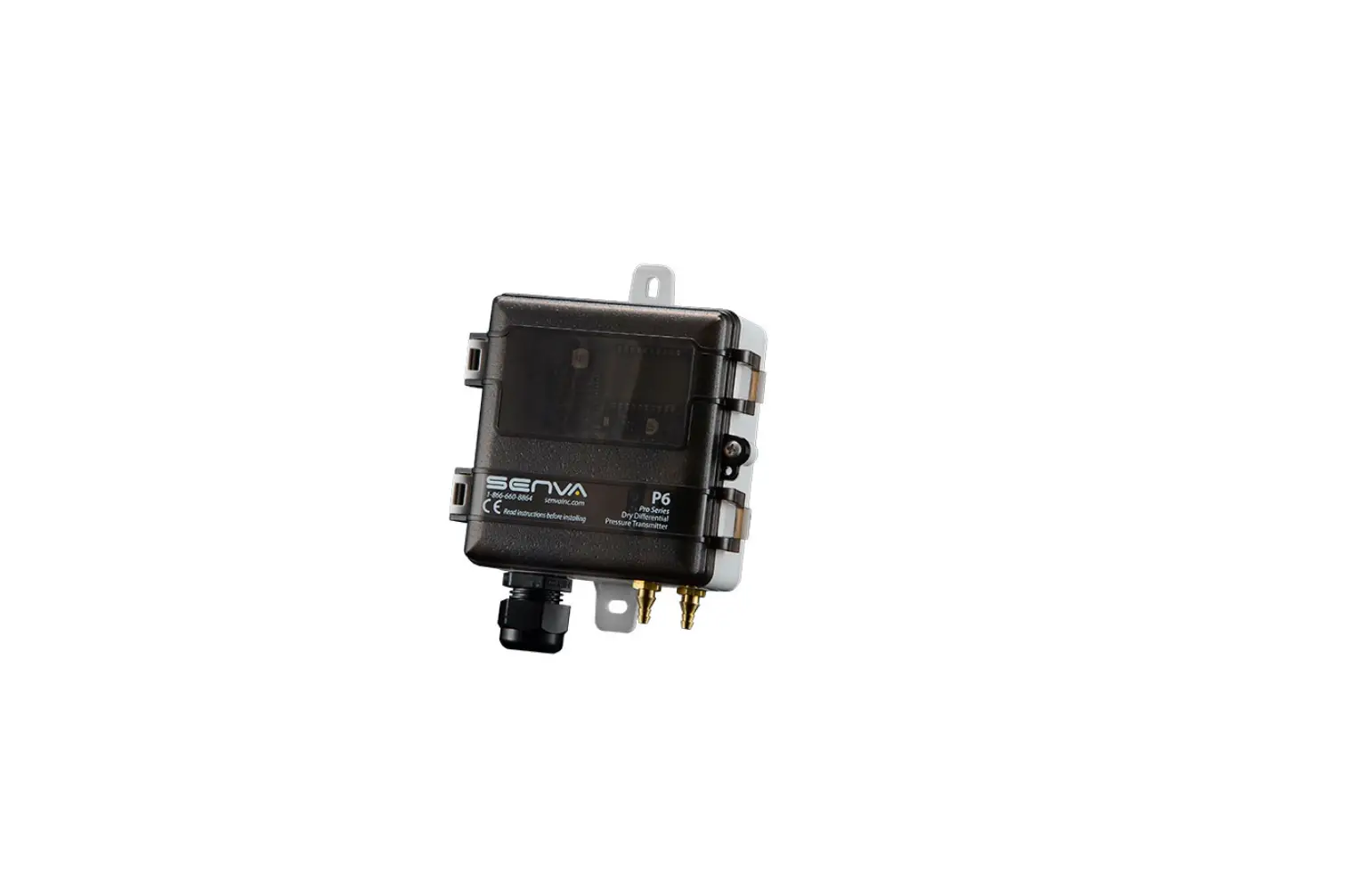
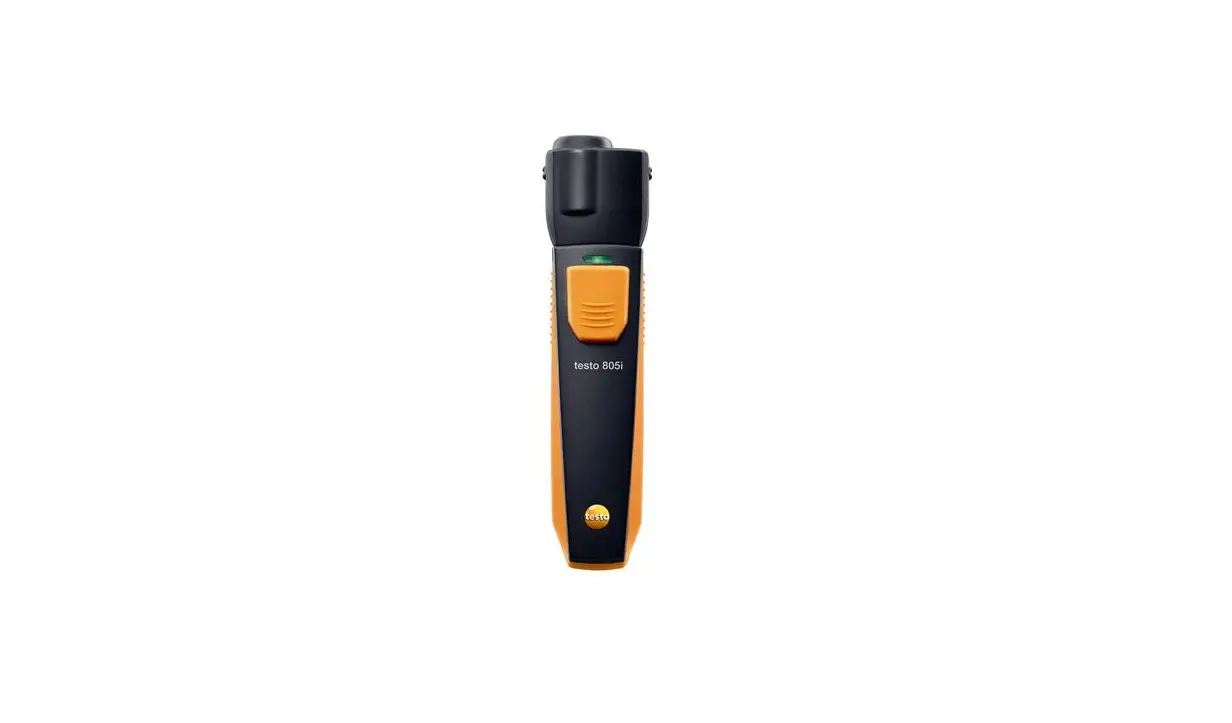
SP620 Differential Pressure Meter Smart Probe
Product Information
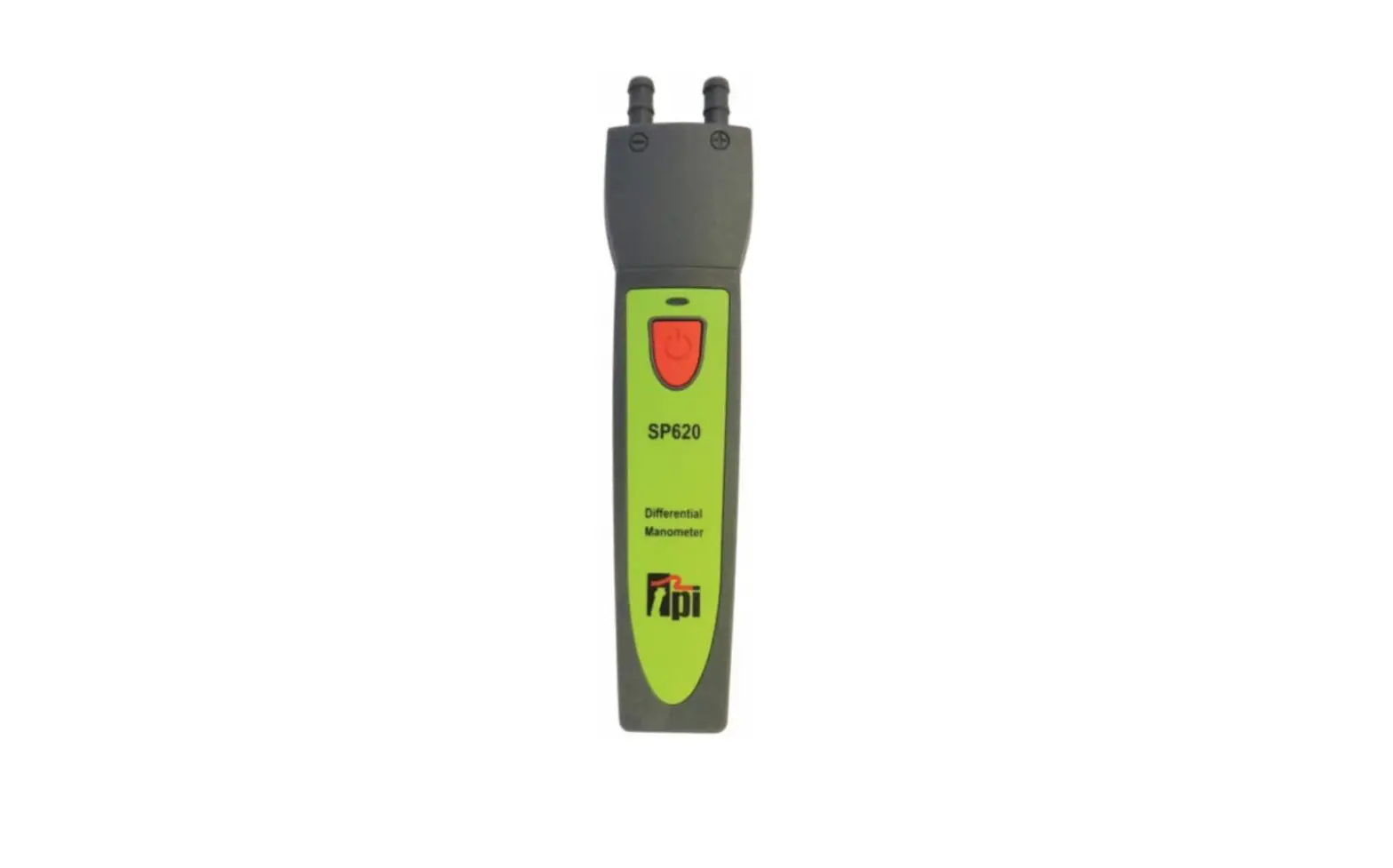
SP620 Differential Manometer Smart Probe
The SP620 is a Differential Manometer Pressure Smart Probe that
connects to your mobile device and uses the FREE TPI View App to
display differential pressure readings. It has been tested with the
following standards and is in compliance with the council RED
directive 2014/53/EU:
- EN 62479:2010
- EN 61326-1:2013
- EN 61010-1:2010
- ETSI EN 301 489-17 V3.1.1(2017-02)
- ETSI EN 301 489-1 V2.1.1 (2017-02)
- ETSI EN 300 328 V2.2.0 (2017-11)
The SP620 comes with a 3 year limited warranty and can perform
differential pressure measurements, Timed UK Let/By – Tightness
Test function, and UK Working Pressure Test.
Product Usage Instructions
- Ensure that the SP620 is not attached to a hot surface before
use. - Make sure that the pressure being measured does not exceed the
capability of the SP620. - Do not use the SP620 to measure liquid pressure.
- Download the FREE TPI View app from either the Apple App Store
or the Google Play Store. - Connect the SP620 to your mobile device using the TPI View
app. - To perform standard pressure/vacuum measurements, use the +
port only. To perform differential measurements, use both the + and
– ports. - Display, save, log, allocate to a specific job, export &
e-mail data in either pdf or csv format using the TPI View
app. - Clean the surface of the instrument with a damp cloth for
maintenance. - Replace the three AAA batteries when the low battery indicator
appears.
SP620 Differential Manometer Smart Probe
Test Products International, Inc.
Connects to smart phone and uses the FREE TPIView App
Perform differential pressure measurements Timed UK Let/By – Tightness Test function UK Working Pressure Test 3 Year Limited Warranty
Test the TPI Advantage
Visit www.tpieurope.com
TABLEOFCONTENTS
A. Introduction………………………………………………………………………………….. 1 B. Safety Considerations…………………………………………………………………… 1 C. Specifications………………………………………………………………………………. 2 D. Instrument Overview…………………………………………………………………….. 3 E. Maintenance………………………………………………………………………………… 4 F. Trouble Shooting…………………………………………………………………………… 4 G. Accessories…………………………………………………………………………………. 4 H. Warranty……………………………………………………………………………………… 5 I. Replacing Batteries………………………………………………………………………… 5
The SP620 has been tested with the following standards and is in compliance with the council RED directive 2014/53/EU: –
A. INTROdUCTION
1. Congratulations: Thank you for purchasing TPI products. The SP620 is easy to use and built to last. It is backed by a 3 year limited warranty.
2. Product Description: The SP620 is a Differential Manometer Pressure “Smart Probe”. It connects to your mobile device and uses the FREE TPI View App to display differential pressure readings. Data can be displayed, saved, logged, allocated to a specific job, exported & e-mailed in either pdf or csv.
3. Download either the FREE View app from either the Apple App Store or the Google Play Store
B. SAFETY CONSIdERATIONS 1. Never attach the SP620 to a hot surface. 2. Always ensure the pressure being measured does not exceed the capability of the SP620. 3. Never use the SP620 to measure liquid pressure. 4. Do not expose the unit to damp environments for extended periods of time.
1
C. SPECIFICATIONS
The SP620 has been tested with the following standards and is in compliance with the council RED directive 2014/53/EU: –
EN 62479:2010 EN 61326-1:2013 EN 61010-1:2010 ETSI EN 301 489-17 V3.1.1(2017-02) ETSI EN 301 489-1 V2.1.1 (2017-02) ETSI EN 300 328 V2.2.0 (2017-11) The relevent certificate can be viewed, downloaded and printed from the TPIwebsite at the following address: https://www.tpieurope.com/wp-content/uploads/2019/11/SP620-Certificate-of-Conformity.pdf 2
d. INSTRUMENTOVERVIEW
1. Input connection for pressure measurements. Inputs are marked + and -.
2. SP620 status LED indicator. Orange and blinking = Bluetooth not connected Green and blinking = Bluetooth connected Blinking Red with either of the above = Low battery
3. Power Key. Press and hold to turn the instrument on. Press and hold to turn the instrument off.
4. Built-in magnet. Attach to metal surfaces for hands free operation. Ensure surface is not hot.
5. Serial number location. Last three digits are the product identification number and marked in bold. Use this number to distinguish between models when several SP620’s are connected to a phone or tablet.
6. Screw to open battery compartment. Turn the screw counter clockwise until it is just above the compartment door. Lift on the screw to open the compartment.
The inputs are marked + and -. Any pressure connected to the – port will be subtracted from the + port. For standard pressure / vacuum measurements use the + port only. Use the + and – port when performing differential measurements.
3
E. MAINTENANCE
1. Clean the surface of the instrument with a damp cloth. 2. Replace the three AAA batteries when the low battery indicator appears.
F. TROUBLE ShOOTING
Symptom Pressure seems inaccurate.
Probable Cause
· Check tubing for kinks or cuts. · Low battery. · Ensure connection with smart
device is working.
SP620 does not turn on. SP620 displays “OL”.
· Dead or low batteries. · Not holding down power switch
until unit turns on. · Defective POWERONswitch.
· Pressure limit exceeded.
G. ACCESSORIES
Included Accessories
Part Number description
A620SP
Soft pouch
4
Optional Accessories
Part Number A925
A930
description Carrying case for 4 smart probes Carrying case for 1 or 2 smart probes
h. WARRANTY
This product is warranted to the purchaser against defects in material and workmanship for three years from the date of purchase.
Covered by Warranty: Repair parts and labor; or replacement of the product at company’s option. Normal transportation charges to the purchaser are also covered.
Not Covered by Warranty: Damages to the product which are the result of abuse, improper use or maintenance are not covered. Any other expense, consequential damages, incidental damages, or incidental expenses including damages to property are not covered. Transportation expenses to the company are not covered.
To Obtain Warranty Performance: Include with the product: your name, address, phone number, written description of the problem and proof of purchase date. Carefully package and return to:
TPI, Inc. 9615 SW Allen Blvd. Beaverton, OR 97005 USA 503-520-9197 www.testproductsintl.com
TPI Canada 342 Bronte Rd. S., Unit 6 Milton, Ontario L9T 5B7 Canada 905-693-8558 www.tpicanada.com
TPI, Europe Ltd.. Longley house, International drive Southgate Crawley West Sussex Rh10 6AQ England 44(0) 1293 530196 www.tpieurope.com
Implied Warranties: Any implied warranties including implied warranties of merchantability and fitness for a particular purpose, are limited in duration to three years from date of purchase. To the extent any provision of this warranty is prohibited by federal or state law and cannot be preempted, it shall not be applicable. This warranty gives you specific legal rights, and you may also have other rights which vary from country to country.
I. REPLACING BATTERIES
1. Turn the battery compartment screw counter clockwise until it is just above the compartment door. Lift on the screw to open the compartment.
2. Replace the three AAA batteries.
3. Re-install the battery cover and tighten the screw by turning it clockwise.
5
Thank You!!!!!
& Welcome to the TPI Family
We really appreciate you coming onboard, if you aren’t already, and look forward to serving you over the next few years, and
beyond. For the best experience head over to www.tpieurope.com,
create your account and register your product. Benefits include:
· Everything in one place · Create service, calibration and warranty/repair requests · Download certificates · Contact sales, support and customer service · Read correspondence from TPI including Service
updates · Manage your order history · Shop Online for accompanying products and spares
delivered direct to your door
Please do not hesitate to contact us by any of the following methods:-
Tel: 01293 530196 E-mail: [email protected] or [email protected]
Website: www.tpieurope.com inc. LIVECHAT Facebook: @tpieurope Twitter: @TPIEuropeLTD
Test Products International Europe Ltd.
Longley House, International Drive Southgate, Crawley, West Sussex RH10 6AQ
Tel:: +44 (0) 1293 530196 www.tpieurope.com
 Test Products International - USA
 TPI Canada
 TPI Europe