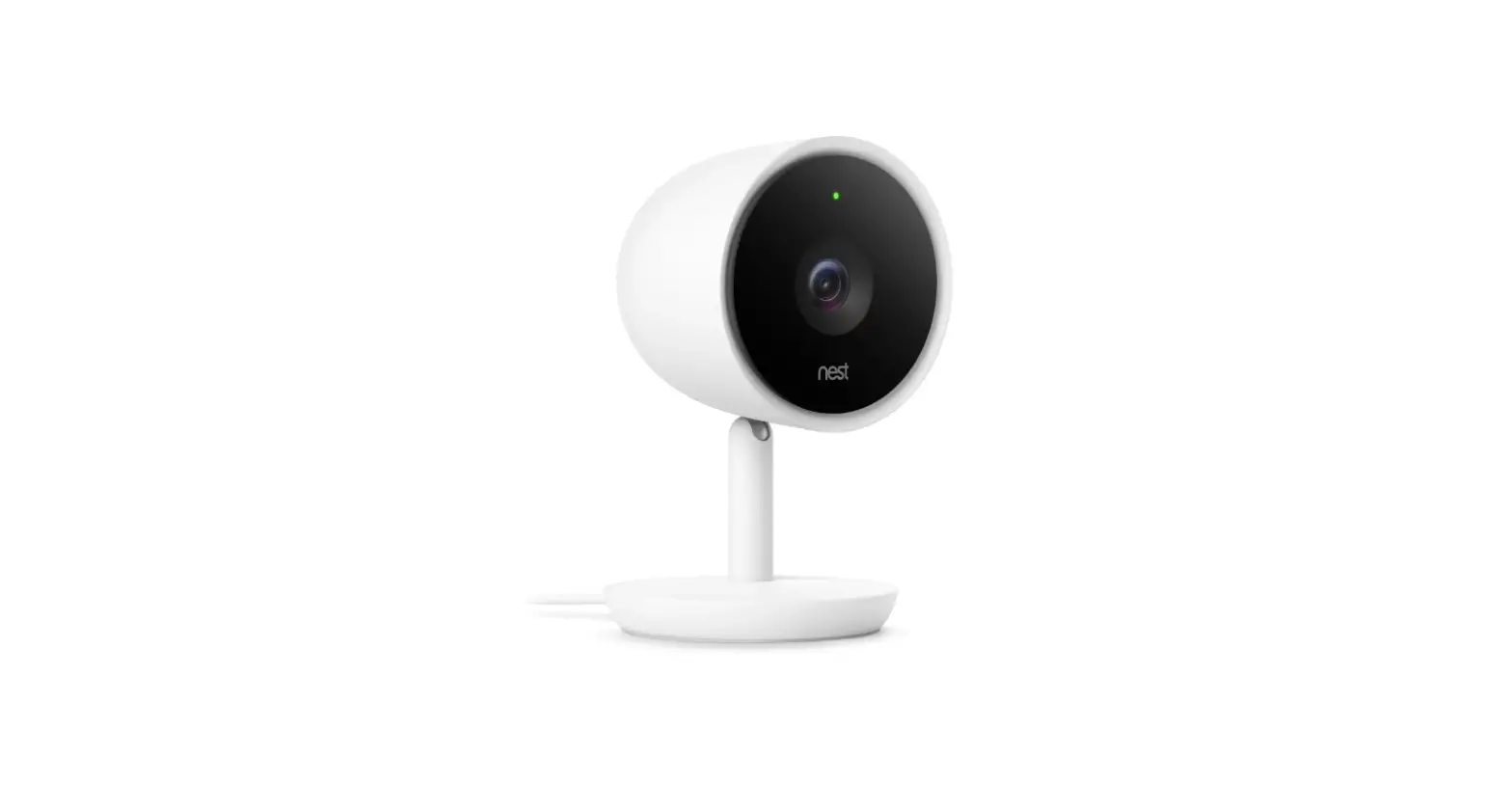

Google 385545654 Cam IQ Indoor Security Camera
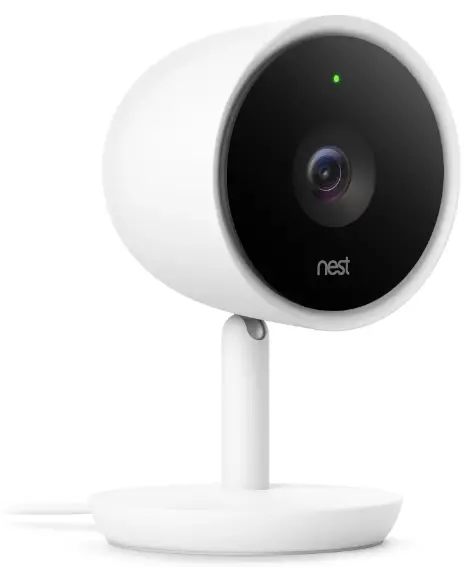
Product Information
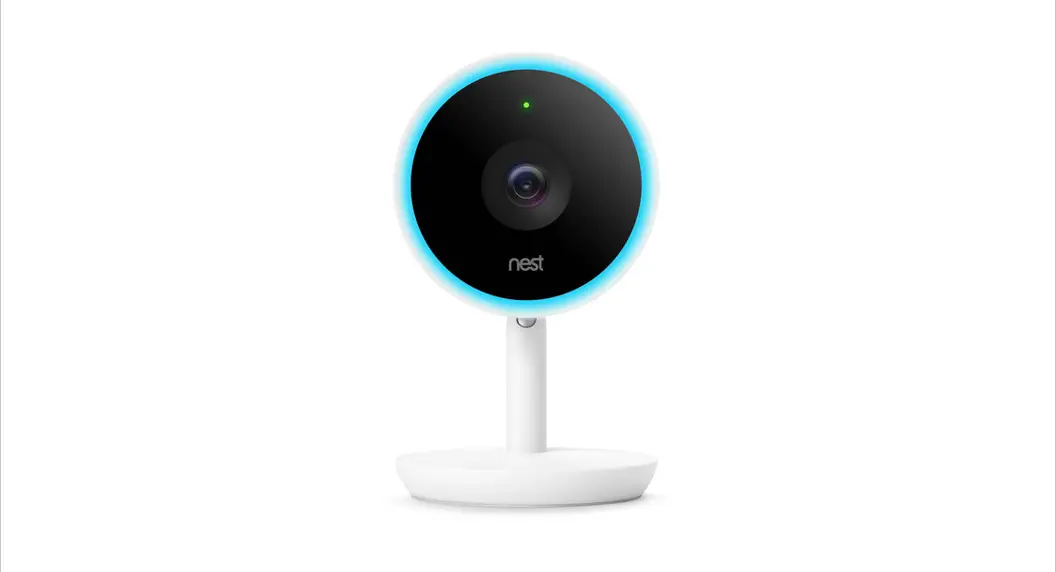
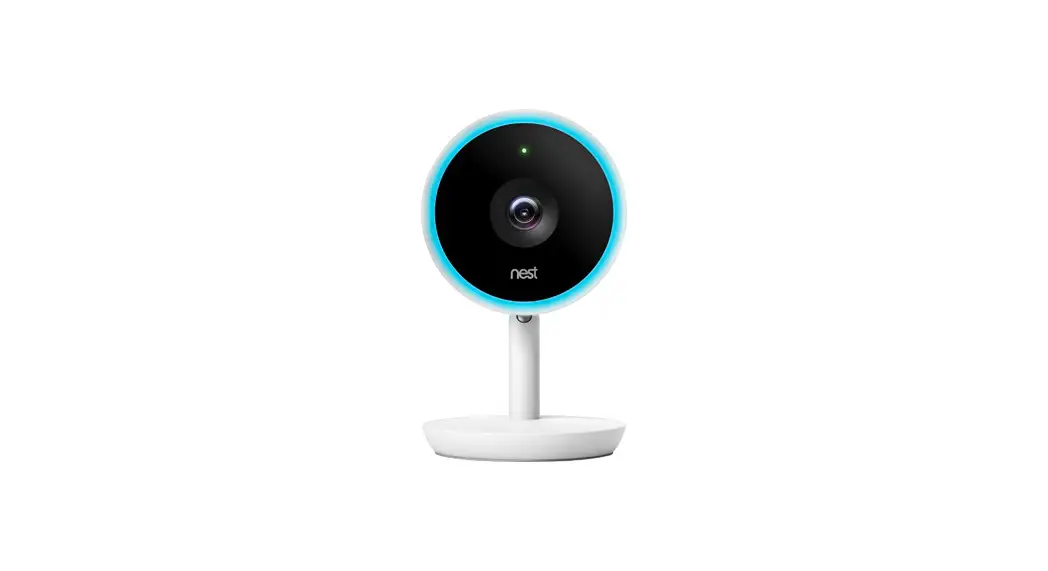
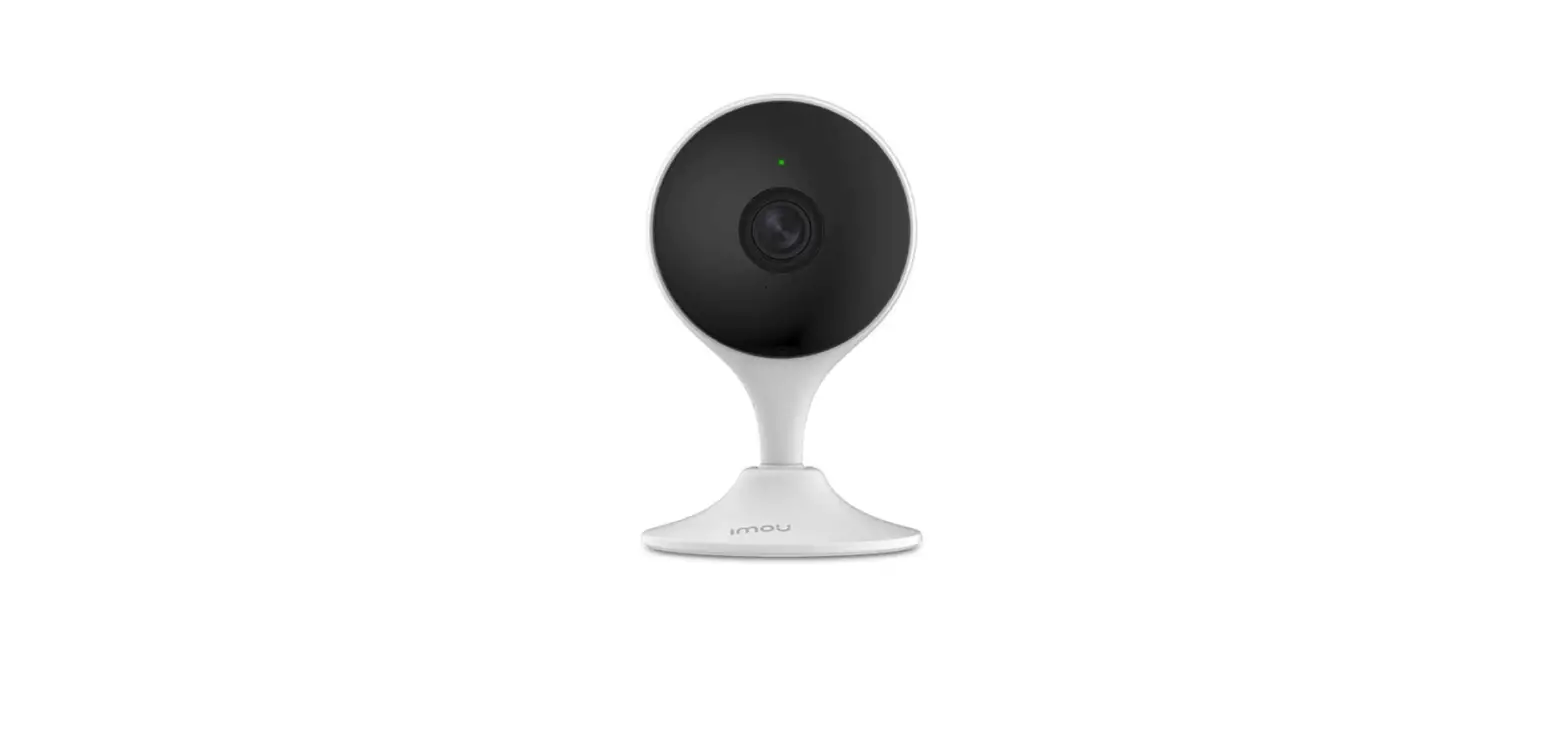
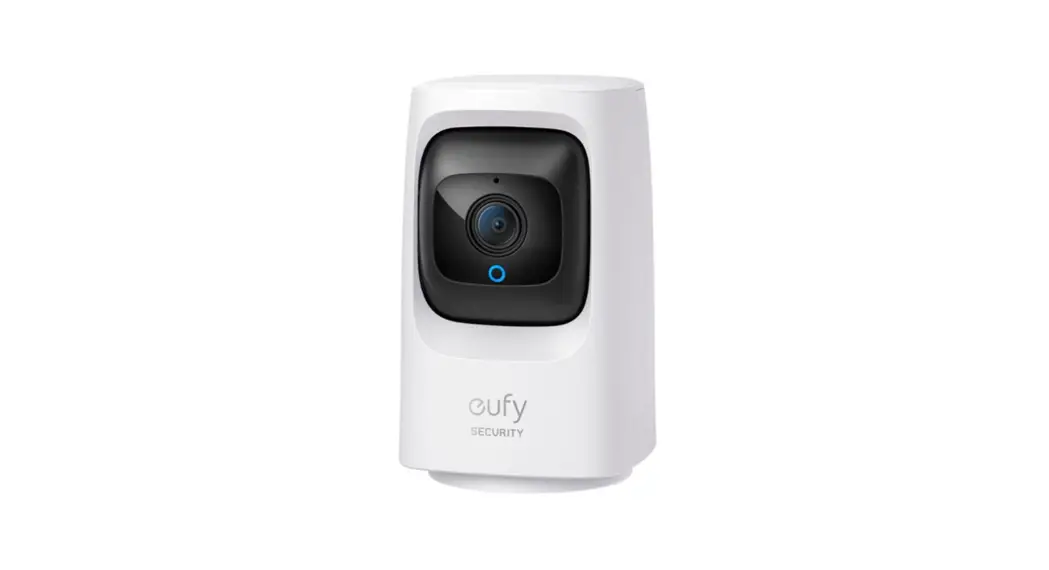
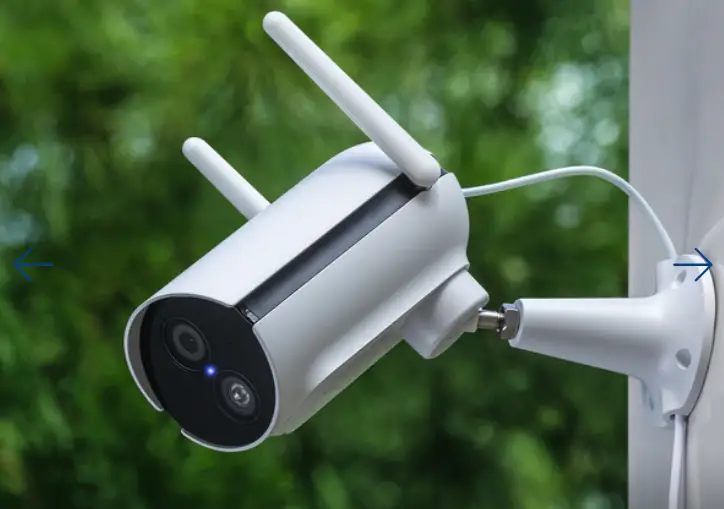
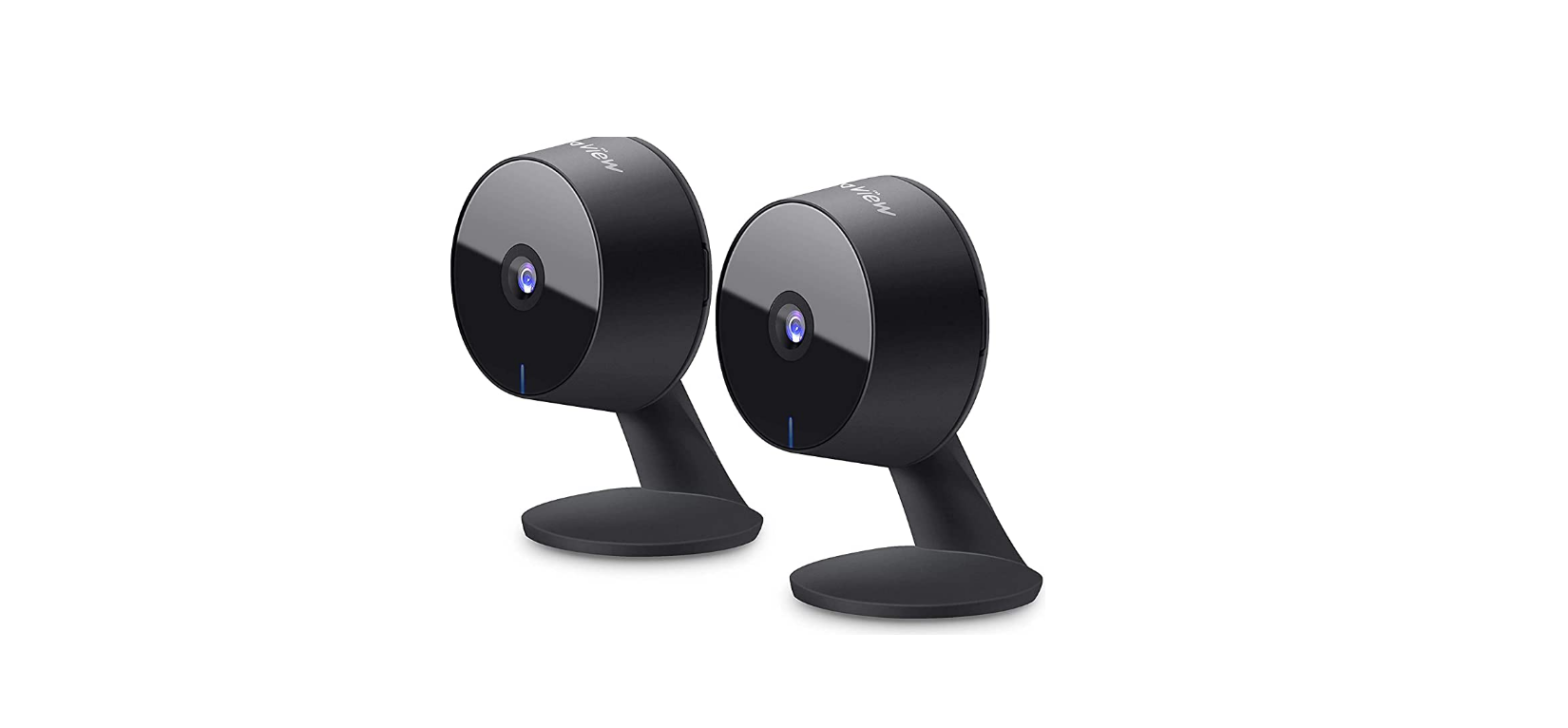
The Google Nest Cam is a home security camera that allows you to keep an eye on your home from anywhere. It comes with a base, power adaptor, wall screws, anchors, and a cable clip. The camera can be plugged into a socket and connected to the Google Home app for setup and management.
What’s Included:
- Nest Cam with base
- Power adaptor
- Wall screws
- Anchors
- Cable clip
Requirements:
You may need a screwdriver, drill, and ladder to install the Nest Cam.
Product Usage Instructions:
- Plug your camera into a socket.
- Download the Google Home app from your app store.
- Open the Google Home app and tap the “+” icon to add your camera.
- Follow the on-screen instructions to set up your camera.
Customer Support:
- If you need assistance with installation or have any questions about the product, visit g.co/nest/help for online help and support. For an installation video, visit g.co/nest/setupnestcam.
- If you require help with accessibility, visit g.co/disabilitysupport.
Note: Place and label QR code G953-01665-10-B on your product manual for easy access in the future.
Set up your Google Nest Cam
 Plug your camera into a socket
 Get the Google Home app
 Tap + to add your camera
 Plug your camera into a socket
 Get the Google Home app
 Tap + to add your camera
What’s included
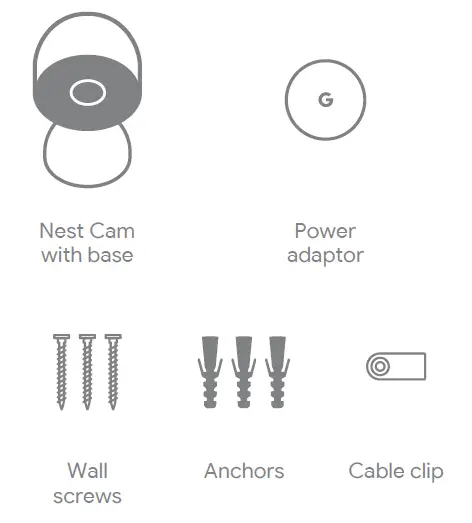
You may need a screwdriver, drill and ladder
We’re here for you
- For online help and support, visit g.co/nest/help
- For an installation video, visit g.co/nest/setupnestcam
- For help with accessibility,visit g.co/disabilitysupport