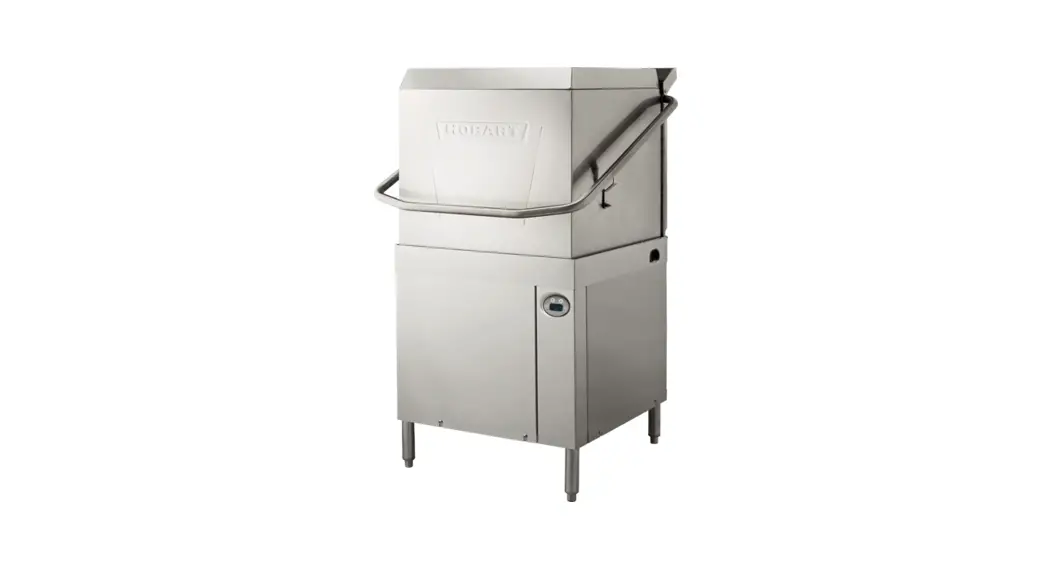
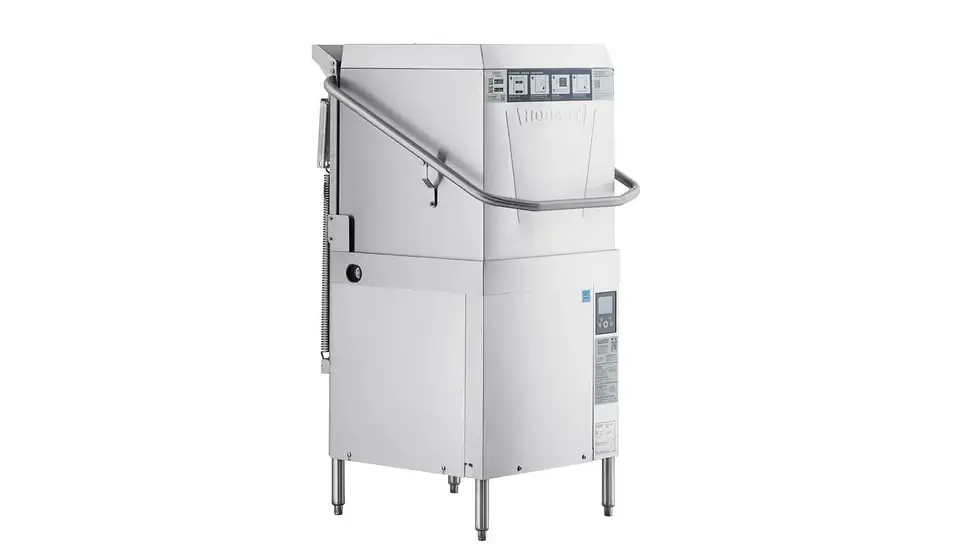
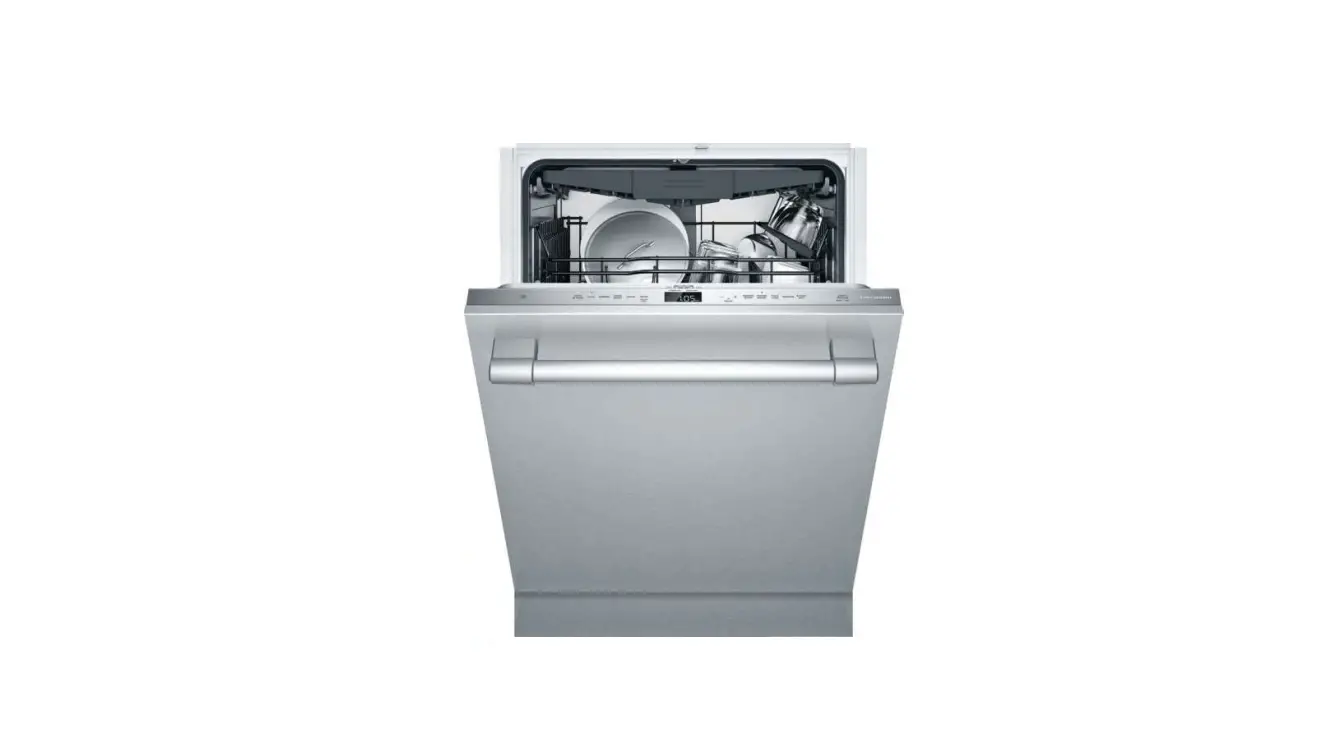
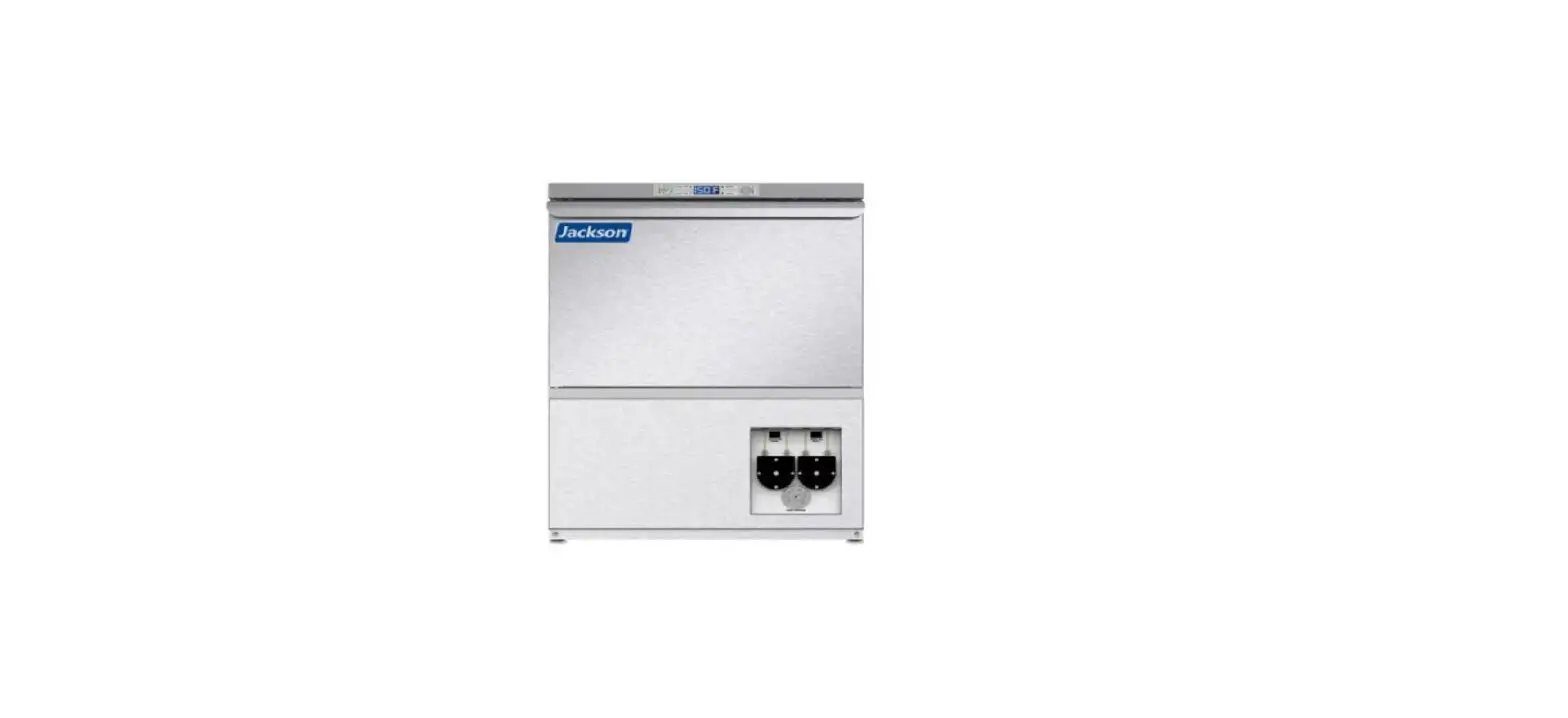
F48704 Warewasher
AM16X WAREWASHER
Operation & Cleaning Guide
Daily Operation
- Ensure strainer screen, scrap basket, and rack track are in
position in the dishwasher tank.
- Strainer
- Scrap Basket
- Rack Track
- The word FILL will be displayed.
wash water temperature.
serving ware; 2, 4 or 6 for heavier soiled items.
door.
temperature is displayed, along with the word WASH and a symbol.
During the rinse portion, the rinse water temperature will be
displayed, along with the word RINSE and a symbol.
Remove the rack of clean dishes.
Note: For end of day cleaning, complete steps 1
through 8 and leave the door open to allow the interior to air out
and dry.
Daily Cleaning
- Push the POWER button.
- The machine will drain automatically and the display will power
off.
Wash and rinse thoroughly.
- Strainer
- Scrap Basket
- Rack Track
- Stand Pipe
any remaining food soil.
any obstructions. If not, remove arms and clean out
obstructions.
- Replace stand pipe, strainer and scrap basket.
- Install wash and rinse arms (if removed).
- Replace rack track.
USE STEEL WOOL, A SCOURING PAD OR ABRASIVE MATERIAL TO CLEAN THE
MACHINE. DO NOT SPRAY THE EXTERIOR WITH A HOSE.
Note: For chemical sanitizing machines, follow
the instructions below:
- Place a serving bowl or mixing bowl upside down on a rack and
run it through a cycle. - After cycle, dip a sanitizer test strip into the water
collected on the surface of the bowl. - Compare the test strip to the test scale provided with your
testing kit. If the sanitizer level is out of limits (i.e. below 50
ppm or above 100 ppm), adjust the dosing. Refer to the AM16SCB
manual for adjustment instructions, or contact your chemical
provider.
Operational Tips:
- Use only commercial detergents and sanitizers with the
AM16X. - For machines with Hobart chemical pumps, when the machine is
out of chemical sanitizer, ADD SANITIZER and a WRENCH ICON will
display in the machine control screen, an alarm will sound and the
machine will automatically pause operation. To continue operation,
replace the chemical.
Contact Information:
701 S. Ridge Avenue, Troy, OH 45373 | Phone: (888) 378-1338 |
hobartcorp.com
F48704 (04/22)
AM16X WAREWASHER | Operation & Cleaning Guide
DAILY OPERATION
1 Ensure strainer screen, scrap basket, and rack track are in position in the dishwasher tank. A A
Strainer
Scrap Basket
Rack Track
2 Close the door and push the POWER button.
B
The word FILL will be
displayed. B
3 When fill is complete, the readout will display
C
ready and the wash
water temperature.
4 Press the CYCLE button C to select the wash cycle: 1 for normal serving ware; 2, 4 or 6 for heavier soiled items.
5 Open the door and slide the rack into the machine. Close the door.
6 Throughout the wash portion of the cycle, the wash water temperature is displayed, along with the word WASH and a symbol. During the rinse portion, the rinse water temperature will be displayed, along with the word RINSE and a symbol.
7 When the rinse cycle is complete, the rinse symbol disappears. Remove the rack of clean dishes.
© 2022 Hobart
SCAN TO WATCH INSTRUCTIONAL VIDEO
Wash/Rinse arm Rack track
Wash/Rinse arm Scrap basket Strainer
DAILY CLEANING
1 Push the POWER button. B 2 The machine will drain automatically
and the display will power off.
3 Open the machine door. 4 Remove rack track, strainer and scrap
basket; and stand pipe. Wash and rinse thoroughly. A
5 Thoroughly cleanse and flush the dish washer interior. Remove any remaining food soil.
6 Make sure wash and rinse arms rotate freely and are clear of any obstructions. If not, remove arms and clean out obstructions.
7 Reassemble the machine: a. Replace stand pipe, strainer and scrap basket. b. Install wash and rinse arms (if removed). c. Replace rack track.
8 Wipe down machine exterior with a clean, wet dishcloth. DO NOT USE STEEL WOOL, A SCOURING PAD OR ABRASIVE MATERIAL TO CLEAN THE MACHINE. DO NOT SPRAY THE EXTERIOR WITH A HOSE.
NOTE: For end of day cleaning, complete steps 1 through 8 and leave the door open to allow the interior to air out and dry.
FOR CHEMICAL SANITIZING MACHINES
1 Place a serving bowl or mixing bowl upside down on a rack and run it through a cycle.
2 After cycle, dip a sanitizer test strip into the water collected on the surface of the bowl.
3 Compare the test strip to the test scale provided with your testing kit D . If the sanitizer level is out of limits (i.e. below 50 ppm or above 100 ppm), adjust the dosing. Refer to the AM16SCB manual for adjustment instructions, or contact your chemical provider.
D
Stand pipe
Wash tank
OPERATIONAL TIPS
Use only commercial detergents and sanitizers with the AM16X.
NOTE: For machines with Hobart chemical pumps, when the machine is out of chemical sanitizer, ADD SANITIZER and a WRENCH ICON will display in the machine control screen, an alarm will sound and the machine will automatically pause operation. To continue operation, replace the chemical.
701 S. Ridge Avenue, Troy, OH 45373 | Phone: (888) 378-1338 | hobartcorp.com
F48704 (04/22)
 Premier Foodservice Equipment | Hobart