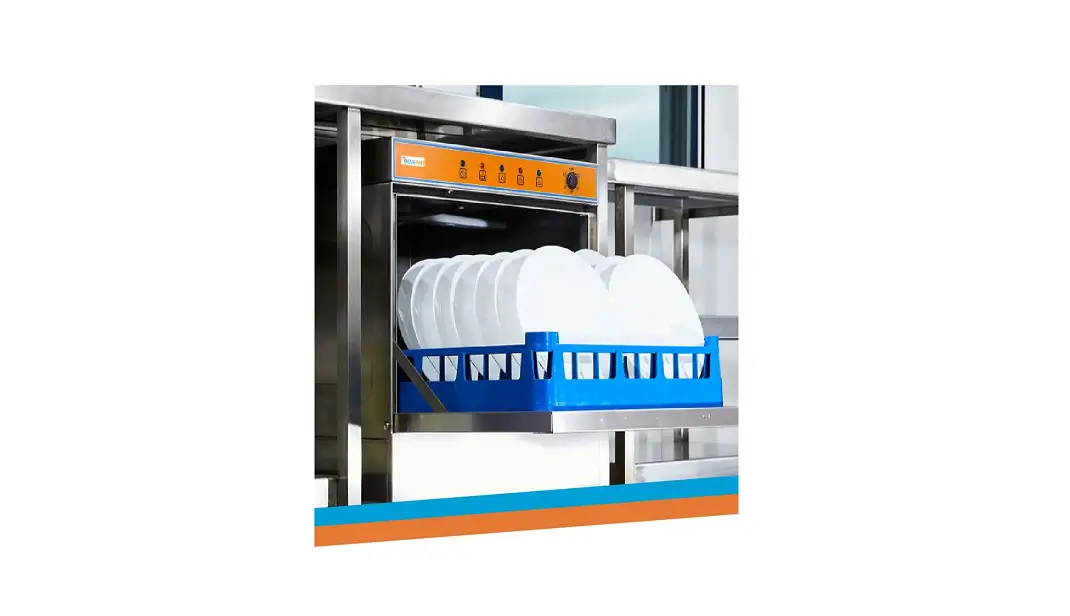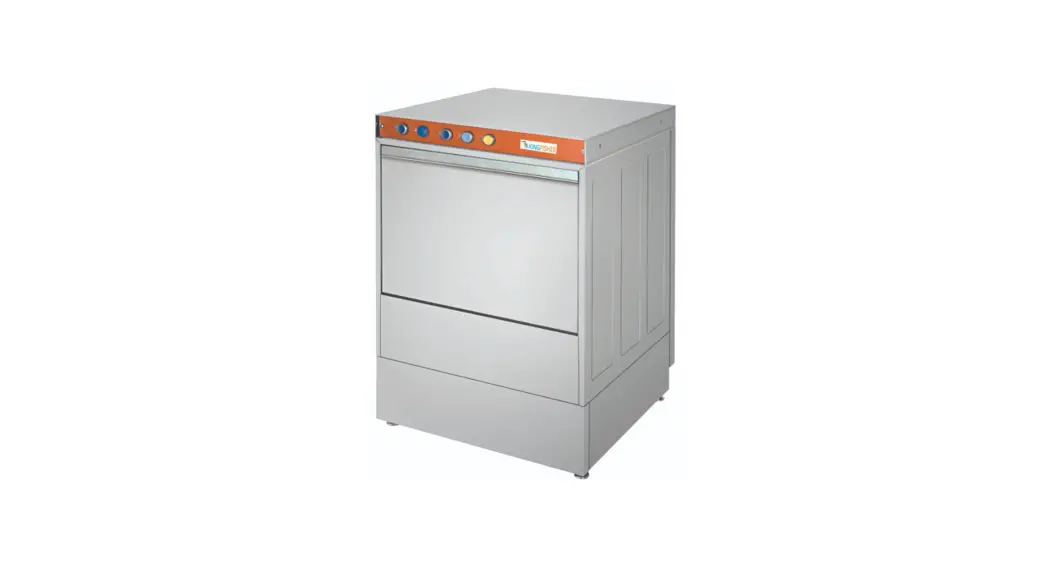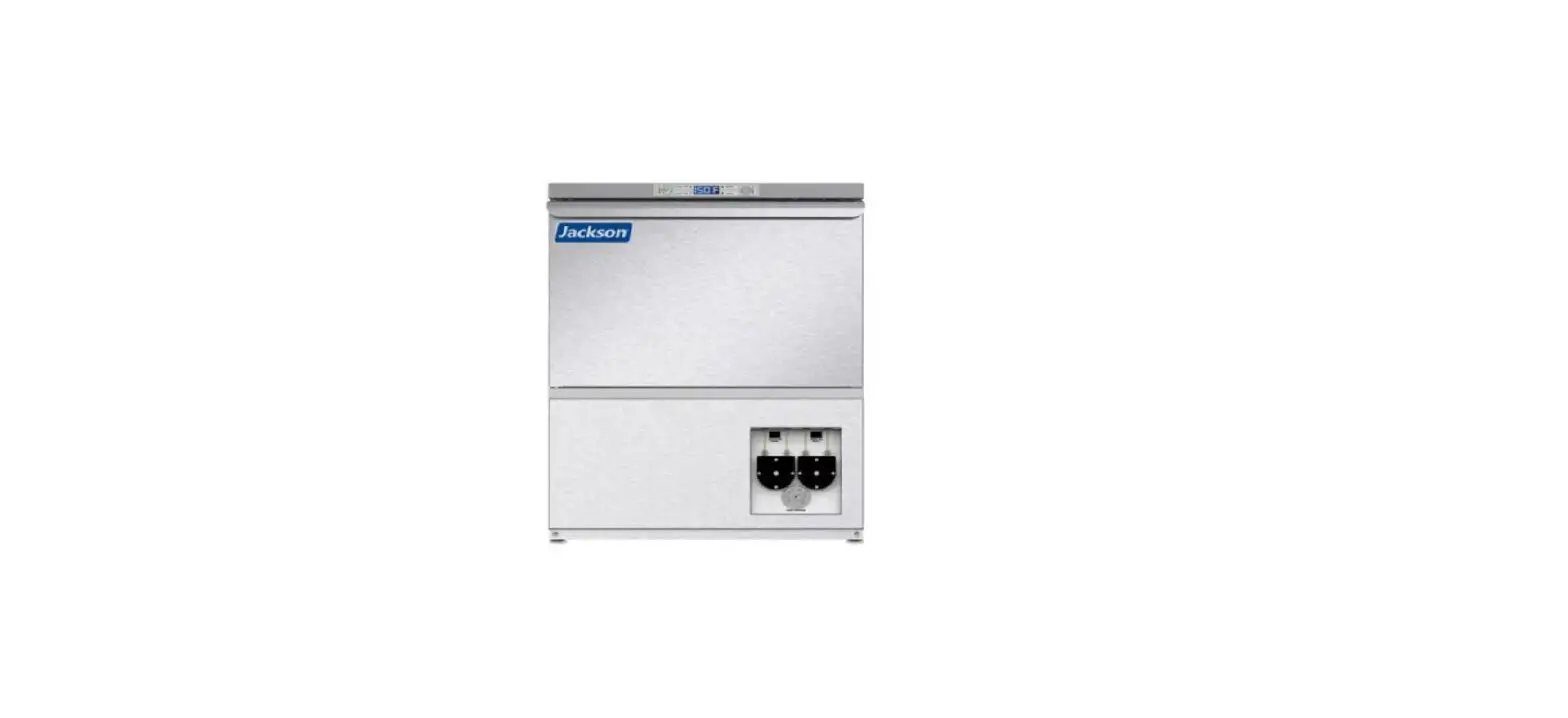

Jackson NXP-HTU Warewashing Systems
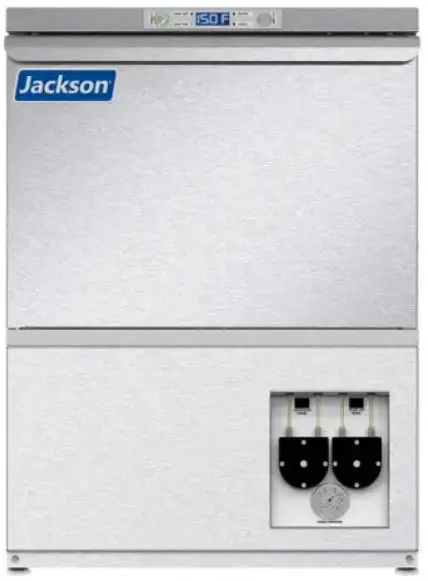
PREPARING
Check Machine
Before operating the machine, verify the following:
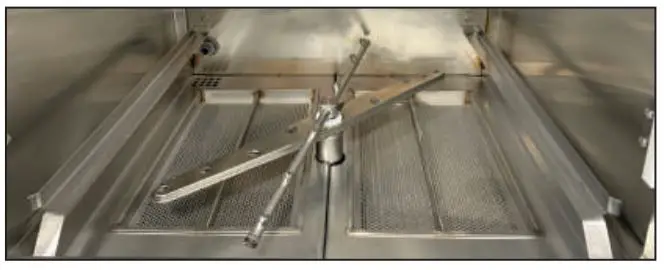
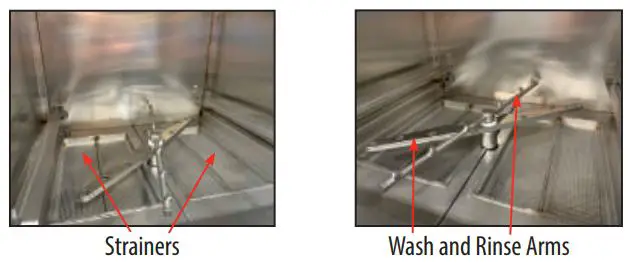
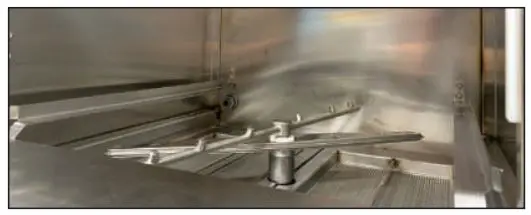
- Strainers are in place and clean.
- Wash and rinse arms are screwed securely into place and end-caps are tight.
- Wash and rinse arms rotate freely.
Check Chemical Supplies
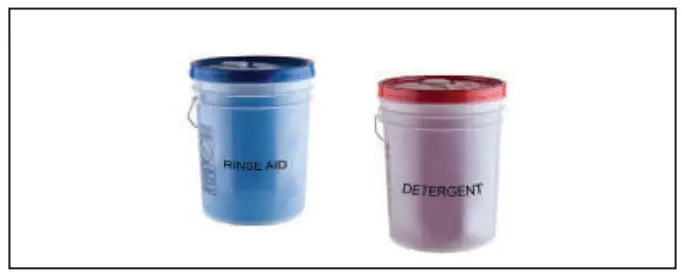
- Check detergent and rinse-aid levels in containers.
- Replace if empty and prime lines (see manual).
For the NXP-HTU/LTU manual, scan code or go to our website

Fill Machine
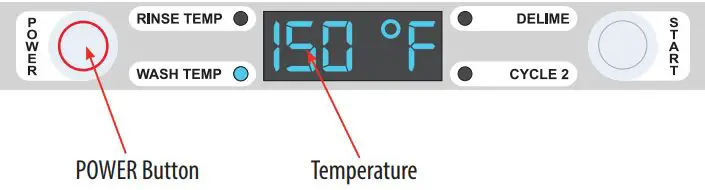
- Close door.
- Push POWER button.
- Machine will automatically begin to fill.
- Once wash tub is filled, wait until wash temperature is at least 150 °F before operating (120 °C for LTU).
WASHING
Pre-Scrapping
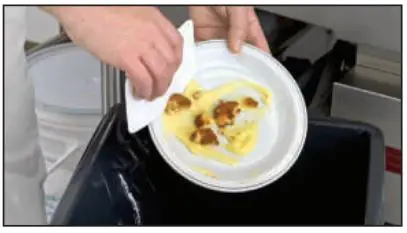
- Dump and hand-scrape dishware to remove foodsoil and other debris.
- Soak in warm water if necessary to loosen food particles.
- Place scrapped ware into dishrack.
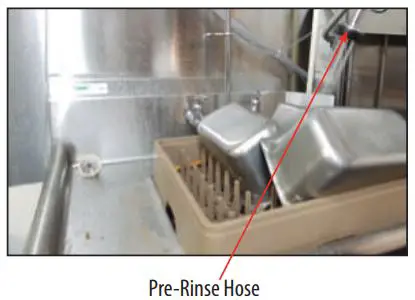
- Rinse ware with a pre-rinse hose.
Pre-Soaking Utensils
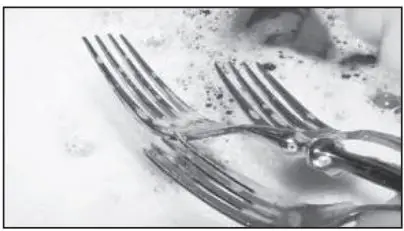
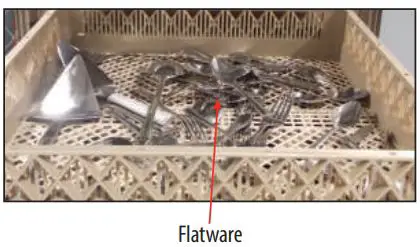
- Fill sink with hot water and add presoak solution.
- Immediately place flatware in the sink.
- Soak flatware 15-30 minutes (no longer).
- Place flatware in proper rack and rinse .
- DO NOT ALLOW PRESOAK SOLUTION IN DISHMACHINE
- Wash flatware in machine.
Washing & Storage
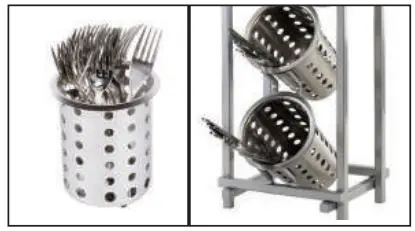
- When wash is complete, remove and shake rack to remove excess water.
- Sort flatware into cylinders, handle down, and wash a second time.
- Place flatware in clean cylinders with handles up.
Washing a Rack of Ware
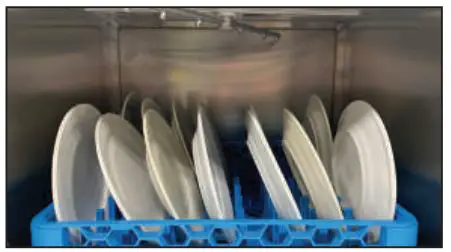
- All dishes, cups, and flatware should be placed in proper racks.
- DO NOT OVERLOAD RACKS
- Open door.
- Load rack into machine.
- Close door.

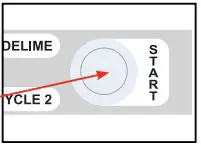
- Push START button.
- LED turns green and wash cycle begins.
- After wash cycle, machine enters rinse cycle (then sanitizing cycle on LTU).
- Once complete, LED turns red and total cycle is complete.
- Inspect strainer regularly to ensure it’s not clogged.
CLEANING
Cleaning
- Close door.
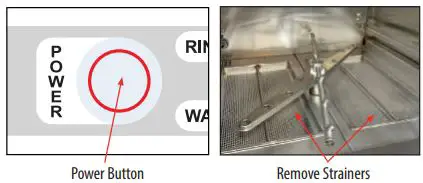
- Turn machine off by pushing POWER button.
- Drain pump will activate and empty machine of water.
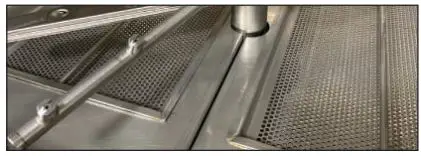
- When draining stops, open door, remove and clean strainers, and set aside.
Wash & Rinse Arms
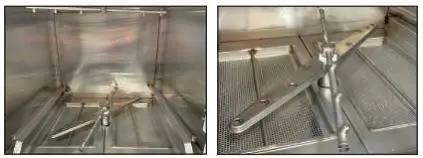
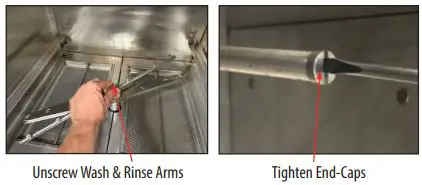
- Unscrew wash and rinse arms from manifolds.
- Verify nozzles and arms are free from obstructions. If clogged, remove end-caps, clean nozzles with a brush, and flush with fresh water.
- Replace end-caps and ensure they are tight.
After Cleaning
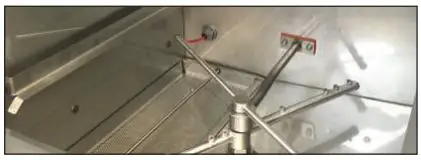
- Spray or wipe out interior of machine.
- Replace wash and rinse arms.
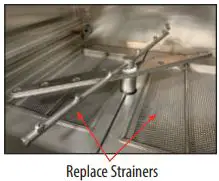
- Replace strainers and ensure they are laying flat.
- Use stainless steel polish to clean and protect outside of machine.
DELIMING
- Remove rinse arms and place in sink with deliming solution.
- Replace rinse arms.
- Follow Fill Machine instructions above.
- Open door, add deliming solution, and close door.

- Wait five minutes and inspect the machine. If not delimed, run again.

- Run two normal cycles to remove residual deliming solution.
- Machine is now ready for operation.


Contact
- 1.888.800.5672
- www.jacksonwws.com
 Jackson WWS – Built to specification. Energy efficient. Built to last.