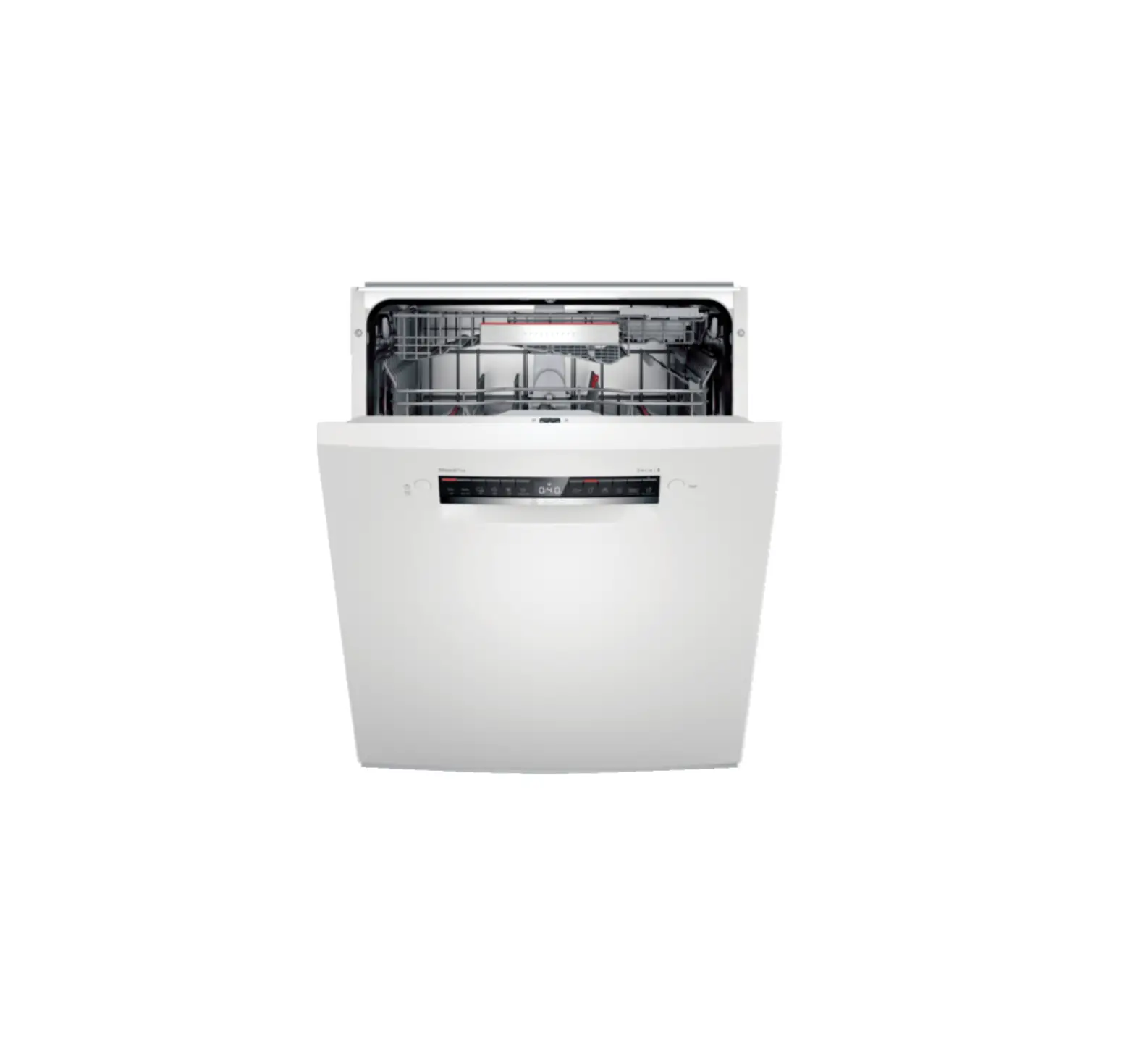
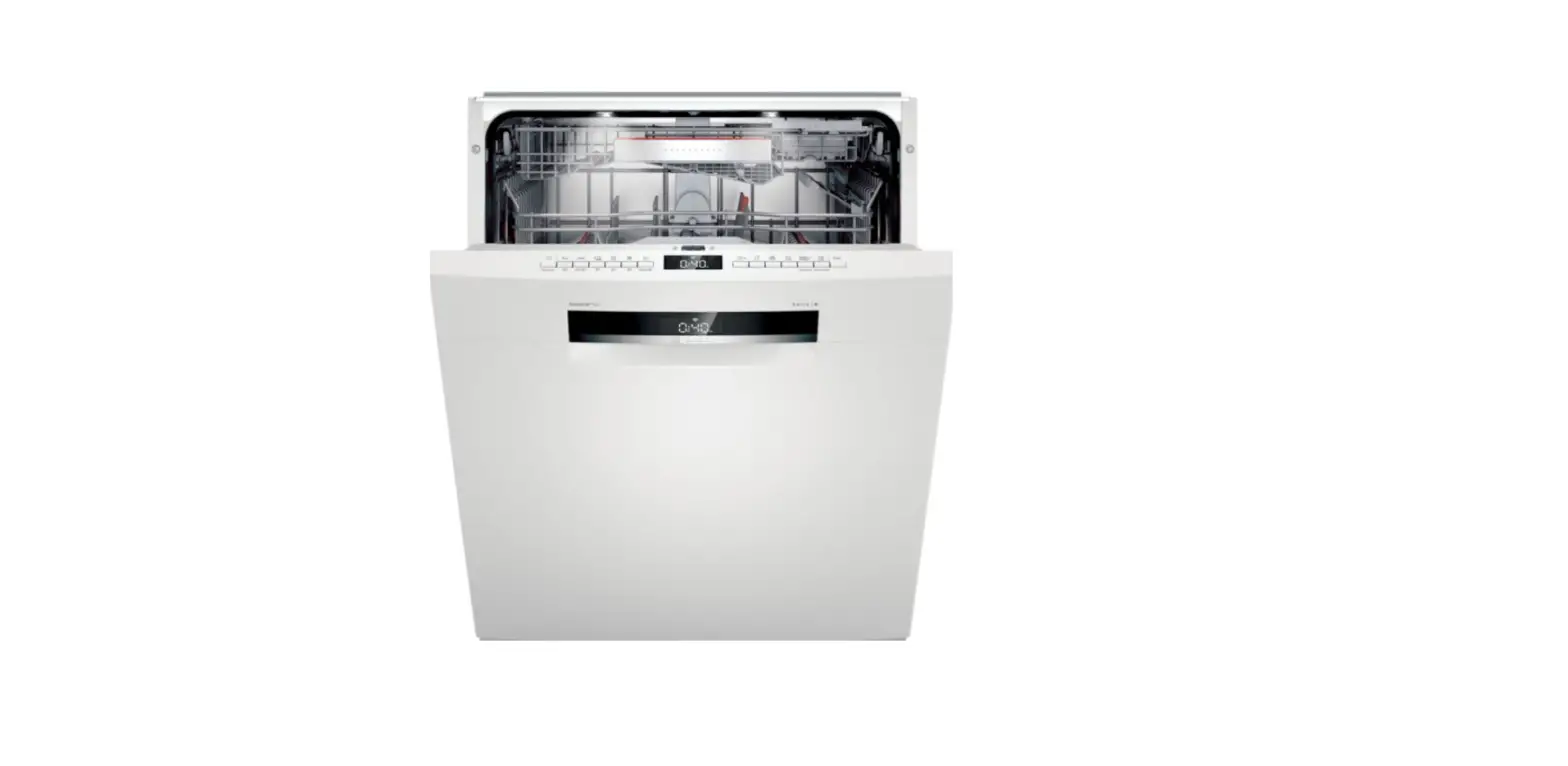
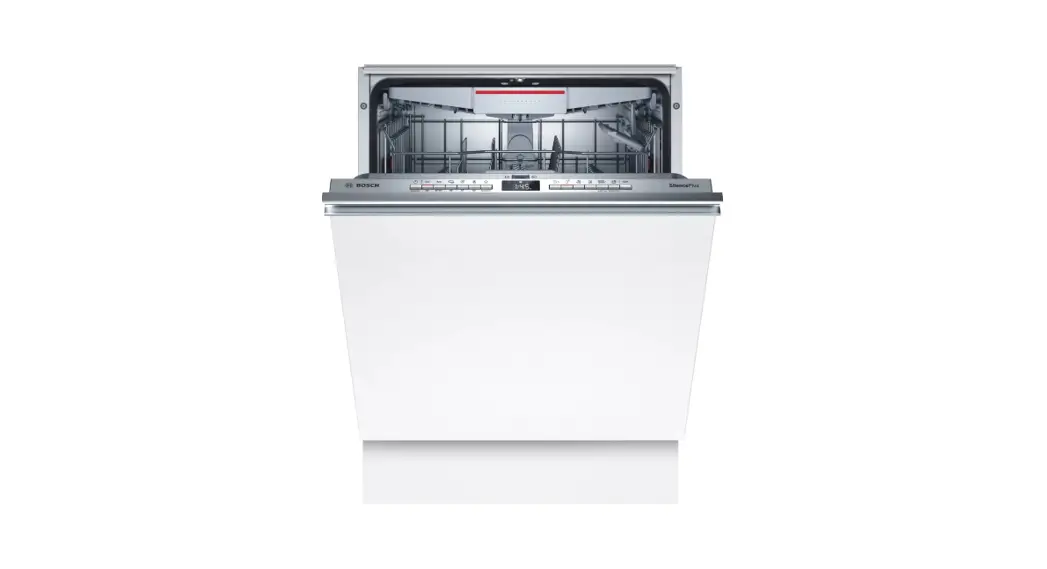
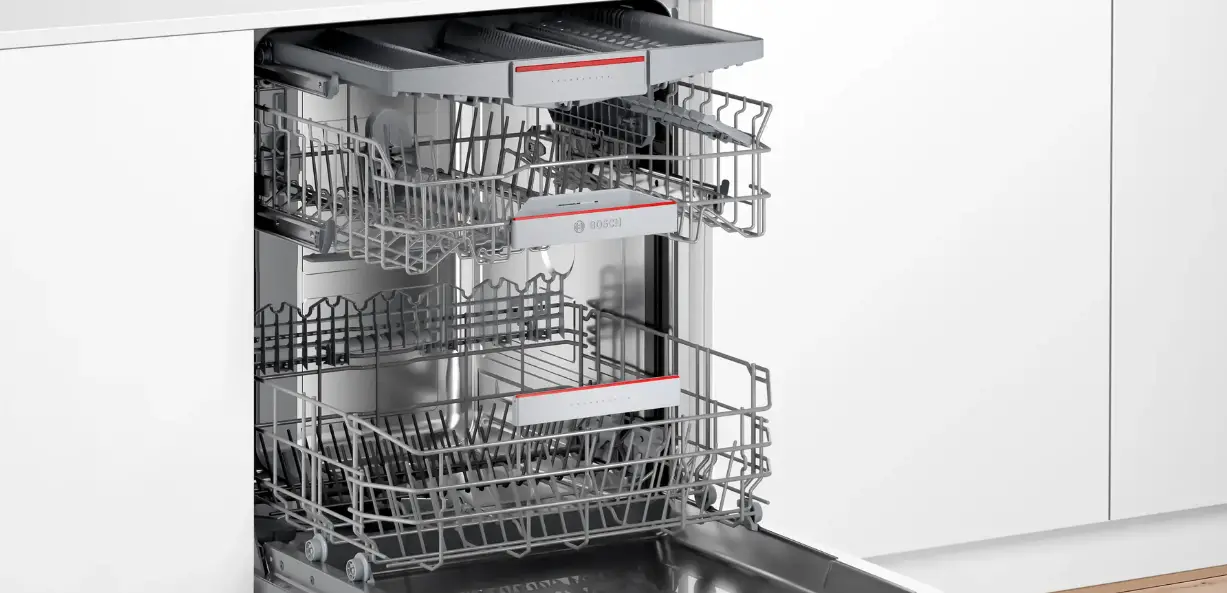
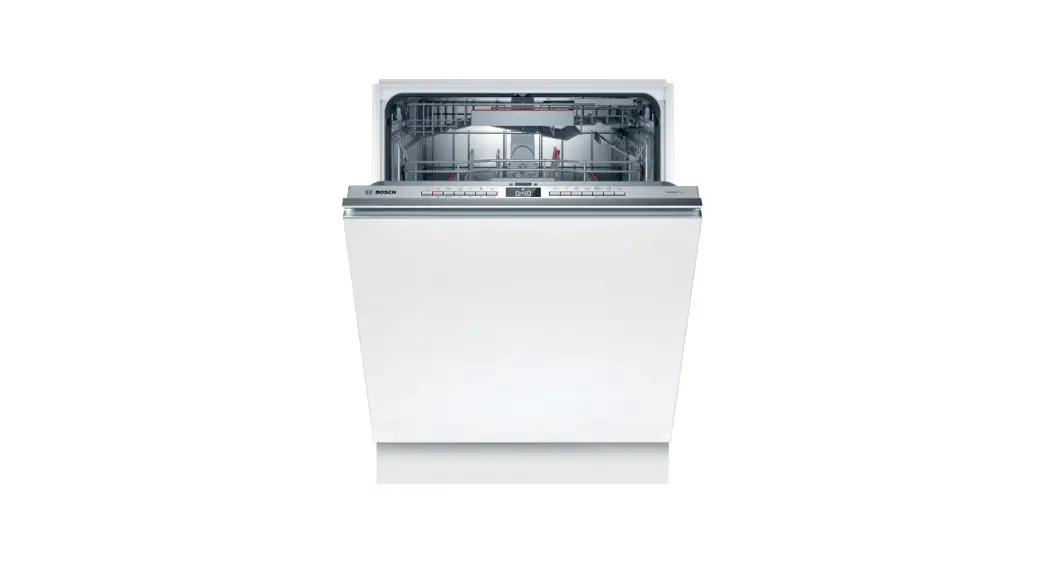
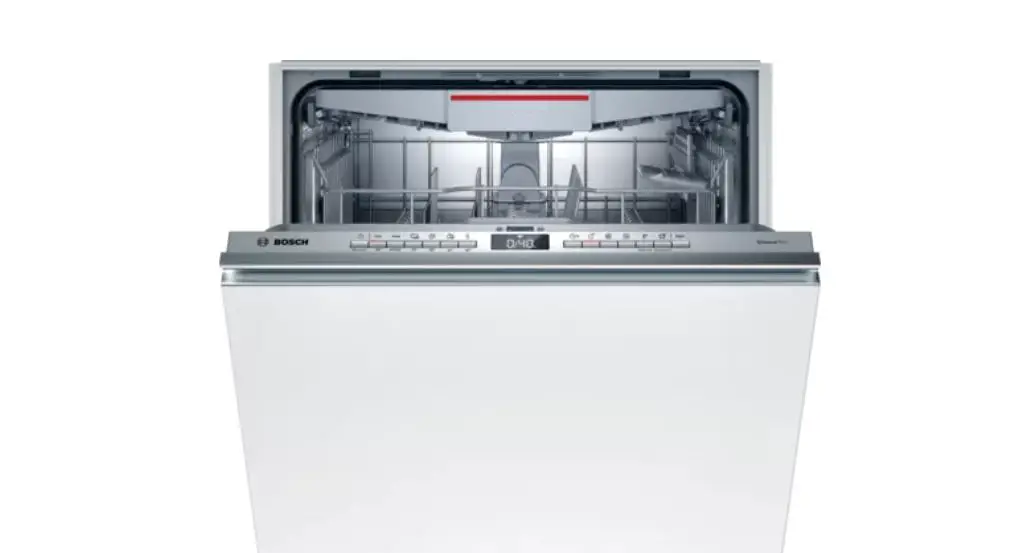
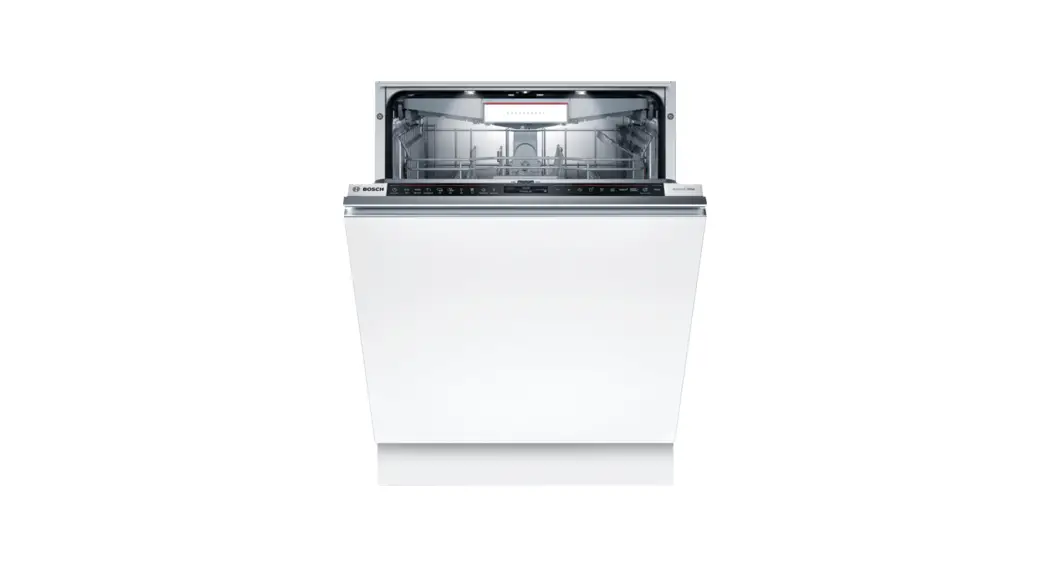
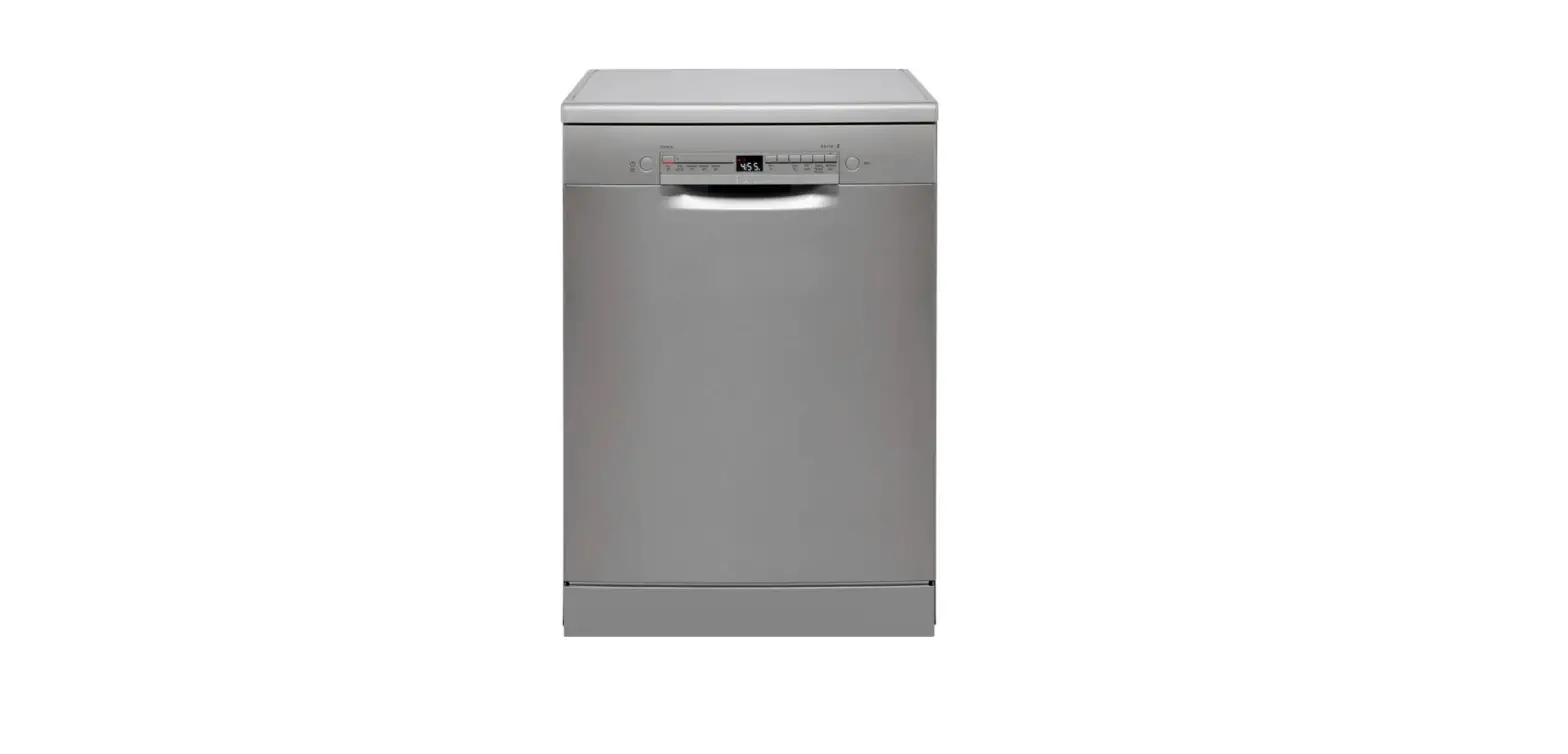
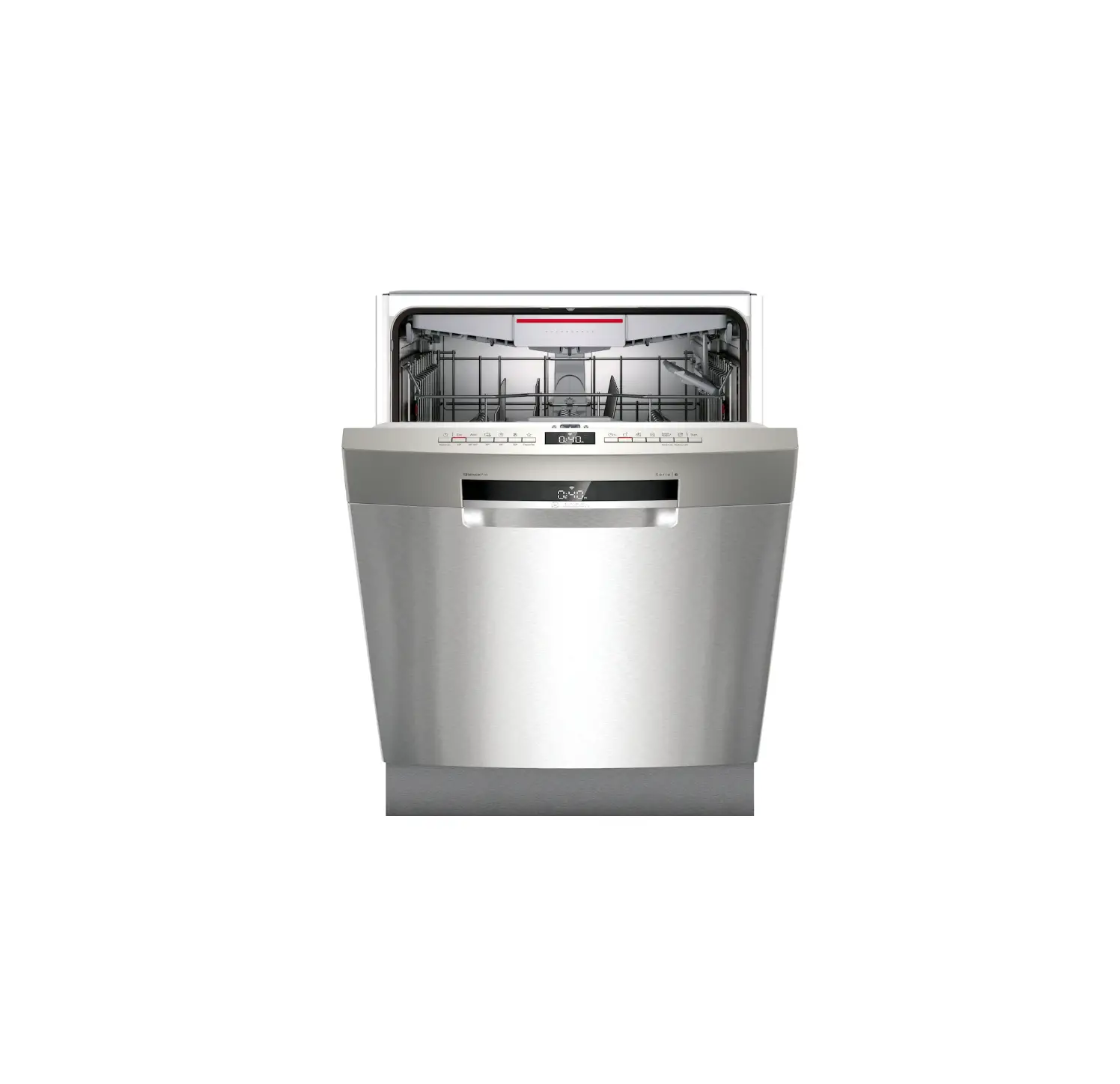
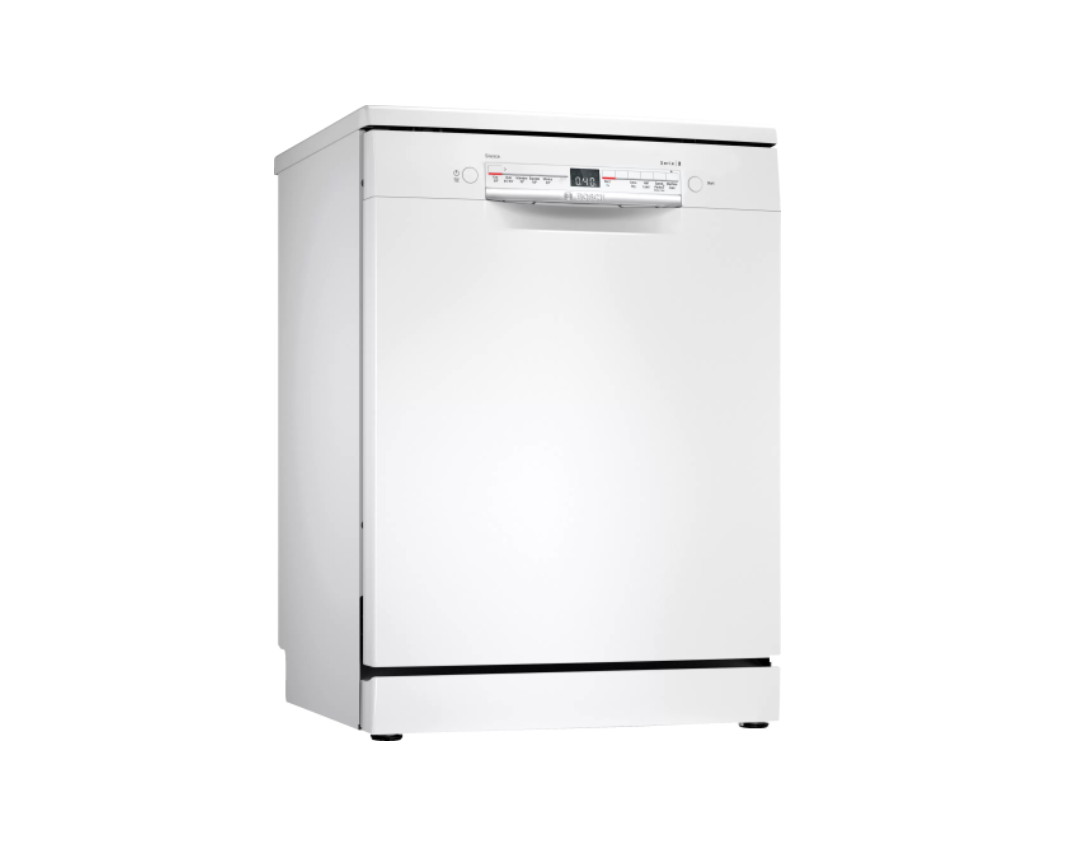
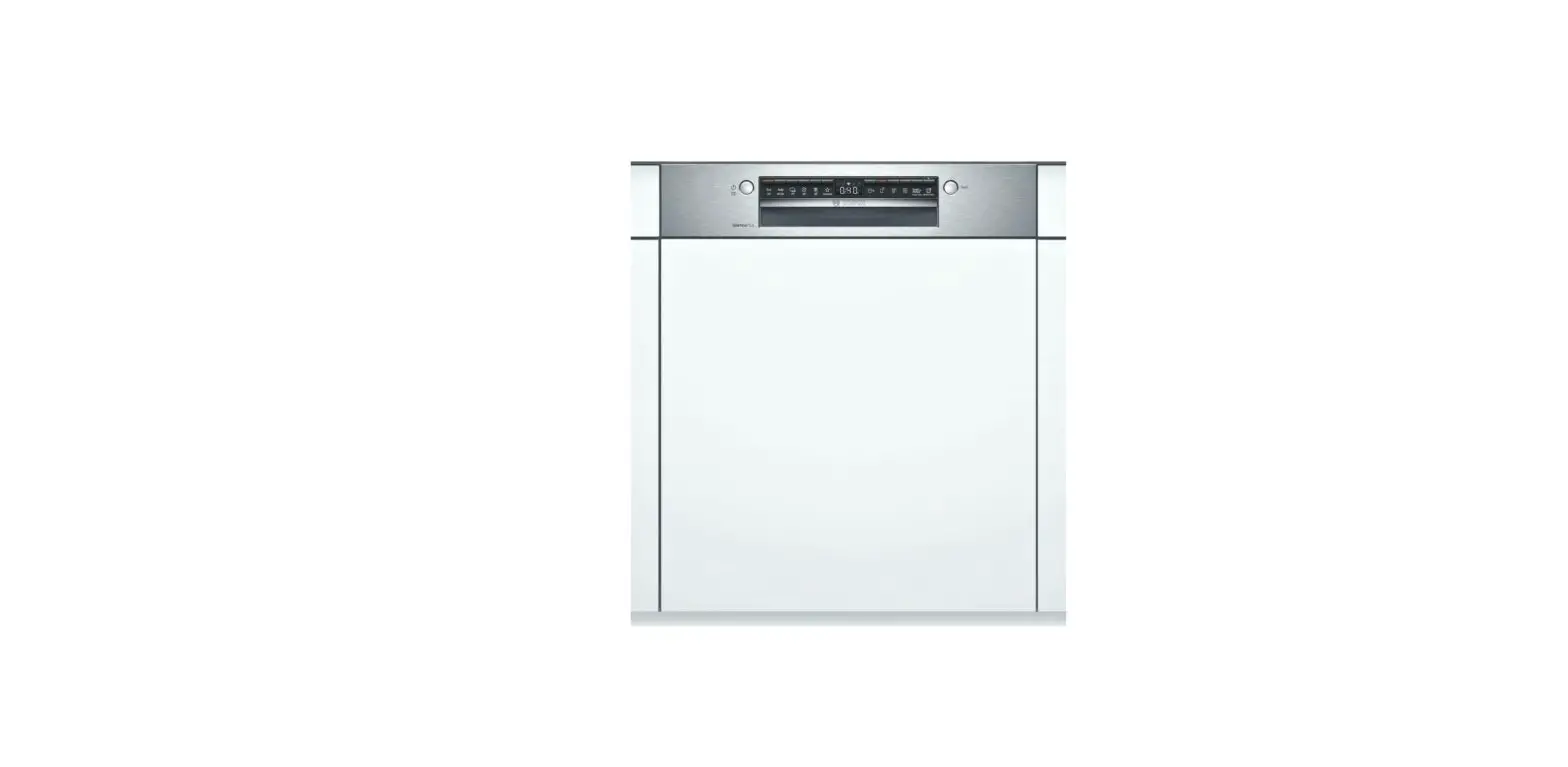
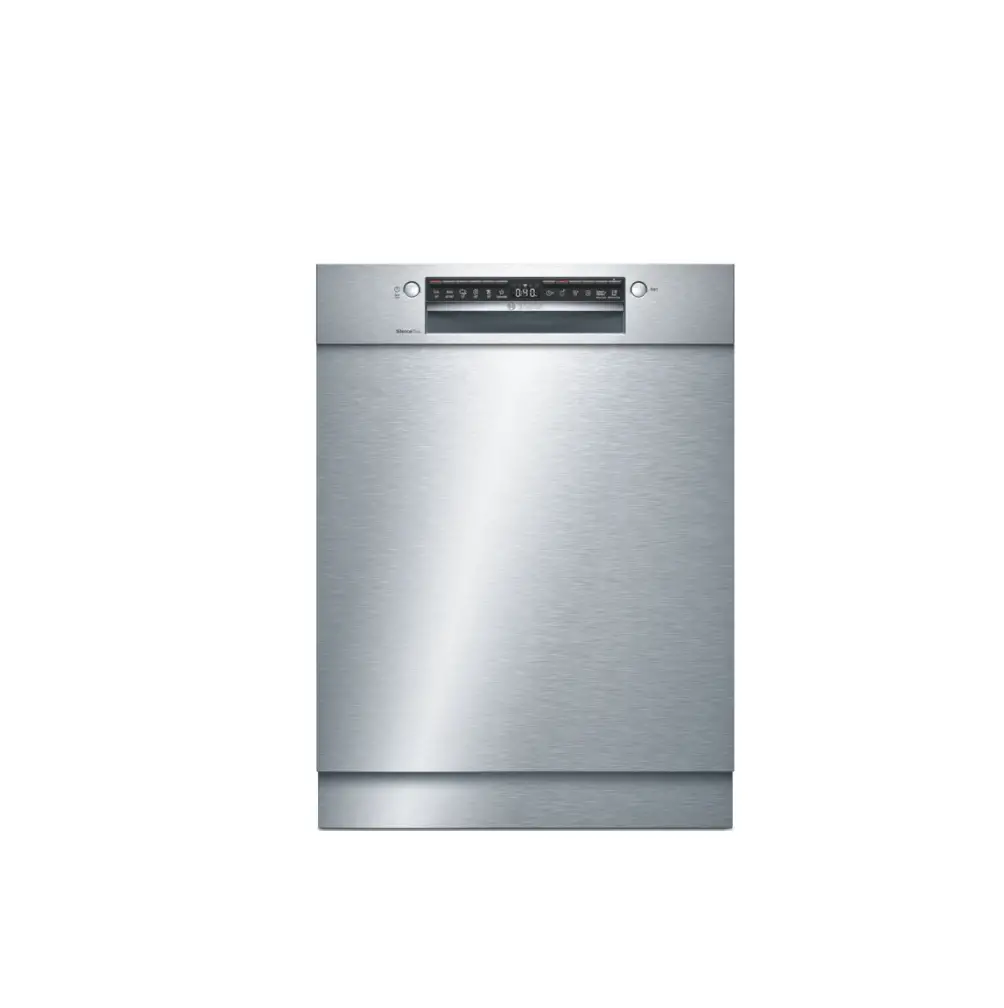
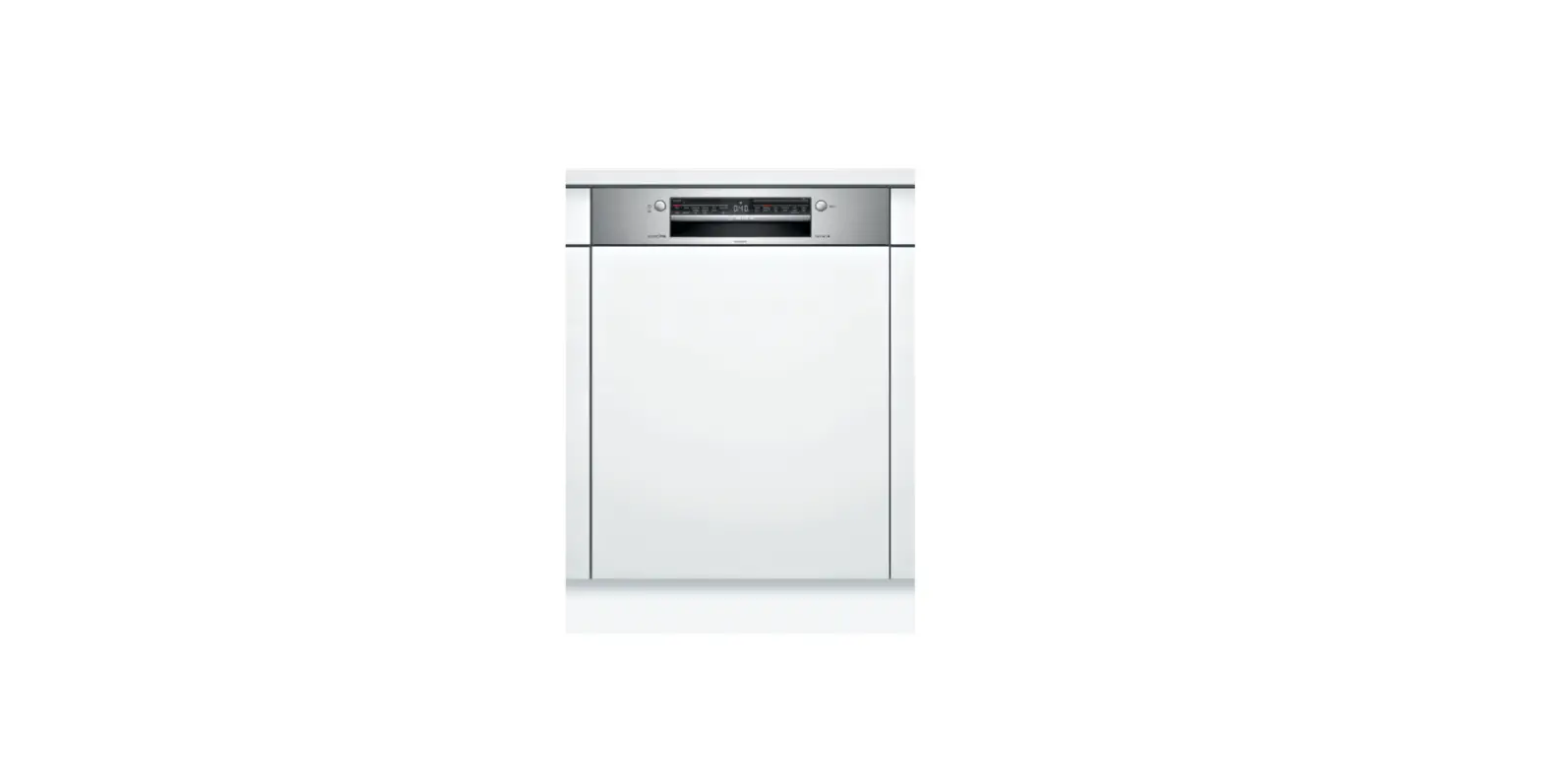
SMP4ECS79S Dishwasher
Product Information
The product is a dishwasher that is equipped with Home Connect
technology, allowing users to control and change settings using a
mobile device through the Home Connect app. The dishwasher has
different water hardness settings and a water softening system. It
also has dispensers for special salt, rinse aid, and detergent. The
dishwasher offers various programmes with different durations,
energy consumption, and water usage. It also has a Machine Care
programme for cleaning and a Favourite programme for quick use. The
dishwasher is designed to be quiet during operation.
Product Usage Instructions
- Before using the dishwasher for the first time, read the
instruction manual and safety information. - To set up Home Connect, follow these steps:
- Install the Home Connect app on your mobile device and follow
the instructions. - Scan the QR code with the Home Connect app.
- Install the Home Connect app on your mobile device and follow
- To set the water hardness, follow these steps:
- Press the specified button.
- To open the appliance settings, press the specified button for
3 seconds. - Press the specified button repeatedly until the desired water
hardness level is set. The corresponding LEDs will light up
according to the selected level. - To save the settings, press the specified button for 3
seconds.
- To add special salt, follow these steps:
- Unscrew the lid of the dispenser for special salt and remove
it. - If it’s the initial start-up, fill the dispenser with
water. - Add the special salt to the dispenser. Do not add
detergent. - Place the lid back on the dispenser and turn to close.
- Unscrew the lid of the dispenser for special salt and remove
- To add rinse aid, follow these steps:
- Press the catch on the lid of the dispenser for rinse aid and
lift it. - Add rinse aid up to the specified max mark.
- Close the lid of the dispenser for rinse aid until it clicks
into position.
- Press the catch on the lid of the dispenser for rinse aid and
- To add detergent, follow these steps:
- Add the specified amount of detergent to the dry detergent
dispenser. - Close the lid of the detergent dispenser until it clicks into
position.
- Add the specified amount of detergent to the dry detergent
- To use the dishwasher, follow these steps:
- Load the tableware, ensuring it is suitable for dishwashers and
removing large food remnants. - Switch on the appliance.
- Select the desired programme.
- Start the programme.
- Remove the tableware at the end of the programme.
- To cancel the programme, press the specified button for
approximately 4 seconds.
- Load the tableware, ensuring it is suitable for dishwashers and
- To clean the filters, follow these steps:
- After each wash, check the filters for residue.
- Turn the coarse filter anticlockwise to remove it.
Quick reference guideDishwasher
en Before using for the first time, read the instruction manual and the safety information it contains.
Setting up Home Connect Tip: Connect your appliance to a mobile device. You can conveniently change all settings using the Home Connect app. 1. Install the Home Connect app on your mo-
bile device and follow the instructions.
2. Scan the QR code with the Home Connect app.
Overview of water hardness settings You can find an overview of the water hardness values that can be selected here. A table of country-specific units can be found in the instruction manual.
Hardness range
Soft Medium Hard Hard
mmol/l
0 – 1.1 1.2 – 2.9 3.0 – 3.7 3.8 – 6.2
Level
0 1 2 3
LED A
LED B
LED C
Setting the water softening system
1. Press .
2. To open the appliance settings,
press
for 3 seconds.
a flashes.
3. Press
repeatedly until the right
water hardness has been set.
0, 1, 2 or 3 LEDs will light up ac-
cordingly.
4. To save the settings, press
for 3 seconds.
Adding special salt To avoid damage to the appliance, only add special salt to the dispenser for special salt just before the programme starts. 1. Unscrew the lid of the dispenser for special salt
and remove. 2. On initial start-up: Fill the dispenser right up with
water.
3. Add the special salt to the dispenser. The water in the dispenser is displaced and forced out. Never add detergent.
4. Place the lid back on the dispenser and turn to close.
Adding rinse aid
1. Press the catch on the lid of the dispenser for rinse aid and lift .
2. Add rinse aid up to the
2
max mark.
max
Programmes
The programme data has been measured in the laboratory according to European standard EN 60436. The consumption figures depend on the programme and additional function selected. The runtime will change if the rinse aid system is switched off or rinse aid needs to be added.
Programme
1) Duration [h:min] 2) Energy [kWh] 3) Water [l]
Intensive 70°
1) 2:05 – 2:15 2) 1.300 – 1.400 3) 11.5 – 14.0
Auto 45-65°
1) 1:40 – 2:45 2) 0.900 – 1.500 3) 7.0 – 15.5
Eco 50°
1) 4:35 2) 0.849 3) 9.5
Silence 50 1
1) 4:00 2) 1.050 3) 11.0
Express 65° – 1h
1) 1:00 2) 1.300 3) 10.5
Machine Care
1) 2:10 2) 1.350 3) 15.2
Favourite
1) 0:15 – 0:15 2) 0.050 – 0.050 3) 4.0 – 4.0
1 Suitable programme for running at night: it takes longer, but is extremely quiet.
1
3. Close the lid of the dispenser for rinse aid. a The lid clicks into position.
Adding detergent 1. Add the detergent to the
dry detergent dispenser.
50 ml 25 ml
2. Close the lid of the detergent dispenser.
15 ml
a The lid clicks into position.
9001678229(020722)SMP4ECS79S
*9001678229*
How to use your appliance
1. Load the tableware.
tate freely.
Only clean tableware that is suitable for dish-
2. Add detergent.
washers. Remove large remnants of food from 3. Switch on the appliance .
the tableware. Check that the spray arms can ro-
4. Select the programme. 5. Start the programme . 6. Remove the tableware at the end of the pro-
gramme.
7. To cancel the programme, press
for
approx. 4 seconds.
The programme is cancelled and ends after ap-
prox. 1 minute.
Cleaning filters
1. After each wash check the filters for
residue.
2. Turn the coarse filter anticlock-
2
wise and re-
move the filter
system .
1
3. Pull down the micro filter to remove.
4. Press the locking
catches to-
gether and lift
1
the coarse filter
out .
Cleaning spray arms
1. Unscrew the upper spray arm and
2
pull down to remove .
1
2
5. Clean the filter elements under running water.
6. Re-assemble the filter system. 7. Insert the filter system into the appliance
and turn the coarse filter clockwise. Make sure that the arrow markings match up.
2. Pull up the lower spray arm to remove.
3. Check the outlet nozzles on the spray arms for blockages under running water and remove any foreign bodies.
4. Insert the lower spray arm. a The spray arm clicks into position. 5. Insert the upper spray arm and screw it firmly in place.
Clean wastewater pump
1. Disconnect the appliance from the power supply. 2. Remove the filter system. 3. Scoop out any water. 4. Prise off the pump cover using a
spoon and grip it by the crosspiece.
5. Lift the pump cover inwards at an angle and remove.
6. Remove any remnants of food and foreign bodies in the area
of the impeller.
7. Insert the pump cover and press
down .
2
a The pump cover clicks into position.
1
8. Install the filter system.
Troubleshooting
Fault Display for water supply lights up
Cause and troubleshooting
Supply hose is kinked. Install the supply hose without kinks.
Water tap is turned off. Turn on the water tap.
Water tap is jammed or furred up. Turn on the water tap.
The filters in the water connection of the supply or AquaStop hose are blocked. 1. Switch off the appliance. 2. Pull out the mains plug. 3. Turn off the water tap. 4. Unscrew the water connection. 5. Remove the filter from the sup-
ply hose
6. Clean the filter. 7. Re-insert the filter in the supply hose. 8. Screw the water connection back on. 9. Check the water connection for leaks. 10.Restore the power supply. 11.Switch the appliance on.
Fault Display for water supply lights up
Remnants of food on tableware.
Cause and troubleshooting Wastewater hose is blocked or kinked. 1. Reposition the wastewater hose without kinks. 2. Remove residues.
Siphon connection is still sealed. Check the connection to the siphon and open if necessary. Cover of the wastewater pump is loose. Secure the cover of the Wastewater pump so it clicks into
position.
Tableware is placed too close together or basket is overfilled. 1. Arrange tableware with sufficient space in between.
The spray jets must reach the surfaces of the tableware. 2. Avoid points of contact.
Spray arm rotation is blocked. Arrange tableware so that it does not obstruct spray arm ro-
tation.
Spray arm nozzles are blocked. Clean the Spray arms. Filters are soiled. Clean the filters. Filters are inserted incorrectly and/or not engaged. 1. Insert the filters properly. 2. Engage the filters.
Fault
Cause and troubleshooting
Remnants of food on tableware.
Washing programme selected too weak. Select a more intensive washing programme.
Removable streaks are Amount of rinse aid to be dispensed is set too high.
present on glasses, glass- Set the rinse aid system to a lower setting.
ware with a metallic appearance and cutlery.
No rinse aid has been added. Add rinse aid.
Rust spots on cutlery.
Cutlery is not sufficiently rust-resistant. Knife blades are often more severely affected. Use rust-resistant tableware.
Cutlery may also rust if washed together with rusting items. Do not wash rusting items.
Detergent residue is present in the detergent dispenser or the tablet collecting tray.
Spray arms were blocked by tableware so detergent was not rinsed out. Check that the spray arms are not blocked and can rotate
freely.
All LEDs light up or flash or the rinse programme does not continue running.
Electronics have detected a fault. Press the main switch button for approx. 4 seconds.
The appliance is reset and restarted.