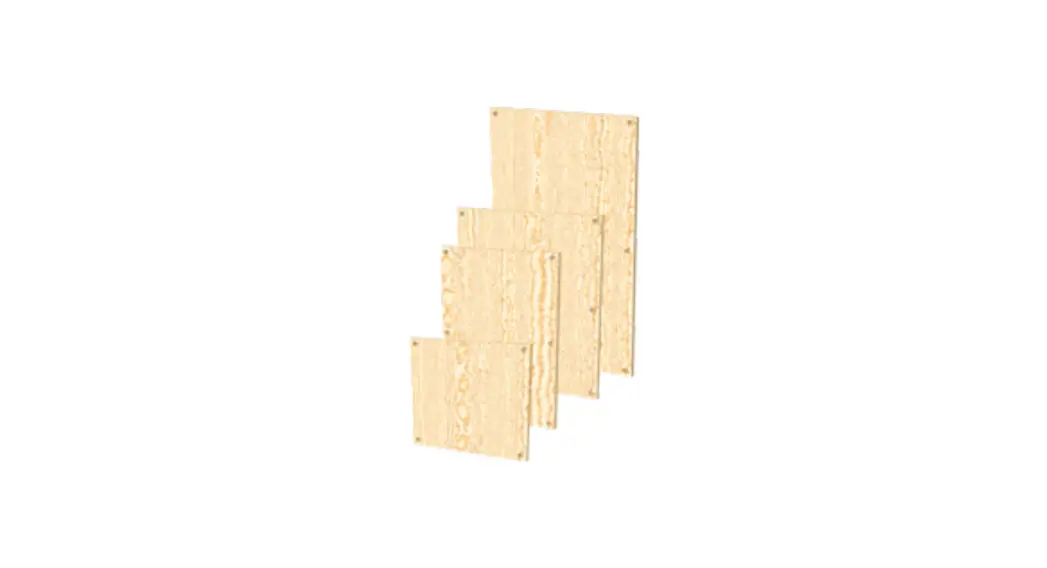
PNL-BLK-10MT-5-SET Blank Panel Set
Product Information: PNL-BLK-10MT-5-SET
- Product Name: PNL-BLK-10MT-5-SET
- Product Type: Blank Panel Set
- Includes: 5 blank panels
- Manufacturer: Kramer
- Model Number: PNL-BLK-10MT-5-SET
Product Usage Instructions
- Step 1: Check what’s in the box
The package should include:
- PNL-BLK-10MT-5-SET Blank Panel Set (includes 5 blank
panels) - 1 Quick start guide
The PNL-BLK-10MT-5-SET includes the following features:
- Knob: Turn to attach a panel to the rack.
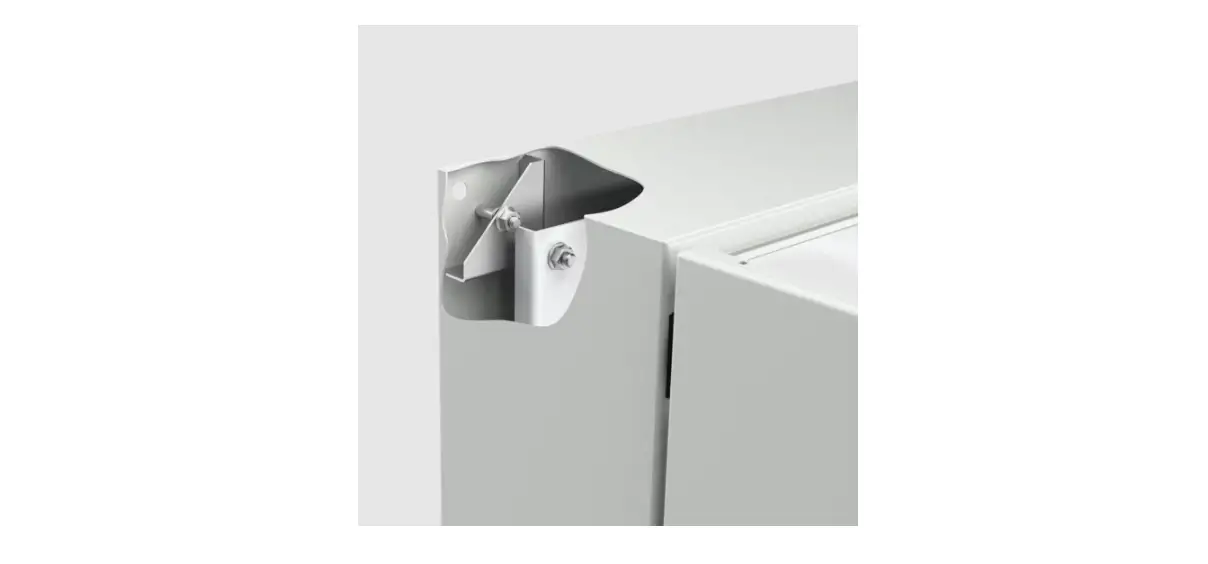
- Blank Panel: Use to cover open slots in the RK-10MT rack
adapter.
To mount a device onto the rack:
- Place the blank panel over the rack opening.
- Turn the knobs on both sides clockwise to secure the blank
panel to the rack.
Technical Specifications
- Operating Temperature: N/A
- Storage Temperature: N/A
- Humidity: N/A
- Safety: N/A
- Environmental Type: N/A
- Net Dimensions (W, D, H): N/A
- Shipping Dimensions (W, D, H): N/A
- Net Weight: 0.78kg (1.7lbs) approx.
- Shipping Weight: N/A
Specifications are subject to change without notice. For the
latest information, visit www.kramerav.com.
PNL-BLK-10MT-5-SET Quick Start Guide
This guide helps you install and use your PNL-BLK-10MT-5-SET for the first time.
Scan for full manual
Go to www.kramerav.com/downloads/PNL-BLK-10MT-5-SET to download the latest user manual and check if firmware upgrades are available.
Step 1: Check what’s in the box
PNL-BLK-10MT-5-SET Blank Panel Set (includes 5 blank panels)
1 Quick start guide
Step 2: Get to know your PNL-BLK-10MT-5-SET
The PNL-BLK-10MT-5-SET includes 5 blank panels that can be used to cover unused openings in the RK-10MT rack adapter.
#
Feature
1
Knob
2
Blank Panel
Function
Turn to attach a panel to the rack. Blank panel to cover open slot.
Step 3: Mount PNL-BLK-10MT-5-SET
· Ensure that the environment (e.g., maximum ambient temperature & air flow) is compatible for the device. · Avoid uneven mechanical loading.
To mount a device onto the rack: 1. Place the blank over the rack opening.
2. Turn the knobs on both sides clockwise to secure the blank panel to the rack.
Technical Specifications
Environmental Conditions
Regulatory Compliance
Enclosure General
Operating Temperature Storage Temperature Humidity Safety Environmental Type Net Dimensions (W, D, H) Shipping Dimensions (W, D, H) Net Weight
0° to +40°C (32° to 104°F) -40° to +70°C (-40° to 158°F) 10% to 90%, RHL non-condensing CE RoHs, WEEE Aluminum 25.6cm x 4cm x 2.1cm (10.1″x 1.6″ x 0.83″), per blank panel 31.2cm x 17.9cm x 7.6cm (12.3″ x 7″ x 3″) 0.54kg (1.2lbs) approx.
Shipping Weight
0.78kg (1.7lbs) approx.
Specifications are subject to change without notice at www.kramerav.com
PNL-BLK-10MT-5-SET Quick Start
P/N: 2 9 0 0 – 3 0 1 5 2 5 QS
Rev: 1
 Kramer | Audio Visual Solutions - Kramer