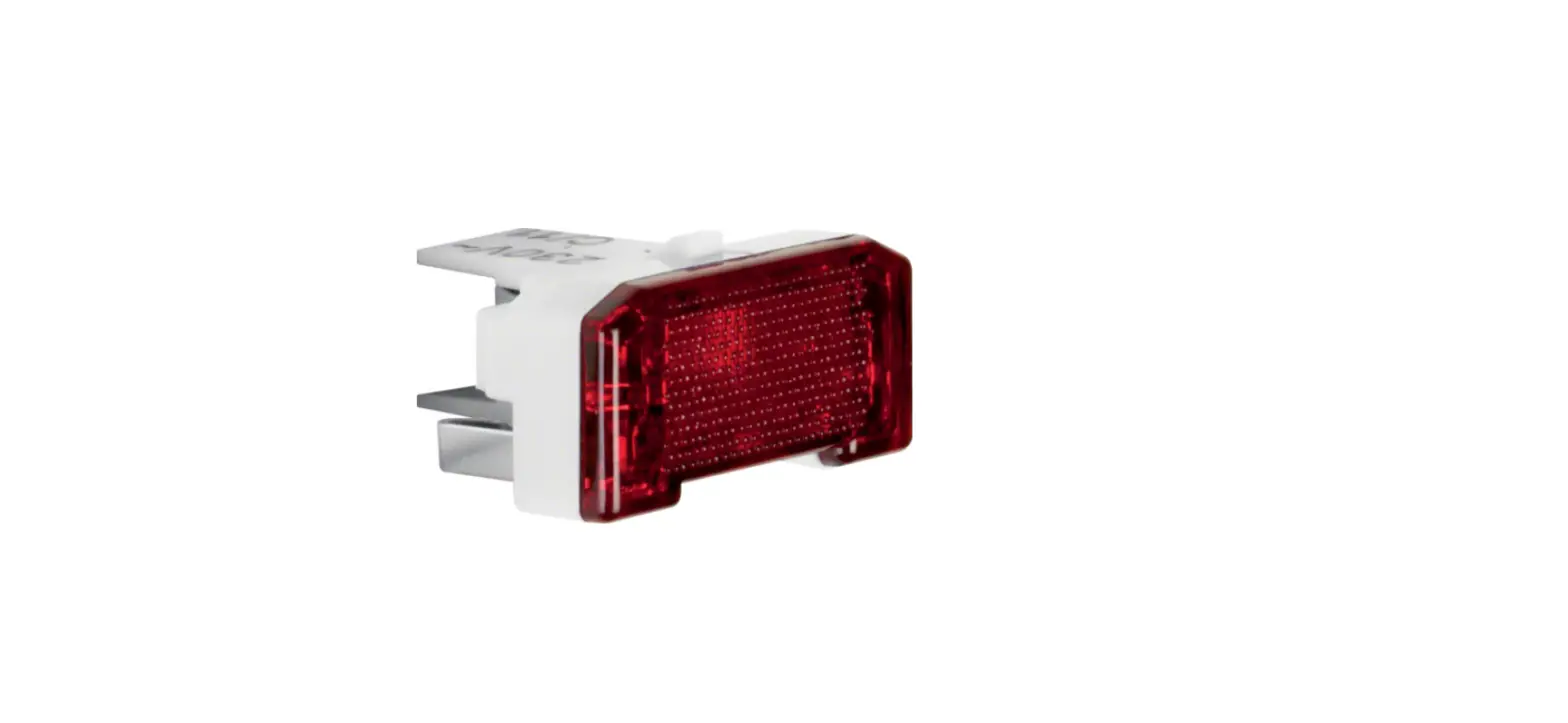
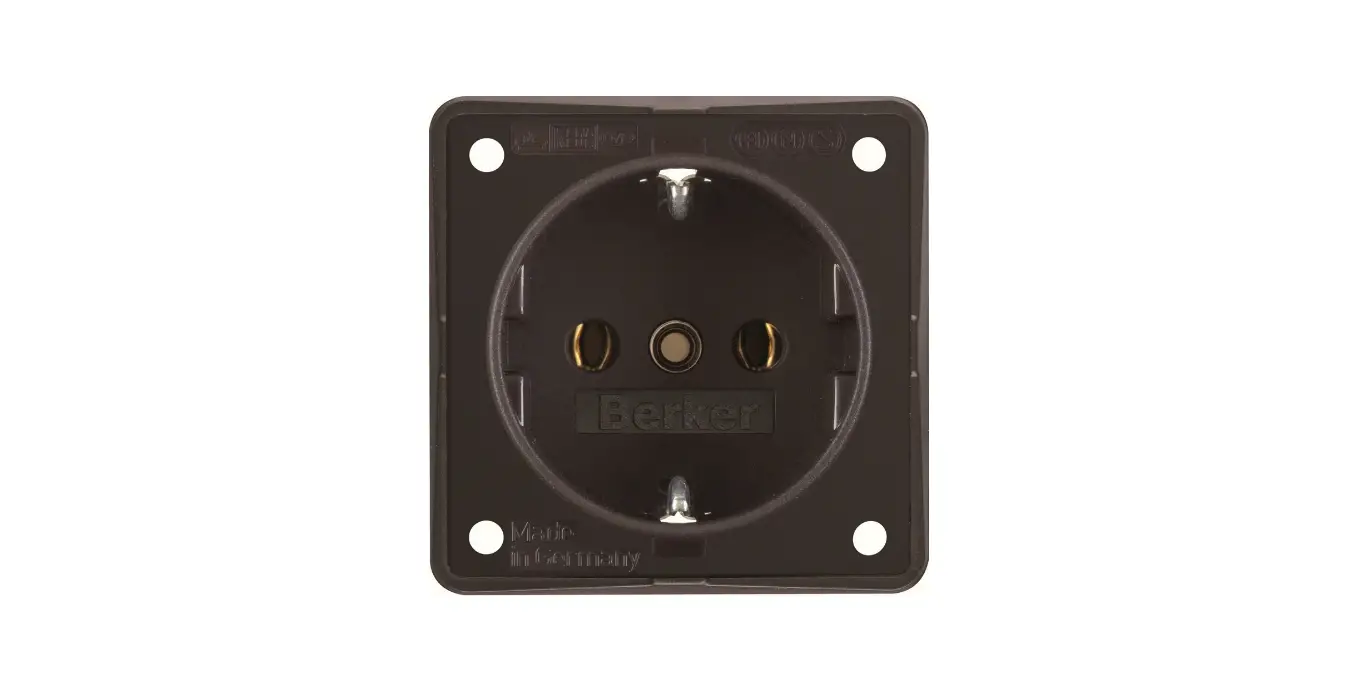
41096089 Socket Outlet with LED Orientation Light
Product Information: Socket Outlet with Earth Contact Pin and
LED Orientation Light
The Socket Outlet with Earth Contact Pin and LED Orientation
Light is a device that provides both electrical power and
illumination. It is designed to be installed in a flush-mounted box
and comes with a frame that can be attached to the appropriate
switch range. The device also features a light sensor that
activates the LED orientation light when the surrounding area is
dark.
The product is manufactured by Berker GmbH & Co. KG, a
company based in Germany that specializes in electrical
installation and home automation solutions.
Product Usage Instructions
- Before installation, make sure that the power supply to the
installation location is turned off. - Insert the insert (7) into the flush-mounted box, making sure
it is positioned correctly. Fasten the insert with screws or
claws. - Attach the frame (4) of the appropriate switch range and the
centre plate (1). - Carefully guide the centre plate (1) with the plug contacts (3)
into the contact sockets (6) without bending the plug contacts. The
notches (5) in the insert support the mounting device of the centre
plate via the centring pins (2). - Screw the centre plate together with the frame.
- To test the functionality of the device, cover the light sensor
(8) over a large area to switch on the LED orientation light. Note
that proper functional testing is only possible with sufficient
ambient darkness.
For any issues or concerns regarding the product, please contact
Berker GmbH & Co. KG through their official website or customer
service hotline.
Assembly of the device (Figure 1)
< Put the insert (7) into the flush-mounted box correctly positioned and fasten with screws or claws.
< Attach frame (4) of the appropriate switch range and the centre plate (1).
< Carefully guide the centre plate (1) with the plug contacts (3) into the contact sockets (6) without bending the plug contacts.
i The notches (5) in the insert support the mounting device of the centre plate via the centring pins (2).
< Screw the centre plate together with frame.
Gerät montieren (Bild 1)
< Einsatz (7) lagerichtig in Up-Dose einsetzen und mit Schrauben oder Krallen befestigen.
< Rahmen (4) des passenden Schalterprogramms und das Zentralstück (1) aufstecken.
< Zentralstück (1) mit den Steckkontakten (3) vorsichtig in die Kontaktbuchsen (6) führen, ohne dass die Steckkontakte verbogen werden.
i Die Aussparungen (5) im Einsatz unterstützen die Aufnahme des Zentralstückes über die Zentrierzapfen (2).
< Das Zentralstück mit Rahmen festschrauben.
Functional test
< The light sensor (8) must be covered over a large area to switch on the LED orientation light.
i Proper functional testing is only possible with sufficient ambient darkness.
1
(4)
(5)
Funktionsprüfung
< Der Lichtsensor (8) muss großflächig abgedeckt werden, um das LED-Orientierungslicht einzuschalten.
i Die einwandfreie Funktionsprüfung ist nur bei ausreichender Umgebungsdunkelheit möglich. (6)
Montagehinweis Installation instruction
Steckdose mit Schutzkontaktstift und LED Orientierungslicht Socket outlet with earth contact pin and LED orientation light
Best.-Nr. 67 6510 xx xx Order no. 67 6510 xx xx
(8)
(7)
(3)
(1) (2)
Berker GmbH & Co. KG Zum Gunterstal
66440 Blieskastel/Germany Tel.: + 49 6842 945 0
Fax: + 49 6842 945 4625 E-Mail: [email protected]
www.berker.com
02/2021 6LE007686A
 Welcome to Berker.com