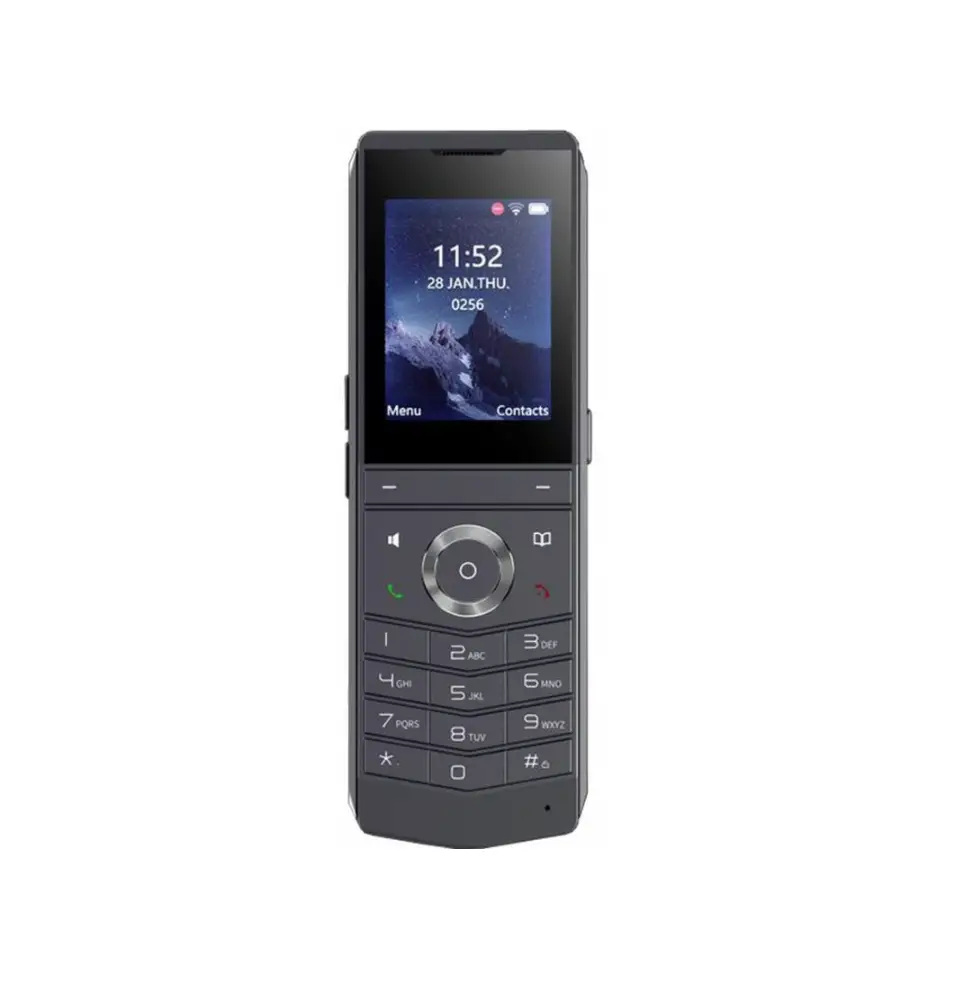
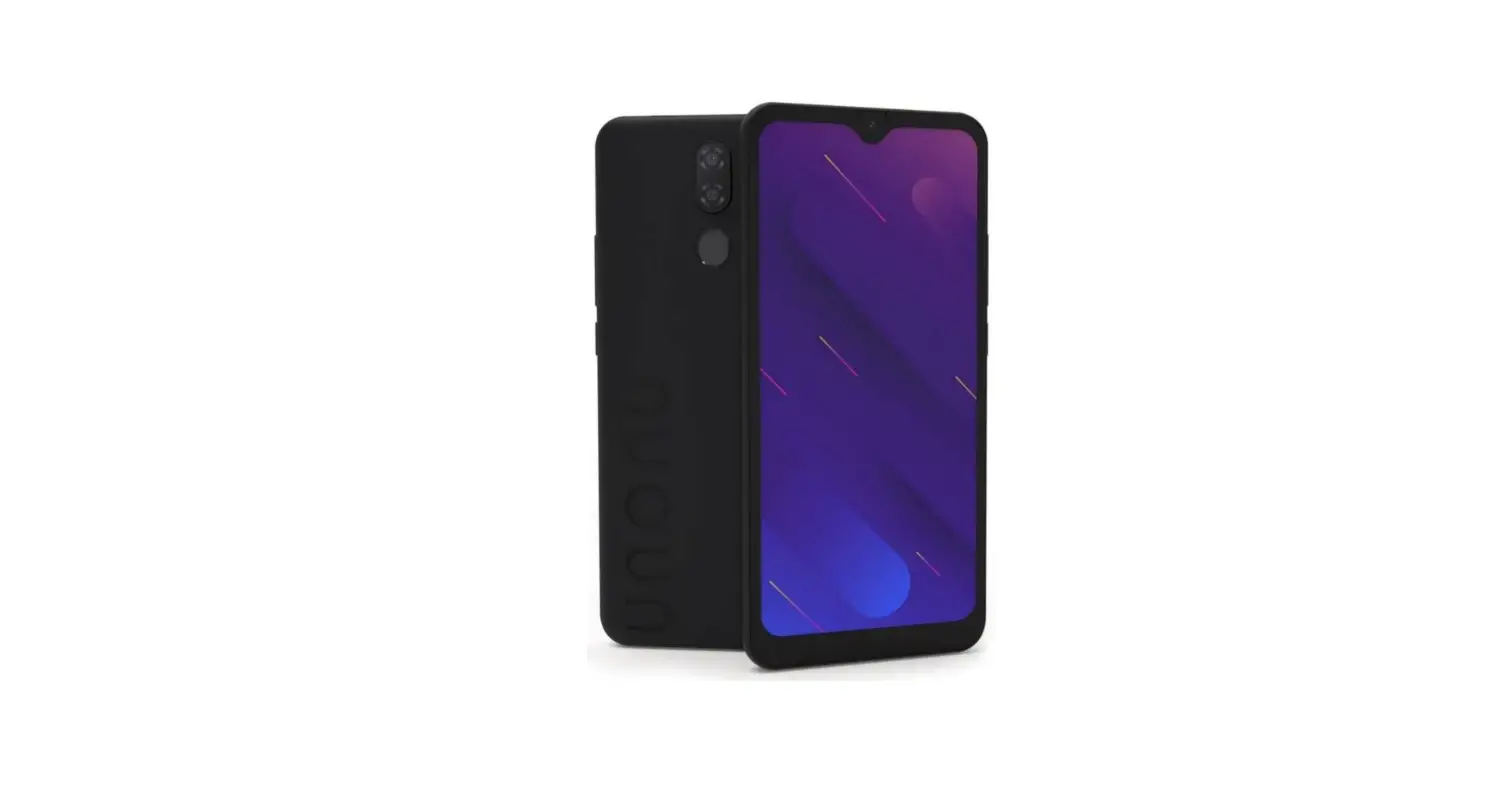
W610W Portable WiFi Phone
Product Information:
The V1.0 Portable Wi-Fi Phone, model W610W, is a portable
communication device that allows users to make calls using Wi-Fi
connectivity. It comes with a charging base, power adapter,
rechargeable battery, belt clip, handset, earpiece, status
indicator, screen, volume keys, DSS key, hands-free OK key,
off-hook key, mute key, headphone jack, belt clamping hole, PTT
key, soft key, phone book, navigation key, on-hook key/power
button, keypad, microphone, charging interface, and speaker.
Product Usage Instructions:
1. Battery Installation:
- Remove the rear case: Apply a little force to remove the rear
case from the handle position A of the main unit. - Install the battery: Take out the battery from the packaging
box and insert it into the battery compartment C with the notch
facing up. - Install the battery cover: Align the back cover with the buckle
on the back of the main unit. Press along the edge of the main unit
from top to bottom until you hear a click sound and ensure there
are no gaps.
2. Battery Replacement:
- Remove the rear case: Apply a little force to remove the rear
case from the handle position A of the main unit. - Remove the old battery: Push up at position B to remove the old
battery. - Install the new battery: Take out the new battery from the
packaging box and insert it into the battery compartment C with the
notch facing up. - Install the battery cover: Align the back cover with the buckle
on the back of the main unit. Press along the edge of the main unit
from top to bottom until you hear a click sound and ensure there
are no gaps.
3. Connecting the Charging Base:
Note: Use the original factory supplied power adapter (5V/2A) to
avoid damaging the handset.
1. Connect the charging base to a power source using the power
adapter.
4. Installing the Belt Clip:
Attach the belt clip to the designated belt clamping hole on the
portable Wi-Fi phone for easy carrying.
5. Connecting to Wi-Fi:
1. Press Menu > WLAN on the phone.
2. Select Scan > Wi-Fi to search for available Wi-Fi networks
and connect to the desired network.
6. Configuration:
Configuration can be done via the phone or web interface.
Configuration via Phone:
- Press Menu > Advanced Settings (Default password: 123).
- Select Accounts and fill in the SIP server address, port,
username, password, etc., to configure and enable the account.
Configuration via Web:
- Get the IP address from the phone by pressing Menu > Status
> Network > Wi-Fi IP. - Open a web browser and enter the IP address obtained in step 1.
Ensure that the PC and phone are in the same IP address segment
(default username and password: admin). - Select Accounts and fill in the relevant content to configure
the desired settings.
7. Battery Handling:
– Please dispose of a lifeless battery under guidance.
– Recycle your device.
– Do not replace the battery with an incorrect type as it may
cause damage.
For more information and support, please visit the Fanvil Technology Co., Ltd. website or
contact their sales and support team.
Tel: +86-755-2640-2199
Fax: +86-755-2640-2618
Email: [email protected], [email protected]
Address: 10/F Block A, Dualshine Global Science Innovation
Center, Honglang North 2nd Road, Bao’an District, Shenzhen,
China
V1.0 Portable Wi-Fi Phone
Quick Start Guide
W610W
Packing list
Charging Base Quick Start Guide Power Adapter
Portable Wi-Fi Phone Rechargeable Battery
Belt Clip
Handset
Earpiece
Status Indicator
Screen
Volume Key + Volume Key –
DSS key Hands-free OK key Off-hook key
Mute key
Headphone jack
Belt clamping hole PTT key Soft key Phone book
Navigation key On-hook key/Power
Keypad Microphone
Charging interface
Speaker
Install the battery
1. Remove the rear case: Remove the rear case of the whole machine with a little force from the handle position A of the rear case of the main unit. 2. Install the battery: Take out the battery from the packaging box, with the battery with the notch facing up, put the battery C at the battery compartment C.
3. Install the battery cover: Align the back cover with the buckle on the back of the main unit, press your hands along the edge of the main unit from top to bottom (there will be a “click” sound during the process), and ensure that there is no gap, it means that the back cover is fastened.
A
Remove the rear case
Buckle
C
C
Install the battery
Install the back cover
Replacement battery
1. Remove the rear case: Remove the rear case of the whole machine with a little force from the handle position A of the rear case of the main unit. 2. Remove the old battery: Push up at B to remove the old battery. 3. Install the new battery: Take out the battery from the packaging box, with the battery with the notch facing up, put the battery C at the battery compartment C.
Fanvil Technology Co., Ltd.
Website: www.fanvil.com EMail: [email protected] [email protected] Tel: +86-755-2640-2199 Fax: +86-755-2640-2618 Add: 10/F Block A, Dualshine Global Science Innovation Center, Honglang North 2nd Road, Bao’an District, Shenzhen, China
4. Install the back cover: Align the back cover with the buckle on the back of the main unit, press your hands along the edge of the main unit from top to bottom (there will be a “click” sound during the process), and ensure that there is no gap, it means that the back cover is fastened.
B
A
Remove the rear case
Remove the battery
Buckle
C C
Install the battery
Install the back cover
Connect the charging base
Note 1.Use original factory supplied power adapter (5V/2A). A third-party power adapter may damage the handset. 2.Check the charging status on the top-right corner of the LCD screen. Install the belt clip
Connect Wi-Fi 1.Press Menu > WLAN. 2.Scan > Wi-Fi.
Configuration
Configuration via Phone 1.Press Menu > Advanced Settings (Default password 123). 2.Select Accounts: To configure enable the account, fill the SIP server address, port, user name, password etc.
Configuration via Web
1.Get the IP address from the phone: Press Menu > Status >Network >Wi-Fi IP. 2.Login: Input the IP address in the web browser. The PC and phone should be in the same IP address segment (The default username and password are both `admin’.) 3.Configure: Select Accounts, and fill the relevant content.
Warning
Used below 35 in the state of charge
– Please dispose of lifeless battery under guidance. – Recycle your device. – Replacement of a battery with an incorrect type that can defeat a
safeguard (for example,in the case of some lithium battery types). – Disposal of a battery into fire or a hot oven, or mechanically crushing or
cutting of a battery, that can result in an explosion. – Leaving a battery in an extremely high temperature surrounding
environment that can result in an explosion or the leakage of flammable liquid or gas. – A battery subjected to extremely low air pressure that may result in an explosion or the leakage of flammable liquid or gas.
Regulatory Compliance Federal Communication Commission (FCC) — USA This device complies with Part 15 of FCC Rules. Operation is subject to the following two conditions:(1) this device may not cause harmful interference, and (2) this device must accept any interference received; including interference that may cause undesired operation. This equipment has been tested and found to comply with the limits for a Class B digital device, pursuant to Part 15 of the FCC Rules. These limits are designed to provide reasonable protection against harmful interference in residential installation. This equipment generates, uses, and can radiate radio frequency energy, and if it is not installed and used in accordance with the instruction manual, it may cause harmful interference to radio communications. However, there is no guarantee that interference will not occur in a particular installation. If this equipment does cause harmful interference to radio or television reception, which can be determined by turning the equipment off and on, the user is encouraged to try to correct the interference by one or more of the following measures: · Reorient or relocate the receiving antenna. · Increase the separation between the equipment and receiver. · Connect the equipment into an outlet on a circuit different from that to which
the receiver is connected. · Consult the dealer or an experienced radio/TV technician for help. Warning: Any changes or modifications to this unit not expressly approved by the party responsible for compliance could void the user’s authority to operate the equipment.
FCC Radiation Exposure Statement: The device has been tested and comply with FCC SAR limits. And keep the device minimum 0mm from the body when normal use.
This equipment complies with Part 68 of the FCC rules and the requirements adopted by the ACTA. On the bottom of this equipment is a label that contains, among other information, a product identifier in the format US: 3I1IPNANW610W. If requested, this number must be provided to the telephone company.
All transmission frequencies of U-NII-1,U-NII-2A,U-NII-2C and U-NII-3 comply with 47 CFR FCC Part15.407(g) and the manufacturer declares that their transmission is maintained within the U-NII-1, U-NII-2A,U-NII-2C and U-NII-3 bands.
 Fanvil Technology Co., Ltd