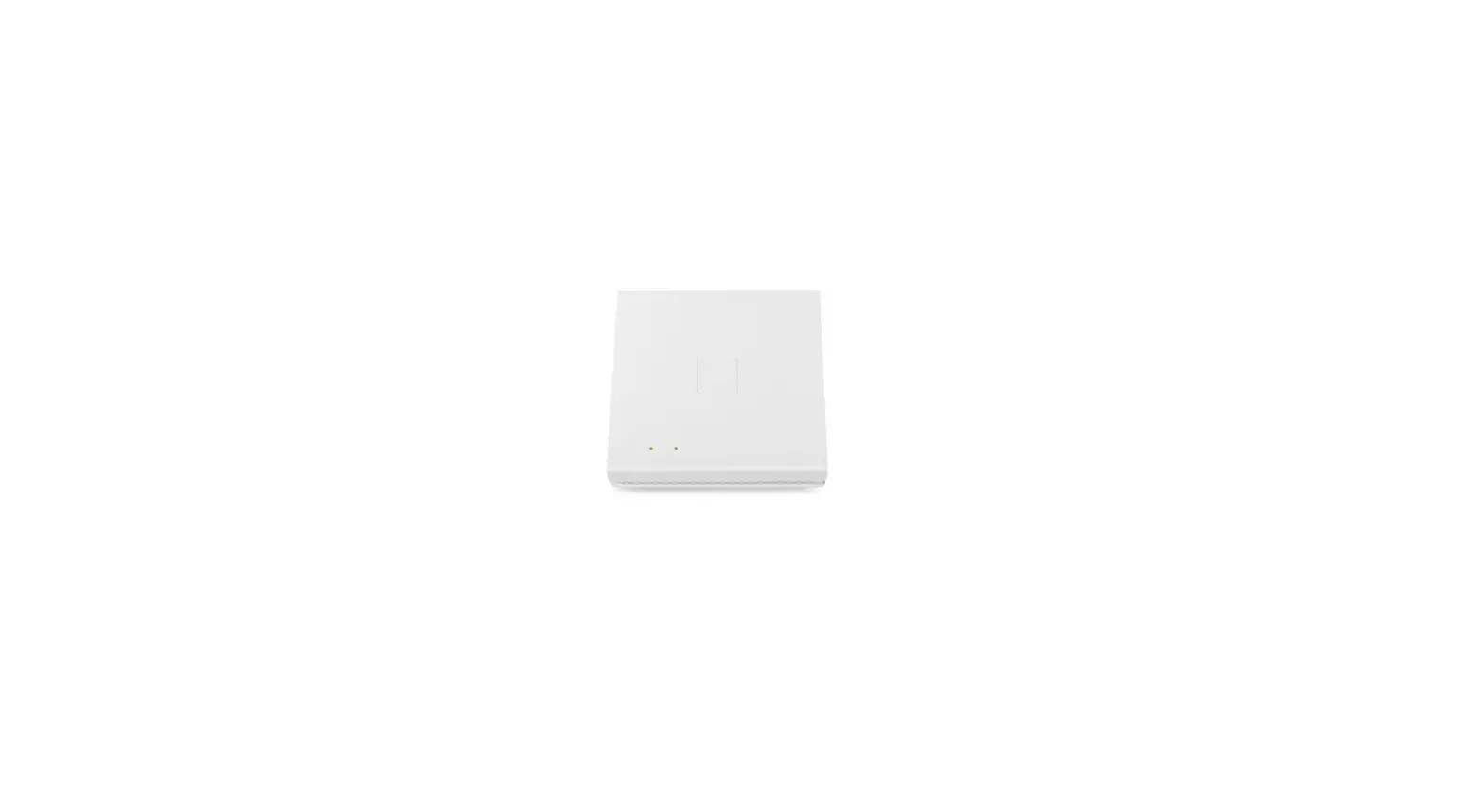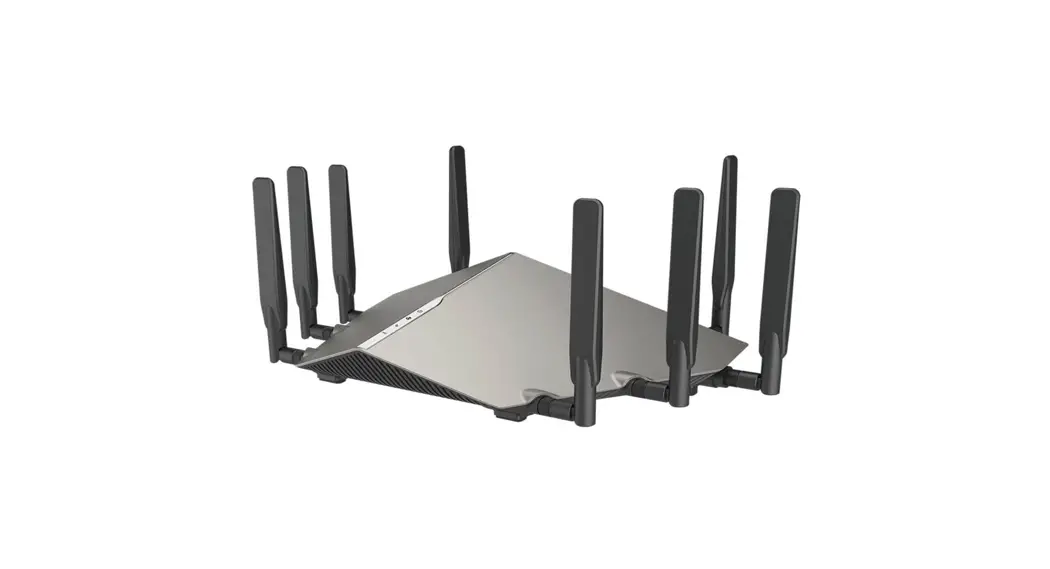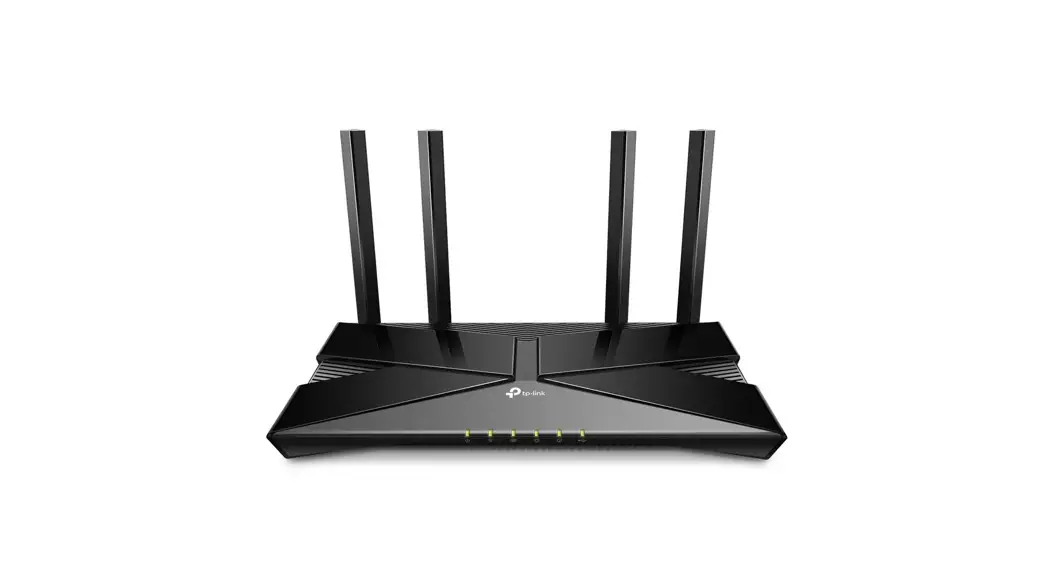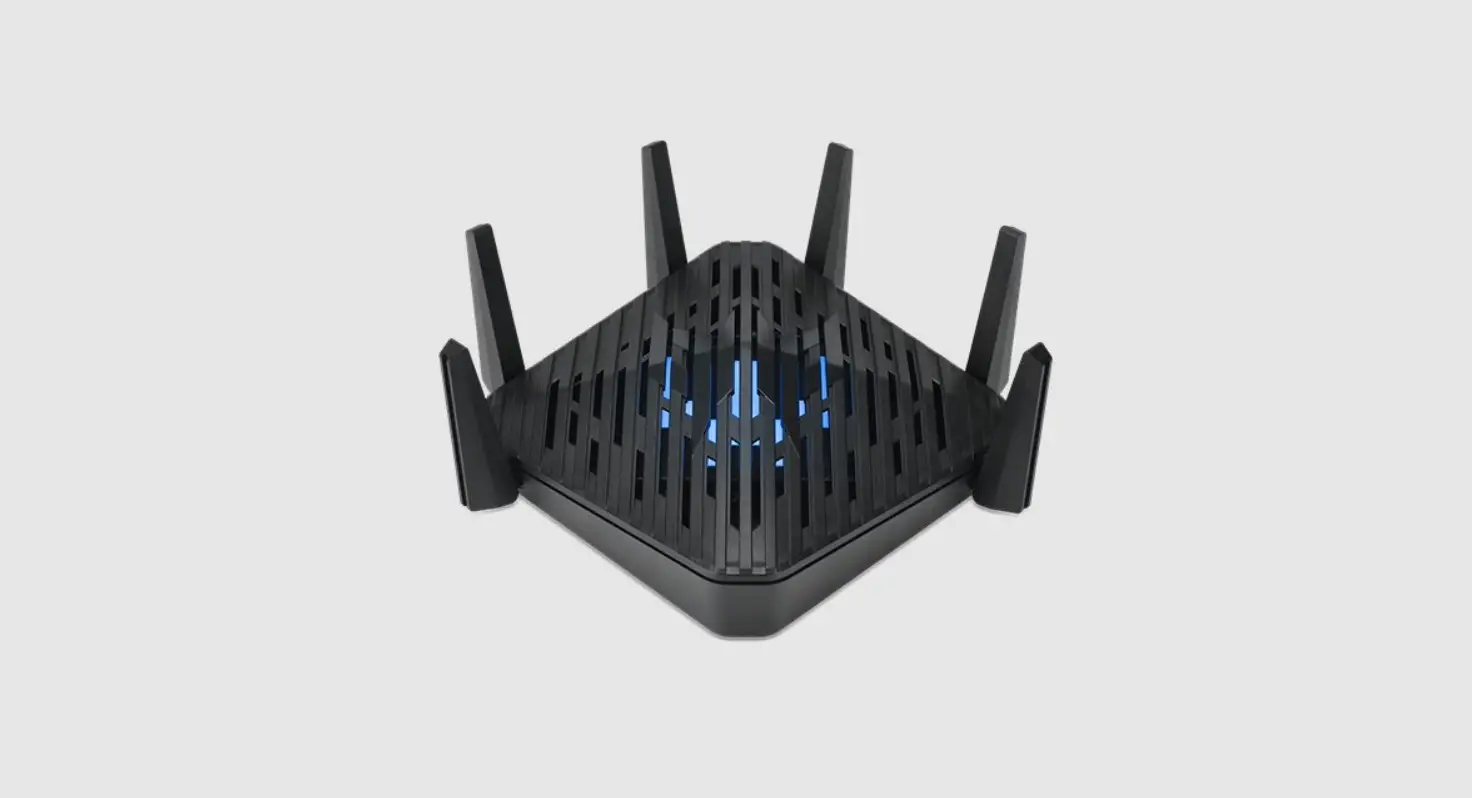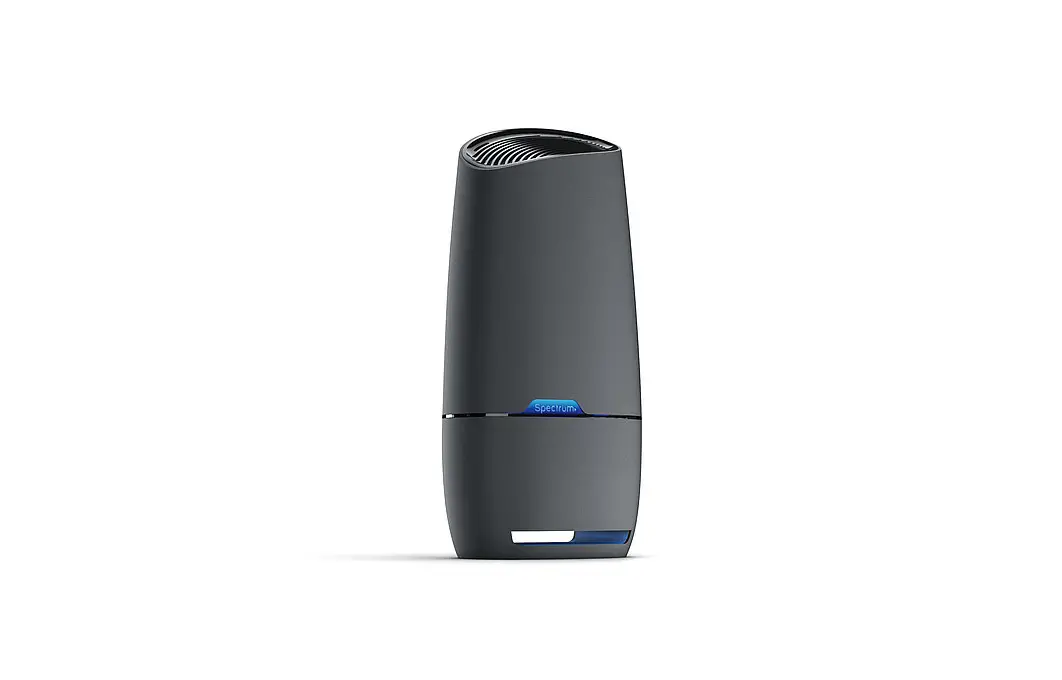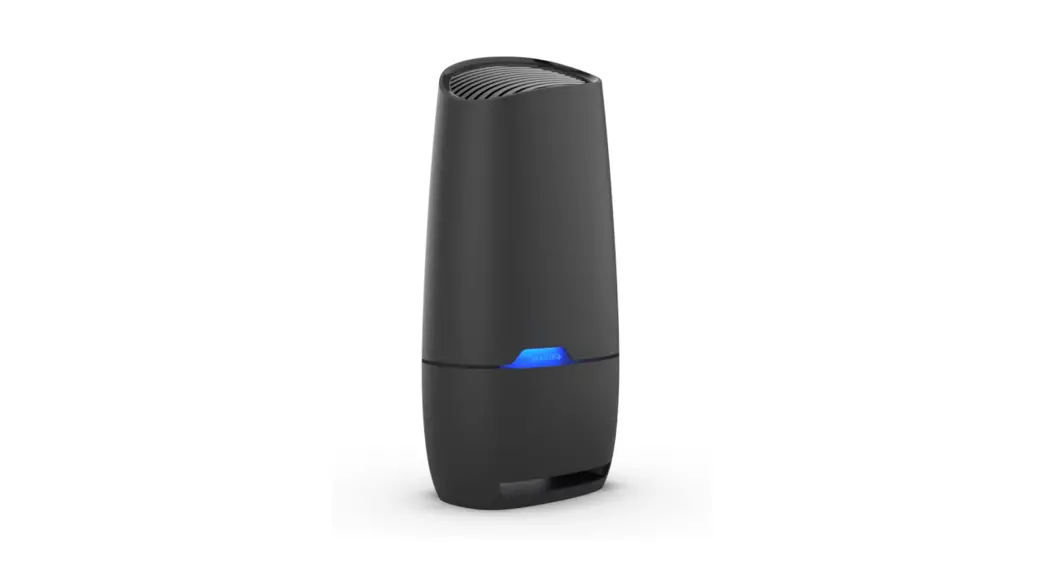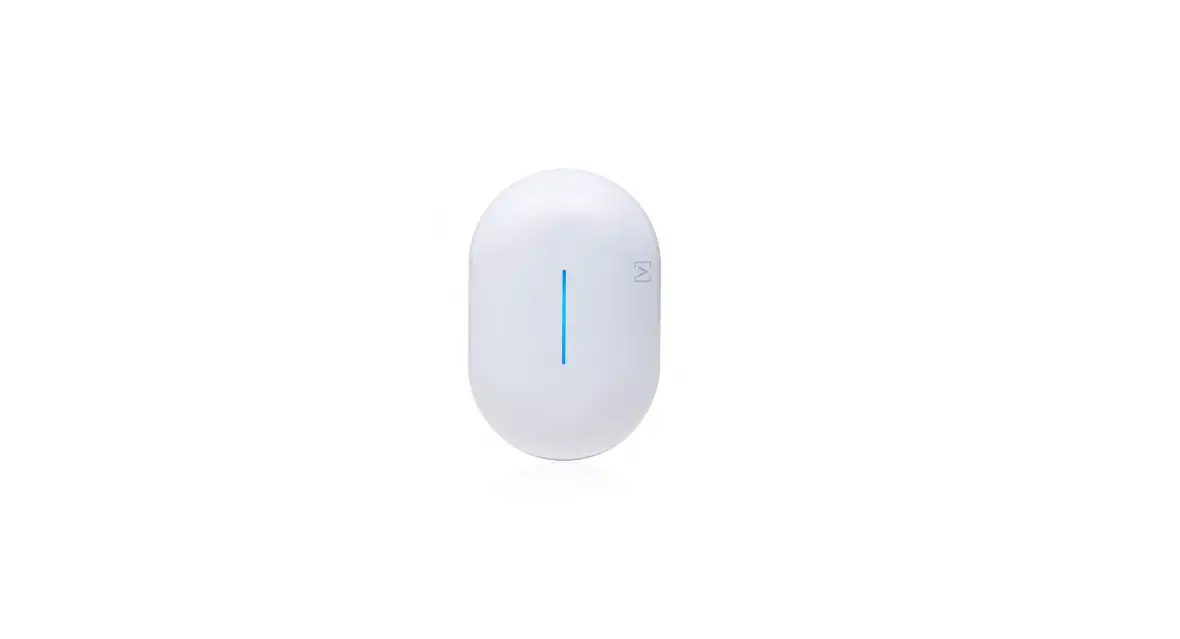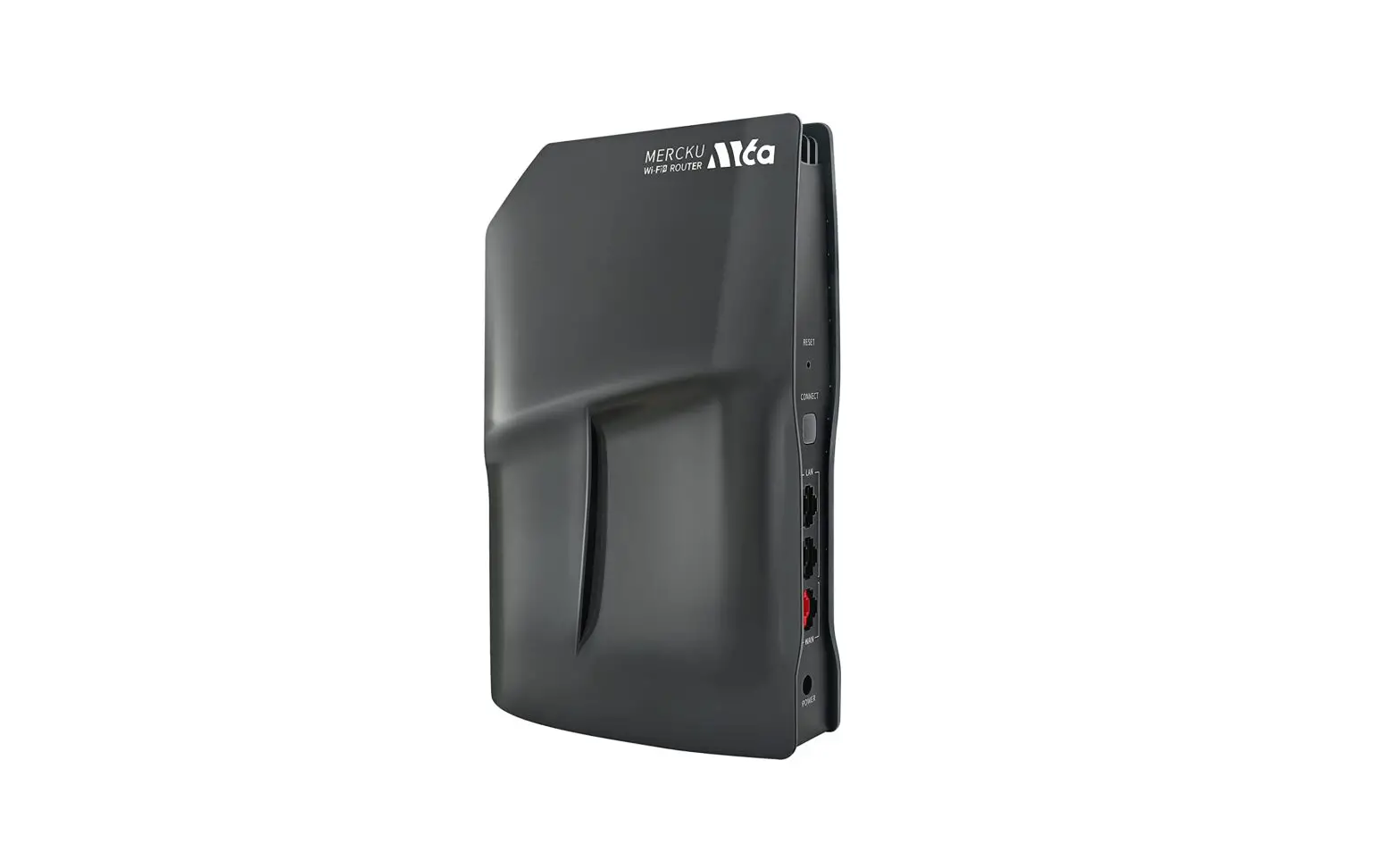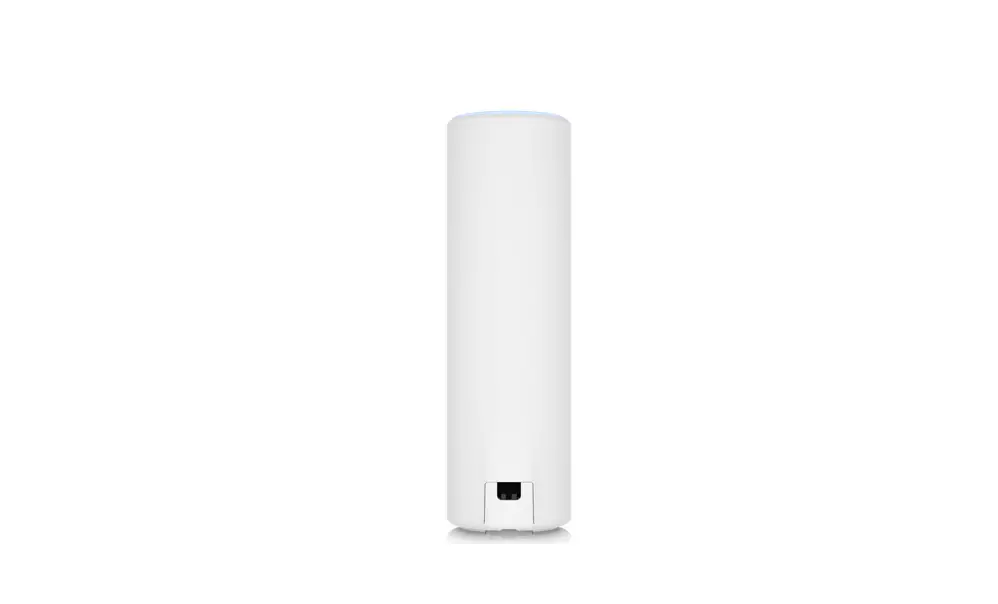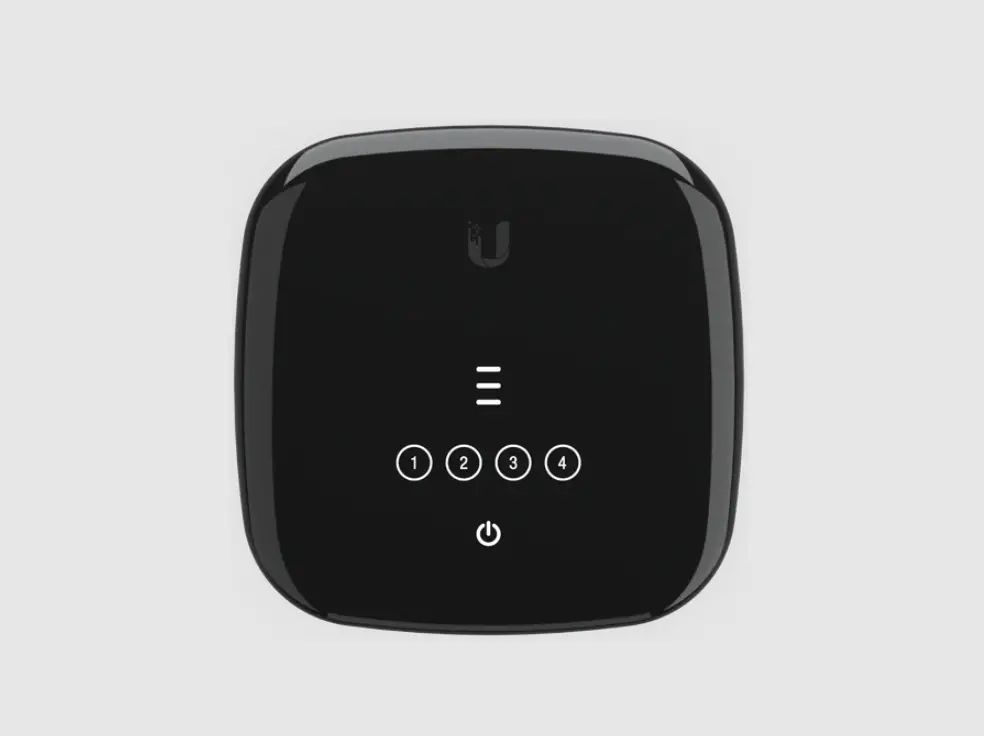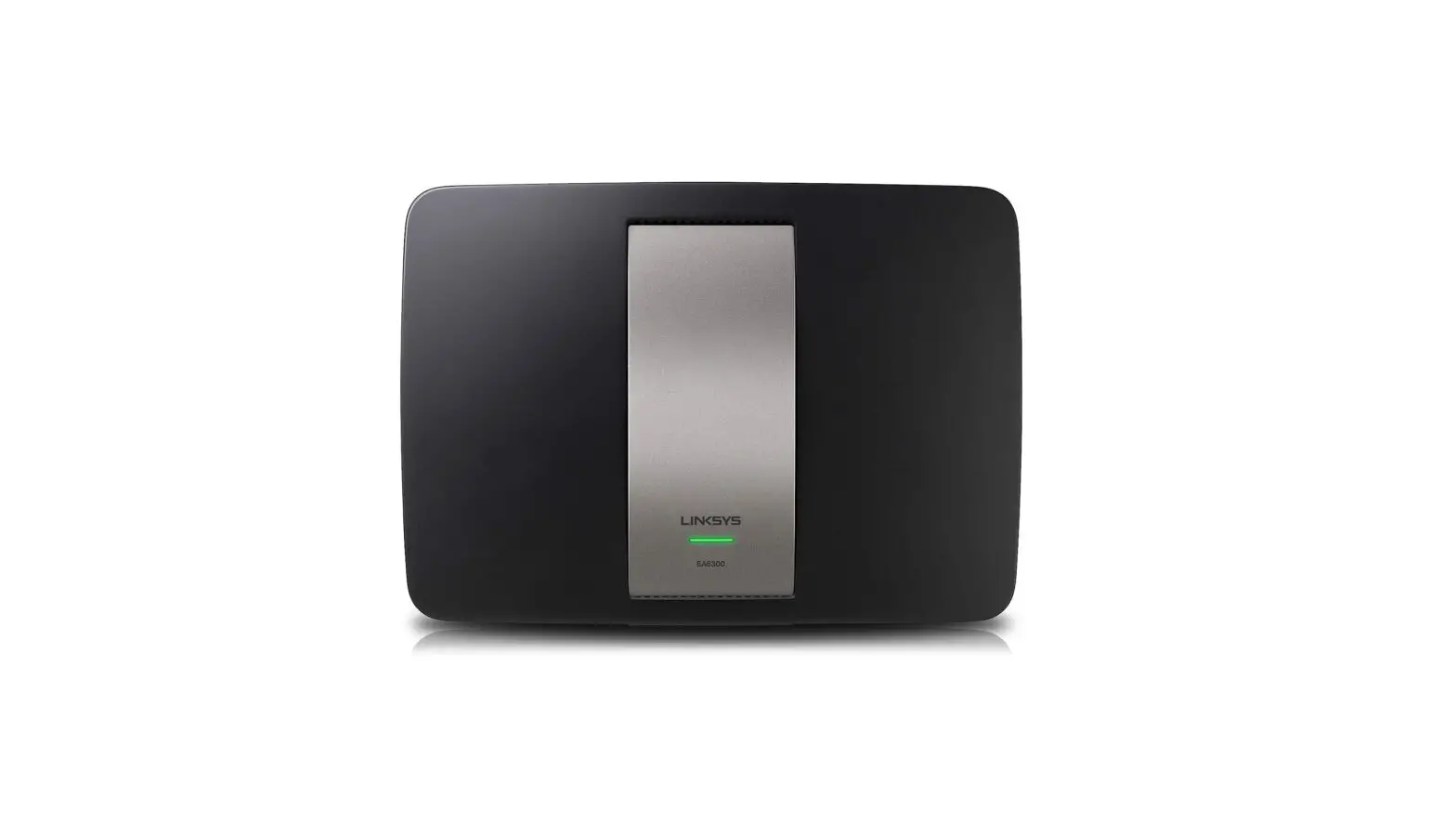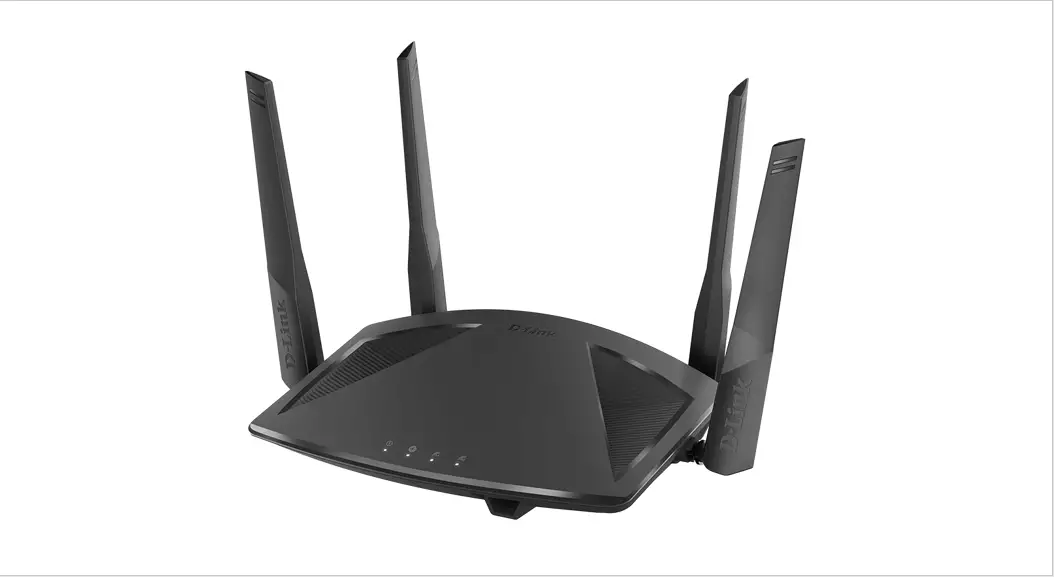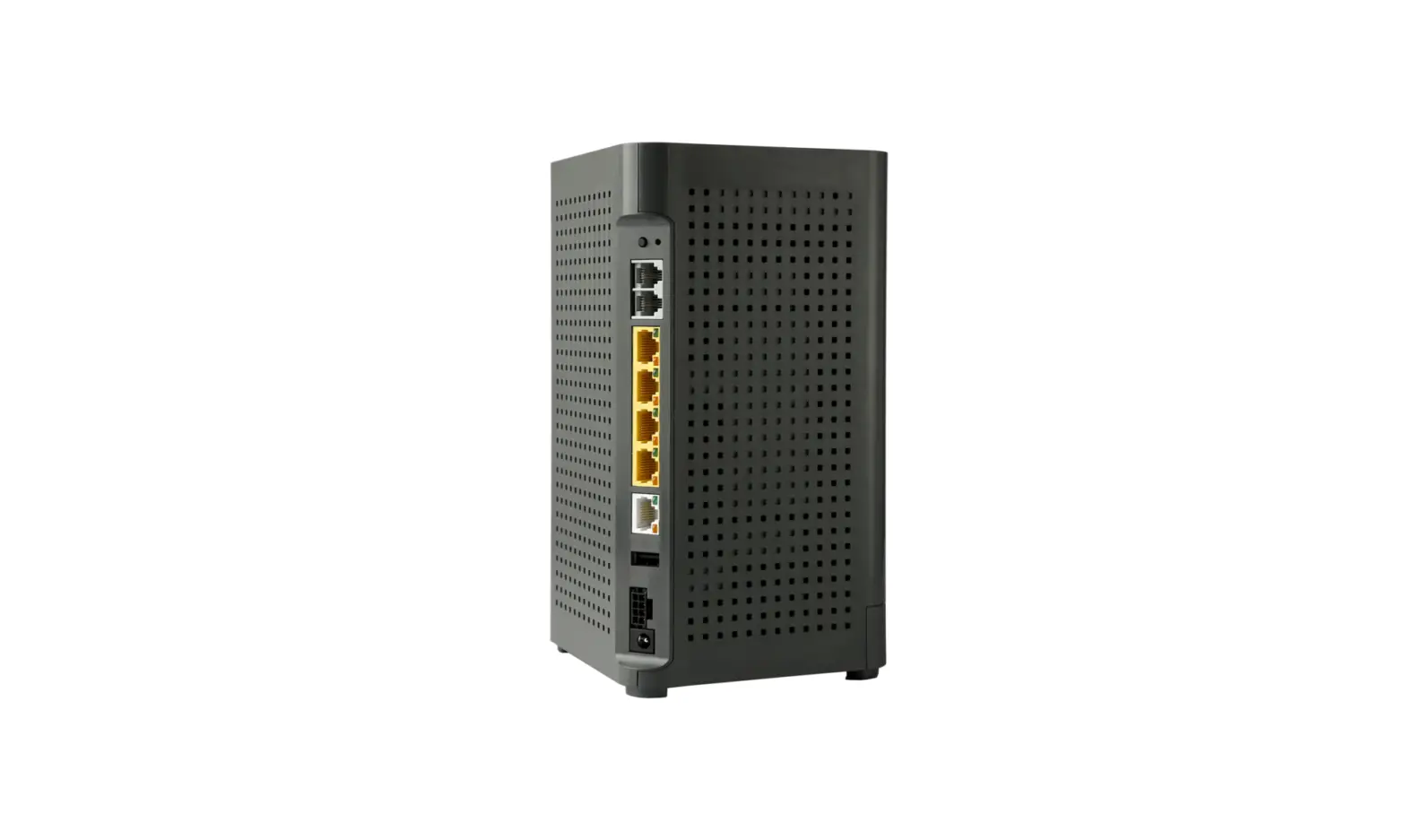
U6 Wi-Fi Router

Quick St art Guide:
Setting up your Giga Spire U6 Router
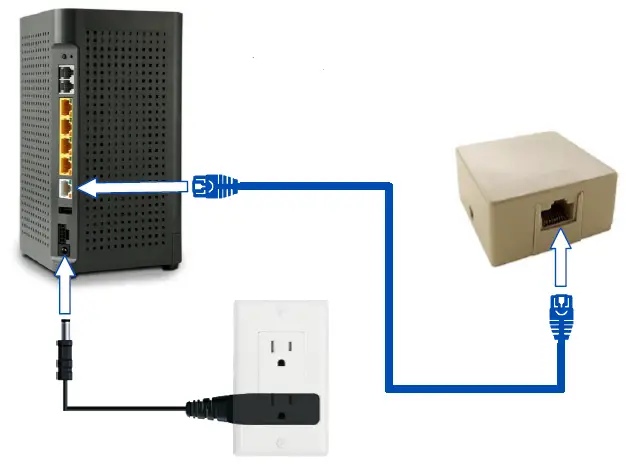
1 Connect GigaSpire U6 router to an AC power outlet.
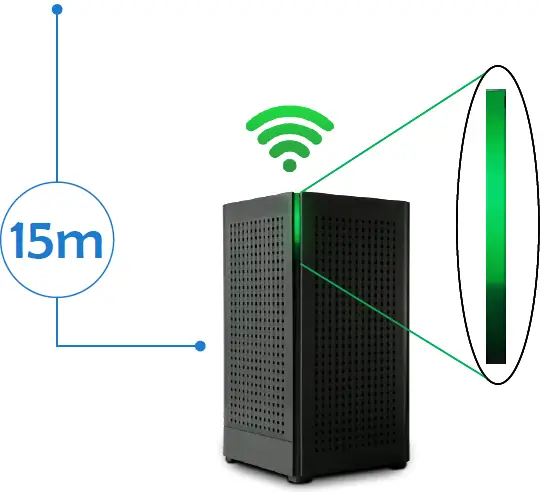
Initial boot-up time: up to 15 minutes, with updates
2 Connect one end of the supplied Ethernet cable to the Ethernet port found on the connection provided by your service provider (e-Jack) and the other end of the cable to the WAN port on the back of the GigaSpire U6 router.
3 The solid green light indicates SUCCESS! You are connected to the Internet.
4 Refer to the Quick Start Guide for the App to set up your Wi-Fi.
Need help? Contact us!
207-563-5018 (Tidewater) ● 207-763-5018 (Lincolnville Telephone) ● 207-785-5018 (LCI) ● Email: [email protected]