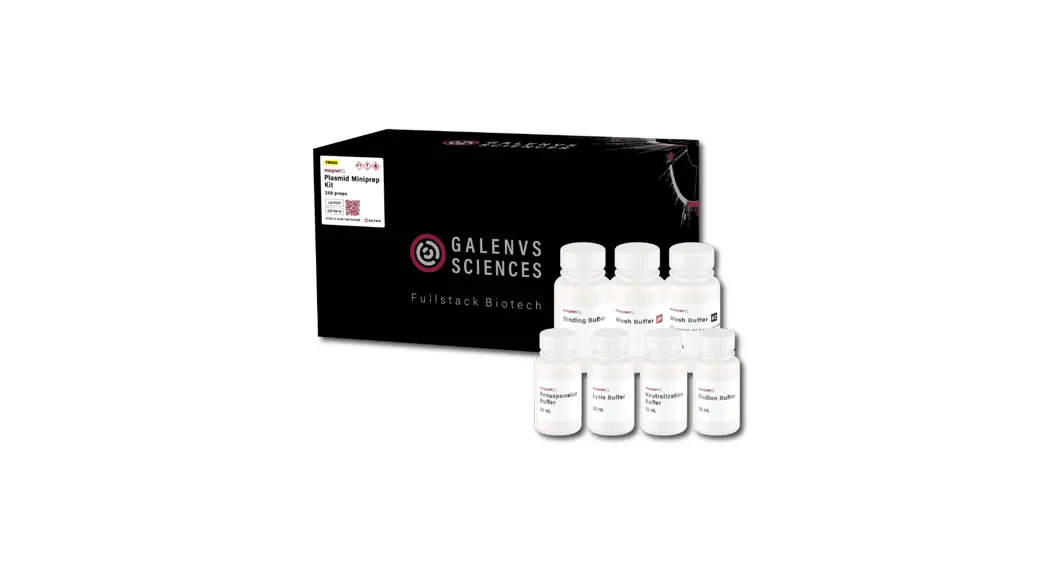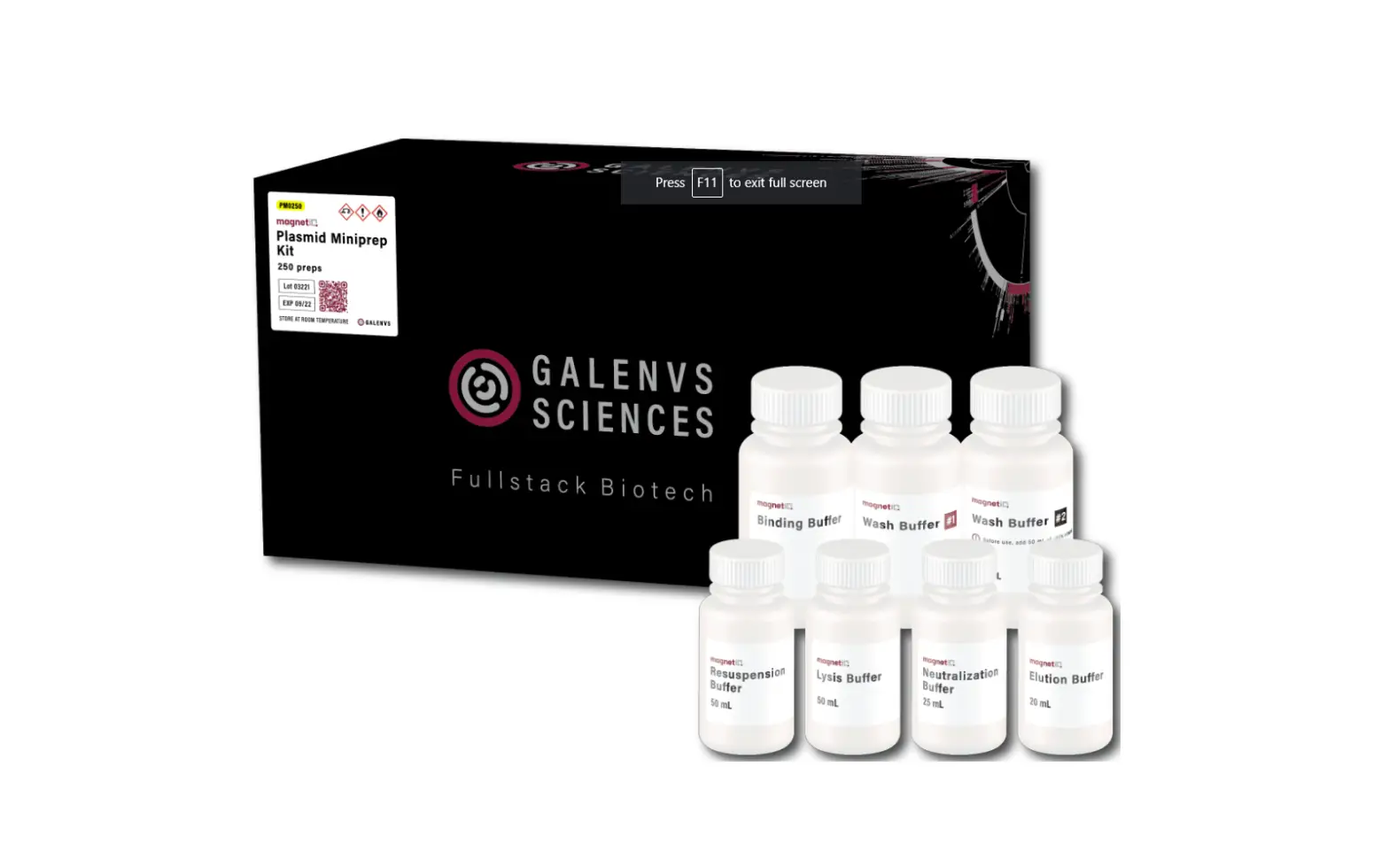
GALENVS Plasmid Miniprep Kit User Guide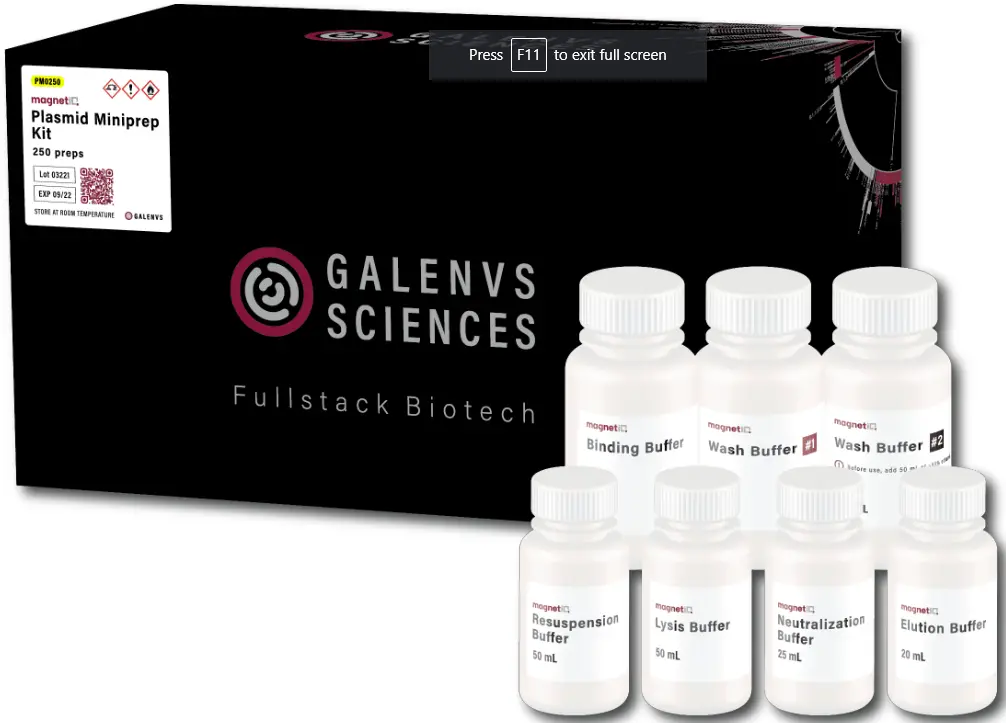
Features
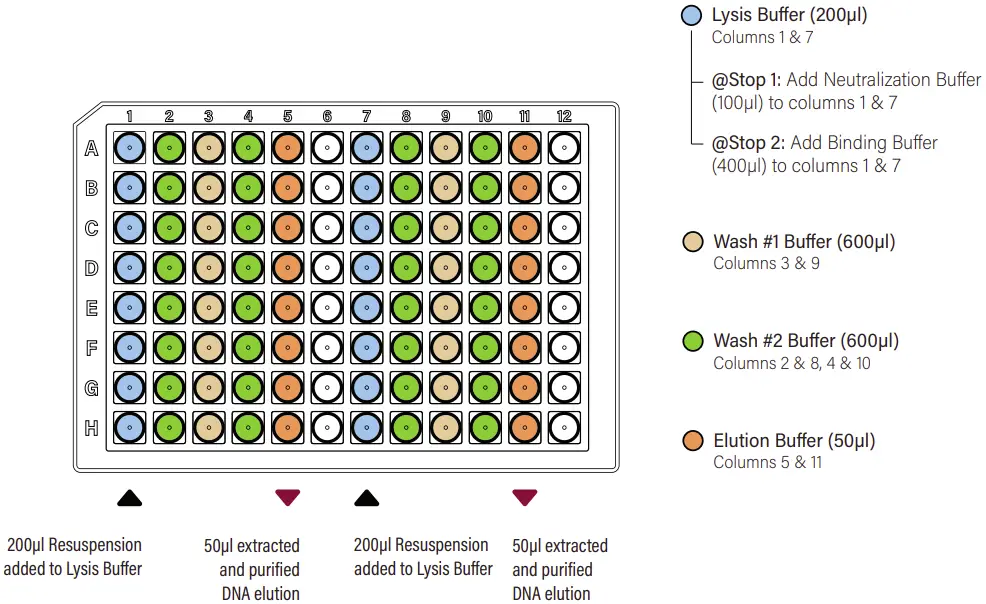
Installation instruction
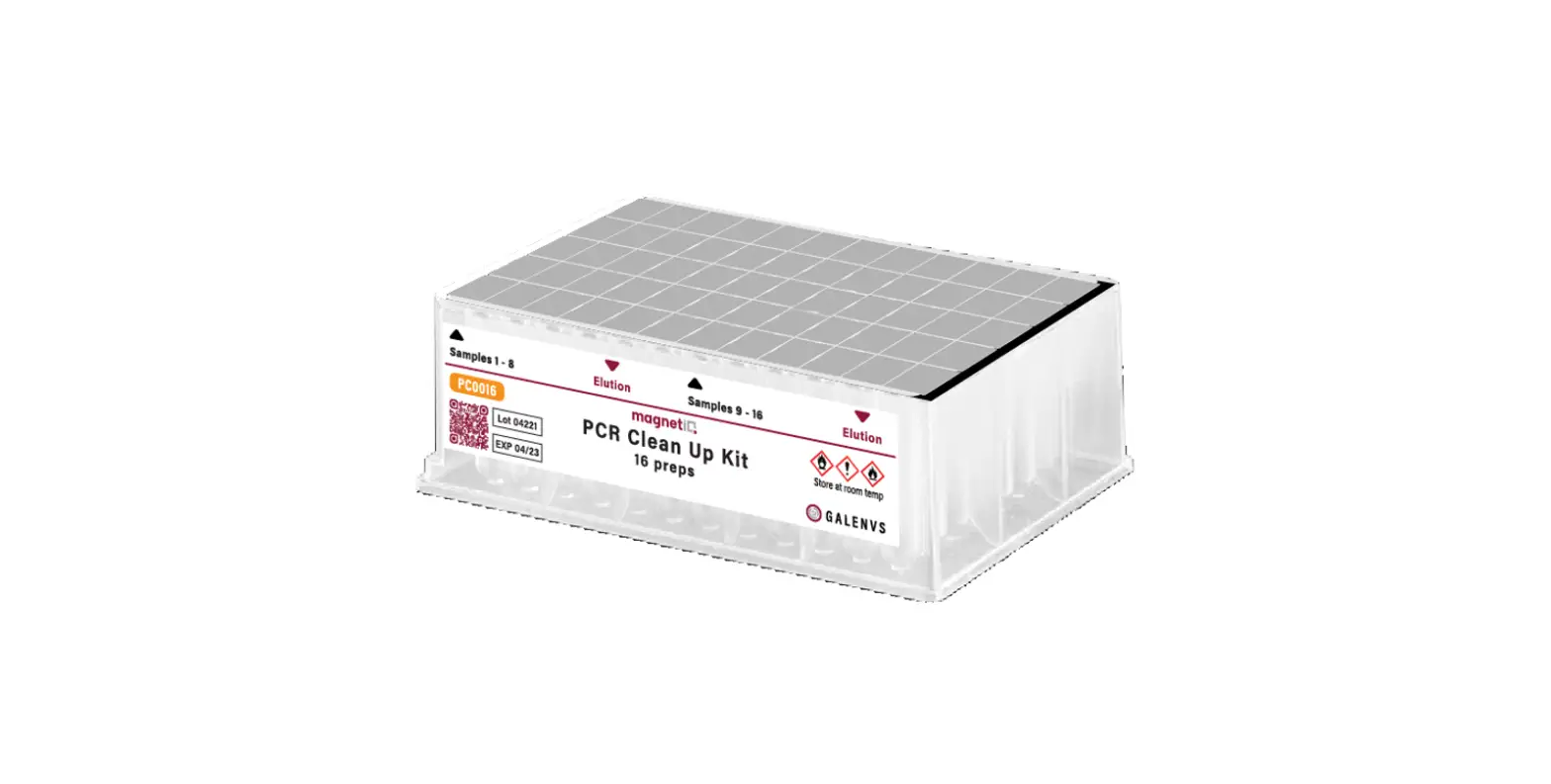
- Remove the protective foil.

- Resuspend bacterial pellet in 200µl of Resuspension Buffer then add to Lysis Buffer (columns 1 and 7).
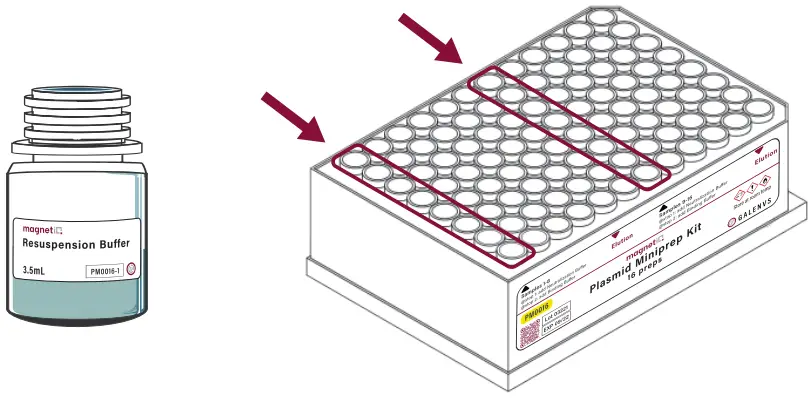
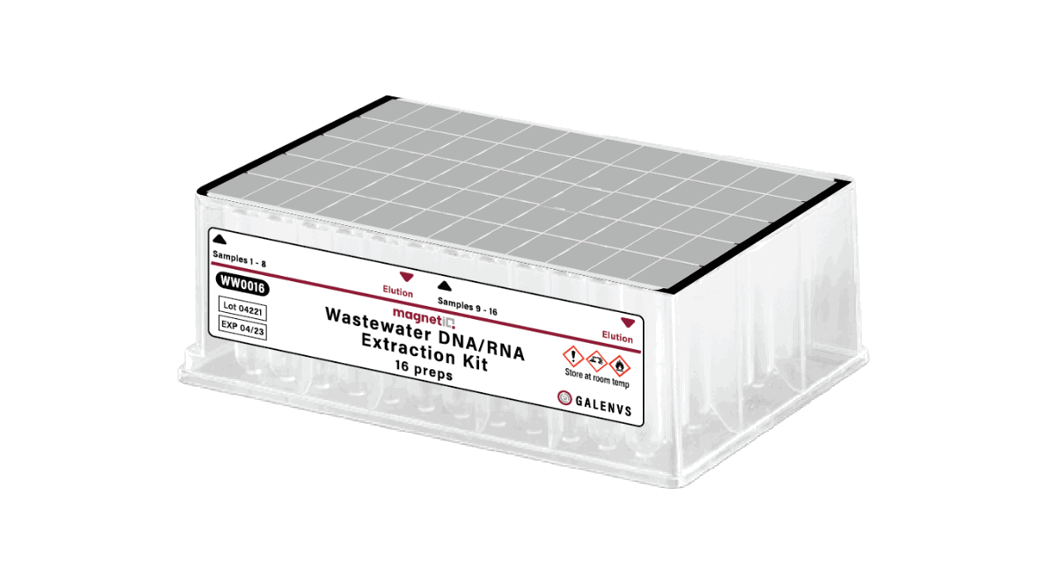
- Place plate into the miQron, taking care that the label is facing outward.

- Insert two combs.
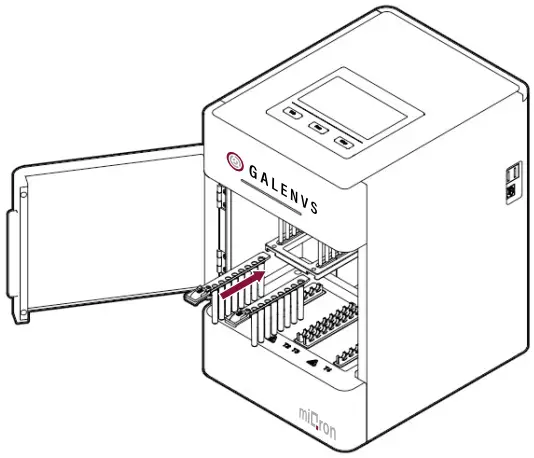
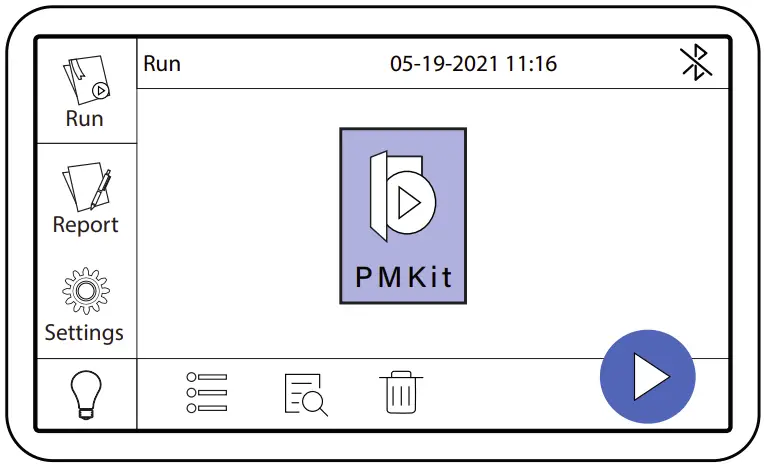
- Select the PM Kit protocol and press


- At Stop 1, add 100µl of Neutralization Buffer to columns 1 and 7.
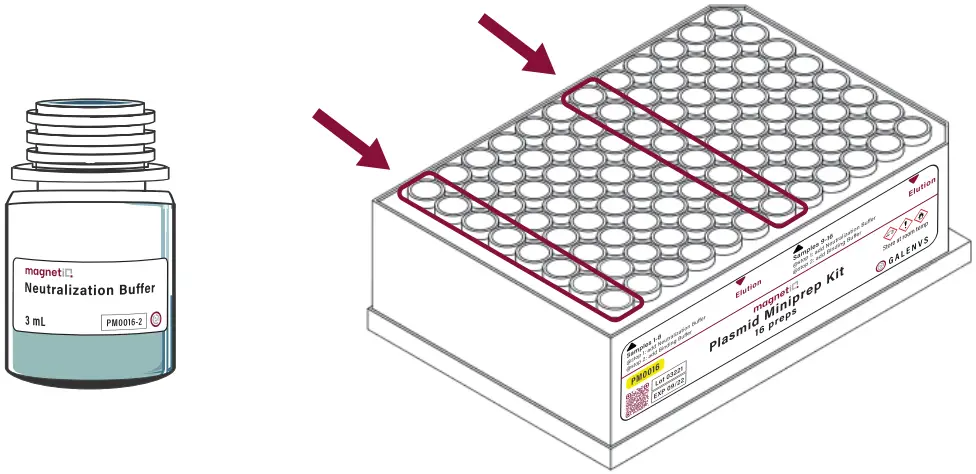
Place plate back in miQron and continue the program. - At Stop 2, add 400µl of Binding Buffer to columns 1 and 7.
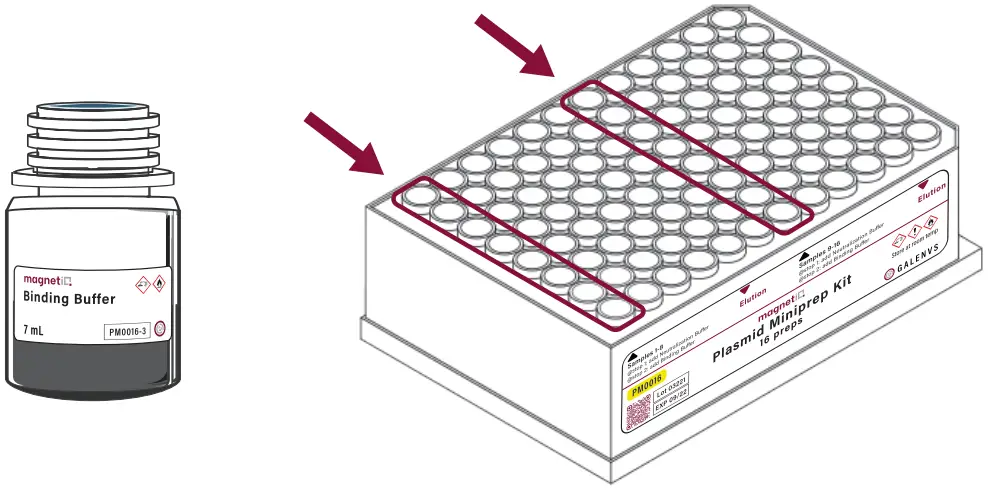
Place plate back in miQron and continue the program.
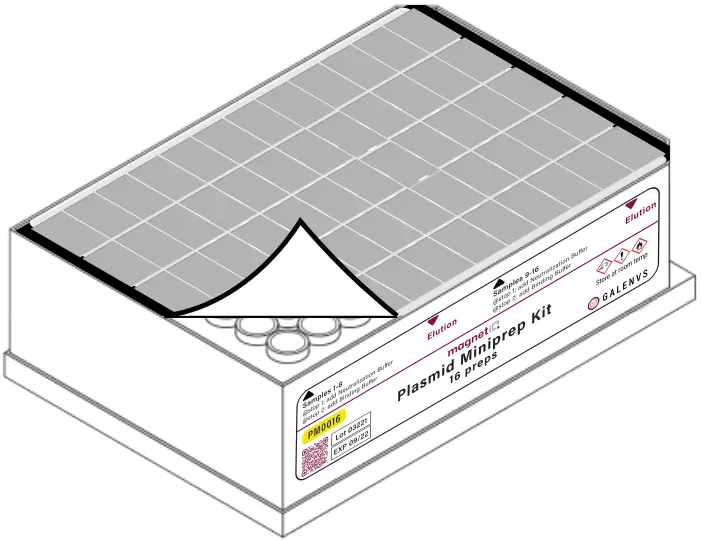
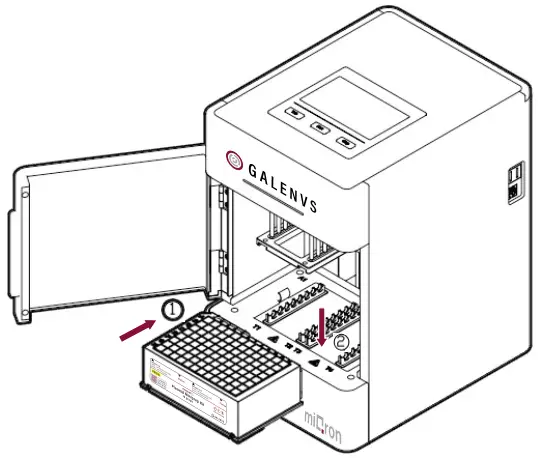
When program is complete, discard combs then remove plate from miQron.
Columns 5 and 11 contain the purified DNA elution.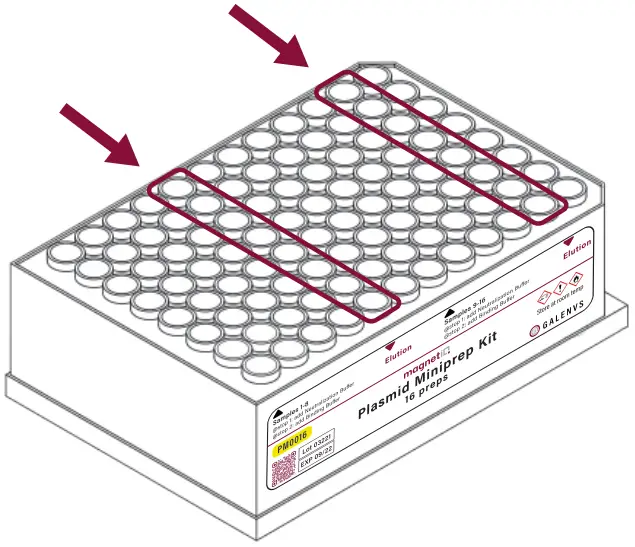
PMKit miQron protocol parameters
| Step Name | Column | Volume (p1) | Time (sec) | Mixing Speed (1-10) | Dry Time (sec) | Magnet Capture Time (sec) |
| Lysis | 1 & 7 | 400 | 480 | 3 | 0 | n/a |
| Stop 1- Neutralization | 1& 7 | 500 | 120 | 5 | 0 | 75 |
| Discard MNP | 2 & 8 | 600 | 12 | 10 | 0 | n/a |
| Stop 2- Binding | 1& 7 | 900 | 60 | 5 | 0 | 50 |
| Wash #1 | 3 & 9 | 600 | 60 | 5 | 0 | 50 |
| Wash #2 | 4 & 10 | 600 | 60 | 5 | 60 | 50 |
| Elution | 5 & 11 | 50 | 60 | 5 | 0 | 50 |
| Discard MNP | 2& 8 | 600 | 6 | 10 | 0 | 0 |