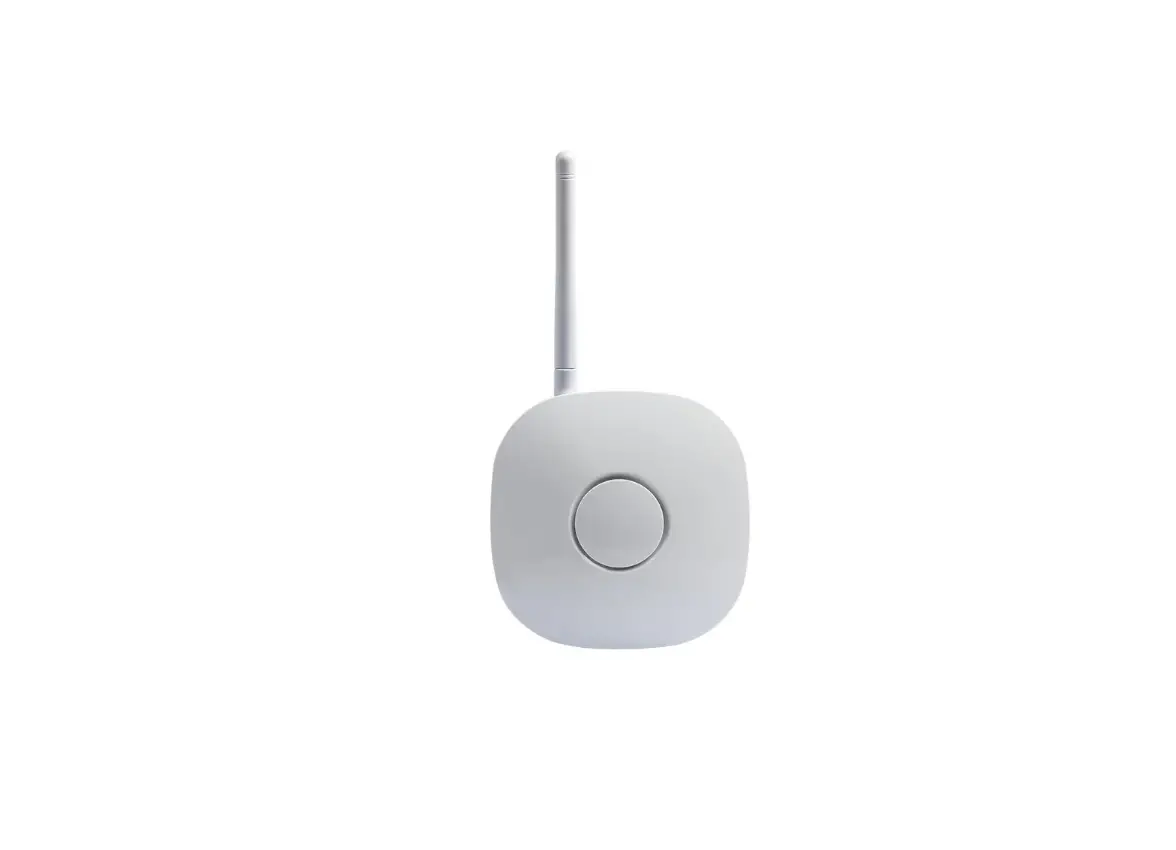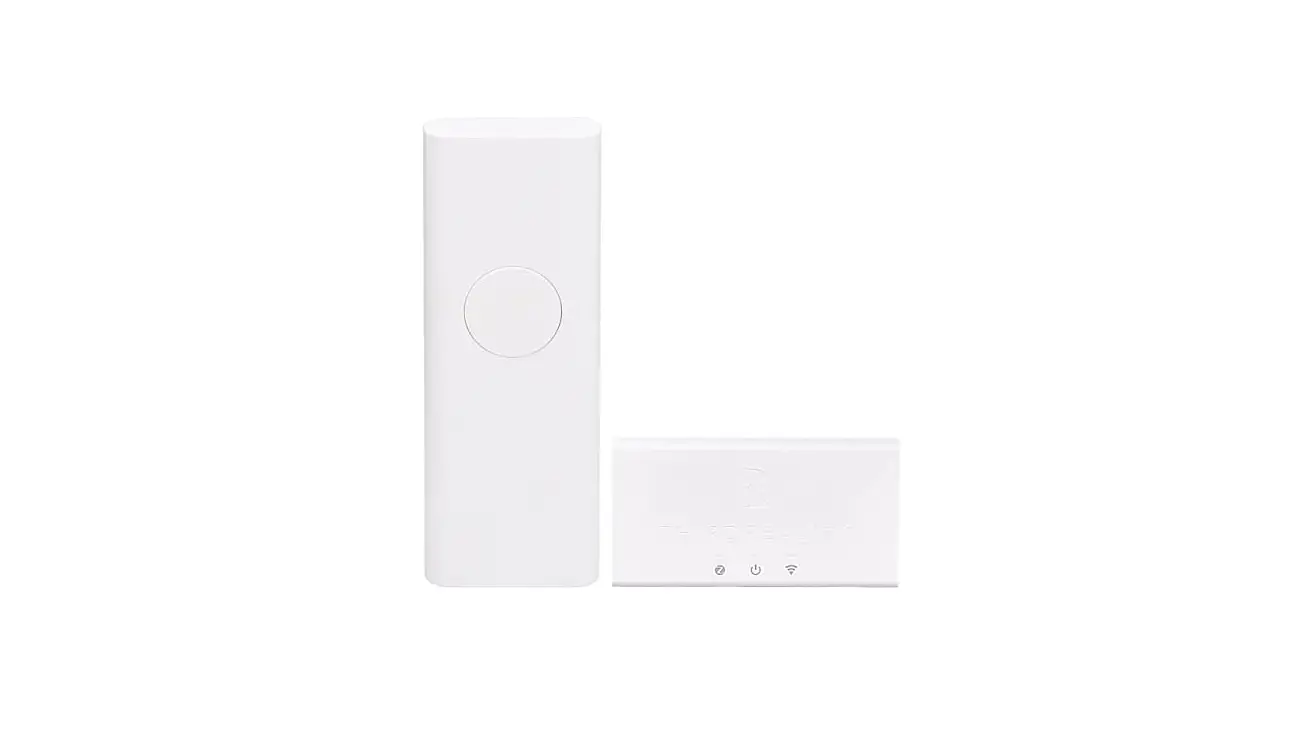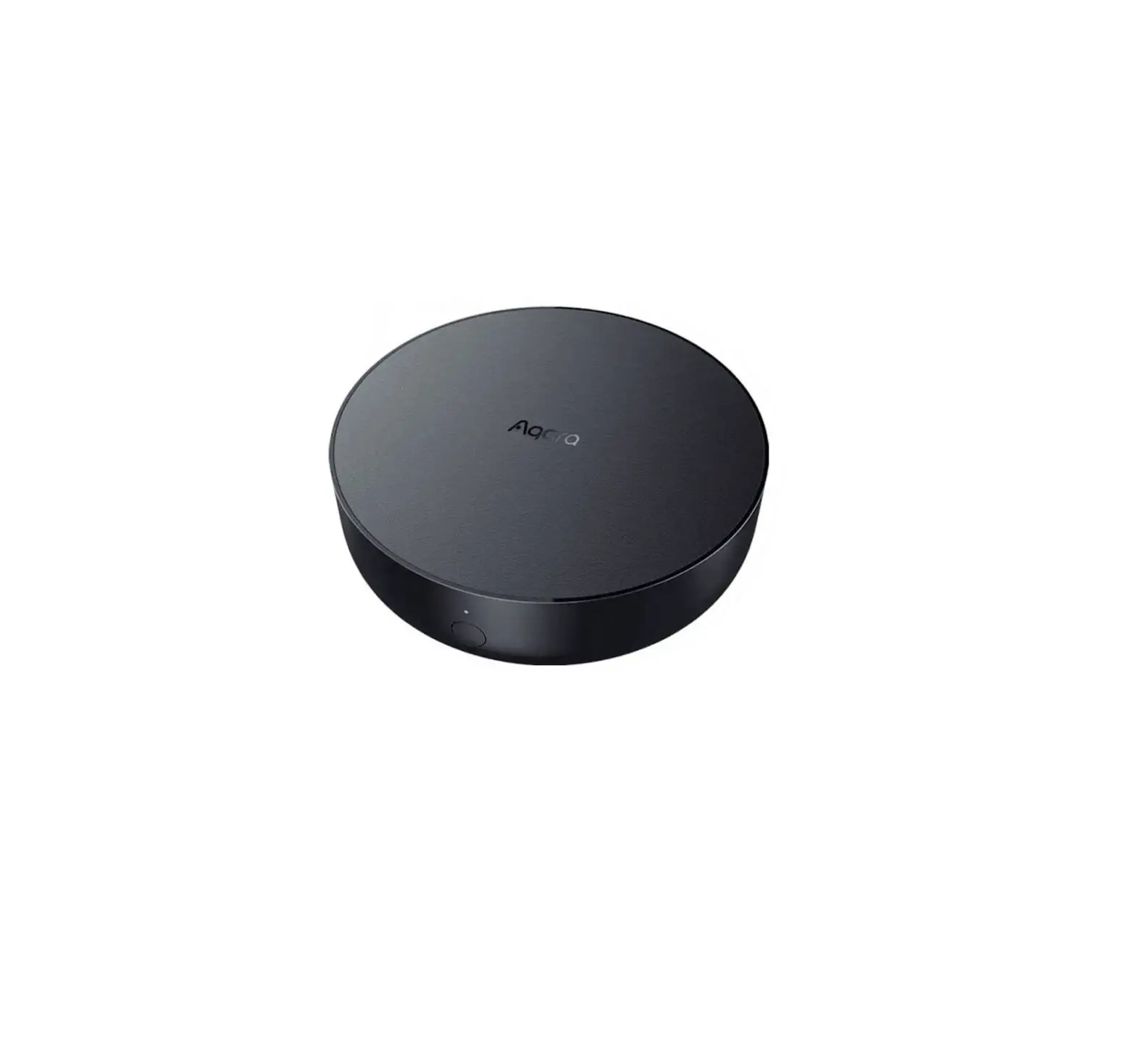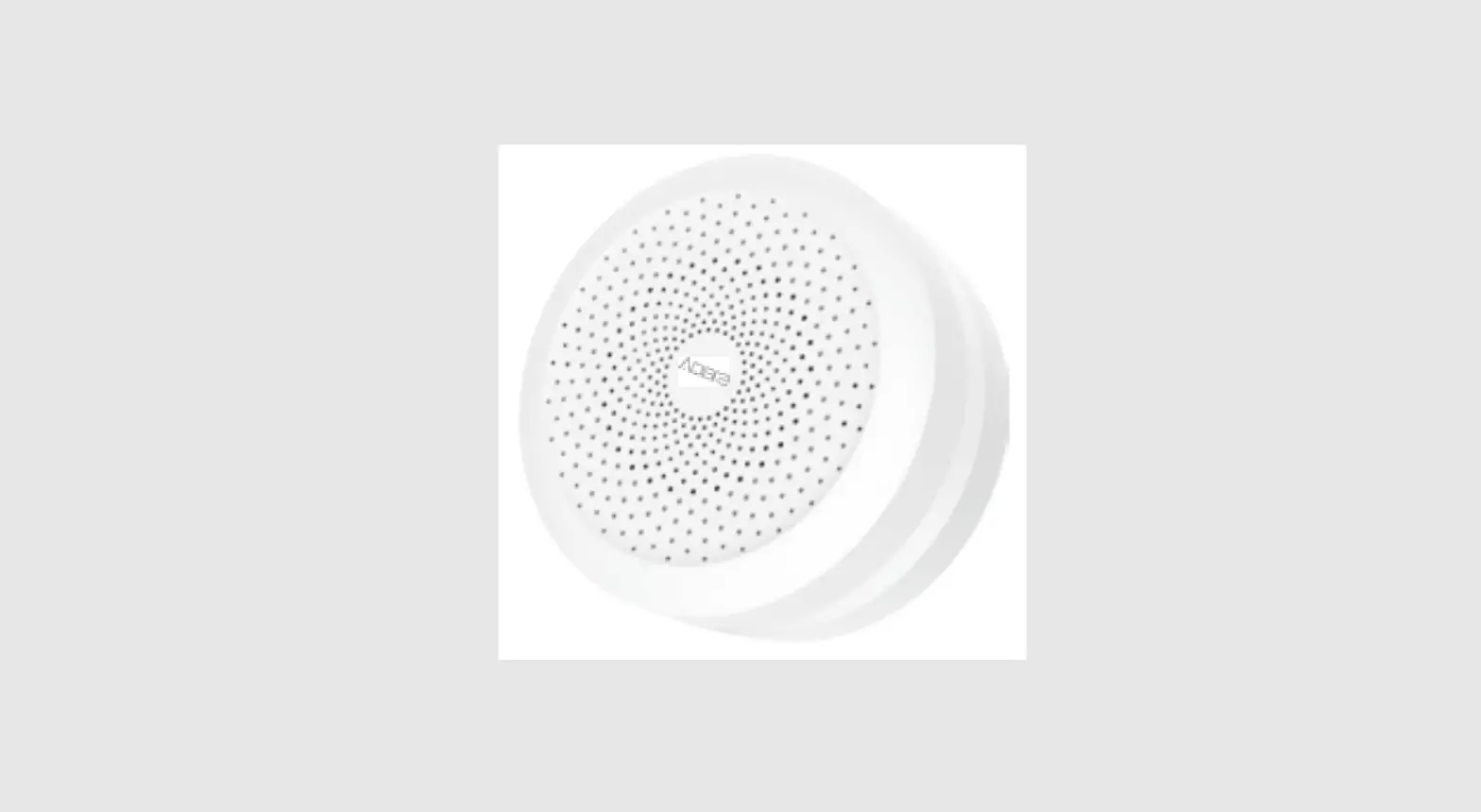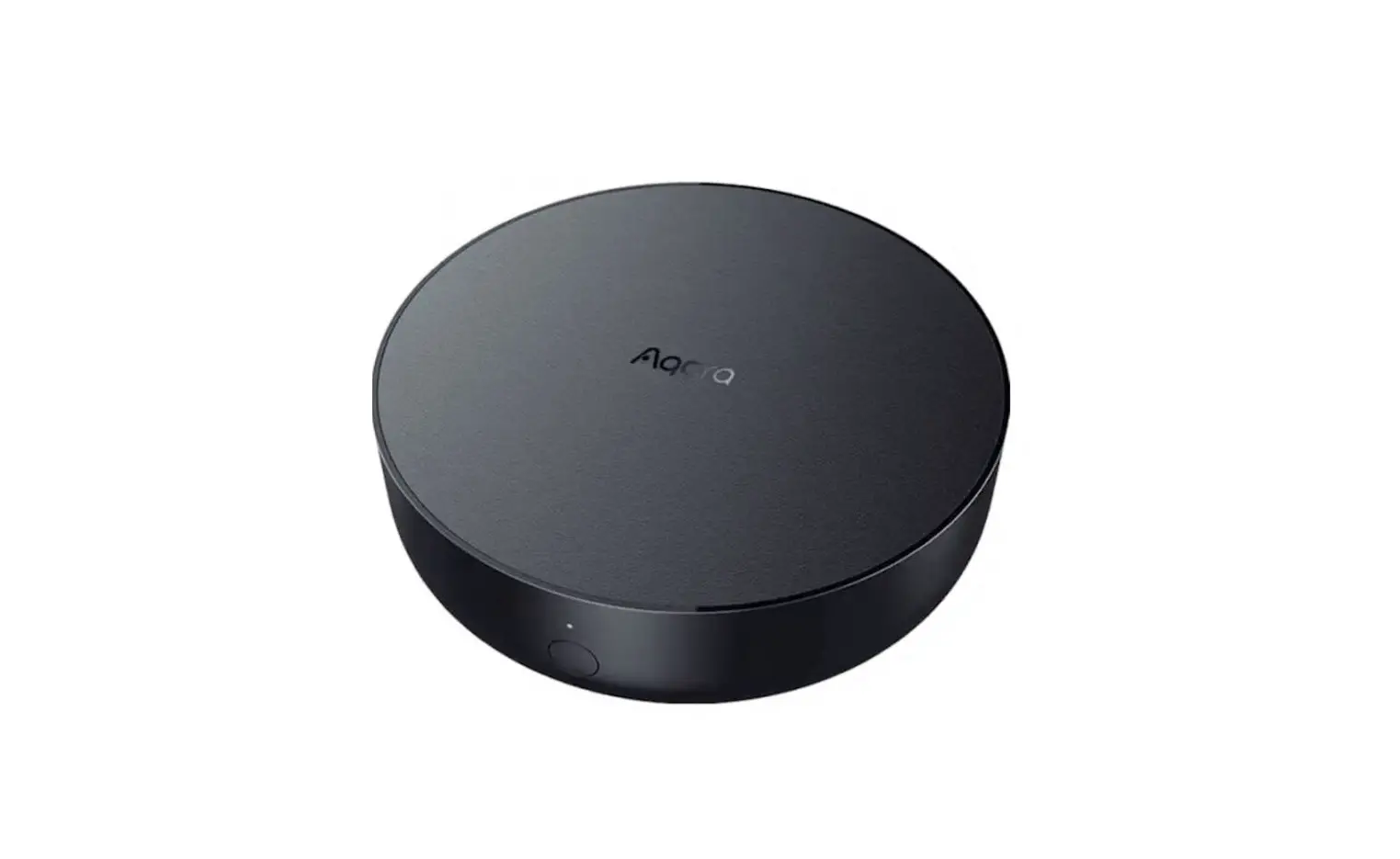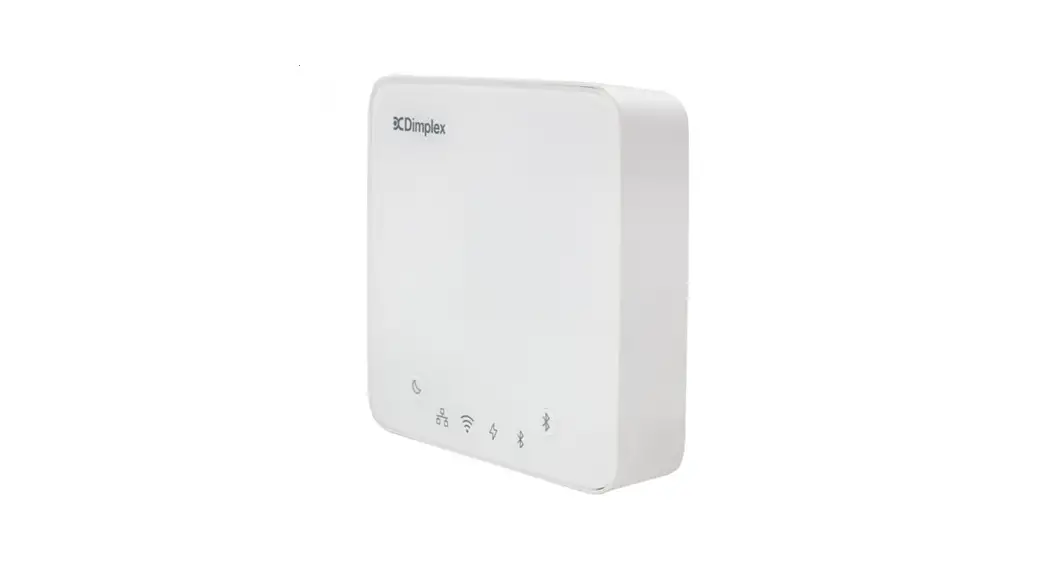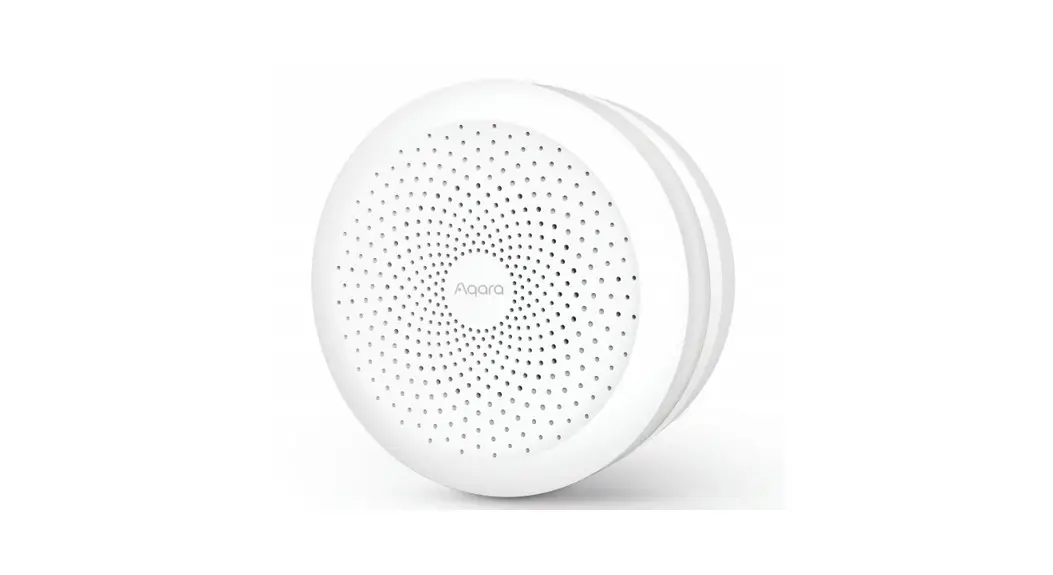

Hub-1S Wireless IoT Data Collection and Control Device
Installation Guide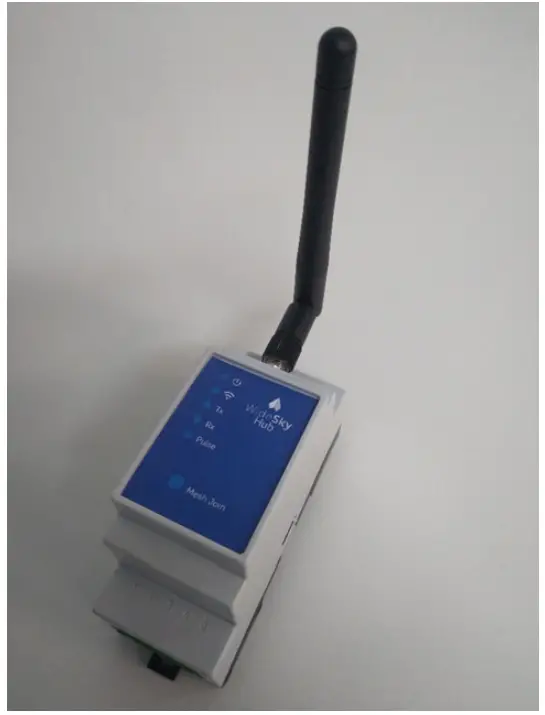
Hub-1S Wireless IoT Data Collection and Control Device
1CH – Hub: User/Installation
REV: 12 – 02/09/2022
WideSky Hub 1CH – Hub: User/Installation Guide
OVERVIEW

WideSky Hub – Model: 1P-AC
The WideSky Hub-1S is a wireless IoT data collection and control device which operates on the 2.4GHz ISM band using IEEE 802.15.4 communications.
There are no user-serviceable parts and no configuration access for the user. The maximum transmission power is fixed by user inaccessible software configurations to the region’s regulatory limits.
SPECIFICATIONS
2.1 Electrical
| Input Voltage | 100ACV – 240ACV |
| Frequency | 50/60 Hz |
| Max. Current | 0.15A |
| Max. Operation Temperature | 70°C |
2.2 Radio
| Standard | IEEE 802.15.4 (Zigbee / Thread) |
| Operation Frequency | 2400 – 2483.5 MHz ISM band |
| No of Channels | 16 |
| Max Transfer Rate | 250kbps |
| Modulation | O-QPSK |
| Max. Transmit Power | Automatic limitation to regional regulatory limitations (e.g. for US (FCC) 20dbm, Europe (CE) 10dbm) |
2.3 Antenna
Pulse Larsen Antenna, manuf. Part no. W1010
| Frequency: | 2.4 – 2.5 GHz |
| Gain(dB): | 2 |
| Impedance: | 50 Ohm |
| VSWR | <= 2.0 |
| Polarization | Vertical |
| Electrical Length: | ¼, dipole |
| Radiation: | Omni directional |
2.4 Mechanics
| Enclosure | ABS with mounting hardware |
| Mounting | DIN-rail |
| Dimensions | 35x57x86mm (WxHxD) |
| Weight | 0.3kg |
| Operating Temp | -20 to +70 °C |
| Humidity | 5-95% RH |
| IP Rating | 30 |
2.5 Environment
| Operating Temp | -20 to +75 °C |
| Humidity | 5-95% RH |
SPECIFICATIONS
2.6 Connections
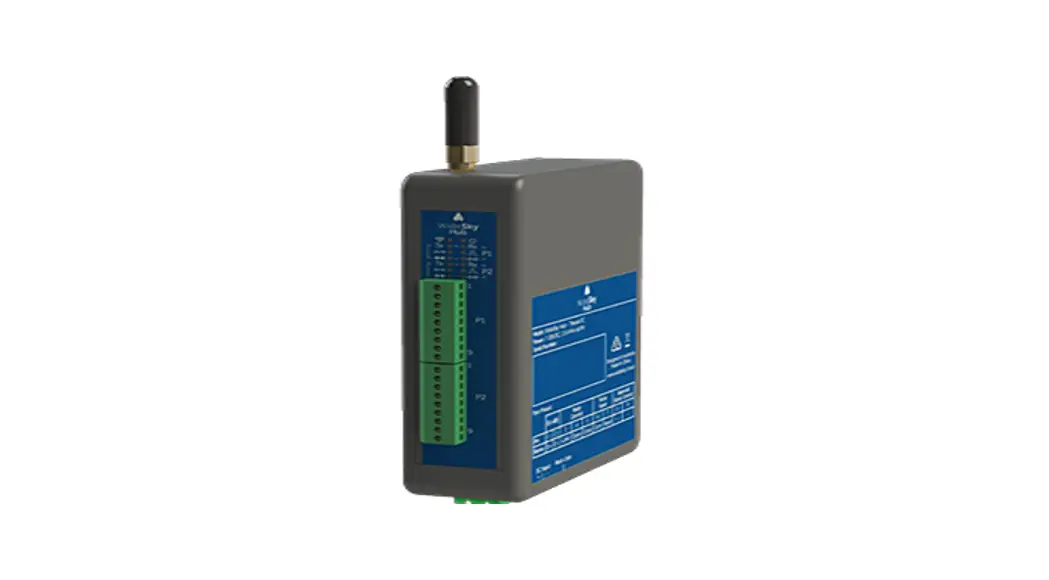
There are three connectors on the hub:
- A three-pin AC input terminal block
- A five-pin DC terminal block for communications
- An SMA antenna jack.
The AC input requires the usual L/N/PE lines, the DC connector has two RS485 differential lines (A/Y & B/Z), a Ground terminal and a digital pulse input. The fifth line is unused and not connected.
The connection pins as seen from the top are
DC terminal block:
| 6 | 7 | 8 | 9 | 10 |
| GND | n/c | Pulse | B/Z (D-) | A/Y (D+) |
AC terminal block:
| 1 | 2 | 3 |
| Line | Protective Earth | Neutral |
INSTALLATION
The installation must only be performed by qualified and authorized personnel.
Steps:
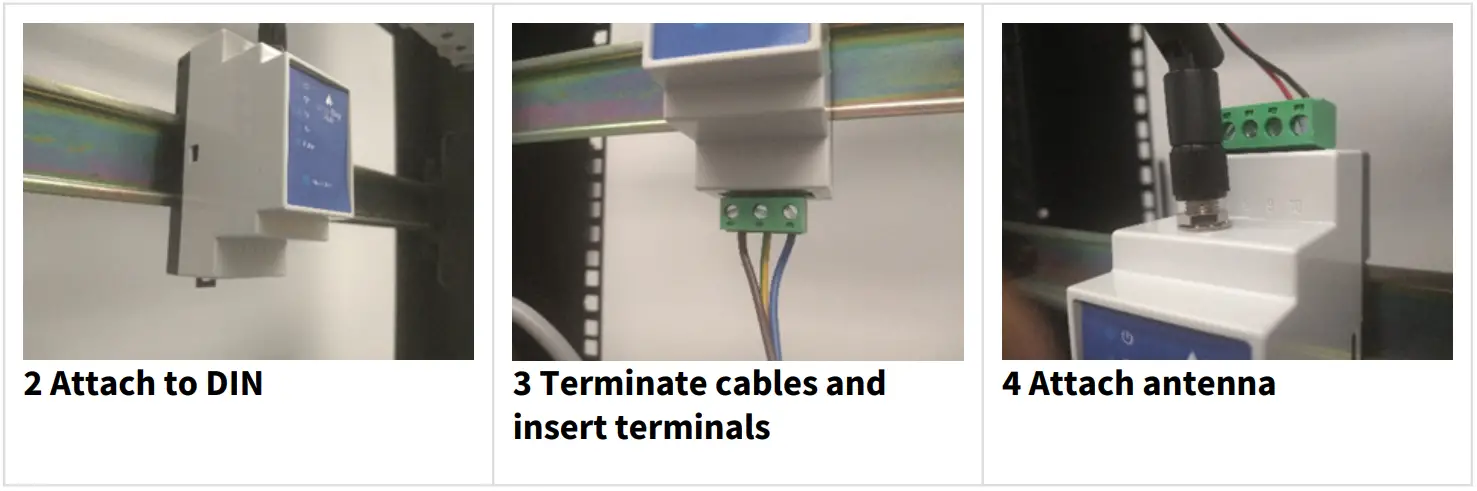
- The device is in a standard DIN-rail enclosure, it needs to be `clicked’ onto the rail. Make sure the rail latch at the bottom of the device is securely latched to the rail.
- Terminate the cables and insert the screw terminals. 3. Fasten screws with a maximum torque of 0.5Nm. 4. Screw the antenna on the provided connector.
3.1 Warnings and Declaration
3.2 General
- Installation and service must be performed by qualified and authorized persons only.
- Make sure power is OFF during installation
- DO NOT use this device in an environment with direct exposure to water
- DO NOT use the device in a direct outdoor environment without an electrical enclosure
Changes or modifications not expressly approved by the party responsible for compliance could void the user’s authority to operate the equipment
3.3 Federal Communications Commission:
This device complies with Part 15 of the FCC Rules. Operation is subject to the following two conditions: (1) this device may not cause harmful interference, and (2) this device must accept any interference received, including interference that may cause undesired operation.
Caution: The user is cautioned that changes or modifications not expressly approved by the party responsible for compliance could void the user’s authority to operate the equipment.
Note: This equipment has been tested and found to comply with the limits for a Class B digital device, pursuant to part 15 of the FCC Rules. These limits are designed to provide reasonable protection against harmful interference in a residential installation. This equipment generates uses and can radiate radio frequency energy and, if not installed and used in accordance with the instructions, may cause harmful interference to radio communications. However, there is no guarantee that interference will not occur in a particular installation. If this equipment does cause harmful interference to radio or television reception, which can be determined by turning the equipment off and on, the user is encouraged to try to correct the interference by one or more of the following measures:
- Reorient or relocate the receiving antenna.
- Increase the separation between the equipment and receiver.
- Connect the equipment into an outlet on a circuit different from that to which the receiver is connected.
- Consult the dealer or an experienced radio/TV technician for help.
3.4 Industry Canada:
This device complies with Industry Canada license-exempt RSS. Operation is subject to the following two conditions:
- This device may not cause interference, and
- This device must accept any interference, including interference that may cause undesired operation of the device.
Radiation Exposure Statement:
This equipment complies with IC radiation exposure limits set forth for an uncontrolled environment. This equipment should be installed and operated with a minimum distance of 20cm between the radiator & your body.
Certifications [WIP]
To be completed once the relevant certifications have been obtained
WideSky.Cloud Pty Ltd