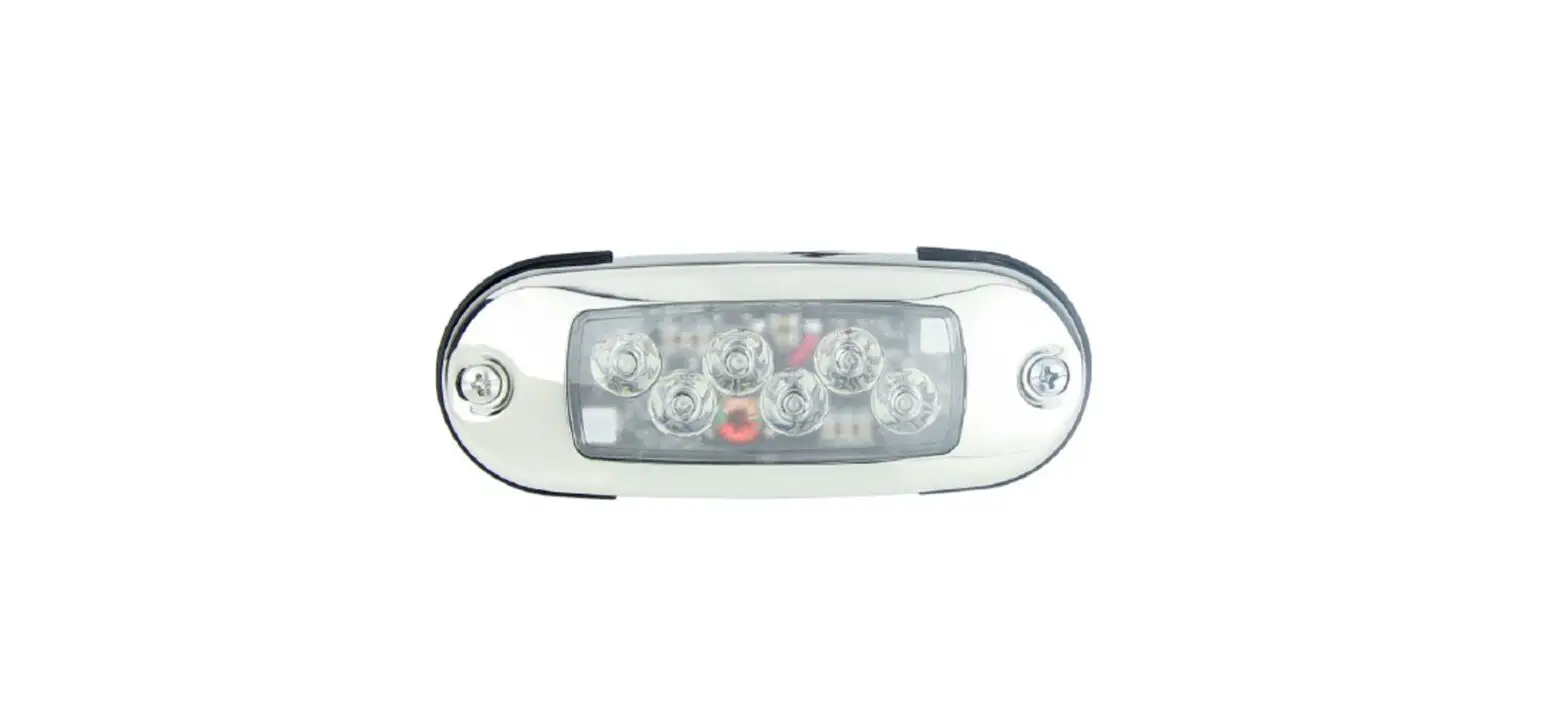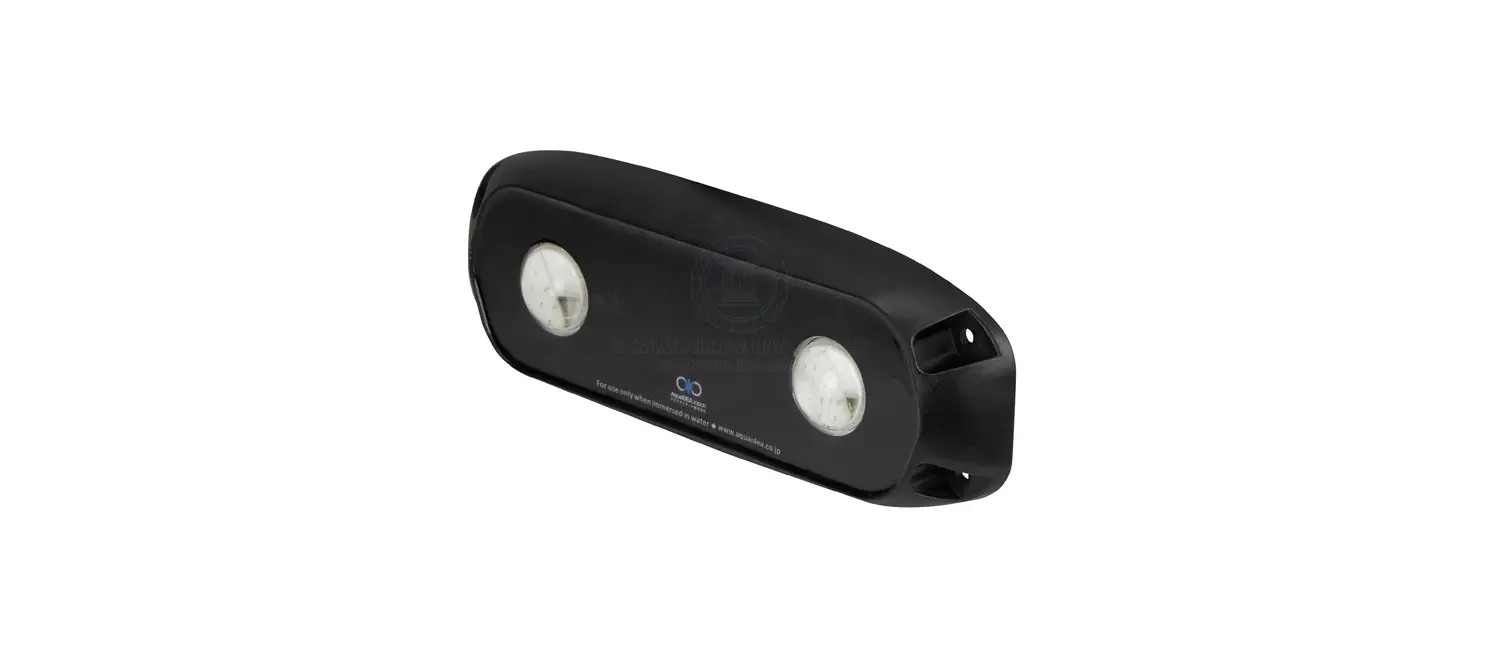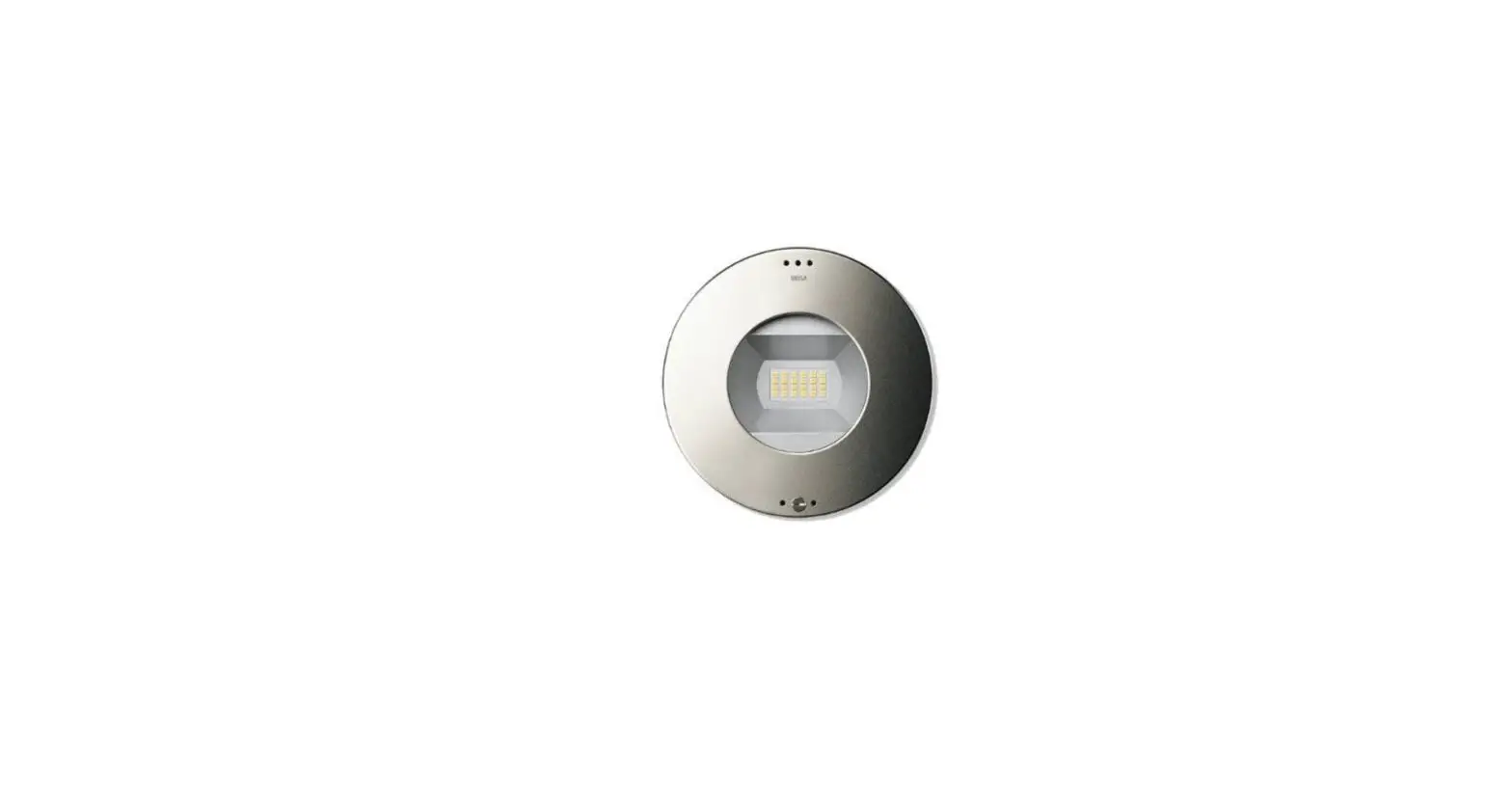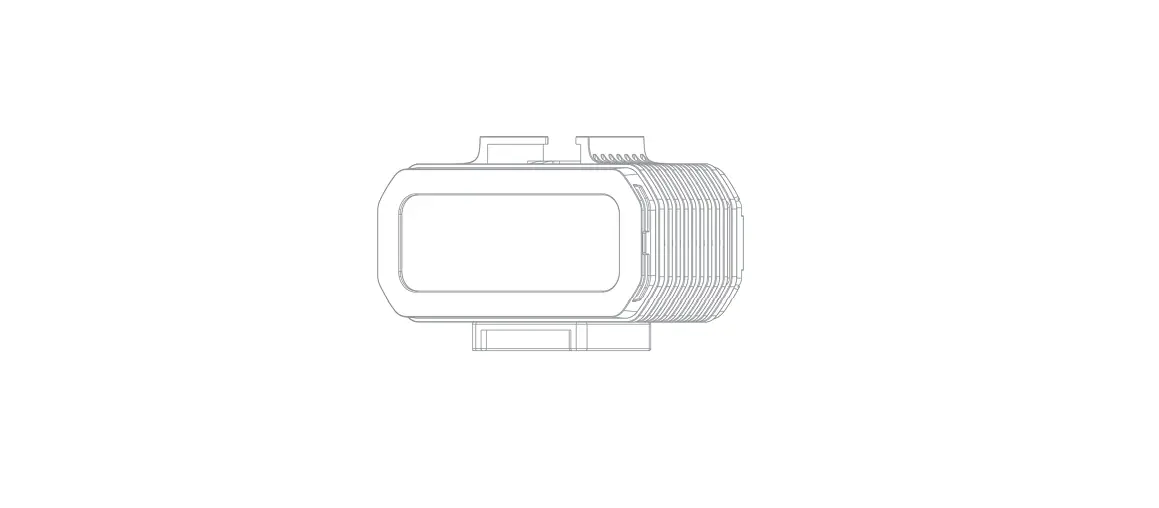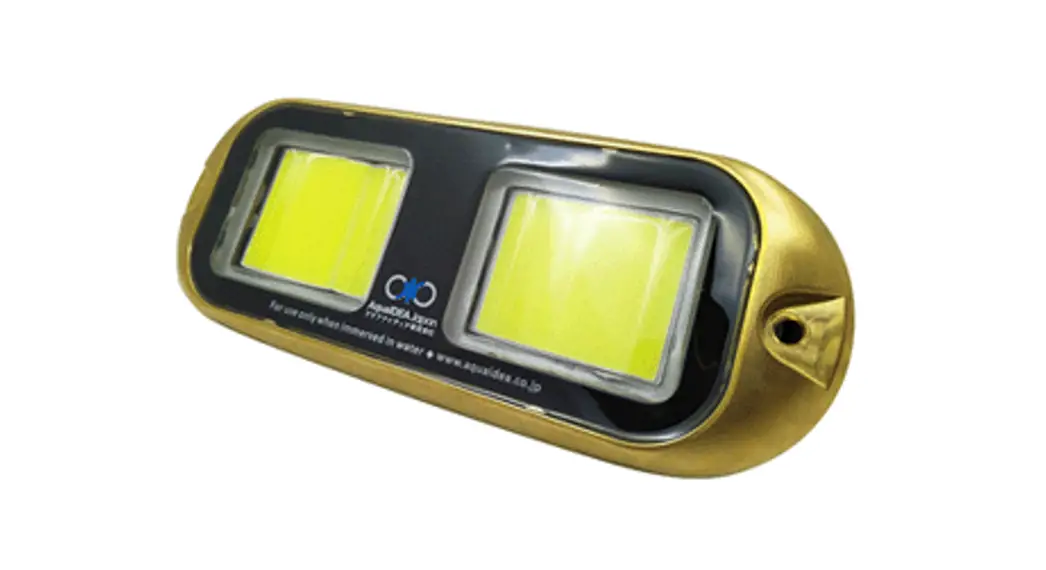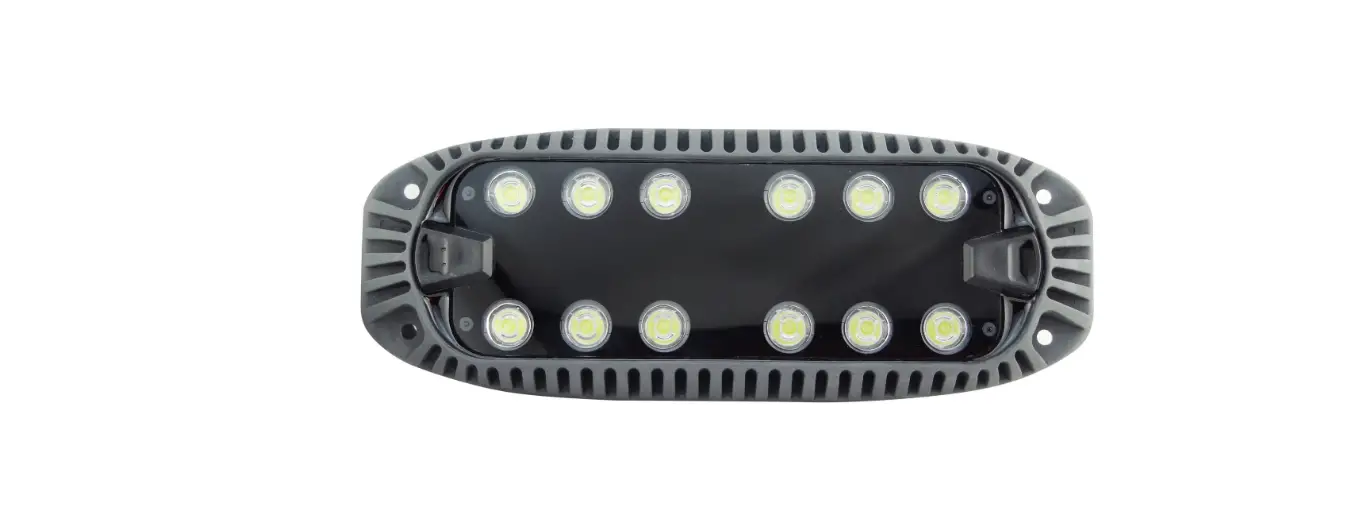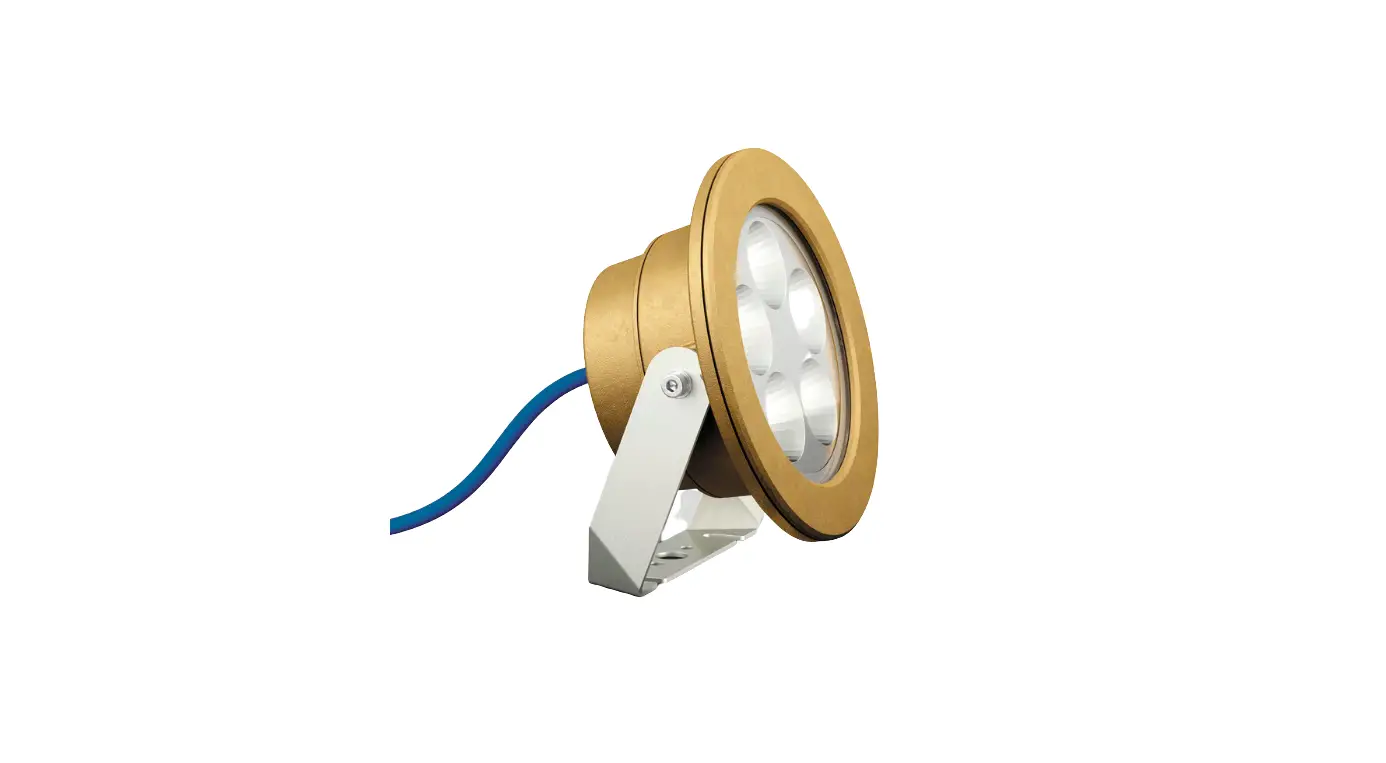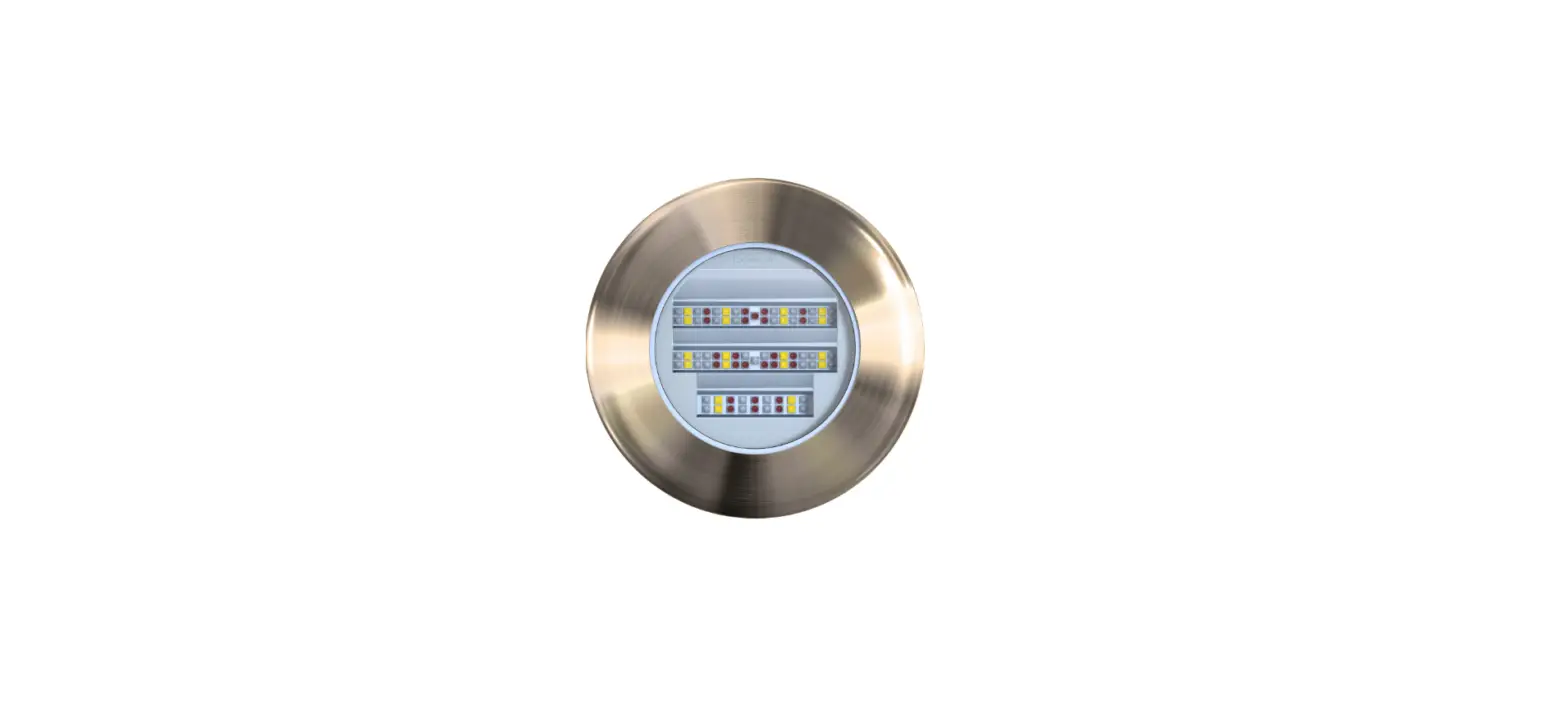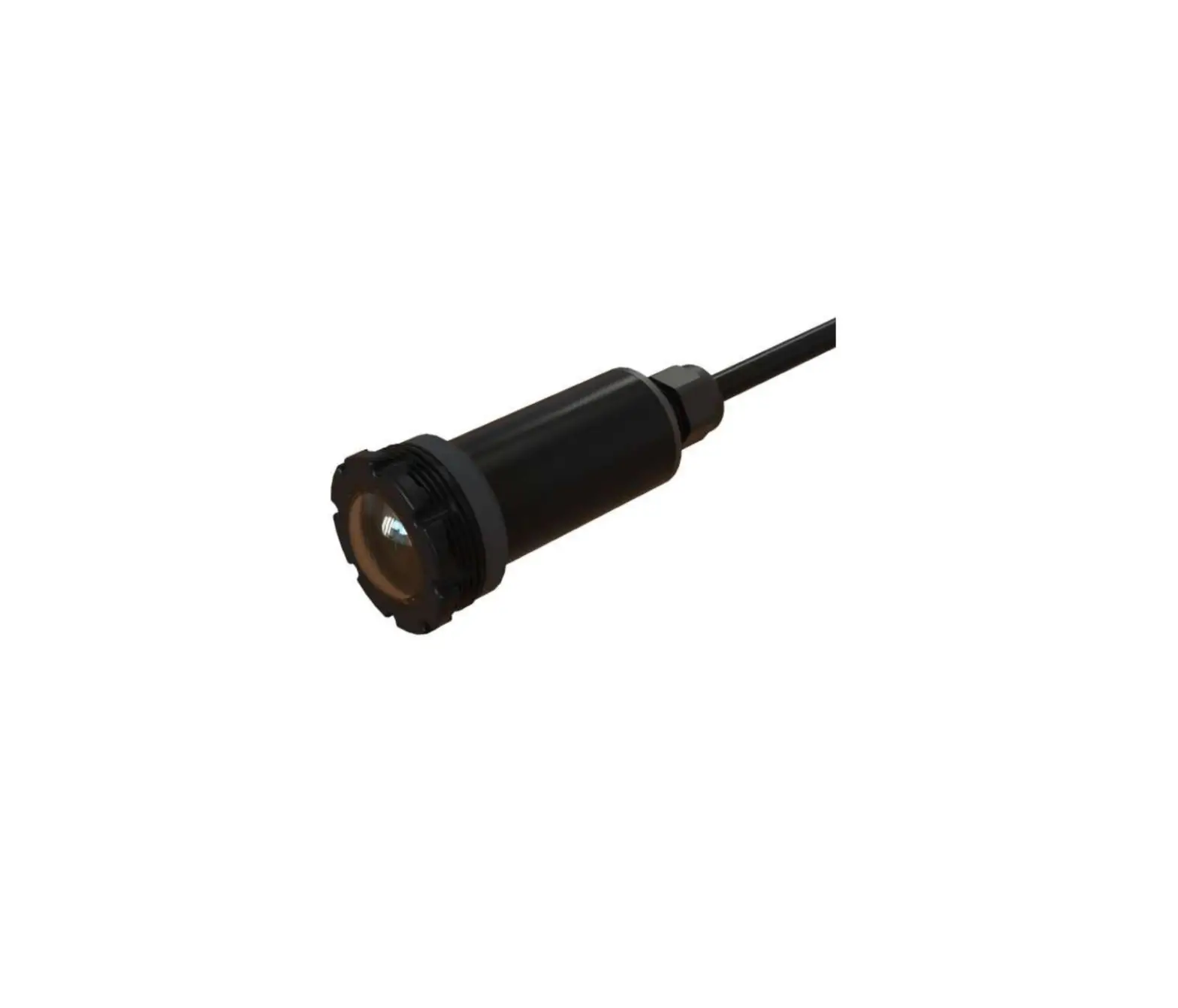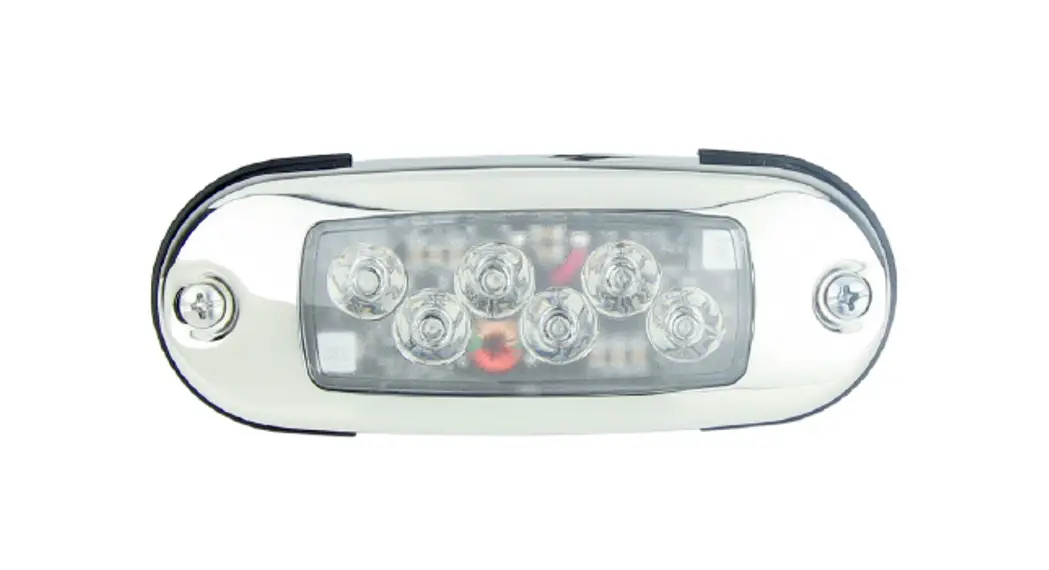
 69686-XX Maxfield Underwater Light
Instruction Manual
PARTS/TOOLS NEEDED:
 |  | 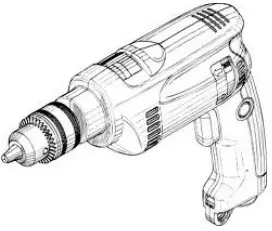 | Butt Splices & Application Specific Sealant (not provided) |
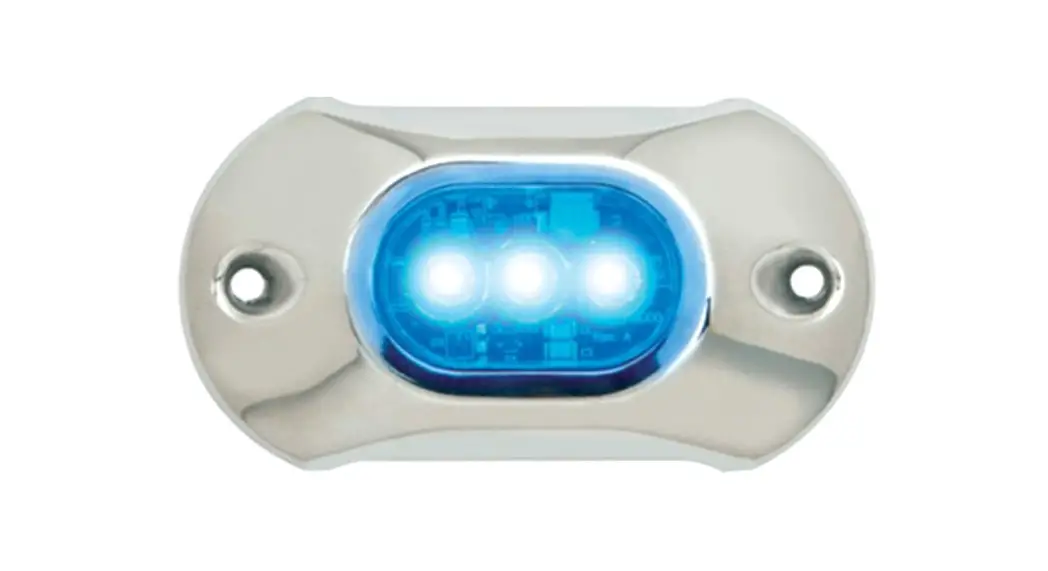
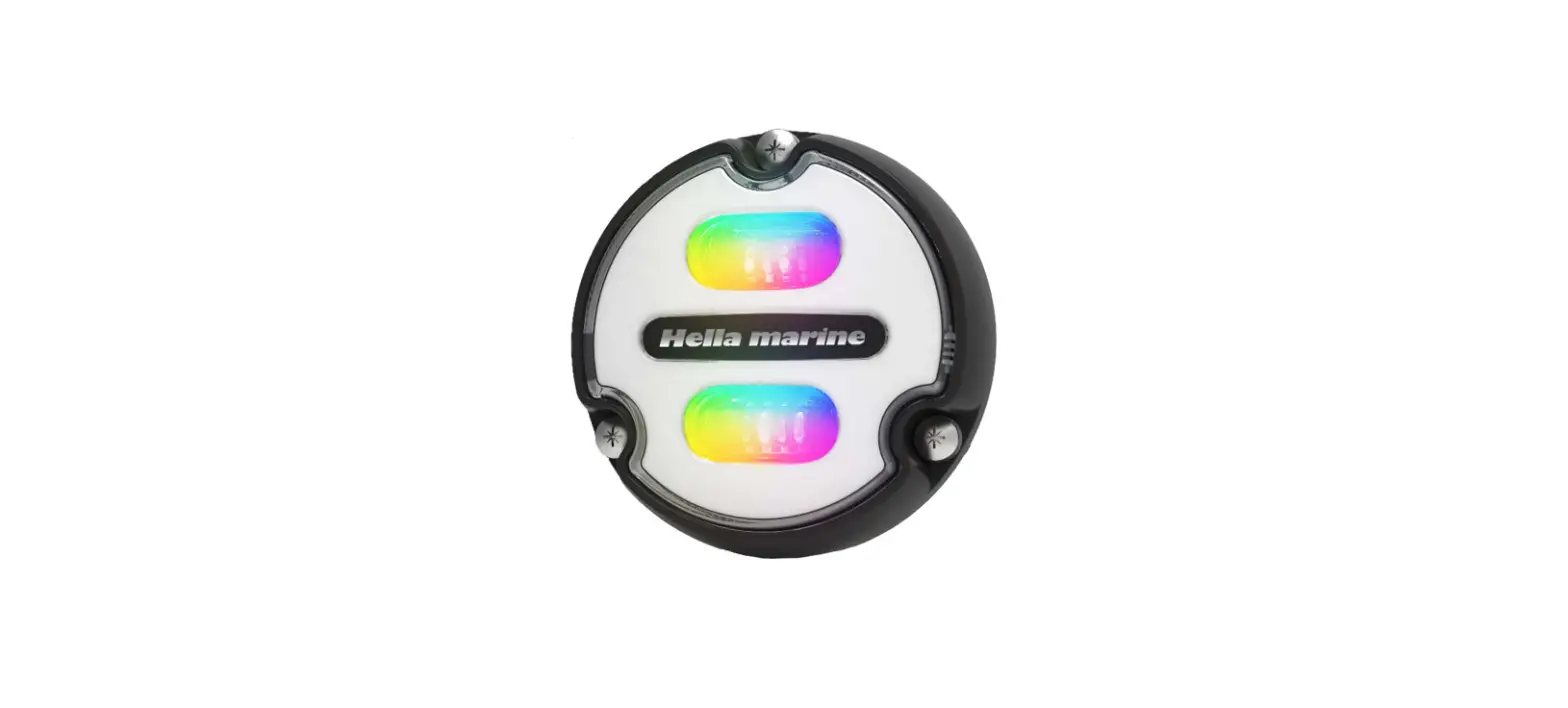
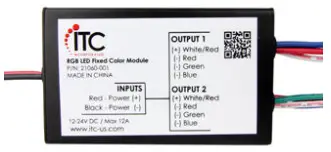
| Underwater Light | RGB Controller (RGB version only) | Power Drill w/ Hole Saw Bit |
Safety Instructions
- Disconnect power before installing, adding, or changing any component.
- To avoid a hazard to children, account for all parts and destroy all packing materials.
- Do not install any luminaire assembly closer than 6” from any combustible materials.
- Positive (+) outputs require a fuse if the attached wire leads are not rated to handle the max current.
| 1. Determine the installation location drill a 29/32 or 55/64 hole for wire then align the light in the wire hole and use the light to mark screw holes. Drill appropriate-sized holes for mounting screws. Light is designed to accept #8 oval head screws. 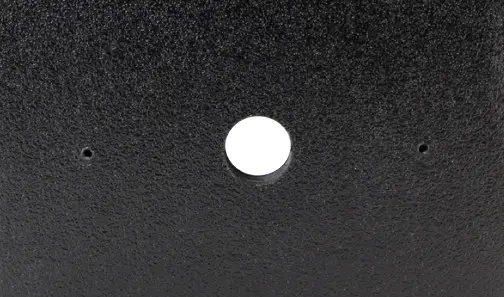 | 2. Follow the wiring diagram below to wire the light to your system. 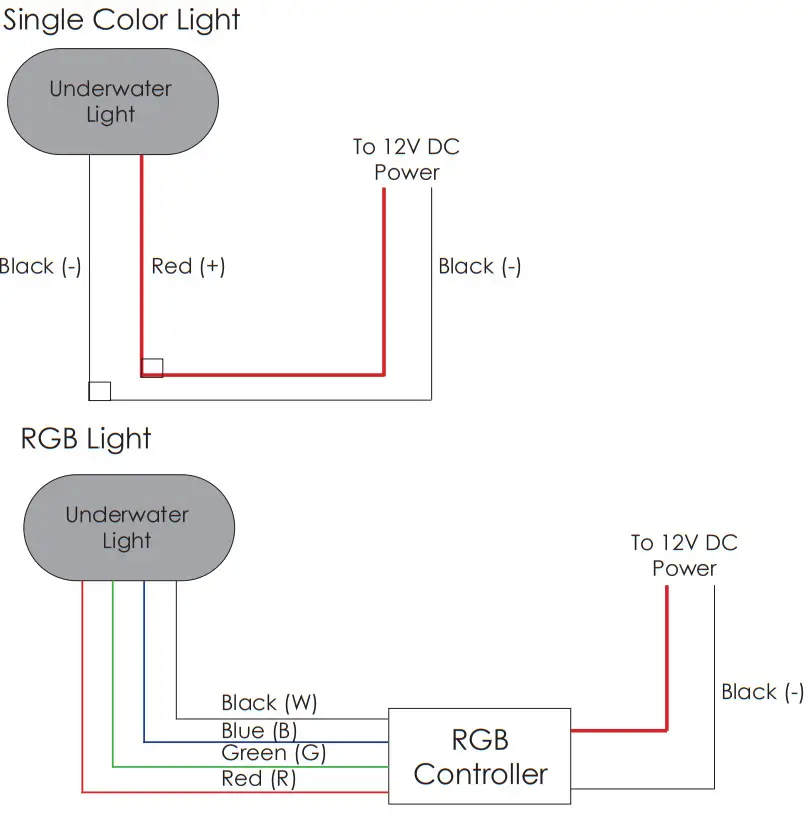 |
3. Feed the wires back through the hole and use application-specific sealant in the specified circled areas both below and on top of the rubber. 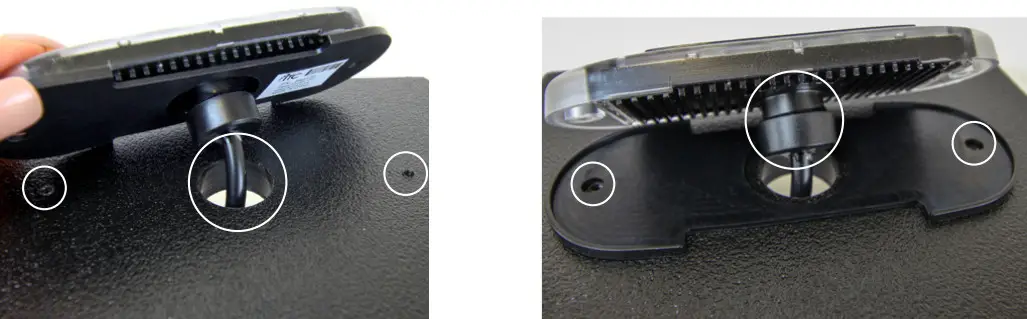 | 4. Press the light onto the rubber gasket then skew the light in place. Note, that the light can be installed with or without the bezel. 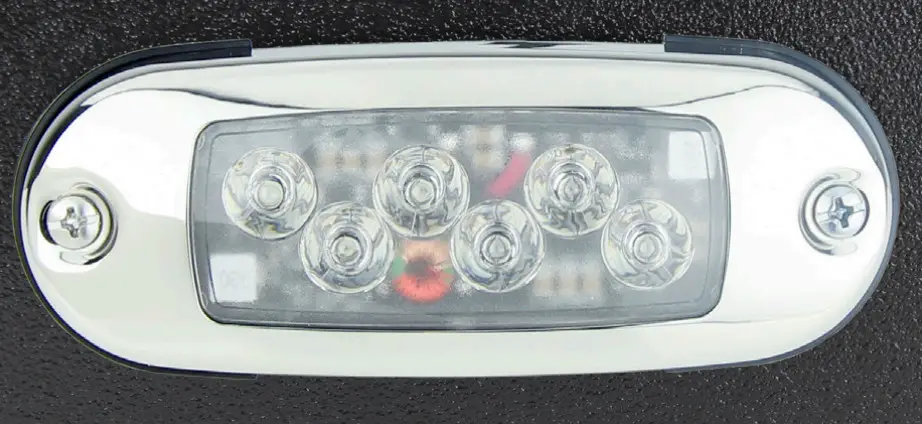 |
NOTE: Be sure the sealant does not block the heat sink channels 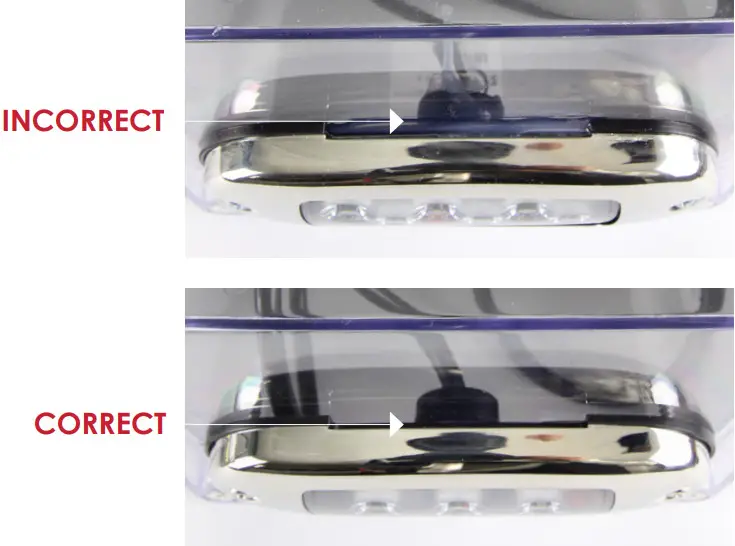 | |
For warranty information please visit www.itc-us.com
3030 Corporate Grove Dr
Hudsonville-MI-49426
Phone: 616-396-1355
www.itc-us.com
[email protected]
DOC#: 710-00119
Rev C
02.24.22
 Register a .US.COM domain today!
 Designs that inspire, products that perform.