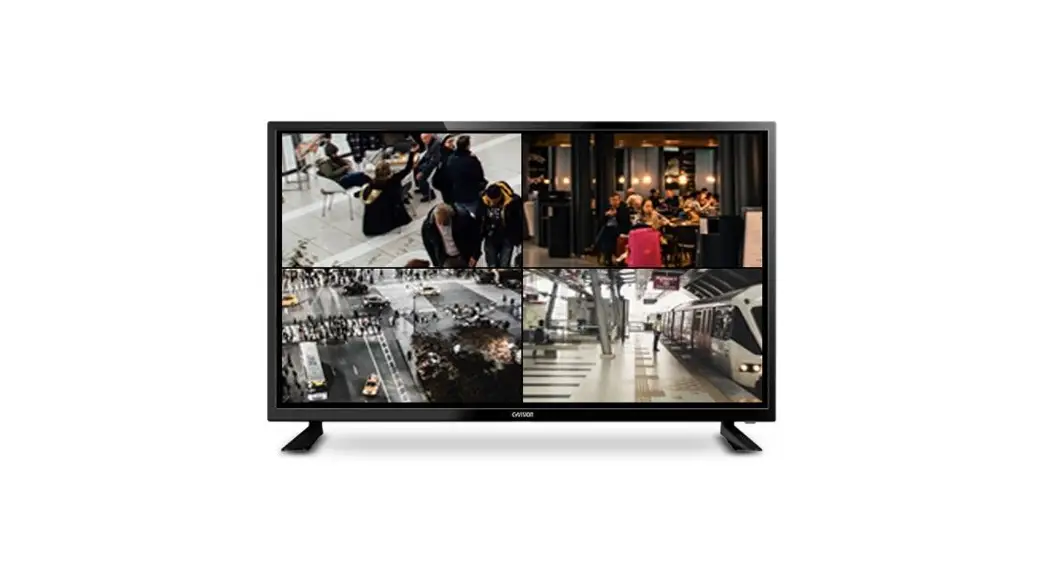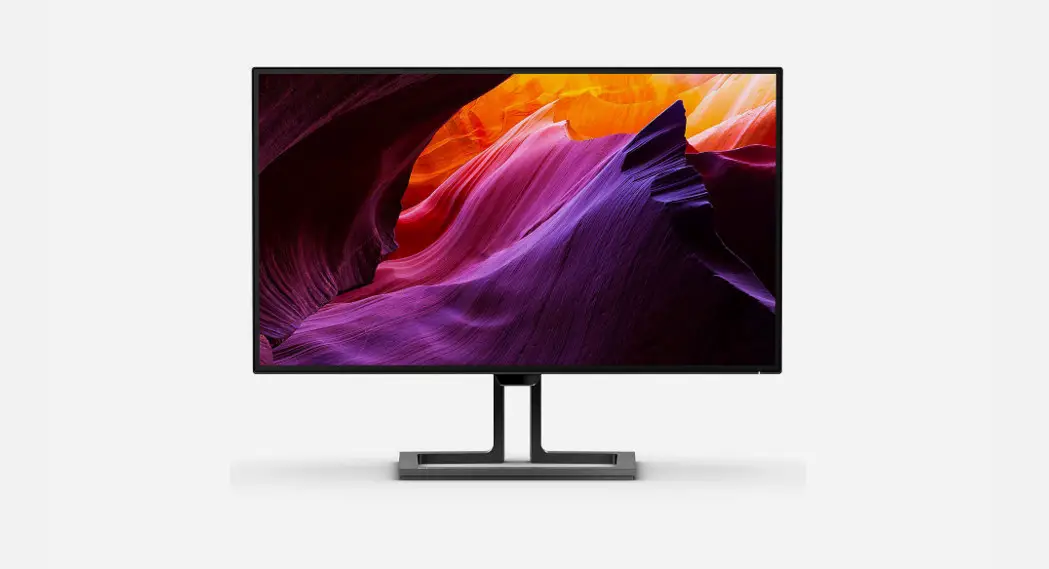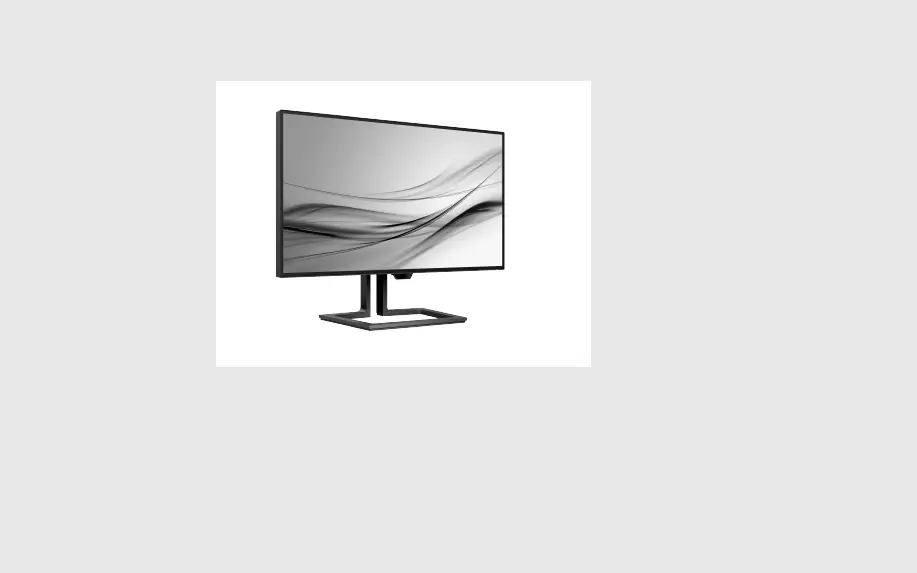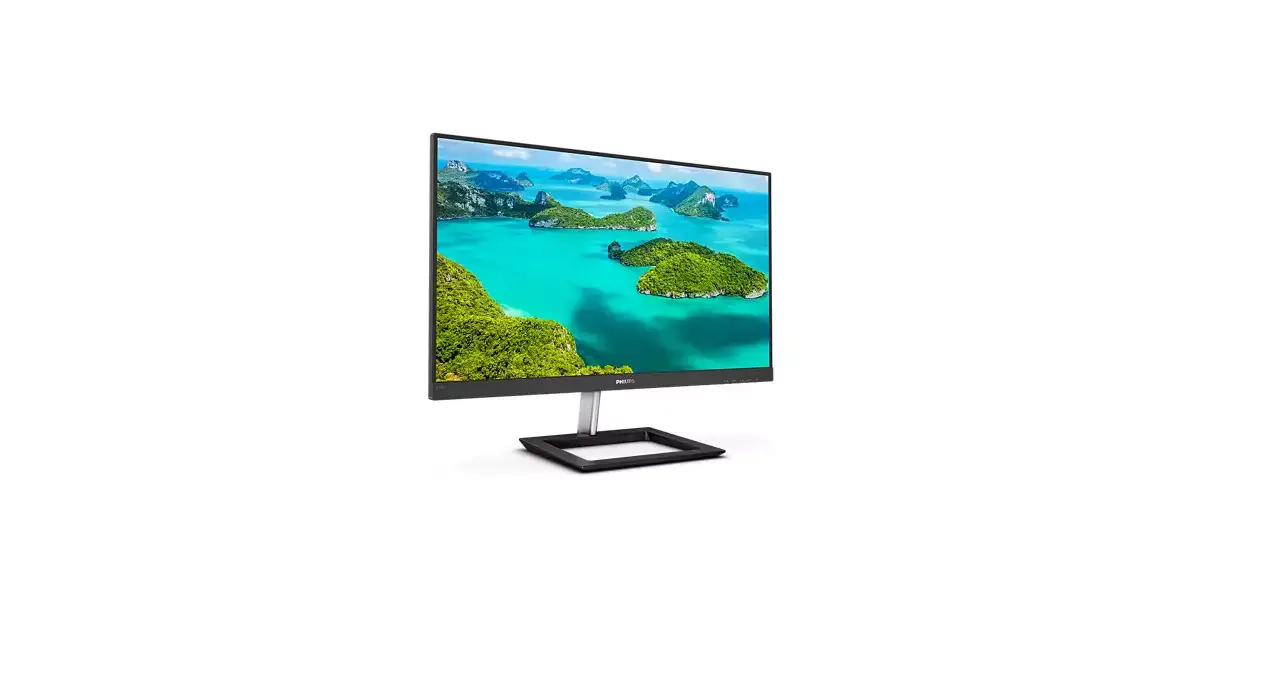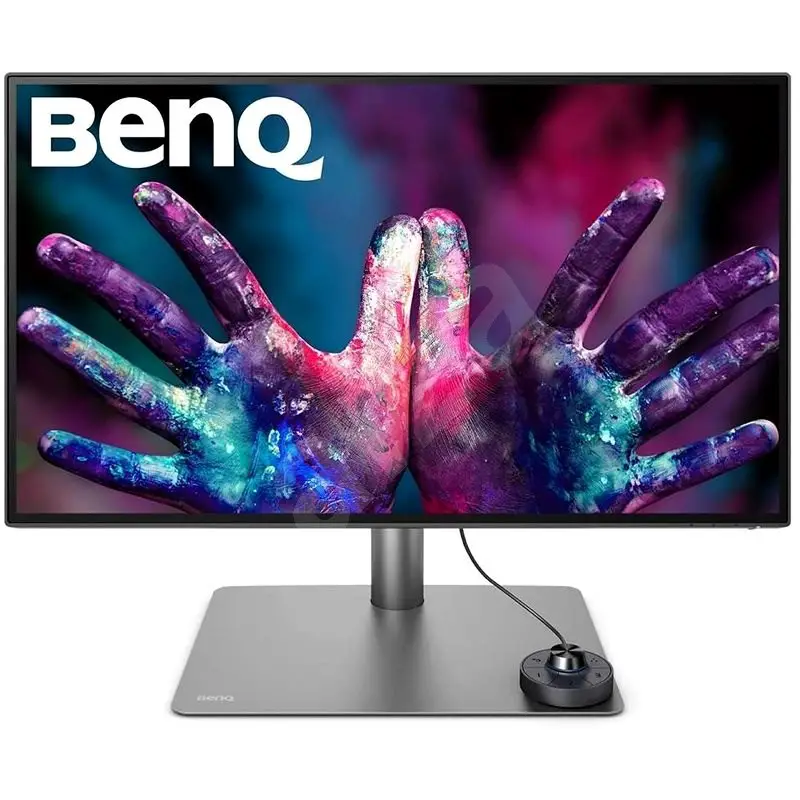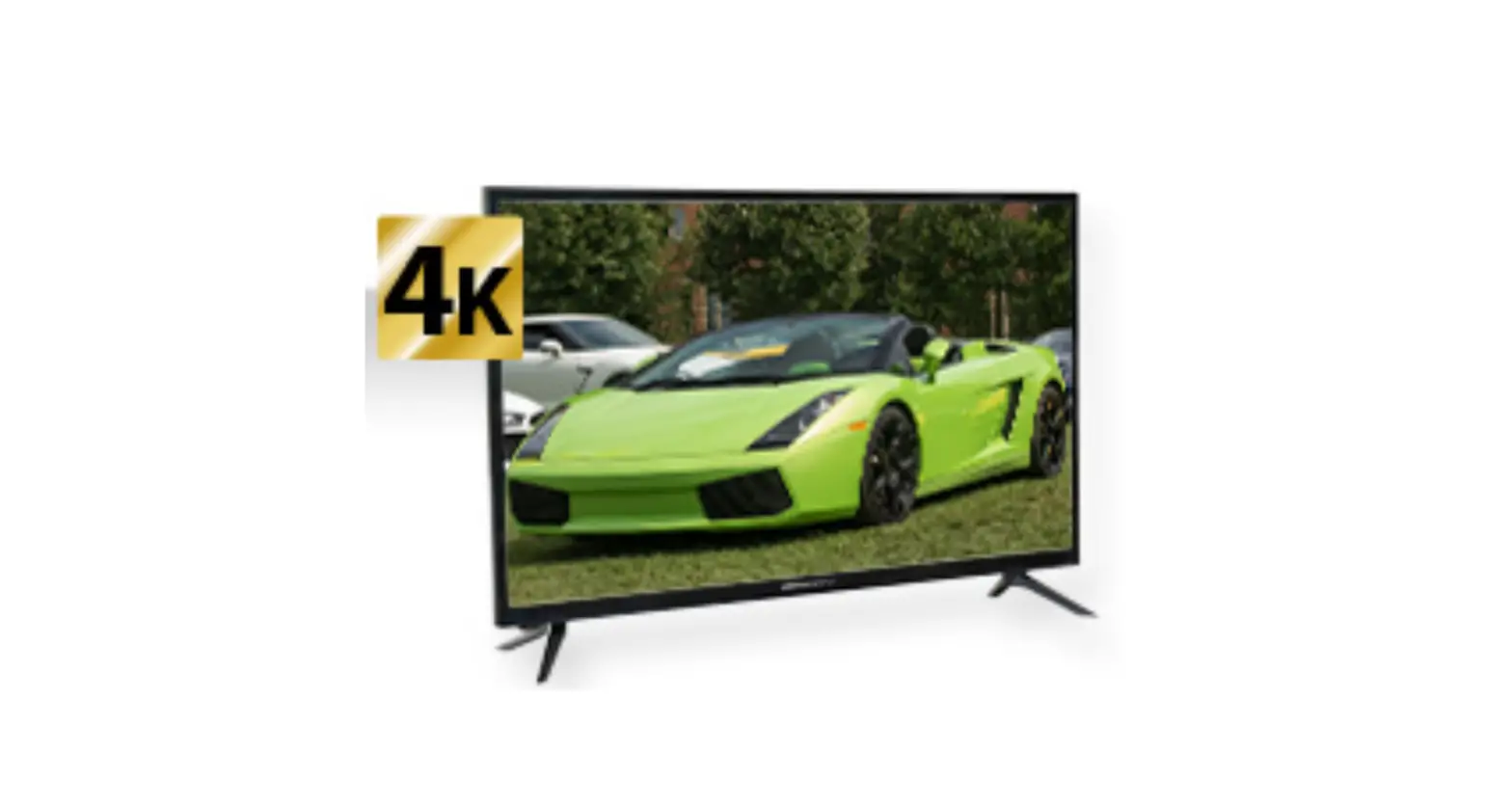
LCD732 alienCCTV 4K Slimline LED CCTV Monitors
LCD732 Quick Start Guide

4K Slimline LED CCTV Monitors
✔ 4K 3840 x 2160 Resolution
✔ Built-in Speakers
✔ HDMI Input
✔ VGA Input
✔ Composite Input
✔ Audio In & Out
✔ VESA Mount
✔ Anti-glare Display
✔ 5ms Response Time
✔ Attractive Design With Desk Stand
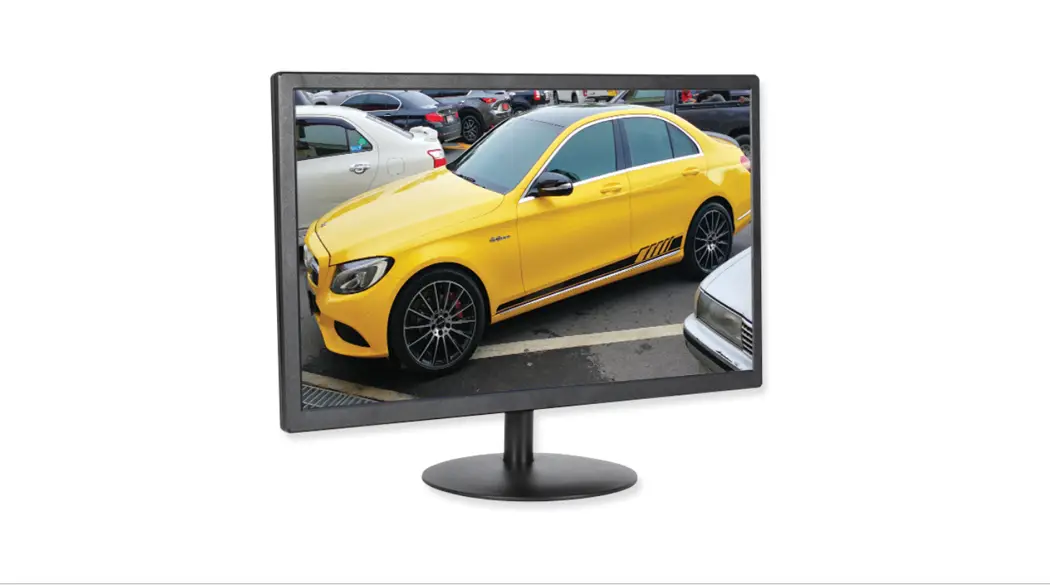
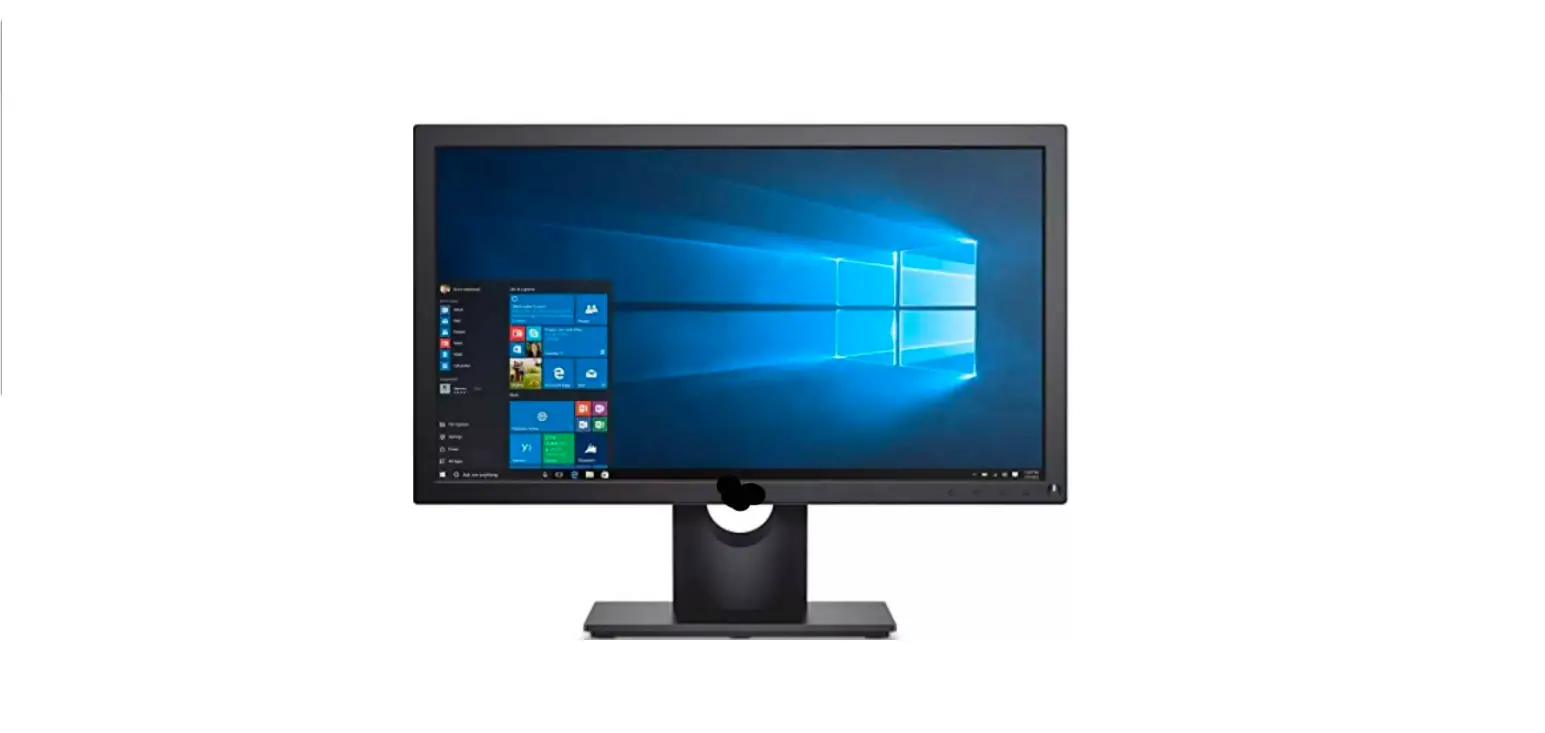
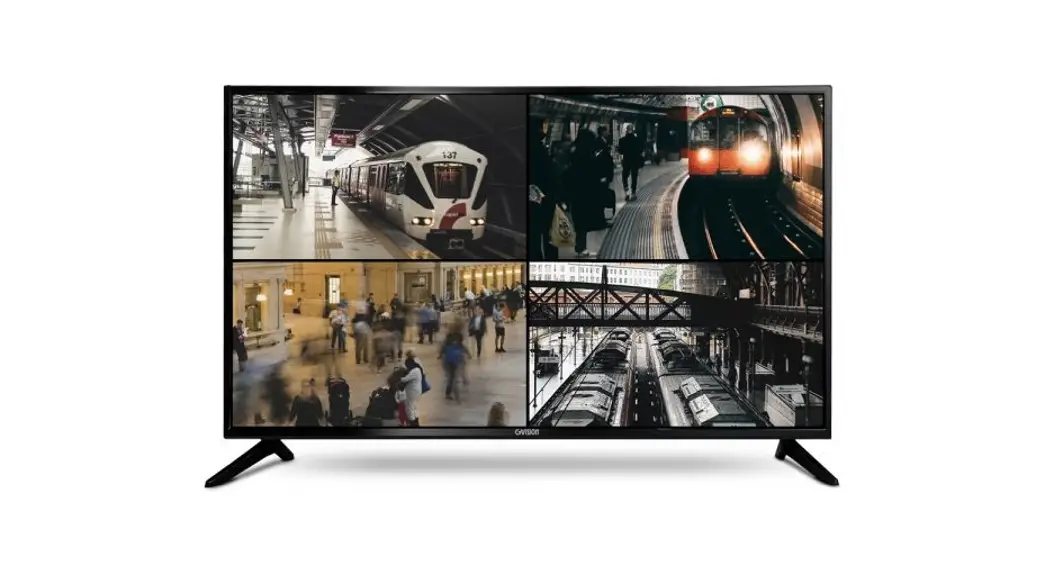
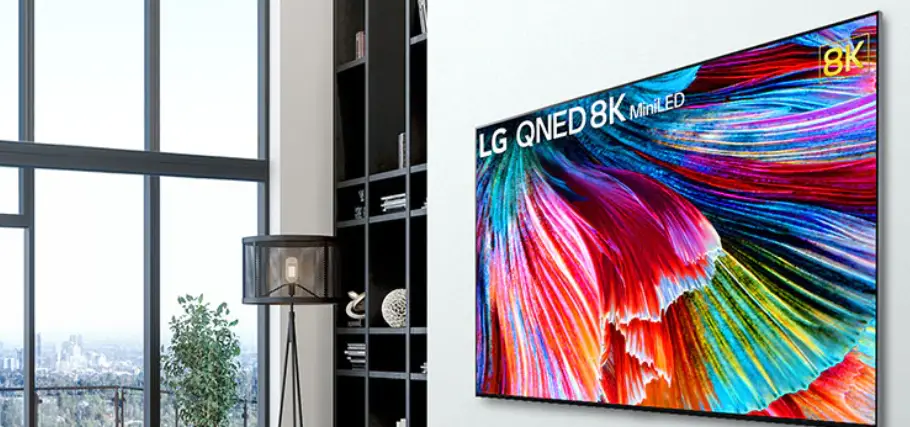
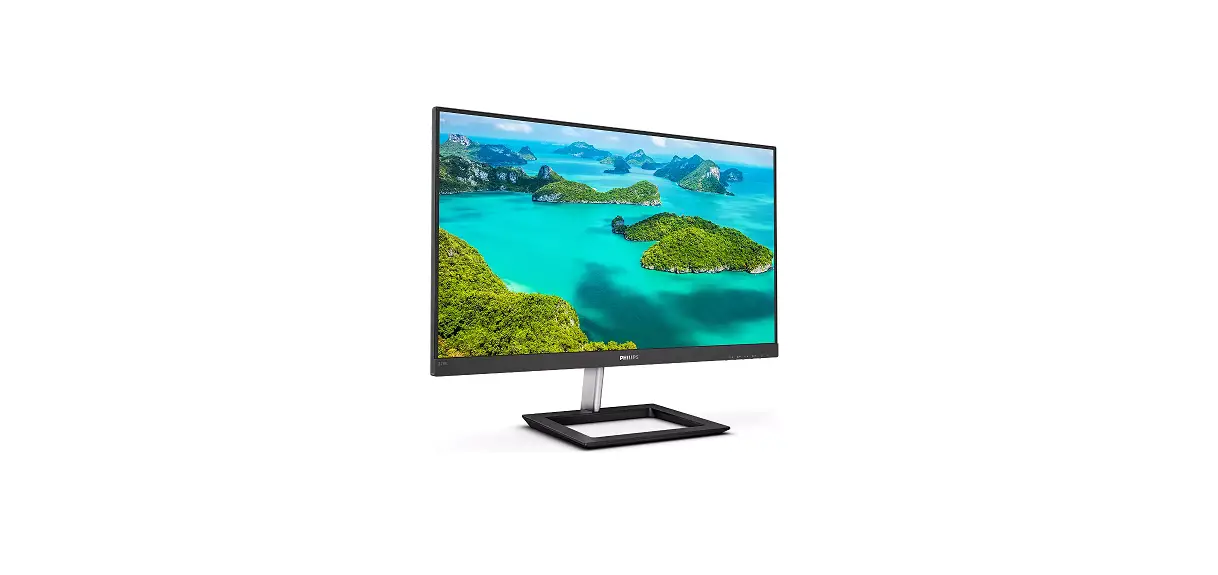
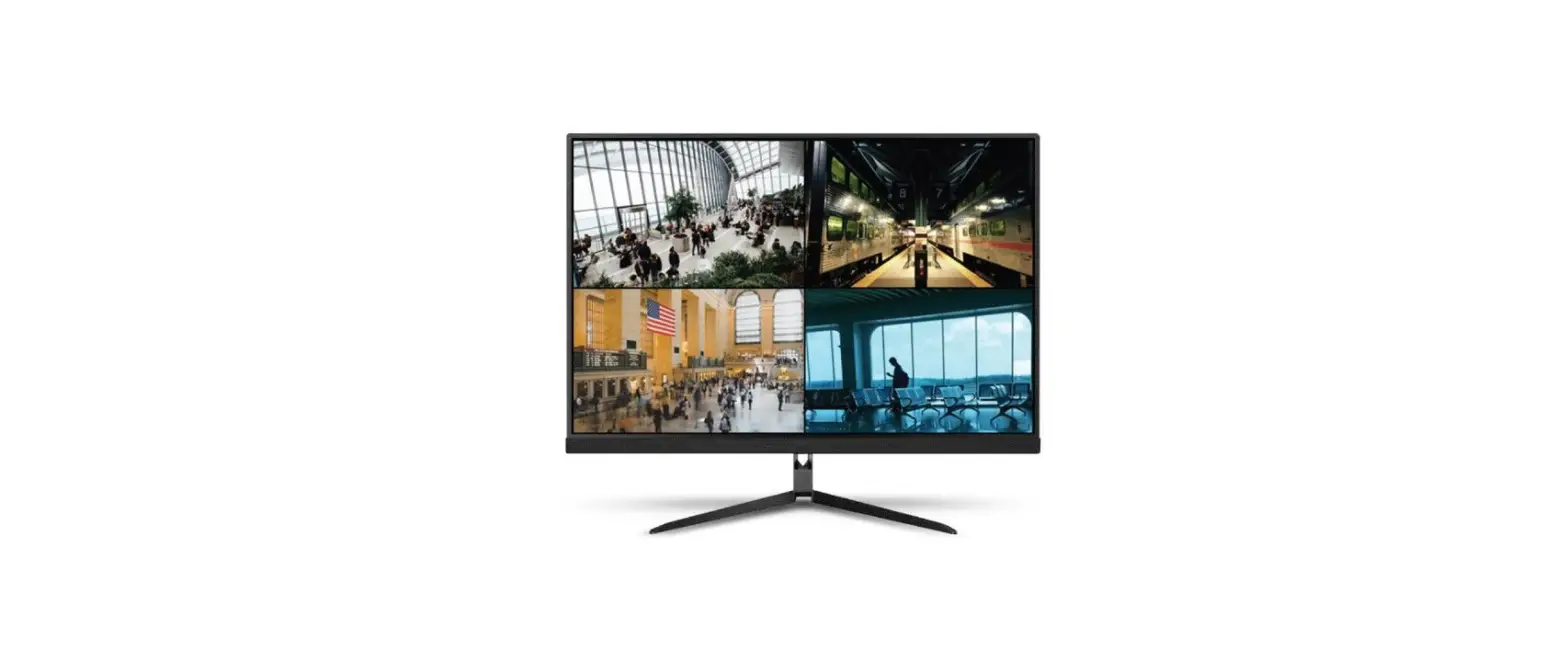
These larger LED monitors not only offer excellent wide-screen 4K viewing, perfect for displaying multiple cameras, they also have a slimline design so you can install them neatly against the wall.
Controls
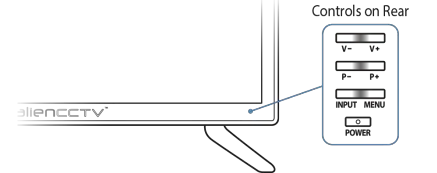
General | Main Menu | Sub Menu | Media Menu | |
Input | Display source list /Cycle through sourcelist | N/A | Select | Long press: Select /Display playback controls |
Menu | Display main menu | Exit main menu | Return to previous menu
| Display main menu |
P+ (Program +) | Channel up | Enter sub menu(bottom of list) | Previous menu item | Up |
P- (Program -) | Channel down | Enter sub menu of (toplist) | Next menu item | Down |
V+ (Volume +) | Volume up / Select insource list | Next sub menu | Increase | Next item / Right |
V- (Volume -) | Volume down / Selectin source list | Previous sub menu | Decrease | Previous item / Left |
Power | Hold: Power on/off | Hold: Power on/off | Hold: Power on/off | Hold: Power on/off |
© 2022 System Q Ltd
1alienDVR.com
LCD732 Quick Start Guide
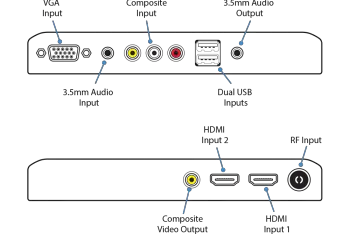
Connections
Specification
LCD732 | |
Type | LED |
Screen Size | 32″ |
Resolution | 4K 3840 x 2160 |
Audio | Built-In |
Video In Connection | 2x HDMI / VGA / Phono |
Video Out Connection | Phono |
Audio In Connection | 3.5mm Audio Jack |
Audio Out Connection | 3.5mm Audio Jack |
USB Inputs | x2 |
Set-Up | On-Screen Menu |
Case Construction | Fireproof Plastic |
Case Colour | Black |
Brightness | 500nit |
Contrast Ratio | 3000:1 |
Colour Ratio | 16.7m |
Surface | Anti-Glare |
Response Time | 5ms |
VESA Mount | 200 x 100 |
Weight | 5.1kg |
Input Voltage | 100-220V AC |
PSU | Built-in |
Dimensions | (H) 430 x (W) 730 x (D) 74mm (Exc. Base) |
02/02/2022
2 alienDVR.com
 AlienDVR - A Range of Digital Video Recorders for CCTV Systems