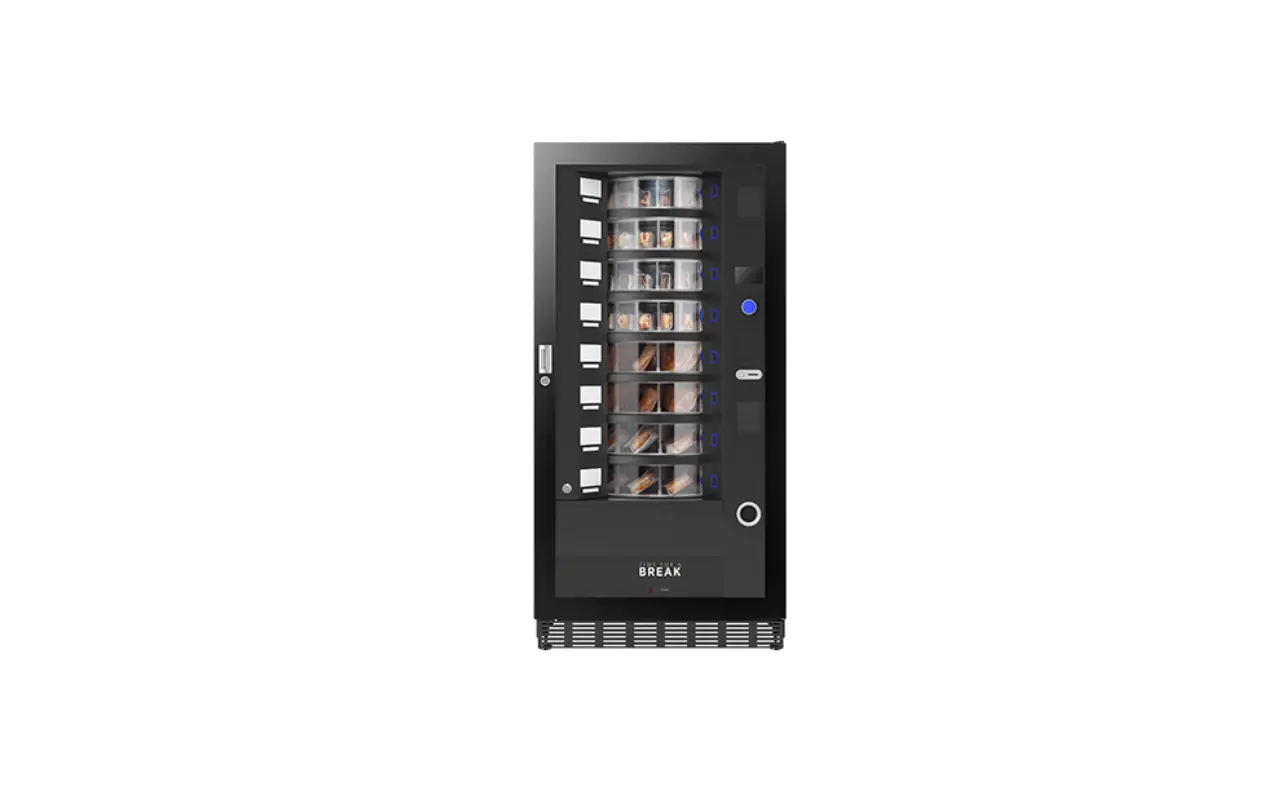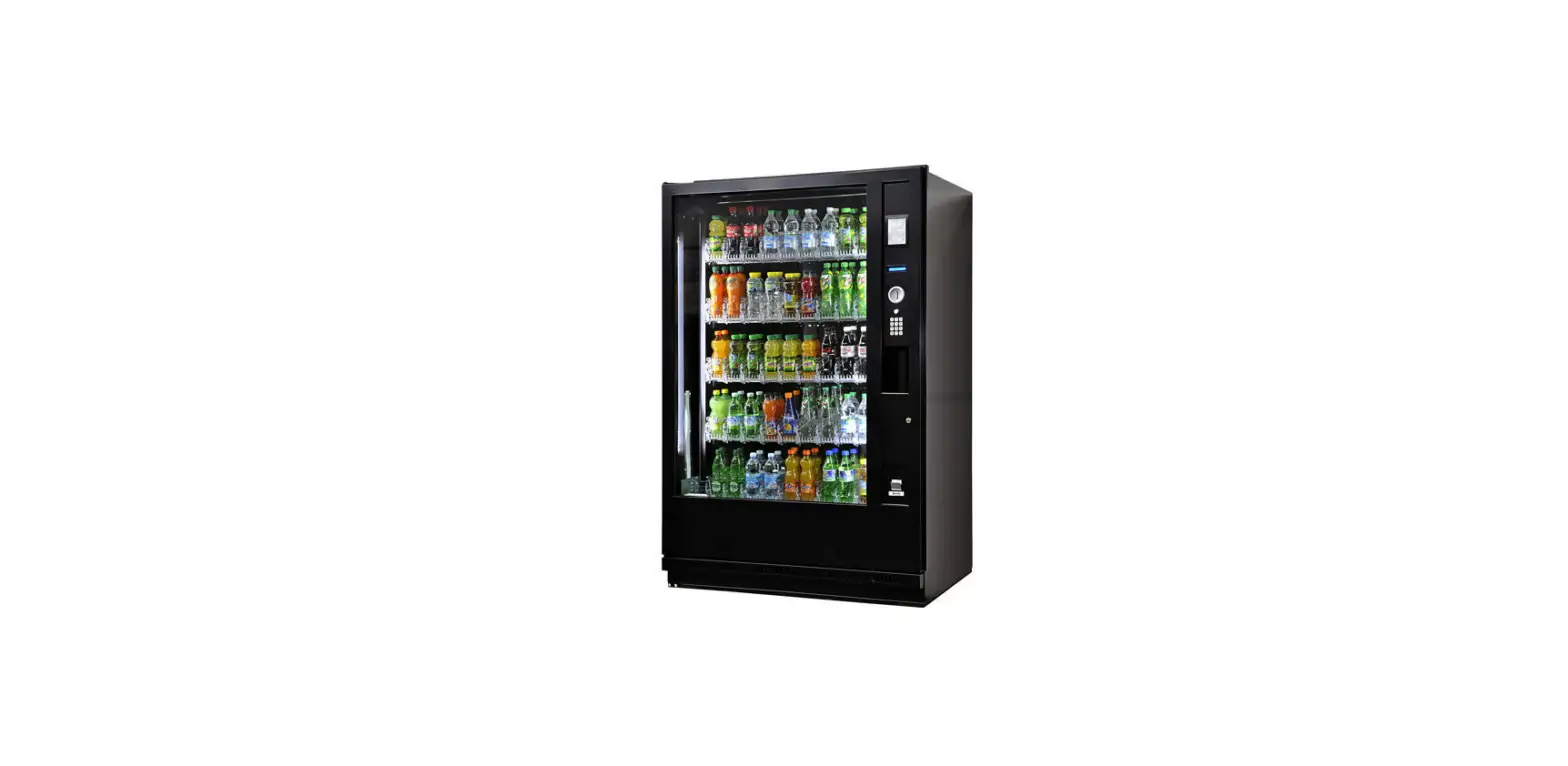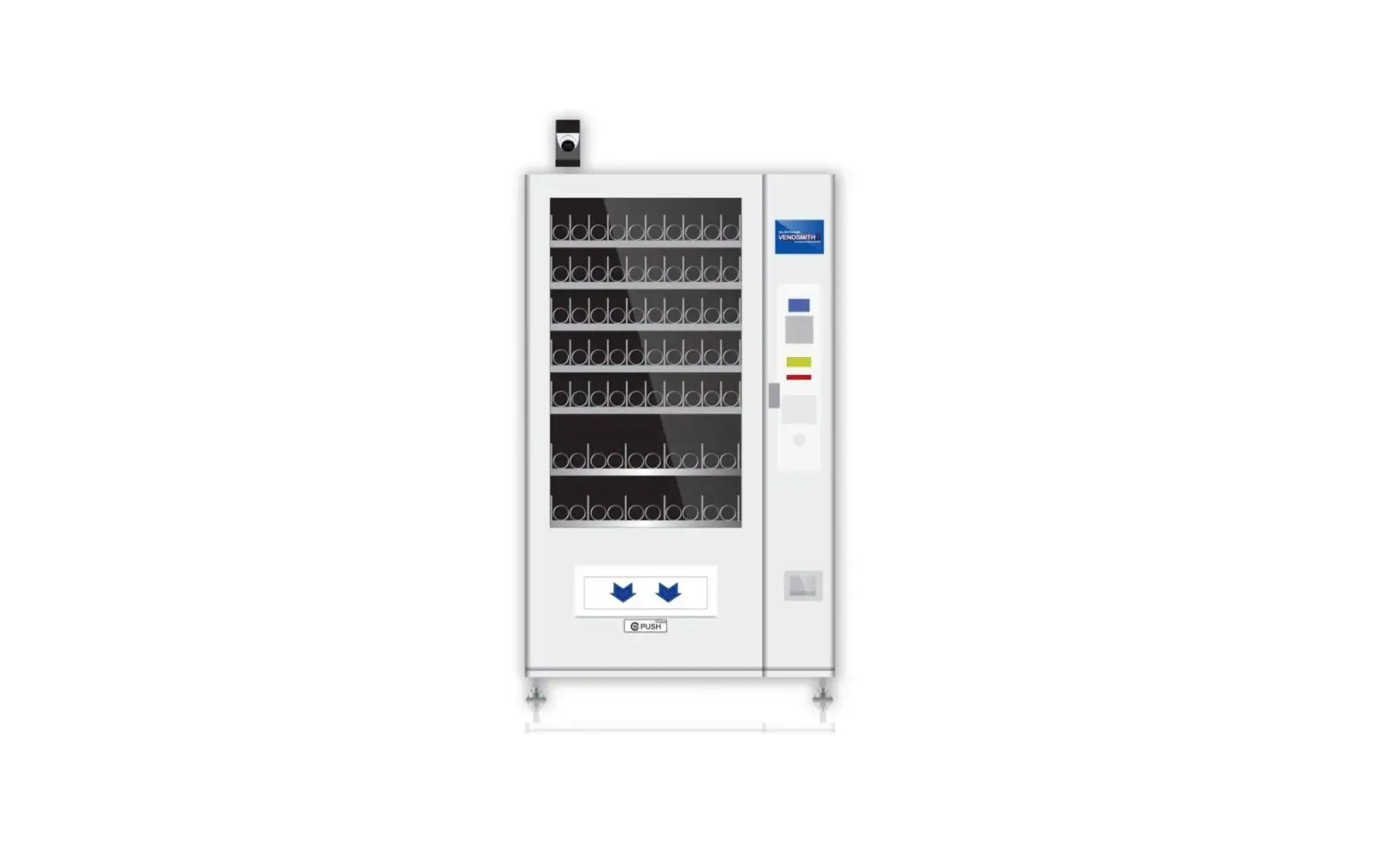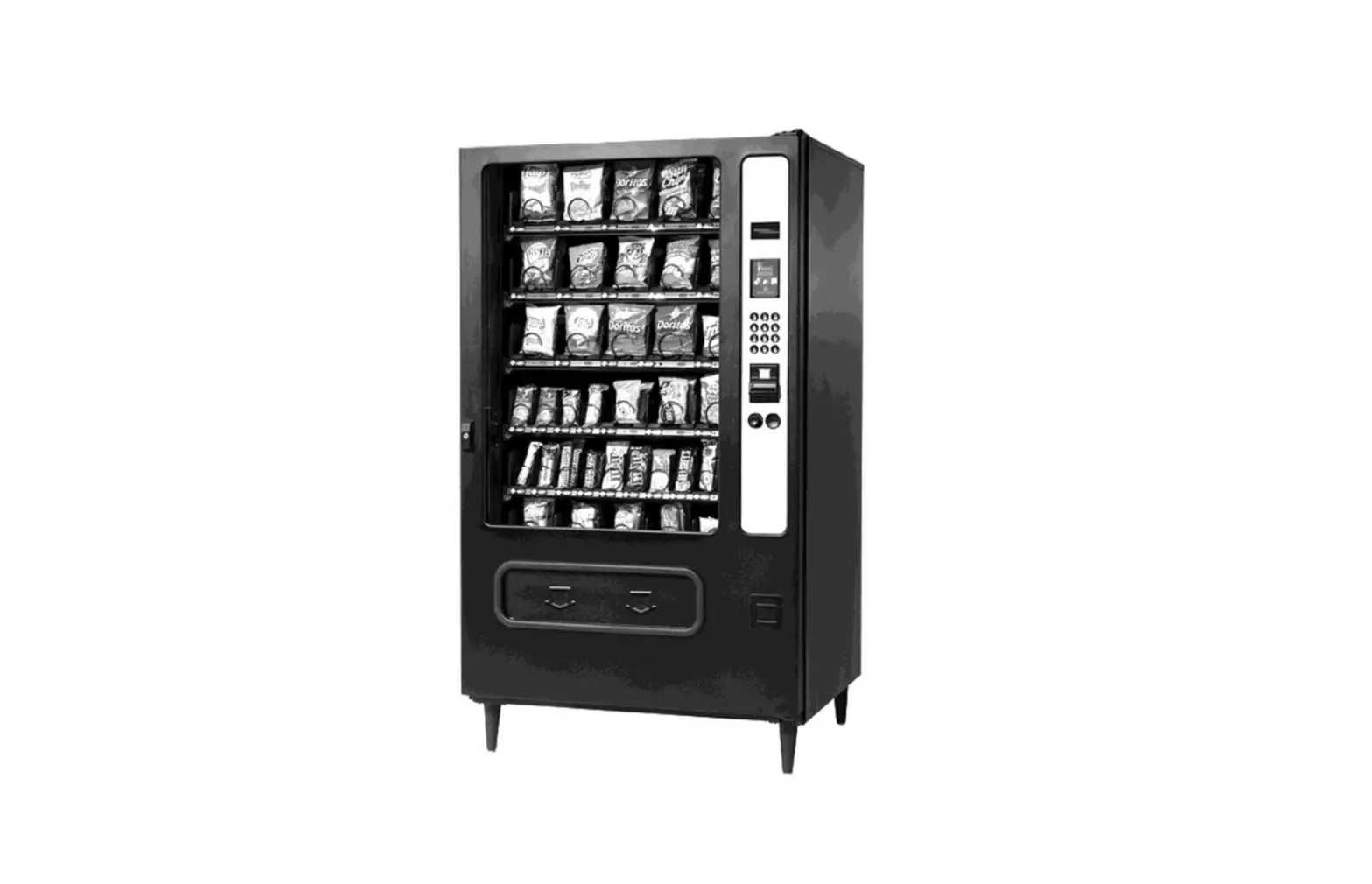

Easy 6000 Fresh Food Vending Machines
Installation Guide
Easy 6000 Fresh Food Vending Machines
TOUCH EASY 6000
INSTALLATION & MAINTENANCE GUIDE
WELCOME
TO YOUR NEW EASY 6000T
INITIAL CHECKLIST
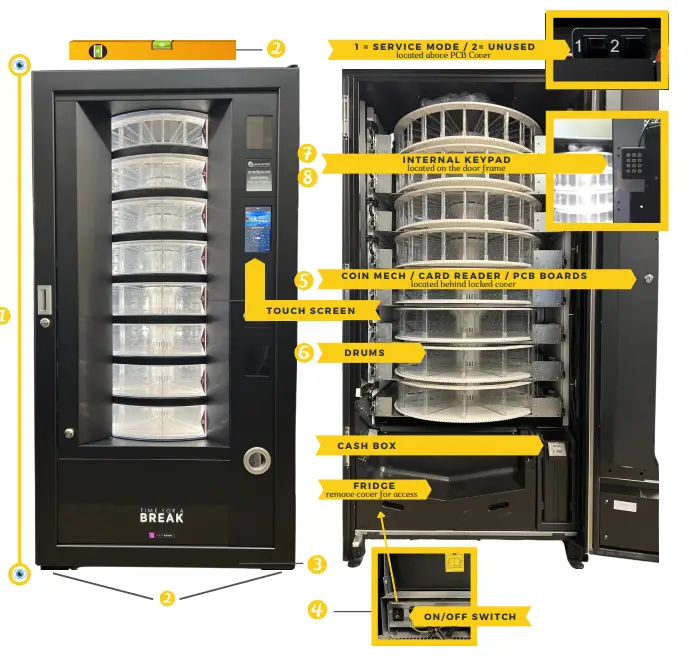
- CHECK FOR DAMAGE
Report any issues - LEVEL UP
Using the adjustable feet and a spirit leuel make sure the machine is level. - ATTACH FRONT PLINTH
Detachable for easy maneuvering/moue into position - POWER ON MACHINE
(wait 12 hours for the machine to reach temperature) - CONFIGURE & FILL COIN MECH/CARD READER
(if fitted) - CHECK DRUM CONFIGURATION
(adjust if necessary) - DRUM / DELIVERY DOOR TEST – (MACHINE TEST)
- FILL MACHINE, SET PRICES & SELL-BY DATES AND YOU’RE ALL SET
SCAN OR CODE FOR HELP
CLEANING
WEEKLY:
Hoover Drums to remove any crumbs/debris
Wipe clean thoroughly each drum
For a deeper clean, drums can be removed and are dishwasher safe.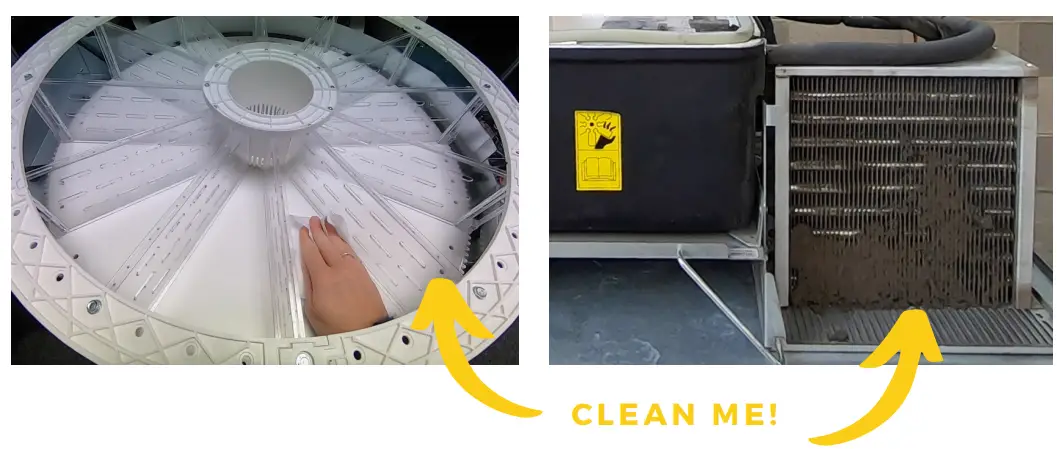
EVERY 6 – 12 MONTHS:
FRIDGE – disconnect and remove, hoover ventilation and condenser grille, test temperature probes, check fans move smoothly, and check cut-out temperature.
MACHINE TEST – TEST DRUMS/DOORS – Check all delivery doors and drums are running smoothly, deep clean drums, and check the entire machine is free of rubbish/food/debris.
COIN MECH – Clean/test/refill/check reject mechanism
SCAN ME http://qr.w69b.com/g/ttY2ZBRlK
FOR CLEANING, FILLING & MAINTENANCE GUIDES
FILLING
NORMAL FILLING:
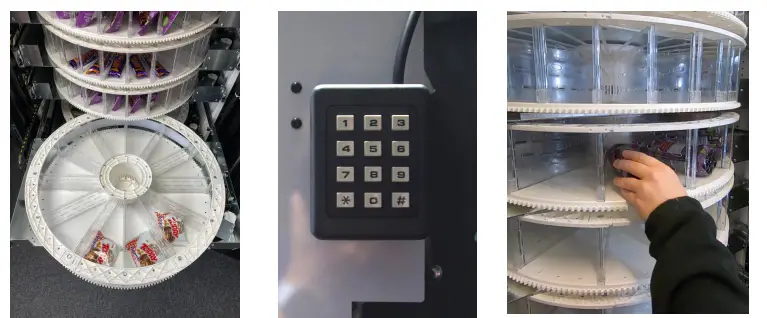
- Either open the door, pull each drum out, and fill from the top – being careful that each product fits within the compartment. The drums reloaded must be confirmed by pressing the drum number on the internal keypad – complete full revolution.
- Or using the internal keypad with the door open, select the drum number and fill as it rotates.

PRODUCT SELECTION
USING THE TOUCH SCREEN:
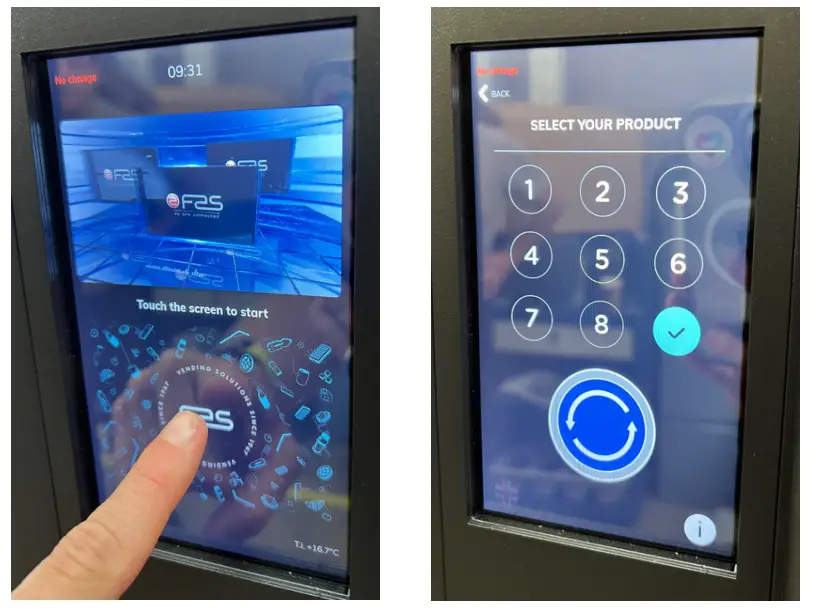
- Touch the screen anywhere to bring up the selection screen.
- Press and hold the round blue button to rotate the drums for browsing.
- When you have identified the product, use the numbers to make your selection.
- Confirm the selection by pressing the blue tick.
USER GUIDE
5 SIMPLE STEPS
- USE THE TOUCHSCREEN AND BLUE BUTTON TO BROWSE
- ENSURE CHOSEN SELECTION IS NEXT TO THE ARROW
- THE SELLING PRICE IS DISPLAYED ON THE PRICE DISPLAY
- IF REQUIRED – ENTER PAYMENT – EITHER VIA CASH / CARD
- PRESS THE BLUE TICK BUTTON -THE DELIVERY DOOR WILL OPEN TO RETRIEVE THE PRODUCT
TROUBLESHOOTING GUIDE
DELIVER YDOOR WILL NOT OPEN – ERROR CODE 1
– Open the machine and check for any obstructions in the drum.
– Check there is no debris on the motors.
– If the issue persists, the door motor may need replacing.
HEALTH CONTROL – ERROR CODE 30
– With the door open press the Error Reset screen, and the machine will reset.
– If the issue persists – consult an engineer regarding fridge fixes.
ERROR CODE 10
– Internal (Cabinet) temperature probe defective.
– Call-out required by the engineer to test and fit a new probe.
ERROR CODE 11
-Evaporator probe defective.
– Call-out required by the engineer to test and fit a new probe.
NO CHANGE DISPENSED
– Check the coin mech is full
– clean & fill if necessary.
MACHINE ON ‘ DELIVER PRODUCTS
– Check to see if sell-by dates are active for products.
– Check the Health Control
– the machine won’t deliver if the fridge is too warm.
PRODUCTS EXHAUSTED
– Occurs if products have sold out or the drum is not reset properly after loading. Open the door, press the drum number, and complete a full revolution, close the door, the drum is now reset.
CONTACT
Units7 – 8Block 4Forde
The court, For deRoad,
Brunel Industrial
Estate, Newton Abbot,
Devon , TQ 124BT
www.westomatic.com
 EASY6000
FRESH FOOD
PERFECTLY CHILLED +44( 0 )16263231 0
 [email protected]
 www.westomatic.com