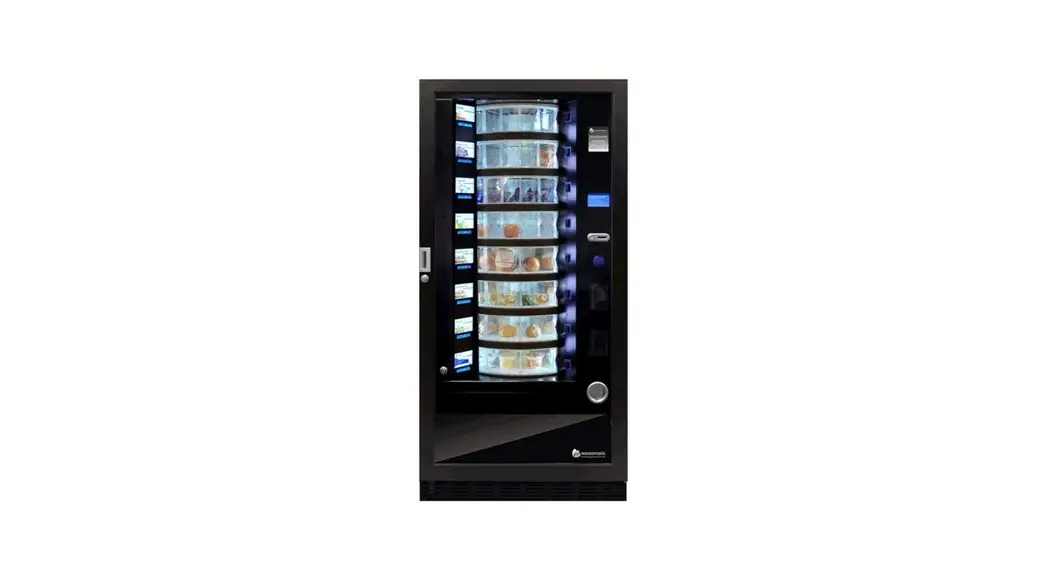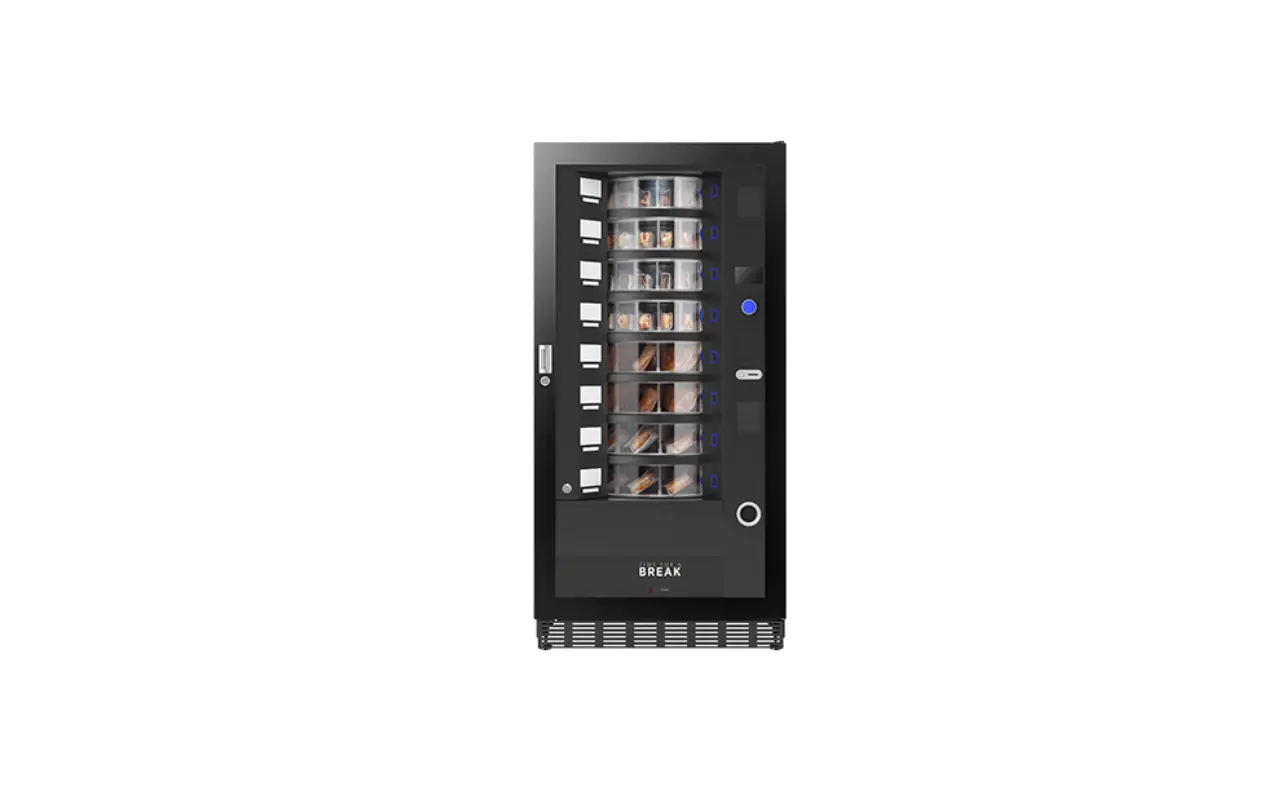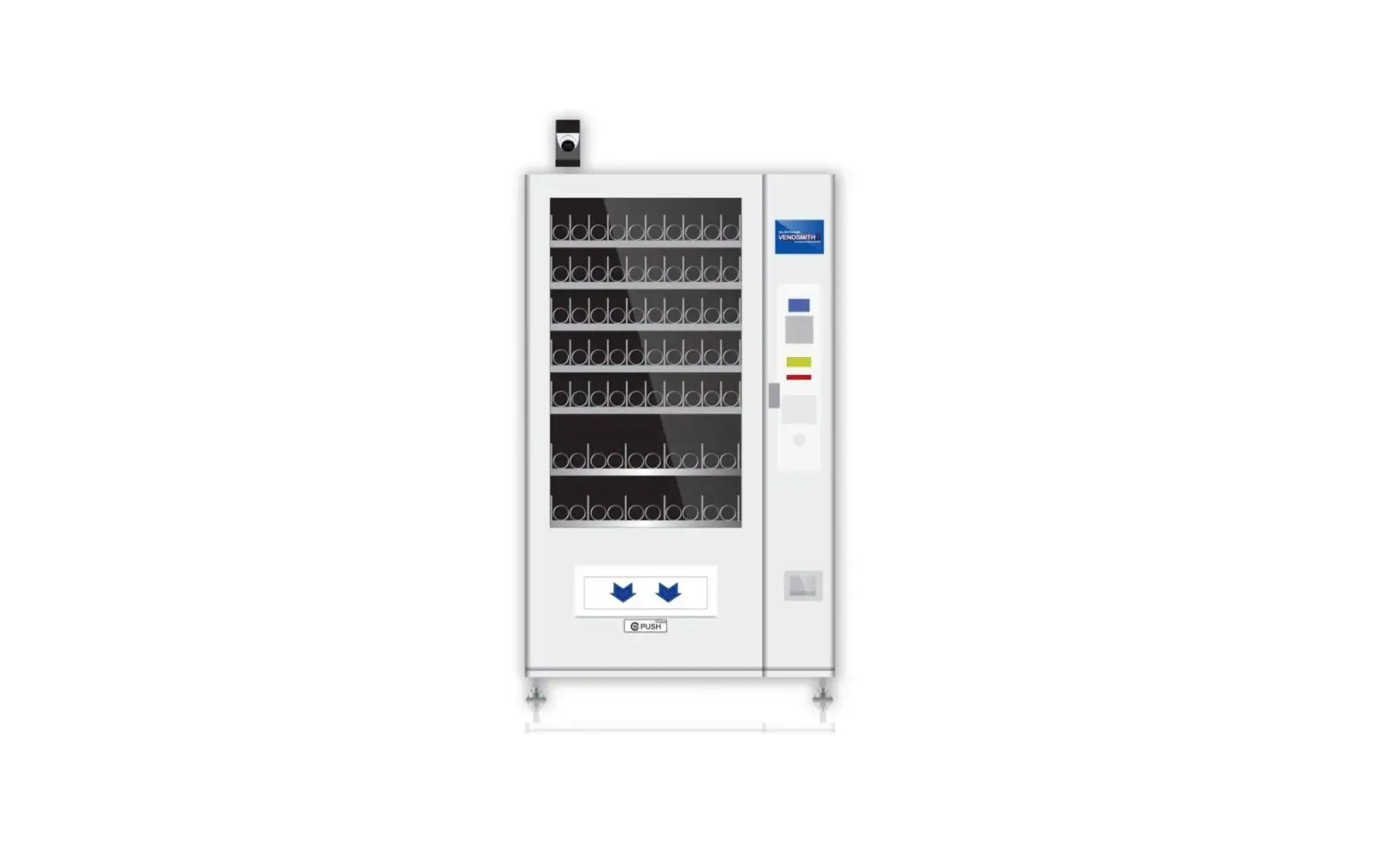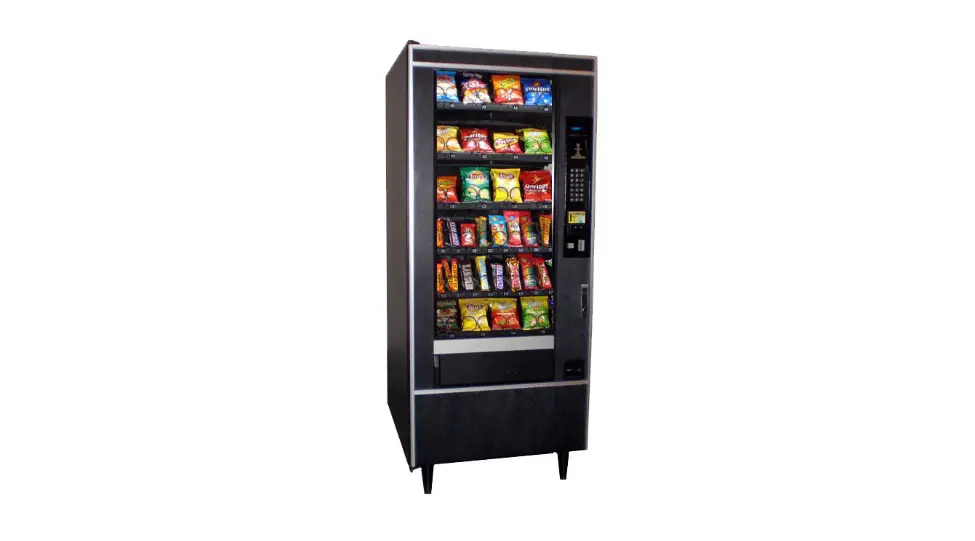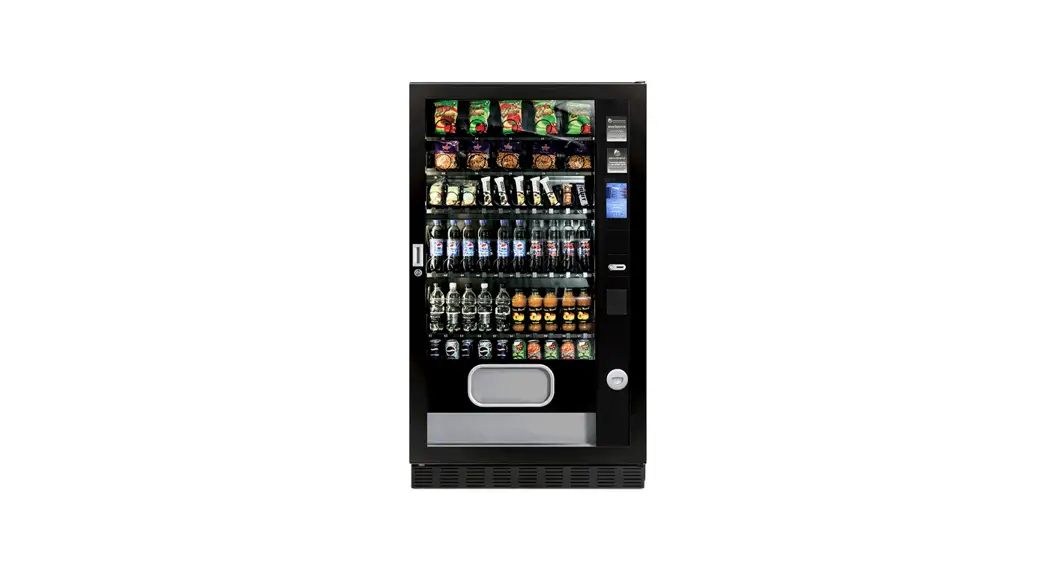

Snackpoint Touch Screen Snack Vending Machine
Installation Guide
Snackpoint Touch Screen Snack Vending Machine
Welcome
TO YOUR NEW SNACKPOINTT
INITIAL CHECKLIST
- CHECK FOR DAMAGE
Report any issues - LEV LUP
Using the adjustable feet and a spirit level make sure the machine is level. - ATTACH FR NT PLINTH
Detachable for easy maneuvering/moving into position - POWER ON MACHINE
(wait 12 hours for the machine to reach temperature) - CONFIGURE & FILLCOIN MECH/CARD READER
(if fitted) - CHECK SHELF CONFIGURATION
(adjust if necessary) - PERFORMTESTVEND – (MACHINE TEST)
- FILL MACHINE & SET PRICES
AND YOU’RE ALL SET
SCAN QR CODE FOR HELP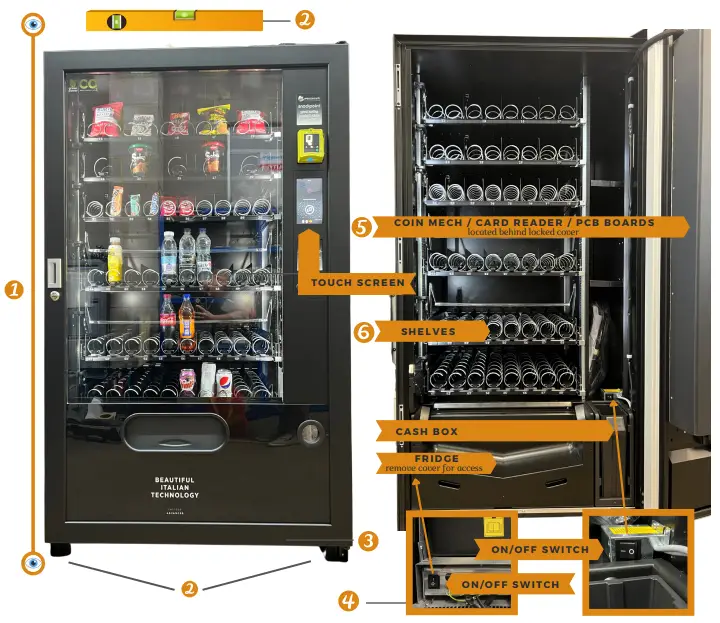
CLEANING
WEEKLY:
- Check shelves and ensure they are free of any crumbs/debris.
- Wipe/hoover clean if necessary.
- Clean delivery area.
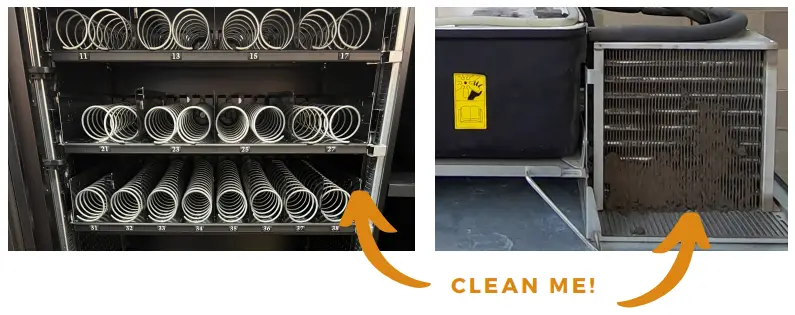 EVERY 6 – 12 MONTHS:
- FRIDGE – disconnect and remove, hoover ventilation and condenser grille, test temperature probes, check fans move smoothly, and check cut-out temperature.
- MACHINE TEST – TEST EACH SELECTION – Check all selections and spirals are running smoothly and check the entire machine is free of rubbish/food/debris.
- COIN MECH – Clean/test/refill/check reject mechanism
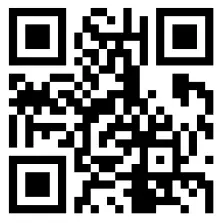
http://qr.w69b.com/g/ttY2ZBRlK
SCAN ME
FOR CLEANING, FILLING & MAINTENANCE GUIDES
FILLING
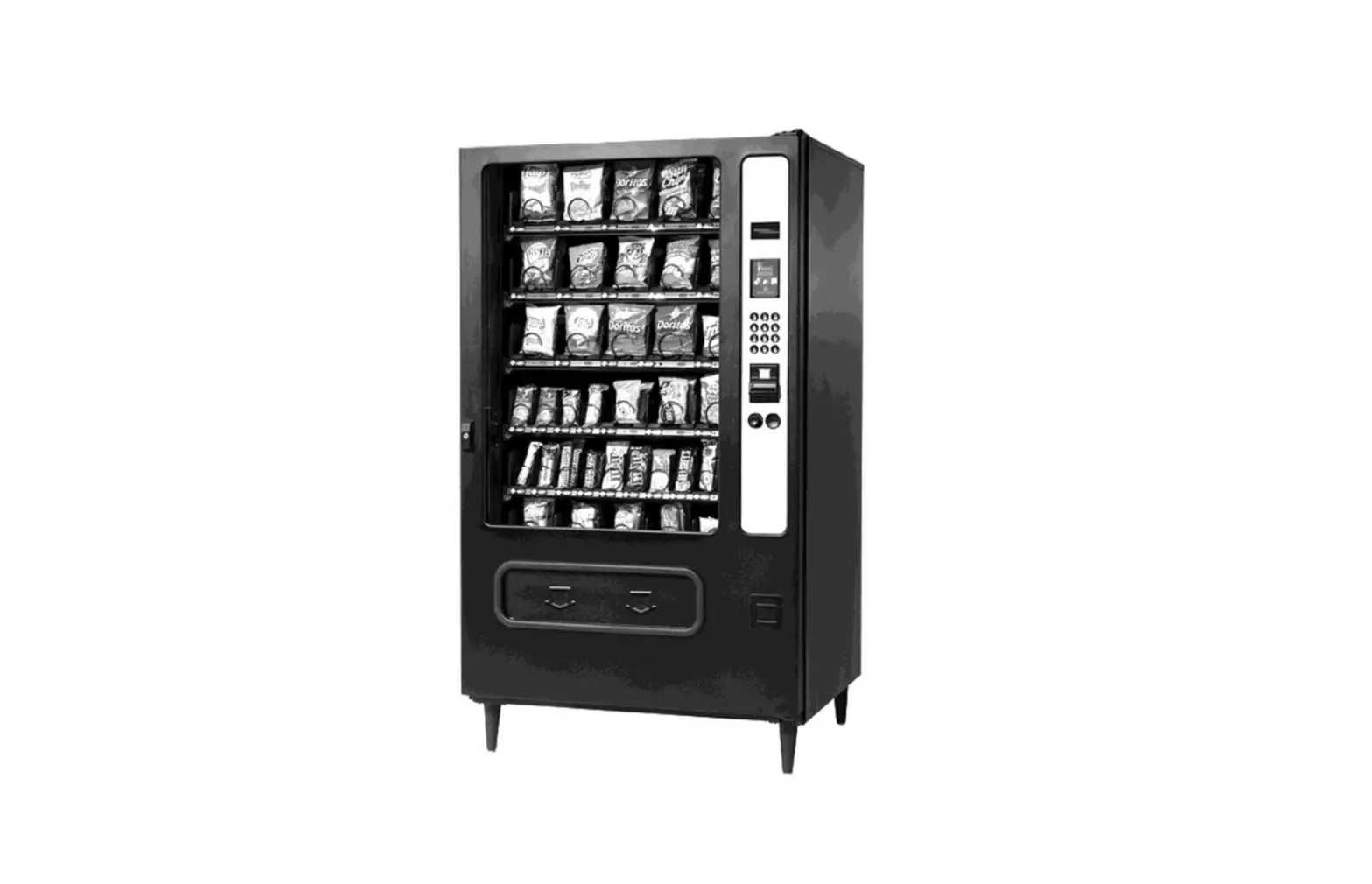
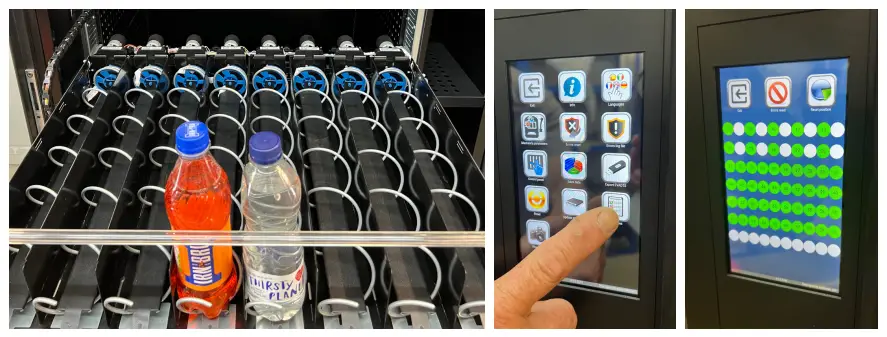
- Each shelf slides out for easy filling.
- Ensure you fill each shelf with the correct product for the spiral width.
- When you have filled the machine – it will automatically recognize the machine has been filled.
- Perform a test vend to ensure products are moving freely. TEST SALES – Select spiral to perform the test

PRODUCT SELECTION
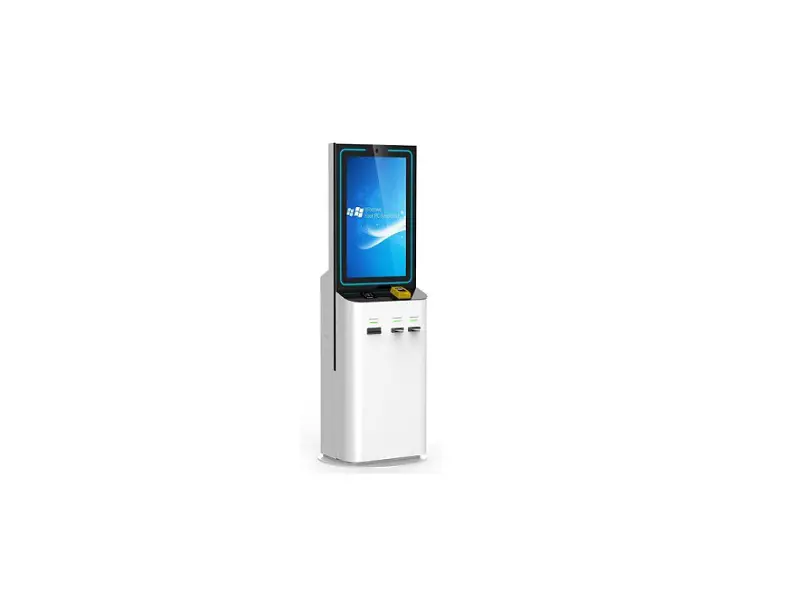
USING THE TOUCH SCREEN:
- Touch the screen anywhere to bring up the selection screen.
- Make your selection using the number that corresponds to the spiral/product.
- Make the payment (if required).
- Confirm the selection by pressing the blue tick.


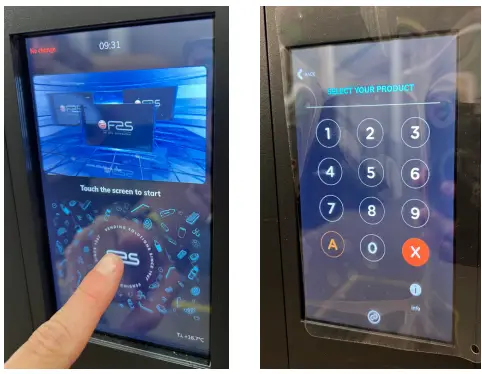 5 SIMPLE STEPS
- USE THE TOUCHSCREEN AND THE NUMBERS TO MAKE A SELECTION
- THE SELLING PRICE IS DISPLAYED ON THE PRICE DISPLAY
- IF REQUIRED – ENTER PAYMENT – EITHER VIA CASH / CARD
- PRESS THE BLUE TICK BUTTON -AND THE PRODUCT WILL DISPENSE
- RETRIEVE PRODUCT FROM THE DELIVERY WINDOW
TROUBLESHOOTING GUIDE
MOTOR BLOCKED/SPIRAL NOT TURNING – ERROR CODE 1
- Put the machine in test mode
- to identify which motor has an issue.
- Check there is no debris on the motors.
- If the issue persists, the door motor may need replacing.
HEALTH CONTROL – ERROR CODE 7,
- With the door open press the Error Reset screen, and the machine will reset .
- If the issue persists
- consult an engineer regarding fridge fixes
ERROR CODE 10
- Internal (Cabinet) temperature probe defective.
- Call-out required by the engineer to test and fit a new probe.
ERROR CODE 11
- The evaporator probe is defective.
- Call-out required by the engineer to test and fit a new probe.
NO CHANCE DISPENSED
- Check the coin mech is fully
- clean & fill if necessary.
MACHINE WON’T DELIVER PRODUCTS
- Check to see if sell-by dates are active for products.
- Check the Health Control
- the machine won’t deliver if the fridge is too warm.
PRODUCTS EXHAUSTED
- If a customer vends for an empty selection
- secure Vend prevents the sale from happening and the money is refunded.
PART NUMBER: 1011015
CONTACT
Units 7-8 Block 4 Forde
Court, FordeRoad,
Brunel Industrial
Estate, Newton Abbot,
Devon, TQ12 4BT
www.westomatic.com

 +44 (0)1626 323100
 [email protected]
 www.westomatic.com