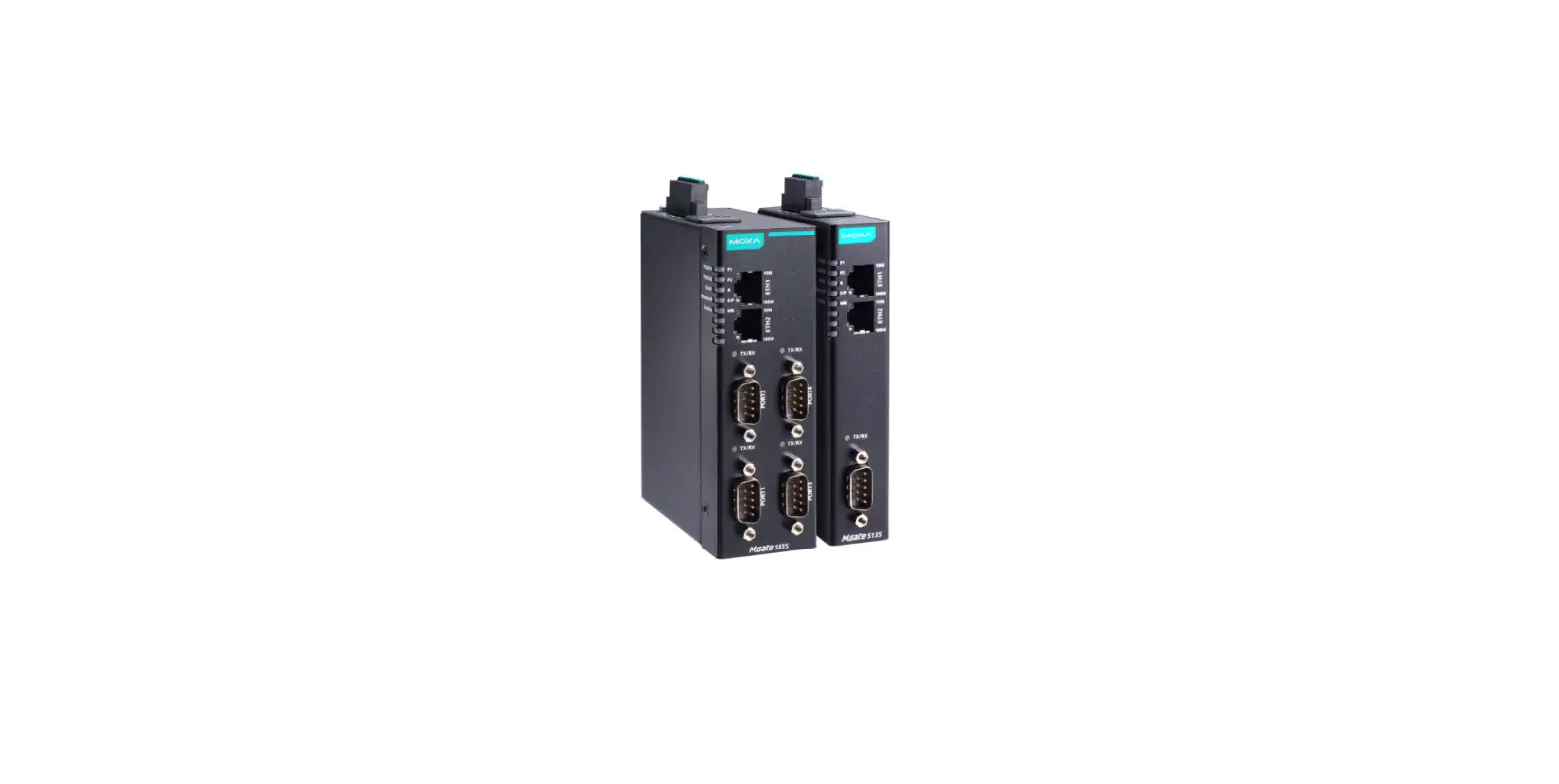
 GW-2492M/GW-2493M Quick Start
v1.0, December 2021
User Guide
Packing List
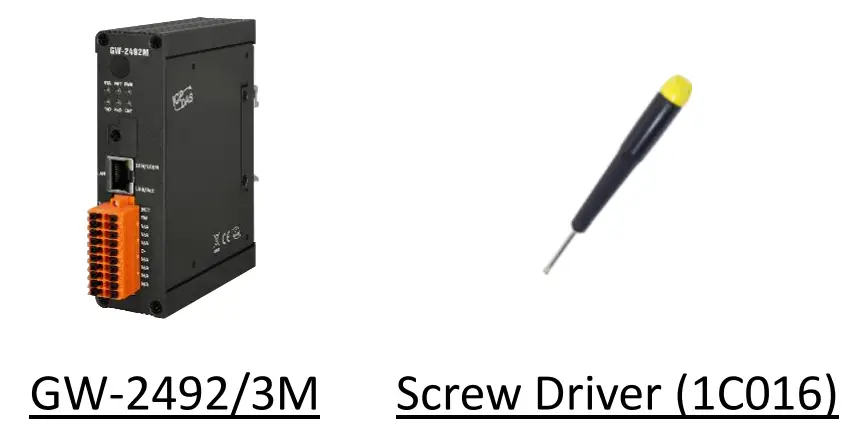
In addition to this guide, the package includes the following items:
Resources
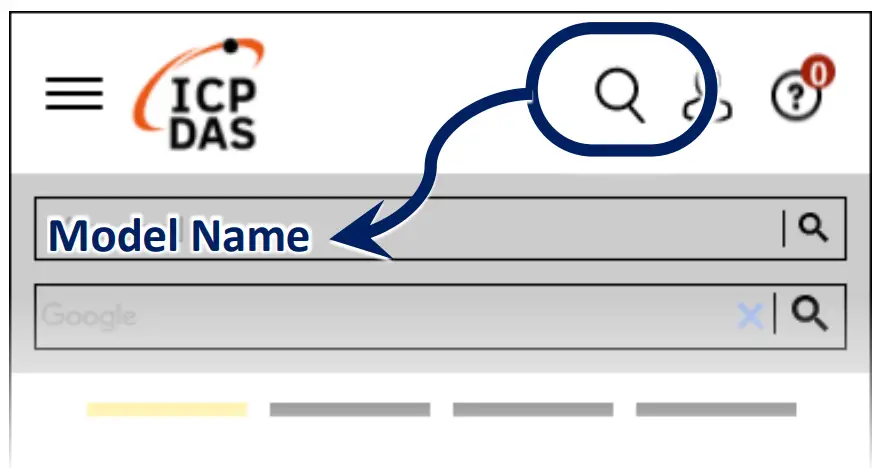
How to search for drivers, manuals and spec information on ICP DAS website.
- For Mobile Web

- For Desktop Web


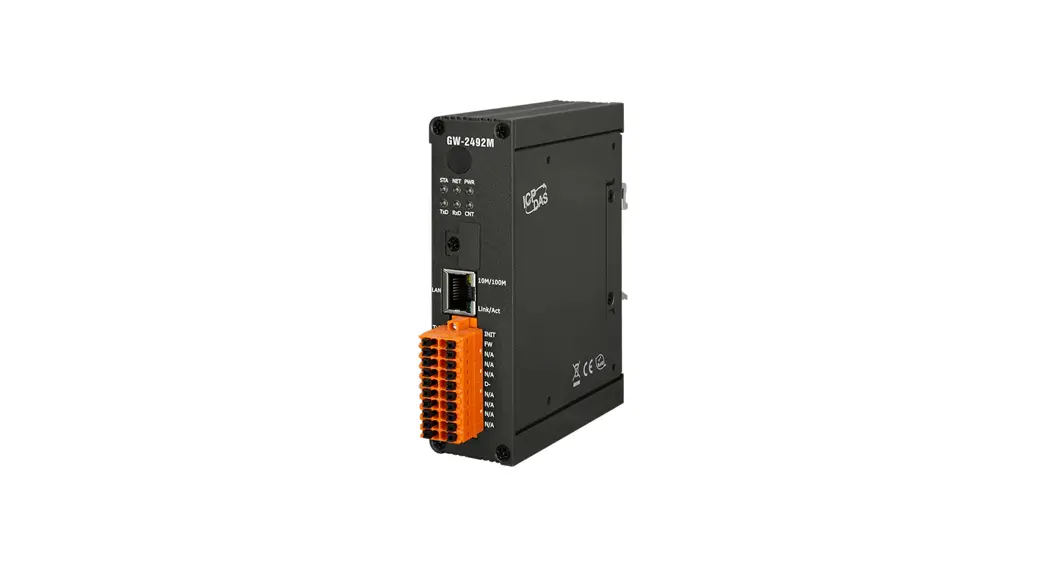
LED Indicators
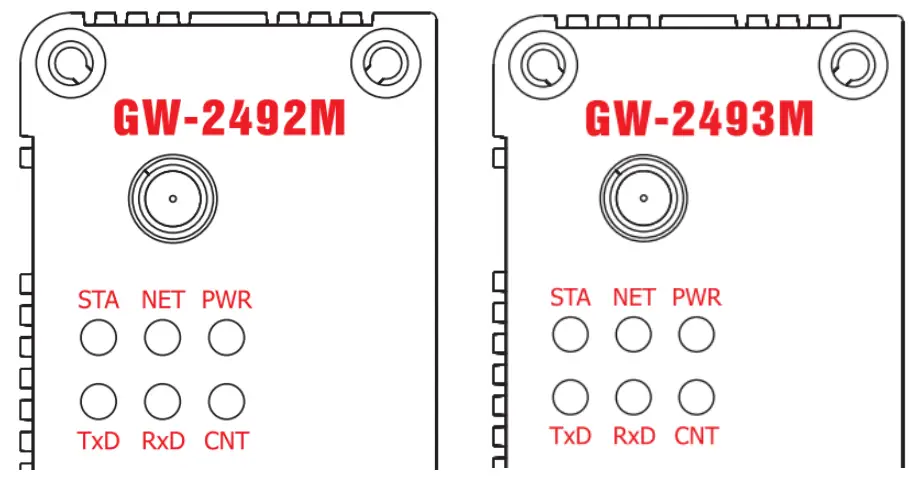
| LED Name | GW-2492M/GW-2493M Status | LED Status | |||||
| ALL LEDs | FW Updating Mode | LED | |||||
| FW Initial Mode | LED will be twinkled per 500ms. | ||||||
| PWR (Module) | Power On | On | |||||
| Power Failure | Off | ||||||
| NET (BACnet/IP) | Connected by least one client | On | |||||
| No clients connect | Blink | ||||||
| STA (BACnet/IP) | Communication OK | On | |||||
| Communication Failure | Blink | ||||||
| CNT (Modbus) | Connect to least one device | On | |||||
| No devices are connected | Blink | ||||||
| RxD (Modbus) | Data reception | On | |||||
| No Data reception | Off | ||||||
| TxD (Modbus) | Data transmission | On | |||||
| No Data reception | Off | ||||||
Network Connection
| GW-2492M/GW-2493M Factory Defaults & Initial Mode | |||
| Network | IP | 192.168.255.1 | Please follow your case to modify the network settings. |
| Mask | 255.255.0.0 | ||
| Gateway | 192.168.0.1 | ||
Technical Support
[email protected]
www.icpdas.com
 ICP DAS