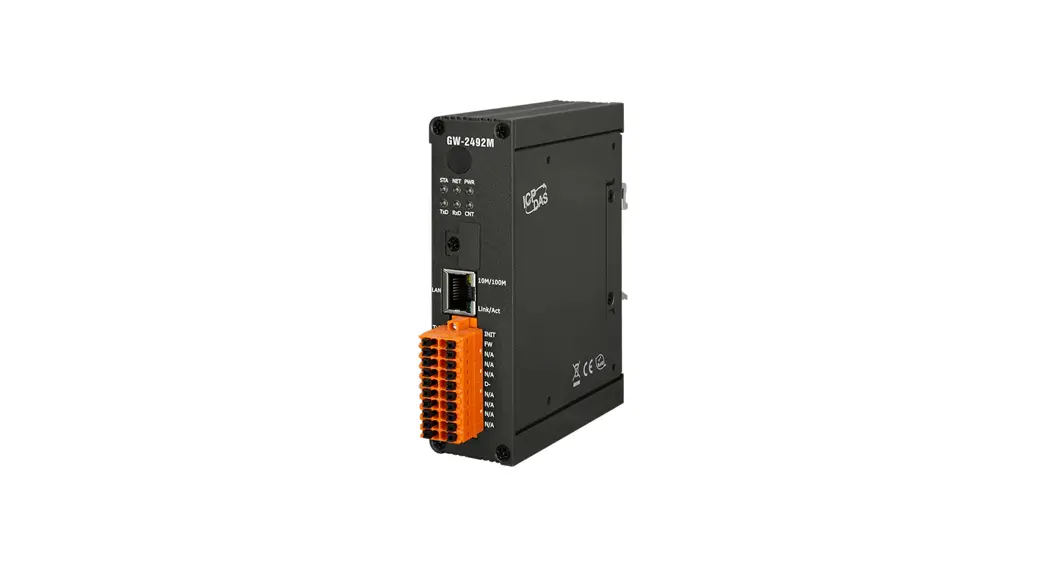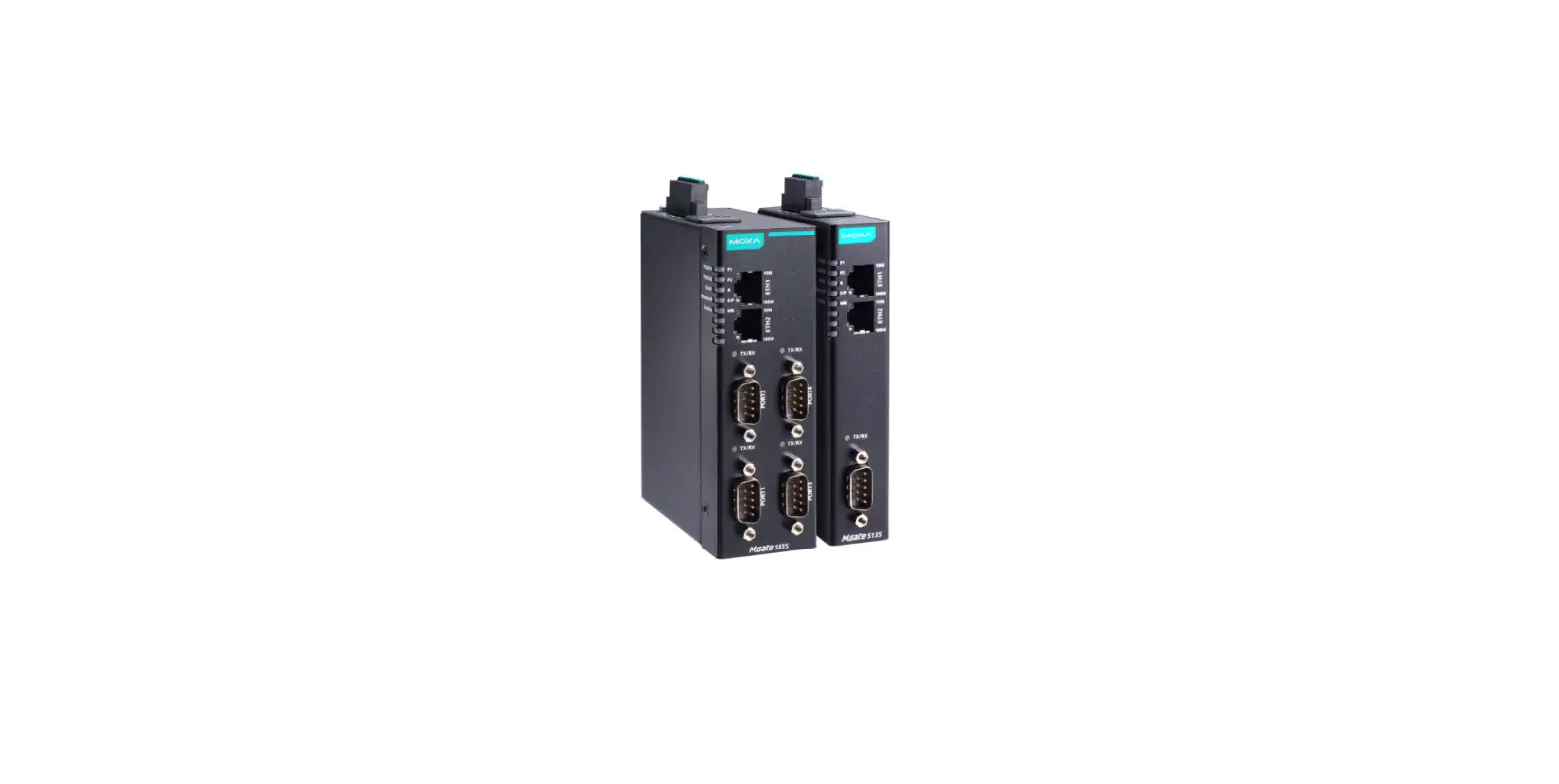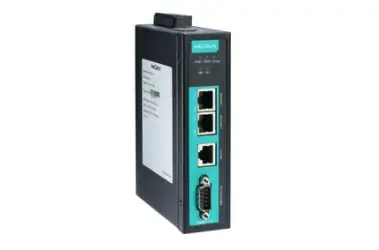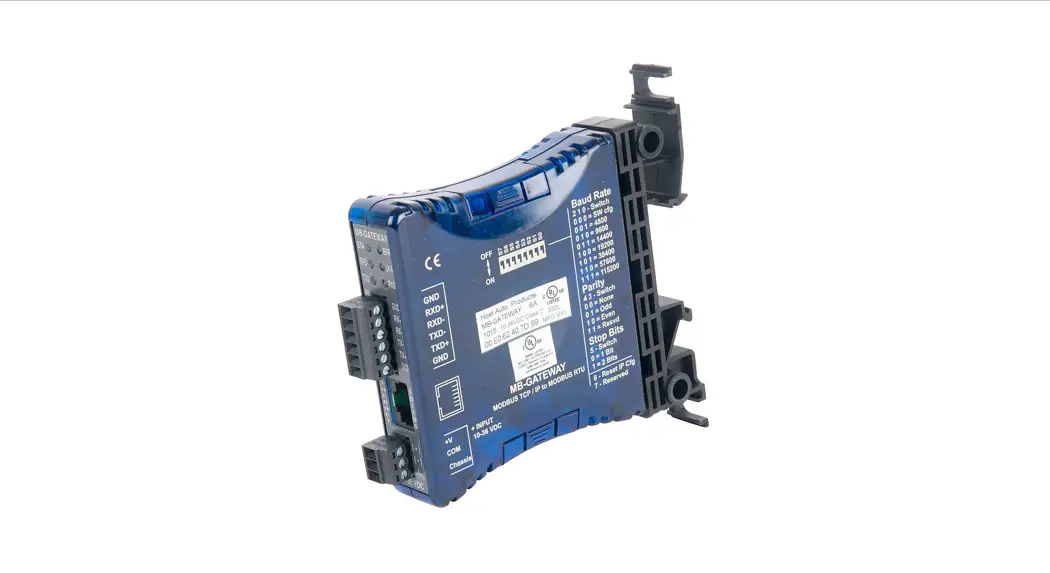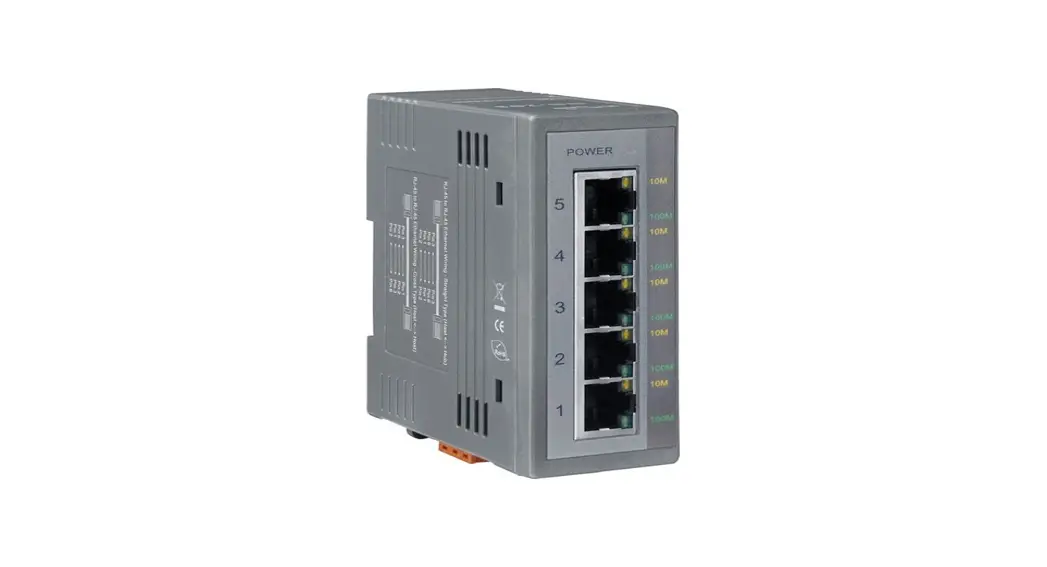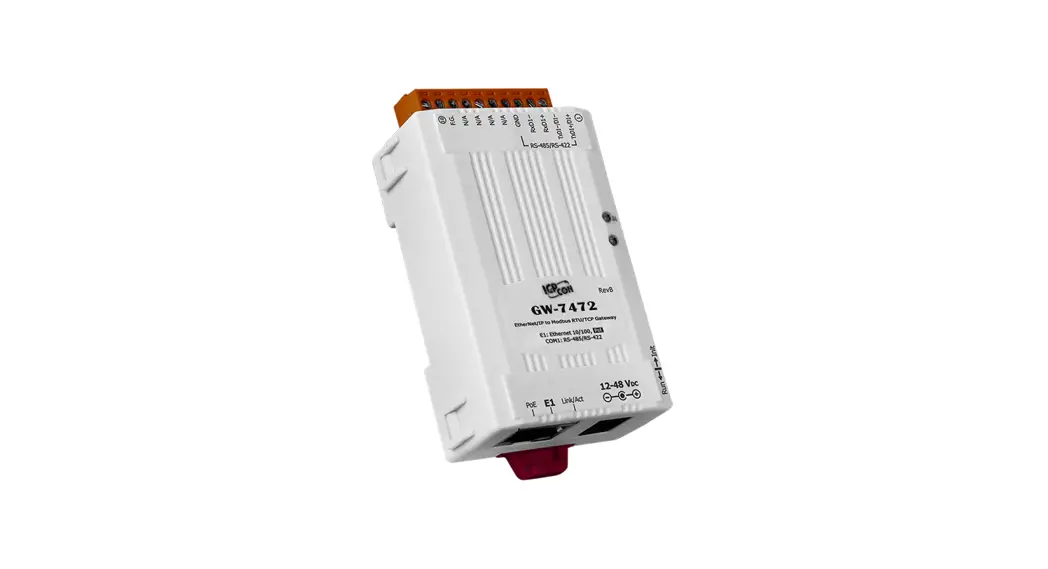
 GW-7472 QUICK START
For GW-7472
Dec. 2014/ Version 2.1
What’s in the shipping package?
The package includes the following items:
| GW-7472 |
 | Software CD |
 | Quick Start Guide(This Document) |
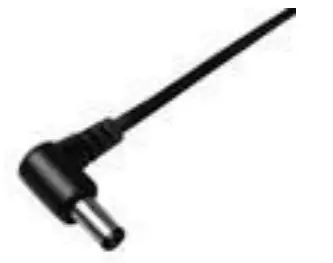 | CA-002 (DC connector to 2-wire power cable) |
Installing software on your PC
Install GW-7472 Utility:
The software is located at Fieldbus_CD:\EtherNetIP\Gateway\GW-7472\Utility
http://ftp.icpdas.com/pub/cd/fieldbus_cd/ethernetip/gateway/gw-7472/utility/
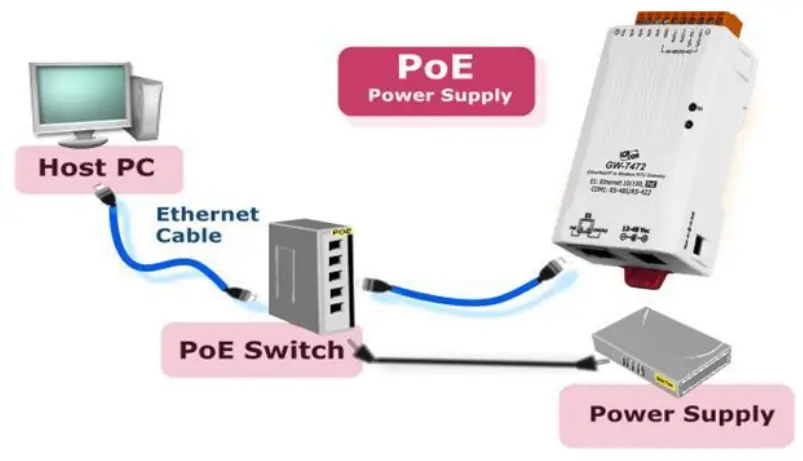
Connecting the Power and Host PC
- Make sure your PC has workable network settings.
- Disable or well configure your Windows firewall and anti-virus firewall first, else the “Network Scan” on steps 4, 5, and 6 may not work. (Please contact your system Administrator)
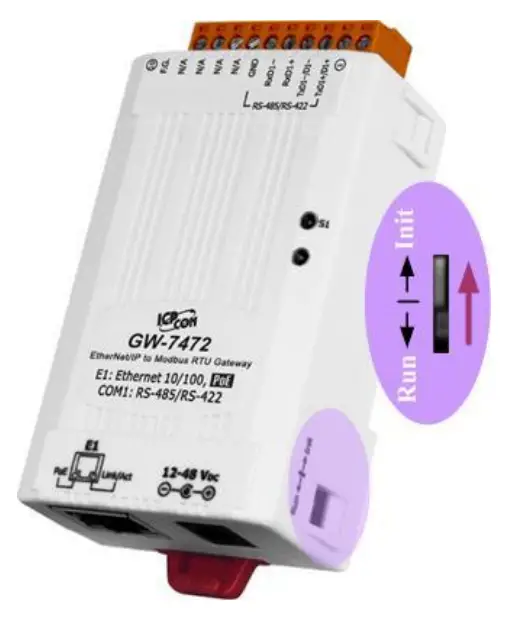
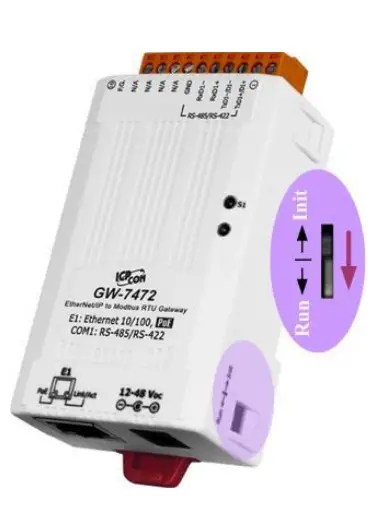
- Check Init/Run DIP switch if it is in the Init position.

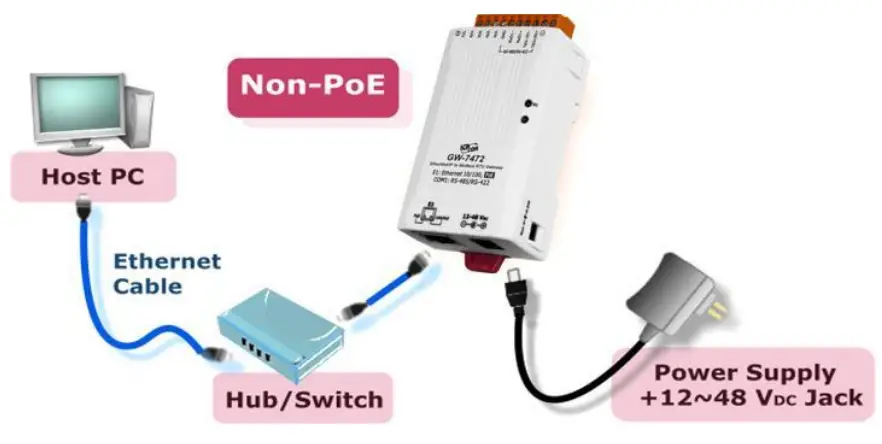
- Connect both the GW-7472 and your computer to the same sub-network or the same Ethernet switch, and power the GW7472 on.


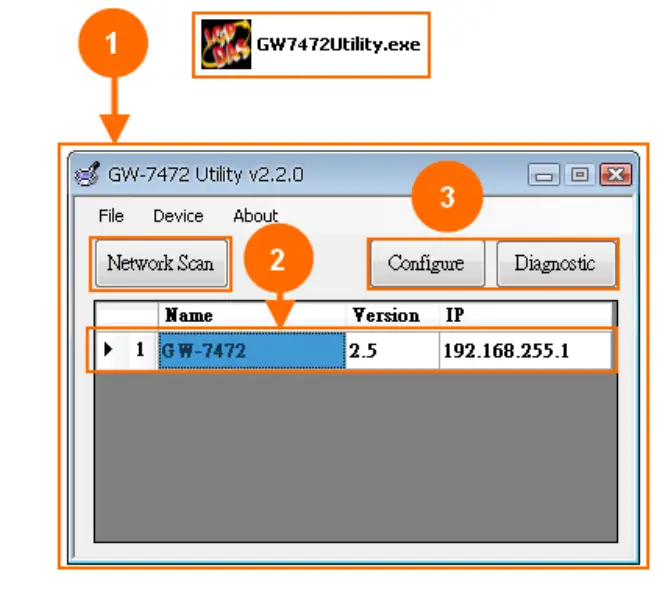
Searching the GW-7472
- Double-click the GW-7472 Utility shortcut on the desktop.
- Click the “Network Scan” button to search your GW-7472.
- Select the “Configure” or “Diagnostic” buttons to configure or test the module

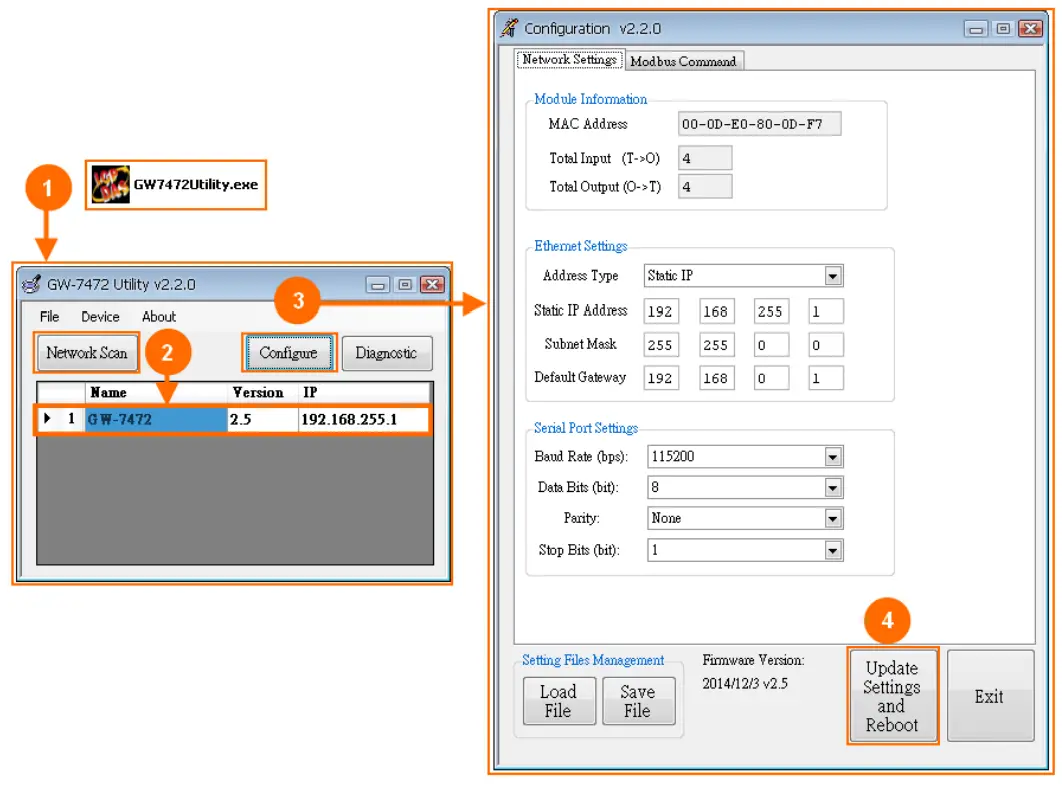
Module configuration
- Double-click the GW-7472 Utility shortcut on the desktop.
- Click the “Network Scan” button to search your GW-7472.
- Select the “Configure” buttons to configure the module
- After setting, click the “Update Settings” button to finish the

Item Settings (Init Mode) IP 192.168.255.1 Gateway 192.168.0.1 Mask 255.255.0.0 Item Descriptions:
Item Description
Network Settings For configuration of the Address Type, Static IP Address, Subnet Mask, and Default Gateway of the GW-7472 Please refer to the section “4.2.1 Network Settings” Modbus RTU Port Settings For configuration of the Baud Rate, Data Sizes, Parity, Stop Bits, of the RS-485/RS-422 port of the GW-7472 Please, refer to the section “4.2.2 Modbus RTU Serial Port
Settings”Modbus TCP Server IP Setting For configuration of the IP of each Modbus TCP server.
Please refer to section “4.2.3 Modbus TCP Server IP Settings”Setting File Management For the setting files management of GW-7472.
Please refer to section “4.2.4 Setting File Management”Byte Order Setting For configuration of the order of two bytes in a word of AI and AO
Please refer to section “4.2.5 Byte Order Setting”Modbus Request Command Setting Modbus commands to communicate with the Modbus slaves
Please refer to section “4.2.6 Modbus Request Settings”
Module Diagnostic
- Check Init/Run switch if it is in the Run position.

- Reboot your GW-7472. Then, reconnect it by the utility.
- Click the “Diagnostic” button to open the diagnostic window.
 Item Descriptions:
Item Description
UCMM/Forward Open Class 3 Behavior Send UCMM packets or use the Forward_Open service to build the CIP class 3 connection to communicate with the GW-7472. Please refer to section “4.3.1 UCMM/Forward Open Class 3 Behavior” Forward Open Class1 Behavior Use the Forward_Open service to build the CIP class 1 connection to communicate with the GW-7472. Please refer to section “4.3.2 Forward Open Class 1 Behavior” Response Message EtherNet/IP packets responded from the GW-7472. Modbus TCP Servers Status The connection status of Modbus TCP servers. Please refer to the section “4.3.3 Modbus TCP Servers Status”
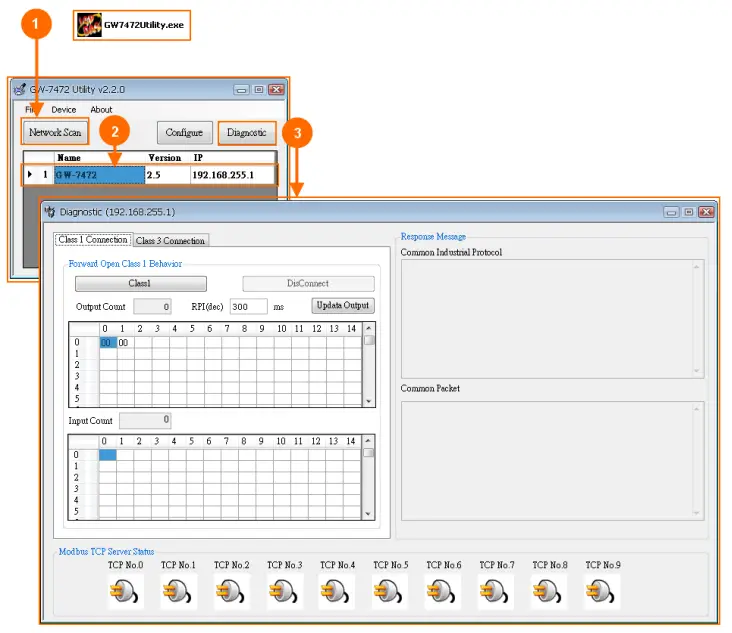 Item Descriptions:
GW-7472 Product page:
http://www.icpdas.com/products/Remote_IO/can_bus/GW-7472.htm
GW-7472 Documentations:
Fieldbus_CD:\EtherNetIP\Gateway\GW-7472\Manual
http://ftp.icpdas.com/pub/cd/fieldbus_cd/ethernetip/gateway/gw-7472/manual/
GW-7472 Utility:
Fieldbus_CD:\EtherNetIP\Gateway\GW-7472\Utility
http://ftp.icpdas.com/pub/cd/fieldbus_cd/ethernetip/gateway/gw-7472/utility/
GW-7472 firmware:
Fieldbus_CD:\EtherNetIP\Gateway\GW-7472\firmware
http://ftp.icpdas.com/pub/cd/fieldbus_cd/ethernetip/gateway/gw-7472/firmware/ 
[email protected]
+52(33)-3823-4349
www.tienda.logicbus.com.mx
 ftp.icpdas.com - /pub/cd/fieldbus_cd/ethernetip/gateway/gw-7472/firmware/
 ICP DAS - GW-7472