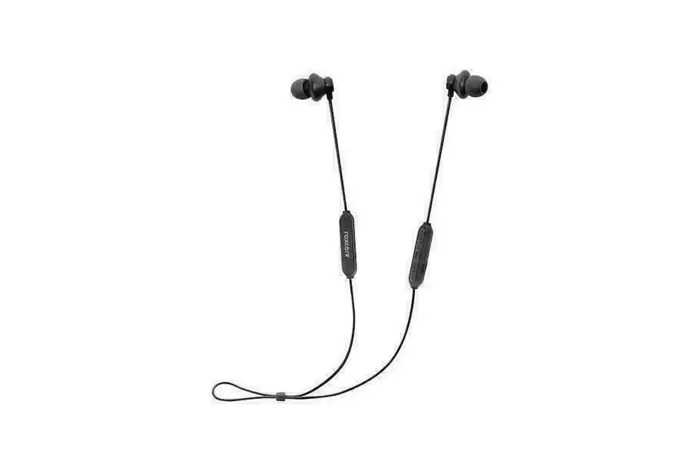

Flow A+
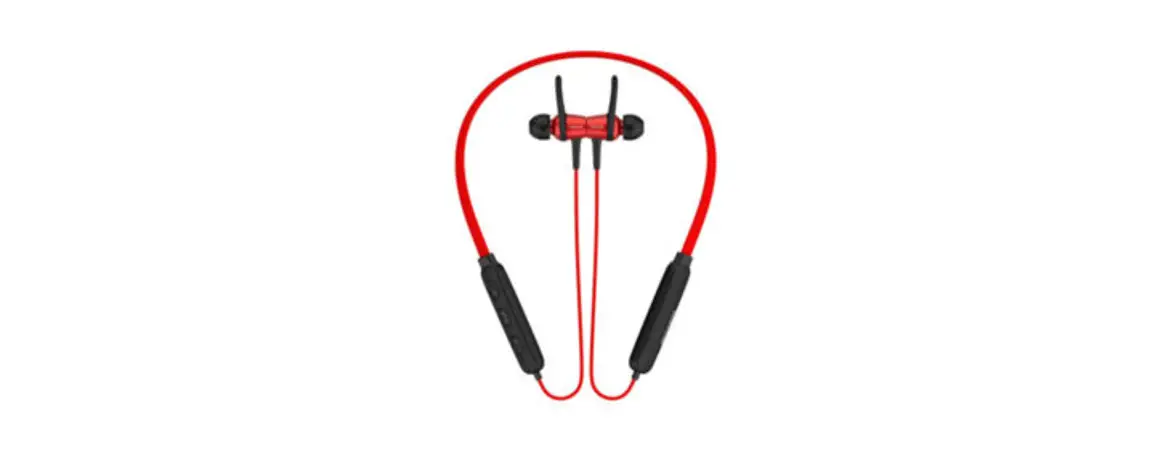
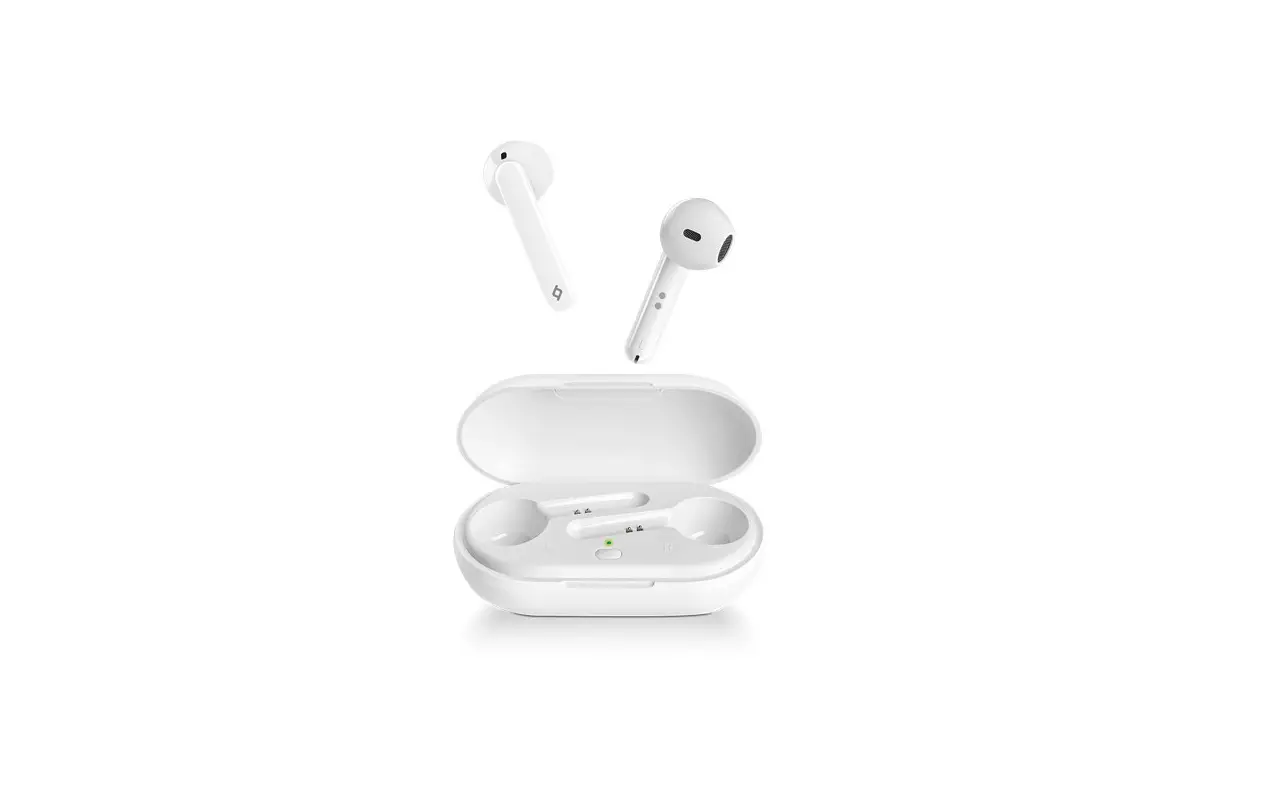
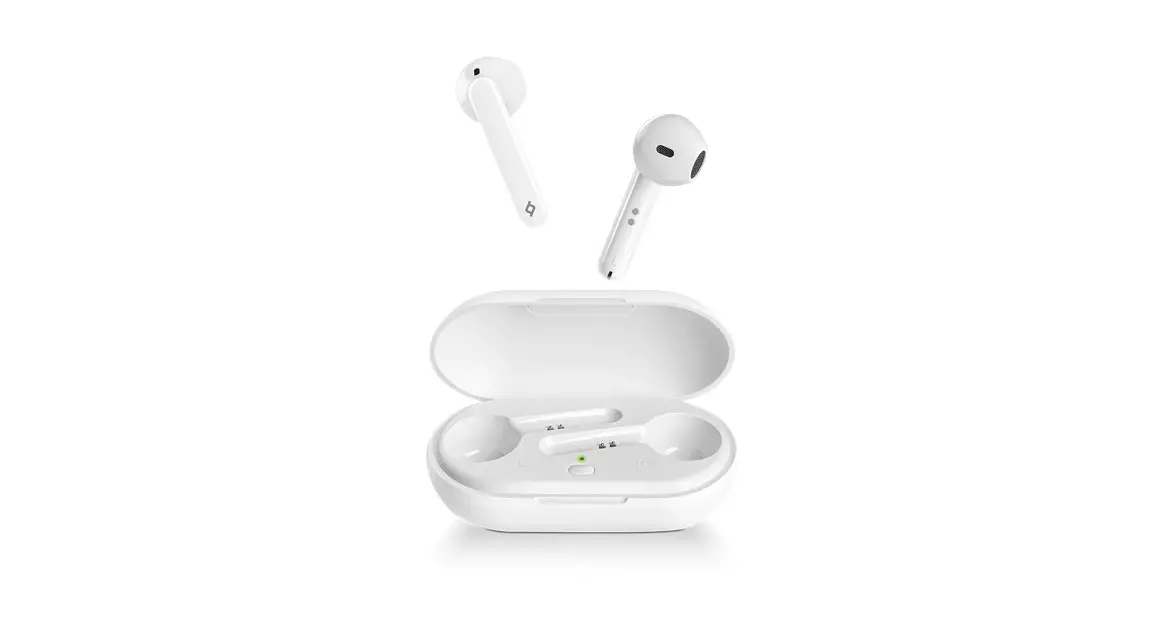
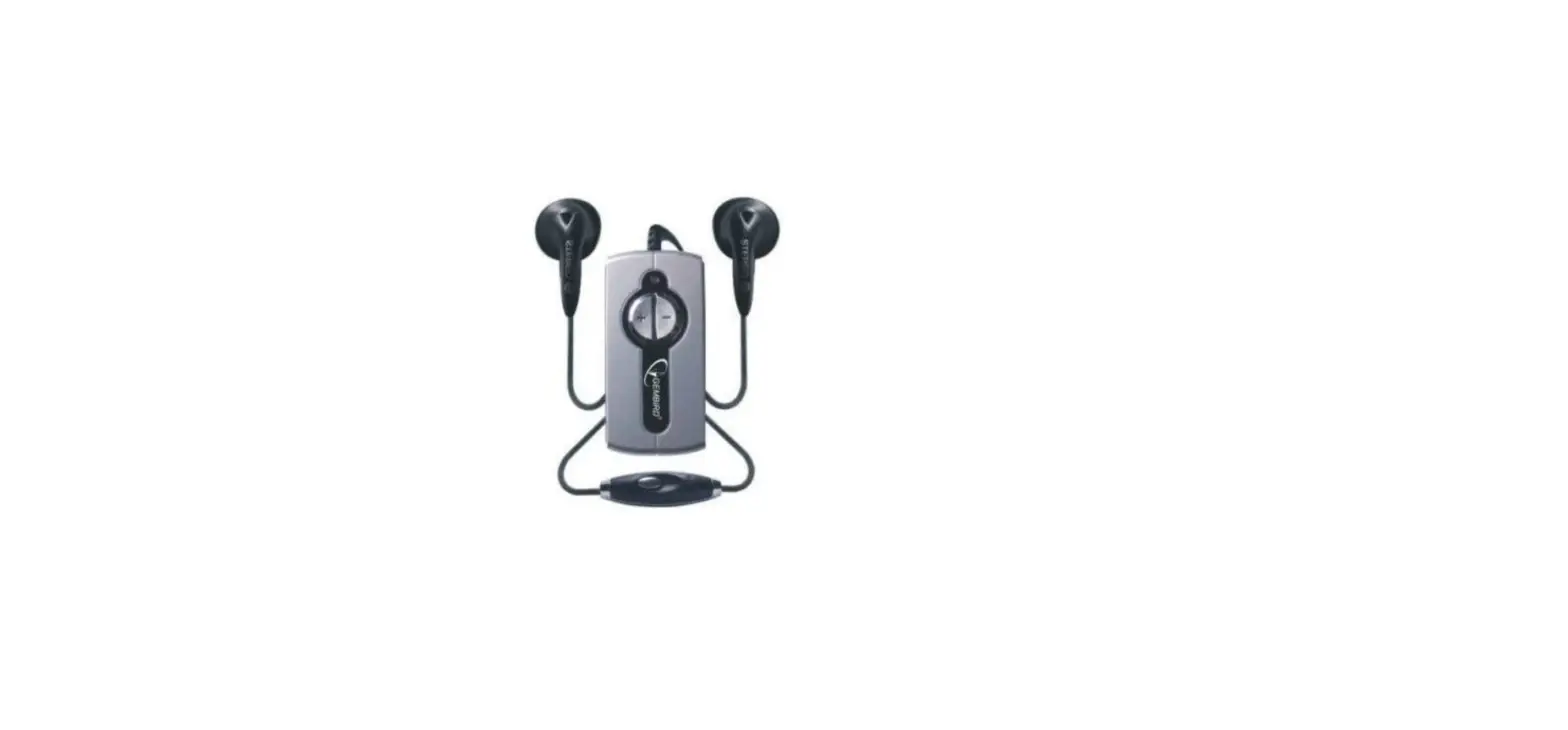
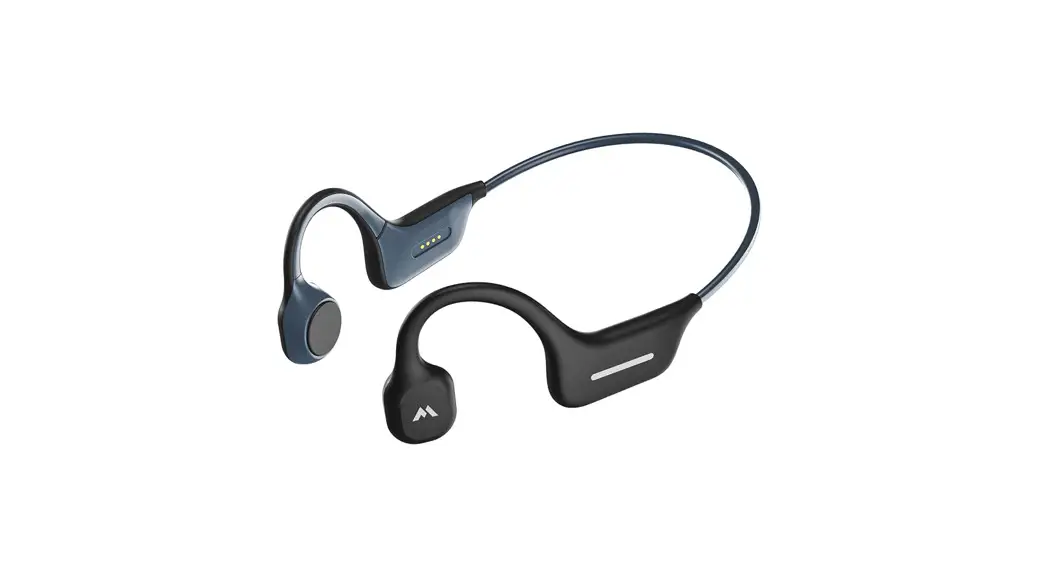
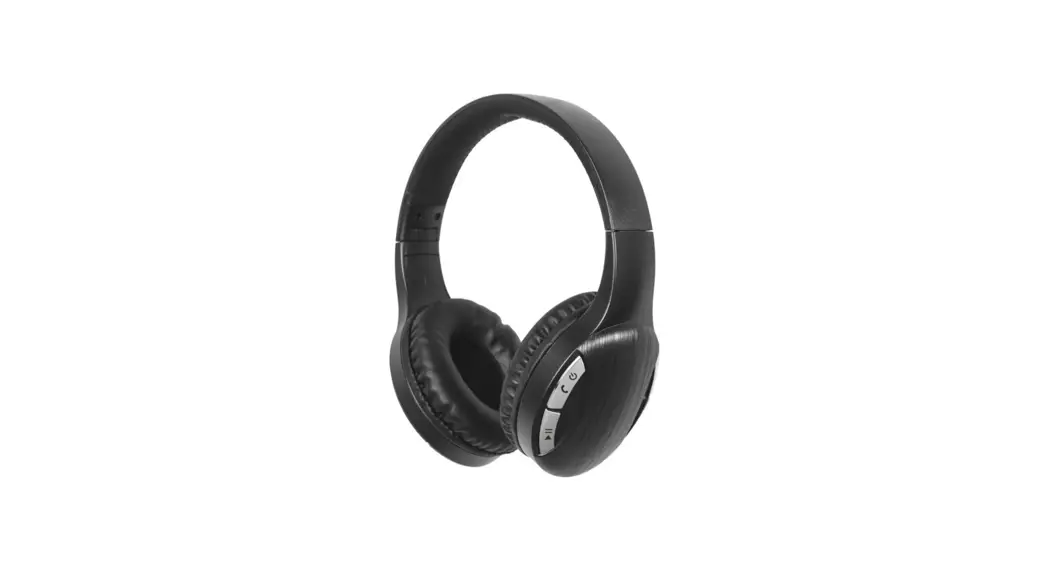
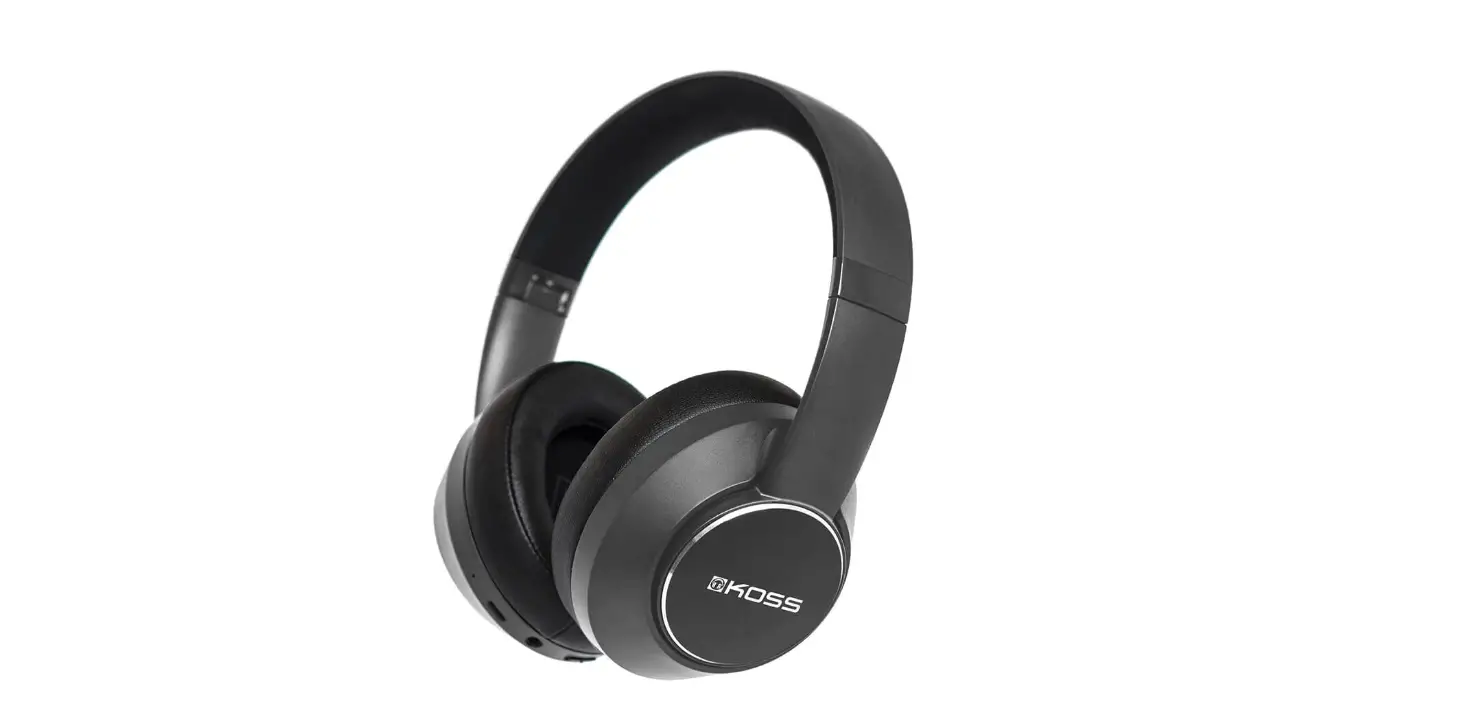
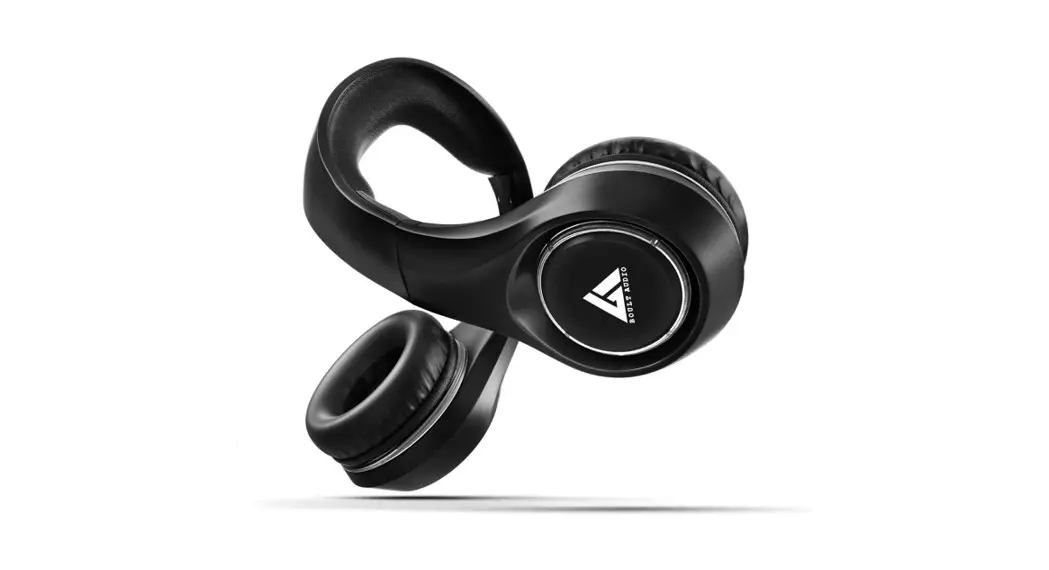
Bluetooth headset
Item: 23752-3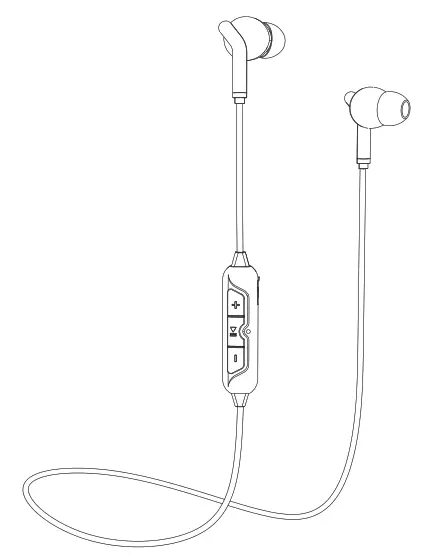
Overview
| Frequency | 20 – 20 kHz |
| Impedance | 16Ω |
| Bluetooth | 4.2 |
| Range | up to 10 m |
| Standby time | up to 100 h |
| Talk/play time | up to 3.5 h |
| Charge time | 1.5 h |
| Charging | Micro USB |
| Weight | 24 g |
Use
Power on/off
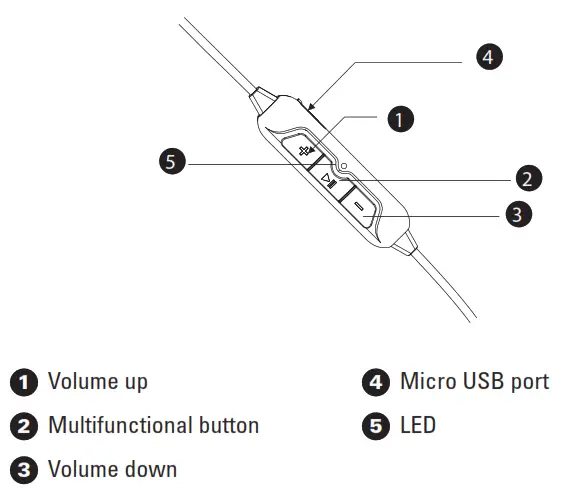
To start the headset, press the multifunction button for 2 seconds until the LED flashes blue. Repeat the process to turn it off.
Charging
Connect the USB cable to the charging port and a computer or a USB power adapter. The LED will shine red during charging and turn blue when the battery is fully charged.
Pairing
- Keep your Bluetooth device within 1 meter of the earphones.
- Make sure the headset is off.
- Press and hold the multifunction button until the LED flashes red and blue.
- Activate Bluetooth on your device. Search for nearby Bluetooth devices and choose Flow A+ from the list (enter 0000 if asked for a password).
- When the LED blinks blue 3-5 times and goes out your device is ready and paired with the earphones.
Force pairing mode; make sure the headset is off, press and hold the Multifunctional button to enter pairing mode.
Managing music
Press the multifunctional button to play/pause music or answer/hang-up calls.
Press the Volume Up or Volume down button to change the volume.
Press and hold the Volume up button to skip a track.
Press and hold the Volume down button to play the previous track.
Note!
This product contains a rechargeable Li-ion battery and the battery can not be replaced. To prevent possible hearing damage, do not listen to high volume levels for long periods.
Produktet inneholder et oppladbart Li-ion-batteri som ikke kan skiftes ut. Unngå hørselsskade – ikke lytt med for høyt volum i lengre perioder.
www.roxcore.com
Box 50435, Malmö,
Sweden
Version: 2019-06-04

 Roxcore | Kjell.com