
User Manual
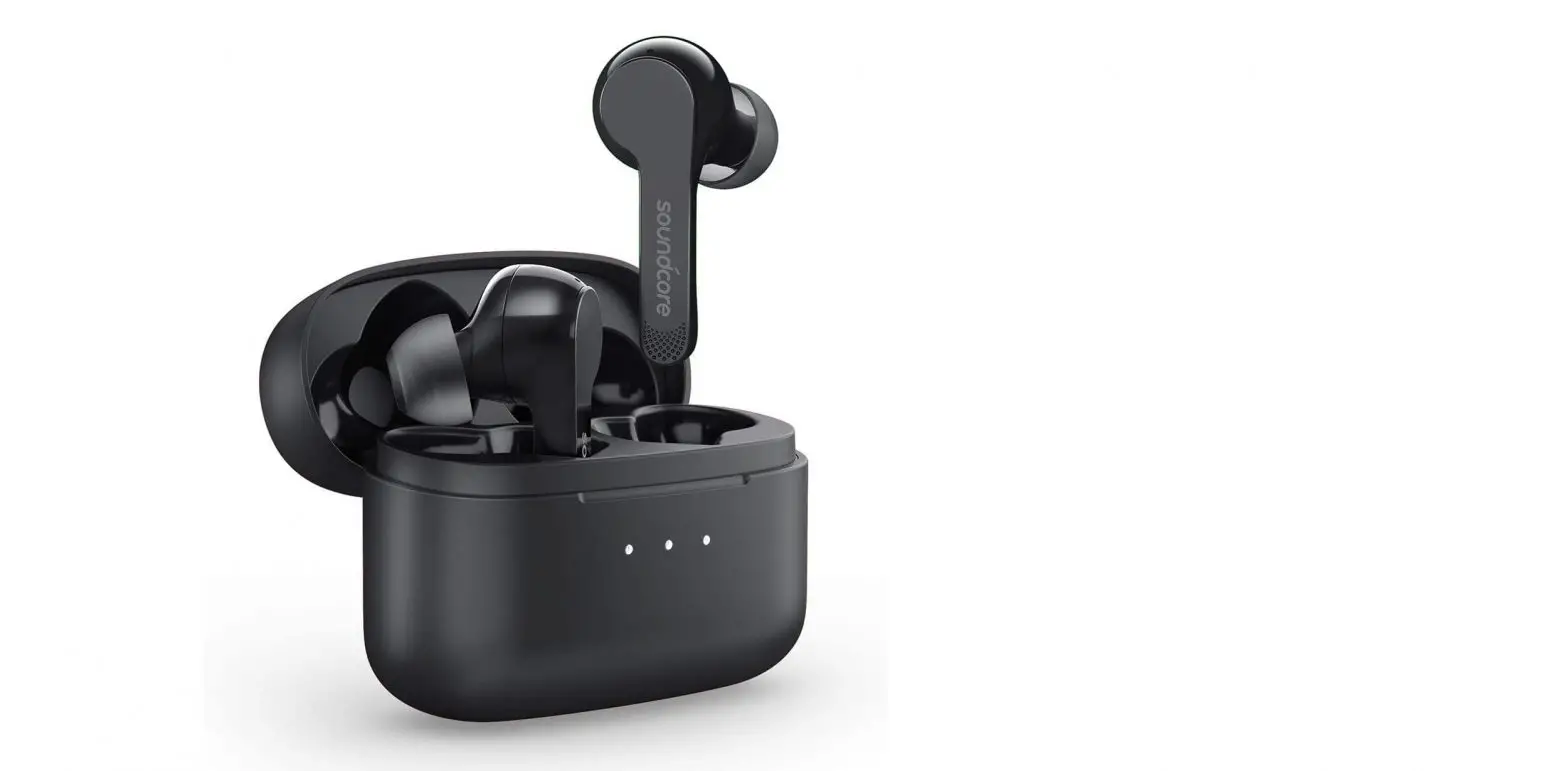
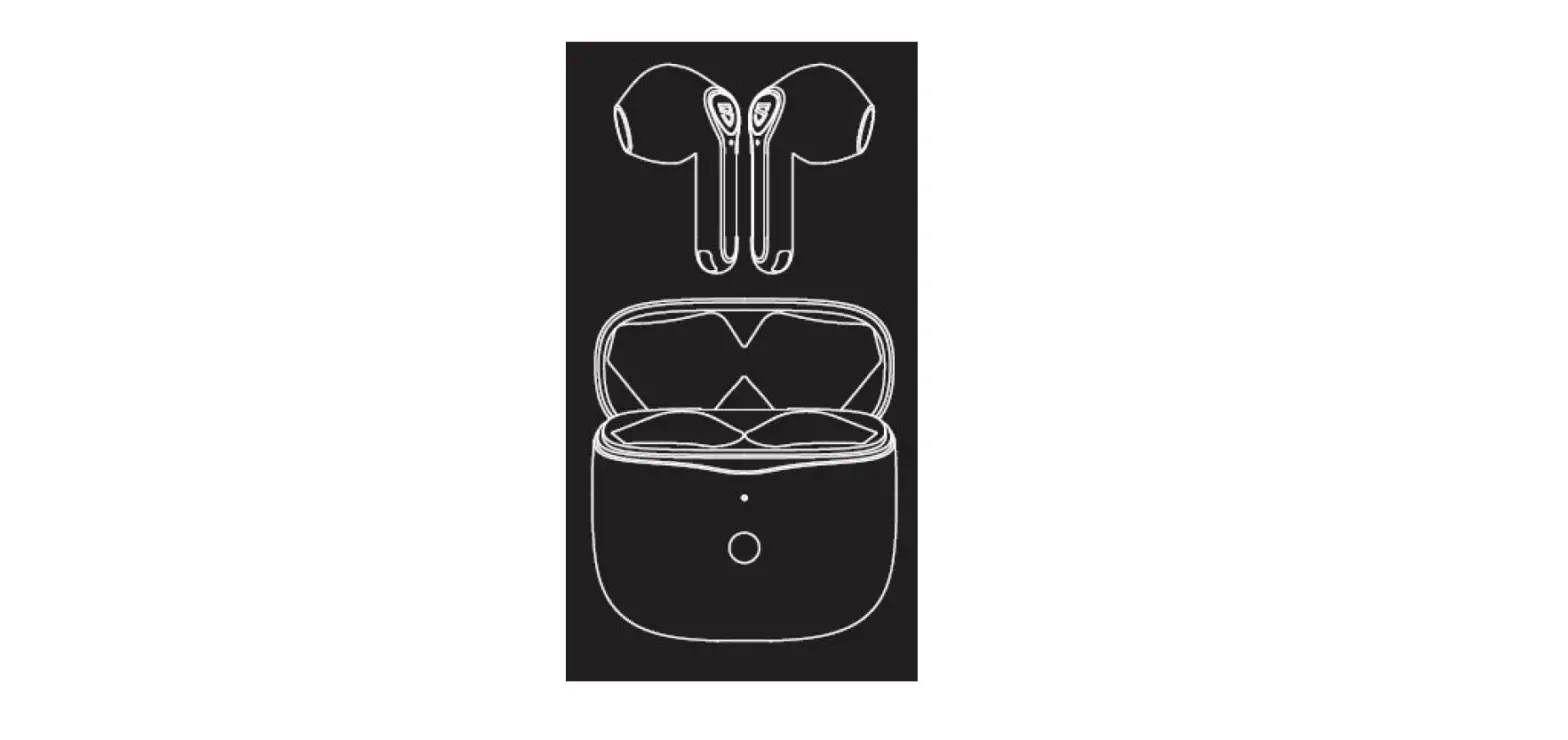
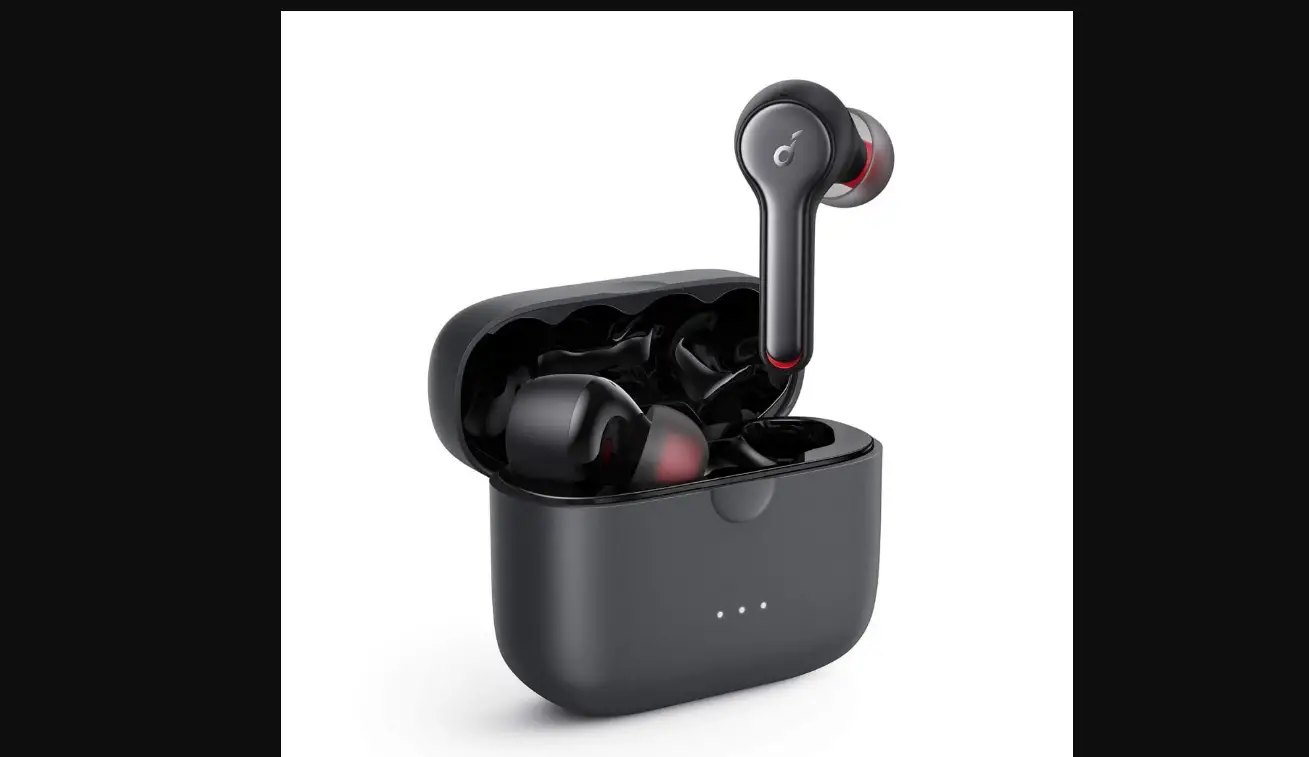
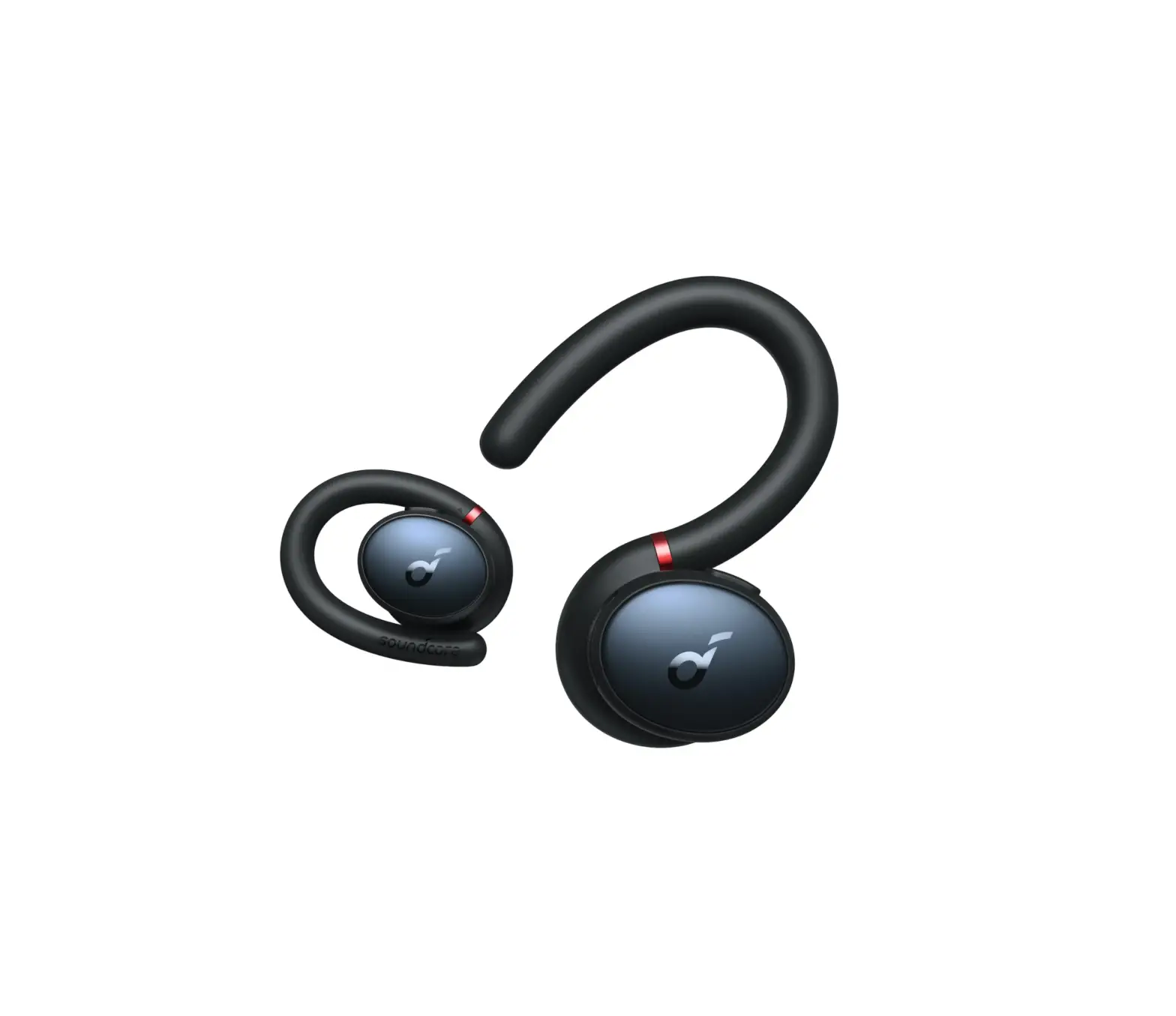
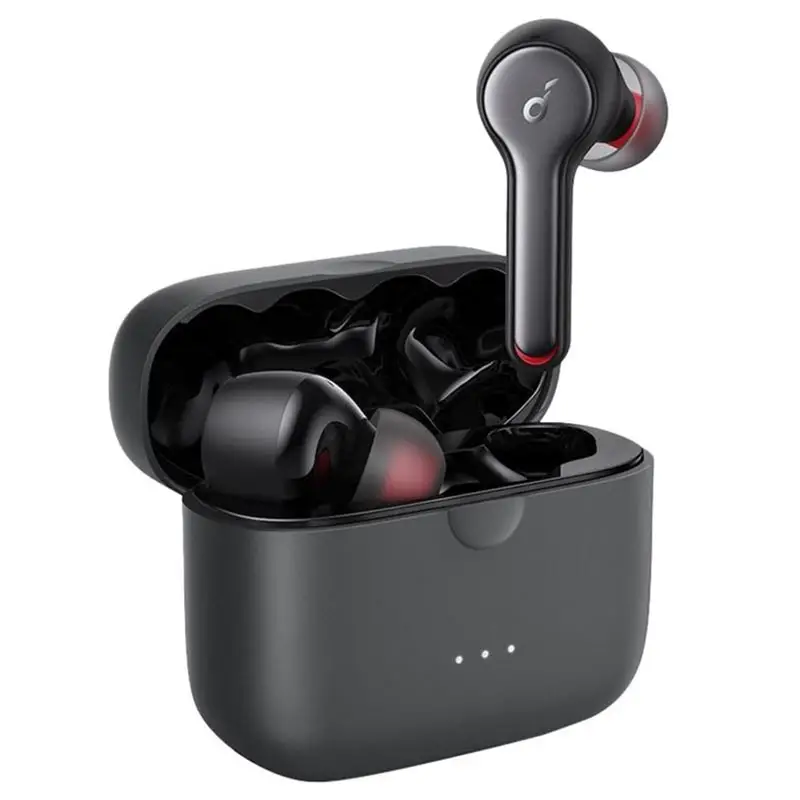
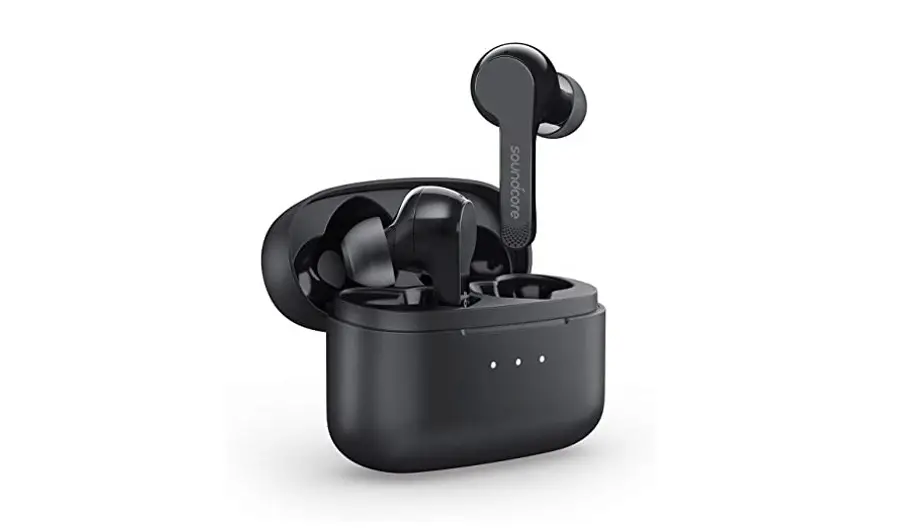
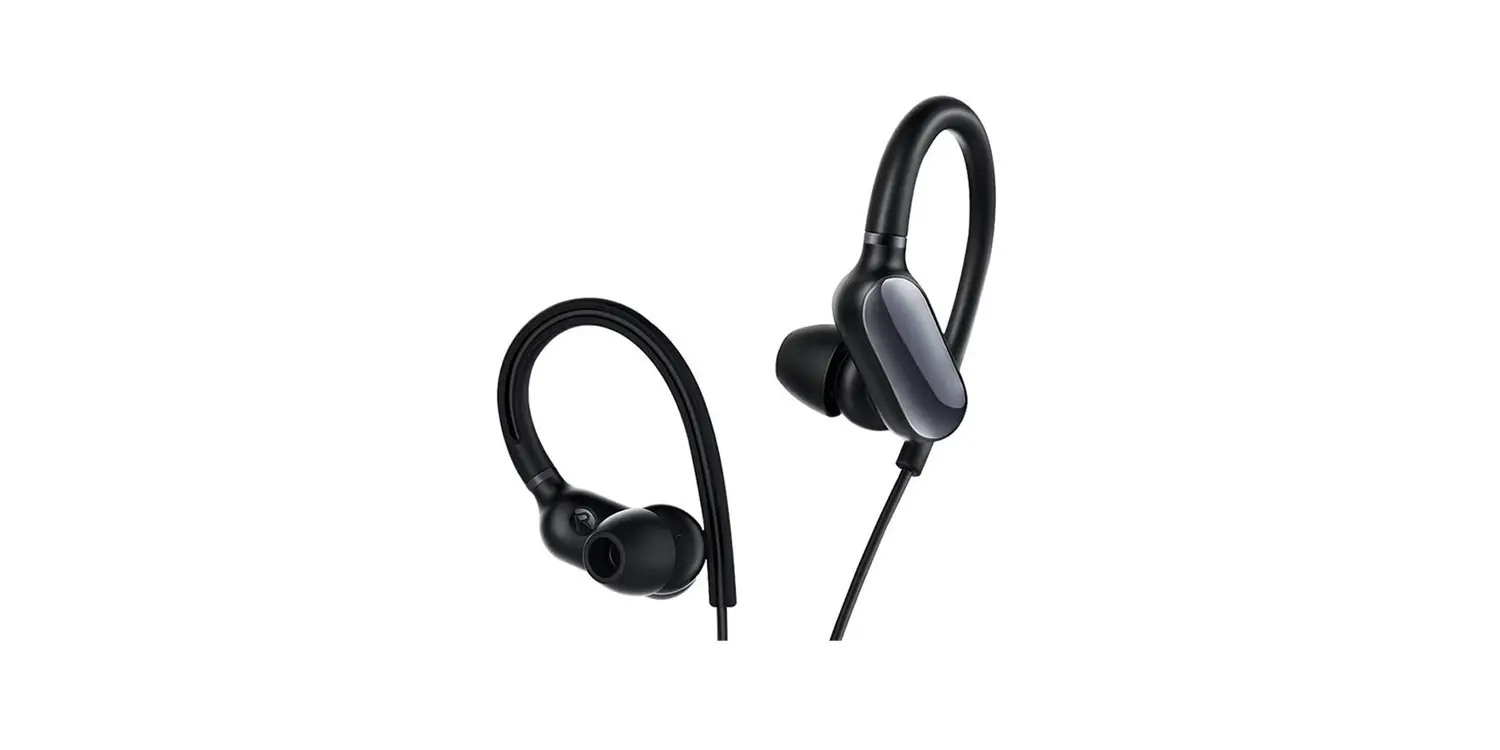
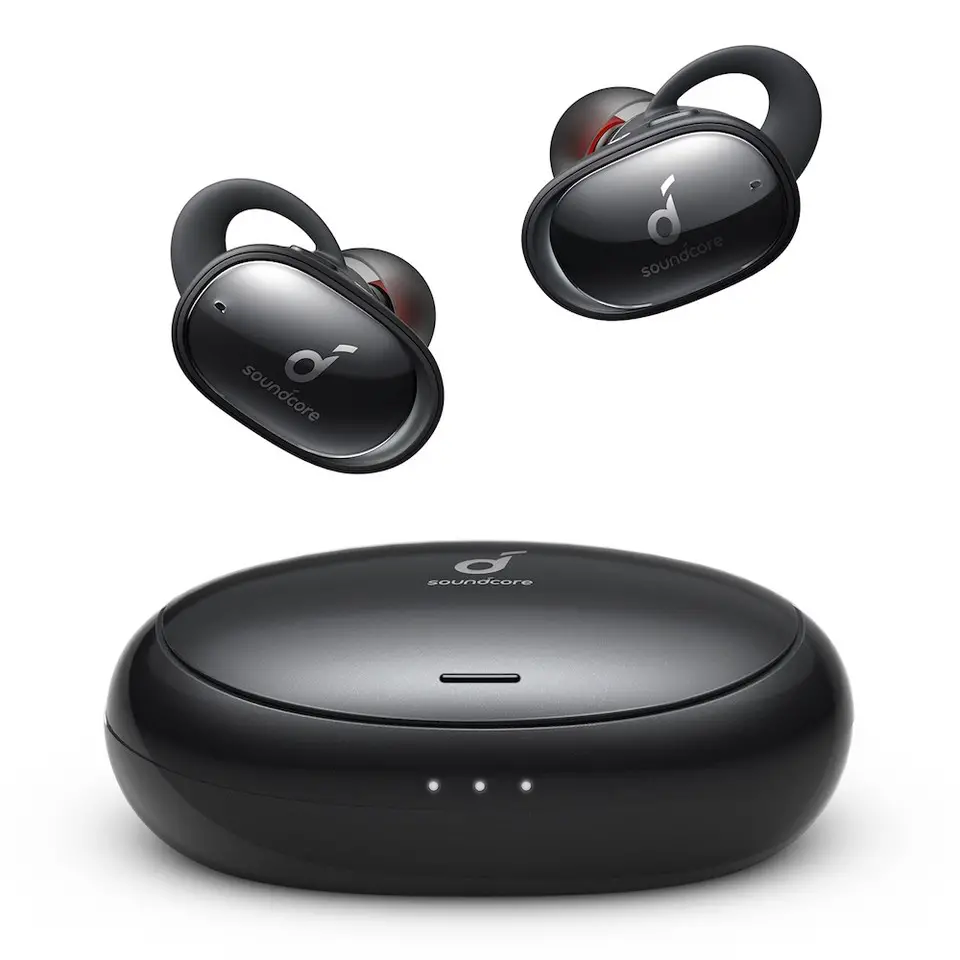
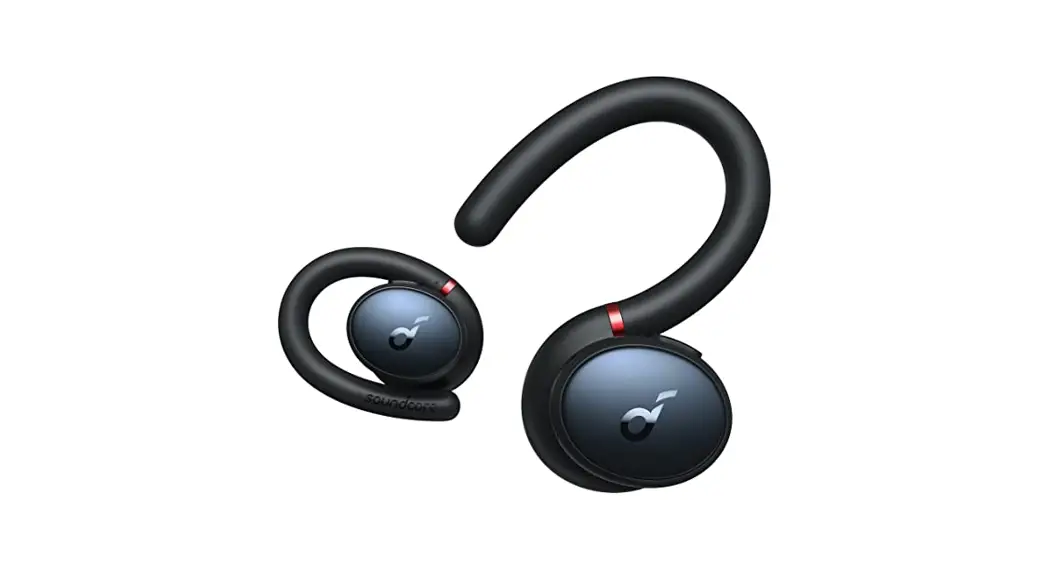
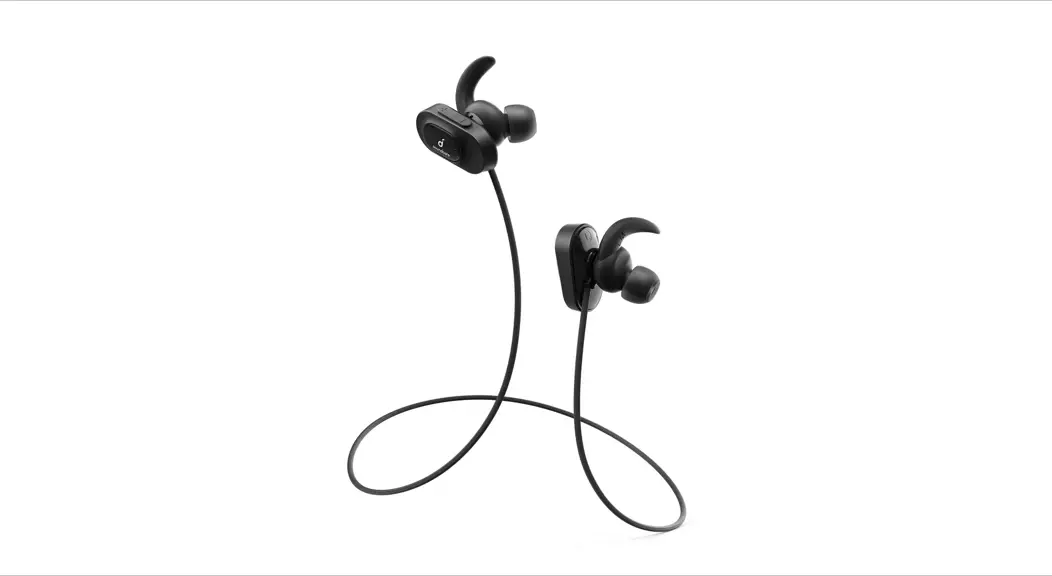
Soundcore Support Air
Product Number A3405
Bluetooth Earphones/Soundcore Support Air
51005001458 V01
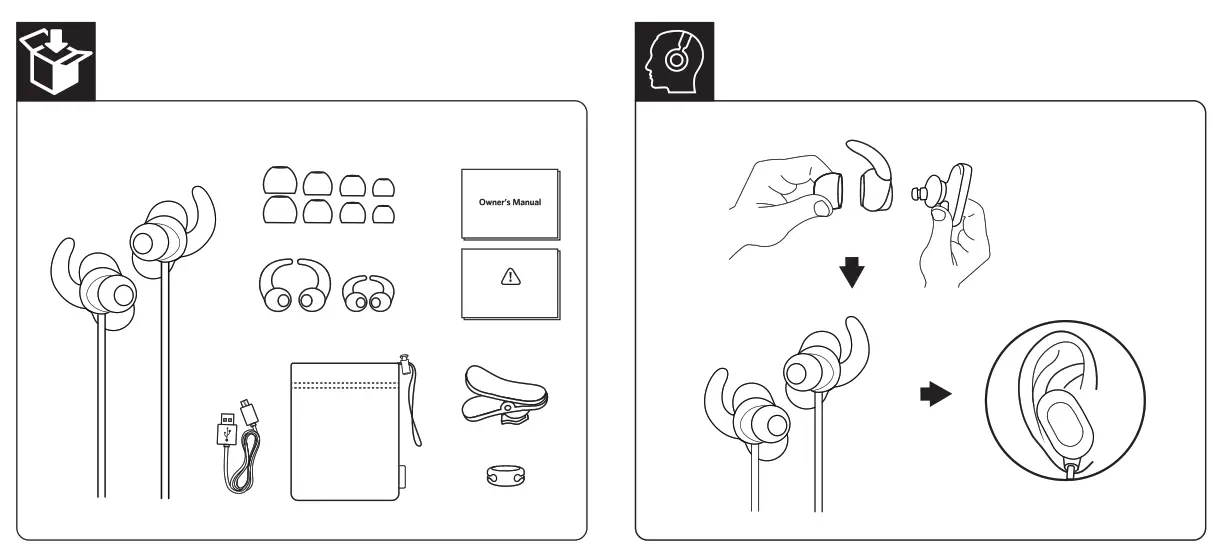
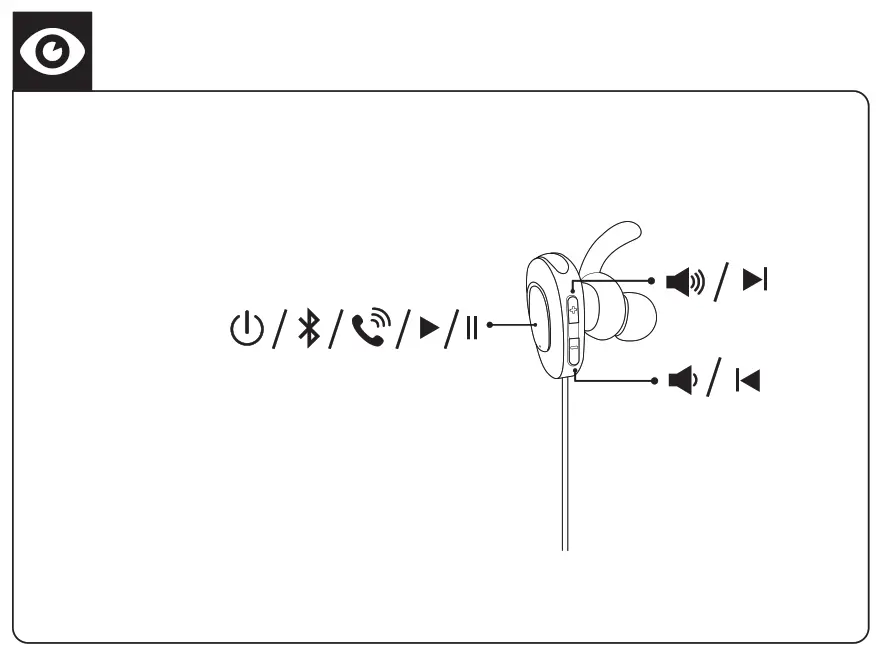
 Turn On/ Off
 Turn On/ Off
| ON | 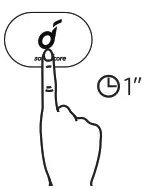 | Press and hold for 1 second | Flashes blue once |
| OFF | 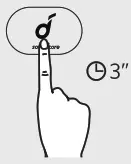 | Press and hold for 3 second | Steady red (For 1 second) |
 Charging
 Charging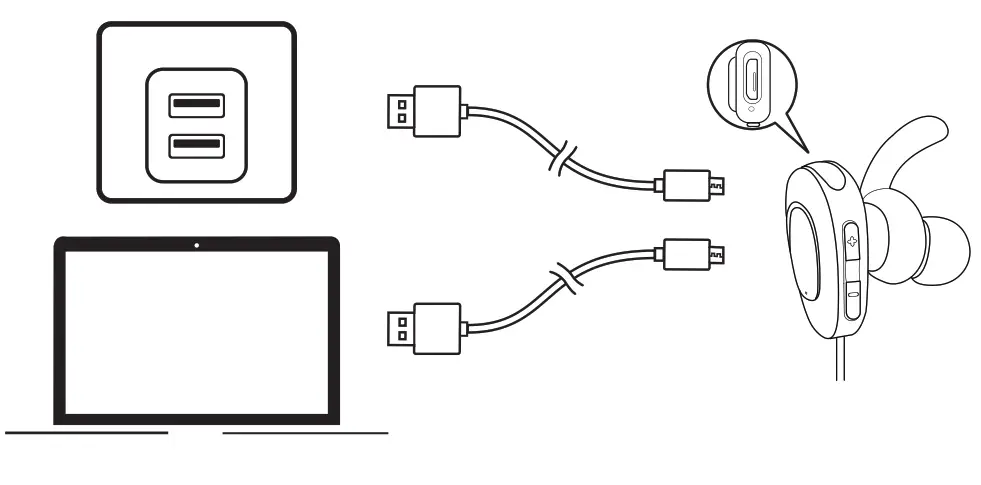
 To preserve battery lifespan, fully charge at least once every 45 days |
 | Flashing red (Every 60 Secound) | Low Battery |
 | Steady Red | Charging |
 | Steady Blue | Fully Charged |
| Note: Make sure the Micro USB port is dry before charging Soundcore Sport Air. Note: Do not switch on the headphones during charging. | ||
 Pair with Your Device
 Pair with Your Device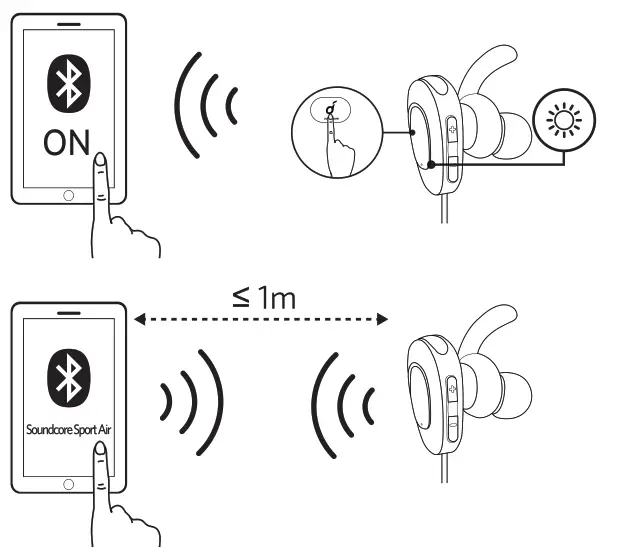
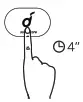 | SPress and hold for 4 seconds (When headphones are turned off) Note: Soundcore Sport Air will automatically enter pairing mode when they are turned on for the first time. | Enter pairing mode |
| Disconnect headphones on your mobile device | Unpair the connected device and re-enter pairing mode | |
 | Flashing blue | Pairing mode |
 | Steady Blue | Connected to a device |
 Controls
 Controls
 | ||
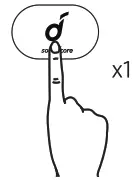 | Press | Play/pause |
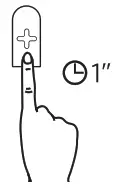 | Press and hold for 1 second | Next Track |
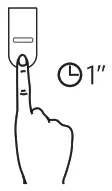 | Press and hold for 1 second | Previous Track |
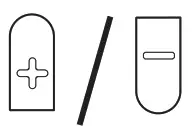 | Press | Volume up/down |
 | ||
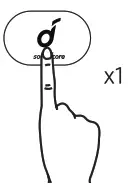 | Press | Answer/End call |
| put current call on hold and answer incoming call | ||
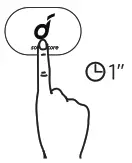 | Press and hold for 1 Second | Reject Call |
| Switch between held call and active call | ||
| Transfer a call between headphones and mobile phone | ||
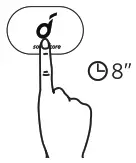 | Reset | Press and hold for 8 seconds until the LED indicator flashes red (When the headphones are turned off) |
| Slow flashing blue | On a call |
| Slow flashing blue | Incoming call |
 | ||
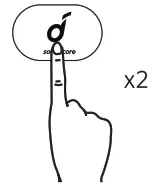 | Press twice | Activate Siri/other voice control software |
Specifications
Specifications are subject to change without notice.
| Input | 5V=0.5A |
| Charging time | 1.5 hours |
| Playtime (varies by volume level and content) | 10 hours |
| Weight | 16.5g/0.58 oz |
| Impedance | 16 Ω |
| Driver (full range) | 12 mm x 2 |
| Frequency response | 20 Hz – 20 KHz |
| Bluetooth version | V5.0 |
| Range | 10m/33ft |
Customer Service
 24-month limited warranty
 Lifetime technical support

+1(888) 988 7973 (US) and +44(0) 1604 936200 (UK)
Declaration of Conformity
Hereby, Anker Innovations Limited declares that the radio equipment type A3405 is in compliance with Directive 2014/53/EU. The full text of the EU declaration of conformity is available at the following Internet address: https://www.soundcore.com
Maximum output power: 7dBm
Frequency band: 2.4G band (2.4000GHz-2.4835GHz)
Anker Innovations Limited
Room 1318-19, Hollywood Plaza, 610 Nathan Road,Mongkok, Kowloon, HongKong