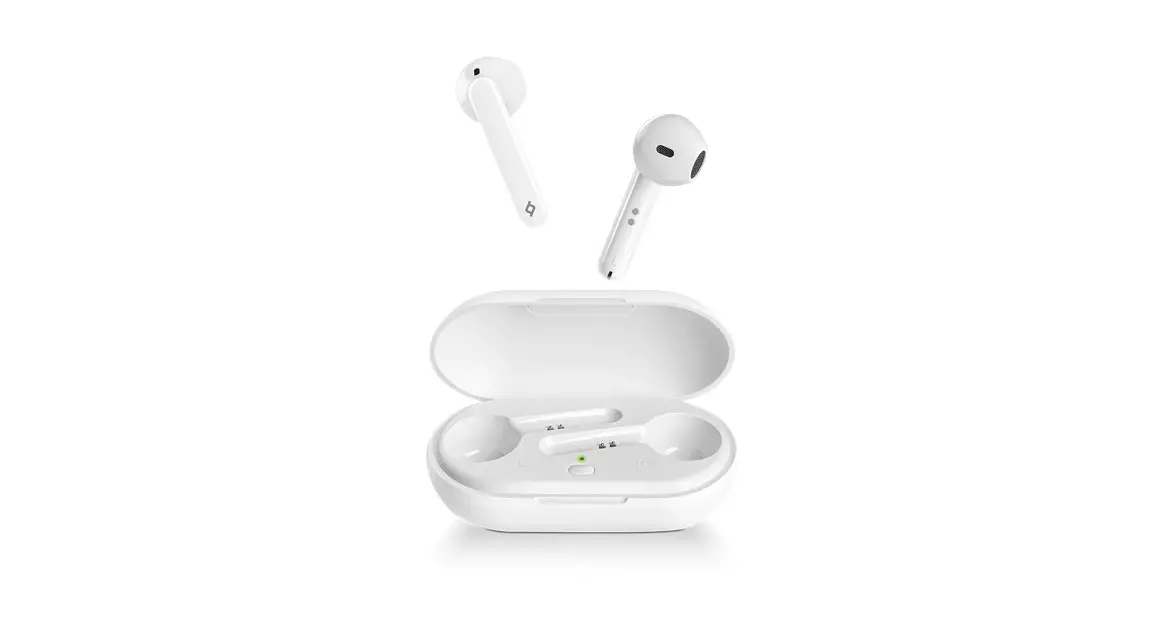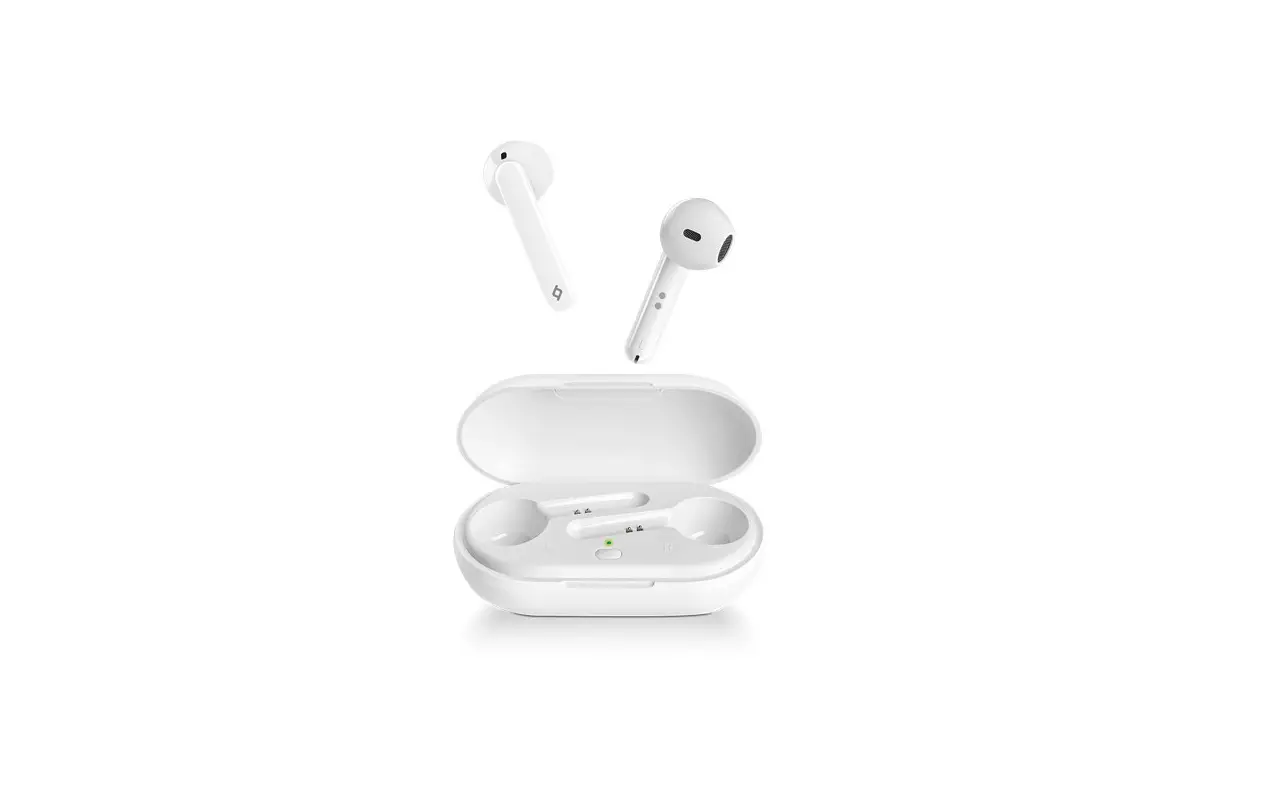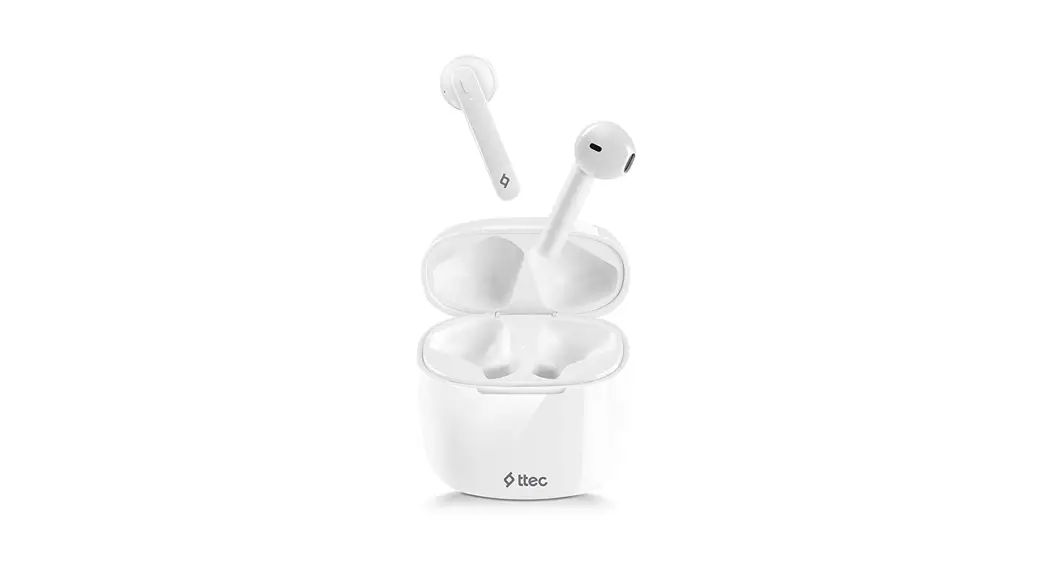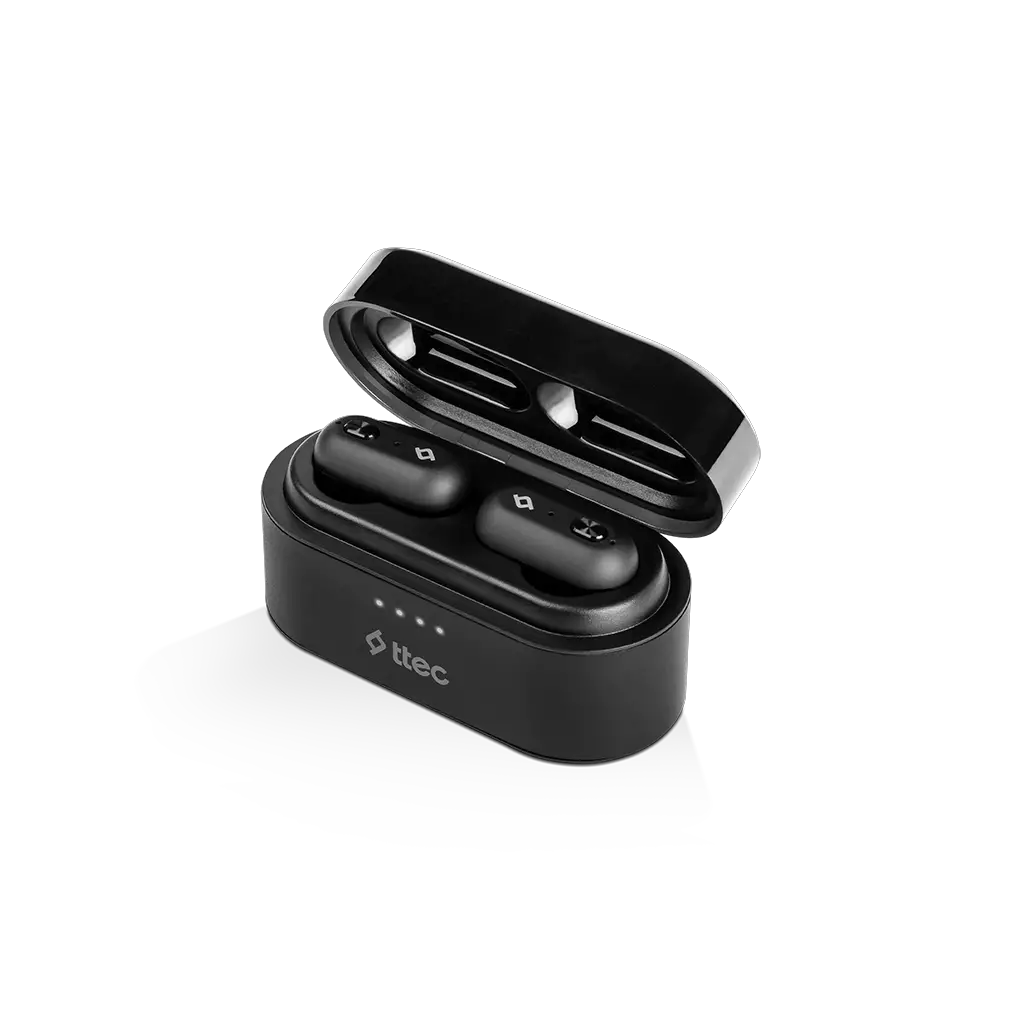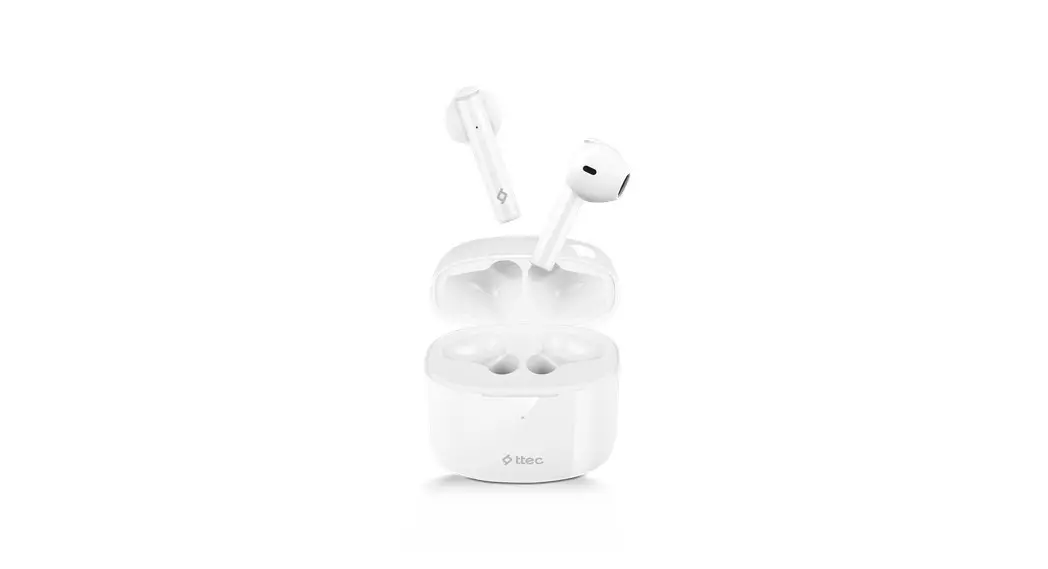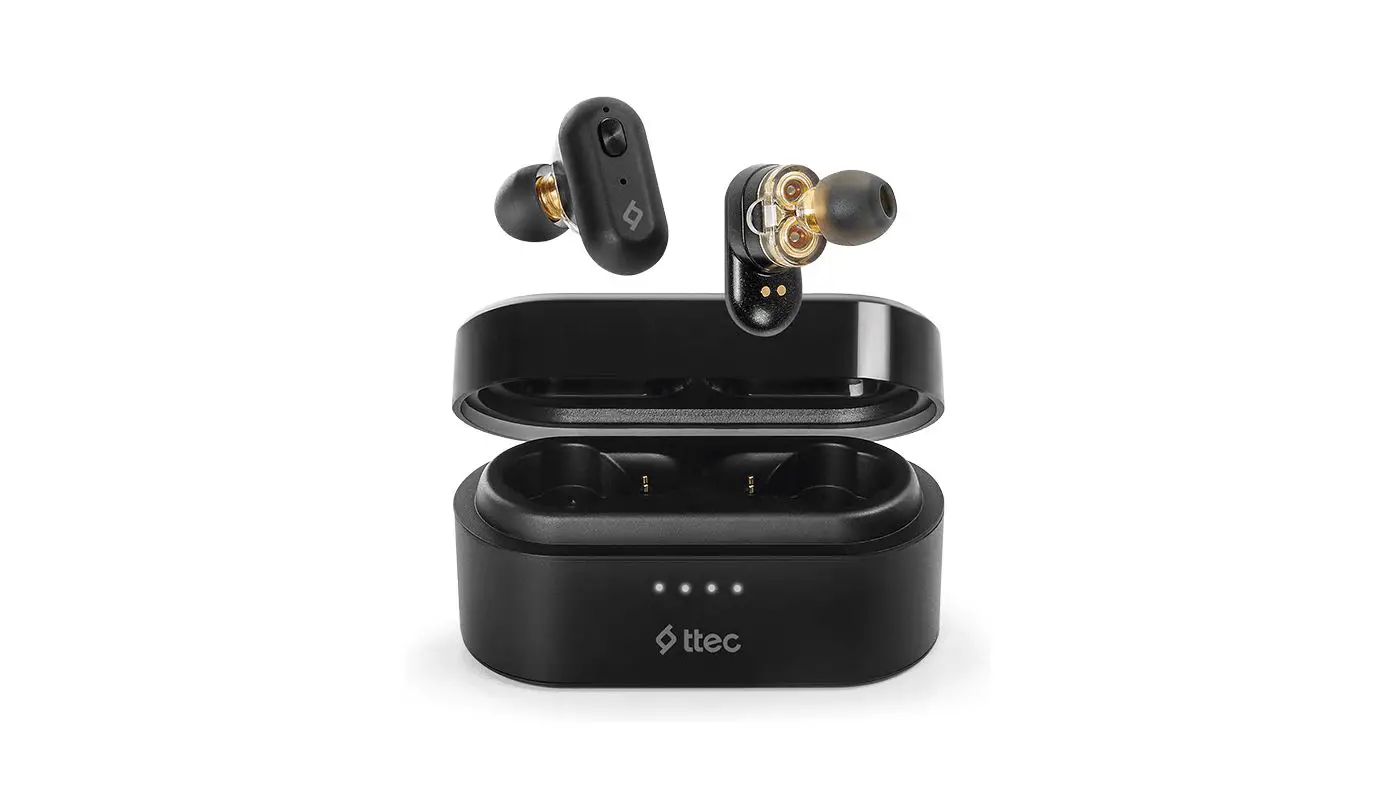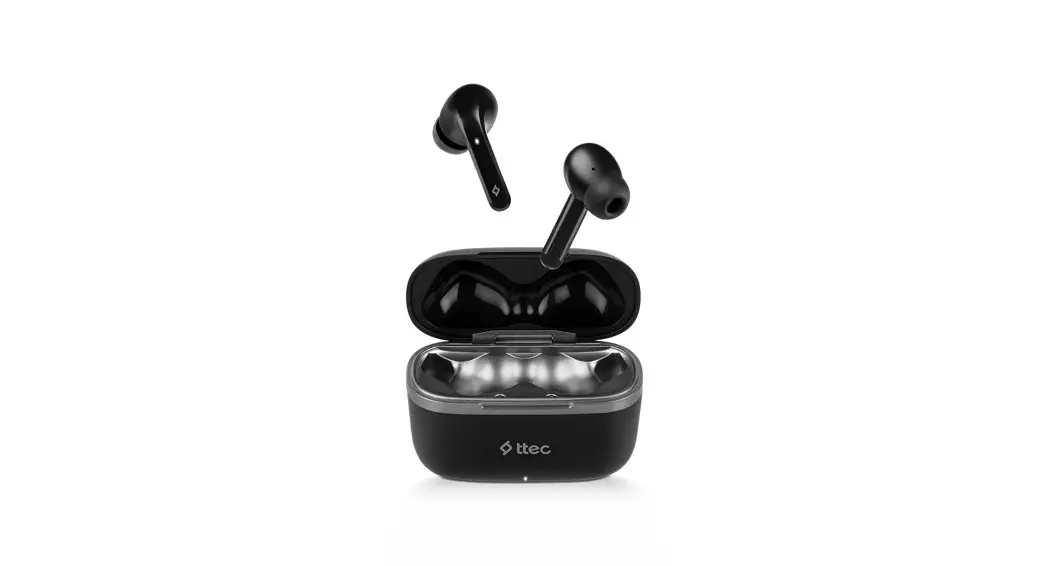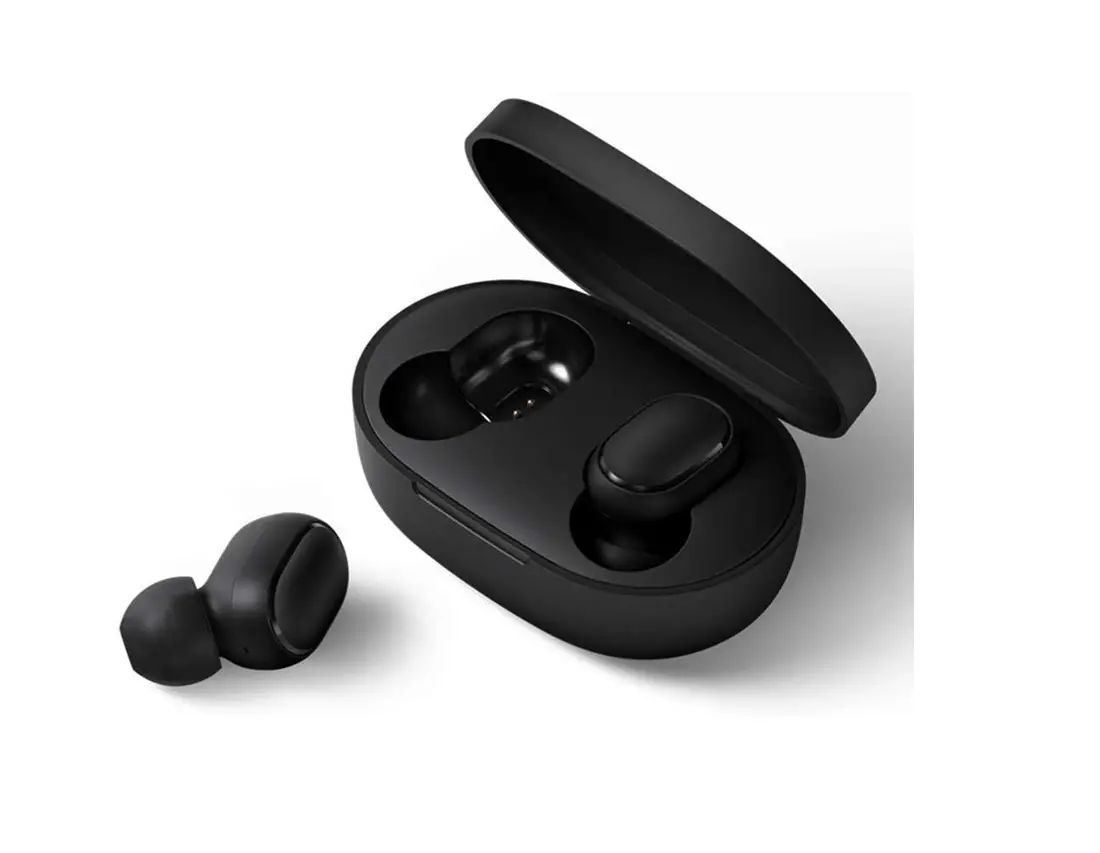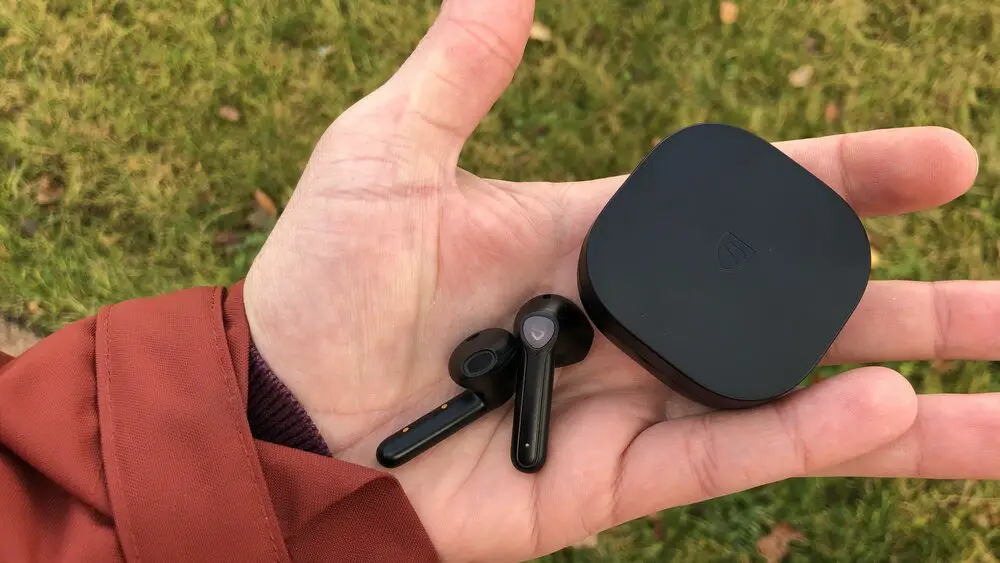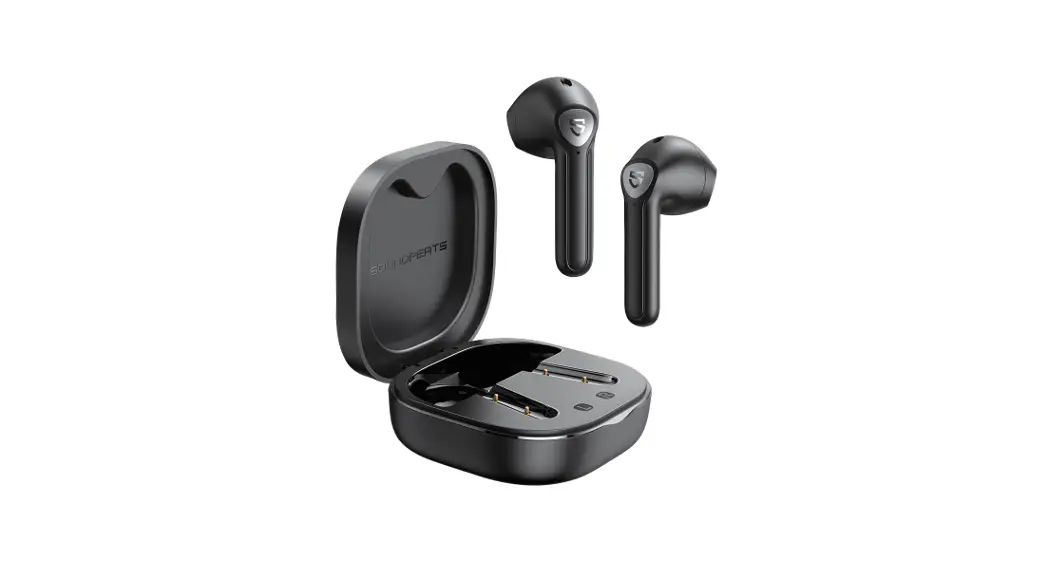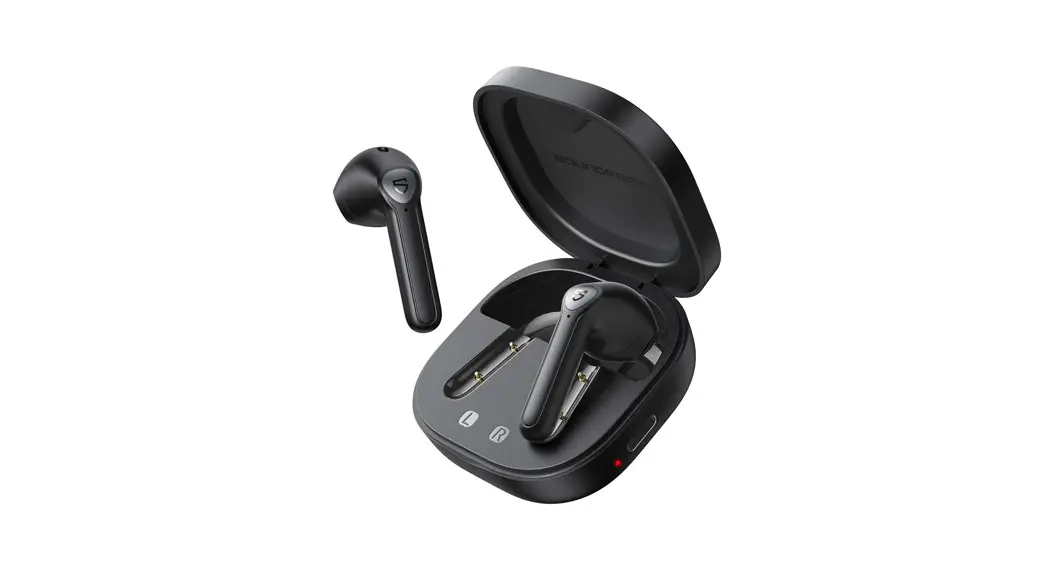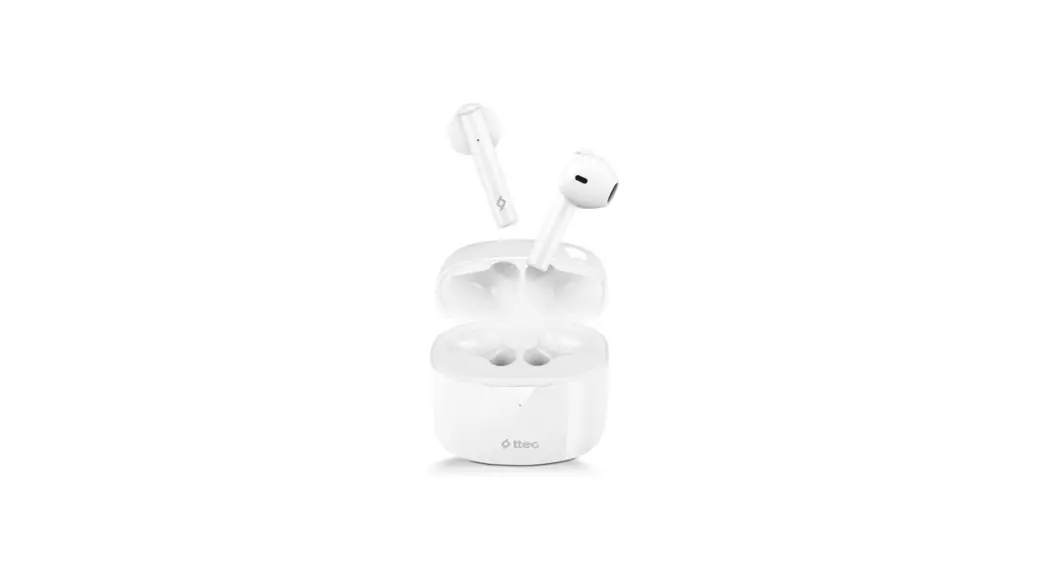
 Air Beat Lite 2 True Wireless Bluetooth Headset
User Manual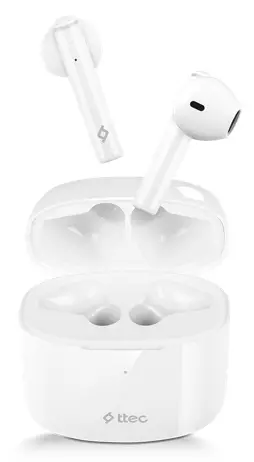 Air Beat Lite 2 True Wireless Bluetooth Headset
Air Beat Lite 2 True Wireless Bluetooth Headset
Discover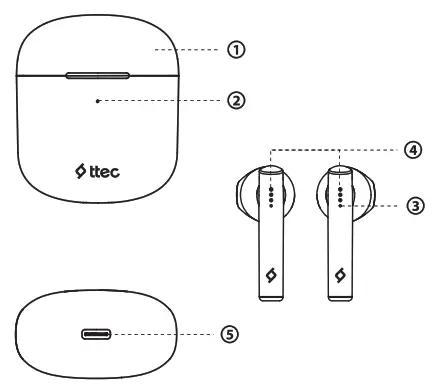
- Charging box
- LED battery indicator
- LED indicator
- Touch sensor area
- USB-C input
In The Box
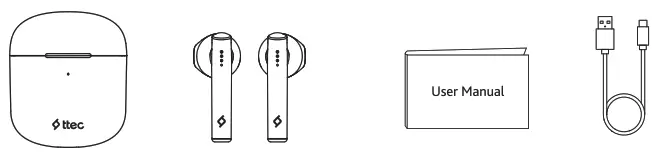
 Before the first use, make sure that earbuds are placed in the charging box and charge with a USB-C cable.
How to Use
Pairing
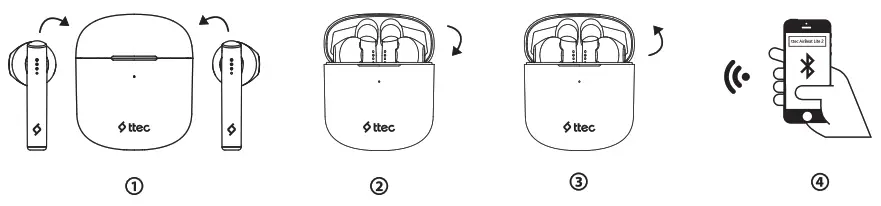
Charging the charging box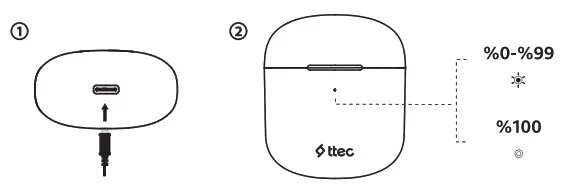 Charging the earbuds
 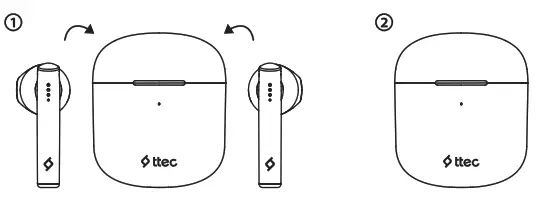 Mono Smart technology lets both terabauds to be used independently.
Earbuds will auto-connect with the last device after twirled on.
Earbuds turn on automatically when charging box is opened, turn off when placed back in the charging box and the lid is closed.
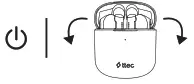 | 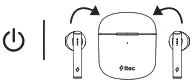 | 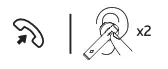 | 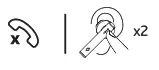 |
| On | Off | Answer Call | End Call |
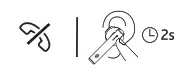 | 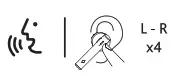 | 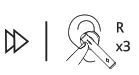 | 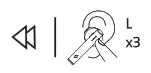 |
| Reject call | Voice Assistant | Next | Previous |
Specifications
Earbud
 | Bluetooth Version | v5.2 |
 | Battery Life | ∼ 6 hours |
 | Dimensions | 16,615*38,696*17 mm |
 | Weight | 3,6 gr |
 | Operating Distance | ∼10 meters |
 | Charging Time | ∼1 hour |
Charging Box
 | Extra Battery Life | ∼26 hours |
 | Dimensions | 48,3*56,006*26,486 mm |
 | Weight | 30 gr |
How to Reset
 https://guide.hellottec.com/airbeat-lite2.pdf
 Do not expose to liquids.
 Avoid extreme temperatures.
 Avoid dropping.
 Do not disassemble.

This product complies with the radio interference requirements of the European Union. This symbol means the product must not be discarded as household waste, and should be delivered to an appropriate collection facility for recycling. Proper disposal and recycling helps protect natural resources, human health and the environment. For more information on disposal and recycling of this product, contact your local municipality, disposal service, or the shop where you bought this product.
NOTE: This equipment has been tested and found to comply with the limits for a Class B digital device, pursuant to part 15 of the FCC Rules. These limits are designed to provide reasonable protection against harmful interference in a residential installation. This equipment generates uses and can radiate radio frequency energy and, if not installed and used in accordance with the instructions, may cause harmful interference to radio communications. However, there is no guarantee that interference will not occur in a particular installation. If this equipment does cause harmful interference to radio or television reception, which can be determined by turning the equipment off and on, the user is encouraged to try to correct the interference by one or more of the following measures:
– Reorient or relocate the receiving antenna.
– Increase the separation between the equipment and receiver.
-Connect the equipment into an outlet on a circuit different from that to which the receiver is connected.
-Consult the dealer or an experienced radio/TV technician for help.
Changes or modifications not expressly approved by the party responsible for compliance could void the user’s authority to operate the equipment.
with from ttec
FCC ID: 2A9KZ-2KM137B
WWW.hellottec.com