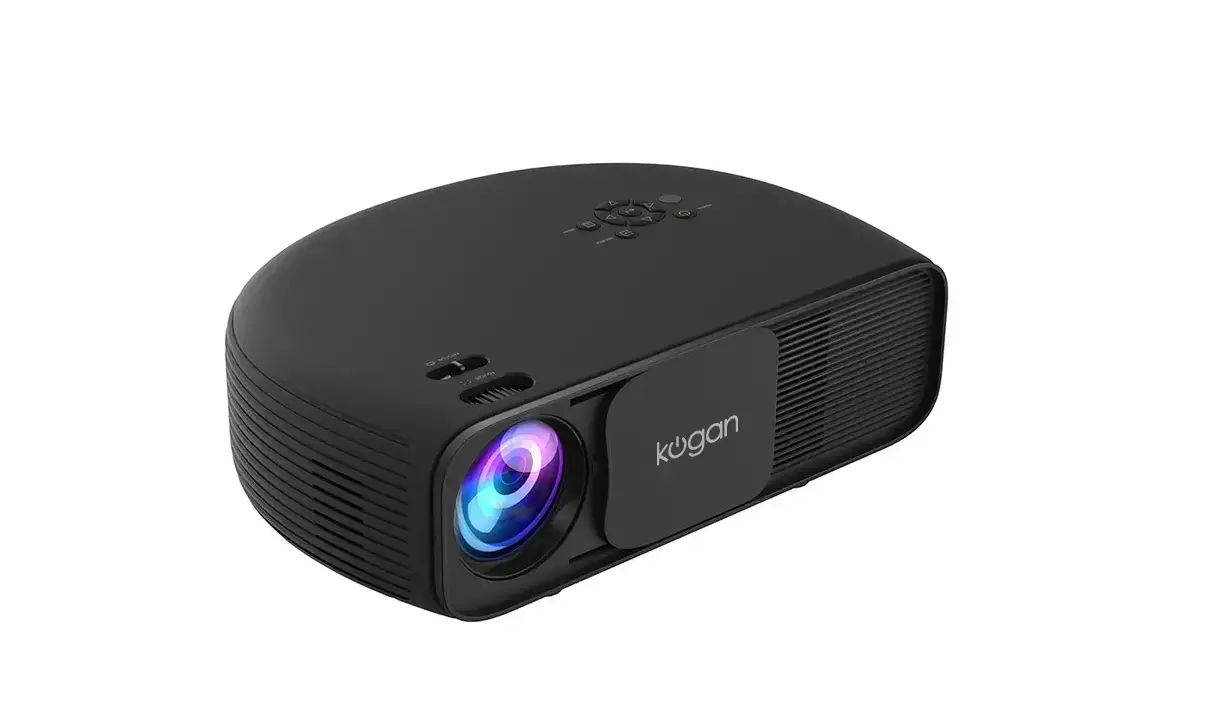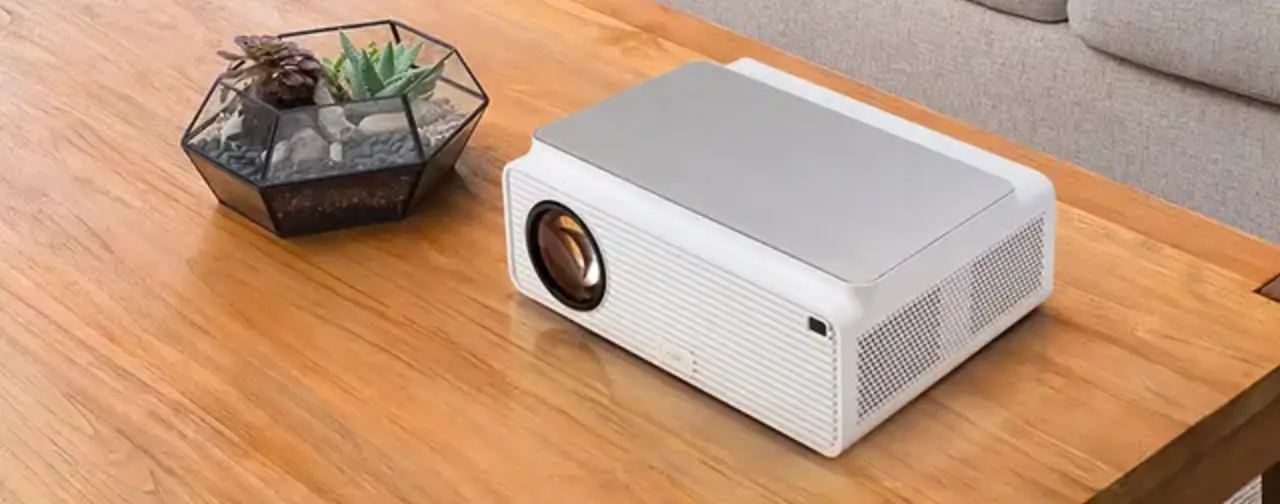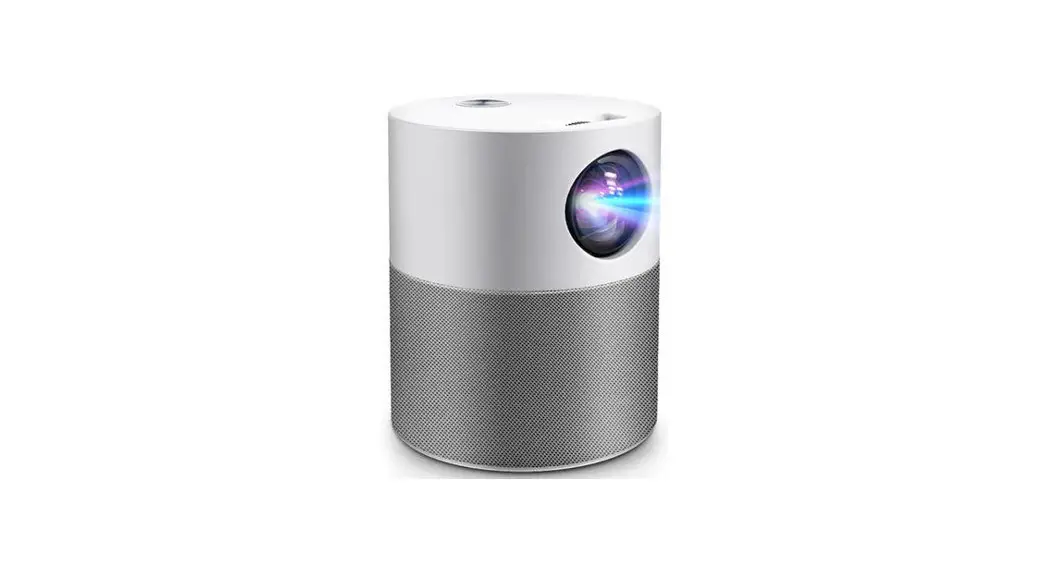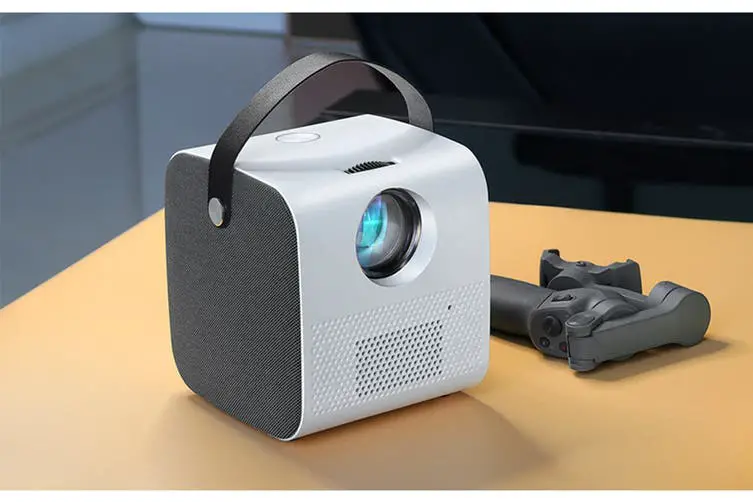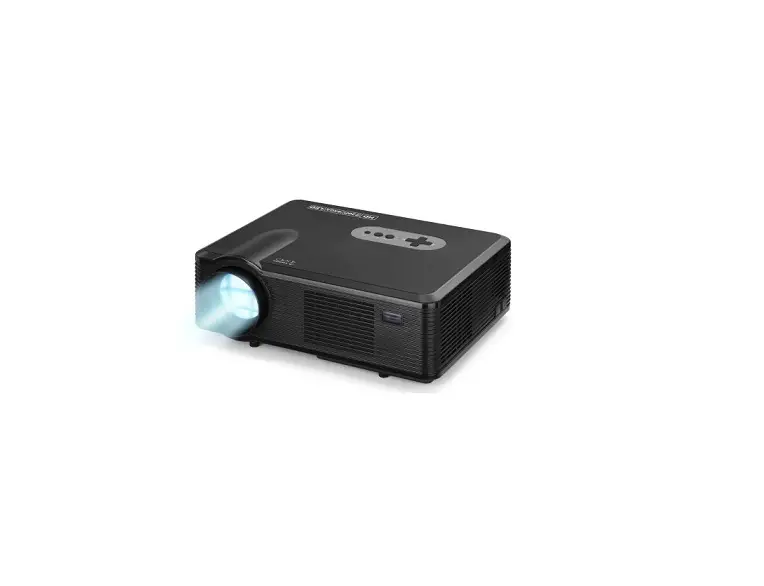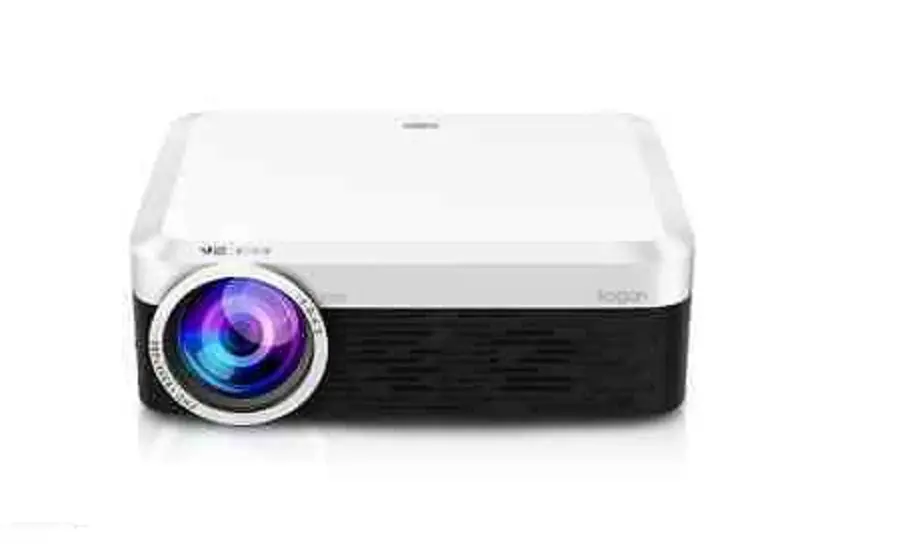
Kogan 3800 Lumens Full HD Projector User Guide
Safety & Warnings
 | Don’t use chemical detergents to clean the projector |
 | Do not look into the lens when it the projector is operating. |
 | The projector should only be repaired by Kogan or qualified professionals. |
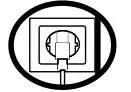 | Unplug this apparatus during lightning storms or when unused for long periods of time. |
 | Clean only with a soft dry cloth. |
 | Do not use this projector near water or in contact with water |
 | Do not block any of the ventilation openings. |
 | Place the projector on a solid, vibration free surface. |
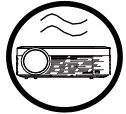 | Use in a well-ventilated area. Never place items on the projector or within 15 cm of the sides. |
Overview
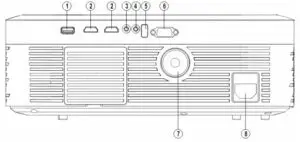
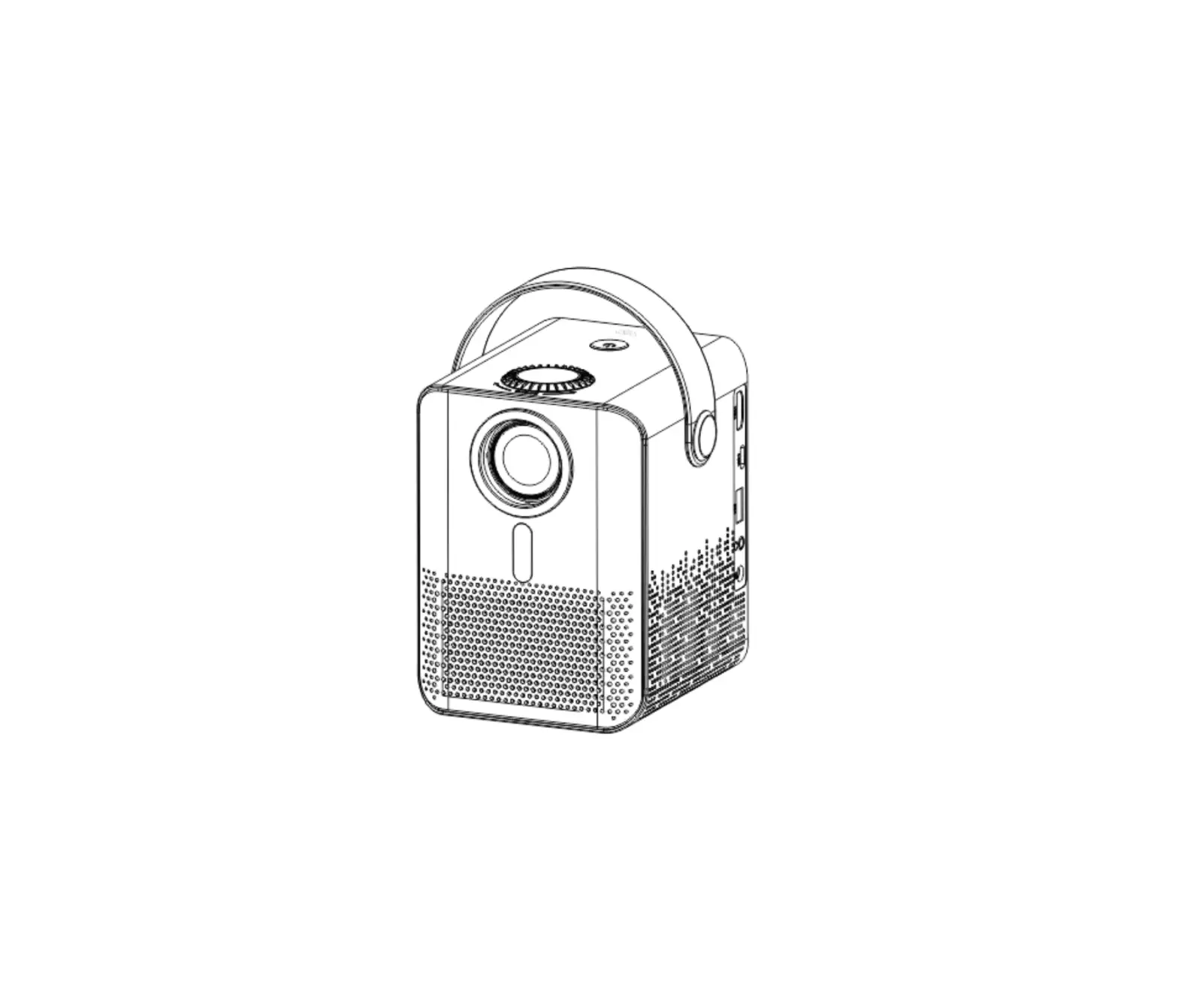
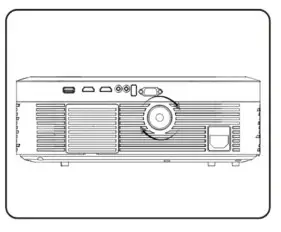
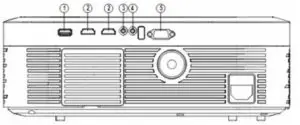
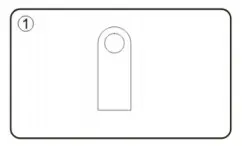
1 | USB 2.0 |
2 | HDMI |
3 | AV |
4 | Audio jack |
5 | IR Remote Control Sensor |
6 | VGA |
7 | Keystone |
8 | AC Power Socket |
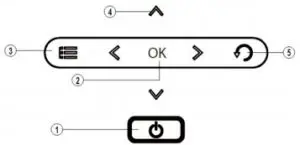
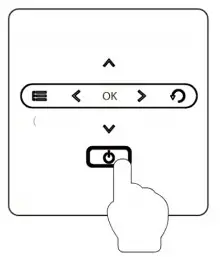
1 | Turn the projector on or off. |
2 | Confirm your item selection. |
3 | Display or exit the on-screen display menus. |
4 | Use the four directional buttons to select items or make adjustments to your selection. When no menus appear, these buttons work as a volume control. |
5 | Return to the previous menu, while you are in the main menu, touching these buttons will close the menu. |
Remote Control
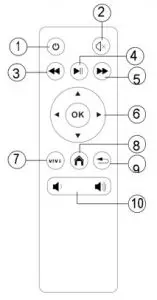
- Power On/Off
- Mute
- Fast Backward
- Play/pause
- Fast Forward
- Arrow keys & Enter
- Menu
- Home
- Return
- Volume +/-
Operation
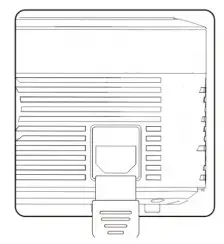
- Connect the power cord to the projector’s power inlet and press the Power Button to turn on the projector.


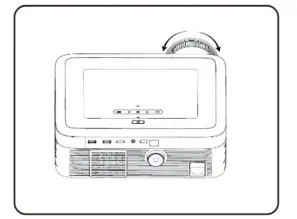
- Rotate the Focus Ring and the Keystone Correction Ring until a clear image is displayed.


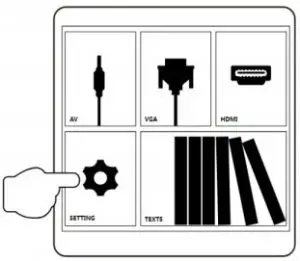
- Press the Menu Button. Press the Left/Right button to select OPTION. Choose OSD Language under OPTIO


- Press OK to access the submenu of OSD Language and press Up/Down/Left/Right to select the language.


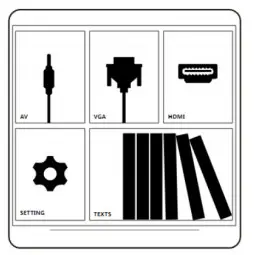
- To connect a device, press the Source Button.

- Select the correct input source and prepare the cable for device connections if necessary.


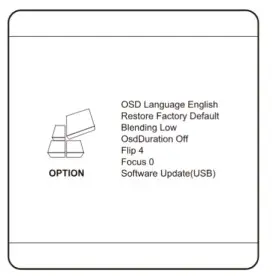
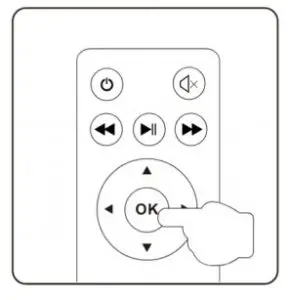
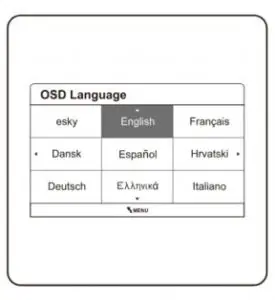
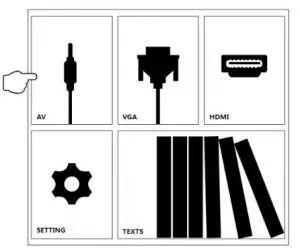
Instruction
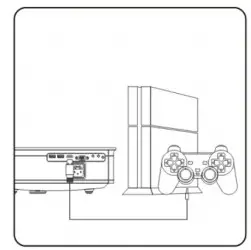
Flexible Connectivity
Connect the projector to your device with the compatible cable and port.
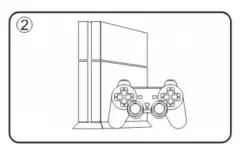
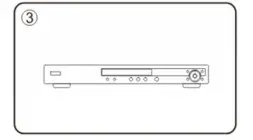
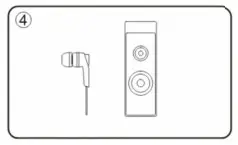
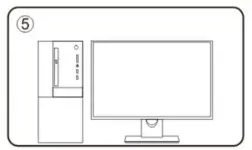
Note: Do not hot plug the external devices, power off the device before making any connections.
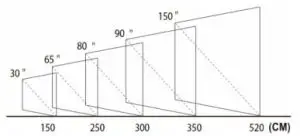
Projector Distance and Screen Size
Helpful Tips
- For best projection quality, operate the projector in a dark room.
- It is normal for the cooling fan to make slight noise to avoid overheating.
- Connect to an external audio device for better sound quality.
- Business data presentation is not recommended.
- The projector does not support Dolby Vision.
- Use HDMI/Wi-Fi dongle to mirror a smartphone to the projector.
Specifications

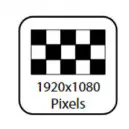
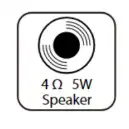
| Imaging Technology | LCD |
| Native Resolution | 1920 x 1080 pixels |
| Maximum Supported Resolution | 1920 x 1080 pixels |
| Light | LED |
| Lens | Multichip Coated Lens (F=125) |
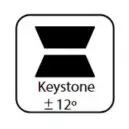
| Keystone | ± 12º Vertical |
| Screen Size | 30 – 150 inches |
| Projection Distance | 1.5 – 5.2m |
| Recommended Projection Distance | 2.5 – 4.5m |
| Contrast Ratio | 2000:1 |
| Aspect Ratio | 4:3 / 16:9 |
| Colour | 16.7K |
| Consumption | 110 – 120W |
| Power Supply | AC100 – 240V 50/60Hz |
| Supported Audio Formats | MP3/AAC-LC/M4a/AAC-HE/WAV |
| Supported Image Formats | BMP/JPEG/PNG |
| Supported File Formats | TXT |
| Supported Video Formats | MP4 / WMV / MKV/ MOV /MPG |
User manual is subject to change without notice. For the latest version of your user manual, please visit https://www.kogan.com/usermanuals/