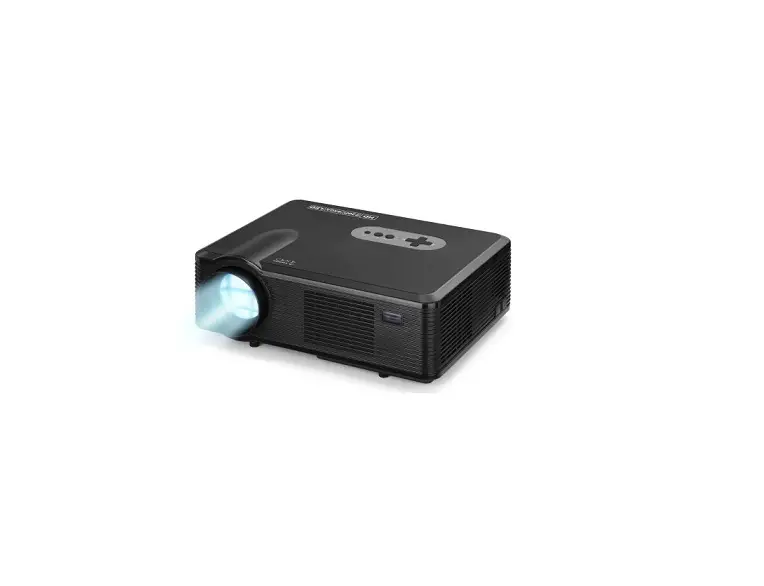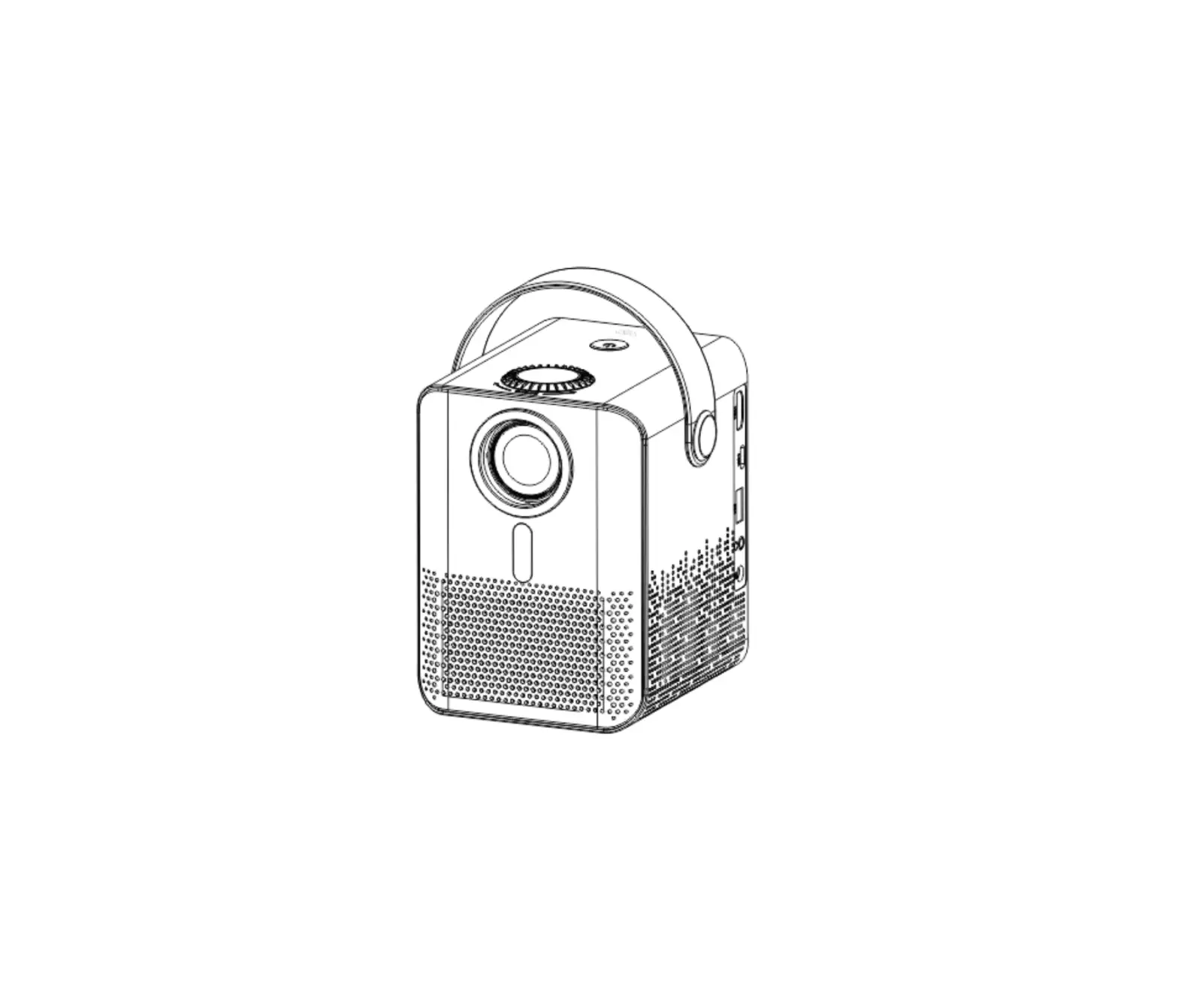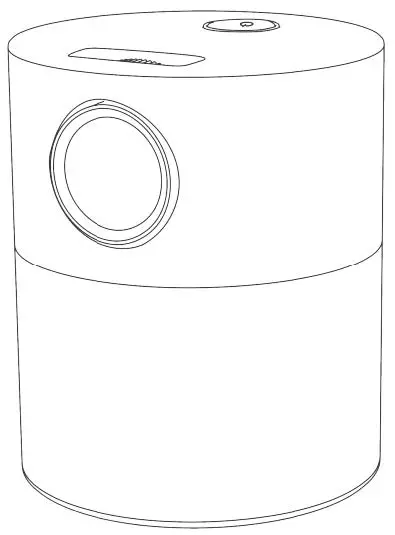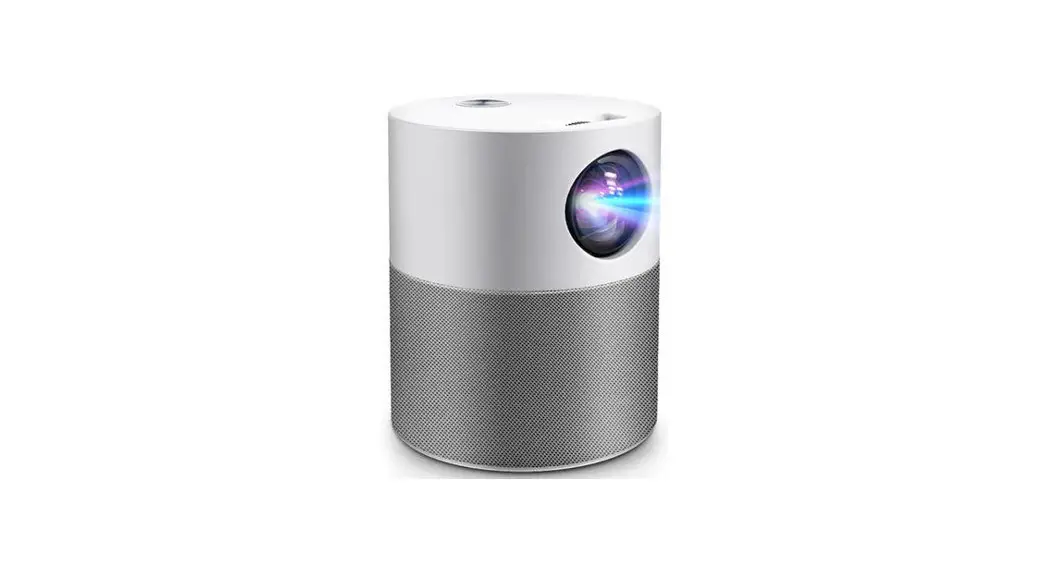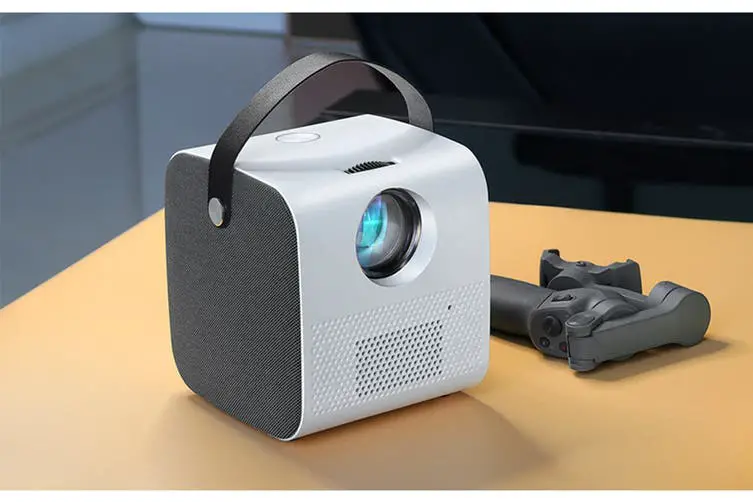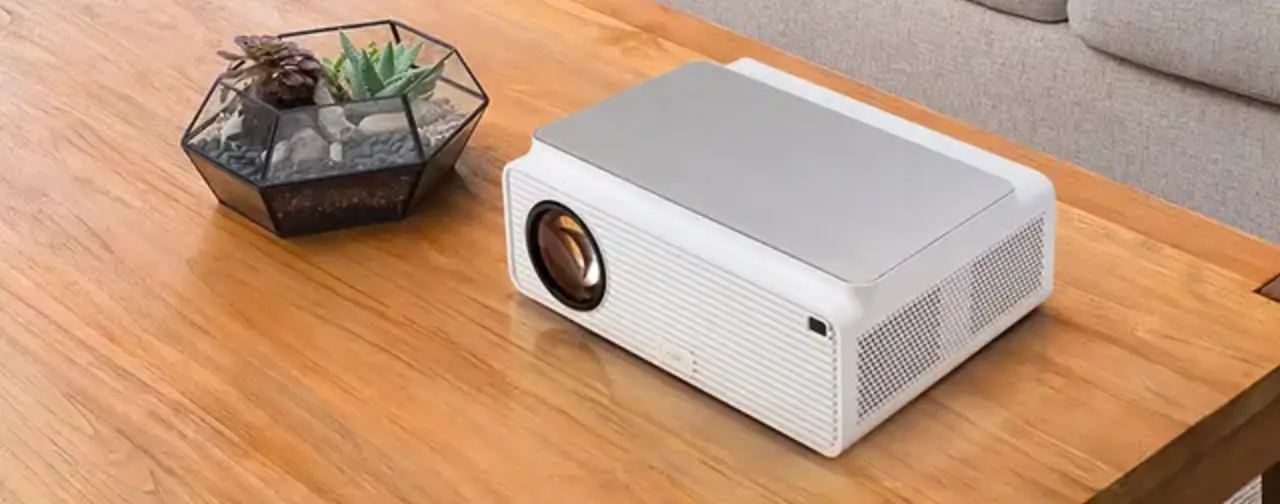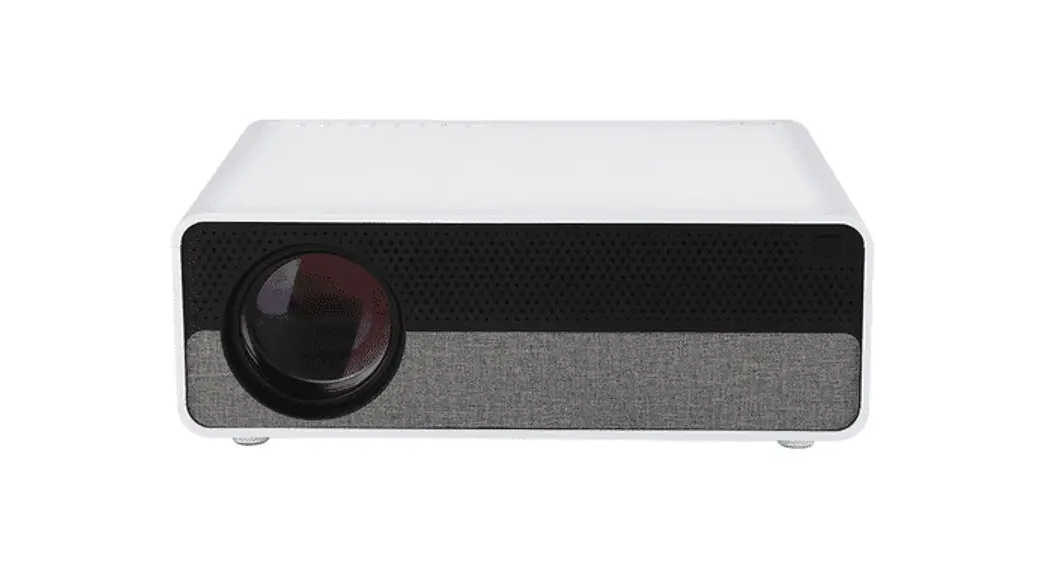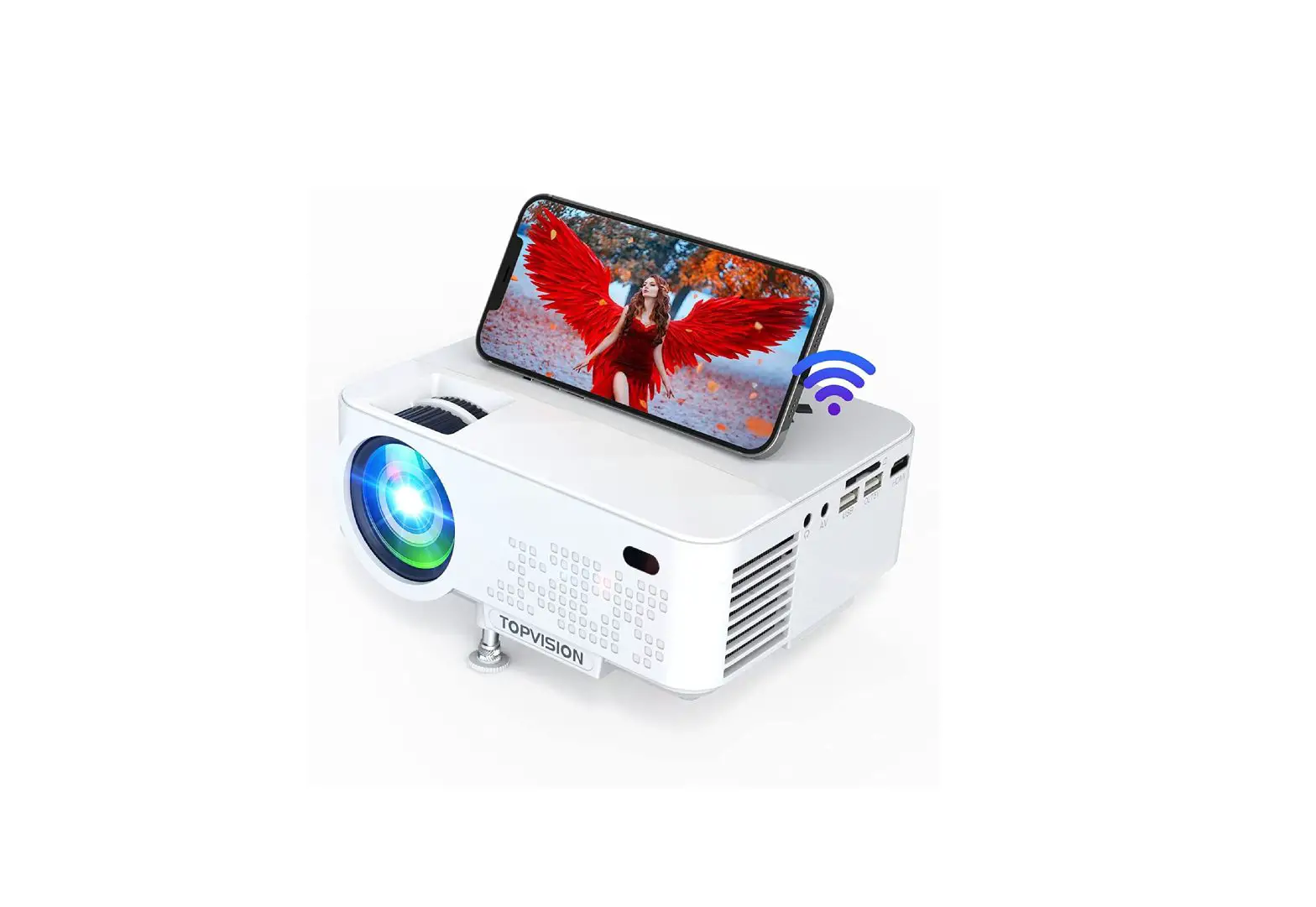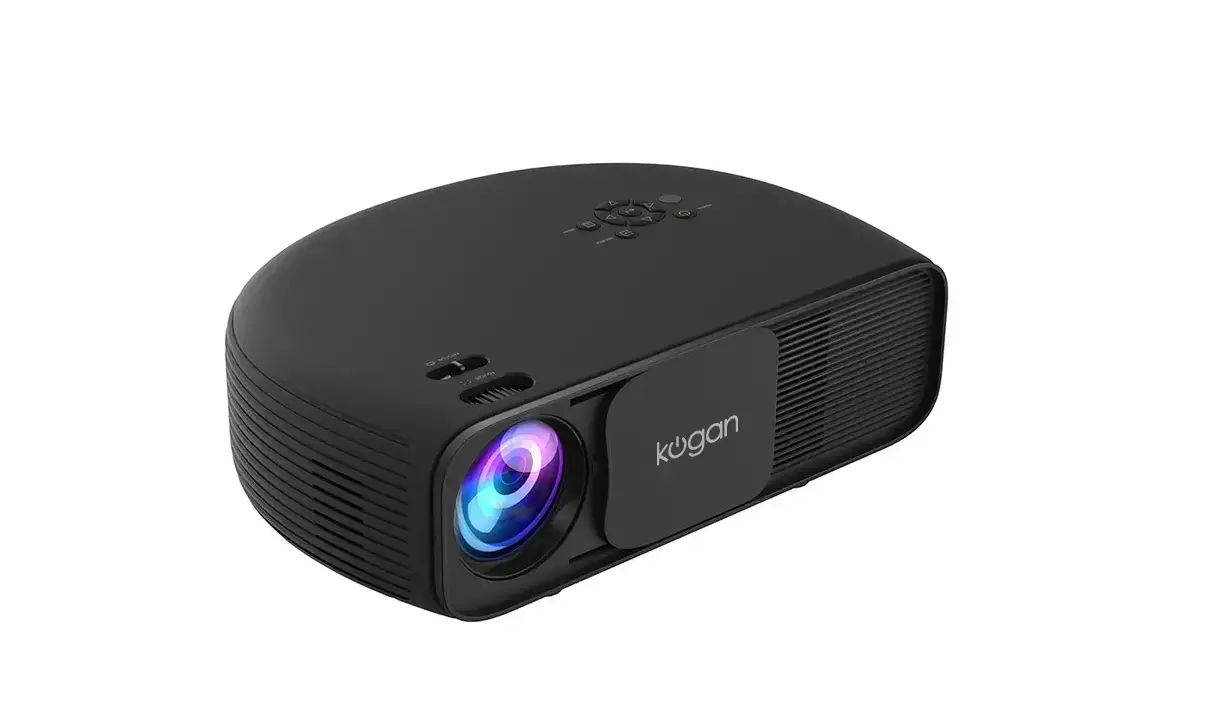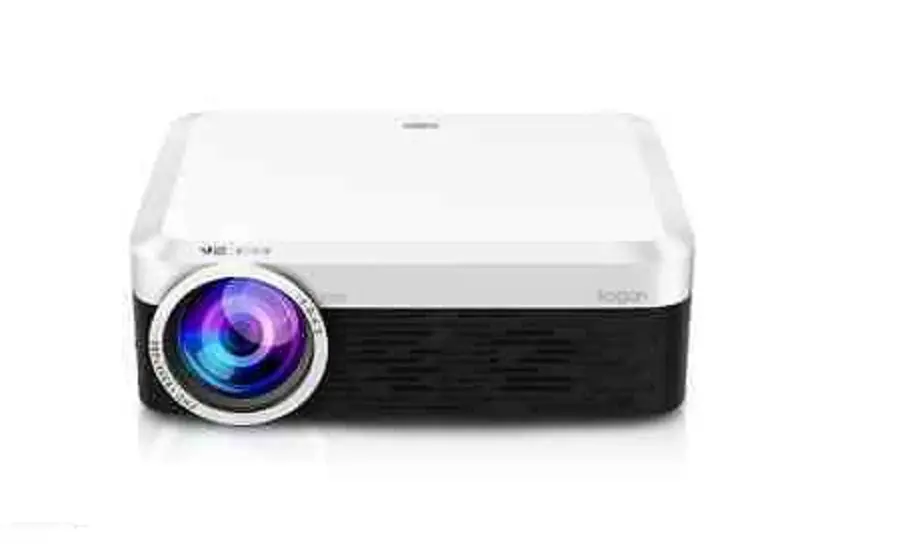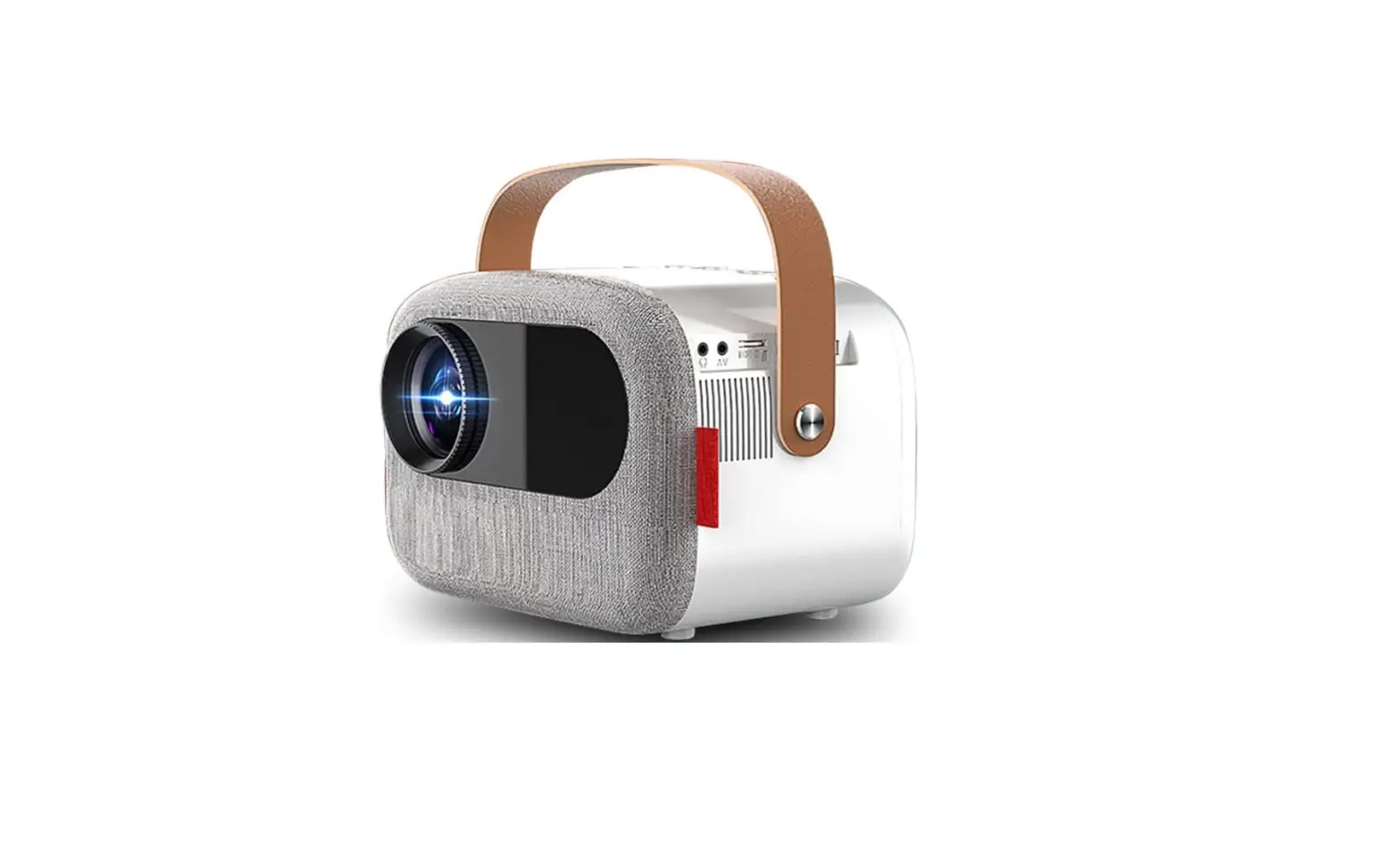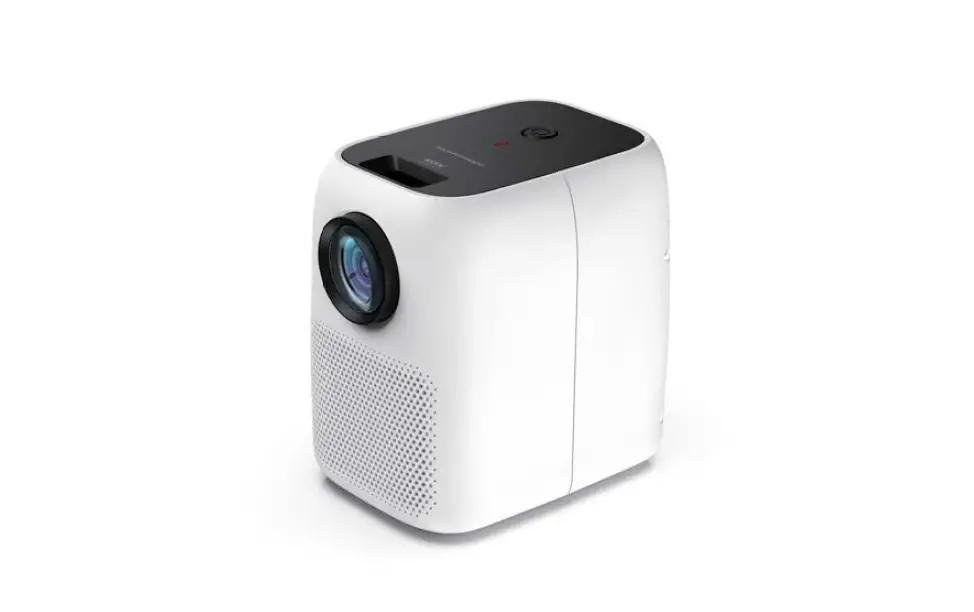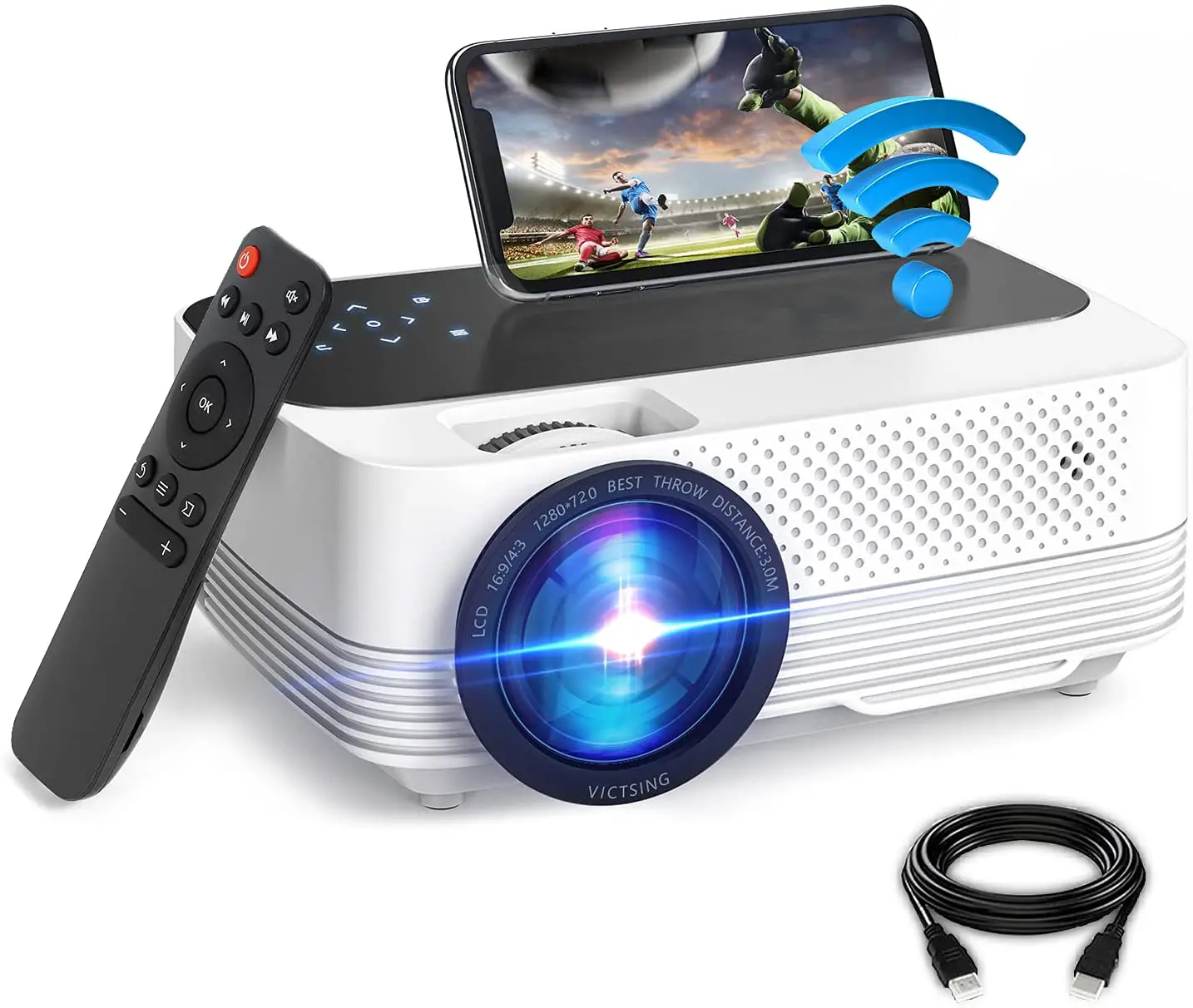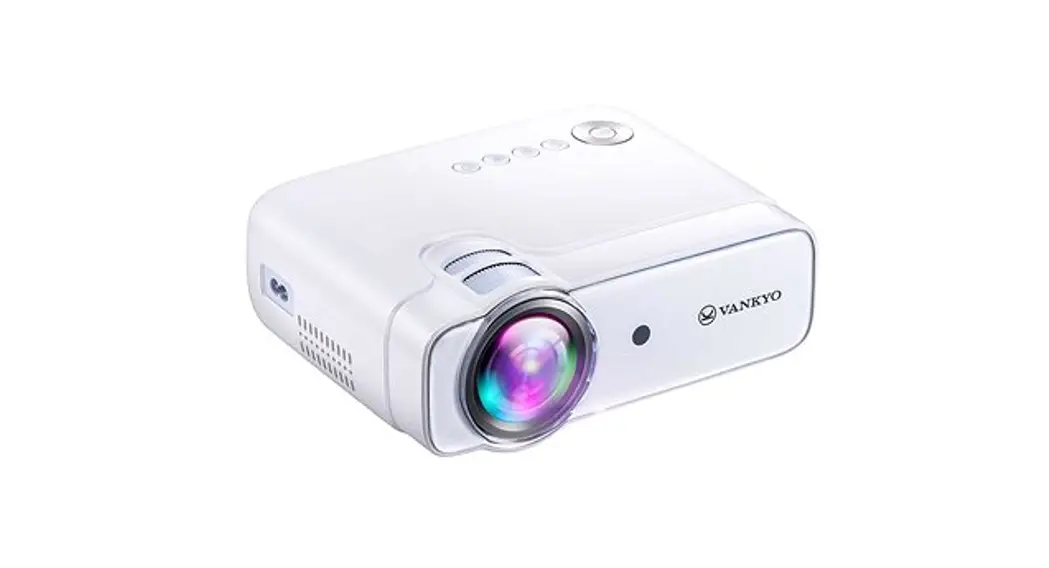
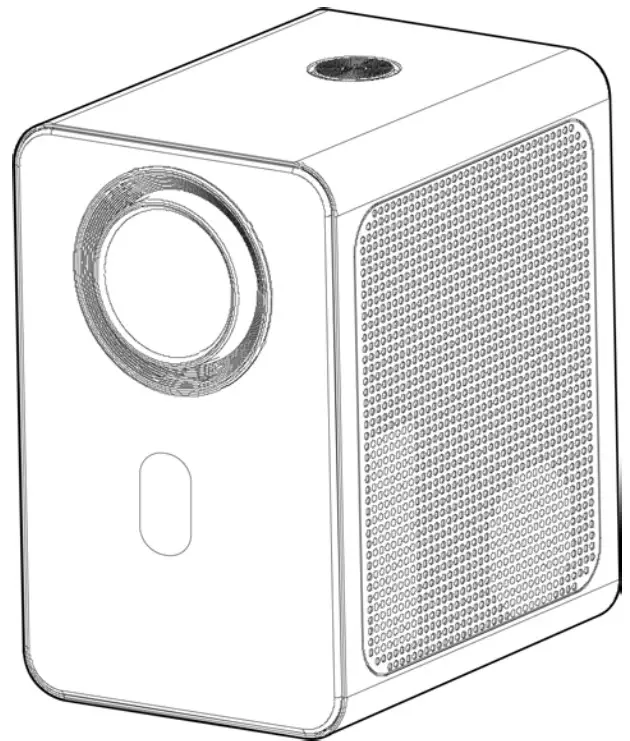
 KAM800PRRA 4500 Lumens FHD Wi-Fi Mini Projector
User Guide
SAFETY & WARNINGS
Read this user guide fully and carefully before using the product.
- Do not look directly into the light from the projector.
- A direct burst of intense light can harm your eyes and cause severe damage to the eyes of infants.
- Do not use or store the projector in a damp, humid environment.
- Do not attempt to repair this product yourself. If the product or its power supply experiences any malfunction or damage, cease use immediately and contact help.Kogan.com for support.
- Ensure the projector is a safe distance from any heat-emitting devices or the service life of the projector may be shortened.
- It is strongly suggested not to use the projector for more than 6 hours consecutively.
COMPONENTS
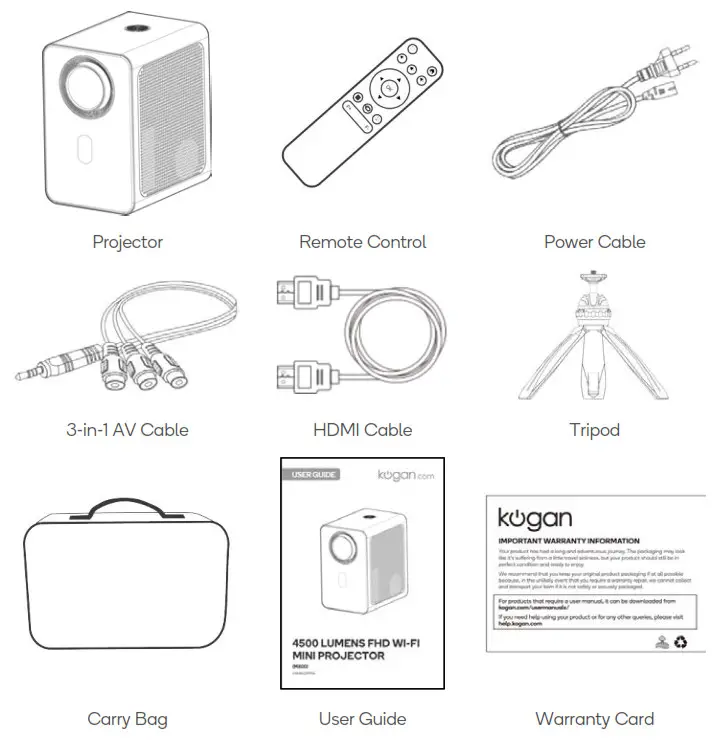
OVERVIEW
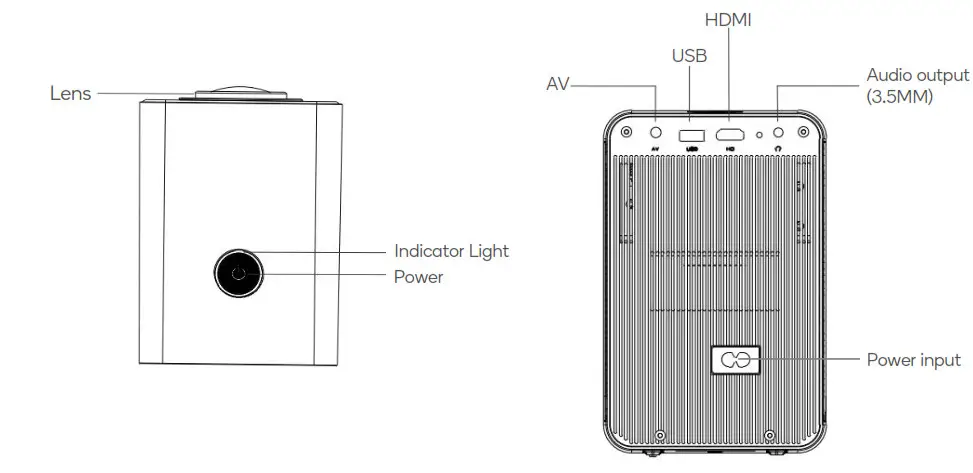
Remote Control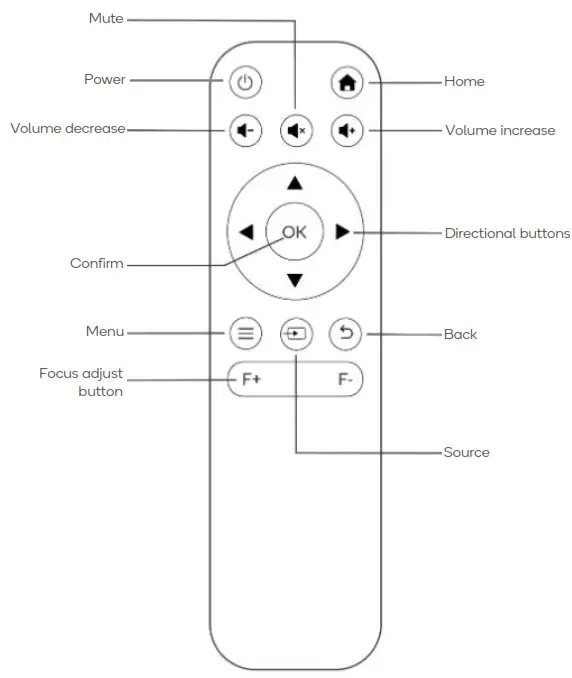
INSTALLATION
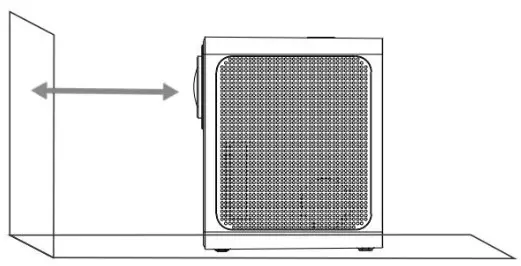
Place the projector on a flat horizontal surface
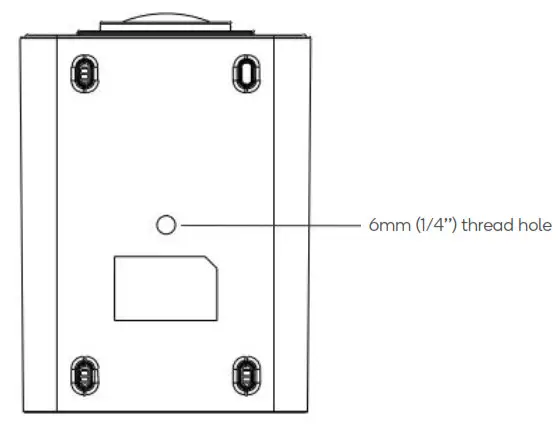
Tripod Mount:
This projector can be mounted on the included tripod using the 6mm (1/4’’) thread hole on the button of the projector.
OPERATION
Getting started
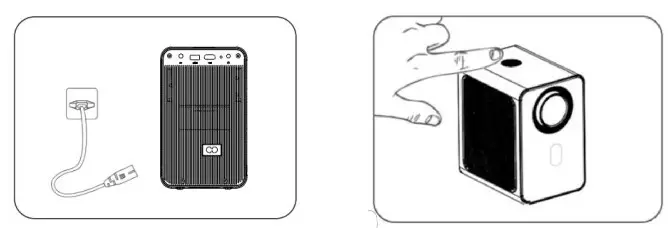
- Connect the projector to a power outlet using the power cable.
- Press the power button on the projector or remote control.
- The boot screen appears.

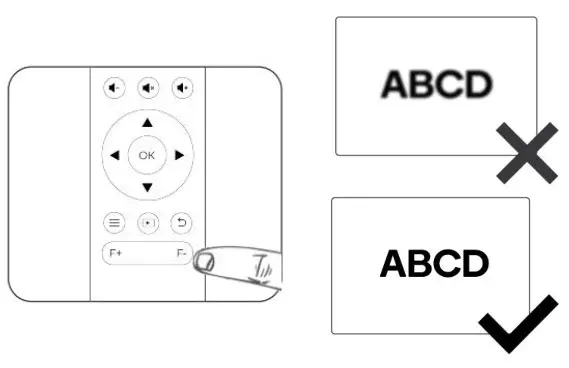
- Press the focus adjust buttons on the remote control to adjust the focus until the picture is clear.

Connect Input Devices
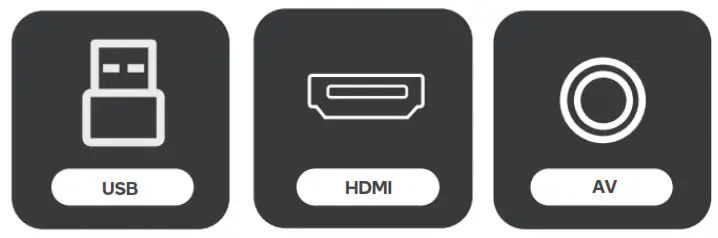
Use the source button to select the desired input source: USB, HDMI & AV.
On the remote control: Press “ ” and press “
 ” or “
 ” to select the source. To confirm press “OK”.
USB:
- Insert a USB storage device into the USB port on the projector.
- Choose “USB” on the input select screen.
- Select the file you want to play.
PC:
- Connect the projector to a PC using the included HDMI cable.
- Select “HDMI” on the input select screen.
MacBook or MacBook Air:
- Connect the projector to a MacBook or MacBook Air using either a USB-C to HDMI adapter or a Mini Display to HDMI adapter (adapters not included).
- Select “HDMI” on the input select screen.
Game Console:
- Connect a game console to the projector using the supplied HDMI cable. Turn on both the projector and game console.
- Select “HDMI” on the input select screen.
Headphones/Speakers:
- Connect your headphones or speakers to the 3.5mm audio output on the projector.
- Turn on the projector.
- The projector will output all audio to the connected device.
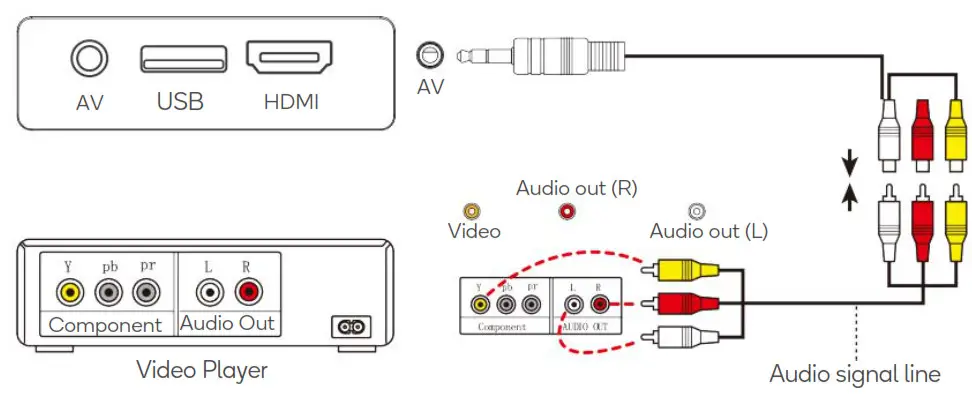
AV:
- Connect the projector to your AV device using the supplied 3-in-1 AV cable.
- Turn on both the projector and the AV device.
- Select “AV” on the input select screen.
Amazon Fire TV Stick:
- Plug the TV Stick into the HDMI port of the projector.
- Choose “HDMI” on the input select screen.
Notes: Only 1080P TV Sticks are supported. 4K TV Sticks are not supported.
Wireless Connection (Android device only):
To activate this function, your Android device must support the Multi-Screen/Wireless display.
- Select “Miracast” on the home page.
- Ensure your Android device has WI-FI and Bluetooth enabled.
- On your Android device use the “Multi-Screen” function to search and connect to the projector.
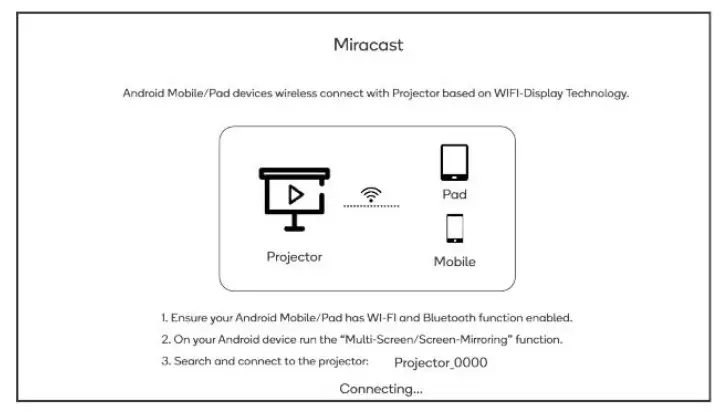
The fluency of screen mirroring with a wireless connection will be affected by the network environment.
- A bandwidth of 100Mbit or more is recommended when using screen mirroring.
- Ensure your Android device is close to the projector when using a wireless connection. A distance within 1 meter is recommended.
HDMI CEC:
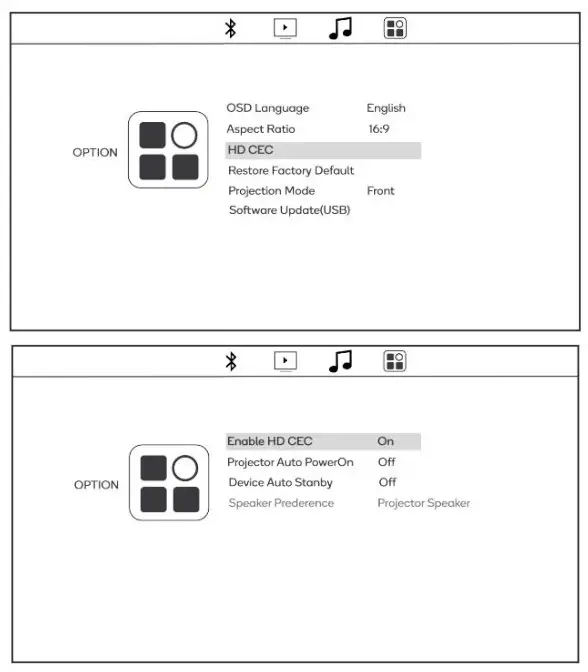
CEC (Consumer Electronics Control) allows users to control multiple HD devices that support CEC with one remote control, eliminating the need to use multiple remotes to control your devices.
- Connect device(s) which support CEC to the projector by HDMI.
- Choose SETTING>OPTION>HDMI CEC
SPECIFICATIONS
| Display | LCD |
| Power supply | AC100-240V50/60Hz |
| Focus | Manual |
| Speaker | 2x3W |
| Dimensions | 128x162x198mm |
| Weight | 1.4kg |
| Wi-Fi protocol | 2.4GHz |
| Light Source | LED |
| Resolution | 576i, 576P, 720i, 720P, 1080i, 1080P |
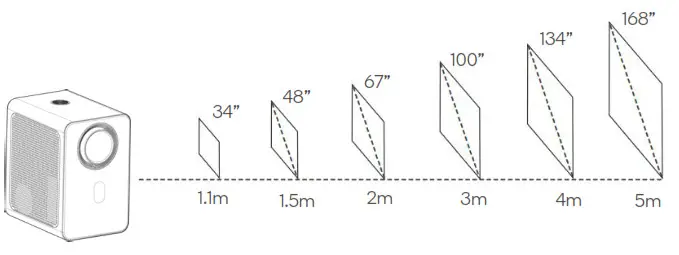
| Projection size | 34-168 inch |
| Projection distance | 1.1-5m |
| Aspect Ratio | 4:3, 16:9 |
| Ports | HDMI, USB 2.0, AV, Audio Out 3.5mm |
| Supported audio formats | MP3, AAC, AC3 |
| Supported image formats | BMP, PNG, JPEG, JPG |
| Supported video formats | MPEG, WMV, WMA, AVI, RMVB, MP4, VOB |
Projection Size & Distance
Need more information?
We hope that this user guide has given you
the assistance needed for a simple set-up.
For the most up-to-date guide for your product,
as well as any additional assistance you may require,
head online to help.kogan.com