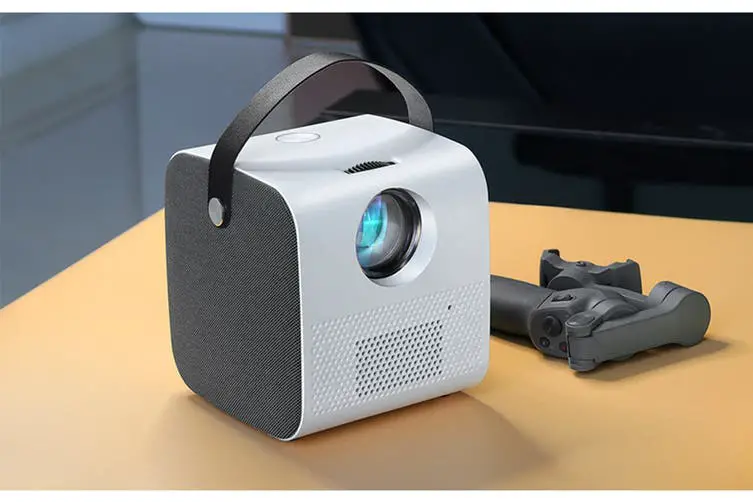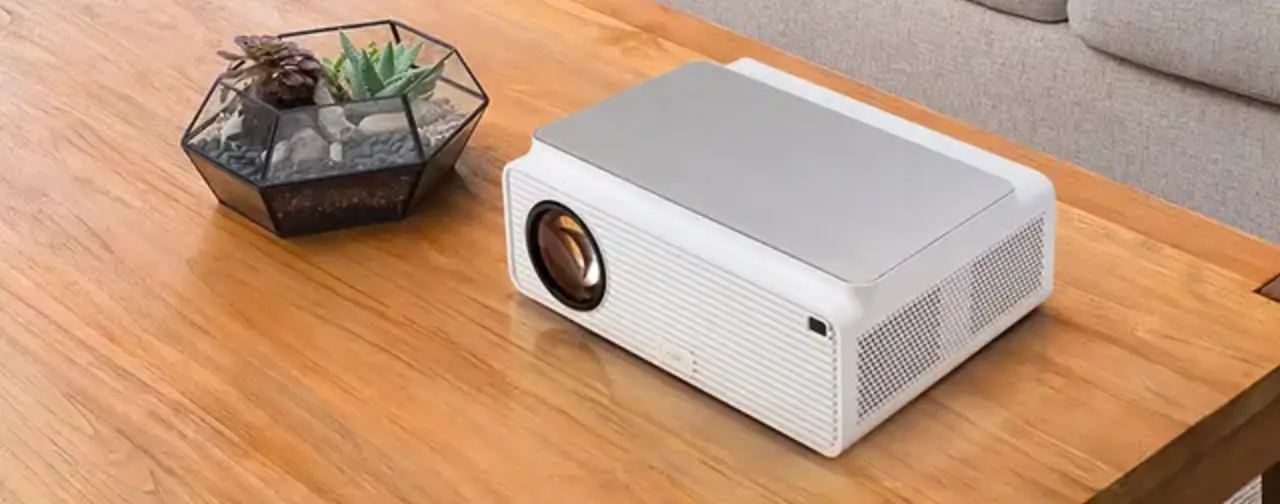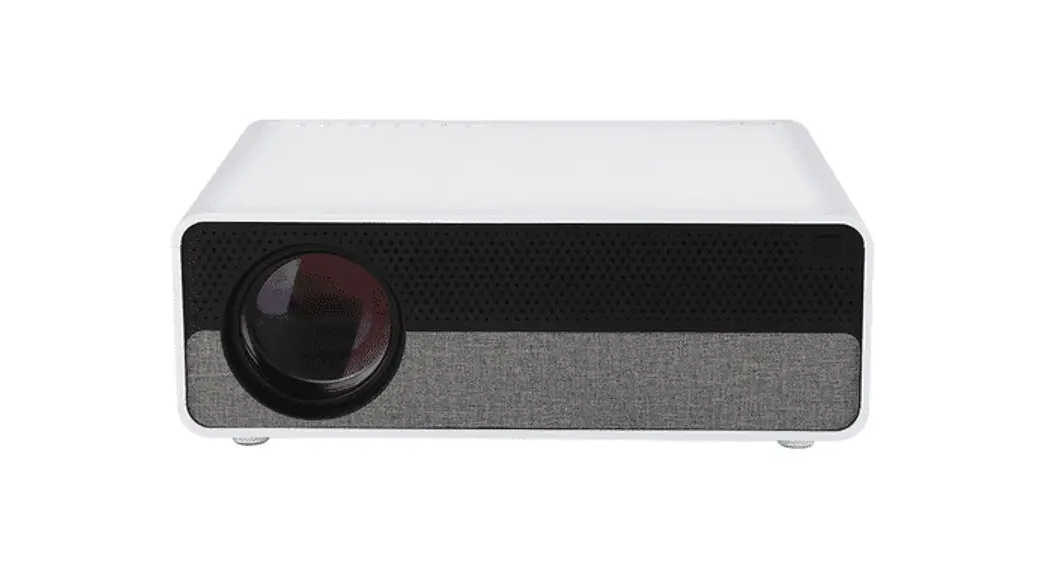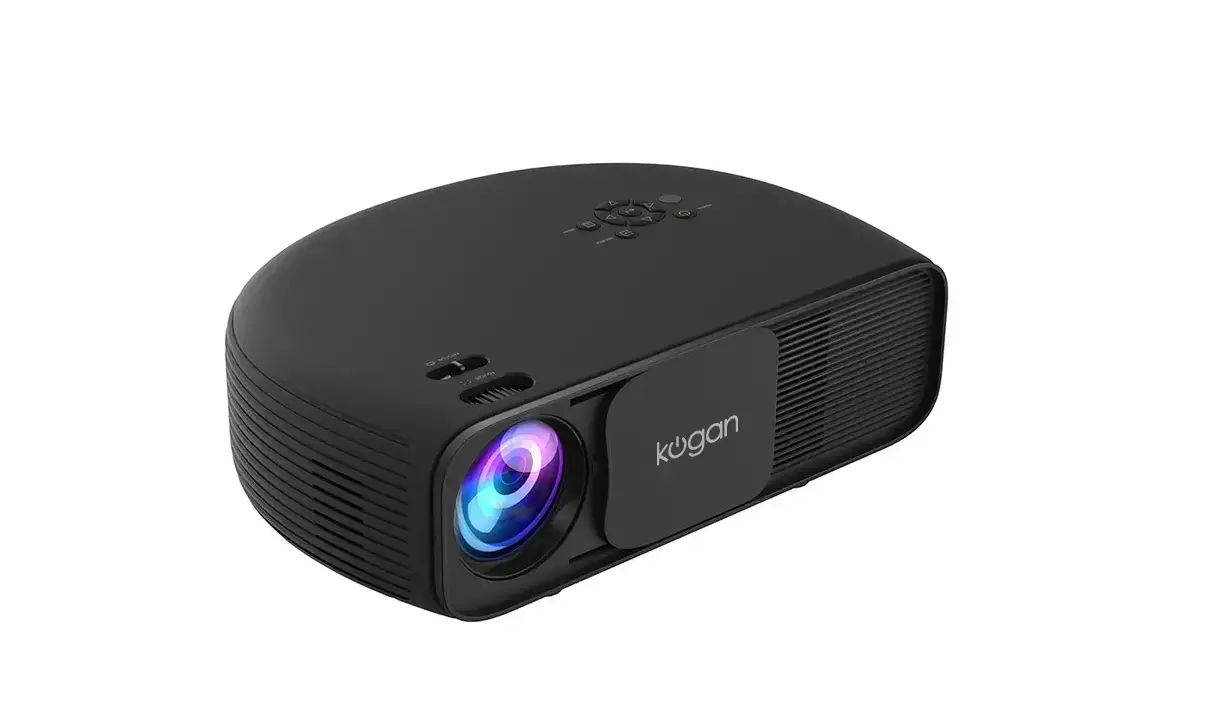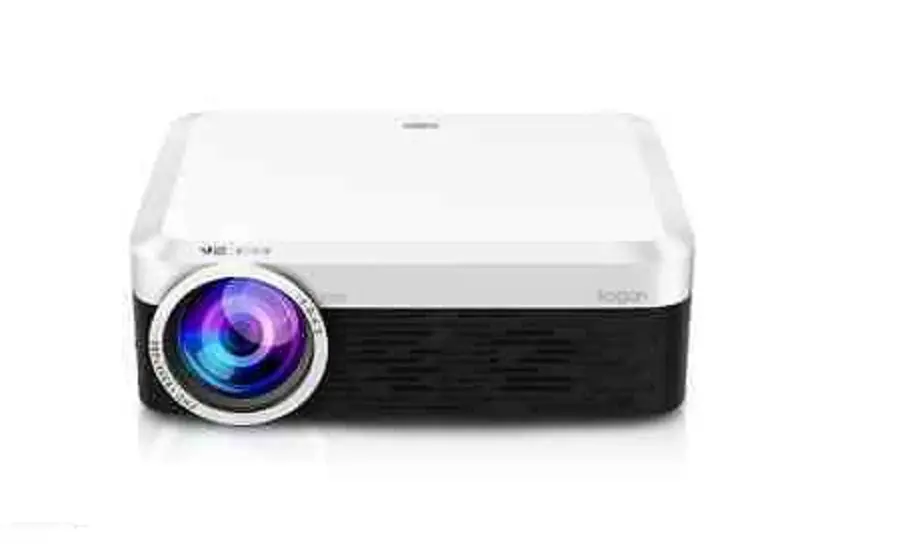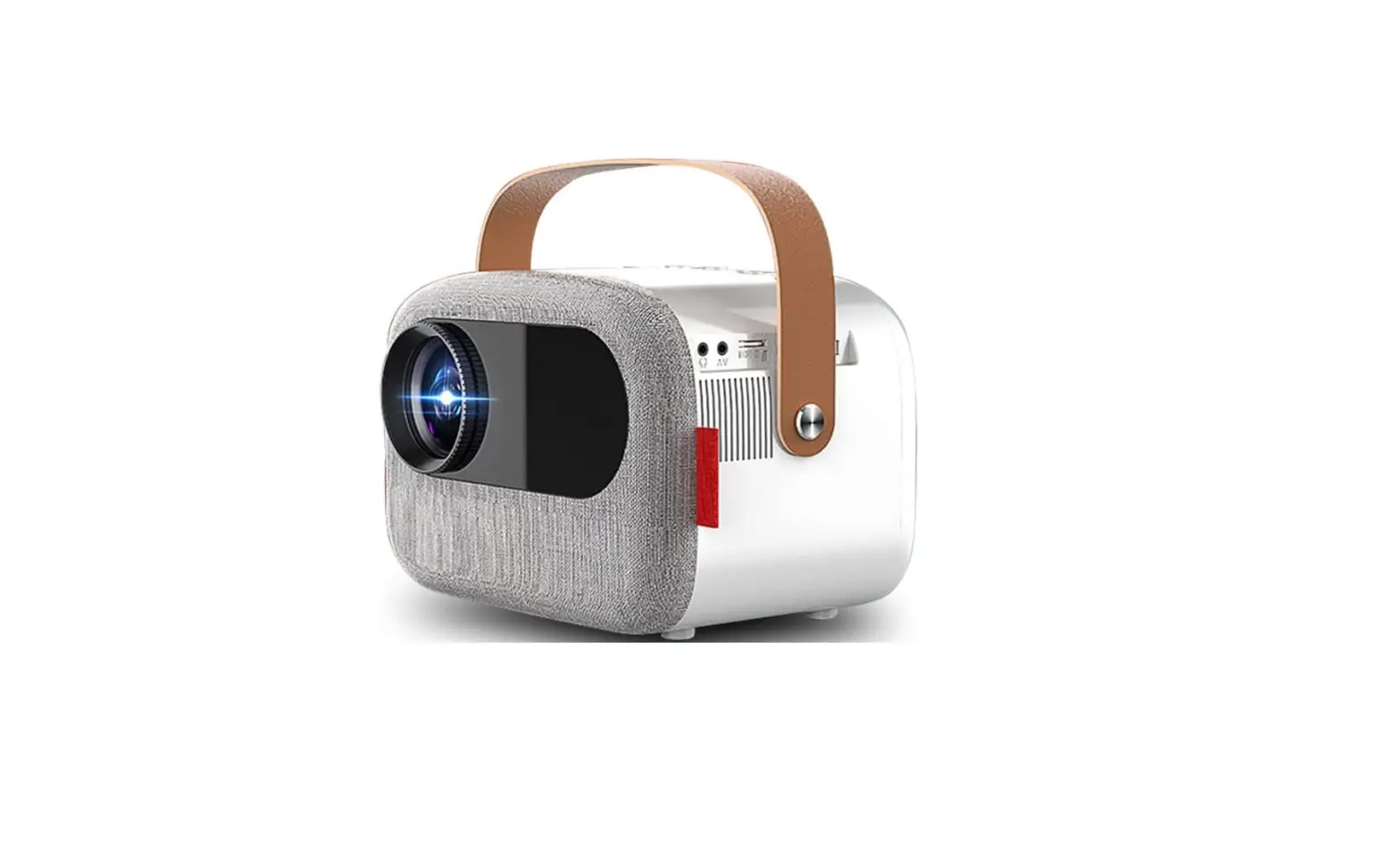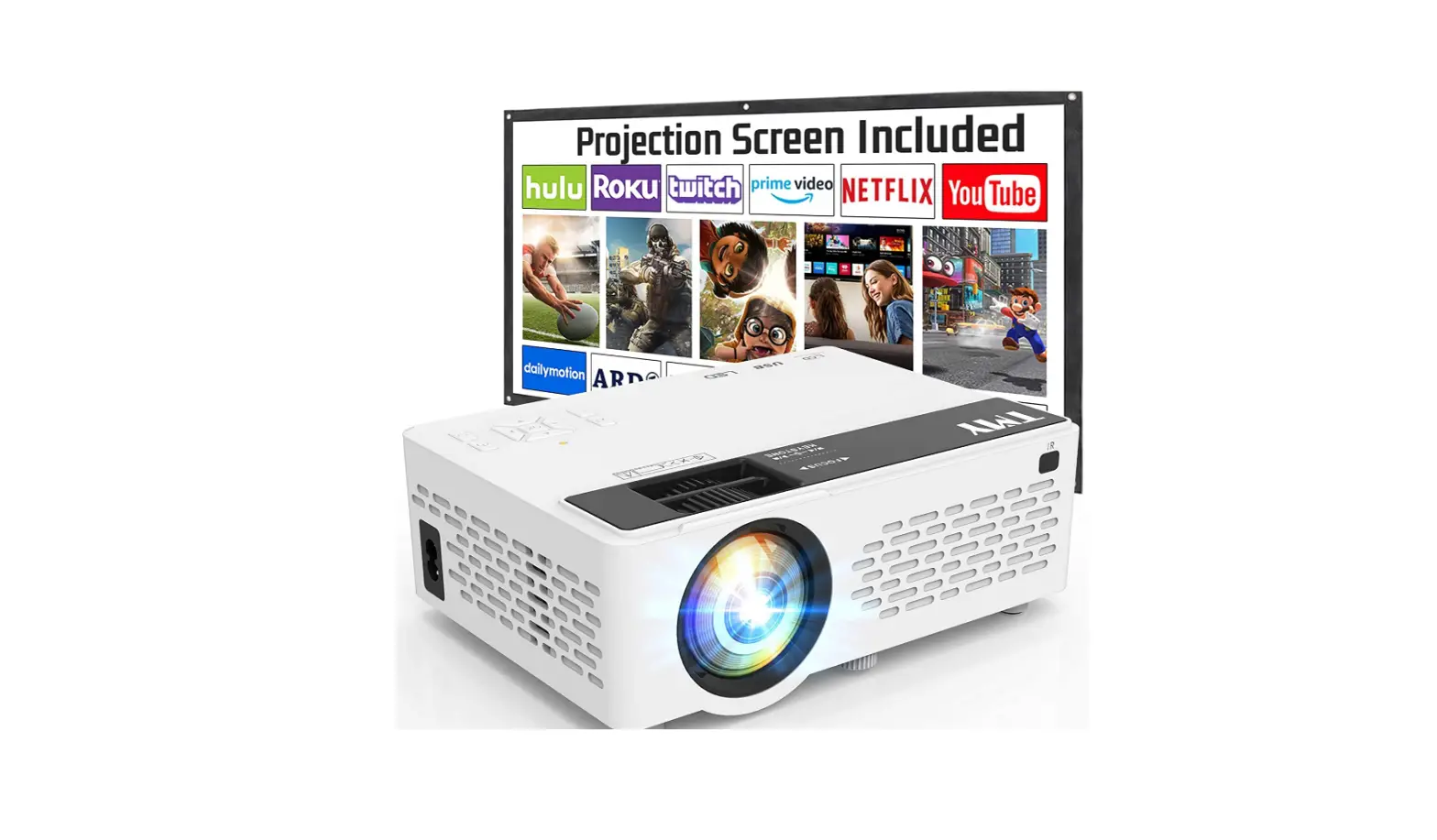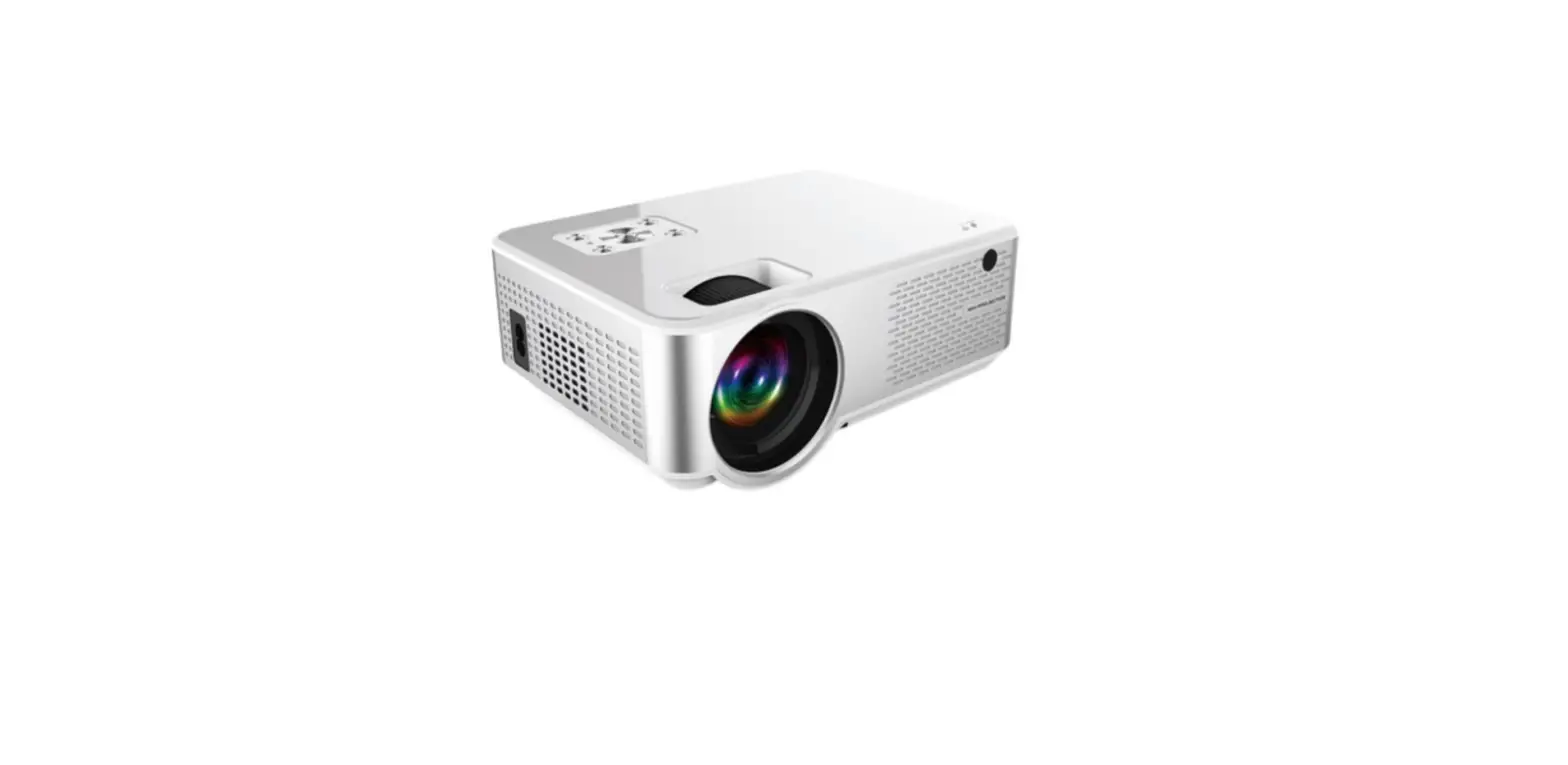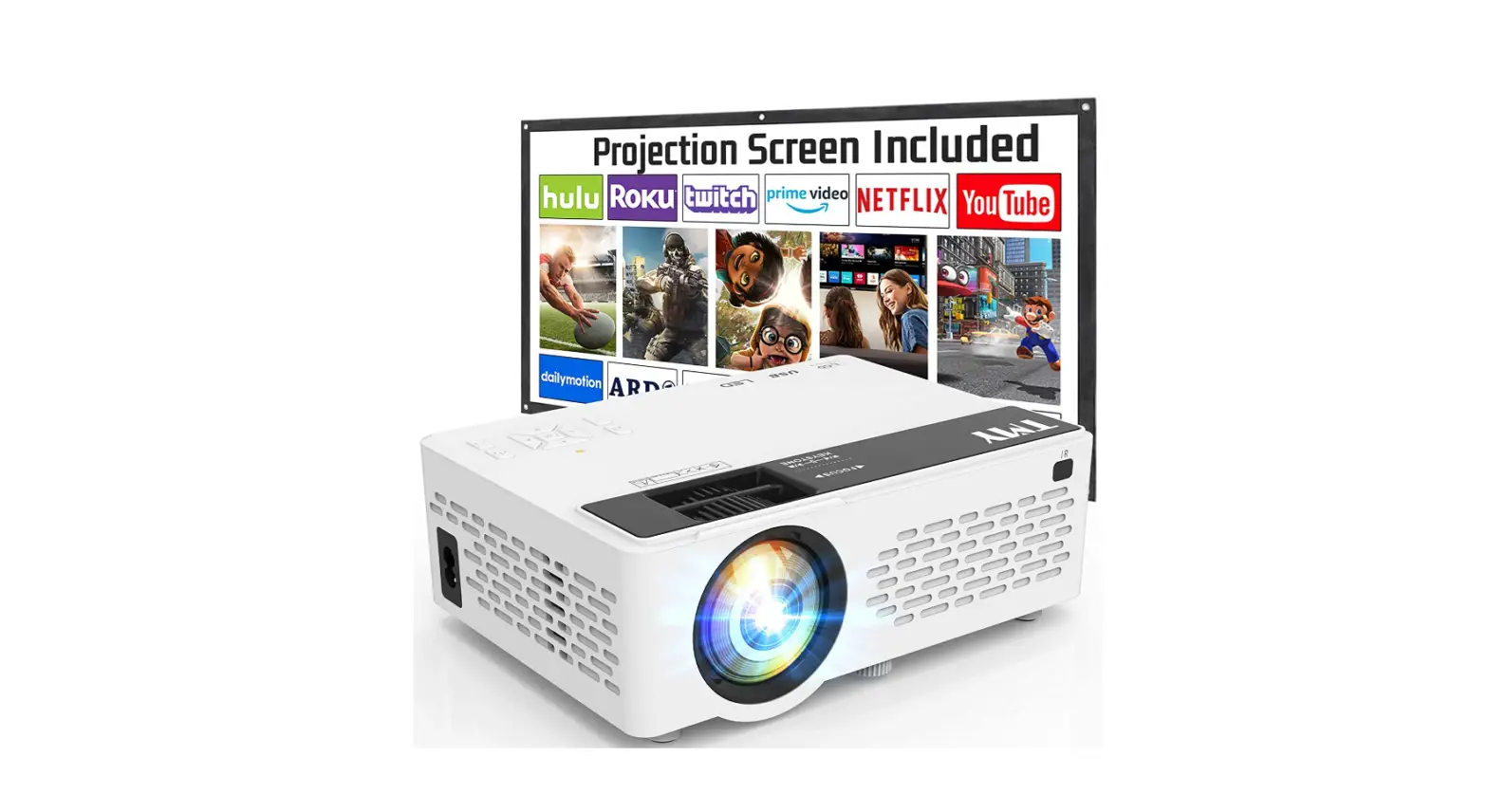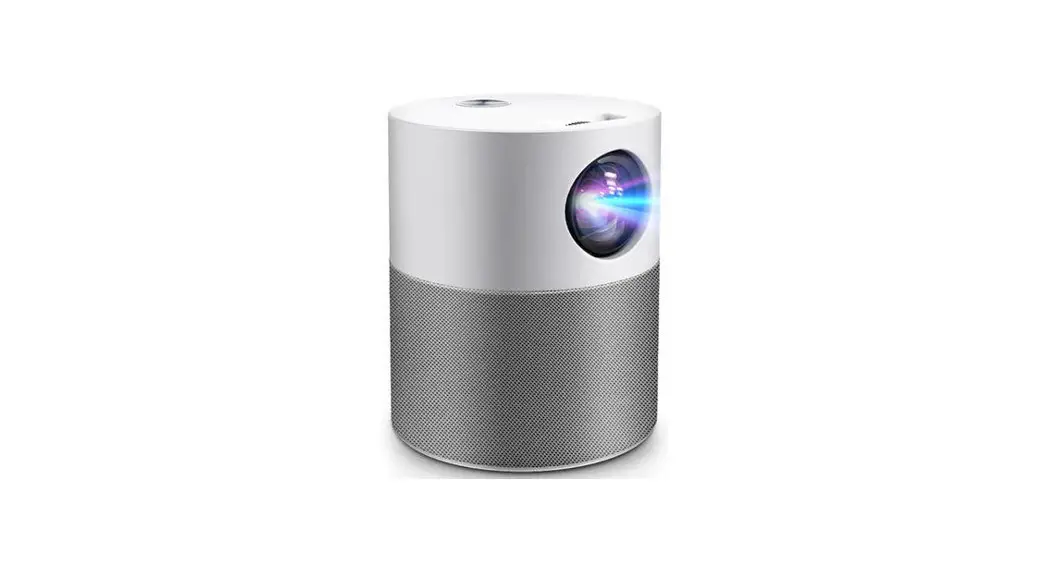
 4000 LUMENS FHD WI-FI
MINI PROJECTOR (M700)
KAM700PRRA
User Guide
SAFETY & WARNINGS
Read this user guide fully and carefully before using the product.
- Do not look directly into the light from the projector.
- A direct burst of intense light can harm your eyes and cause severe damage to the eyes of infants.
- Do not use or store the projector in a damp, humid environment.
- Do not attempt to repair this product yourself. If the product or its power supply experiences any malfunction or damage, cease use immediately and contact help.Kogan.com for support.
- Ensure the projector is a safe distance from any heat-emitting devices or the service life of the projector may be shortened.
- It is strongly suggested not to use the projector for more than 6 hours consecutively.
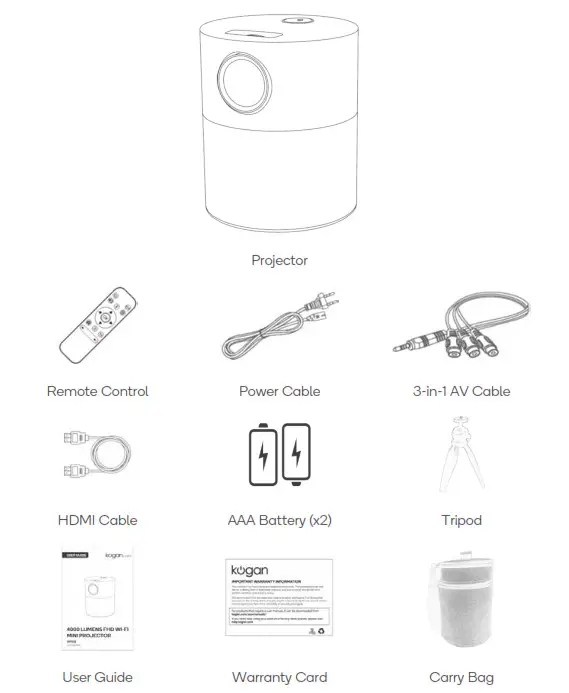
COMPONENTS
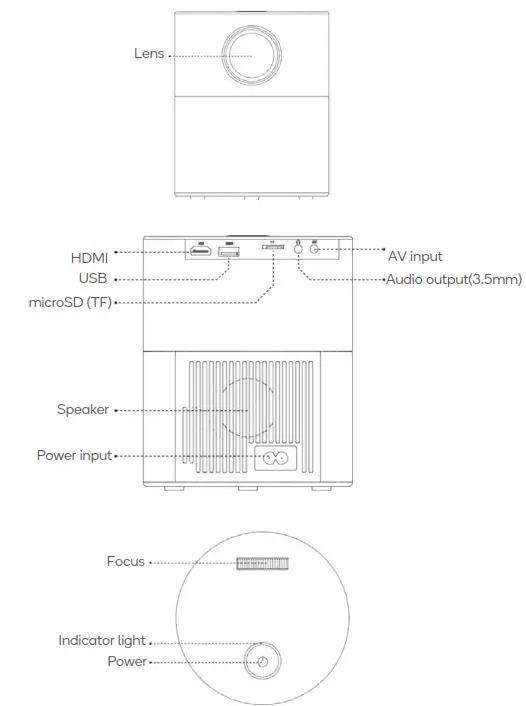
OVERVIEW
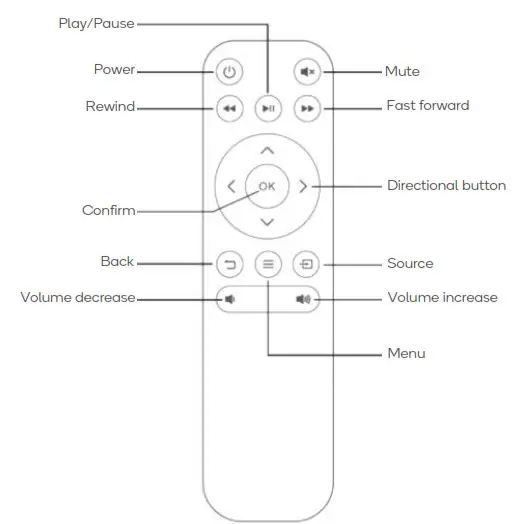
Remote Control
INSTALLATION
Place the projector on a flat horizontal surface.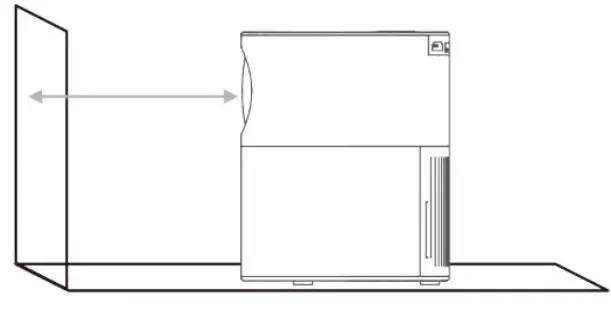
Tripod Mount:
This projector can be mounted on the included tripod using the 6mm (1/4”) thread hole on the bottom of the projector.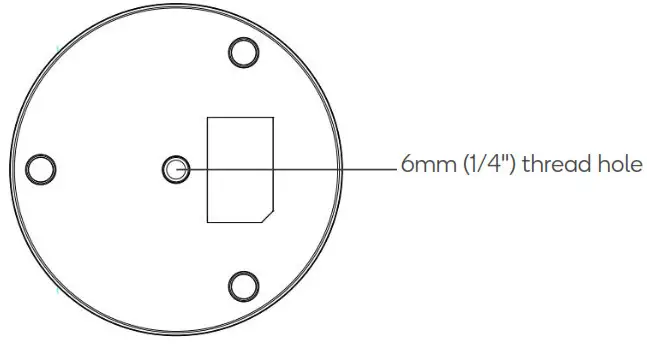
OPERATION
Getting started
- Connect the projector to a power outlet using the power cable.
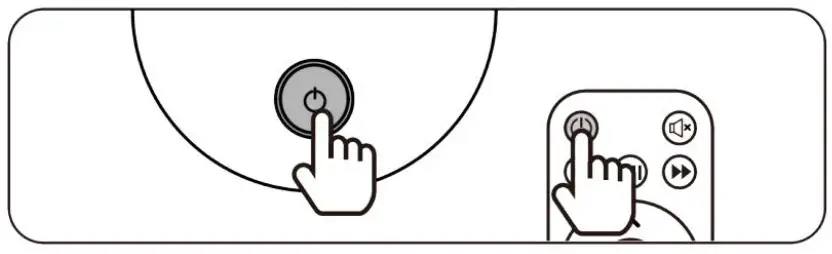
- Press the power button on the projector or remote control.
- The boot screen appears.

- Adjust the focus ring to make the picture clear.


Connect Input Devices
Use the source button to select the desired input source; USB, MicroSD (TF), HDMI & AV.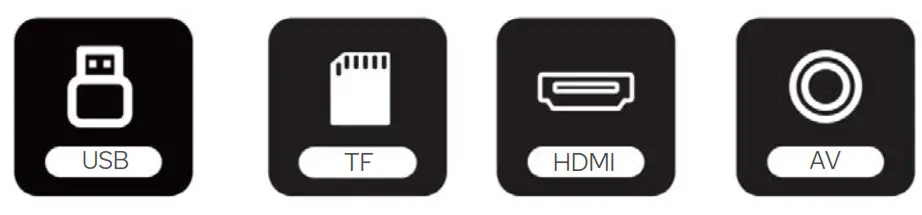
On the remote control: Press and “ ” press “
 ” or “
 ” to select the source. To confirm press “OK”.
USB:
- Insert a USB storage device into the USB port on the projector.
- Choose “USB” on the input selection screen.
- Select the file you want to play.
microSD (TF):
- Insert a microSD card into the microSD (TF) slot on the projector.
- Choose “TF” on the input selection screen.
- Select the file you want to play.
PC:
- Connect the projector to a PC using the included HDMI cable.
- Select “HDMI” on the input selection screen.
MacBook or MacBook Air:
- Connect the projector to a Mac using either a Type-C to HDMI adapter to connect your MacBook or a Mini Display to HDMI adapter to connect with your MacBook Air (adapters not included).
- Select “HDMI” on the input selection screen.
Game Console:
- Connect the game console to the projector using an included HDMI cable.
- Turn on both the projector and game console.
- Select “HDMI” on the input selection screen.
Headphones/Speakers:
- Connect your headphones or speakers to the 3.5mm audio output on the projector.
- Turn on the projector.
- The projector will output all audio to the connected device.
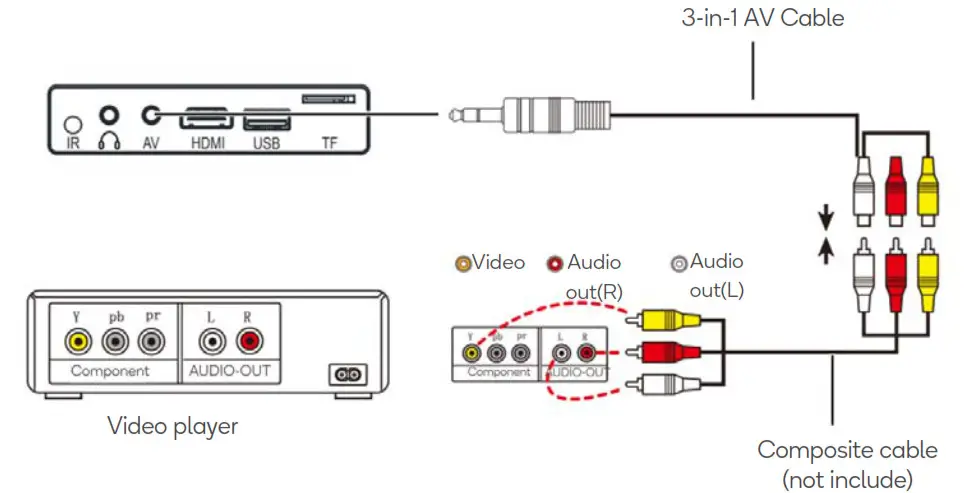
AV:
- Connect the projector to your AV device using the supplied 3-in-1 AV cable.
- Turn on both the projector and AV device.
- Select “AV” on the input selection screen.
Amazon Fire TV Stick:
- Plug the TV Stick into the HDMI port of the projector.
- Choose “HDMI” on the input selection screen.
Note:
Only 1080P TV Sticks are supported, not the 4KTV stick
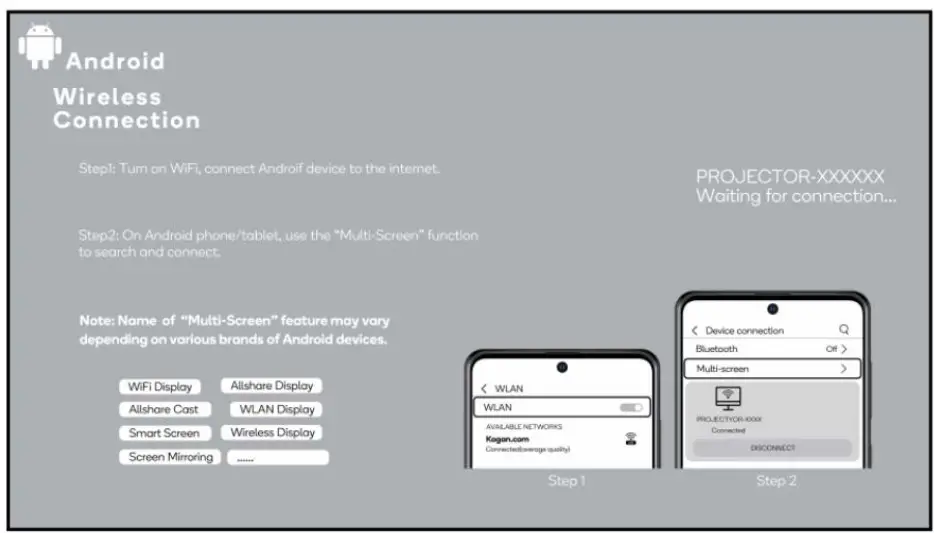
Wireless Connection (Android device only):
To activate this function, your Android device must support the Multi-Screen/Wireless display.
- Select “Mirroring” on the input source screen.
- Ensure your Android device is connected to the internet
- On your Android device use the “Multi-Screen” Function to search and connect to the projector.
The fluency of screen mirroring with a wireless connection will be affected by the network environment.
- A bandwidth of 100Mbit or more is recommended when using screen mirroring,
- Ensure your Android device is close to the projector when using a wireless connection. A distance within 1 meter is recommended.

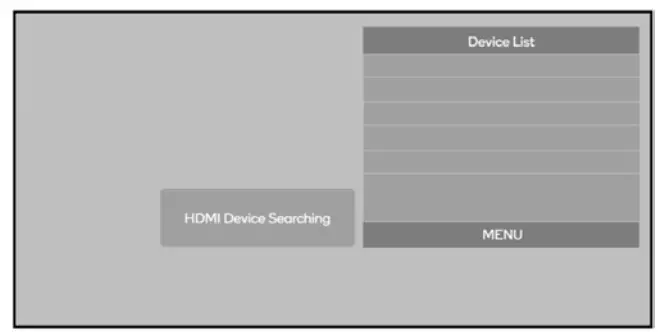
- Search for and select the device(s).

SPECIFICATIONS
| Display | LCD |
| Power supply | AC 100-240V 50/60Hz |
| Focus | Manual |
| Speaker | 1* (3W/40Ω) |
| Dimensions | 142x170mm |
| Weight | 1kg |
| Wi-Fi protocol | 2.4GHz |
| Light Source | LED |
| Resolution | 576i, 576P, 720i, 720P, 1080i, 1080P |
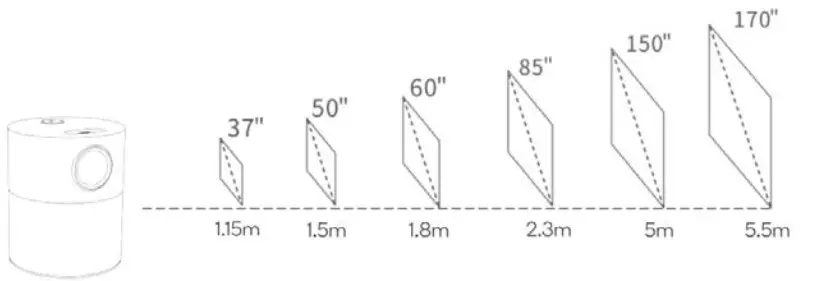
| Projection size | 40-250 inch |
| Projection distance | 1.16-5.5m |
| Aspect Ratio | 4:3,16:9 |
| Ports | HDMI, USB2.0, AV, Audio Out 3.5mm, microSD (TF) |
| Supported audio formats | MP3, AAC, WAV |
| Supported image formats | BMP, PNG, JPEG |
| Supported video formats | MPG, H264, Divx, MKV, MOV, WMV, FLV, VOB, TS |
Protection Size & Distance
NOTES
Need more information?
We hope that this user guide has given you the assistance needed for a simple setup.
For the most up-to-date guide for your product, as well as any additional assistance you may require, head online to help.kogan.com