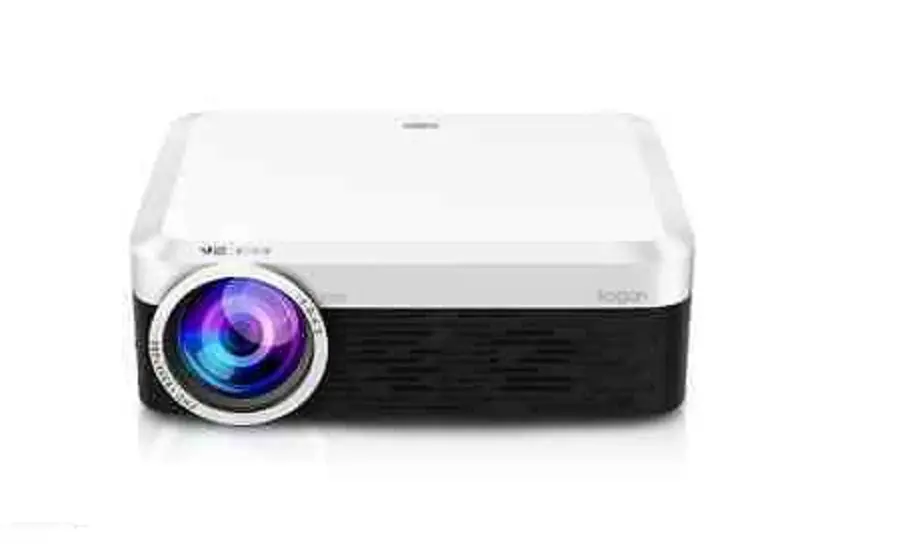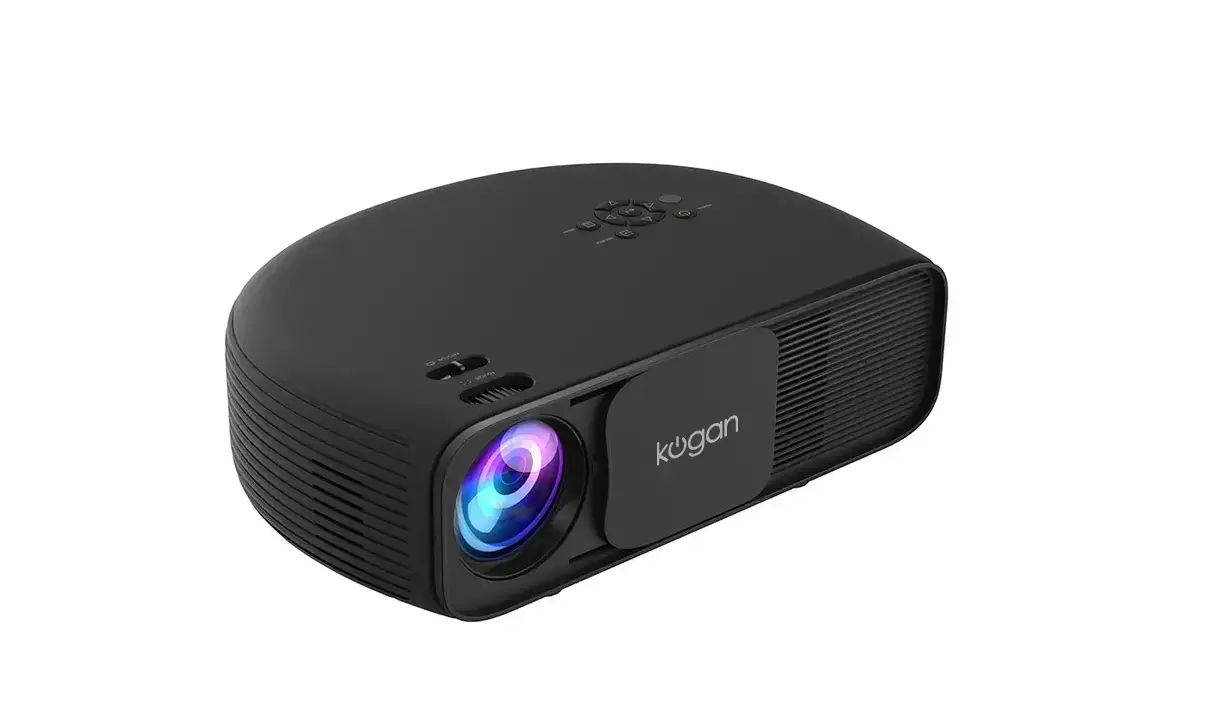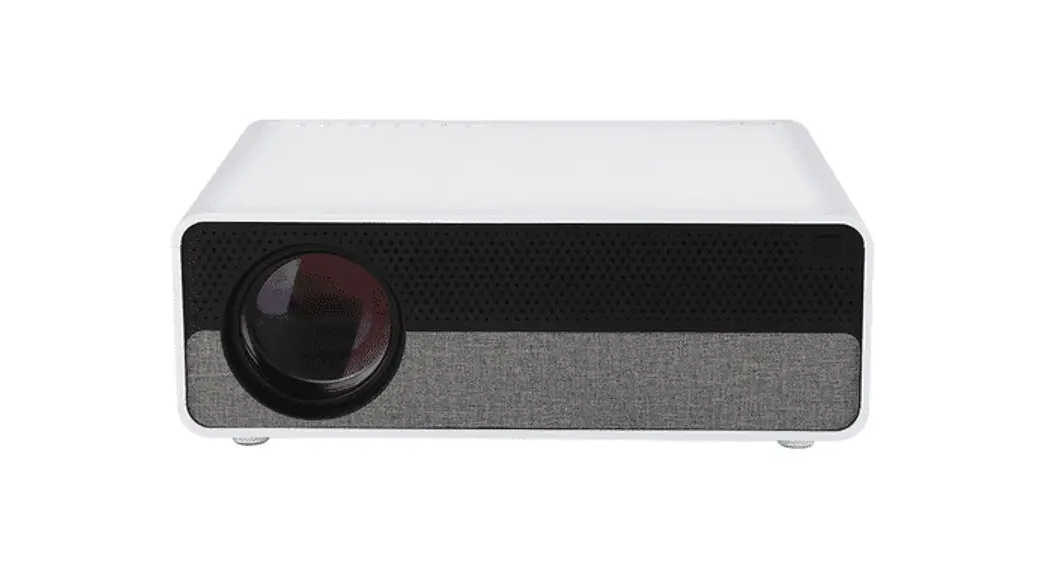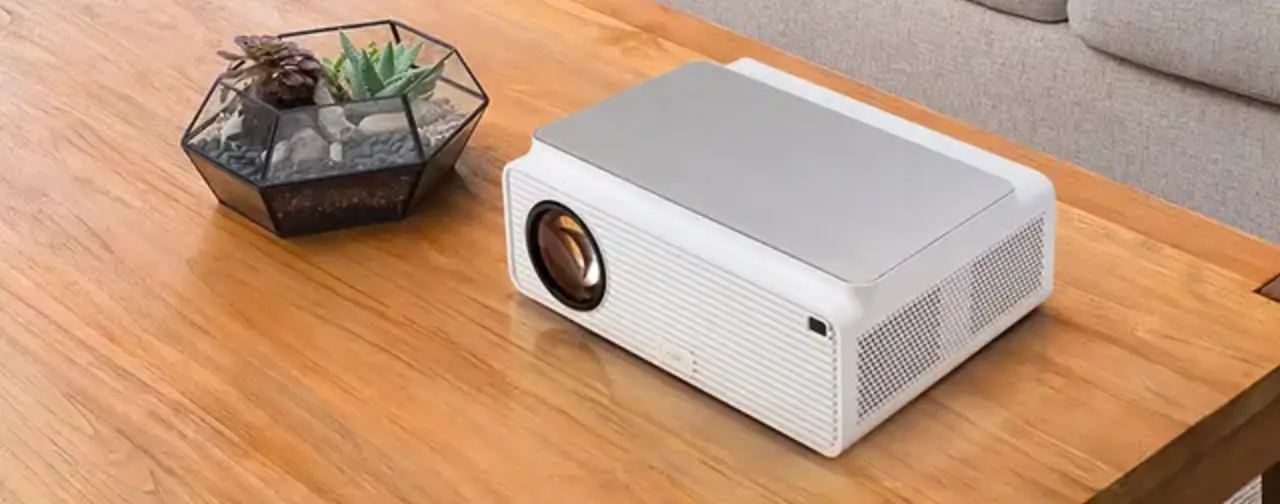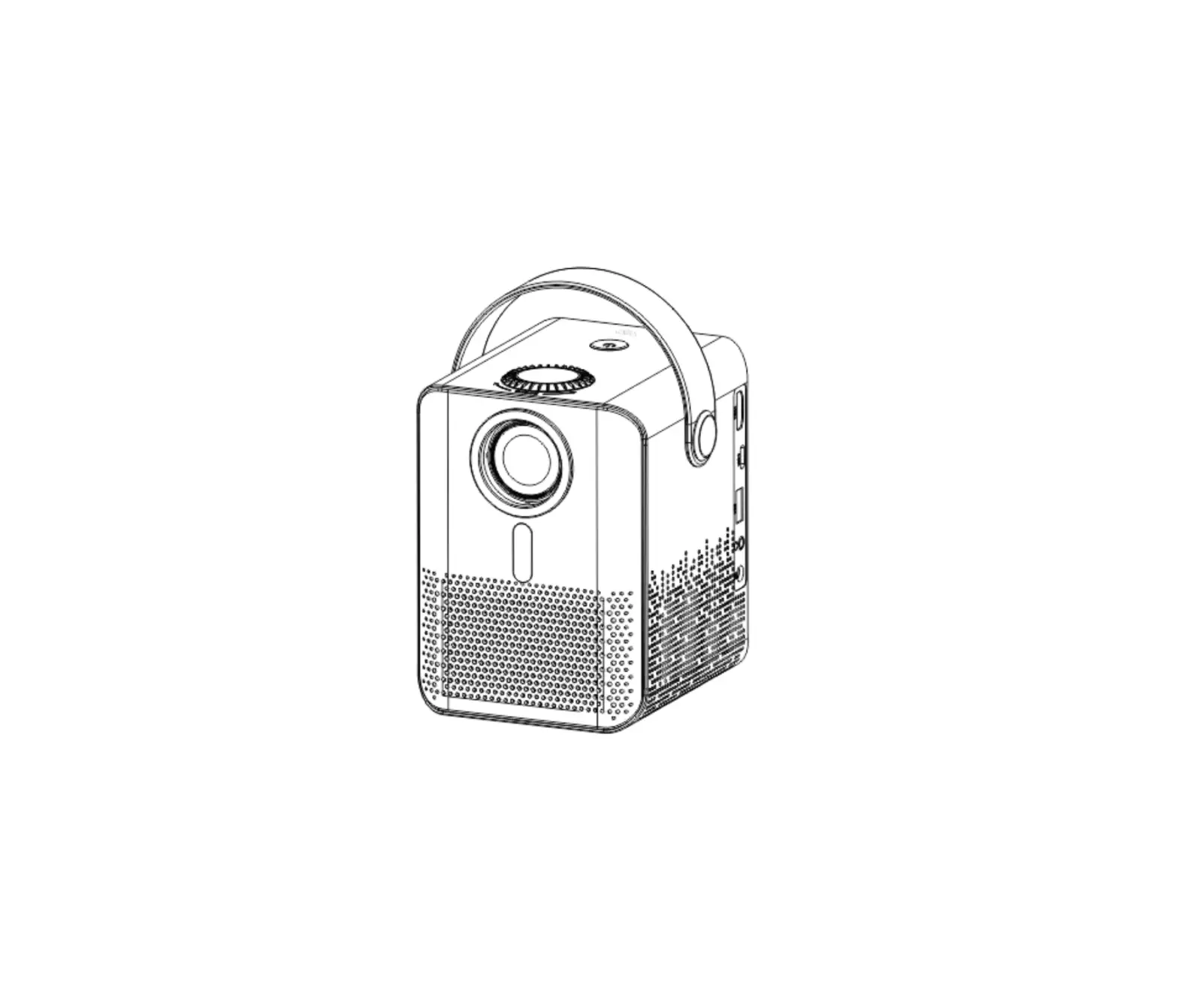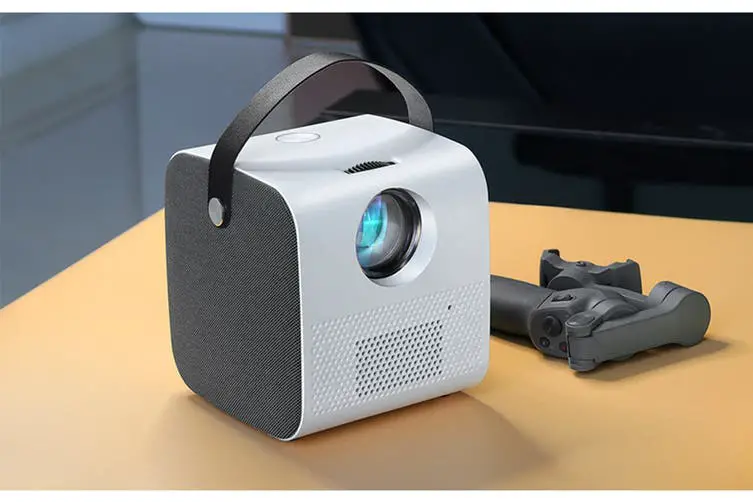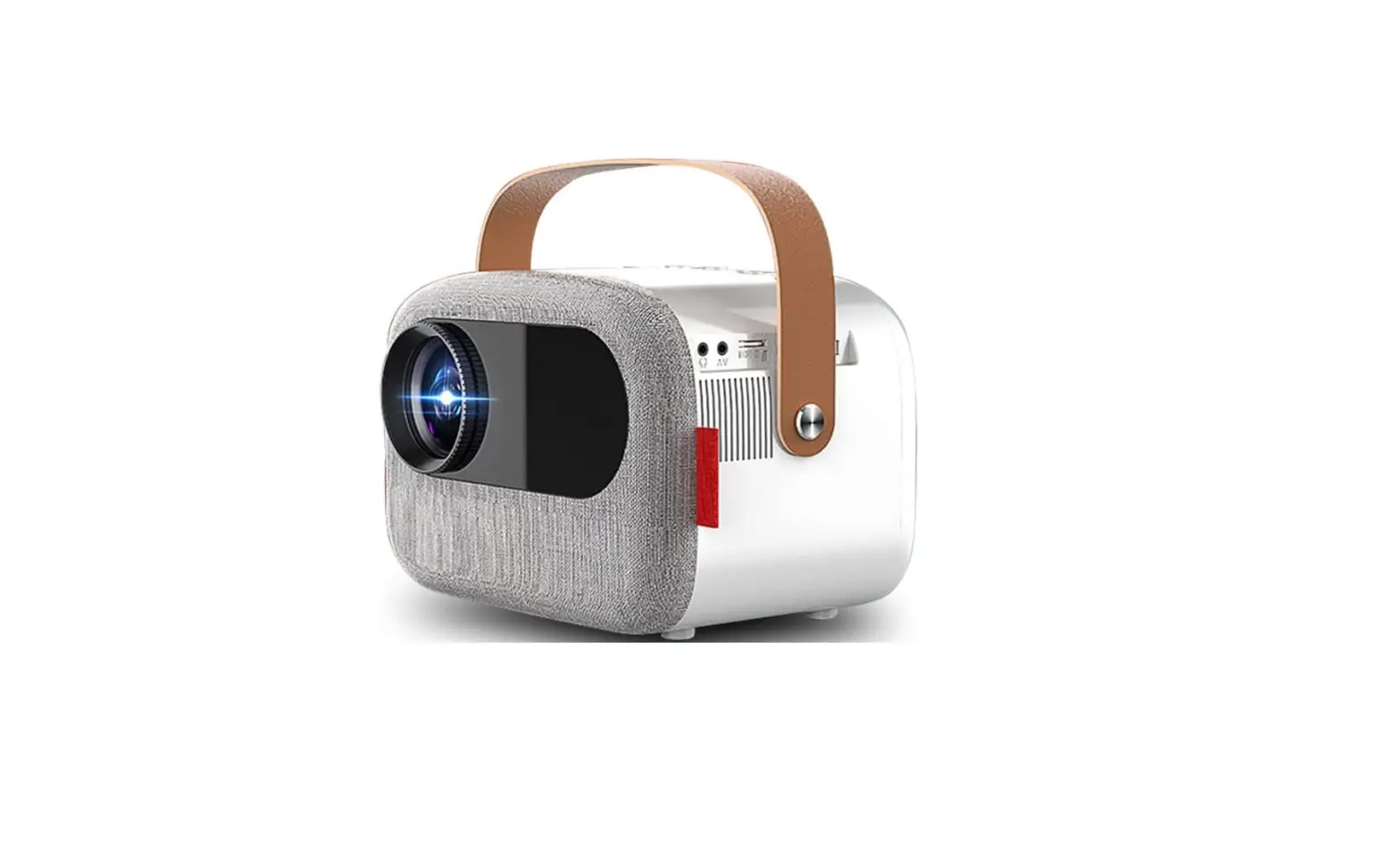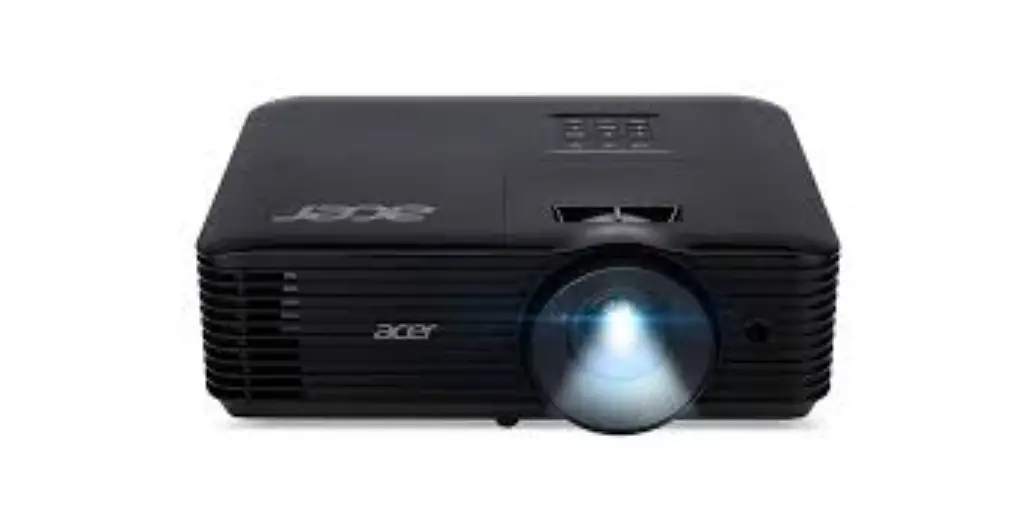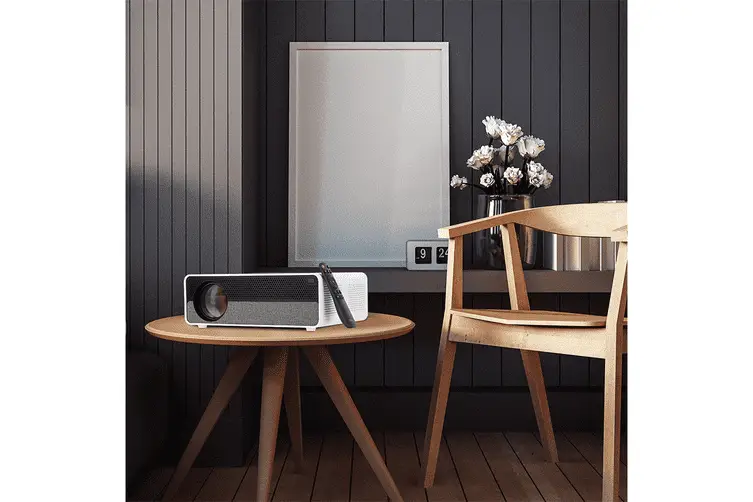
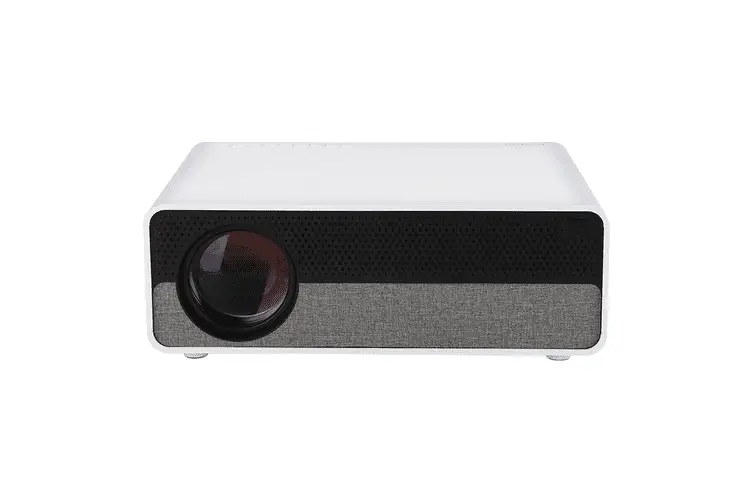
kogan Lumen Full HD Projector SAFETY & WARNINGS
 SAFETY & WARNINGS
- Do not open the case as this may pose a risk of electric shock.
- Do not attempt to repair this product yourself. If the product or its power supply experiences any malfunction or damage, stop using it immediately and contact Kogan.com to arrange a repair.
OVERVIEW


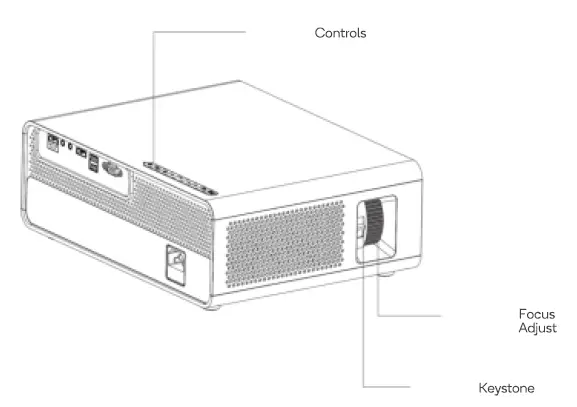
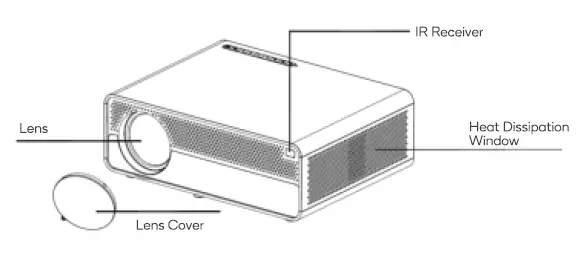
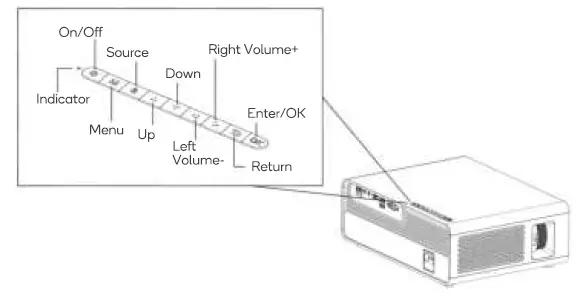
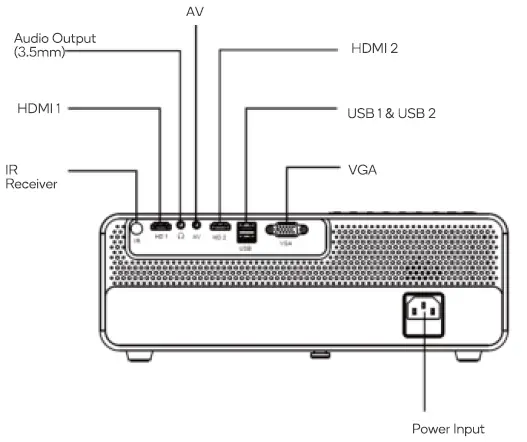
Remote Control
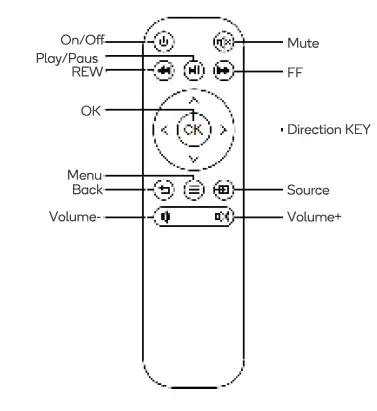
OPERATION
Input Source Selection
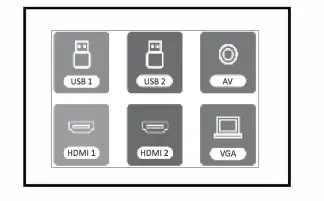
Press the input button to select signal source.
USB lnput
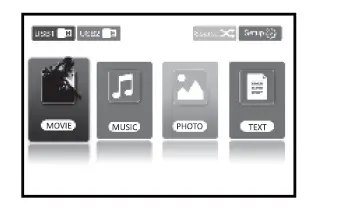
The projector can read files from a connected USB drive.
HDMICEC
CEC (Consumer Electronics Control) allows users to control multiple HD devices that support CEC with one remote control, eliminating the need to use multiple remote controls to control electronic devices such as televisions, TV boxes and portable HD devices.
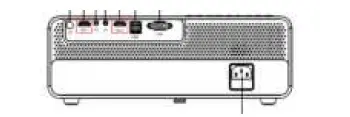
- Connect device(s) which support CEC to the projector by HDMI.

- Choose SETflNG > OPTION > HDMI CEC > Device List
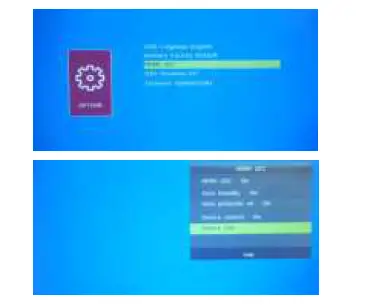 3. Search for and select the device(s)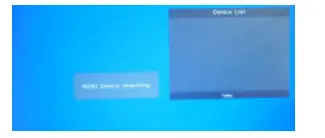
Image Adjustment – Keystone 
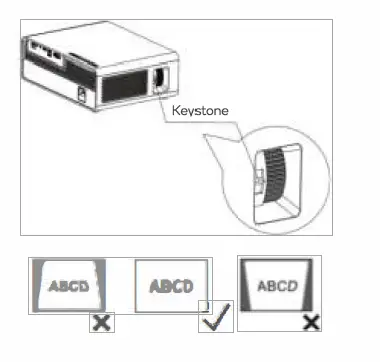
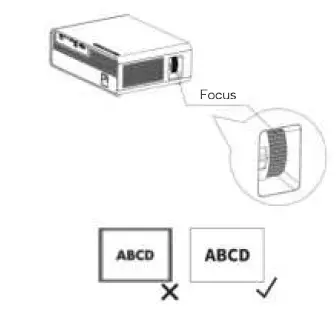
Image Adjustment – Focus 
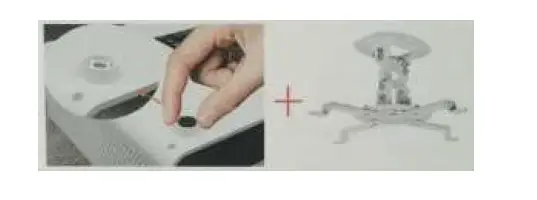
Ceiling Mount Installation
This projector is compatible with most universal wall mounts (sold separately)
- Remove the four rubber feet
- Enter MENU >PICTURE> Projection Mode and select the ceiling mounted option to invert the picture.

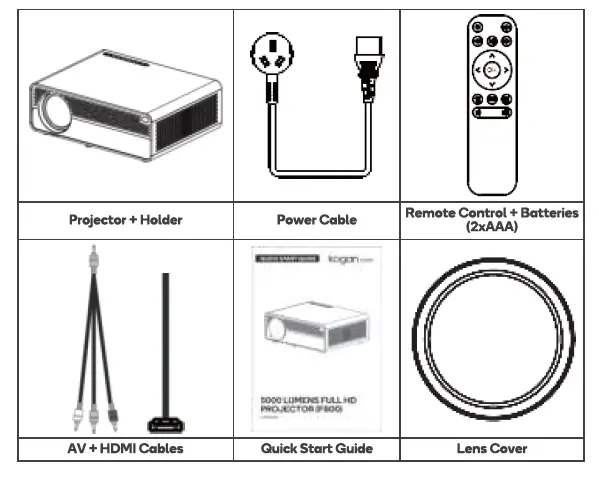
IN THE BOX
Need more information?
We hope that this user guide has given you the assistance needed for a simple set-up.
For the most up-to-date guide for your product, as well as any additional assistance you may require, head online to help.kogan.com