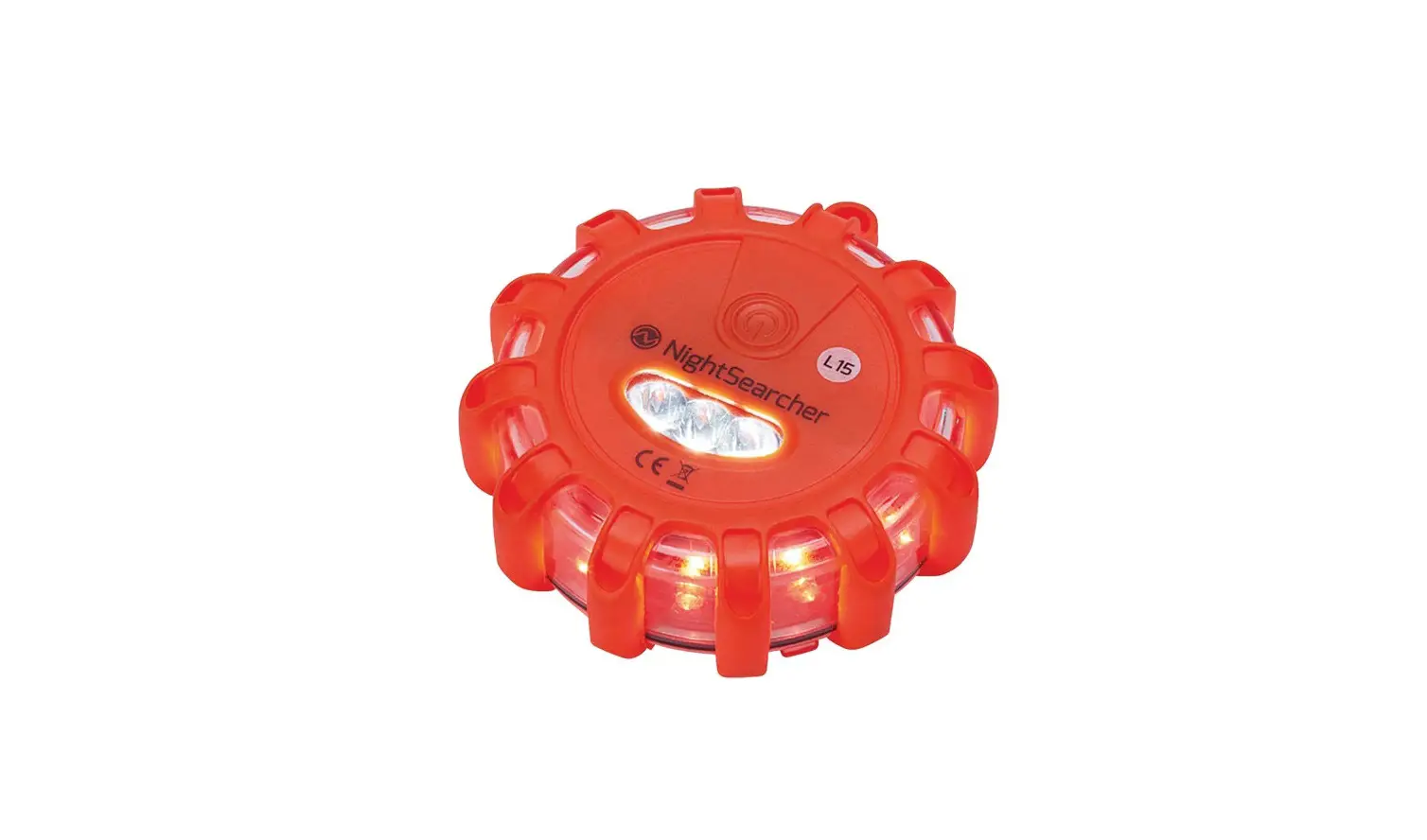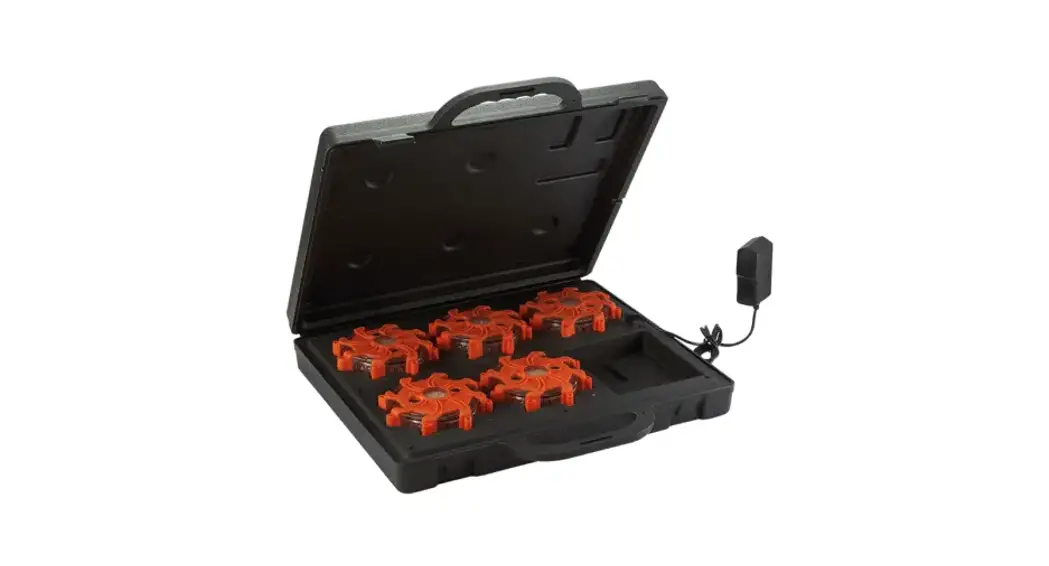
 NSPULSARPROSQR Pulsar Pro Series Red Multiple Effect Light Module
User Manual
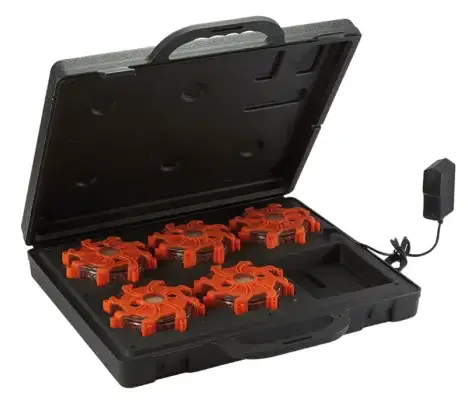
NSPULSARPROSQR Pulsar Pro Series Red Multiple Effect Light Module
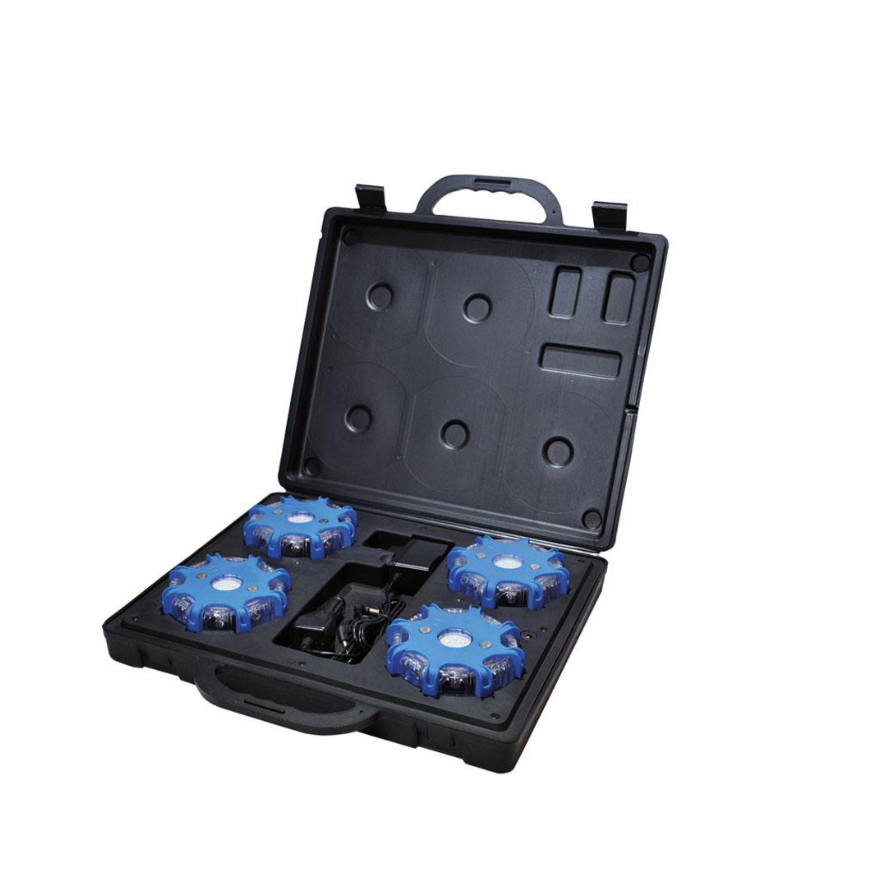
Pulsar Pro Set Of 5 – User manual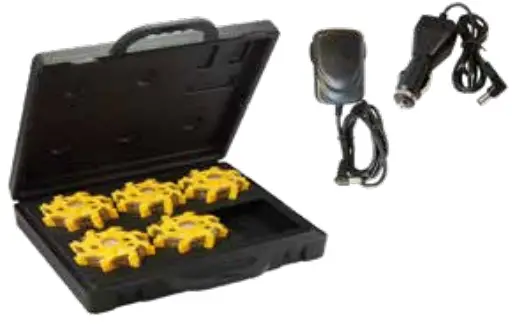 Supplied with charging carry case, AC mains charger and vehicle charger.
| Product weight | 2.7kg |
| Product size | Pulsar: 34x110mm ø Case: 380x70x370mm |
| NS Part No. | NSPULSARPRO5-B/R/Y/G B = Blue R = Red Y = Yellow G = Green |
Battery charging:
Insert 1 to 5 pulsars into the pockets in the charging case as shown below with the two battery icons lining up. 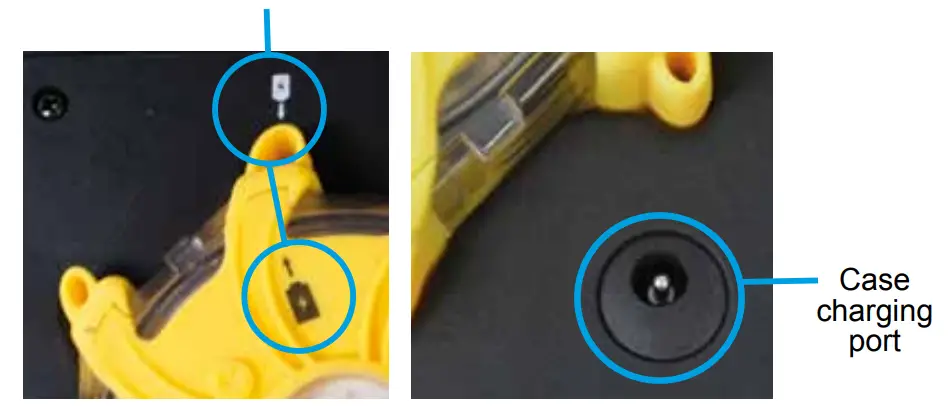 The pulsars can be charged using the supplied AC mains charger or vehicle charger.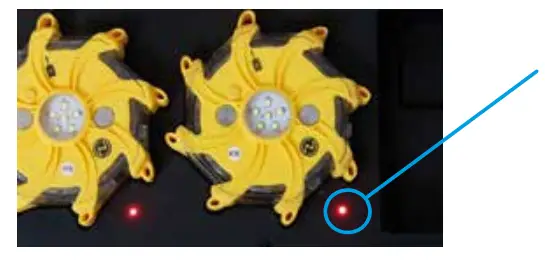
Battery charging indicator are located inside charging case. Green = Fully charged OR there is no pulsar present to charge.
 Red = Charging in progress.
To close the case completely while charging the units, make sure the cable sits within the slot provided.
Operation:
Press the power button once to turn the light on. 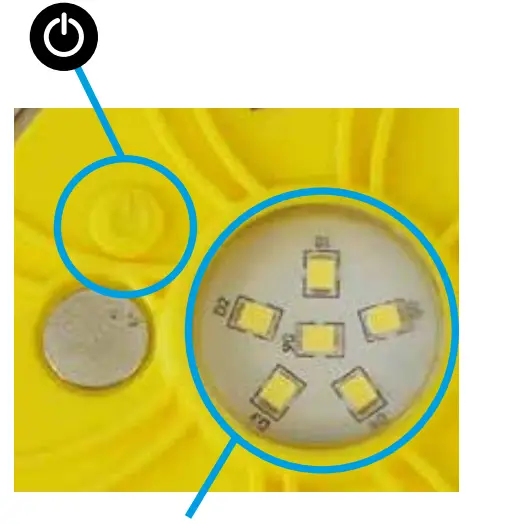
White LED mode:
To switch on the six white LEDs press the switch twice rapidly, to switch off press the switch twice rapidly again.
Flashing modes: Press again to change and cycle through the 9 modes: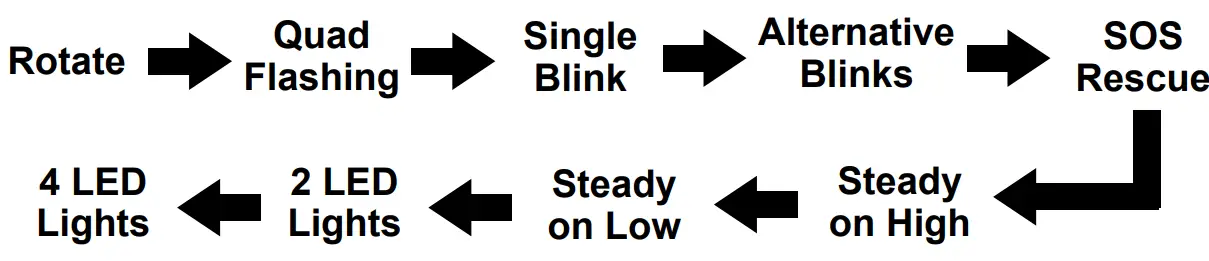
To turn off the warning light without cycling through the 9 light modes, press and hold the power button for 2 seconds. Two LEDs will flash five times and then turn off. When ready to operate again, press the power button once and it will return to the last flash mode that was selected before turning off.
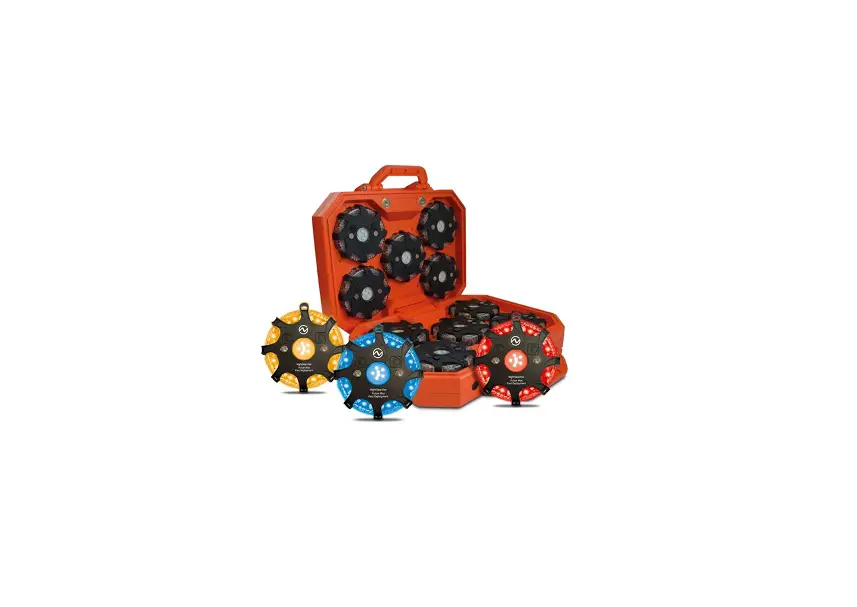
The Pulsar Pro set of 5 are available in these colours:
NightSearcher Limited Unit 4 Applied House, Fitzherbert
Spur, Farlington, Portsmouth,
Hampshire, PO6 1TT, UK
T: +44 (0)23 9238 9774
E: [email protected]
 To view and download the full manual in multiple languages please go to https://nightsearcher.co.uk/en/products-manuals.html
Or scan this QR code. https://nightsearcher.co.uk/en/products-manuals.html
All NightSearcher products have a 3-year standard warranty on all manufacturing defects and 1-year warranty on all rechargeable batteries from the date of purchase. For extended 5 year warranty please visit https://nightsearcher.co.uk/en/extended-warranty.html proof of purchase is required.
If at any time, you need to dispose of this product or parts of this product: please note that waste electrical products, bulbs and batteries should not be disposed of with ordinary household waste. Recycle where facilities exist. Check with your local authority for recycling advice.
Alternatively, NightSearcher is happy to take receipt of this product at end-of-life and will recycle it on your behalf.
 Extended warranty