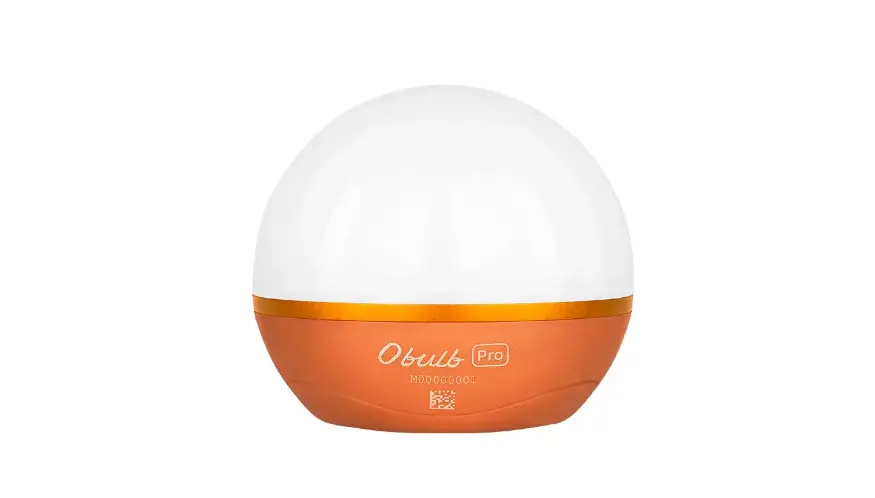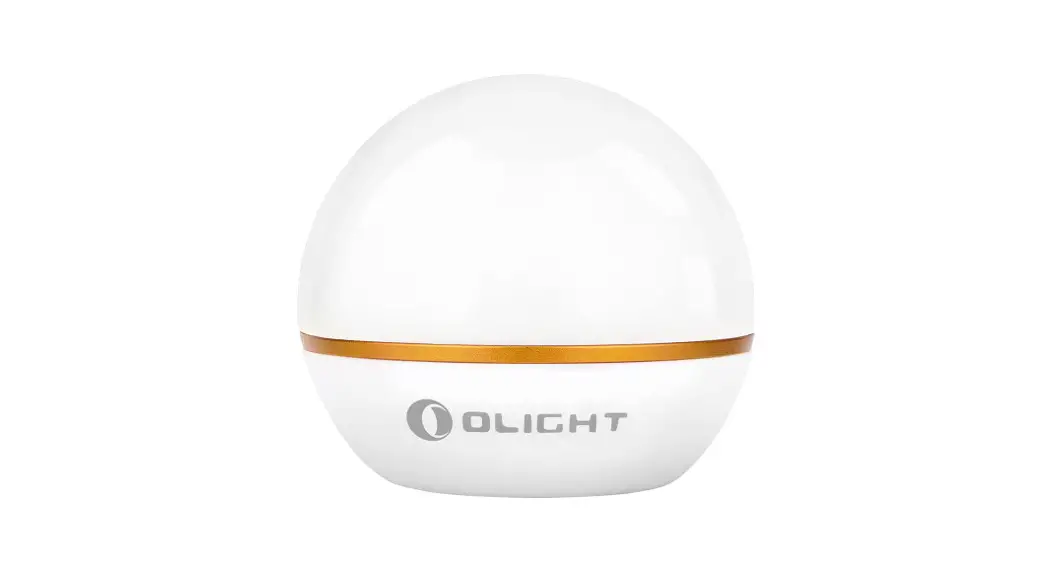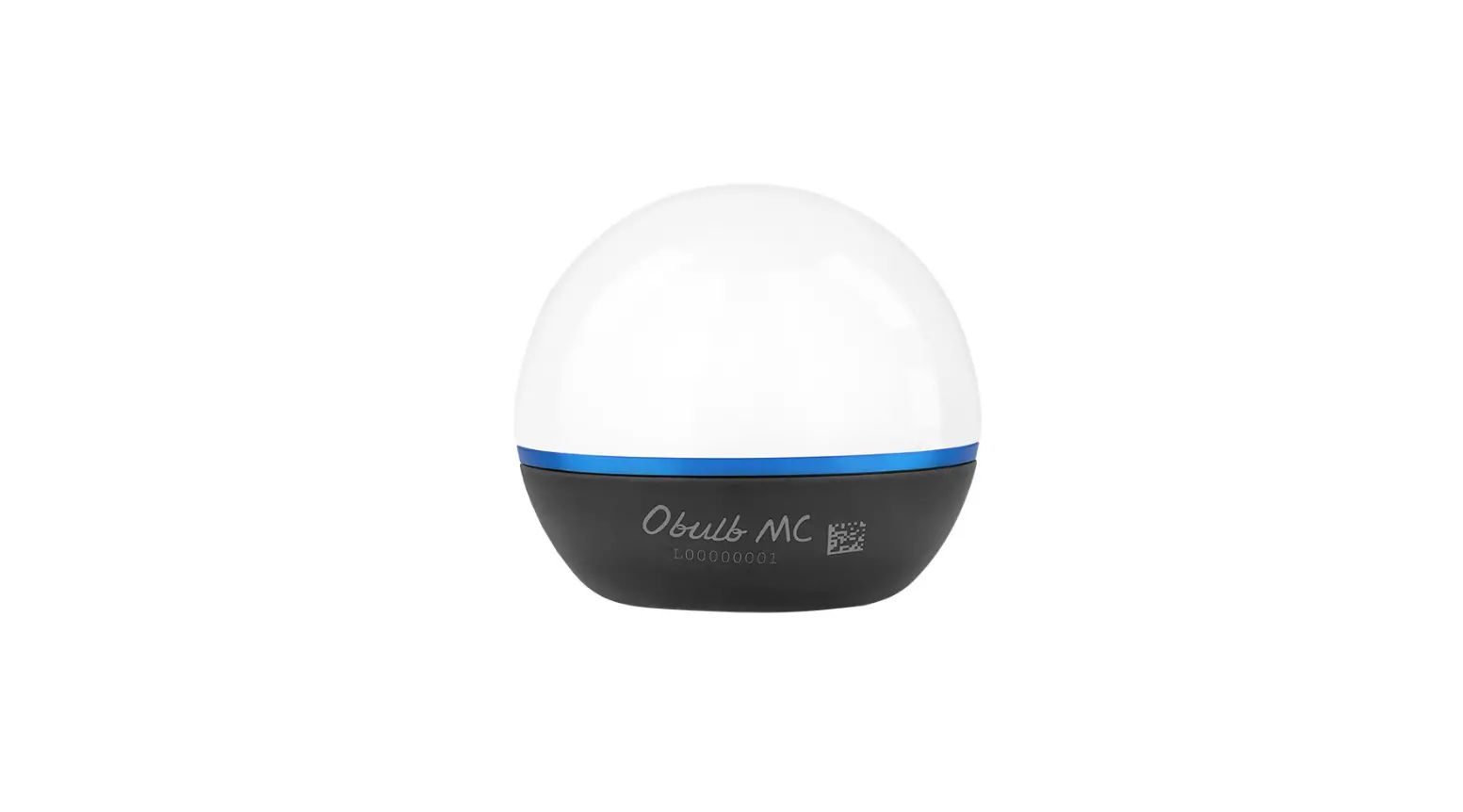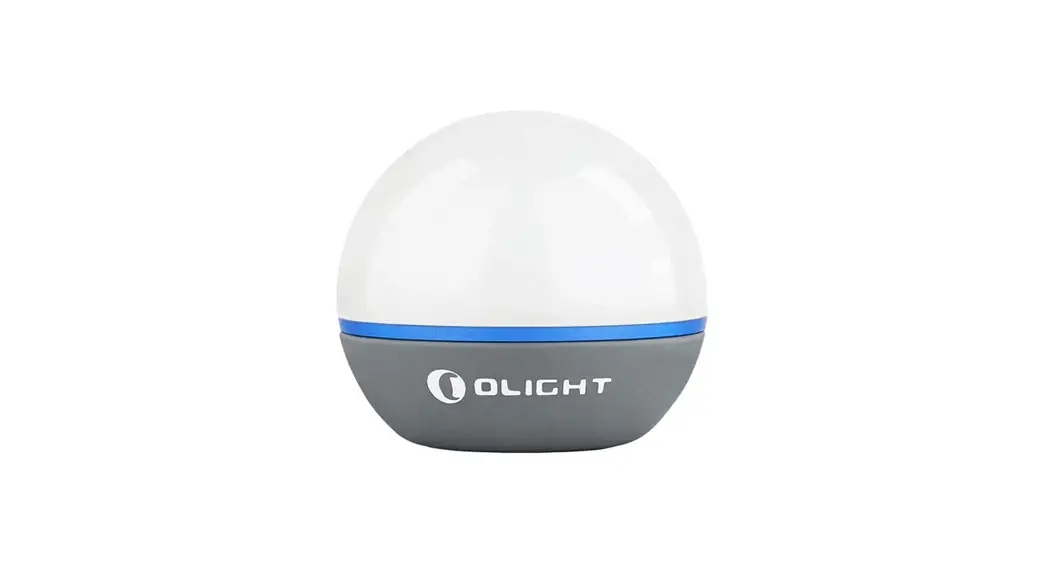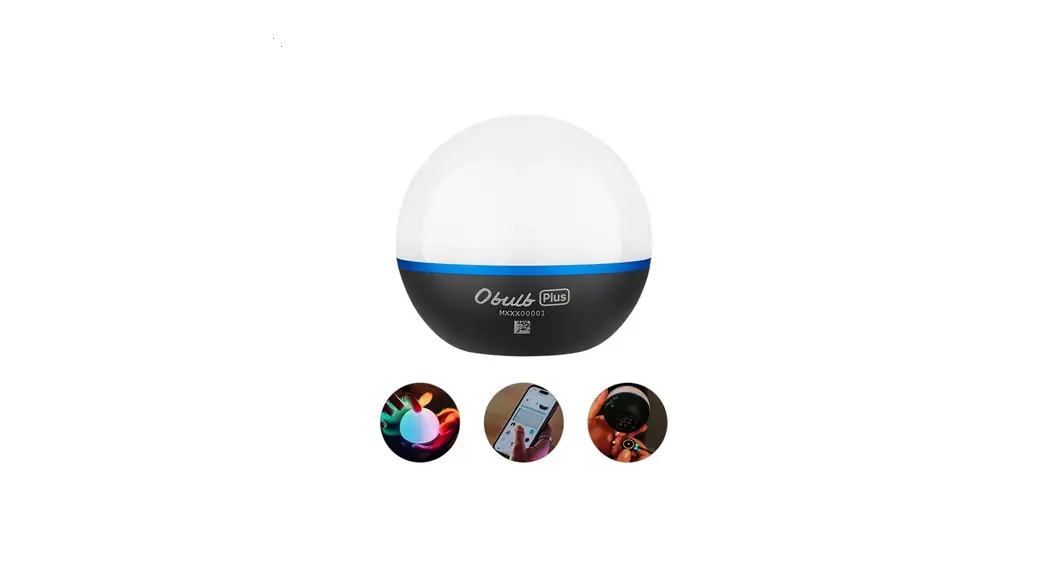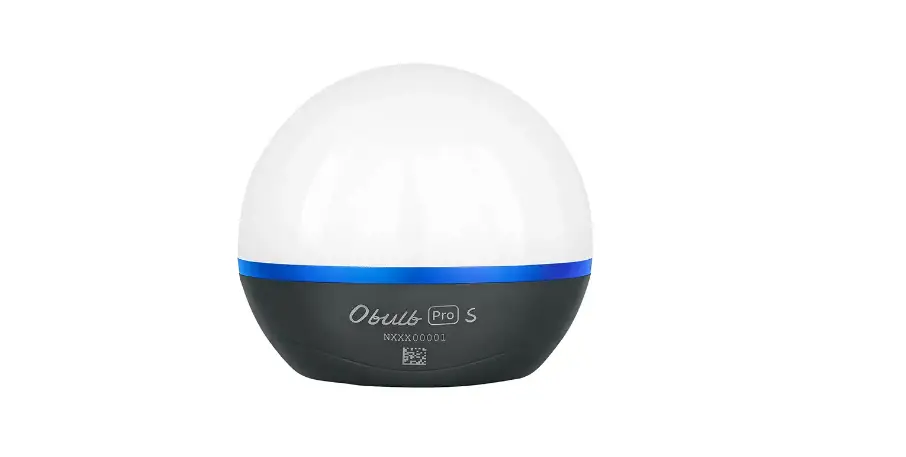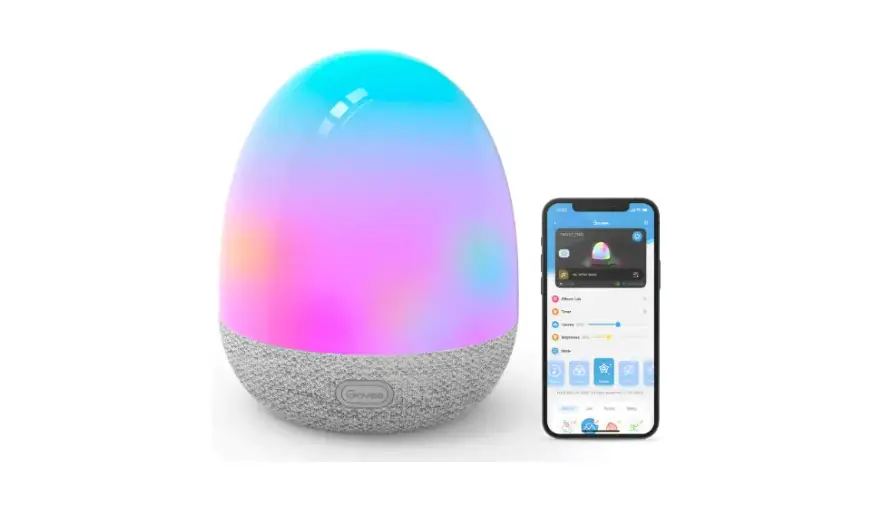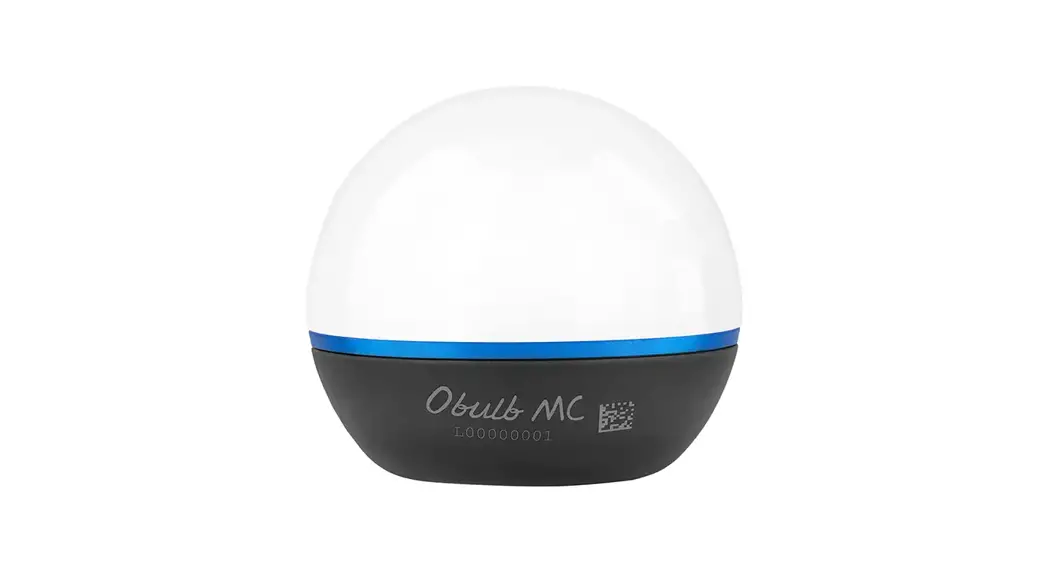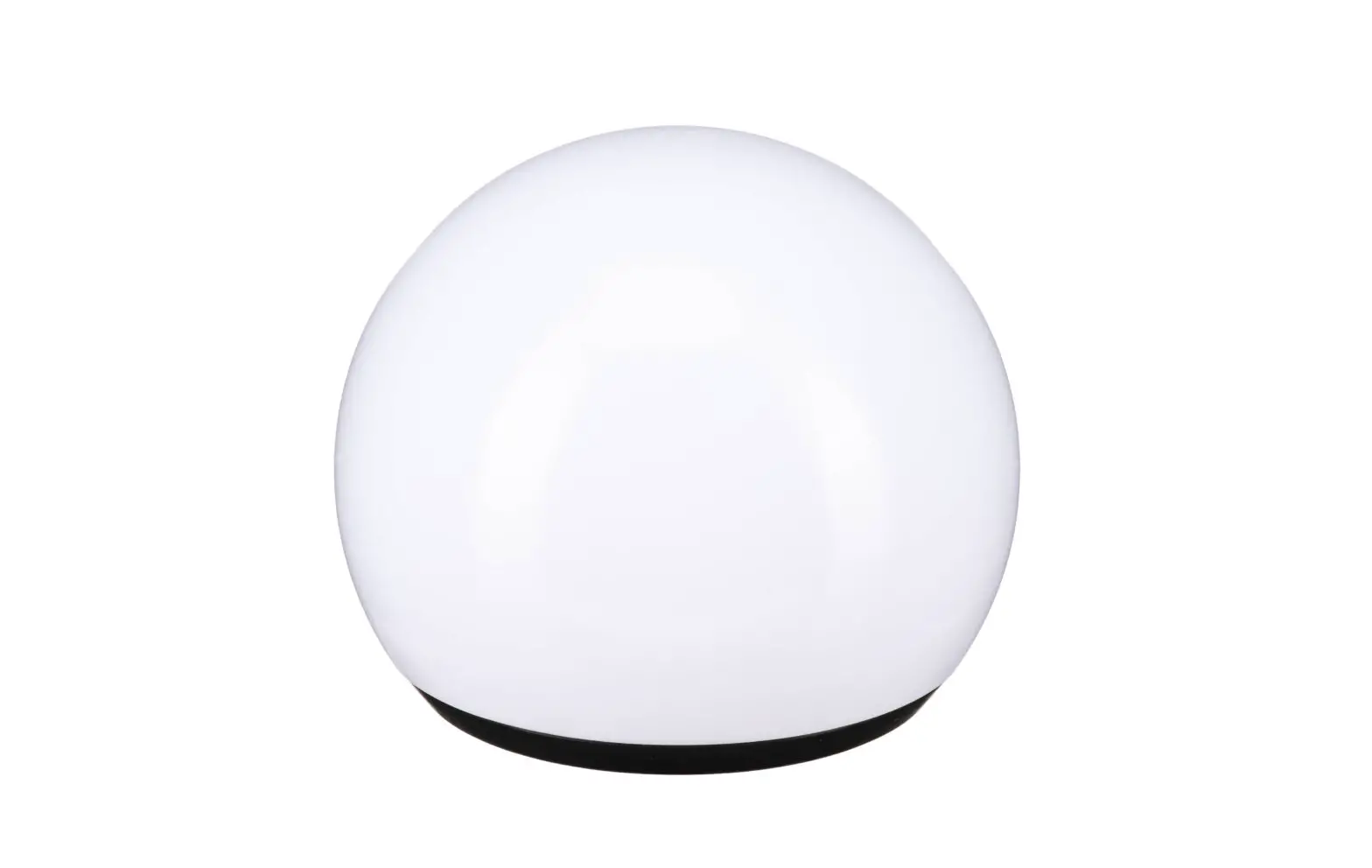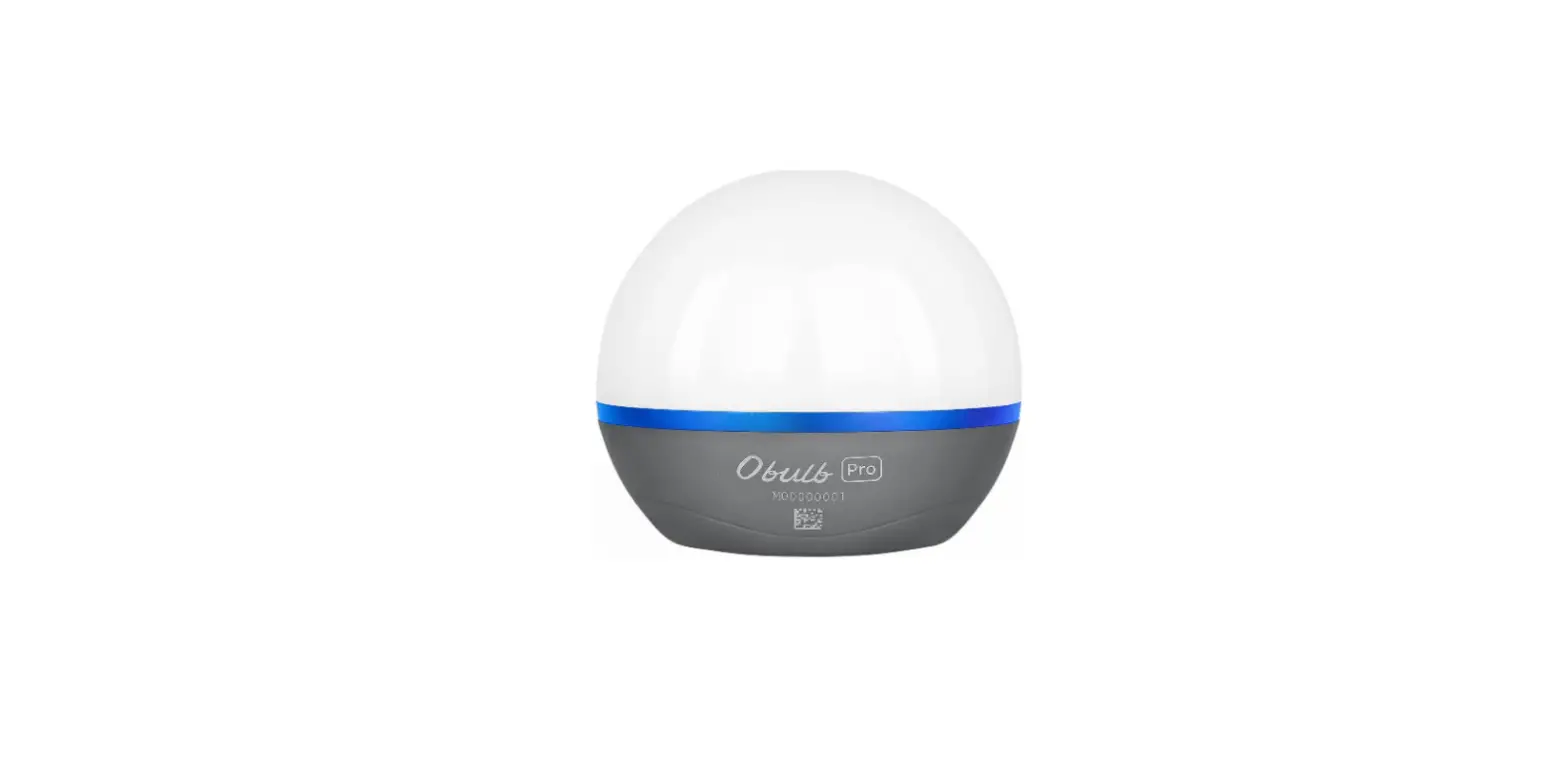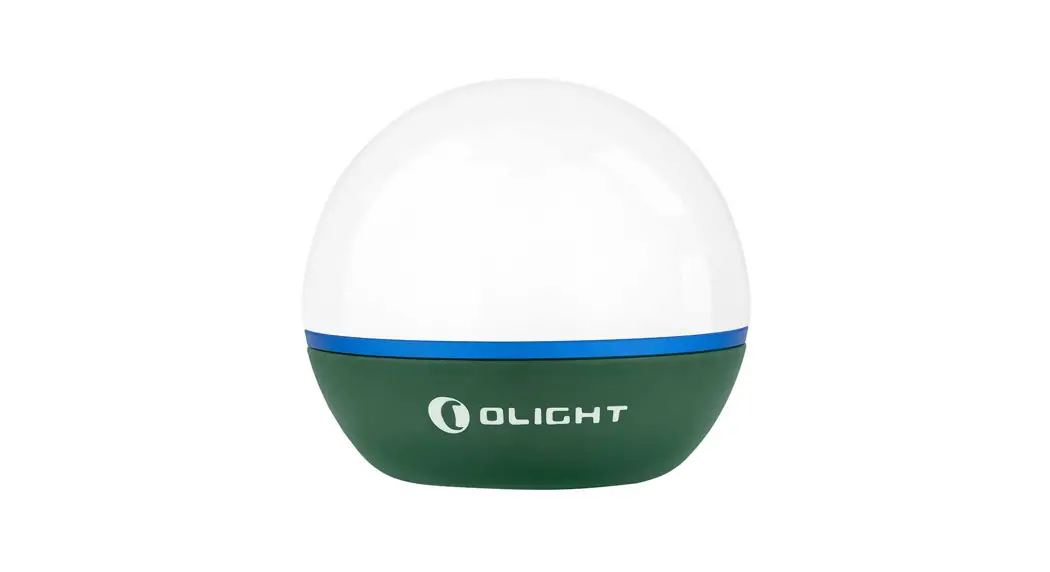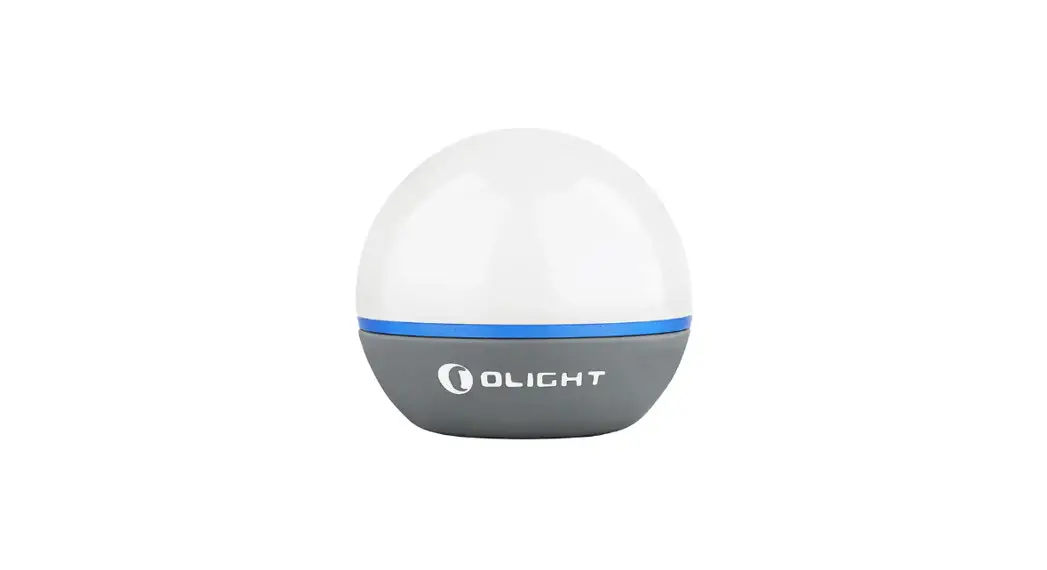
 Bulb Plus Touch Night Light Smart Multicolor Orb Light
User Manual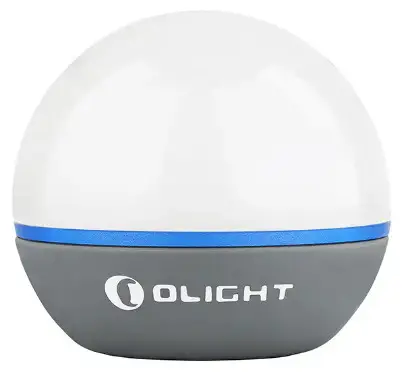
obulb plus
Touch switch light orb with app control.
Obulb Plus Touch Night Light Smart Multicolor Orb Light
IN THE BOX
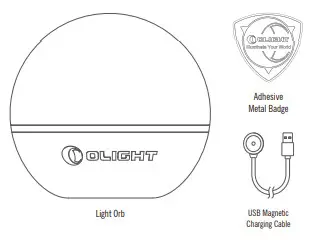
Table 1: Light Orb
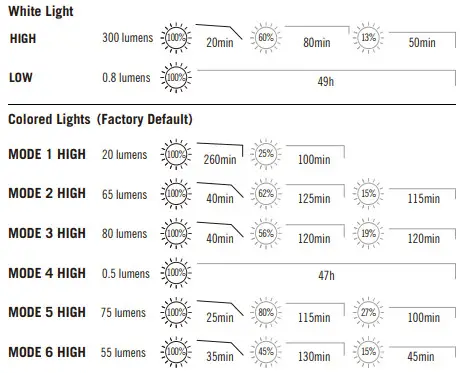

* Above data are tested per ANSI/NEMA FL 1-2009 standard in Light’s labs for reference.
Table 2:
USB Magnetic charging cable
| Cable length | 0.5m |
| Input | USB-A 5V 1A |
| Output | CC&CV 4.2V±0.05V 1.0A |
| Time to fully charge | About 3 hours |
| Figure 1 | Figure 2 |
 |  |
| Figure 3 | Figure 4 |
 |  |
| Figure 5 | Figure 6 |
 |  |
| Figure 7 | HOW TO USE THE APP |
 |  |
| Figure 8 | Figure 9 |
 |  |
| Figure 10 | Figure 11 |
 |  |
| Figure 12 | Figure 13 |
 |  |
| Figure 14 | Figure 15 |
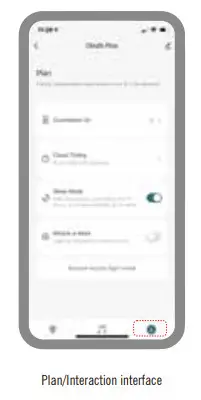 | Brightness limit: When the product is in a limited state (low battery or high temperature), if users change the brightness beyond the limit range with the APP, it is normal that the light flickers. Auto sleep mode: If the connected Obulb Plus is left without operation for 12 hours, it will enter sleep mode automatically and the APP will lose control of it. To regain control, please wake up the Obulb Plus with any button operation or by charging it. Restore factory light mode: Tap “Restore factory light mode” on the APP, and the Obulb Plus can be restored to the factory mode. whack-a-mole: The Obulb Plus randomly turns on, and when users hit it, it will flash. – In APP Plan/Interaction interface, users can enter or exit the Whack-a-mole Mode. – If hitting the Obulb Plus switch for 5 or more times in a row, it will exit this mode. – Automatically exits this mode after 30s of non-operation. When the Obulb Plus is locked, it cannot be controlled by the APP. If you want to use the APP to control it, please unlock the Obulb Plus firstly. |
Multi-language dictionary, see Table 3;
1. Product specification, see Table 1 and Table 2;
2. Operating instructions as below:
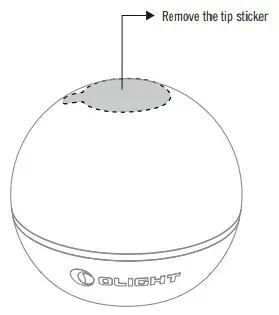
2.1 Remove the tip sticker on the top before use, see Figure 1;
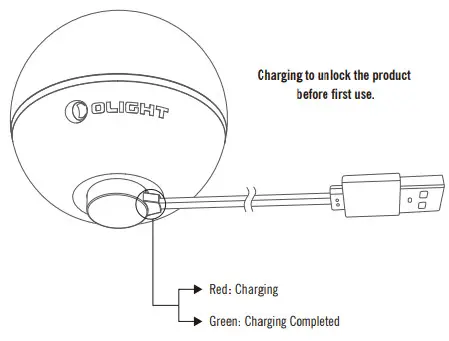
2.2 Before first use, please charge the product to unlock it, see Figure 2;
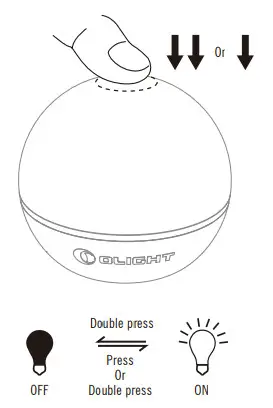
2.3 Turn on/off, see Figure 3;
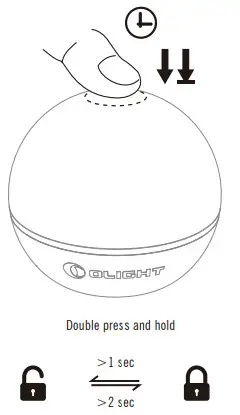
2.4 Lock/unlock, see Figure 4;
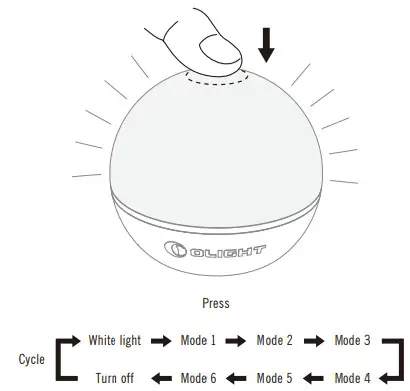
2.5 Change modes, see Figure 5;
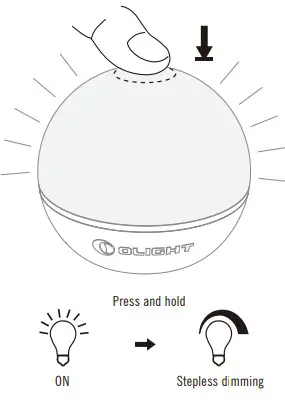
2.6 Change brightness, see Figure 6;
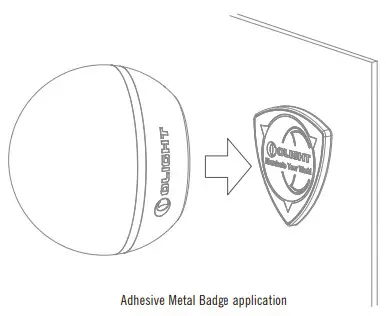
2.7 Application of adhesive metal badge, see Figure 7;
3. The APP operating instructions as below:
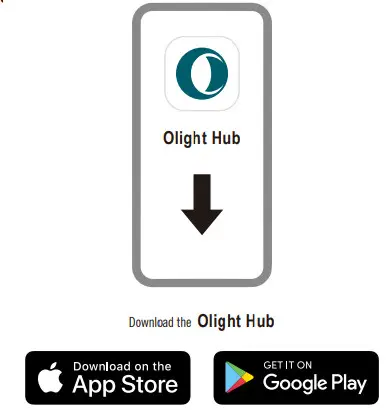
3.1 Download and install the APP, see Figure 8;
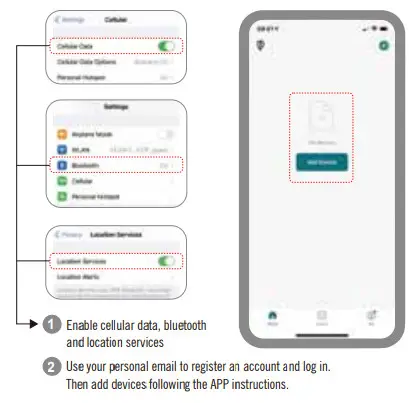
3.2 Add devices, see Figure 9;
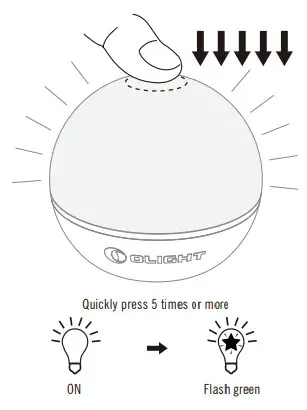
3.3 Enter the network setting mode, see Figure 10;
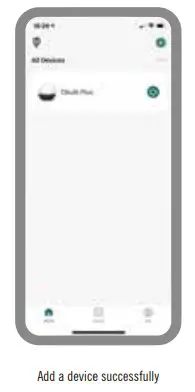
3.4 Add devices successfully, see Figure 11;
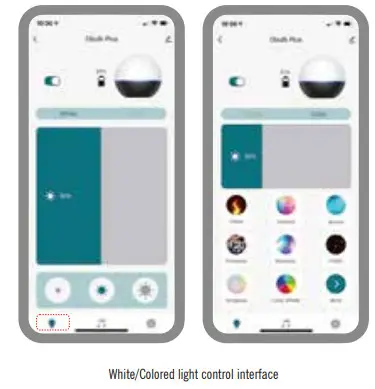
3.5 White light/colored light control interface, see Figure 12;
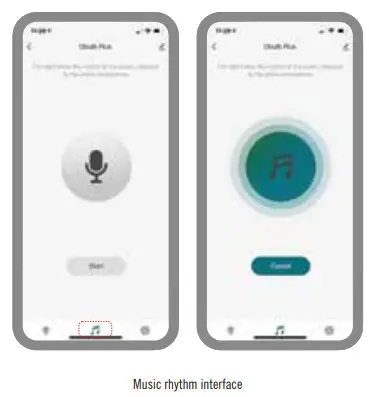
3.6 Music rhythm interface, see Figure 13;
3.7 Planning/Interaction interface, see Figure 14;
3.8 Tips, see Figure 15.
Table 3
Multi-language dictionary
| Press | Double press | Press and hold | Steeples dimming | Flash green |
Exclusion clause
Olight is not liable for damages or injuries sustained resulting from the usage of the product inconsistent with the warnings in the manual, including but not limited to using the product inconsistent with the recommended lockout mode.
This device complies with Industry Canada licence-exempt RSS standard(s). Operation is subject to the following two conditions:
(1) This device may not cause interference, and
(2) This device must accept any interference, including interference that may cause undesired operation of the device.
FCC STATEMENT:
This device complies with Part 15 of the FCC Rules. Operation is subject to the following two conditions:
- This device may not cause harmful interference, and
- This device must accept any interference received, including interference that may cause undesired operation.
WARNING: Changes or modifications not expressly approved by the party responsible for compliance could void the user’s authority to operate the equipment.
NOTE: This equipment has been tested and found to comply with the limits for a Class B digital device, pursuant to Part 15 of the FCC Rules. These limits are designed to provide reasonable protection against harmful interference in a residential installation. This equipment generates uses and can radiate radio frequency energy and, if not installed and used in accordance with the instructions, may cause harmful interference to radio communications. However, there is no guarantee that interference will not occur in a particular installation. If this equipment does cause harmful interference to radio or television reception, which can be determined by turning the equipment off and on, the user is encouraged to try to correct the interference by one or more of the following
MEASURES:
Reorient or relocate the receiving antenna. Increase the separation between the equipment and receiver.
Connect the equipment into an outlet on a circuit different from that to which the receiver is connected.
Consult the dealer or an experienced radio/TV technician for help.
FCC (IC) Radiation Exposure Statement:
This equipment complies with FCC (IC) radiation exposure limits set forth for an uncontrolled environment. The device can be used in portable exposure condition without restriction.
WARRANTY
WITHIN 30 DAYS OF PURCHASE: Contact the original seller for repair or replacement.
WITHIN 2 YEARS OF PURCHASE: Contact Olight for repair or replacement.
USB MAGNETIC CHARGING CABLE: One year.
This warranty does not cover normal wear and tear, modifications, misuse, disintegrations, negligence, accidents, improper maintenance, or repair by anyone other than an authorized retailer or Olight itself.
Dongguan Olight E-Commerce Technology Co., Ltd
4th Floor, Building 4, Kagu Industrial Park, No 6 Zhong nan Road, Chandan Town, Dongguan City,
Guangdong, China.
Made in China
USA Customer Support
[email protected]
Global Customer Support
[email protected]
Visit www.olightworld.com to see our complete product line of portable illumination tools.
 Olightworld.com.Olight Flashlights, Tactical Light, Outdoor Light, Weapon Light