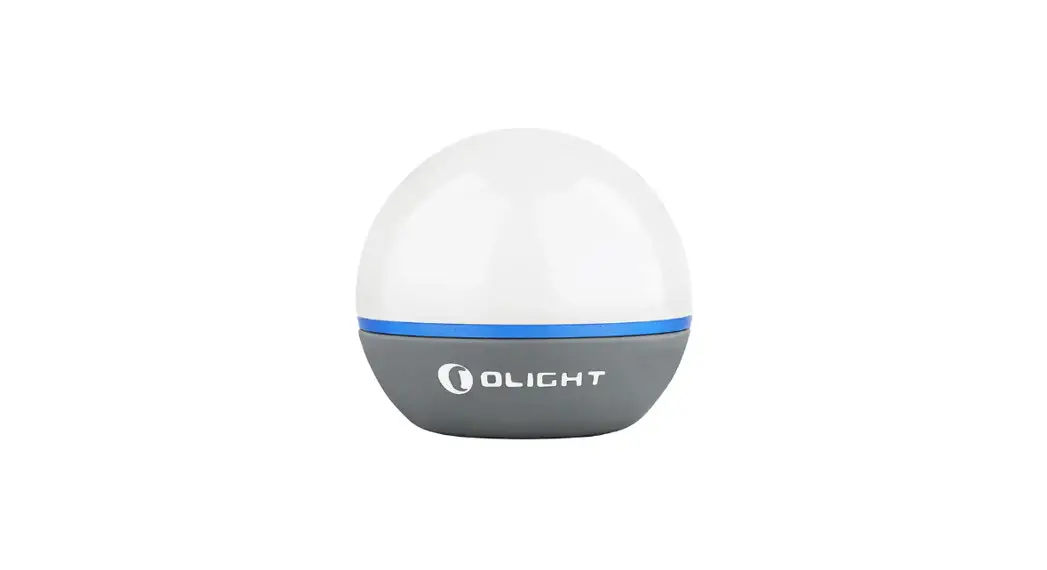
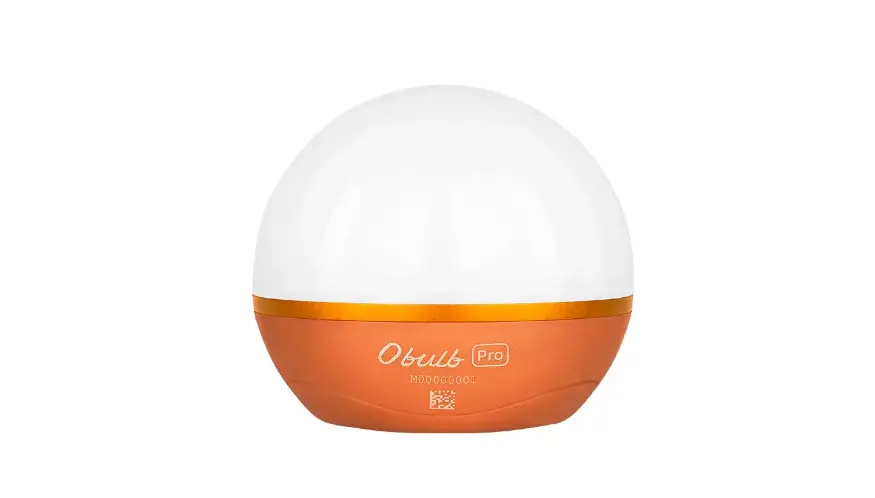
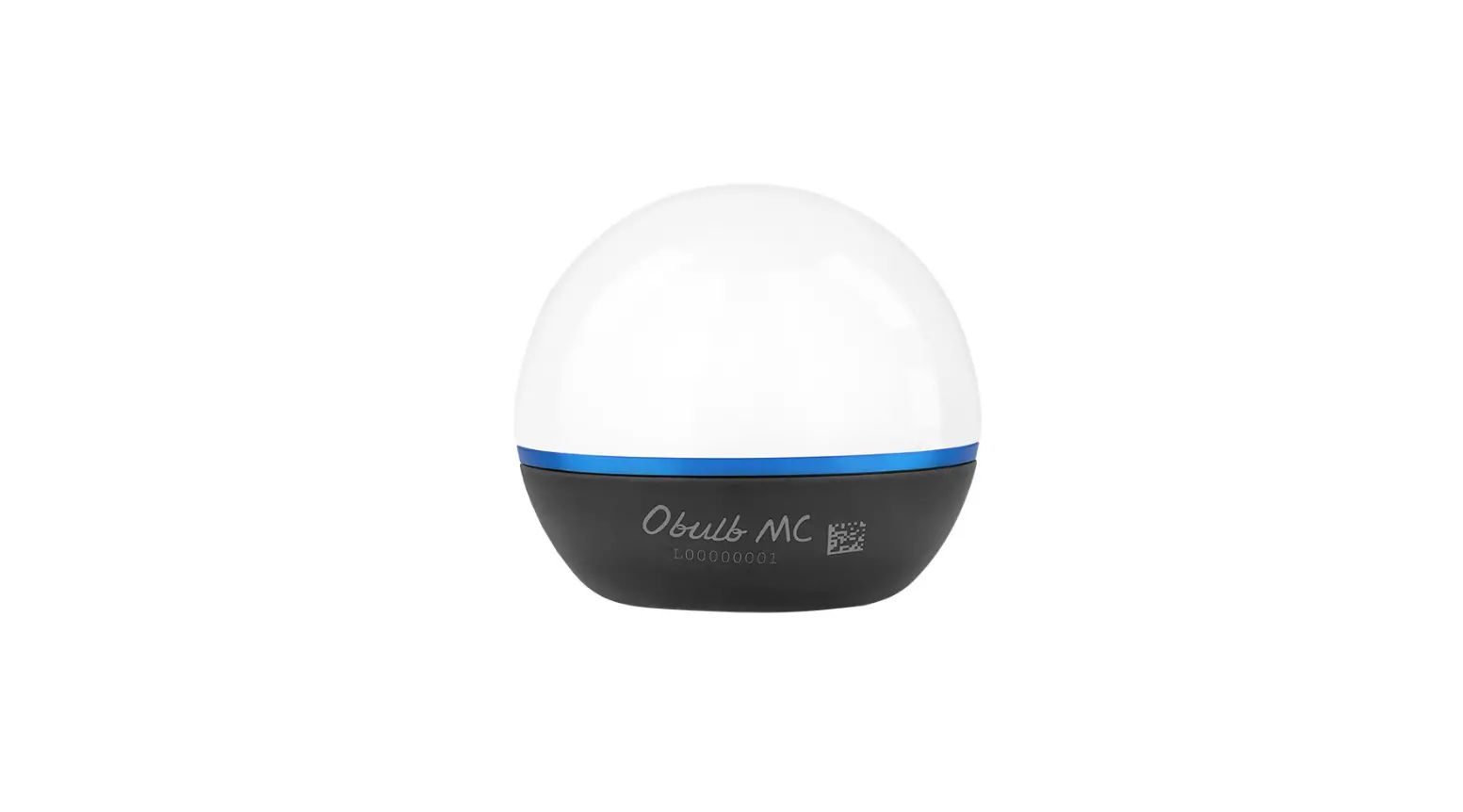
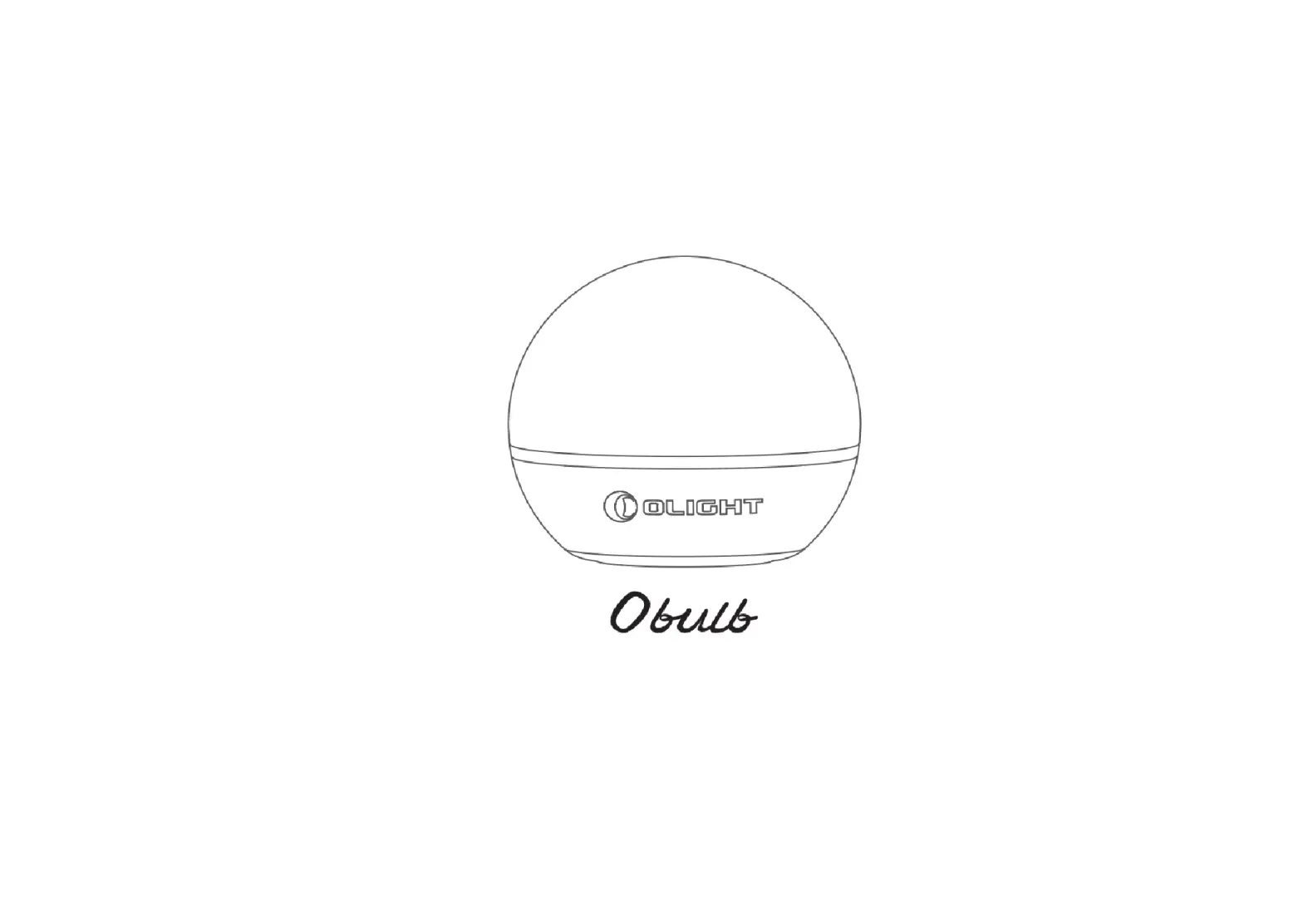
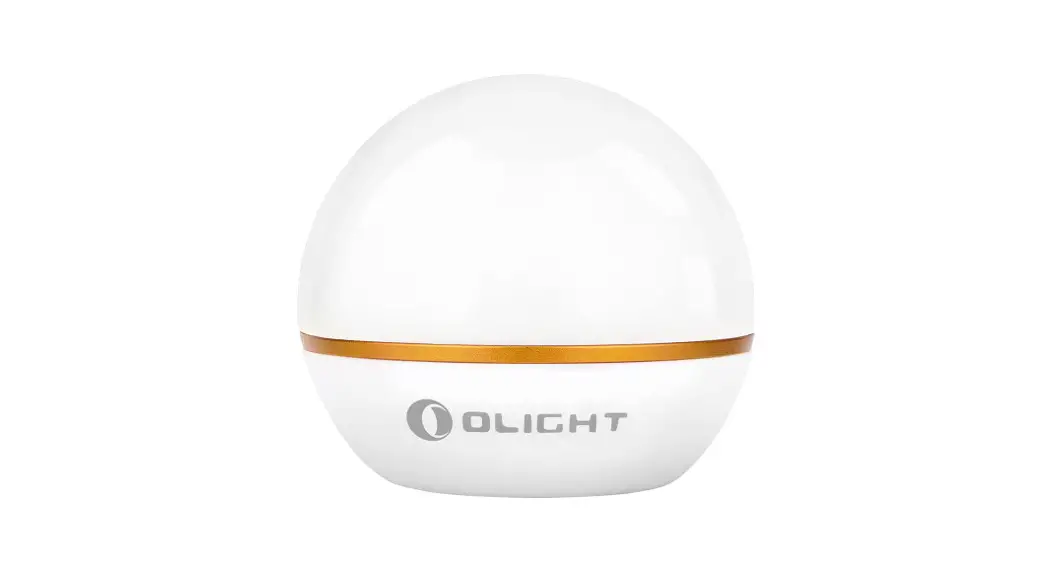
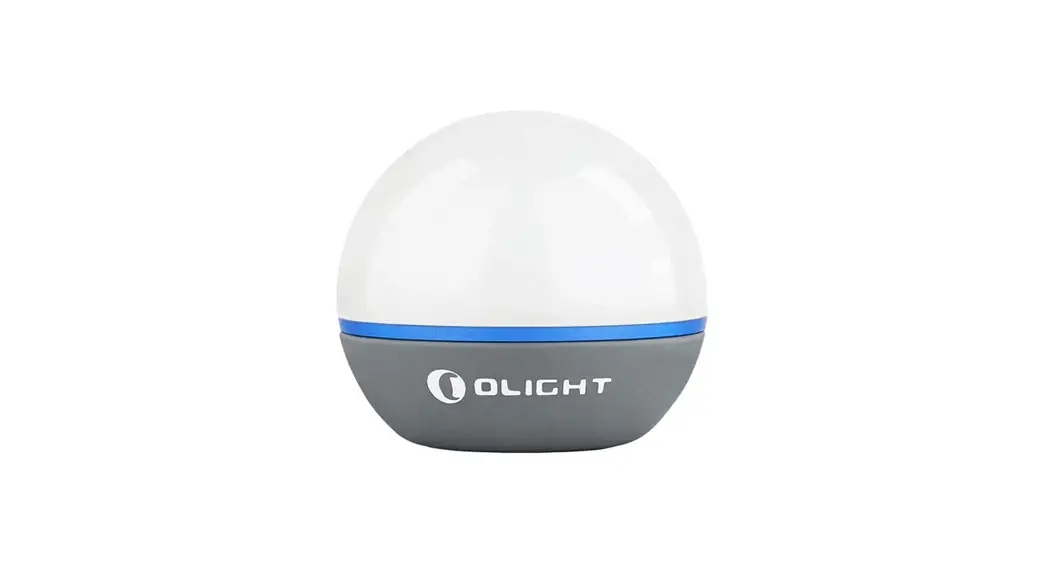
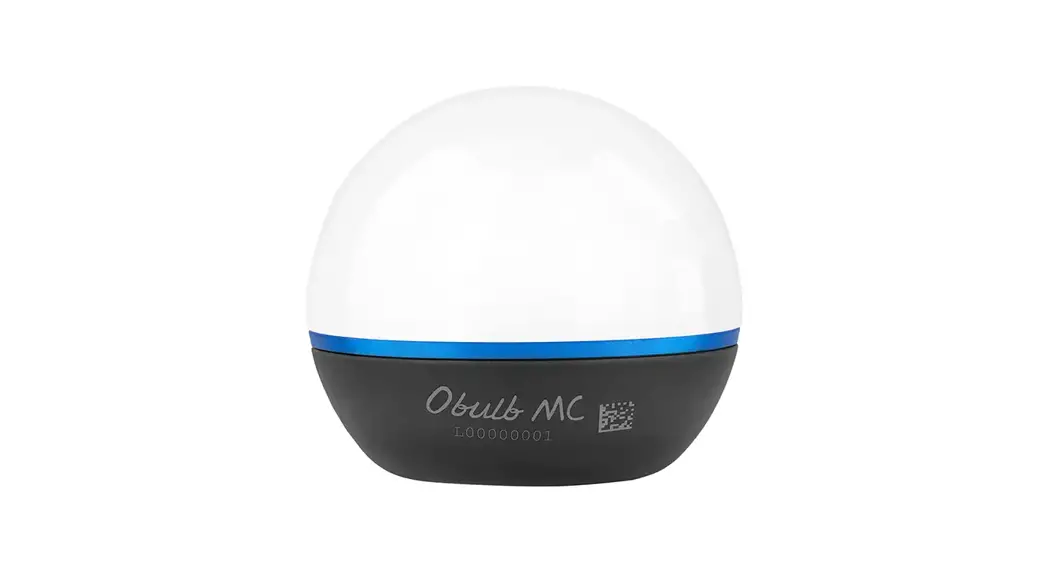
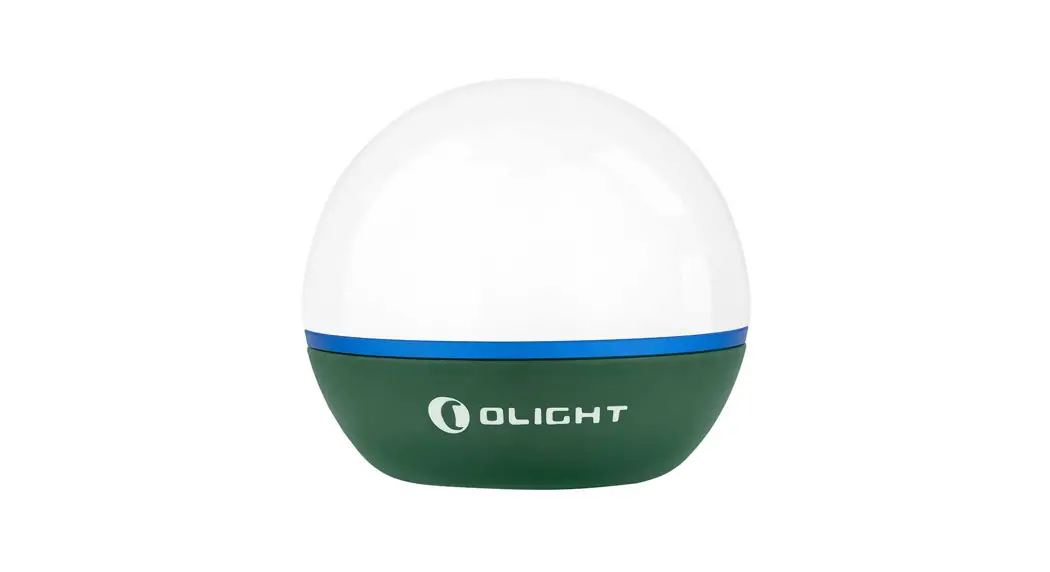
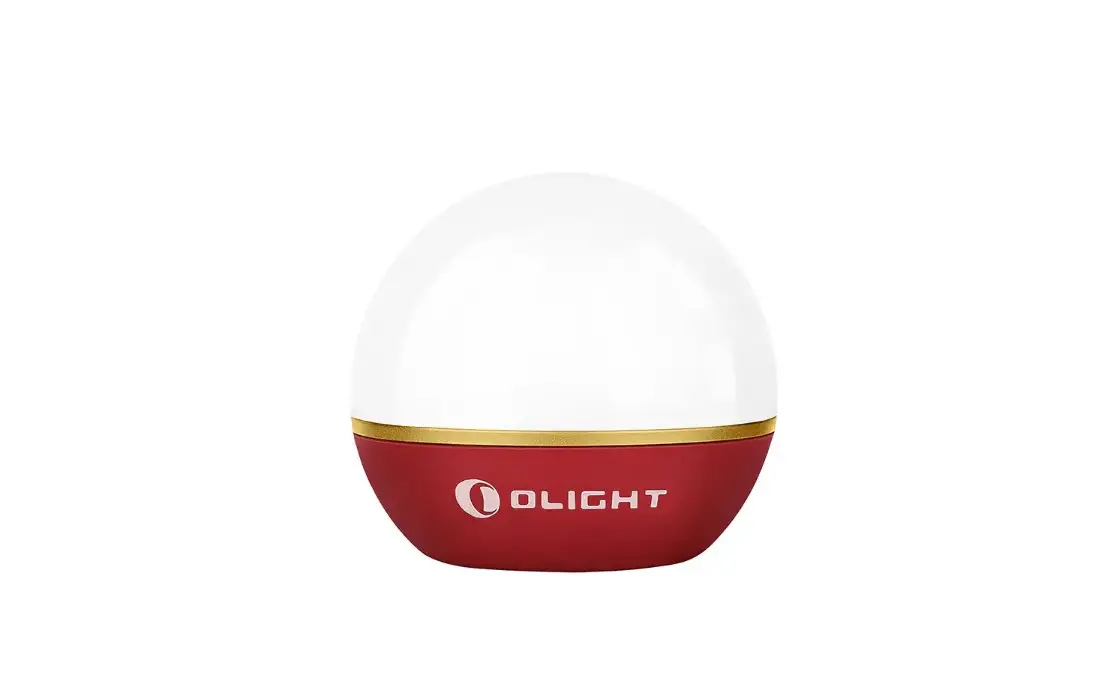
Obulb Pro S Multicolor Night Light Orb
Product Information:
The product is a colorful and smart light orb. It comes with an
adhesive metal badge for attachment. The light orb has different
lighting modes and brightness levels. It is IPX7 rated and has a
working temperature of 1.5m. The dimensions of the light orb are
65mm (height) x 58mm (diameter), and it weighs 105g. It has a
built-in rechargeable battery with a capacity of 1650mAh and a
voltage of 3.7V. The light orb can be charged using a USB magnetic
charging cable.
Table 1: Light Orb Specifications
| Light Mode | White Light | Colored Lights (Factory Default) |
|---|---|---|
| HIGH | 240 lumens | MODE 1: 10 lumens |
| LOW | 0.8 lumens | MODE 2: 10 lumens |
Table 2: USB Magnetic Charging Cable Specifications
| Cable Length | Input | Output | Time to Fully Charge |
|---|---|---|---|
| — | — | — | — |
Product Usage Instructions:
2.1 Product Appearance
Refer to Figure 1 in the user manual for the
visual representation of the product.
2.2 Charging to Unlock
Before first use, charge the product to unlock it. Connect the
USB magnetic charging cable to the magnetic charging port of the
light orb. The LED indicator will show a red light while charging
and turn green when charging is completed. See Figure
2 for reference.
2.3 Turn On/Off
To turn on the light orb, press the button once. To turn it off,
press the button again. See Figure 3 for
reference.
2.4 Lock/Unlock
To lock the button, press and hold the button for more than 1
second. To unlock it, press and hold the button for more than 2
seconds. Refer to Figure 4 for visualization.
2.5 Turn On Low White Light
To turn on the low white light mode, press the button once while
the light orb is on. See Figure 5 for visual
representation.
2.6 Change Modes
To change modes from white light to colored lights (factory
default), press the button twice quickly. The light orb will cycle
through different colored light modes. Refer to Figure
6 for the button representation.
2.7 Change Brightness
To change the brightness level of the light orb, refer to
Figure 7 in the user manual. The specific
instructions for changing brightness are not provided in the given
text extract.
2.8 Application of Adhesive Metal Badge
To apply the adhesive metal badge, follow the instructions
provided in Figure 8 of the user manual.
Note: The remaining usage instructions related to the APP are
not included in the given text extract.
USER MANUAL
Colorful and smart light orb.
Figure 6
IN THE BOX
Light Orb
Figure 7
Adhesive Metal Badge
Table 1Light Orb
White Light HIGH
240 lumens 100%
LOW
0.8 lumens 100%
Colored Lights (Factory Default) MODE 1 HIGH 10 lumens 100%
MODE 2 HIGH 10 lumens 100%
MODE 3 HIGH 15 lumens 100%
MODE 4 HIGH 9 lumens 100%
MODE 5 HIGH 12 lumens 100%
MODE 6 HIGH 4 lumens 100%
2h30min 6d12h
12h 12h 9h 12h30min 7h30min 16h30min
Figure 8
IPX7
1.5m Working temperature 65*H58mm
105g/3.7oz 1650mAh 3.7V
0-40°C
2.56*H2.28in (Including Battery)
(6.10Wh)
* Above data are tested per ANSI/NEMA FL 1-2009 standard in Olight’s labs for reference.
Table 2
USB Magnetic charging cable
Cable length Input Output Time to fully charge
0.5m USB-A 5V 1A CC&CV 4.2V±0.05V 1.0A About 3 hours
Figure 1
Magnetic Charging Port
Button
HOW TO USE THE APP
Figure 9
Olight Hub
Figure 2
Figure 3
Charging to unlock the product before first use.
Red: Charging Green: Charging Completed
Figure 10
Or
Double press
Press
Or
OFF
Double press
ON
Figure 11
Figure 4
Press and hold >1 sec >2 sec
Figure 12
Press
White light
Mode 1
Mode 2
Mode 3
Cycle
Turn off
Mode 6
Mode 5
Mode 4
Figure 14
Press and hold
ON
Figure 15
Stepless dimming
Music rhythm interface
Plan/Interaction interface
Adhesive Metal Badge application
Olight Hub
Figure 16
Auto sleep mode: If the connected Obulb Pro S is left without operation for 12 hours, it will enter sleep mode automatically and the APP will lose control of it. To regain control, please wake up the Obulb Pro S with any button operation or by charging it.
Restore factory light mode: When the Obulb Pro S is in the network setting mode or is removed from the network, it will automatically clear the memorized light mode and restore the factory light mode.
If the Obulb Pro S has not been connected within 3 minutes, it will exit the network setting mode automatically. You can also exit the mode with any button operation on the Obulb Pro S.
The APP cannot control the Obulb Pro S if its button is locked out. Please unlock the button to enable control.
CONTENTS
( EN) English ( CN ) ( FI ) Finnish ( NO ) Norwegian ( SV ) Swedish ( NL ) Nederlands ( PL ) Polska ( DE ) Deutsch ( HU )Magyarország ( RU ) ( ES ) Español ( RO ) Românesc ( UA ) Ukrainian ( JP ) ( KR ) ( TH ) ( FR ) Français ( IT ) Italiano ( SK ) Slovenskýjazyk ( PT ) Português
Download the Olight Hub
EN English
Multi-language dictionary, see Table 3;
01
1. Product specification, see Table 1 and Table 2;
02
2. Operating instructions as below
03
2.1 Product appearance, see Figure 1;
04
2.2 Before first use, please charge the product to unlock it, see Figure 2;
05
2.3 Turn on/off, see Figure 3;
2.4 Lock/unlock, see Figure 4;
06
2.5 Turn on the low white light, see Figure 5;
07
2.6 Change modes, see Figure 6;
08
2.7 Change brightness, see Figure 7;
09
2.8 Application of adhesive metal badge, see Figure 8;
10
3. The APP operating instructions as below:
11
3.1 Download and install the APP, see Figure 9;
12
3.2 Add devices, see Figure 10;
13
3.3 Enter the network setting mode, see Figure 11;
14
3.4 Add devices successfully, see Figure 12;
15
3.5 White light/colored light control interface, see Figure 13;
16
3.6 Music rhythm interface, see Figure 14;
17
3.7 Planning/Interaction interface, see Figure 15;
18
3.8 Tips, see Figure 16
19
20
01
1 Enable cellular data, bluetooth and location services
2 Use your personal email to register an account and log in. Then add devices following the APP instructions.
CN
Table 3; 1. Table 1Table 2 2. 2.1 Figure 1 2.2 Figure 2 2.3 /Figure 3 2.4 /Figure 4 2.5 Figure 5 2.6 Figure 6 2.7 Figure 7 2.8 Figure 8 3. APP 3.1 APPFigure 9 3.2 Figure 10 3.3 Figure 11 3.4 Figure 12 3.5 /Figure 13 3.6 Figure 14 3.7 /Figure 15 3.8 Figure 16
02
Double press and hold
>5 sec
ON
Flash green
( FI ) Finnish
Monikielinen sanakirja, katso Table 3; 1. Tuo[een ominaisuudet, katso Table 1 ja 2; 2. Käy[öohjeet alla: 2.1 Tuotteen ulkonäkö, katso kuvaaja 1; 2.2 Lataa tuote ennen ensimmäistä käy[öä sen avaamiseksi, katso Figure 2; 2.3 Päälle/pois kytkentä, katso Figure 3; 2.4 Lukitse/lukituksen avaus, katso Figure 4; 2.5 Kytke matala valkoinen valo päälle, katso Figure 5; 2.6 Toiminta$lan vaihto, katso Figure 6; 2.7 Kirkkauden vaihtaminen, katso Figure 7; 2.8 Metallisen kiinnityslevyn asennus, katso Figure 8; 3. Sovelluksen käy[öohjeet: 3.1 Lataa ja asenna sovellus, katso Figure 9; 3.2 Lisää lai[eita, katso Figure 10; 3.3 Verkkoasetus$laan siirtyminen, katso Figure 11; 3.4 Lai[eiden lisääminen onnistui, katso Figure 12; 3.5 Valkoisen valon/värivalon ohjauspaneeli, katso Figure 13; 3.6 Musiikin rytmikäy[ölii[ymä, katso Figure 14; 3.7 Suunni[elu-/vuorovaikutuslii[ymä, katso Figure 15; 3.8 Vinkit, katso Figure 16
03
Add a device successfully
( NO ) Norwegian
Flerspråklig ordbok, se Table 3; 1. Produktspesifikasjon, se Table 1 og Table 2; 2. Bruksanvisning som nedenfor: 2.1 Se figur 1 for utseendet til produktet 2.2 Før første bruk, lad produktet for å låse det opp, se Figure 2; 2.3 Slå på/av, se Figure 3; 2.4 Lås/lås opp, se Figure 4; 2.5 Slå på det lave hvite lyset, se Figure 5; 2.6 Endre moduser, se Figure 6; 2.7 Endre lysstyrke, se Figure 7; 2.8 Påføring av selvklebende metallmerke, se Figure 8; 3. Bruksanvisningen for APP som nedenfor: 3.1 Last ned og installer APP-en, se Figure 9; 3.2 Legg til enheter, se Figure 10; 3.3 Gå inn i nettverksinnstillingsmodus, se Figure 11; 3.4 Legg til enheter vellykket, se Figure 12; 3.5 Hvitt lys/farget lyskontrollgrensesnitt, se Figure 13; 3.6 Musikkrytmegrensesnitt, se Figure 14; 3.7 Planlegging/Interaksjonsgrensesnitt, se Figure 15; 3.8 Tips, se Figure 16
04
Figure 5
Press and hold
OFF
Figure 13
1 to 2 sec ON
White/Colored light control interface
( SV ) Swedish
Flerspråkig ordbok, se Table 3; 1. Produkt specifikationer, se Table 1 och Table 2; 2. Bruksanvisning enligt nedan: 2.1 Produktens utseende, se figur 1; 2.2 Före användning, ladda produkten för att låsa upp den, se Figure 2; 2.3 Av/På, se Figure 3; 2.4 Aktivering/Avaktivering av lås, se Figure 4; 2.5 Slå på det låga vita ljuset, se Figure 5; 2.6 Justering av driftläge, se Figure 6; 2.7 Justering av ljusflöde, se Figure 7; 2.8 Applicering av självhäftande metalldekal, se Figure 8; 3. Applikationsinstruktioner: 3.1 Nerladdning och installation av applikation, se Figure 9; 3.2 Anslutning av enheter, se Figure 10; 3.3 Nätverksinställningar, se Figure 11; 3.4 Anslutning av lyckade enheter, se Figure12; 3.5 Kontrollpanel för Vitt ljus/färgat ljus, se Figure 13; 3.6 Gränssnitt för musikrytm, se Figure14; 3.7 Design/interaktionsgränssnitt, se Figure 15; 3.8 Tips, se Figure 16.
05
( NL ) Nederlands
Meertalig woordenboek, zie Table 3; 1. Product specificaties, zie Table 1 en Table 2; 2. Gebruik instructies zoals onderstaand: 2.1 Product uiterlijk, zie Figuur 1; 2.2 Laad het product op om deze te ontgrendelen voor het eerste gebruik, zie Figure 2; 2.3 Schakel Aan/Uit, zie Figure 3; 2.4 Vergrendeld/Ontgrendeld, zie Figure 4; 2.5 Zet het lage witte licht aan, zie Figure 5; 2.6 Stand wijzigen, zie Figure 6; 2.7 Helderheid wijzigen, zie Figure 7; 2.8 Bevestiging van de zelfklevende metalen munt, zie Figure 8; 3. Voor het gebruik van de APP zie onderstaande instructie: 3.1 Downloaden en instaleren van de APP, zie Figure 9; 3.2 Apparaten toevoegen, zie Figure 10; 3.3 Betreed de netwerk instellingen, zie Figure 11; 3.4 Apparaten succesvol toegevoegd, Zie Figure 12; 3.5 Wit/Gekleurd licht interface, zie Figure 13; 3.6 Muziek ritme interface, zie Figure 14; 3.7 Planning/Interactie interface, zie Figure 15; 3.8 Tips, zie Figure 16.
06
( KR )
Table 3 . 1. Table 1 2 . 2. . 2.1 , Figure 1 . 2.2 , . Figure 2 . 2.3 ON/OFF, Figure 3 . 2.4 , Figure 4 . 2.5 , Figure 5 . 2.6 , Figure 6 . 2.7 , Figure 7 . 2.8 , Figure 8 . 3. APP . 3.1 APP , Figure 9 . 3.2 , Figure 10 . 3.3 , Figure 11 . 3.4 , Figure 12 . 3.5 / , Figure 13 . 3.6 , Figure 14 . 3.7 , Figure 15 . 3.8 , Figure 16 .
15
PL Polska
Slownik wielojzykowy, zobacz Table 3; 1. Specyfikacja produktu, zobacz Table 1 I Table 2; 2. Instrukcja obslugi jak poniej: 2.1 Wygld produktu, zobacz Obraz 1; 2.2 Przed pierwszym uyciem naladuj produkt w celu odblokowania go, zobacz Figure 2; 2.3 Wlcz/Wylcz, zobacz Figure 3; 2.4 Zablokuj/Odblokuj, zobacz Figure 4; 2.5 Wlcz slabe biale wiatlo, zobacz Figure 5; 2.6 Zmiana trybów, zobacz Figure 6; 2.7 Zmiana jasnoci, zobacz Figure 7; 2.8 Monta przylepnej, metalowej odznaki, zobacz Figure 8; 3. Instrukcja obslugi aplikacji jak poniej: 3.1 Pobierz I zainstaluj aplikacj, zobacz Figure 9; 3.2 Dodawanie urzdzenia, zobacz Figure 10; 3.3 Wejcie w tryb ustawie sieciowych, zobacz Figure 11; 3.4 Dodawanie urzdzenia zakoczone sukcesem, zobacz Figure 12; 3.5 Interfejs controli wiatlem bialym/kolorowym, zobacz Figure 13; 3.6 Interfejs rytmu muzyki, zobacz Figure 14; 3.7 Interfejs planowania/interakcji, zobacz Figure 15; 3.8 Porady, zobacz Figure 16.
07
DE Deutsch
Mehrsprachiges Wörterbuch, siehe Tabelle 3; 1. Produktspezifikation, siehe Tabelle 1 und 2; 2. Bedienungsanleitung: 2.1 Produktbild, siehe Abbildung 1; 2.2 Vor dem ersten Gebrauch das Produkt zum Entsperren aufladen, siehe Abbildung 2; 2.3 Einschalten/Ausschalten, siehe Abbildung 3; 2.4 Sperren/Entsperren, siehe Abbildung 4; 2.5 Niedriges weißes Licht einschalten, siehe Abbildung 5; 2.6 Modi ändern, siehe Abbildung 6; 2.7 Helligkeit ändern, siehe Abbildung 7; 2.8 Anbringen der selbstklebende Metallplakette, siehe Abbildung 8; 3. Bedienung der APP: 3.1 Herunterladen und Installieren der APP, siehe Abbildung 9; 3.2 Geräte hinzufügen, siehe Abbildung 10; 3.3 Aktivieren des Kopplungsmodus, siehe Abbildung 11; 3.4 Gerät erfolgreich hinzugefügt, siehe Abbildung 12; 3.5 Weißes/buntes Licht steuern, siehe Abbildung 13; 3.6 Oberfläche für den Musikrhythmus, siehe Abbildung 14; 3.7 Oberfläche für Planung/Interaktion, siehe Abbildung 15; 3.8 Hinweise, siehe Abbildung 16.
08
( HU )Magyarország
Többnyelv szótár, lásd 3. Table. 1. Mszaki adatok, lásd 1. és 2. Table. 2. A használat módja: 2.1 Termék kialakítás, lásd. 1. ábra. 2.2 Els használatbavétel eltt kérjük, töltse fel a készüléket a feloldáshoz, lásd 2. Figure. 2.3 Be/Ki kapcsolás, lásd 3. Figure. 2.4 Lezárás/feloldás, lásd 4. Figure. 2.5 Kapcsolja be az alacsony fehér fényt, lásd 5. Figure. 2.6 Az üzemmód megváltoztatása, lásd 6. Figure. 2.7 Fényerkapcsolás, lásd 7. Figure. 2.8 Az öntapadós fémkorong használatának módja, lásd 8. Figure. 3. Az APP használatának módja: 3.1 Töltse le és telepítse az APP-ot, lásd 9. Figure. 3.2 Eszközök hozzáadása, lásd 10. Figure. 3.3 Belépés a hálózatállítás módba, lásd 11. Figure. 3.4 Sikeres eszközhozzáadás, lásd 12. Figure. 3.5 Fehérfény/színes fény kezelfelület, lásd 13. Figure. 3.6 Zeneritmus kezelfelület, lásd 14. Figure. 3.7 Tervezés/interakció kezelfelület, lásd 15. Figure. 3.8 Tanácsok, lásd 16. Figure.
09
( RU )
, . Table 3; 1. , . Table 1 Table 2; 2. , : 2.1 , . 1; 2.2 , , ,
, . Figure 2; 2.3 /, . Figure 3; 2.4 /, . Figure 4; 2.5 , . Figure 5; 2.6 , . Figure 6; 2.7 , . Figure 7; 2.8 , . Figure 8; 3. APP, : 3.1 APP, . Figure 9; 3.2 . Figure 10; 3.3 , . Figure 11; 3.4 . Figure 12; 3.5 / , . Figure 13; 3.6 , . Figure 14; 3.7 /, . Figure 15; 3.8 , . Figure 16.
10
( TH )
Table 3 1. Table 1 Table 2 2. : 2.1 figure 1 2.2 Figure 2 2.3 Obulb Pro S Figure 3 2.4 Figure 4 2.5 Figure 5 2.6 Figure 6 2.7 Figure 7 2.8 Figure 8 3. APP : 3.1 APP Figure 9 3.2 Figure 10 3.3 Figure 11 3.4 Figure 12 3.5 Figure 13 3.6 Figure 14 3.7 Figure 15 3.8 Figure 16
16
( FR ) Français
Dictionnaire multi-langues, voir Table 3 ; 1. Caractéristiques du produit, voir Table 1 et Table 2 ; 2. Instructions d’utilisation ci-dessous : 2.1 Apparence du produit, voir Figure 1 ; 2.2 Avant la première utilisation, charger le produit pour le déverrouiller, voir Figure 2 ; 2.3 Allumer/éteindre, voir Figure 3 ; 2.4 Verrouiller/déverrouiller, voir Figure 4 ; 2.5 Activer le mode lumière blanche faible, voir Figure 5 ; 2.6 Changer de mode, voir Figure 6 ; 2.7 Modifier la luminosité, voir Figure 7 ; 2.8 Application du badge métallique adhésif, voir Figure 8 ; 3. Instructions d’utilisation de l’APP ci-dessous : 3.1 Télécharger et installer l’APP, voir Figure 9 ; 3.2 Ajouter des appareils, voir Figure 10 ; 3.3 Entrer dans le mode de réglage du réseau, voir Figure 11 ; 3.4 Ajouter des appareils avec succès, voir Figure 12 ; 3.5 Interface de commande lumière blanche/lumière colorée, voir Figure 13 ; 3.6 Interface de rythme musical, voir Figure 14 ; 3.7 Interface Planification/Interaction, voir Figure 15 ; 3.8 Conseils, voir Figure 16.
17
IT Italiano
Dizionario multilingue, consultare la Table 3; 1. Specifiche del prodotto, vedere la Table 1 e la Table 2; 2. Istruzioni per l’utilizzo: 2.1 Aspetto del prodotto, vedere Figura 1; 2.2 Prima del primo utilizzo, caricare il prodotto per sbloccarlo, vedere la Figure 2; 2.3 Accensione/spegnimento, vedere la Figure 3; 2.4 Blocco/sblocco, vedere la Figure 4; 2.5 Accendere la luce bianca bassa, vedere la Figure 5; 2.6 Cambio modalità, vedere la Figure 6; 2.7 Modificare la luminosità, vedere la Figure 7; 2.8 Applicazione del badge metallico adesivo, vedere la Figure 8; 3. Seguire le istruzioni per l’uso dell’APP come di seguito: 3.1 Scaricare e installare l’APP, vedere la Figure 9; 3.2 Aggiungere dispositivi, vedere la Figure 10; 3.3 Entrare nella modalità di impostazione della rete, vedere la Figure 11; 3.4 Aggiungere i dispositivi con successo, vedere la Figure 12; 3.5 Interfaccia di controllo luce bianca/luce colorata, vedere la Figure 13; 3.6 Interfaccia del ritmo musicale, vedere la Figure 14; 3.7 Interfaccia di pianificazione/interazione, vedere la Figure 15; 3.8 Suggerimenti, vedere la Figure 16.
18
SK Slovenskýjazyk
Viac jazycný slovník, pozri Table 3; 1. Specifikácia produktu, pozri Table 1 a Table 2; 2. Návod na obsluhu, ako je uvedené nizsie: 2.1 Vzhad produktu, pozri obrázok 1; 2.2 Pred prvým pouzitím produkt nabite, aby ste ho odomkli, pozri Figure 2; 2.3 Zapnutie/vypnutie, pozri Figure 3; 2.4 Zamknutie/odomknutie, pozri Figure 4; 2.5 Zapnite slabé biele svetlo, pozri Figure 5; 2.6 Zmena rezimov, pozri Figure 6; 2.7 Zmena jasu, pozri Figure 7; 2.8 Aplikácia nalepovacieho kovového odznaku, pozri Figure 8; 3. Návod na obsluhu APP, ako je uvedené nizsie: 3.1 Stiahnite si a nainstalujte aplikáciu APP, pozri Figure 9; 3.2 Prida zariadenia, pozri Figure 10; 3.3 Vstúpte do rezimu nastavenia siete, pozri Figure 11; 3.4 Úspesné pridávanie zariadení, pozri Figure 12; 3.5 Rozhranie ovládania bieleho svetla/farebného svetla, pozri Figure 13; 3.6 Rozhranie hudobného rytmu, pozri Figure 14; 3.7 Rozhranie plánovania/interakcie, pozri Figure 15; 3.8 Rady, pozri Figure 16
19
( ES ) Español
Diccionario multilingüe, consulte la Tabla 3; 1. Consulte la Tabla 1 y la Tabla 2 para conocer las caracteristicas del producto; 2. Manual de uso: 2.1 Apariencia del producto, consulte la Figura 1; 2.2 Antes del primer uso, cargar completamente para desbloquear el producto, consulte la
Figura 2; 2.3 Encender/apagar Obulb Pro S, consulte la Figura 3; 2.4 Bloquear/desbloquear, consulte la Figura 4; 2.5 Encender la luz blanca de potencia baja, consulte la Figura 5; 2.6 Cambiar el modo de iluminación, consulte la Figura 6; 2.7 Cambiar la potencia, consulte la Figura 7; 2.8 Uso de insignia metálica adhesiva, consulte Figura 8; 3. Manual de uso de la aplicación: 3.1 Descargar e instalar la aplicación, consulte la Figura 9; 3.2 Agregar dispositivos, consulte la Figura 10; 3.3 Entrar en el modo de configuración de red, consulte la Figura 11; 3.4 Dispositivos agregados correctamente, consulte la Figura 12; 3.5 Interfaz de control de luz blanca/luz de color, consulte la Figura 13; 3.6 Interfaz rítmica musical, consulte la Figura 14; 3.7 Interfaz de planificación/interacción, consulte la Figura 15; 3.8 Consejos, consulte la Figura 16.
11
( RO ) Românesc
Dictionar multi limba, vezi Table 3; 1. Specificatiile produsului, vezi Table 1 si Table 2; 2. Instructiuni de utilizare dupa cum urmeaza: 2.1 Aspectul produsului este prezentat în figura 1; 2.2 Inainte de prima utilizare, va rugam incarcati produsul pentru deblocare, vezi Figure 2; 2.3 Oprit / Pornit, vezi Figure 3; 2.4 Blocare / Deblocare, vezi Figure 4; 2.5 Pornii lumina alb sczut, vezi Figure 5; 2.6 Schimbare moduri, vezi Figure 6; 2.7 Schimbare intensitate luminoasa, vezi Figure 7; 2.8 Utilizarea banutului de fixare metalic, vezi Figure 8; 3. Instructiuni de utilizare aplicatie mobila dupa cum urmeaza: 3.1 Descarcati si instalati aplicatia, vezi Figure 9; 3.2 Adaugati dispozitive, vezi Figure 10; 3.3 Accesati setarile de retea, vezi Figure 11; 3.4 Adaugare despozitive reusita, vezi Figure 12; 3.5 Lumina alba/colorata interfata control, vezi Figure 13; 3.6 Interfata mod iluminare dupa muzica, vezi Figure 14; 3.7 Planificare / Interactiune, vezi Figure 15; 3.8 Observatii, vezi Figure 16
12
( UA ) Ukrainian
, . Table 3; 1. , . Table 1 Table 2; 2. , :. 2.1 1; 2.2 , , ,
, . Figure 2; 2.3 /, . Figure 3; 2.4 /, . Figure 4; 2.5 , . Figure 5; 2.6 , . Figure 6; 2.7 , . Figure 7; 2.8 , . Figure 8; 3. : 3.1 , . Figure 9; 3.2 , . Figure 10; 3.3 , . Figure 11; 3.4 , . Figure 12; 3.5 / , . Figure 13; 3.6 , . Figure 14; 3.7 /, . Figure 15; 3.8 , . Figure 16.
13
JP
5BCMF 5BCMF5BCMF ‘JHVSF ‘JHVSF 0CVMC1SP4’JHVSF ‘JHVSF ‘JHVSF ‘JHVSF ‘JHVSF ‘JHVSF ‘JHVSF ‘JHVSF ‘JHVSF ‘JHVSF ‘JHVSF ‘JHVSF ‘JHVSF ‘JHVSF
14
PT Português
Dicionário multilingue, consulte a Table 3; 1. Especificação do produto, consulte a Table 1 e 2; 2. Instruções de operação abaixo: 2.1 Para a aparência do produto, consulte a figura 1; 2.2 Antes do primeiro uso, carregue o produto para destravá-lo, consulte a Figure 2; 2.3 Ligar/desligar, consulte a Figure 3; 2.4 Bloqueio/desbloqueio, consulte a Figure 4; 2.5 Ligue a luz branca baixa, consulte a Figure 5; 2.6 Alterar modos, consulte a Figure 6; 2.7 Altere o brilho, consulte a Figure 7; 2.8 Aplicação de crachá metálico adesivo, consulte a Figure 8; 3. As instruções de operação do APP conforme abaixo: 3.1 Baixe e instale o APP, consulte a Figure 9; 3.2 Adicionar dispositivos, consulte a Figure 10; 3.3 Entre no modo de configuração de rede, consulte a Figure 11; 3.4 Adicionar dispositivos com sucesso, consulte a Figure 12; 3.5 Interface de controle de luz branca/luz colorida, consulte a Figure 13; 3.6 Interface de ritmo musical, consulte a Figure 14; 3.7 Interface de planejamento/interação, consulte a Figure 15; 3.8 Dicas, consulte a Figure 16
20
Table 3
Multi-language dictionary
EN
Press
CN
FI
Napauta
NO
Trykk
SV
Tryck
NL
Druk
PL
Nacinij
DE
Drücken
HU
Megnyomás
Double press
Kaksoisnapauta Trykk to ganger
Dubbeltryck Dubbel drukken Nacinij dwa razy Zweimal Drücken Dupla megnyomás
Press and hold
Paina ja pidä painettuna Hold inne
Tryck och håll Houd ingedrukt Nacinij i przytrzymaj Gedrückt halten Nyomva tartás
Stepless dimming
Portaaton himmennys Trinnløs dimming Steglös dimmning Traploos dimmen
Bezstopniowe ciemnianie Stufenlose Helligkeitseinstellung
Fokozatmentes elsötétítés
Flash green Vilkkuu vihreänä Blinker grønt Blinkar grönt Groen knipperen Mryga na zielono Grüns Blinken Villogó zöld
Button Painike Tastetrykk Knapp Knop Przycisk Schalter Gomb
Magnetic Charging Port
Magneettinen latausportti Magnetisk ladeport
Magnetisk laddningsport Magnetisch Oplaadport Magnetyczny port ladowania Magnetischer Ladeanschluss
Mágneses töltport
RU
Exclusion clause
FCC STATEMENT:
MEASURES: Reorient or relocate the receiving antenna. Increase the separation between the equipment and receiver.
WARRANTY
ES
Presione
Presione dos veces
Mantenga presionado
Regulación continua
Parpadeo verde
Botón
Puerto de carga magnética
Olight is not liable for damages or injuries sustained resulting from the usage of the product inconsistent with the warnings in the manual, including but not limited to using
This device complies with Part 15 of the FCC Rules. Operation is subject to the following two conditions:
Connect the equipment into an outlet on a circuit different from that to which the receiver is connected.
WITHIN 30 DAYS OF PURCHASE: Contact the original seller for repair or replacement.
Dongguan Olight E-Commerce Technology Co., Ltd
RO
Apsare
Apsare dubl
Apsai i meninei apsat Control iluminare in pasi mici (dimmer) Lumina verde intermitenta
Taste
Port magnetic de încrcare
the product inconsistent with the recommended lockout mode.
(1) This device may not cause harmful interference, and
Consult the dealer or an experienced radio/TV technician for help.
This device complies with Industry Canada licence-exempt RSS standard(s).
(2) This device must accept any interference received, including interference that may
UA
Operation is subject to the following two conditions: (1) This device may not cause interference, and
cause undesired operation.
WITHIN 2 YEARS OF PURCHASE: Contact Olight for repair or replacement.
This warranty does not cover normal wear and tear, modifications, misuse, disintegrations, negligence, accidents, improper maintenance, or repair by anyone other
4th Floor, Building 4, Kegu Industrial Park, No 6 Zhongnan Road, Changan Town, Dongguan City, Guangdong, China. Made in China
JP
(2) This device must accept any interference, including interference that may cause undesired operation of the device.
WARNING: Changes or modifications not expressly approved by the party responsible for compliance could void the user’s authority to operate the equipment.
than an authorized retailer or Olight itself.
KR
TH
FR
Appuyez
IT
Premere
2 Double pression Premere due volte
Appuyer et maintenir Premere e tenere premuto
Gradation en continu Oscuramento continuo
Vert clignotant Verde lampeggiante
Bouton Pulsante
Port de Charge Magnétique Porta di ricarica magnetica
Le présent appareil est conforme aux CNR d’Industrie Canada applicables aux appareils radio exempts de licence. L’exploitation est autorisée aux deux conditions suivantes :
(1) l’appareil nedoit pas produire de brouillage, et
(2) l’utilisateur de l’appareil doit accepter tout brouillage radioélectrique subi, même si le brouillage est susceptible d’en compromettre le fonctionnement.
NOTE: This equipment has been tested and found to comply with the limits for a Class B digital device, pursuant to Part 15 of the FCC Rules. These limits are designed to provide reasonable protection against harmful interference in a residential installation. This equipment generates uses and can radiate radio frequency energy and, if not installed and used in accordance with the instructions, may cause harmful interference to radio communications. However, there is no guarantee that interference will not occur in a particular installation. If this equipment does cause harmful interference to radio or television reception, which can be determined by turning the equipment off and on, the user is encouraged to try to correct the interference by one or more of the following
FCC (IC) Radiation Exposure Statement:
This equipment complies with FCC (IC) radiation exposure limits set forth for an uncontrolled environment. The device can be used in portable exposure condition without restriction.
USA Customer Support [email protected]
CONTAINS FCC ID: 2ANDL-BTU IC: 28283-OBULBPROS
R210-207125
SK
Stlacenie
PT
Pressionar
Dvojité stlacenie Pressionar duas vezes
Stlacenie a podrzanie Manter pressionado
Plynulé stmievanie Escurecimento contínuo
Blikajúca zelená Verde intermitente
Tlacidlo Botão
Magnetický nabíjací port Porta de carregamento de sucção magnética
Global Customer Support [email protected] Visit www.olightworld.com to see our complete product line of portable illumination tools.
3.4000.0551
A. 02.28.2023
THANK YOU!
 Olightworld.com.Olight Flashlights, Tactical Light, Outdoor Light, Weapon Light