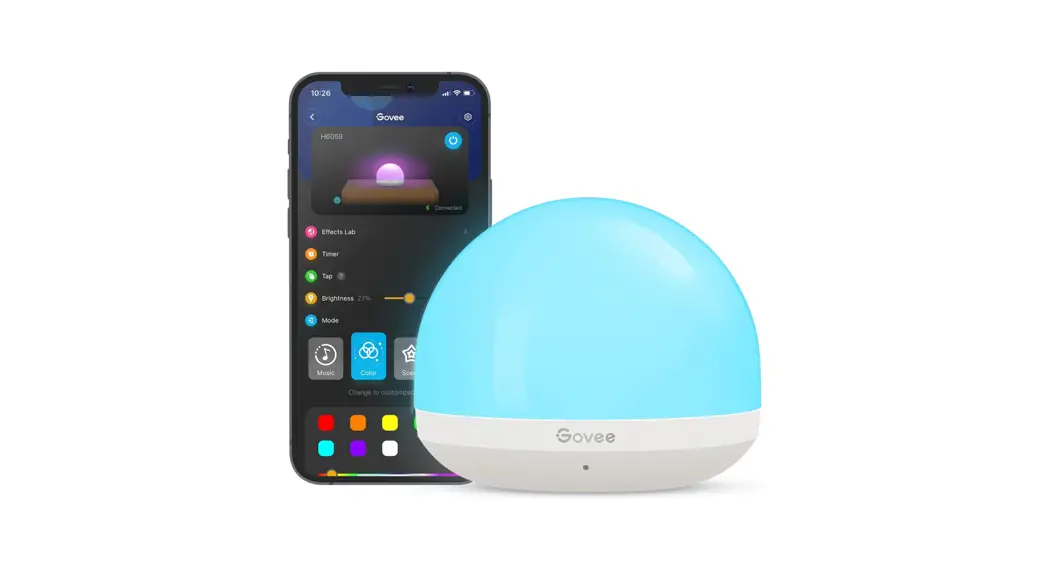

Model: H6059
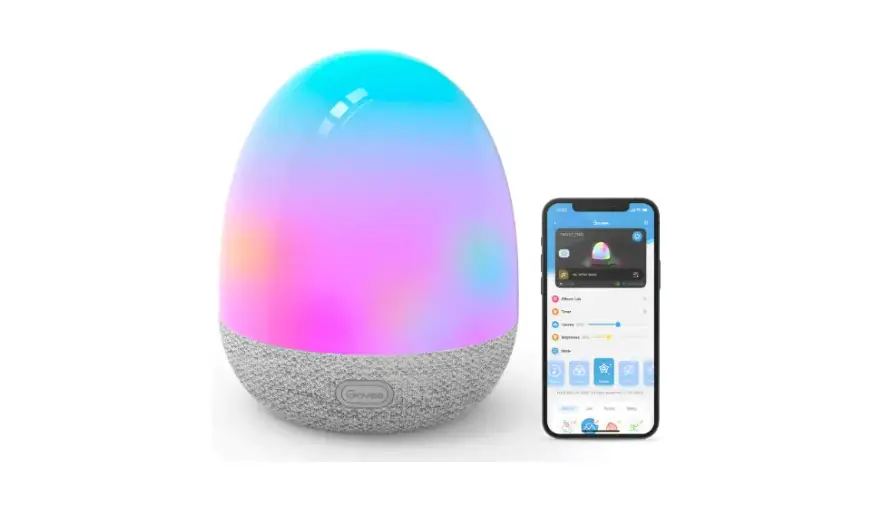
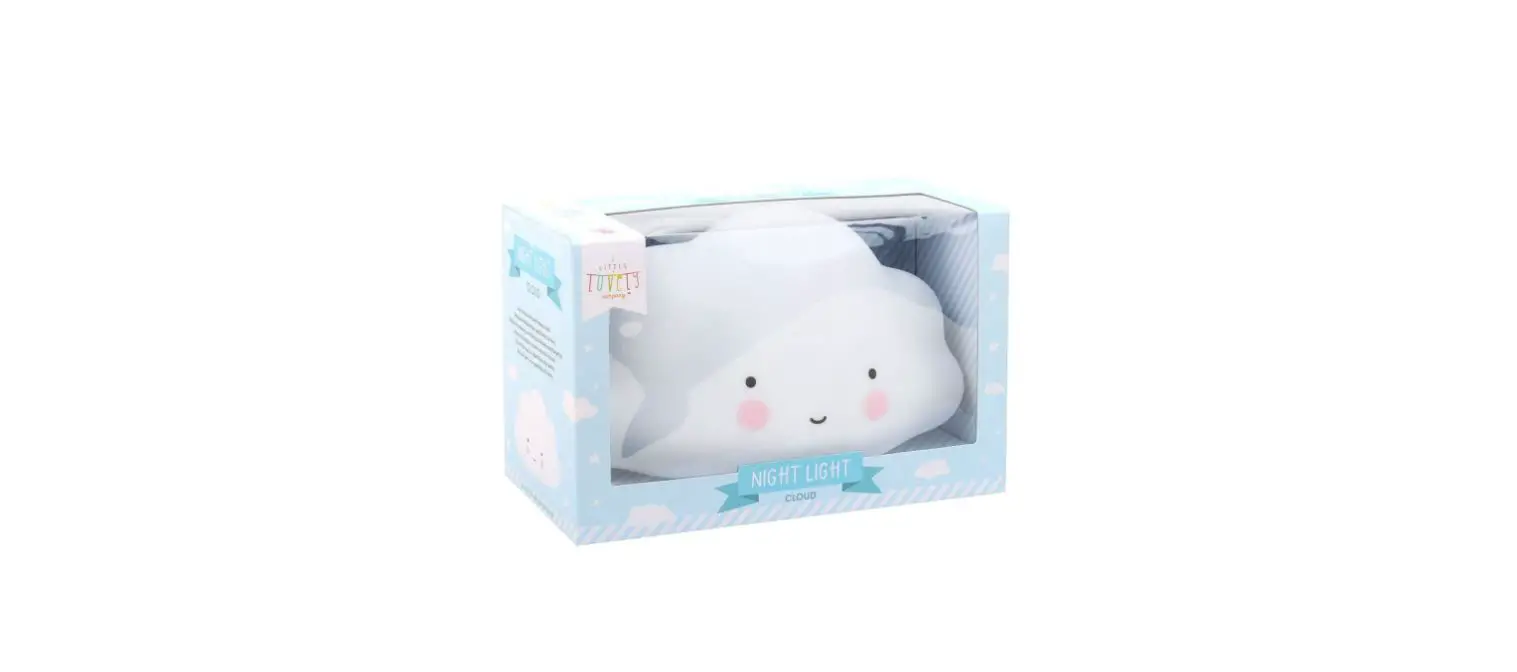
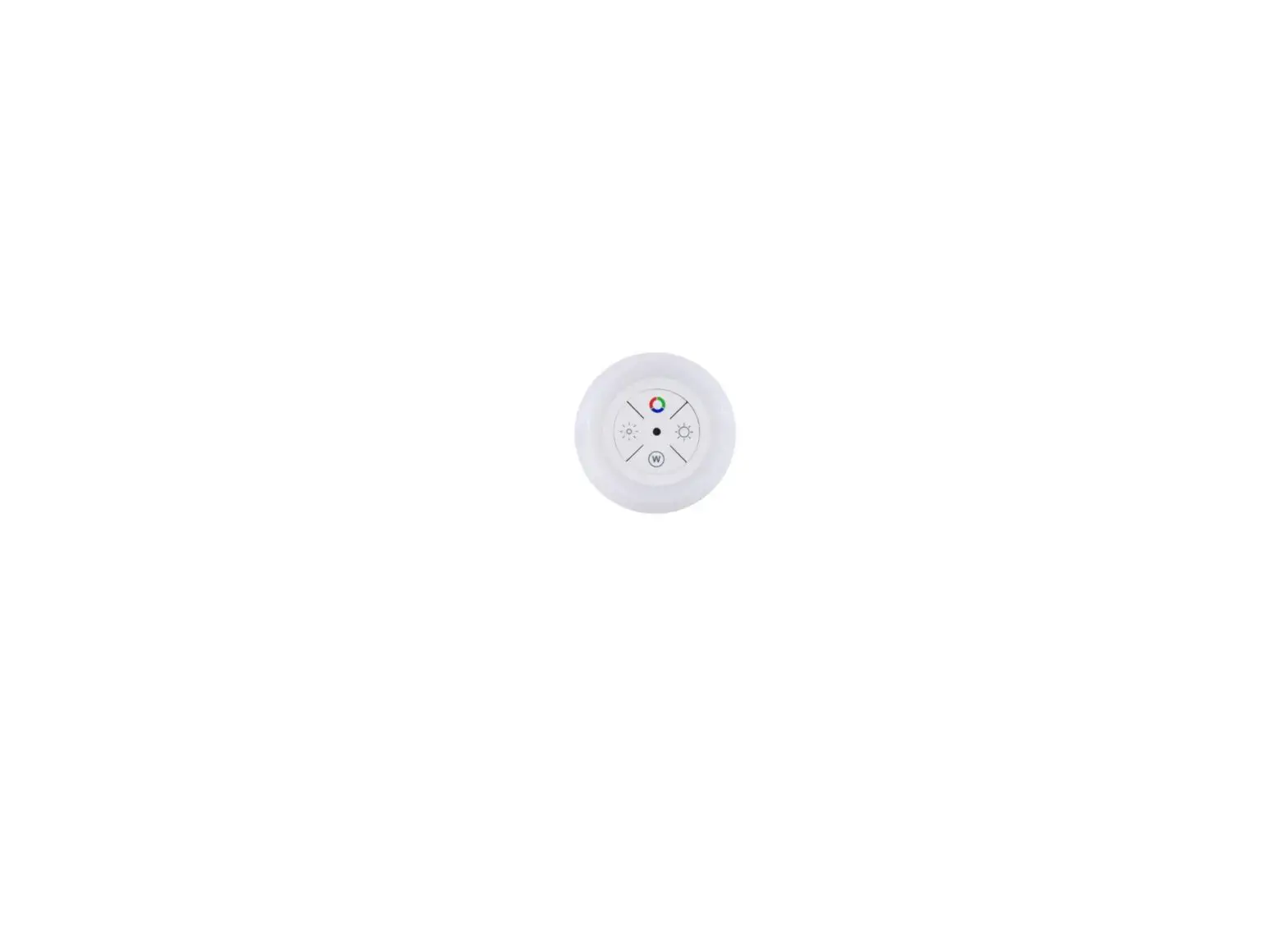
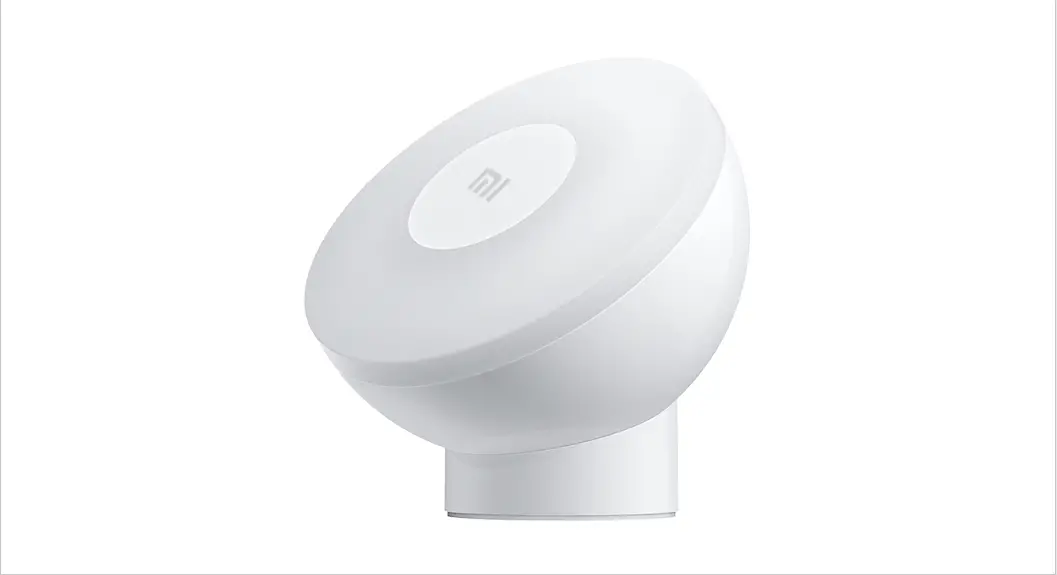
Aura Mini Night Light
User Manual
Safety Instructions
Read and follow all the safety instructions:
- The lamp is not waterproof. Avoid exposing it to splashing or dripping water.
- The operating temperature should be within -10°C to 40°C (14°F to 104°F).
- The lamp’s internal light source cannot be replaced. If it breaks, you must replace the lamp.
- Do not install the lamp with a dimming driver.
- Avoid installing the lamp near heat sources.
- Avoid installing the lamp near potentially dangerous sources (e.g., candles, liquid-filled objects).
- Only use this device with a 5V power adapter.
Introduction
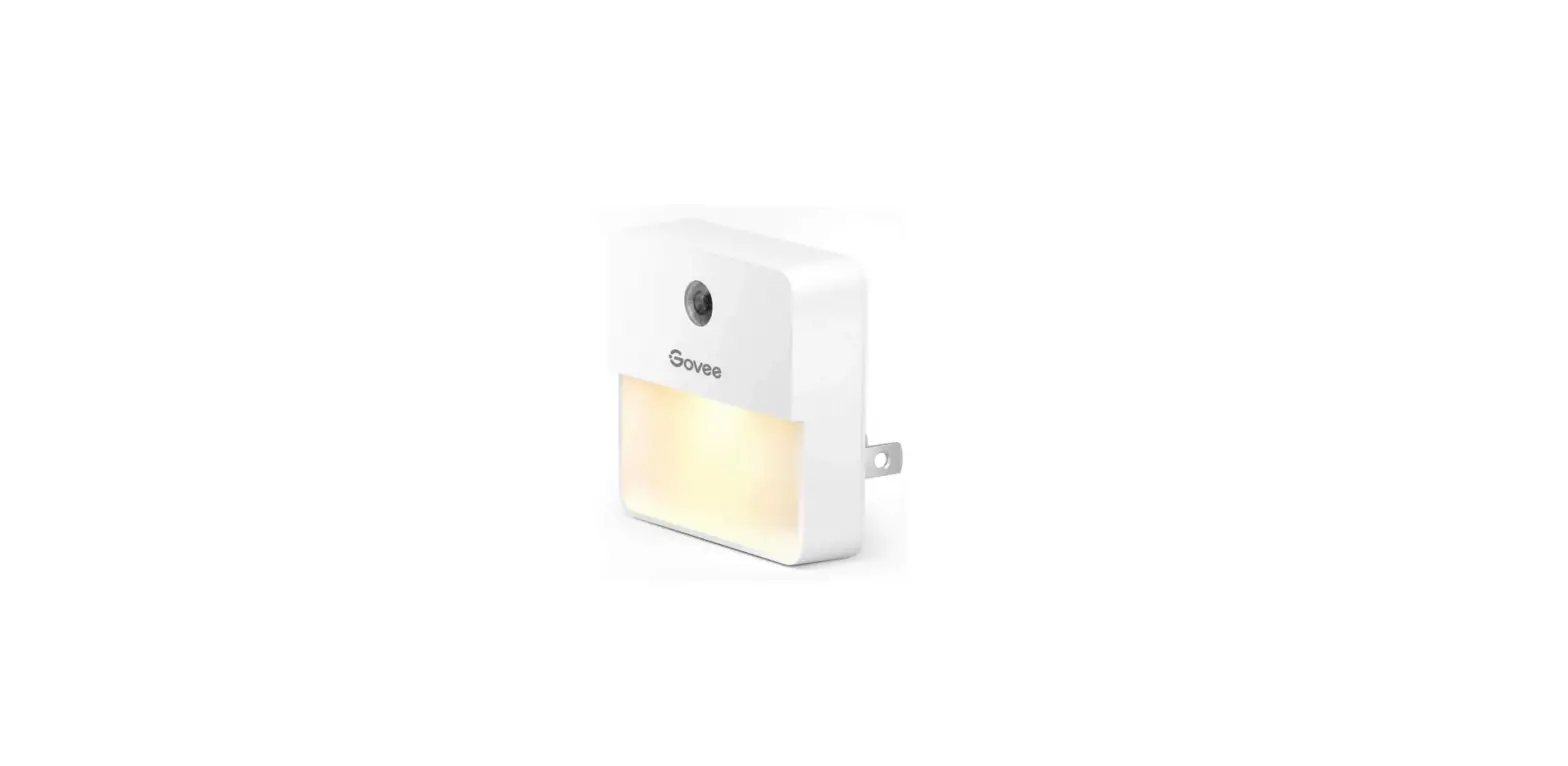
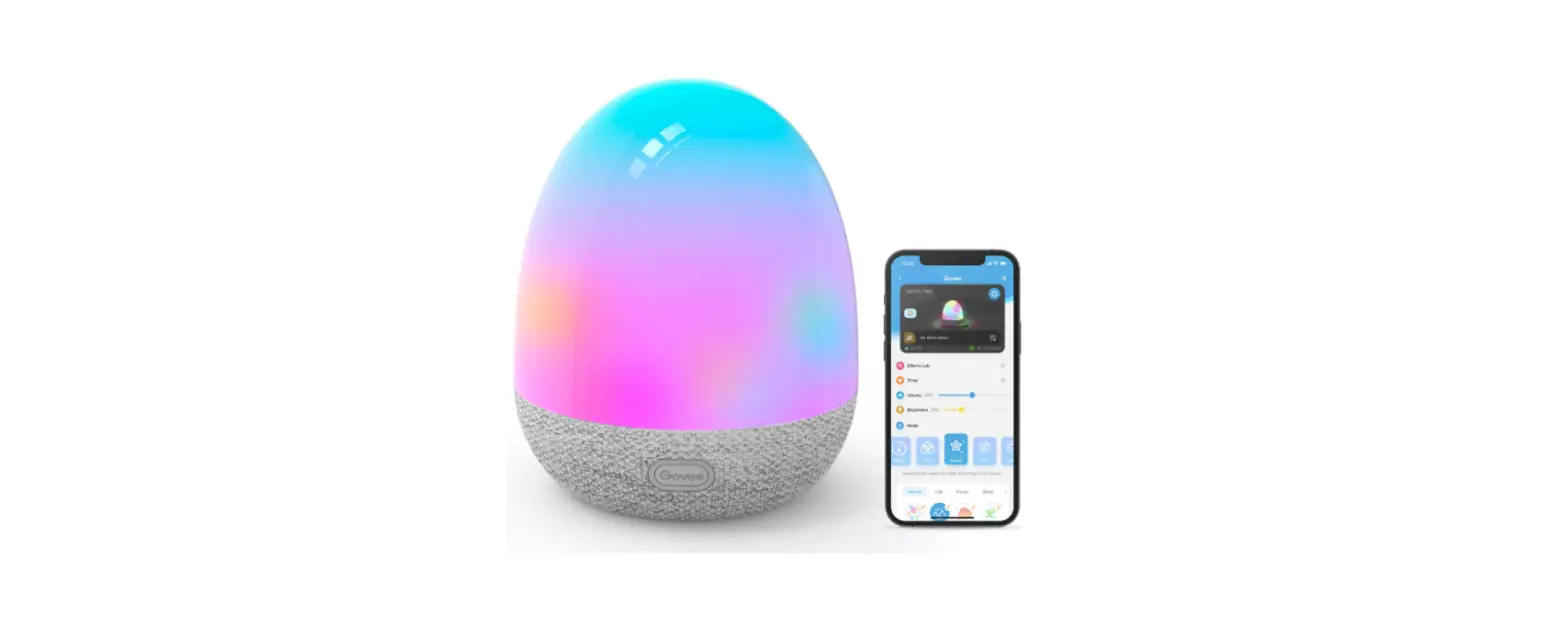
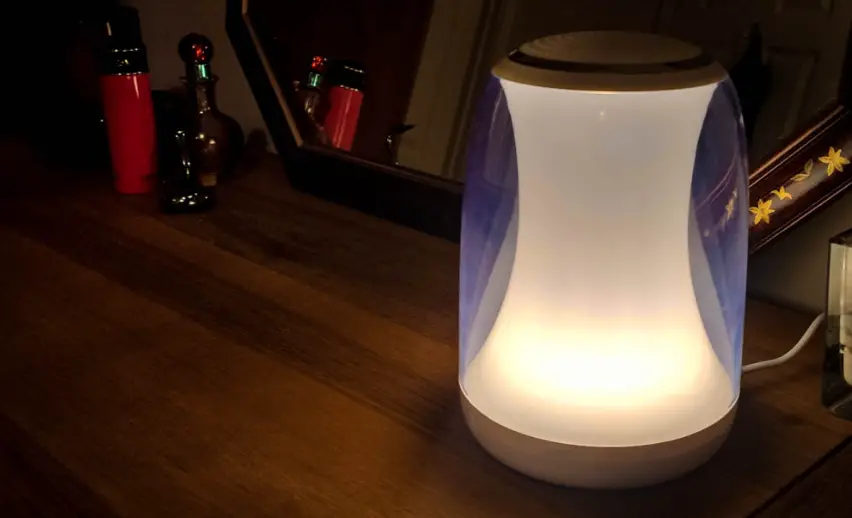
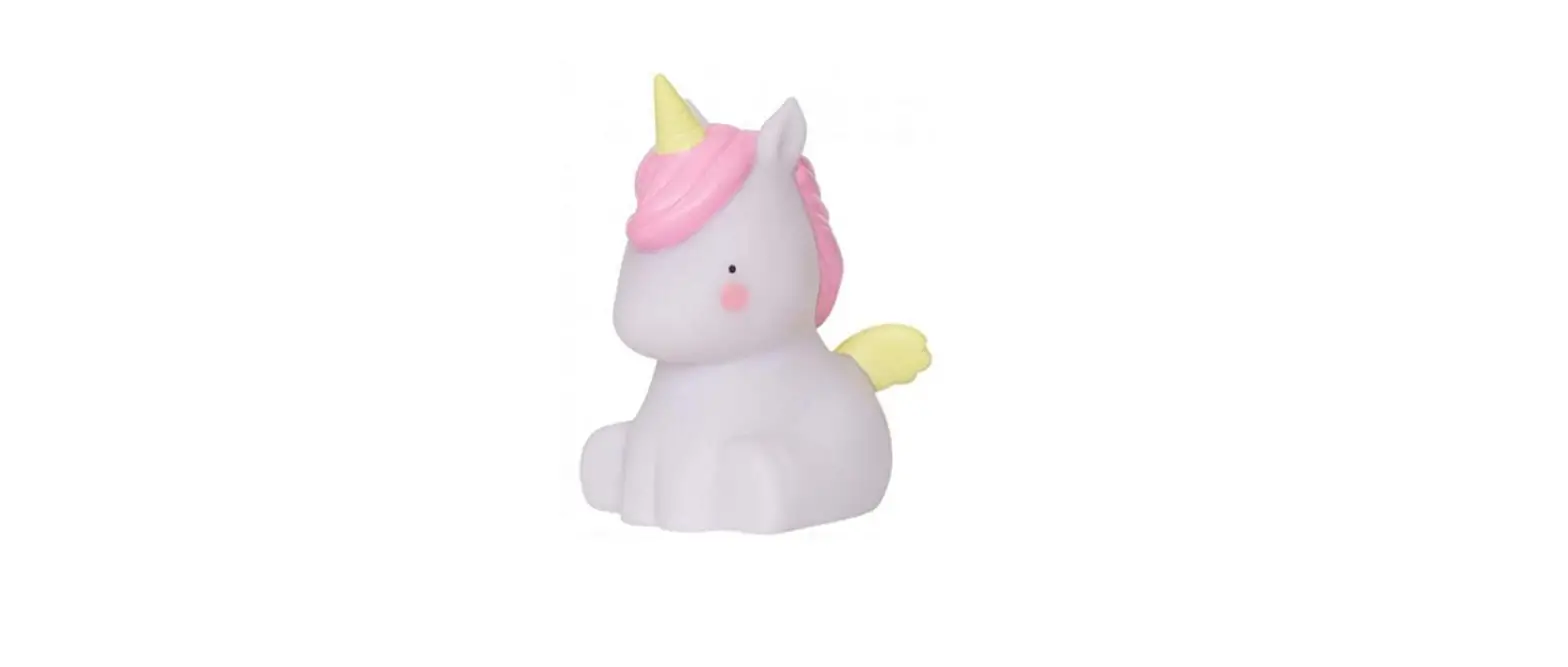
Thanks for choosing Govee Aura Mini Night Light. With its colorful variety of lights, Mini lights up every night for your kids. Just tapping it will change to any color you like. Mini also offers multiple scenes and music modes designed for kids, which will create a unique ambiance for kids at bedtime.
What You Get
Night Light 1
USB Cable 1
User Manual 1
At a Glance
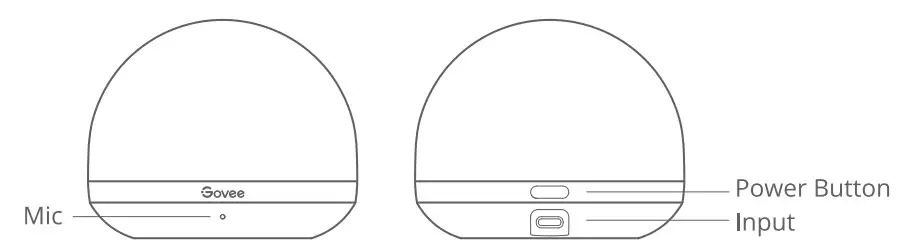
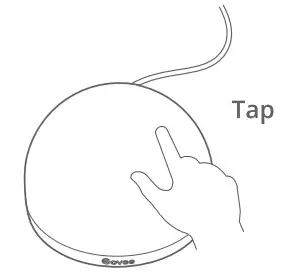
| Power Button | Press to turn On/Off |
| Tap Control | Tap to change colors (in Color Mode). |
Installing Your Device
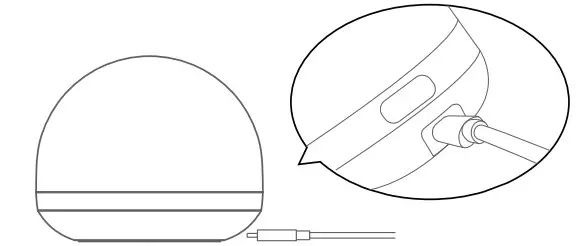
Connect Type-C power cable to the device and to a 5V power adapter, and then plug-in power.
Pairing Your Device with the Govee Home App
What you need: A Wi-Fi router supporting the 2.4GHz and 802.11 b/g/n bands. 5GHz is not supported.
Pairing Installation:
- Download the Gove Home app from the App Store (iOS devices) or Google Play (Android devices).
- Open the app, tap the “+” icon in the top right corner, and search for “H6059”.
- Tap the device icon and follow the onscreen instructions to complete the pairing.
Specifications
| Working Voltage | AC 100-240V |
| Lamp Input | DC 5V 0.5A |
| Lumen | 120Im |
| Lighting Color | RGBWW |
| Color Temperature | 2200K-6500K |
| Working Temperature | -10°C to 40°C/14°F to 104°F |
Troubleshooting
- Cannot connect to the Govee Home app.
a. Check if the device is powered on.
b. Check if Bluetooth on the smartphone is enabled, or try connecting with another smartphone.
c. When connecting for the first time, ensure the smartphone is near the device.
d. If the connection error still exists, please delete the connected device from “My Devices” on the app. Reconnect to the Govee Home app by following the instructions provided previously. - Wi-Fi disconnected or failed to connect.
a. Check if the device is powered on.
b. Do not skip the Wi-Fi connection steps during the device pairing process.
c. Ensure your Wi-Fi router is 2.4GHz (5GHz is not supported).
d. Ensure you entered the correct Wi-Fi password during the Wi-Fi setup process.
e. Try using another smartphone to pair with the device to ensure your network is working properly.
f. Shorten the distance between the lamp and the Wi-Fi router to less than 1 m, then reconnect. - Cannot connect to Alexa or Google Assistant.
a. Ensure the Wi-Fi connection is stable and working properly.
b. Go to “User Guide” on the app Settings page to pair the device again. - Can multiple users control one device?
a. Each device can only be controlled by one account.
b. If multiple users want to manage the same device, ensure they all use the same account.
Customer Service
 Warranty: 12-Month Limited Warranty
Support: Lifetime Technical Support
Email: [email protected]
Official Website: www.govee.com

Compliance Information
EU Compliance Statement: Shenzhen Intellirocks Tech Co. Ltd. hereby declares that this device is in compliance with the essential requirements and other relevant provisions of the Directive 2014/53/EU.
A copy of the EU Declaration of Conformity is available online at www.govee.com/
EU contact address: BellaCocool GmbH (E-mail: [email protected])
Pettenkoferstrafie 18, 10247 Berlin, Germany
UK Compliance Statement:
Shenzhen Intellirocks Tech. Co., Ltd. hereby declares that this device is in compliance with the essential requirements and other relevant provisions of the Radio Equipment Regulations 2017
A copy of the UK Declaration of Conformity is available online at www.govee.com/
Environmentally-friendly disposal Old electrical appliances must not be disposed of together with the residual waste, but have to be disposed of separately. The disposal at the communal collecting point via private persons is for free. The owner of old appliances is responsible to bring the appliances to these collecting points or to similar collection points. With this little personal effort, you contribute to recycling valuable raw materials and the treatment of toxic substances.
The Bluetooth®word mark and logos are registered trademarks owned by Bluetooth SIG, Inc. and any use of such marks by Shenzhen Intellirocks Tech. Co., Ltd. is under license.
| Bluetooth® | Wi-Fi | |
| Frequency | 2.4GHz | 2.4GHz |
| Maximum Power | < 6dBm | <15dBm |
The light source of this luminaire is not replaceable; when the light source reaches its end of life the whole luminaire shall be replaced.
Not intended for illumination. Only used for creating ambiance.
Gove is a trademark of Shenzhen Intellirocks Tech Co.Ltd. Copyright 02021 Shenzhen Intellirocks Tech Co.Ltd. All Rights Reserved. FOR INDOOR USE ONLY
For FAQs and more information, please visit: www.govee.com