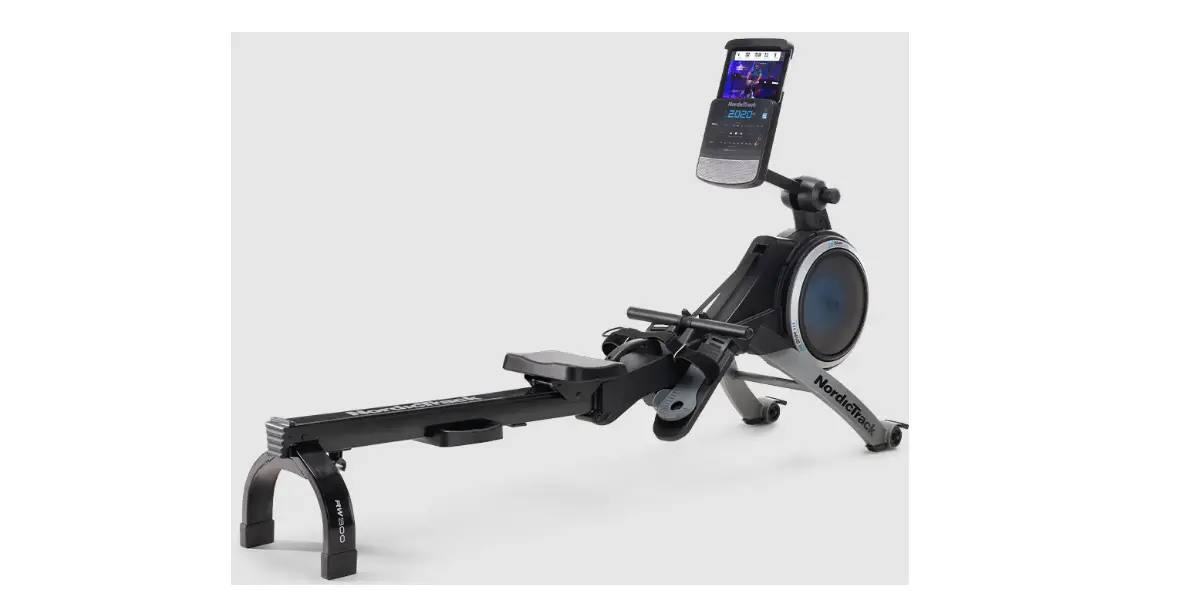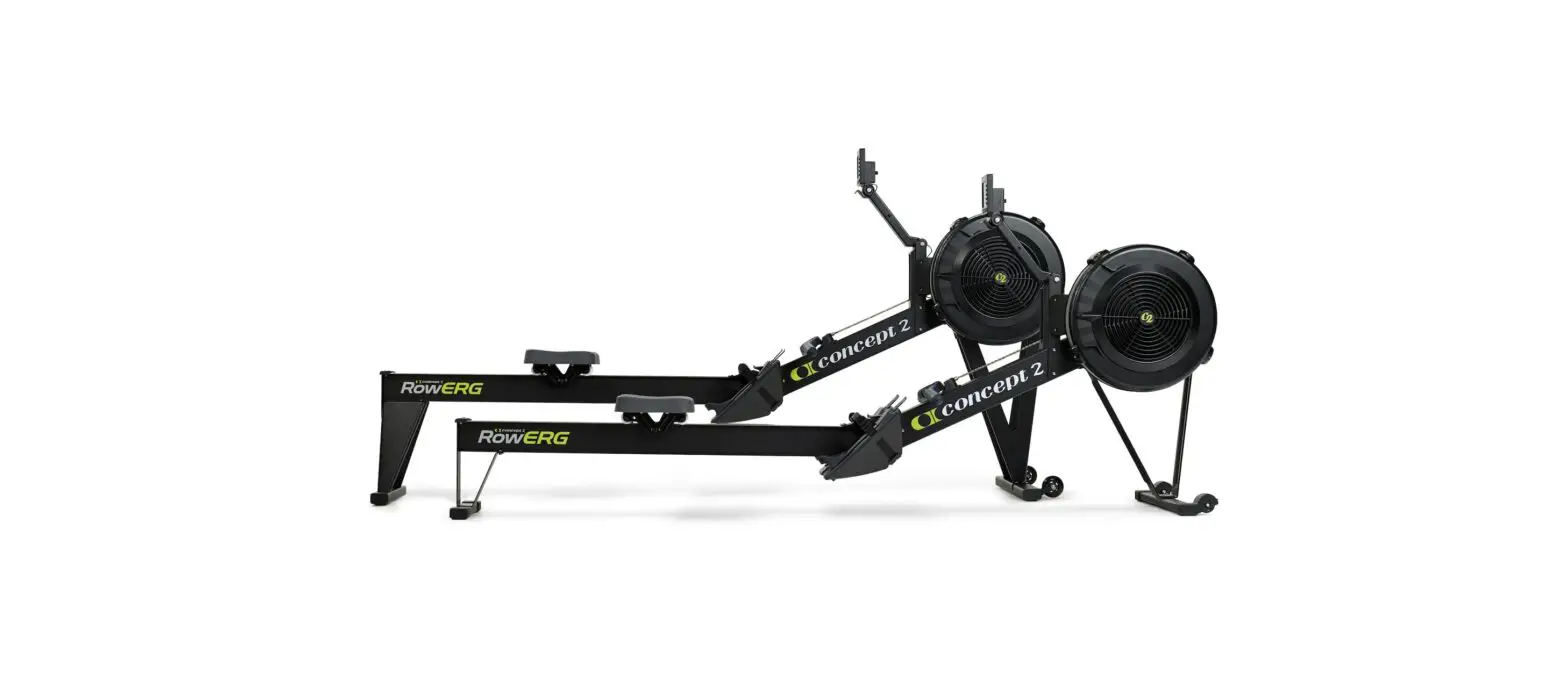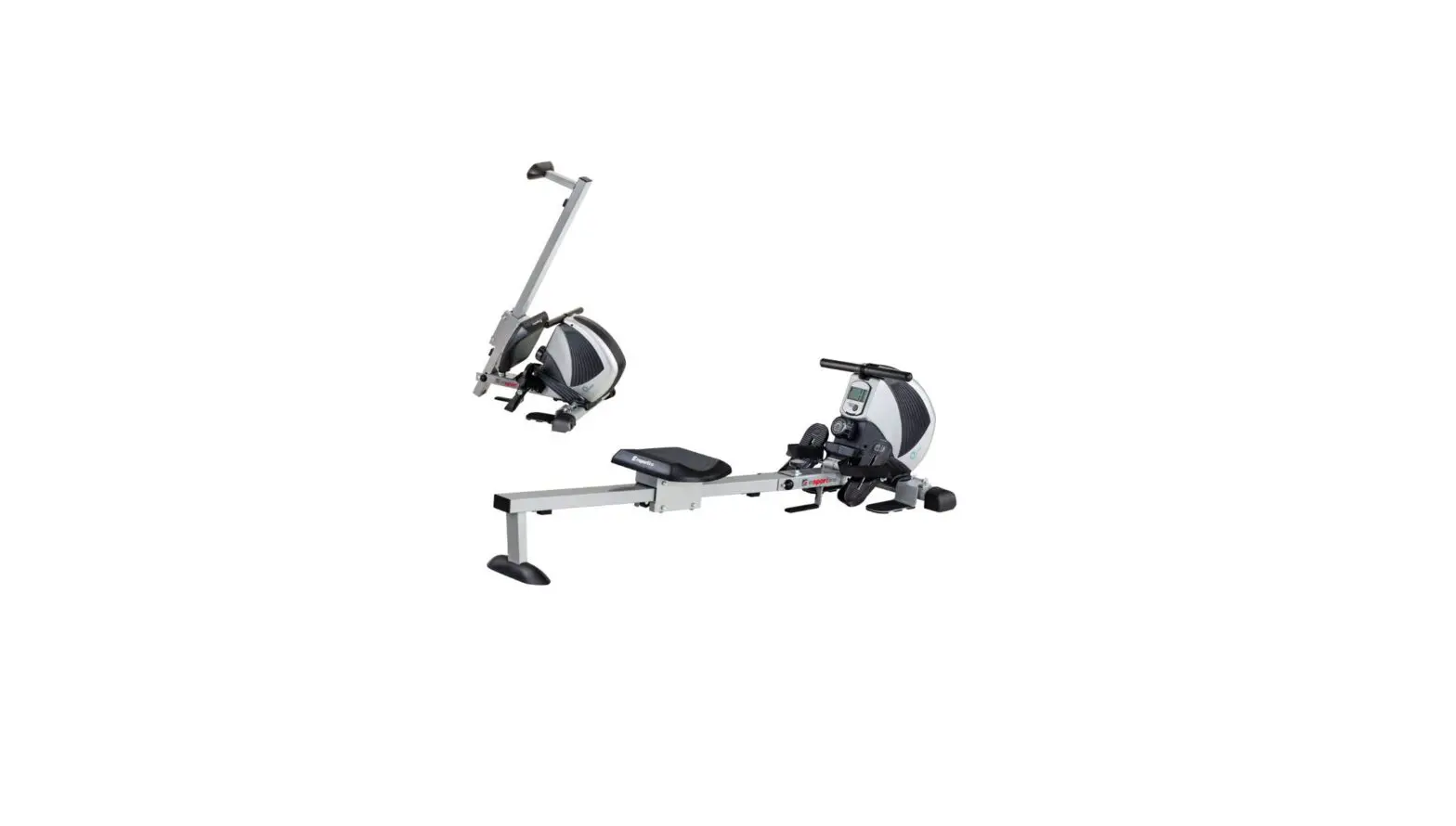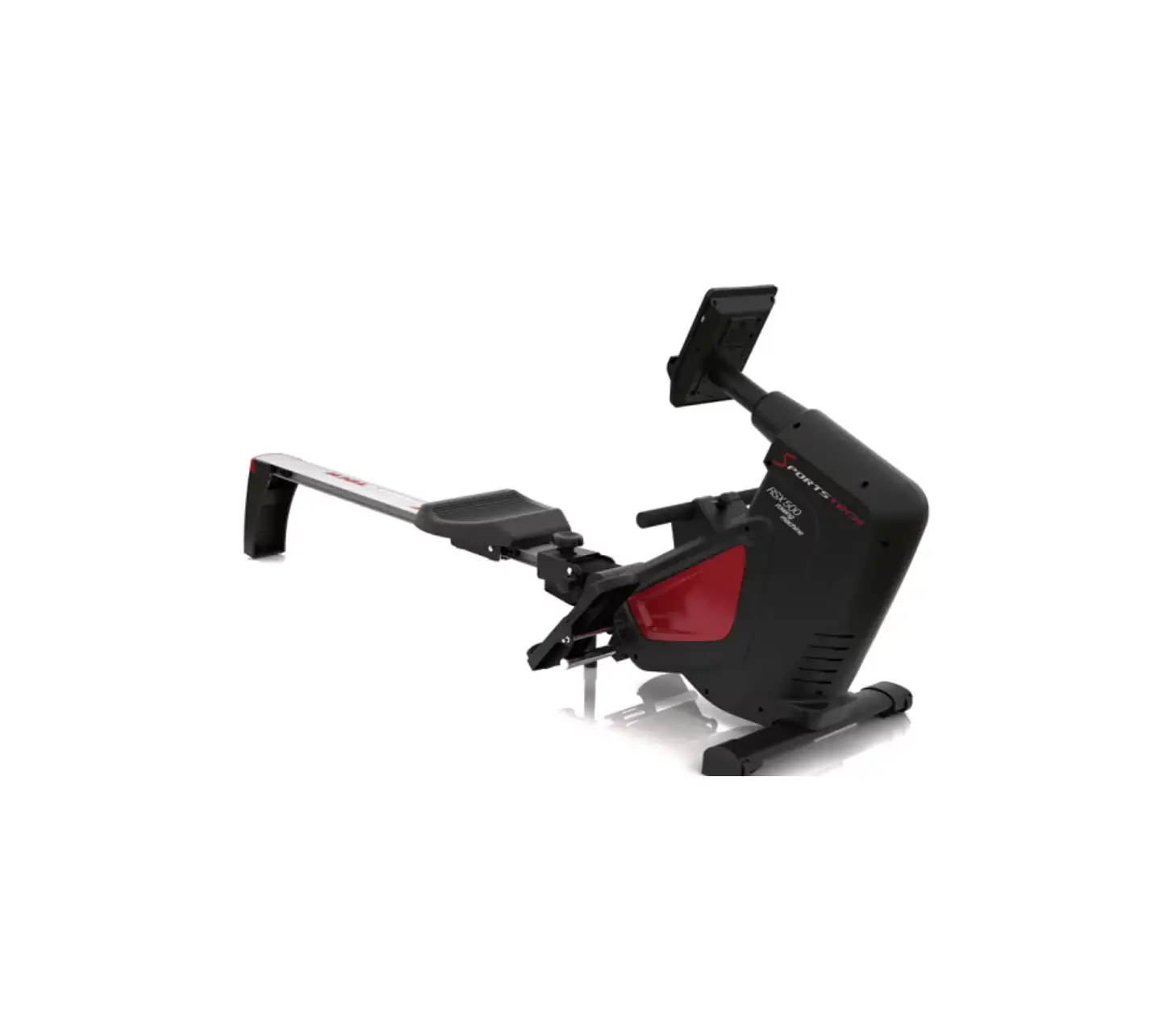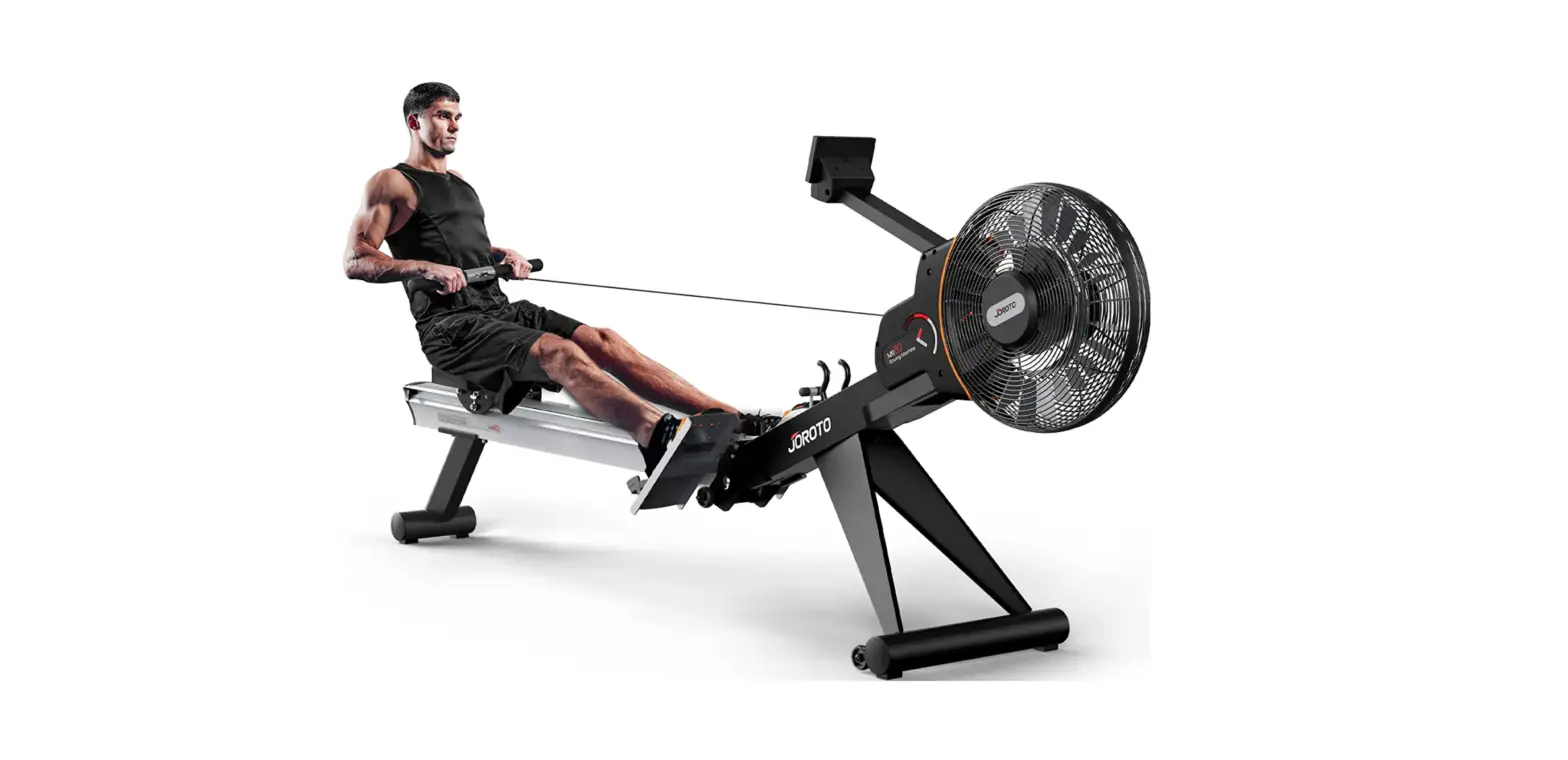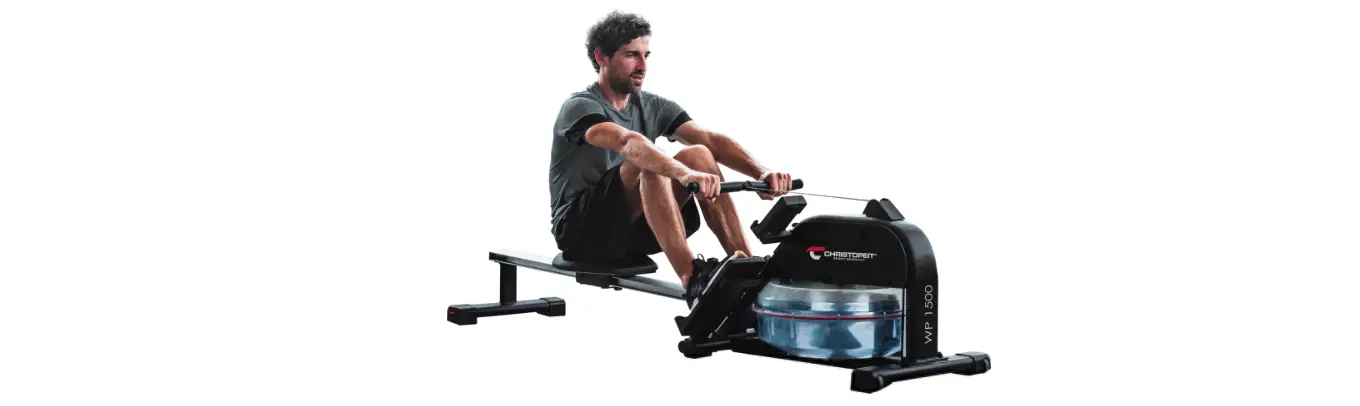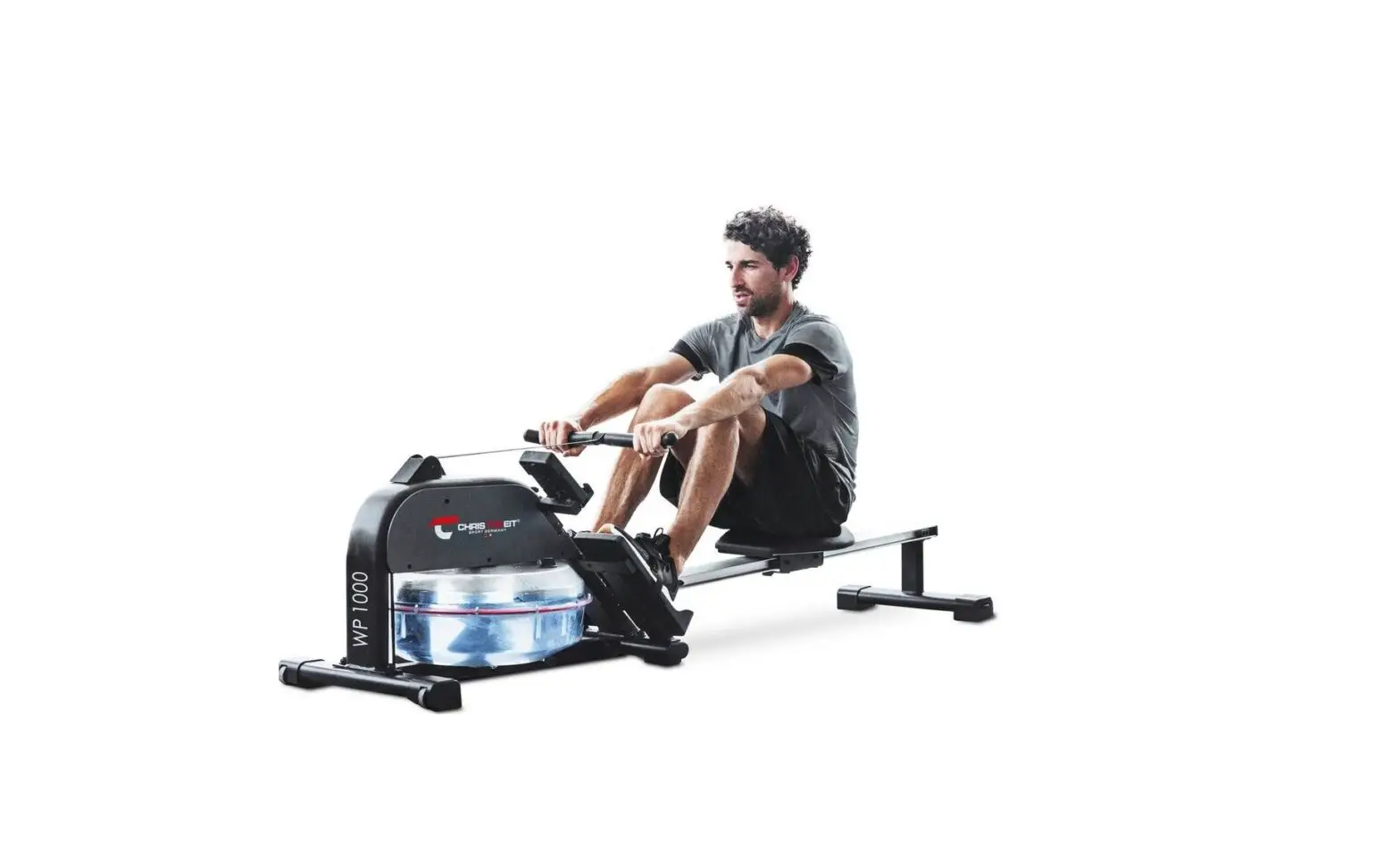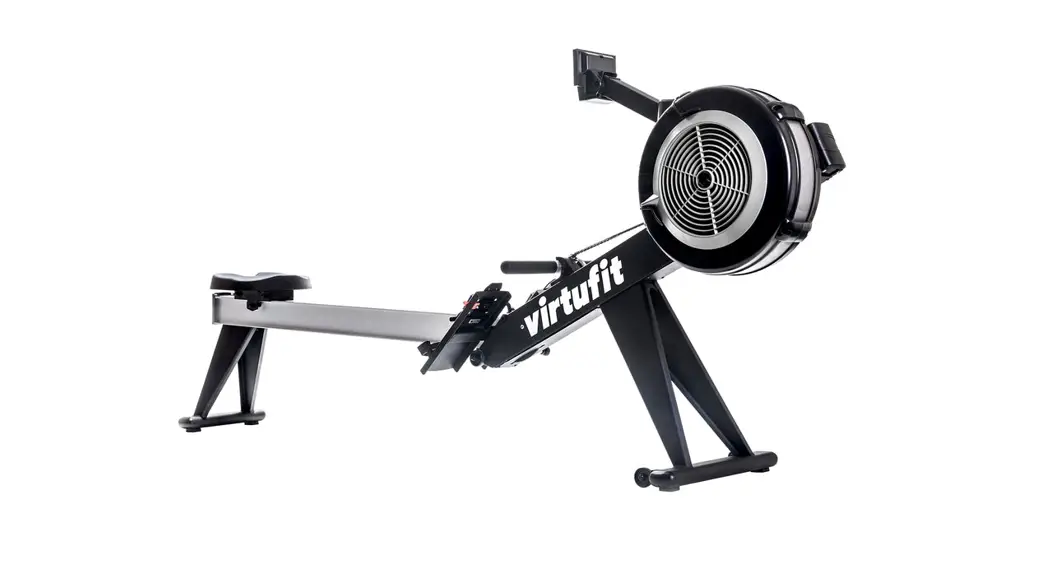

Ultimate Pro 2i Ergometer Rowing Machine
User manual – console
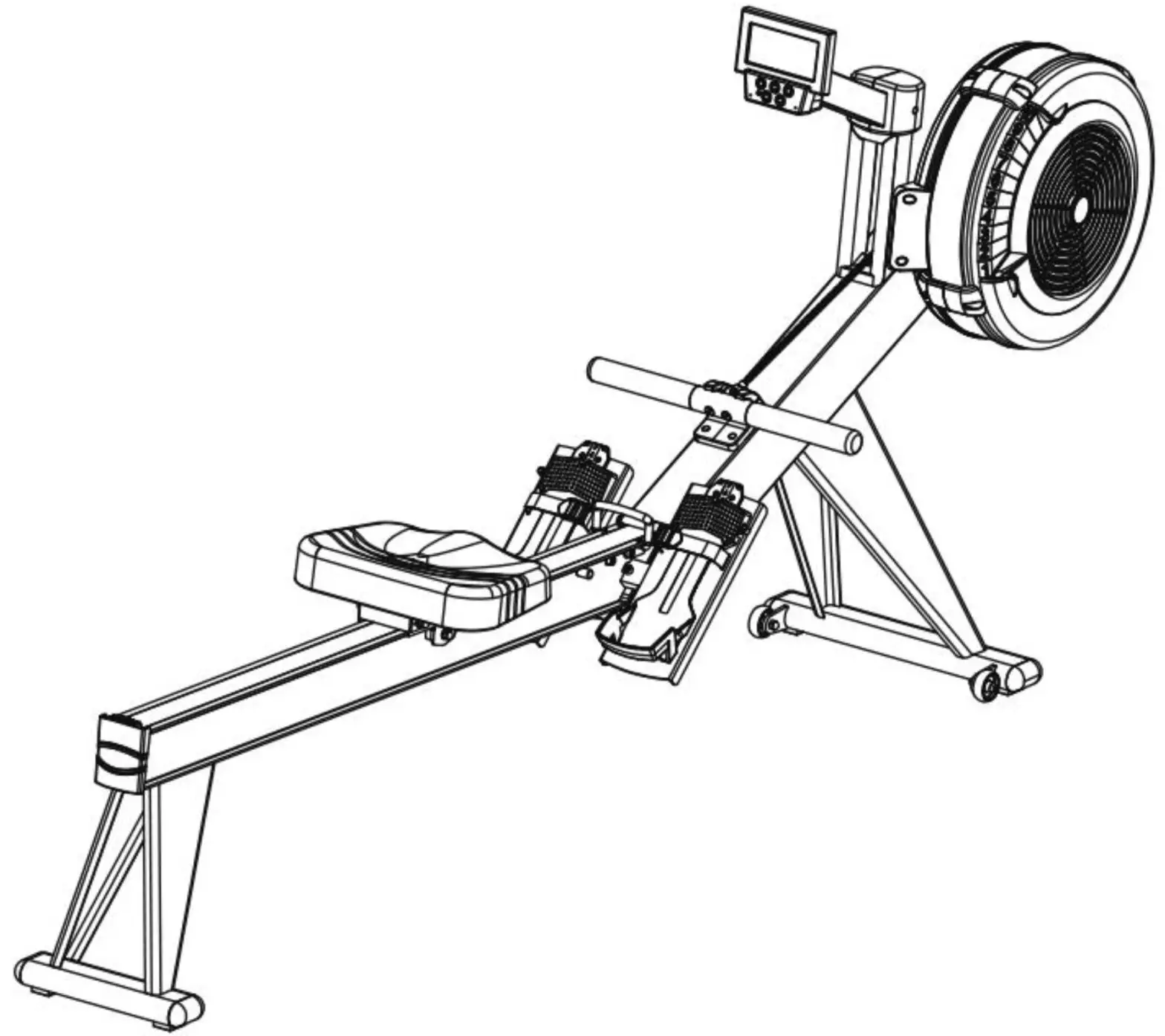
CONSOLE ROWING MACHINE
AVERAGE 500M PACE
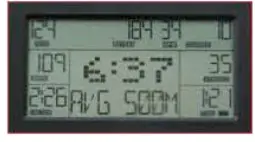 The projected time needed to complete 500 meters based on all strokes
AVERAGE METER PER STROKE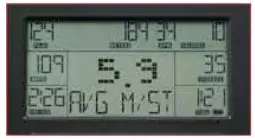 Average meters rowed per stroke
MAX HEART RATE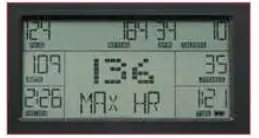 Maximum heart rate during a workout
CALORIES PER HOUR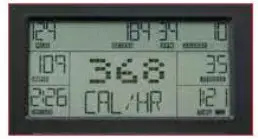 Projected calories burned per hour based on all pulls during the workout
FORCE CURVE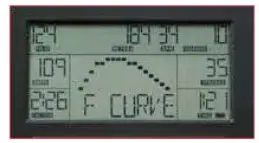 Graphically represents how force is applied during the rowing stroke
MAX WATT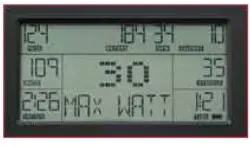
Maximum watts produced during all strokes
WATT CHART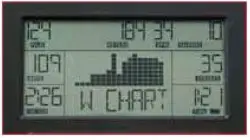 Graphically represents watts produced relative to other strokes during the workout
AVERAGE WATT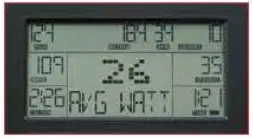 Average watts per stroke based on all strokes
PRE-BUILT PROGRAMS
Toggle through the menu using the up/down arrows to select from the various pre-built programs: Quick Start, Competition Racing, Interval/Tabata, Target Time, Target Calories, Target Strokes or Target Distance
- Press START to turn on the console. You will see “PRESS START TO QUICKSTART OR SELECT PROGRAM” on the meter display
- To choose QUICKSTART, press again and begin your workout.
- To choose a program, press the “UP/ DOWN” key to make your program selection between the following programs:
QUICKSTART / RACE / INTERVAL / TIME / DISTANCE / CUSTOM
QUICKSTART
- The monitor will default to the QUICKSTART mode when you press “START/STOP” or start rowing and do not choose a program.
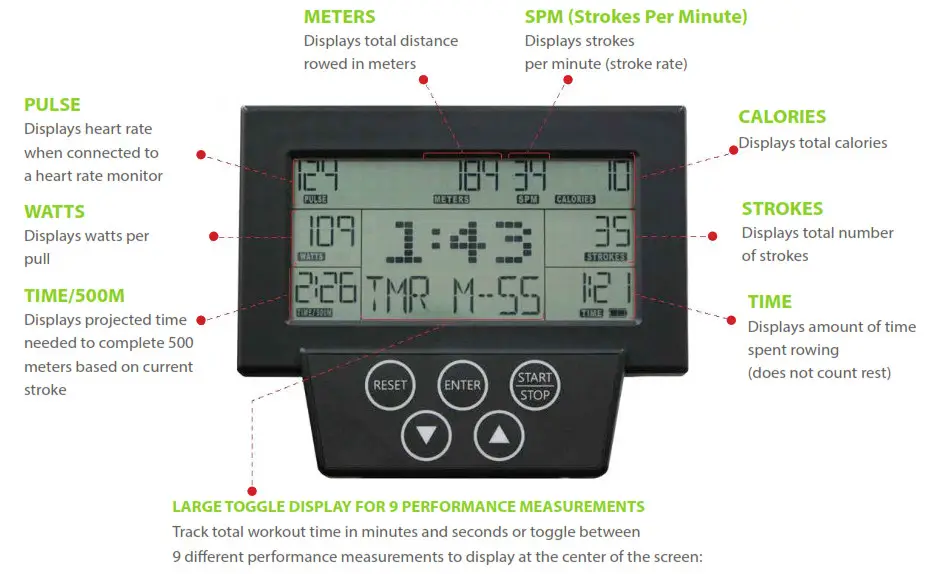
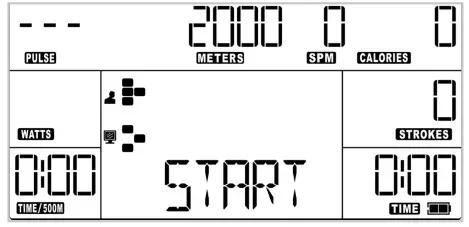
- During use, the monitor will display the following metrics TIME / STROKES / CALORIES / METERS / WATTS / TIME/500M / PULSE / STROKES PER MINUTE (SPM) Each metric will count up in increments.
- Press the UP / DOWN button to display other metrics such as the TOTAL TIME, AVG / 500M, AVG METER / STROKE, MAX HR, MAX WATT, AVG WATT, CAL / HR, WATT CHART, and FORCE CURVE in the middle window.
- If you stop rowing, the time shown on the lower right window of the monitor will pause.
When you start rowing again, it will continue operating from where you left off. - Press the STOP button to pause the monitor.
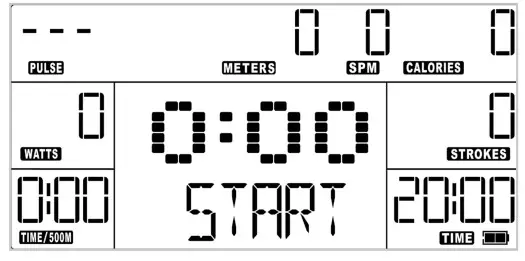
QUICK – PROGRAM
- The monitor will default to the QUICKSTART mode when you press “START/STOP” or start rowing and do not choose a program.
- During use, the monitor will display the following metrics TIME / STROKES / CALORIES / METERS / WATTS / TIME/500M / PULSE / STROKES PER MINUTE (SPM)
- Press the UP / DOWN button to display other metrics such as the TOTAL TIME, AVG / 500M, AVG METER / STROKE, MAX HR, MAX WATT, AVG WATT, CAL / HR, WATT CHART, and FORCE CURVE in the middle window
- If you stop rowing, the time shown on the lower right window of the monitor will pause. When you start rowing again, it will continue operating from where you left off.
- Press the STOP button to pause the monitor.
RACE – PROGRAM

- In the start menu, use the “UP / DOWN” key to select RACE, and then press the ENTER key to choose the program
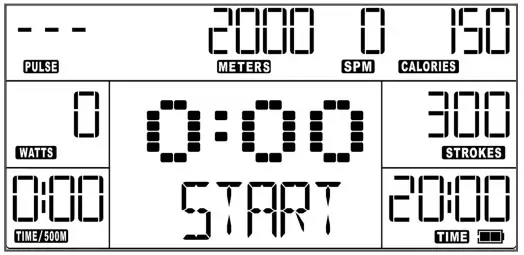
- When you select the RACE program, the program defaults to a 2000 meter distance.
- You can use the “UP / DOWN” button to change the target race distance. Press the ENTER key when finished. Once your target race distance is set, the program defaults to a 2:15 TIME / 500M setting.
- You can use the “UP / DOWN” button to change the “TIME / 500M” settings. Press the ENTER key when finished.

- During the RACE program, the following metrics “TIME / STROKES / CALORIES / WATTS /” will count up. The METERS metric will count down to your target race distance.
- During the race, the dot matrix will show YOUR position and the COMPUTER’s position; the monitor will display the meter distance between the two. After the end of the race, the computer will show either the COMPUTER or YOU as the winner.
- If you stop rowing, the time shown on the lower right window of the monitor will pause. When you start rowing again, it will continue operating from where you left off.
- Press the STOP button to pause the monitor.
INTERVAL – PROGRAM
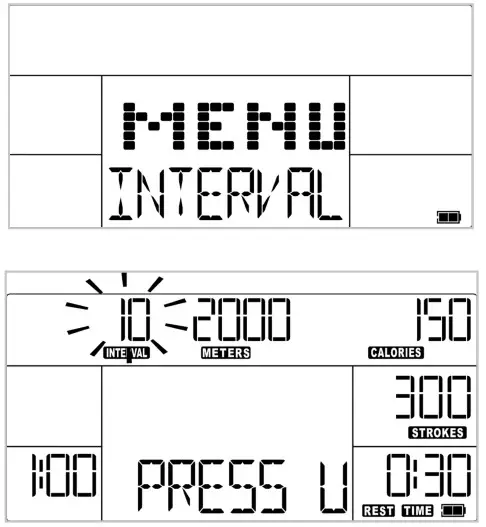
- In the start menu, use the “UP / DOWN” key to select INTERVAL and then press the ENTER key to choose the program.
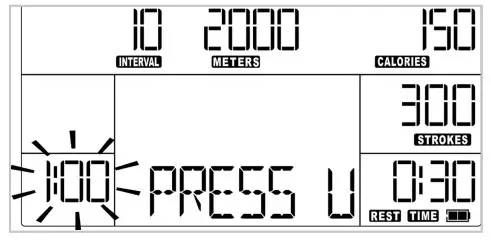
- Note that the program has default settings for the number of intervals, work time, rest time, strokes, calories, and meters.
You can change any of the defaults with the directions below. At any time, press START or begin rowing to begin the program with the default settings or mix of your changes and default setting. - When the user selects the INTERVAL program, the program defaults to 10 intervals.
- You can use the “UP / DOWN” button to change the number of intervals. Press the ENTER key when you are finished.

- Once your number of intervals is set, the program will default to 1:00 of work time.
- You can use the “UP / DOWN” button to change the amount of work time. Press the ENTER key when you are finished.5. During the RACE program, the following metrics “TIME / STROKES / CALORIES / WATTS /” will count up. The METERS metric will count down to your target race distance.
6. During the race, the dot matrix will show YOUR position and the COMPUTER’s position; the monitor will display the meter distance between the two. After the end of the race, the computer will show either the COMPUTER or YOU as the winner. - If you stop rowing, the time shown on the lower right window of the monitor will pause. When you start rowing again, it will continue operating from where you left off.
- Press the STOP button to pause the monitor.
TIME – PROGRAM
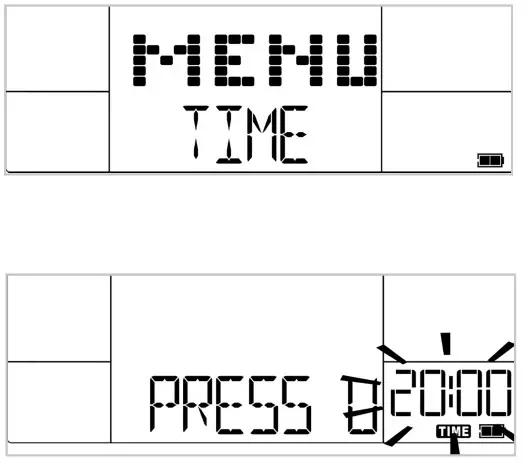
- In the start menu, use the “UP / DOWN” key to select TIME and then press the ENTER key to choose the program.
- When you select the TIME program, the program defaults to a time of 20 minutes.
- You can use the “UP / DOWN” button to change the amount of time. Press the ENTER key when finished.
- During the program, the TIME display on the bottom right will count down to 0:00. The STROKES, CALORIES, and METERS metrics will count up.
- Press the UP / DOWN button to display other metrics such as the TOTAL TIME, AVG / 500M, AVG METER / STROKE, MAX HR, MAX WATT, AVG WATT, CAL / HR, WATT CHART, and FORCE CURVE in the middle window.
- If you stop rowing, the time shown on the lower right window of the monitor will pause. When you start rowing again, it will continue operating from where you left off.
- Press the STOP button to pause the monitor.
DISTANCE- PROGRAM
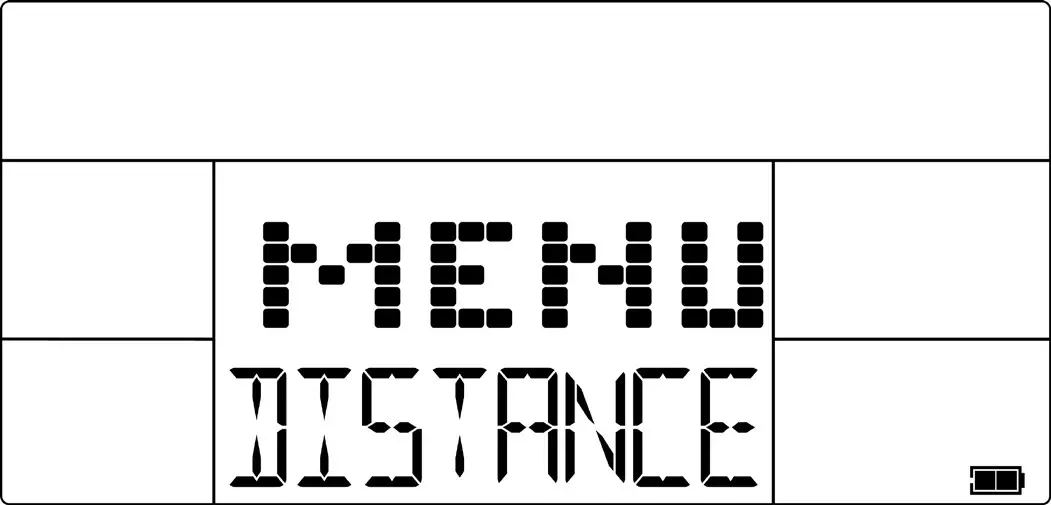
- In the start menu, use the “UP / DOWN” key to select DISTANCE, and then press the ENTER key to choose the program.
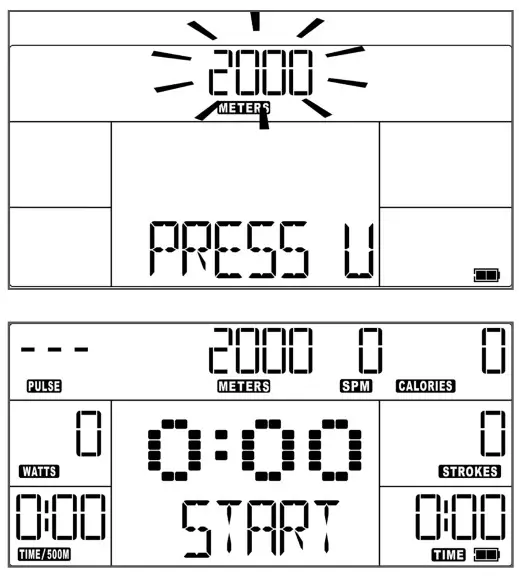
- When the user selects the DISTANCE program, the program will default to a target distance of 2000 meters.
- Users can use the “UP / DOWN” button to change the target distance. Press the ENTER key when finished.

- Press the START key to begin the program. During the program, the METERS display on the top center will count down to zero. The TIME, STROKES, CALORIES displays will count up.
- Press the UP / DOWN button to display other metrics such as the TOTAL TIME, AVG / 500M, AVG METER / STROKE, MAX HR, MAX WATT, AVG WATT, CAL / HR, WATT CHART, and FORCE CURVE in the middle window.
- If you stop rowing, the time shown on the lower right window of the monitor will pause. When you start rowing again, it will continue operating from where you left off..
- Press the STOP button to pause the monitor.
CUSTOM – PROGRAM
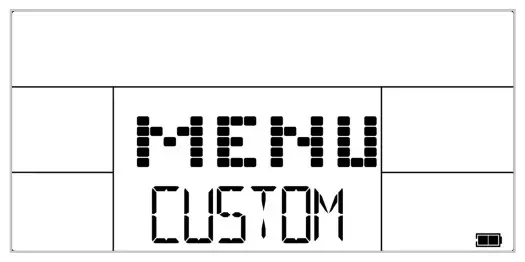
- In the start menu, use the “UP / DOWN” key to select CUSTOM, and then press the ENTER key to choose the program.
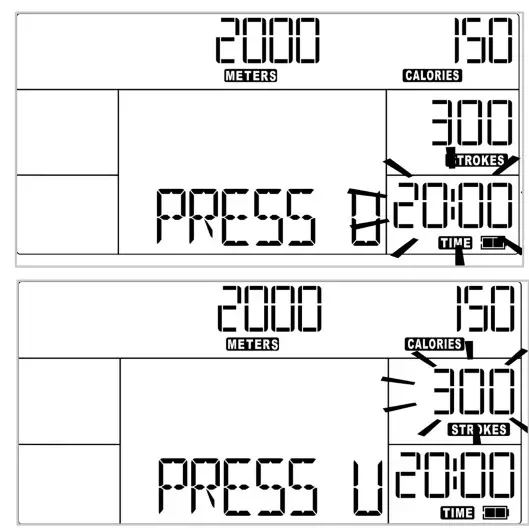
- Note that the program has default settings for the number of intervals, amount of work time, amount of rest time, strokes, calories, meters. You can change any of the defaults with the directions below. At any time, press START or begin rowing to begin the program with the default settings or mix of your changes and default setting.

- When you select the CUSTOM program, the program defaults to a 20:00 minute default time.
- Users can use the “UP / DOWN” button to change the amount of time. Press the ENTER key when you are finished.
- When you select the CUSTOM program, the program defaults to a 20:00 minute default time
- You can use the “UP / DOWN” button to change the amount of time. Press the ENTER key when you are finished.
- Once the number of strokes is set, the program will default to 150 calories.
- You can use the “UP / DOWN” button to change the number of calories. Press the ENTER key when finished.
- Once the amount of calories is set, the program will default to 2000 meters.
- You can use the “UP / DOWN” button to change the number of meters. Press ENTER key when finished.
- During the program, the TIME, STROKES, CALORIES, and METERS displays will count down to zero and will stop at zero.
- Press the UP / DOWN button to display other metrics such as the TOTAL TIME, AVG / 500M, AVG METER / STROKE, MAX HR, MAX WATT, AVG WATT, CAL / HR, WATT CHART, and force CURVE in the middle window.

- If you stop rowing, the time shown on the lower right window of the monitor will pause. When you start rowing again, it will continue operating from where you left off.
- Press the STOP button to pause the monitor.
INSTRUCTION
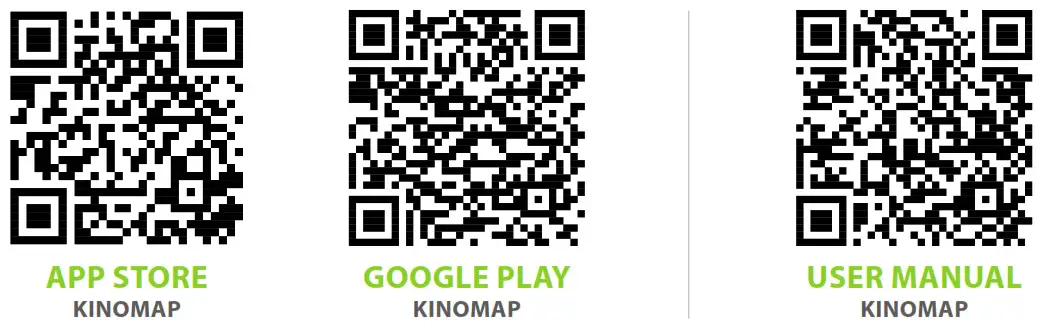
- QR code scanner app is required to scan the QR code with an Android or IOS phone or tablet. This app can be downloaded in the App Store or Google Play Store.
- Scan one of the QR codes below to go directly to the place in the App Store or Google Play Store where the app is located and can be downloaded.
- Scan the QR code on the right to go to the user manual of the app. The manual describes step by step how the app should be connected to the device, how the app works, and what the options are.
KINOMAP
https://play.google.com/store/apps/details?id=com.kinomap.training&hl=nl
https://apps.apple.com/nl/app/kinomap/id611177969
https://virtufit.nl/service/fitnessapps/fitshow/kinomap/
VirtuFit does not provide service for third-party fitness apps such as Kinomap, iConsole, FitShow etc.. If you encounter any troubles with a third-party fitness app, please contact the app developer.
For questions or missing parts please contact your dealer.