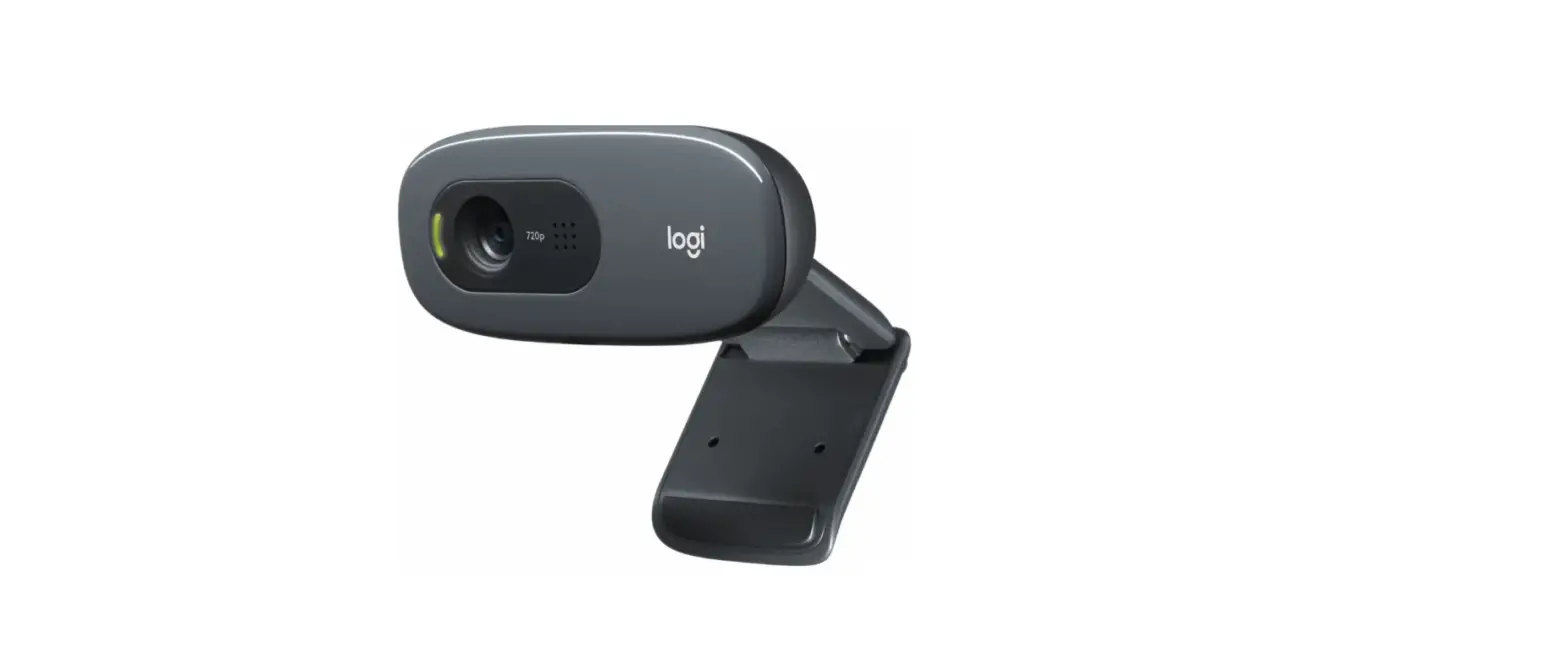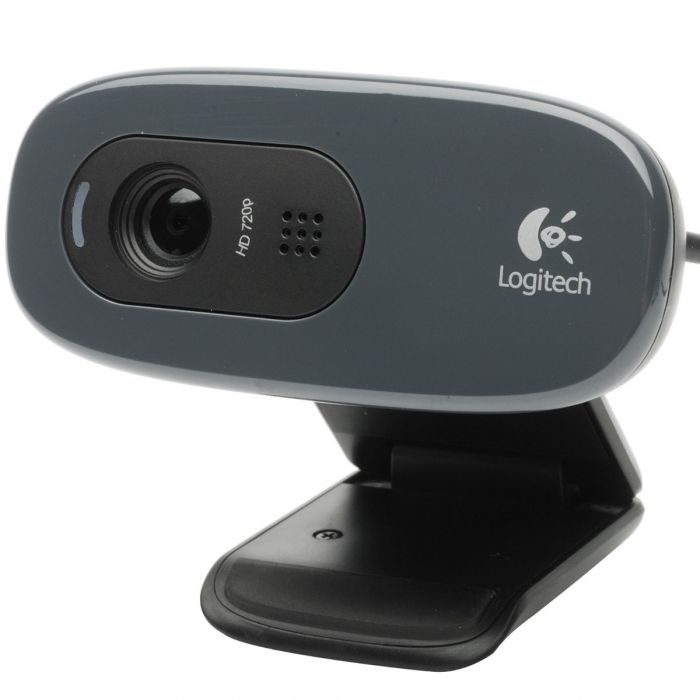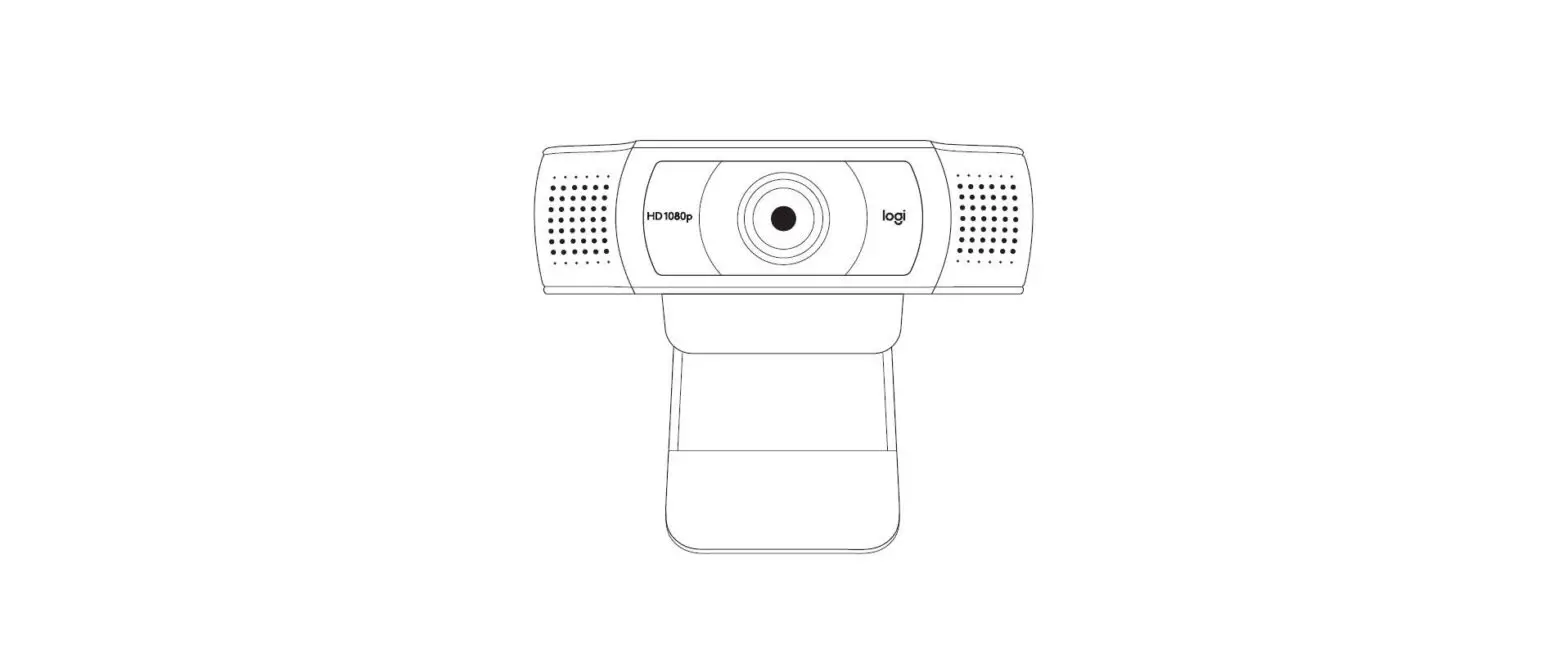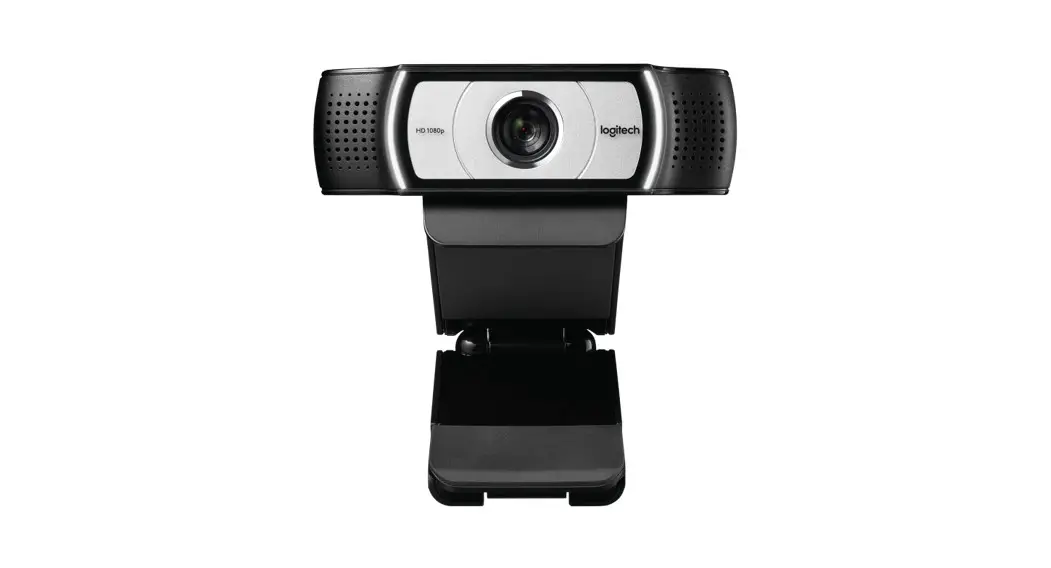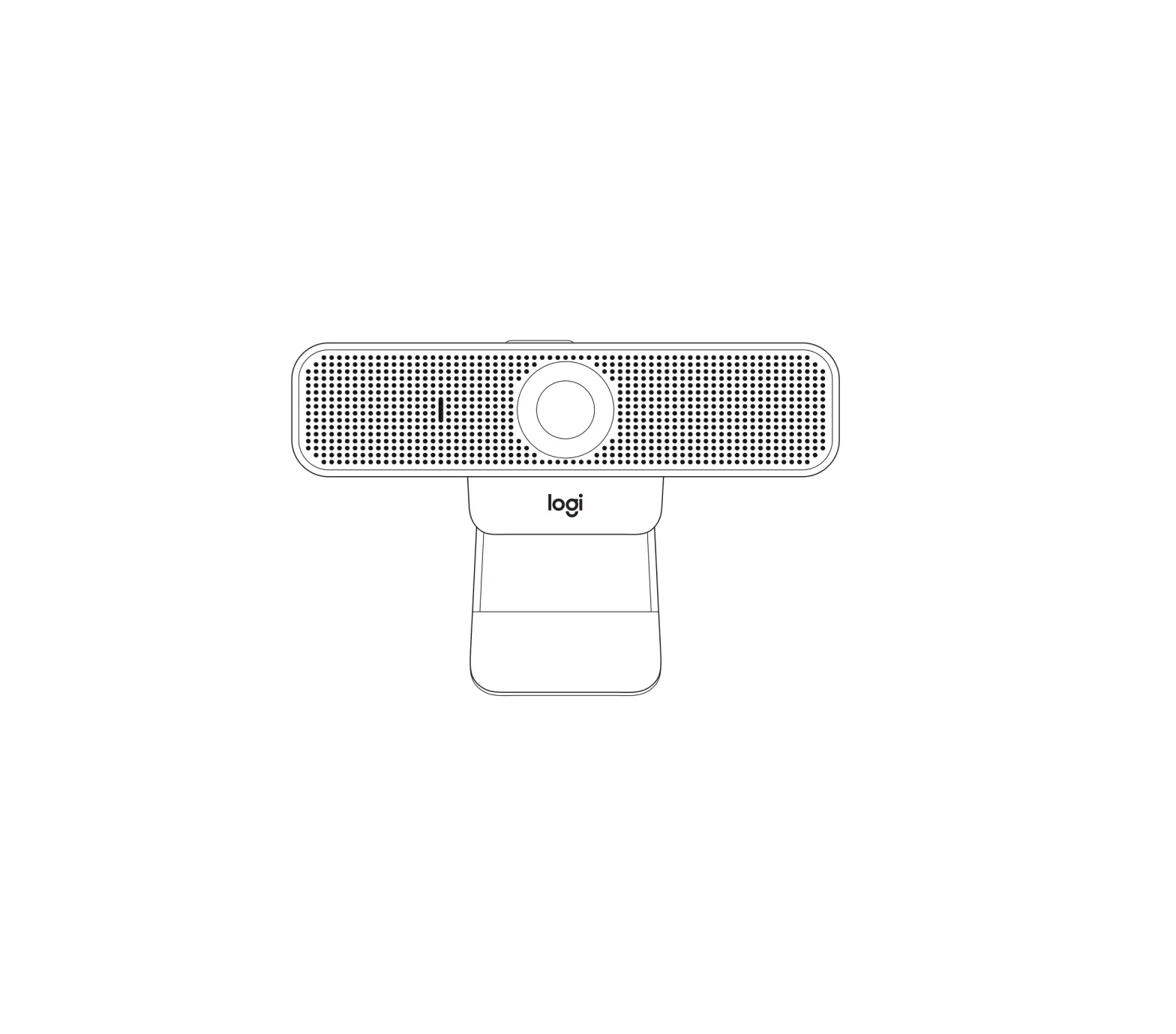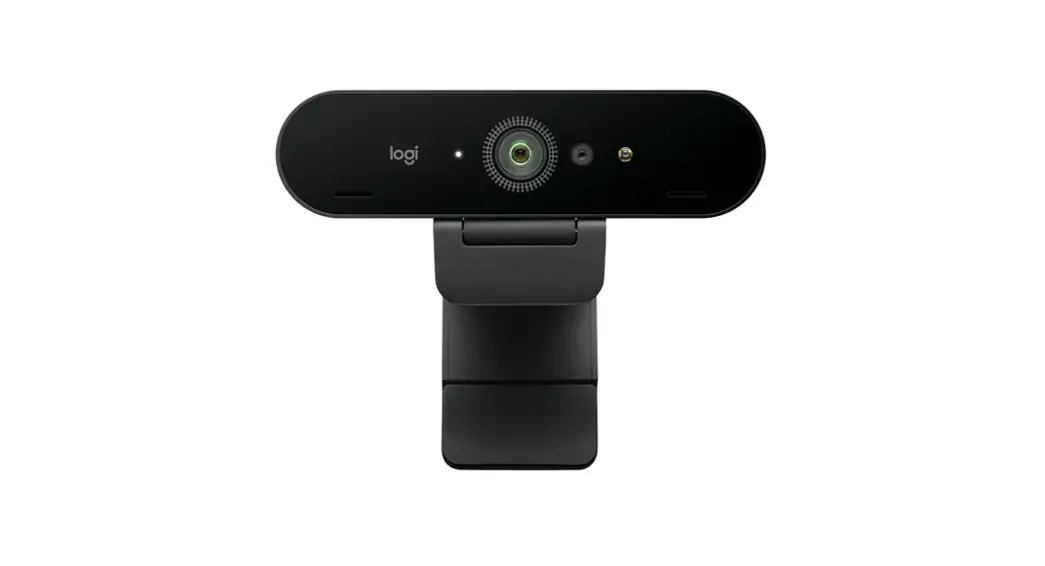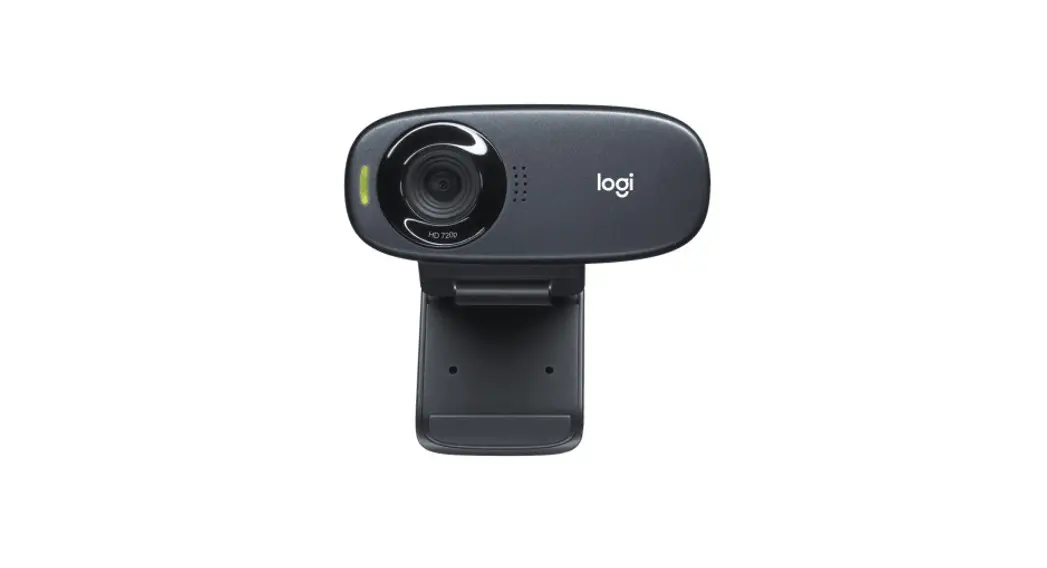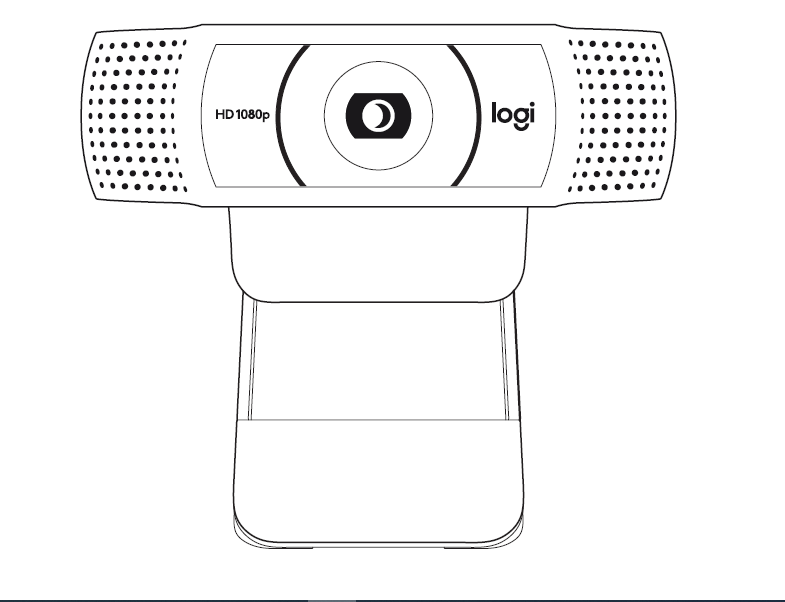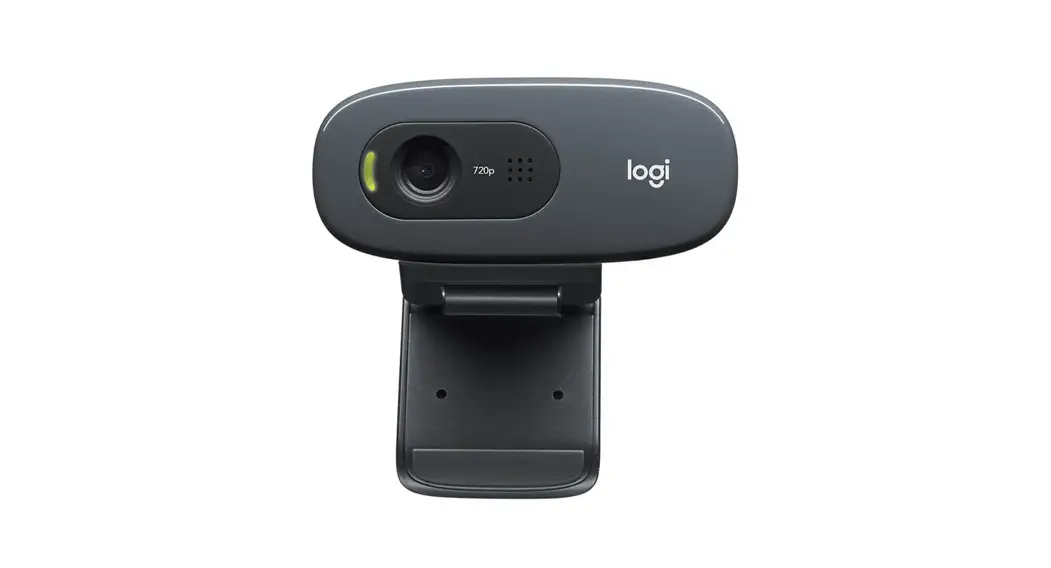

C270 HD WEBCAM
Complete Setup Guide
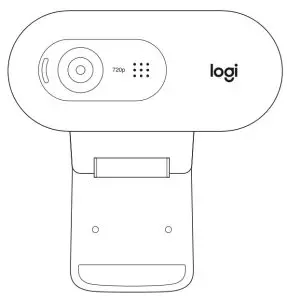
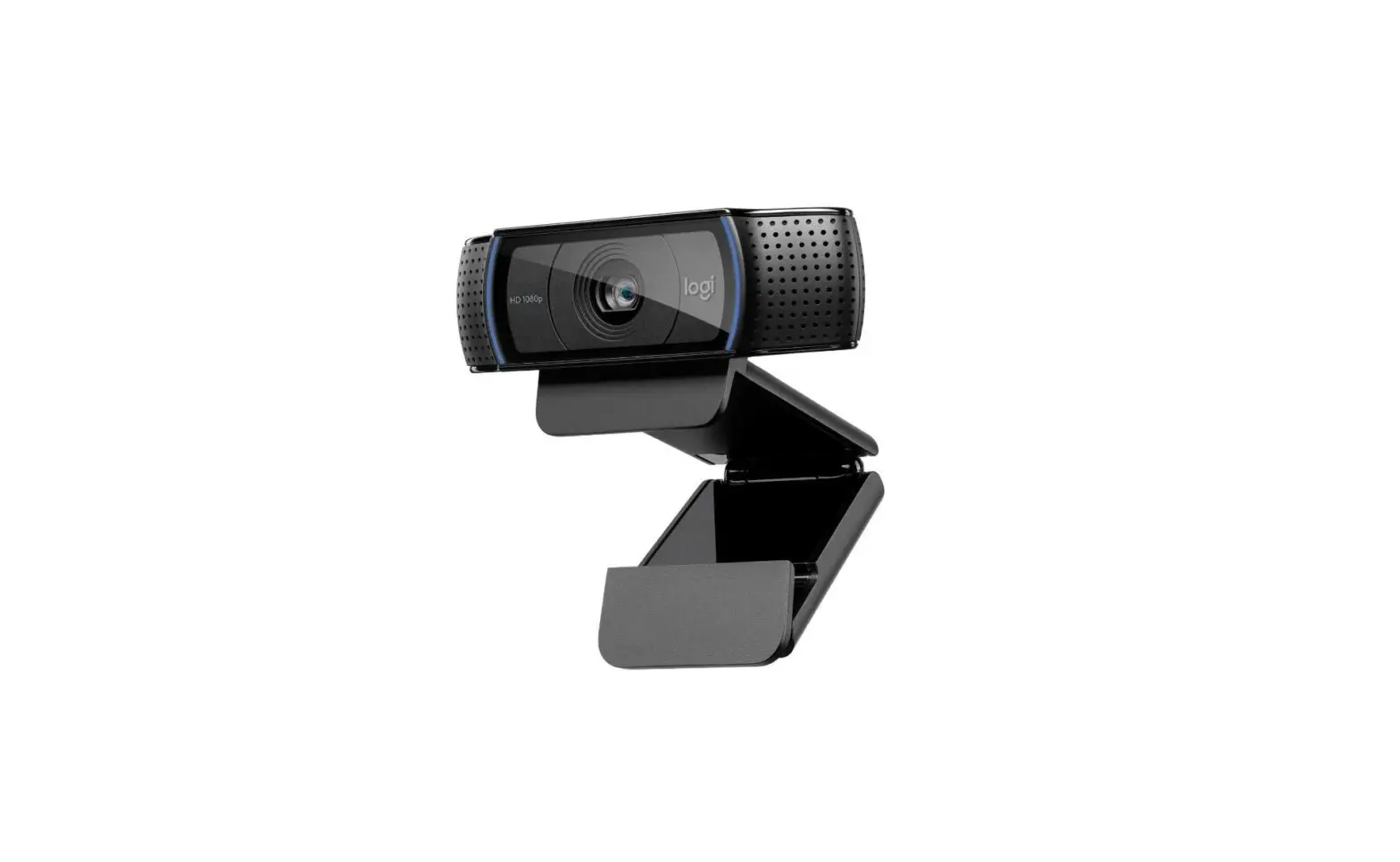
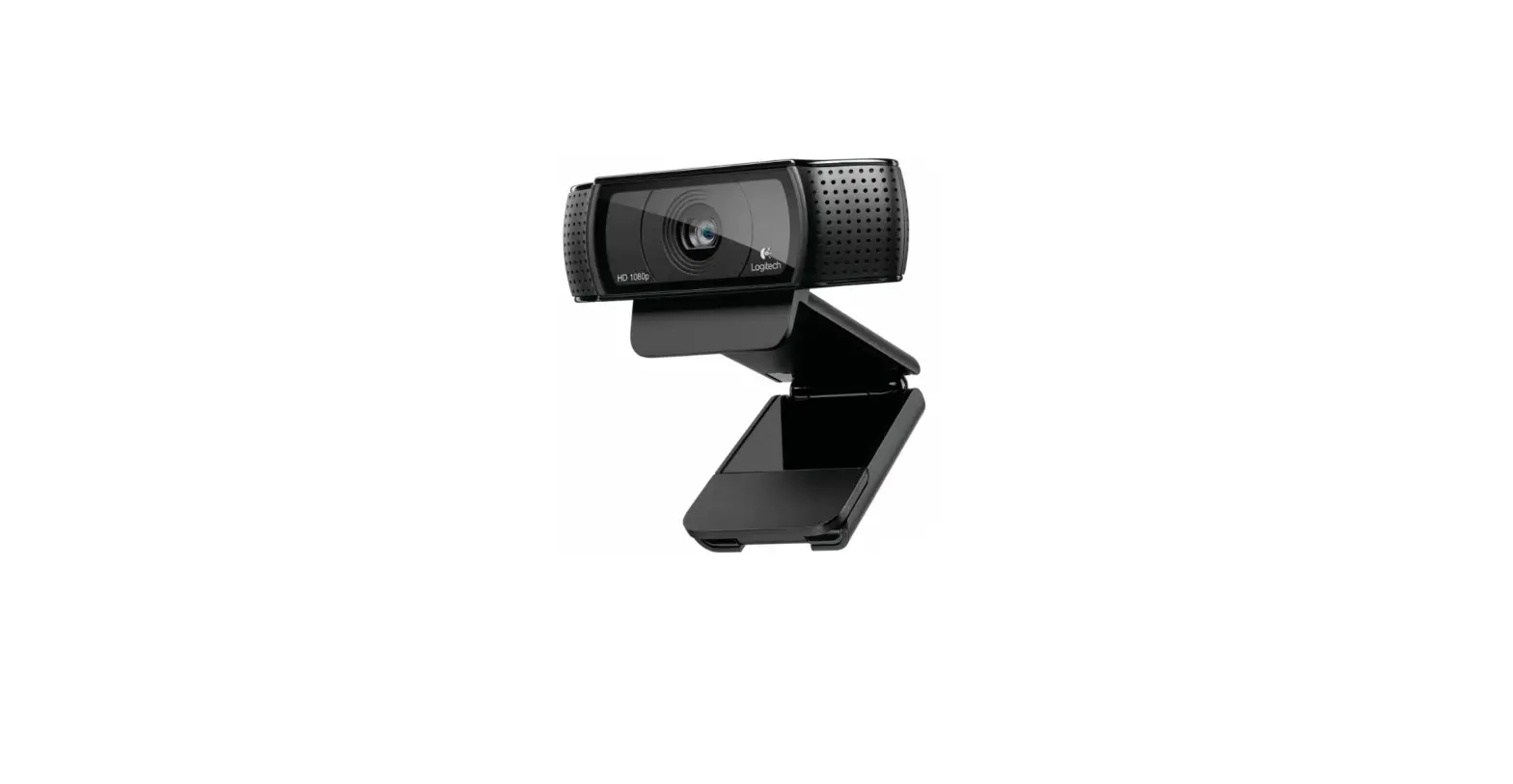
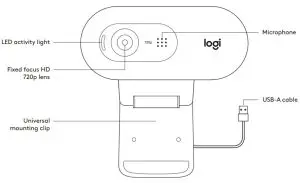
KNOW YOUR PRODUCT
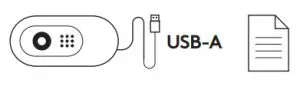
WHAT’S IN THE BOX
- Webcam with 5 ft (1 5 m) attached USB-A cable
- User documentation
SETTING UP THE WEBCAM
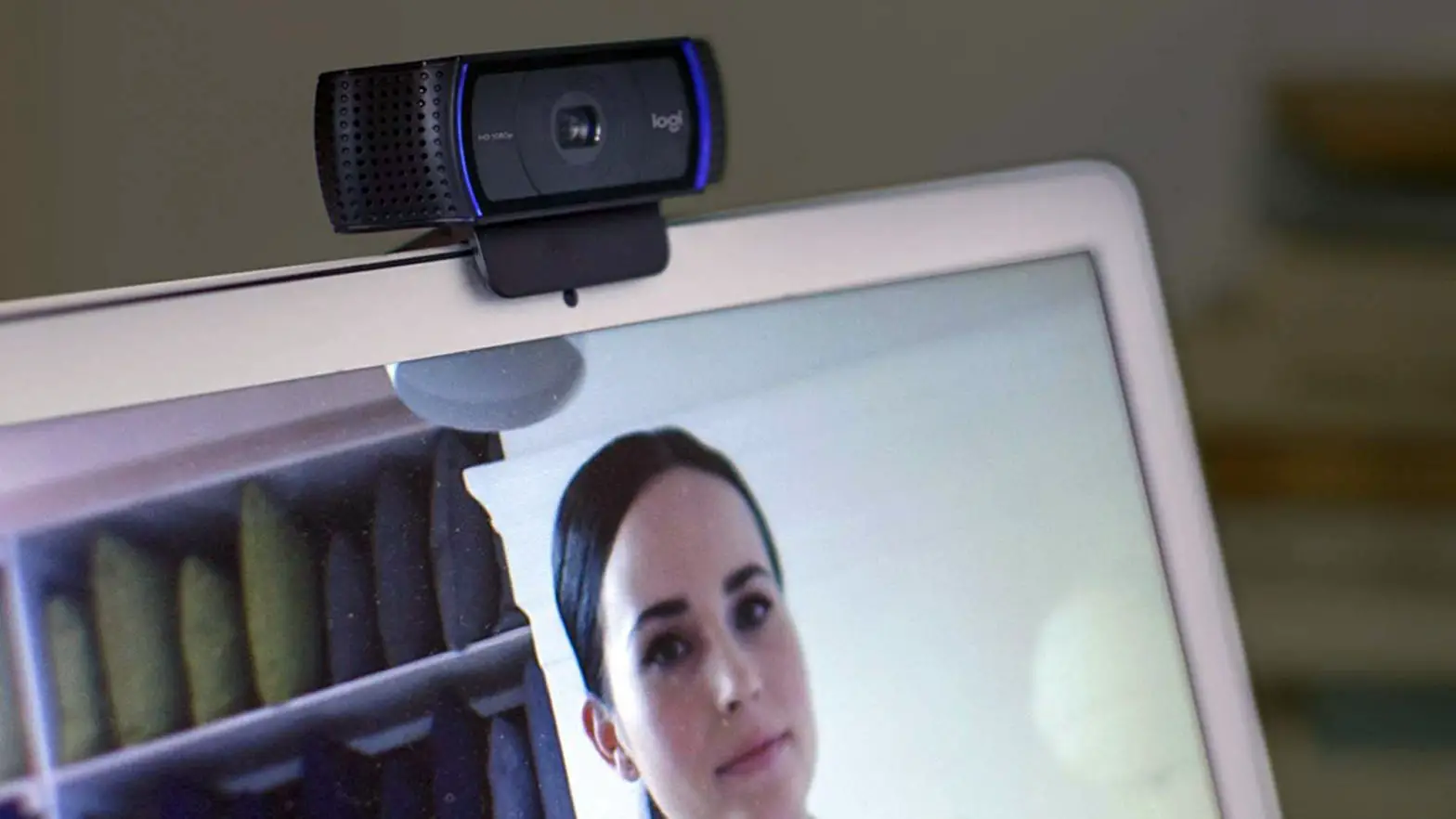
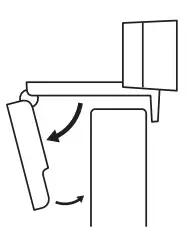
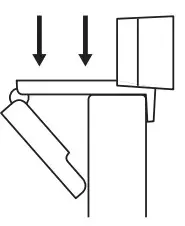
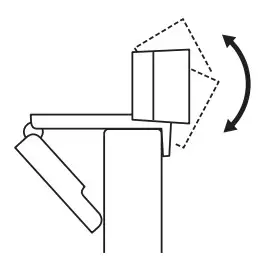
- Place your webcam on a computer, laptop, or monitor at a position or angle you desire

- Adjust the webcam to make sure the end on the universal mounting clip is flush with the back of your device

- Manually adjust the webcam up/down to the best position to frame yourself

CONNECTING THE WEBCAM VIA USB-A
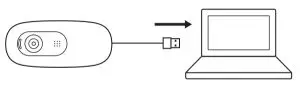
Plug the USB-A connector into the USB-A port on your computer
SUCCESSFUL CONNECTION
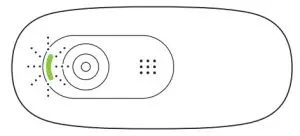
LED activity light will light up when the webcam is in use by an application
DIMENSIONS
INCLUDING FIXED MOUNTING CLIP:
Height x Width x Depth:
1 26 in (31 91 mm) x 2 87 in (72 91 mm) x 2 62 in (66 64 mm)
Cable Length: 5 ft (1 5 m)
Weight: 2 65 oz (75 g)
© 2020 Logitech Logitech, Logi, and the Logitech Logo are trademarks or registered trademarks of
Logitech Europe S A and/or its affiliates in the US and other countries
Logitech assumes no responsibility for any errors that may appear in this manual
Information contained herein is subject to change without notice