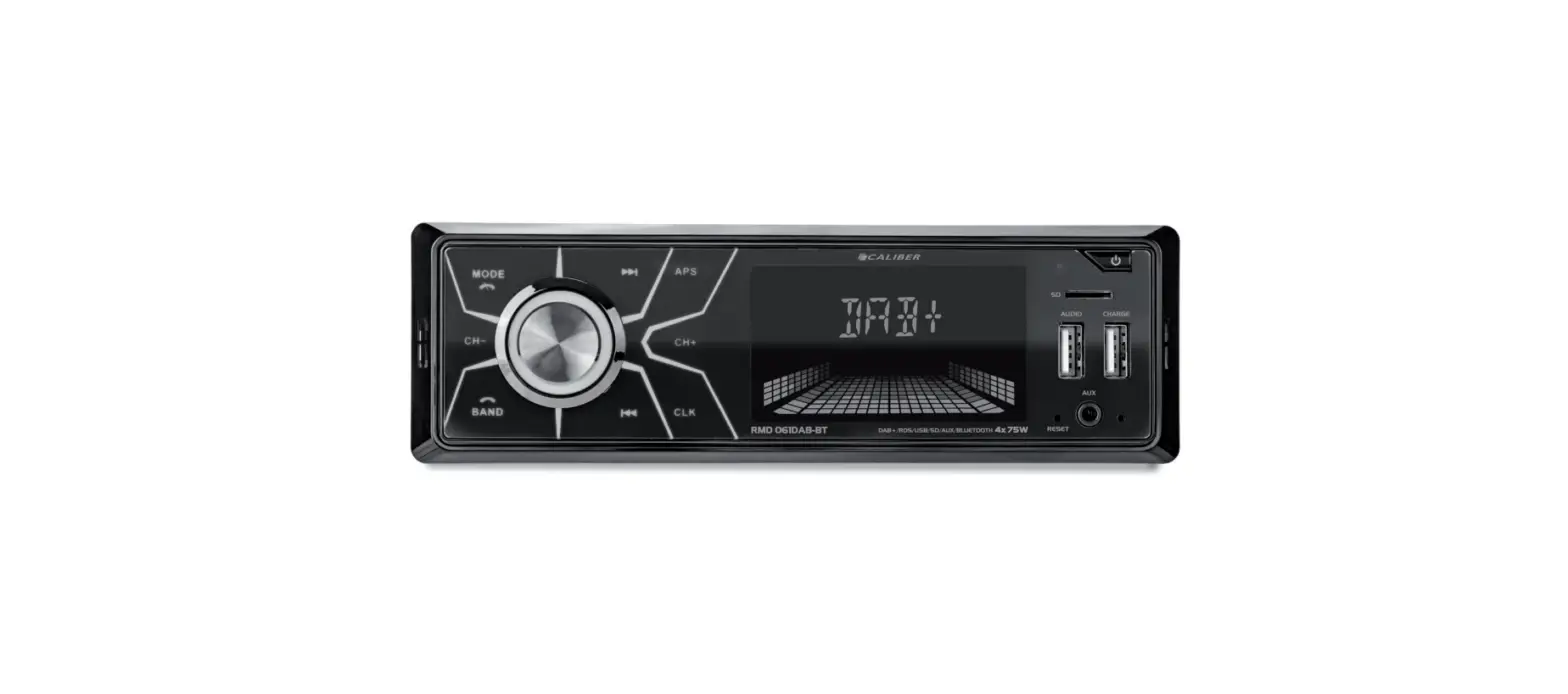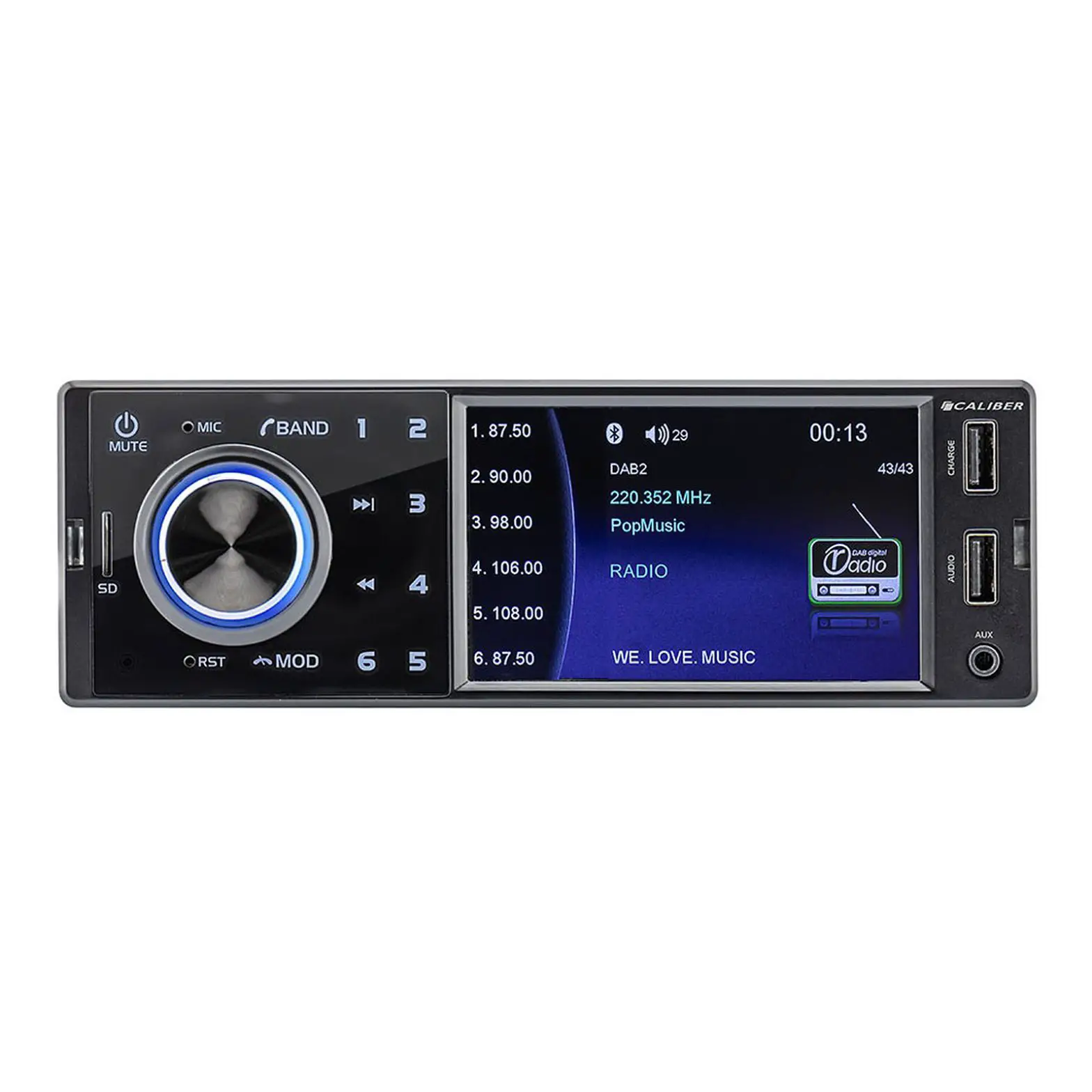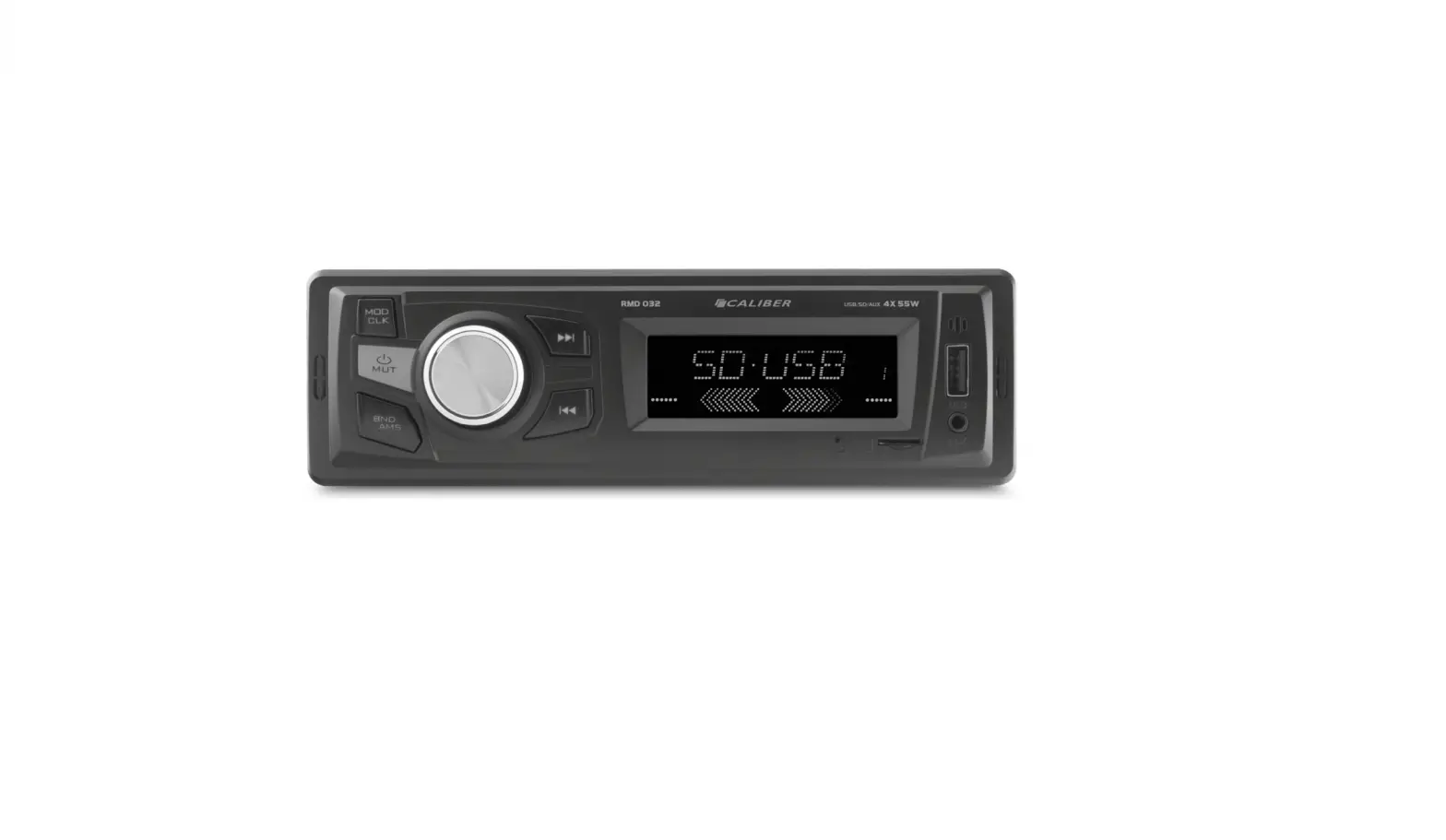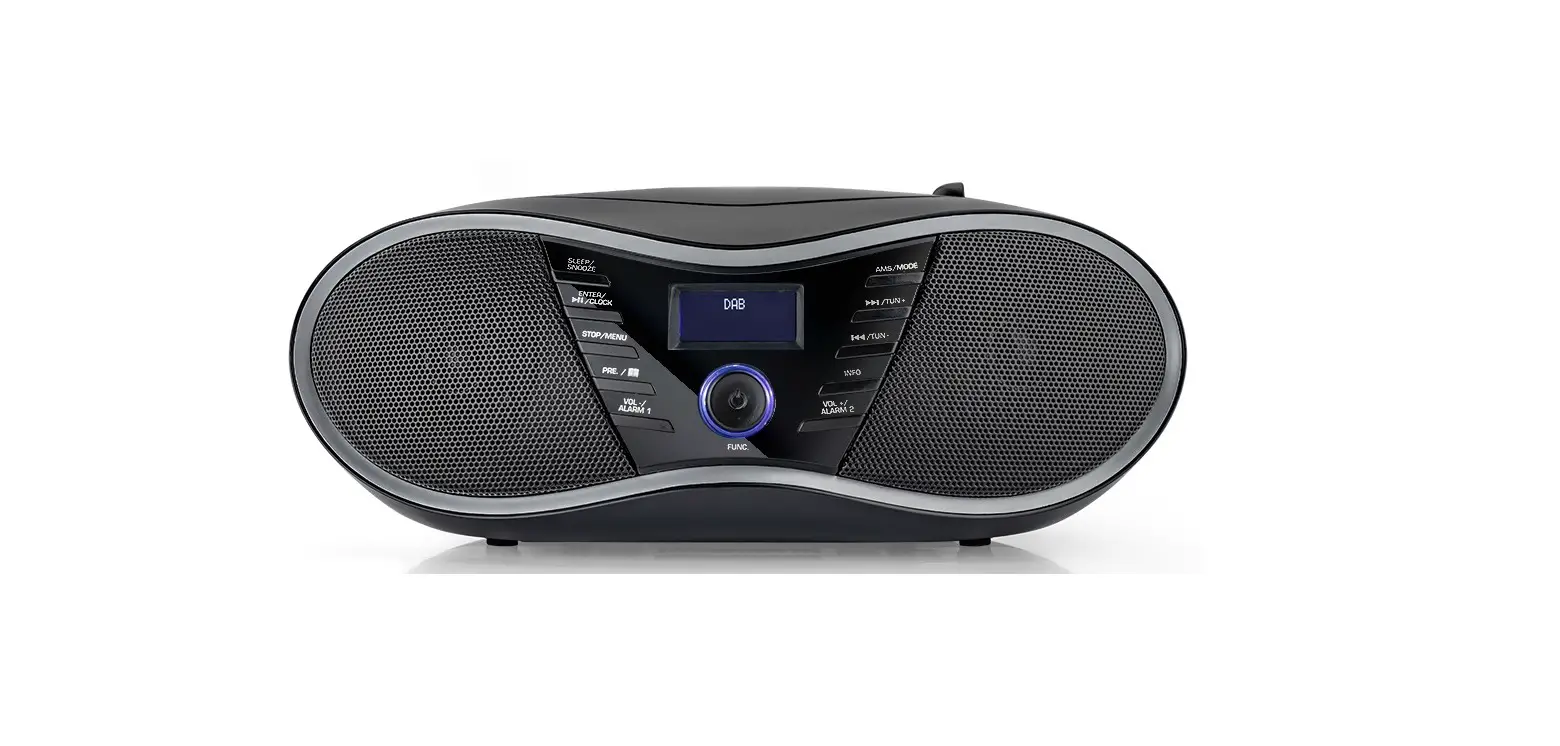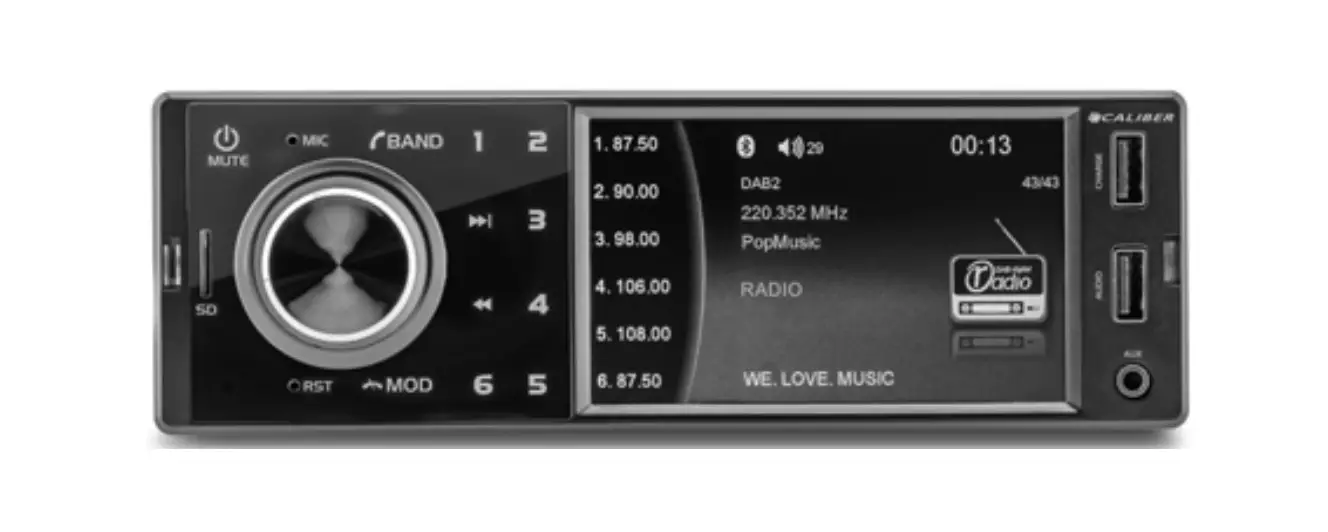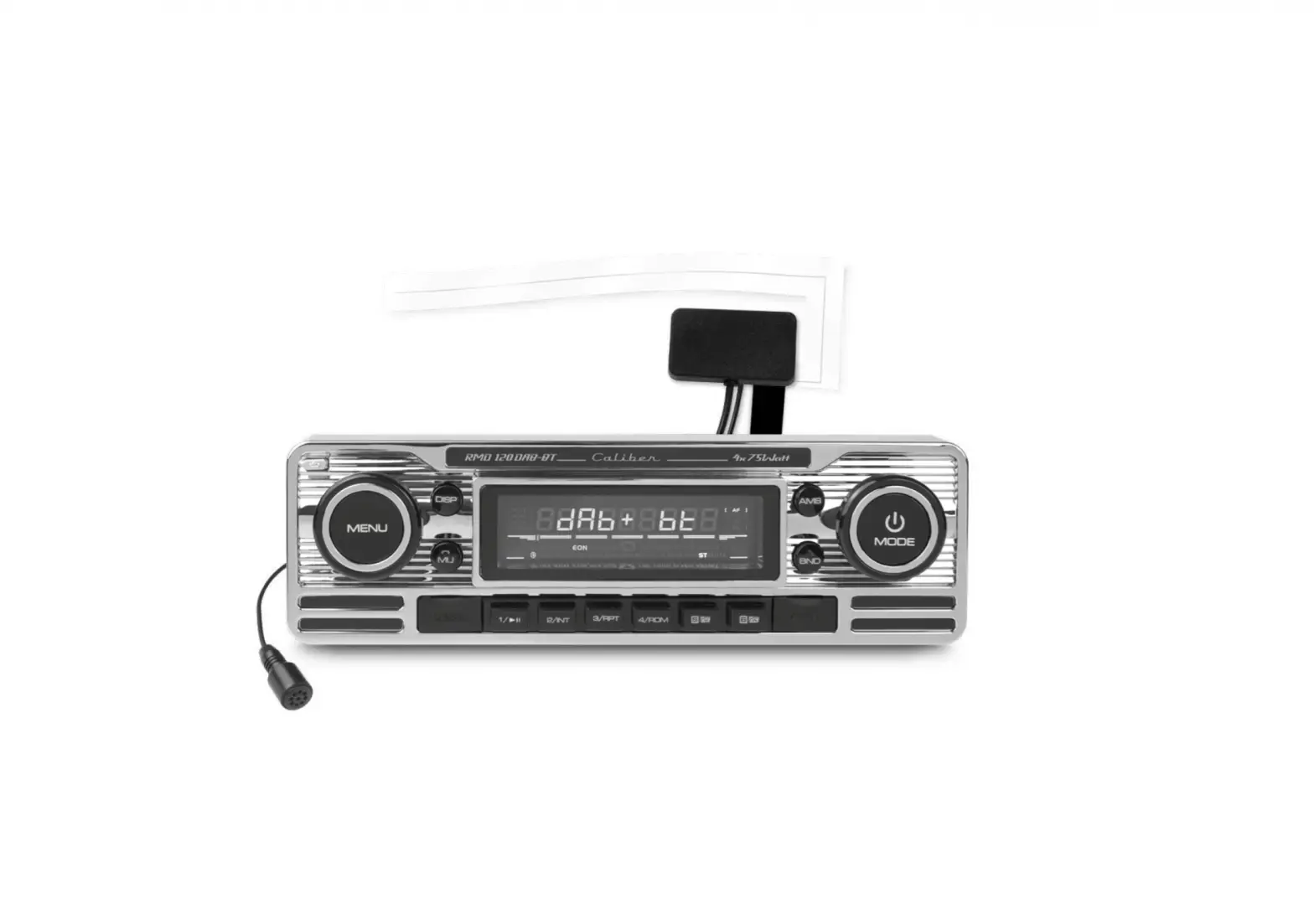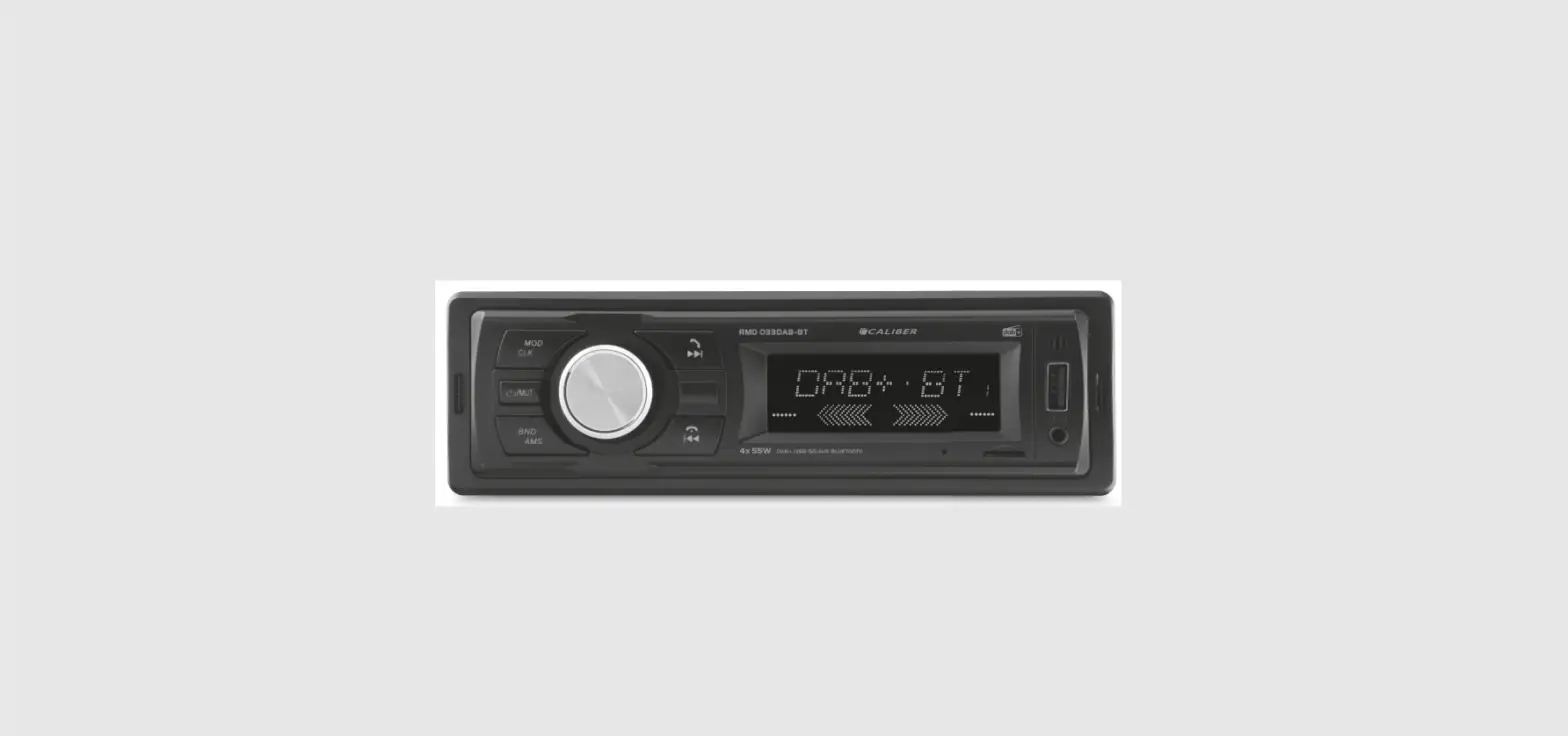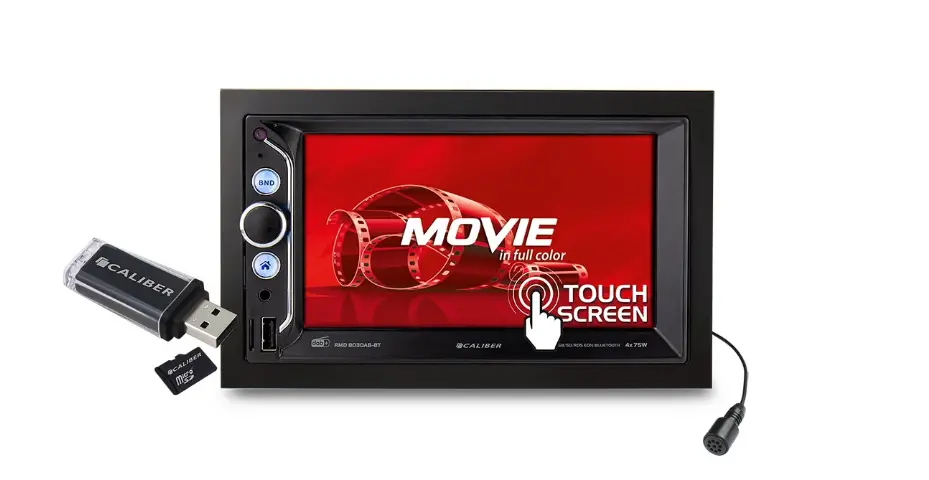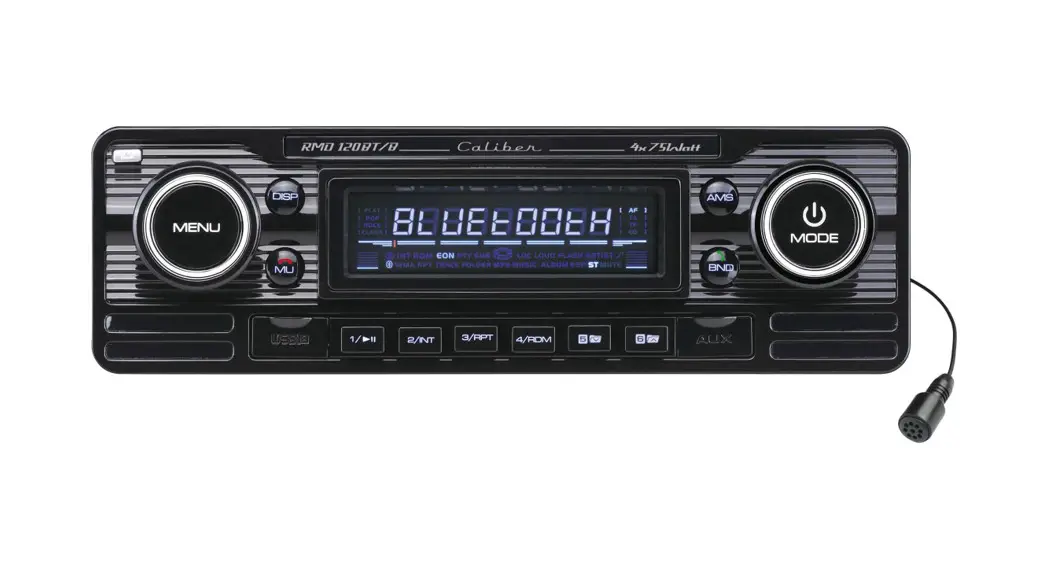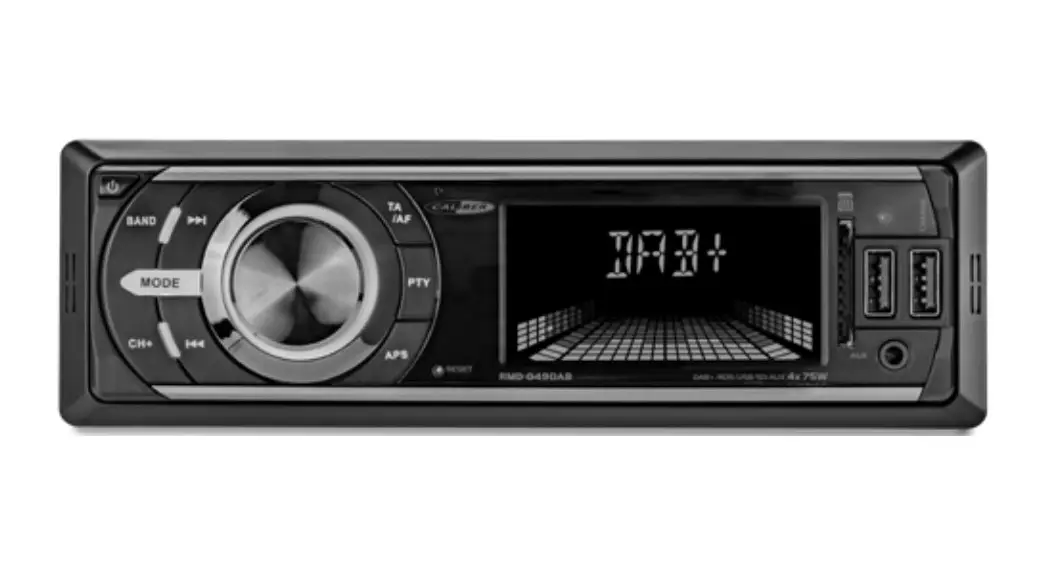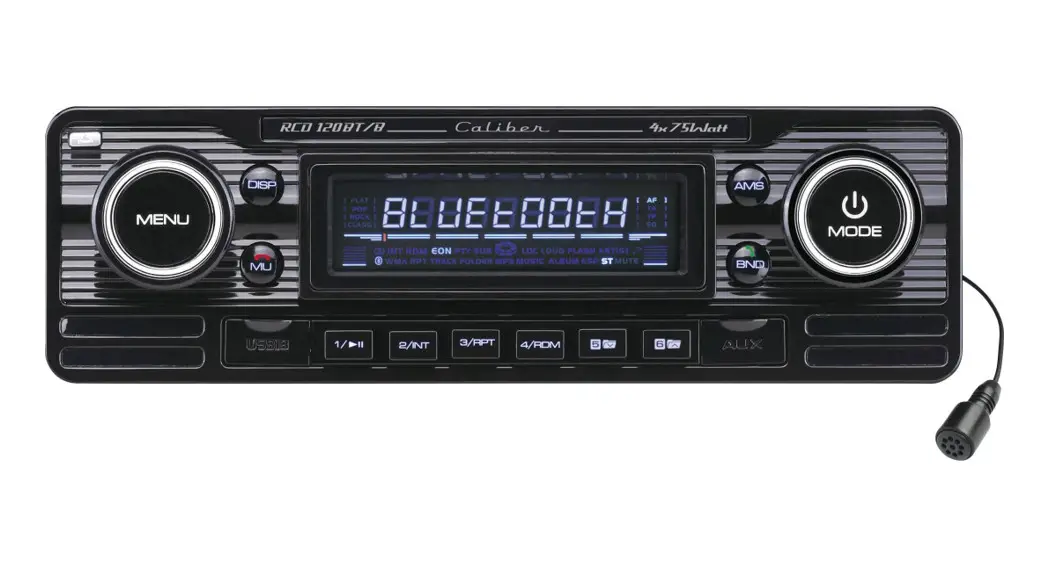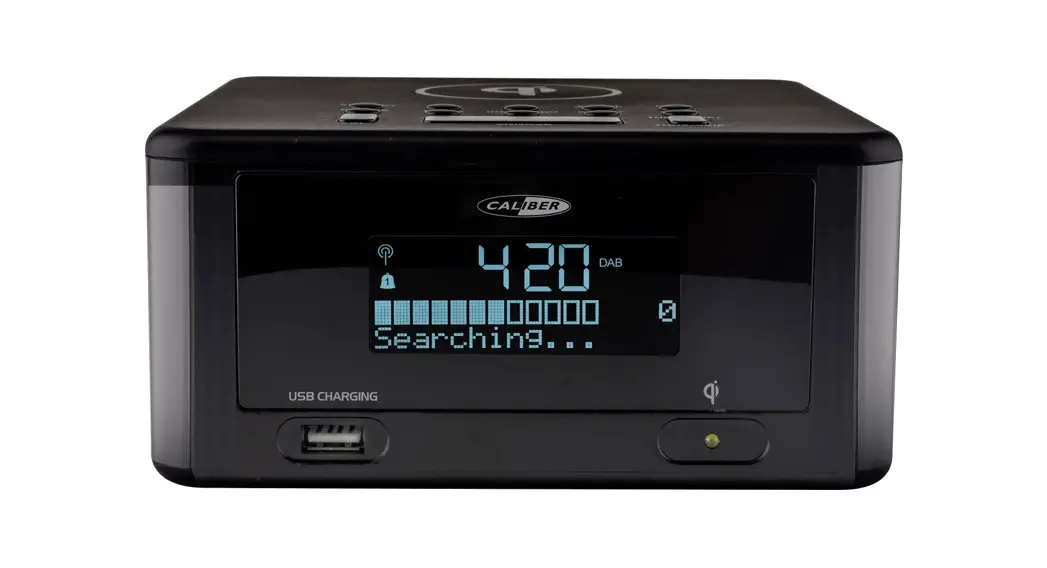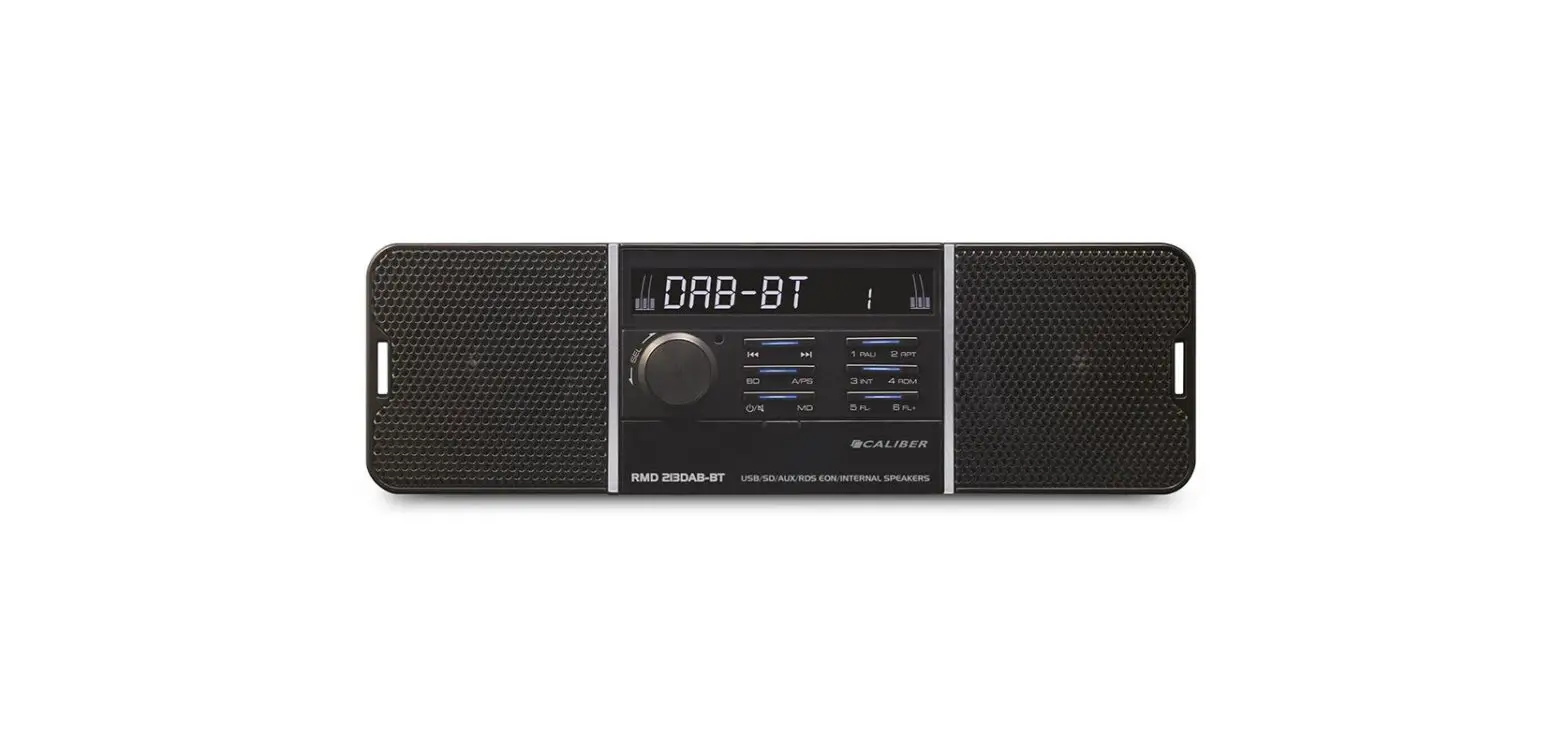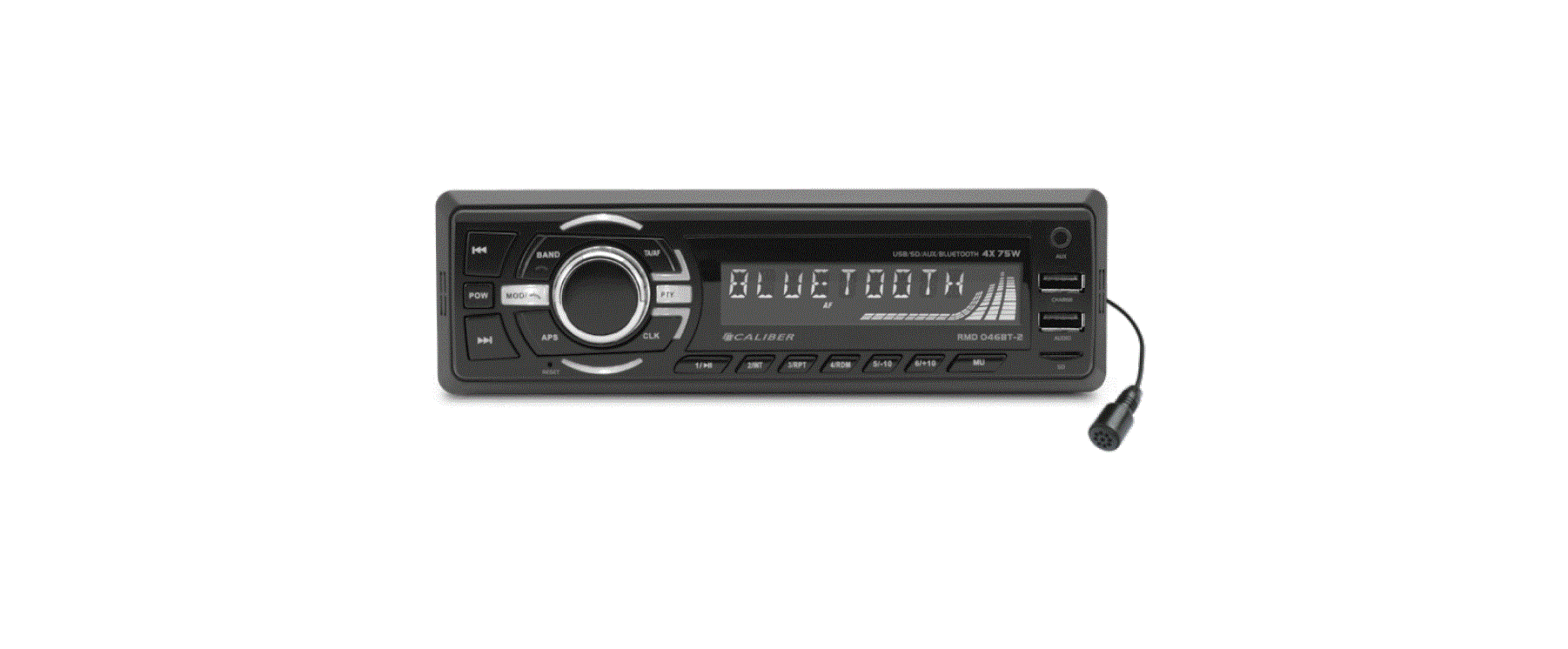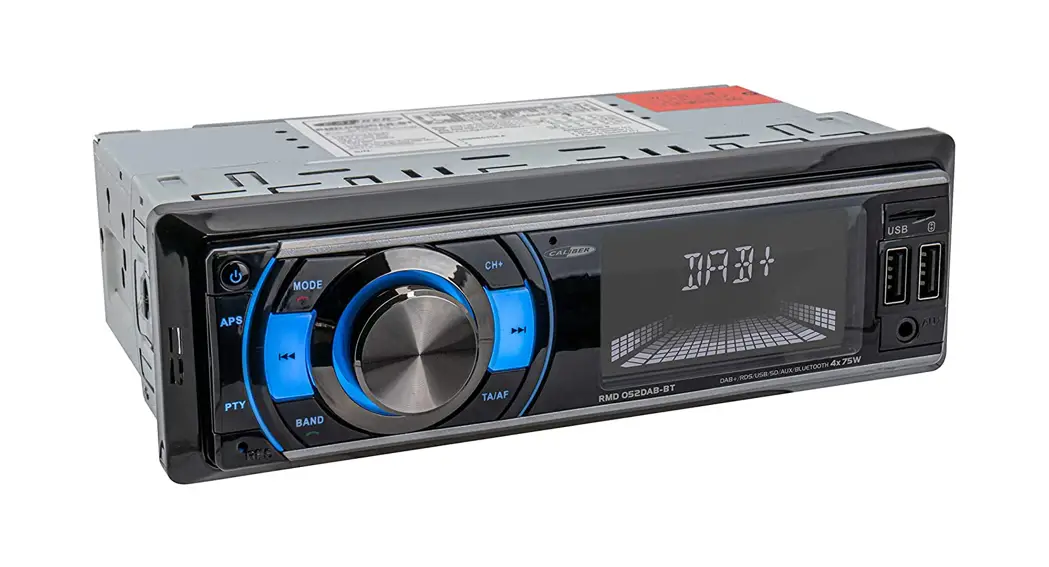

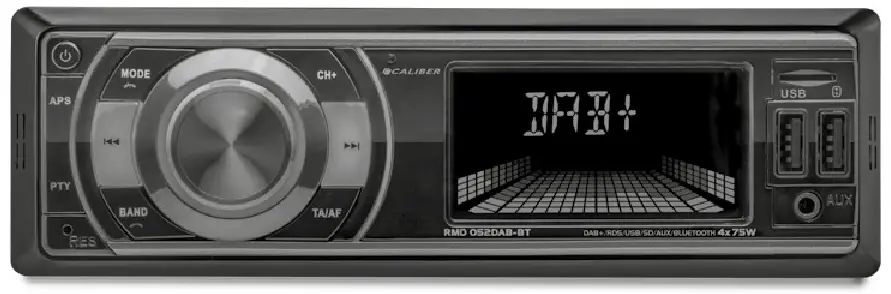
RMD 052DAB-BT
Manual
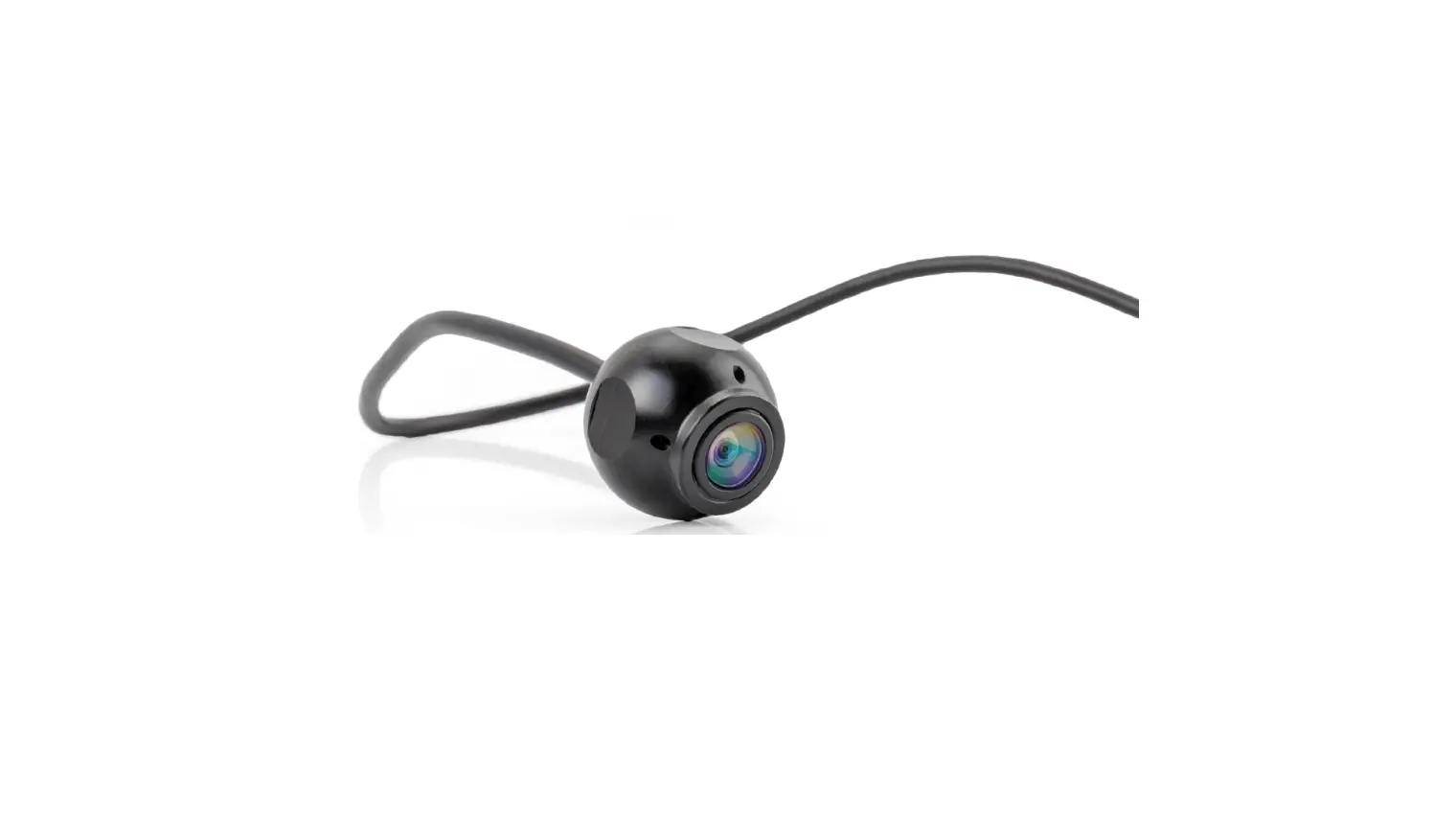
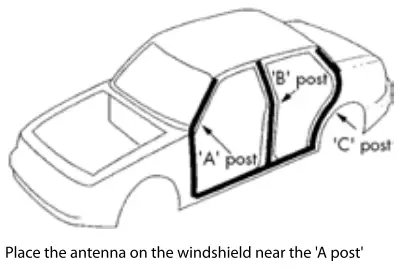
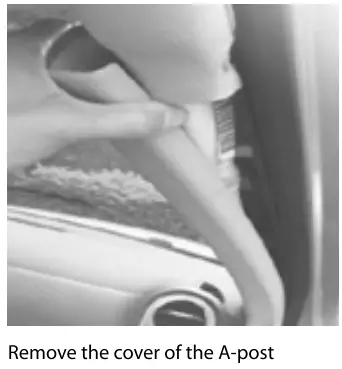
DAB ANTENNA INSTALLATION
 |  | 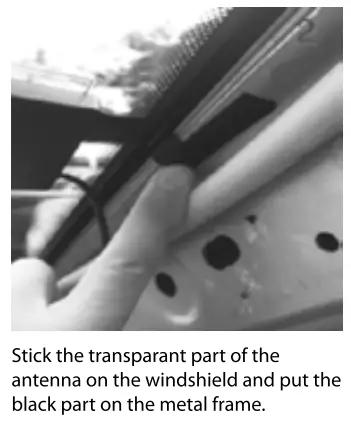 |
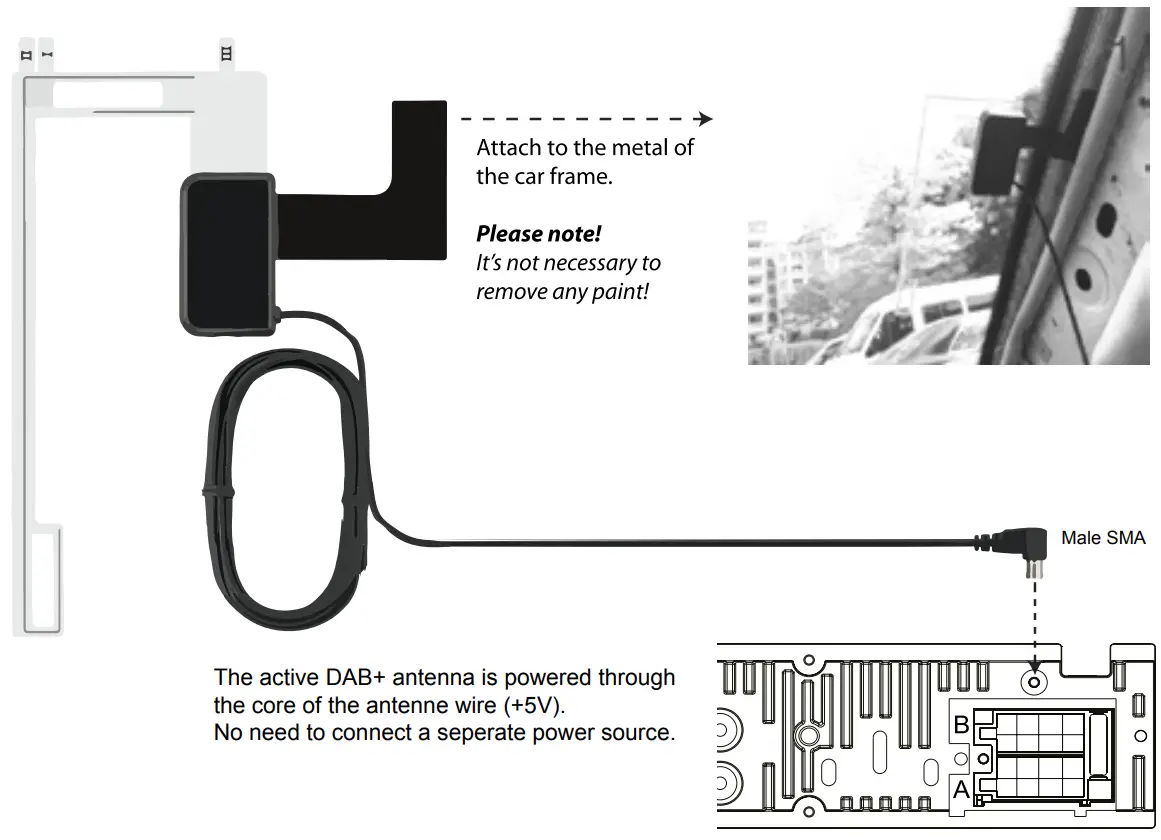 | ||
RMD WIRING DIAGRAM
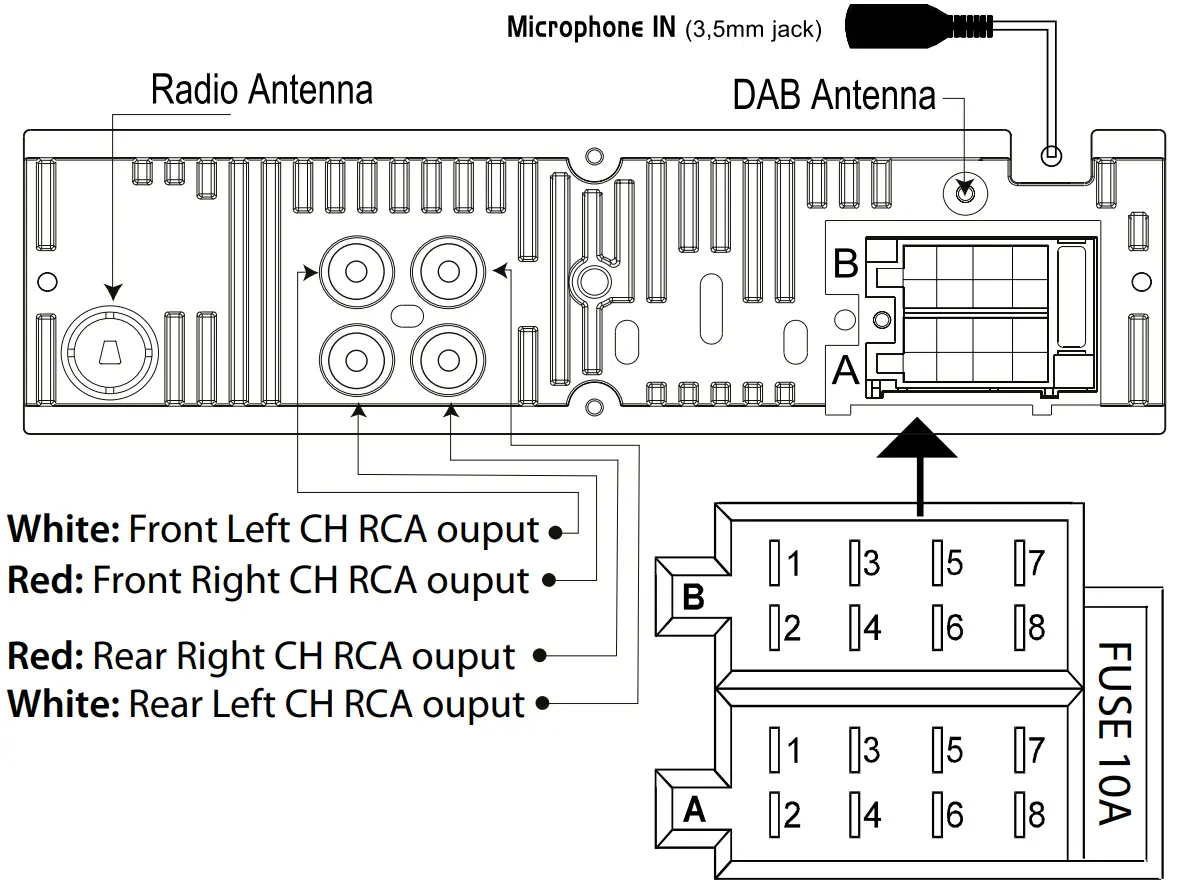
Connector A
1. —
2. —
3. —
4. Memory +12V (yellow wire)
5. Remote +12V output (blue wire)
6. —
7. +12V ignition (red wire)
8. Ground (black wire)
Connector B
1. Right rear speaker (+)
2. Right rear speaker (-)
3. Right front speaker (+)
4. Right front speaker (-)
5. Left front speaker (+)
6. Left front speaker (-)
7. Left rear speaker (+)
8. Left rear speaker (-)
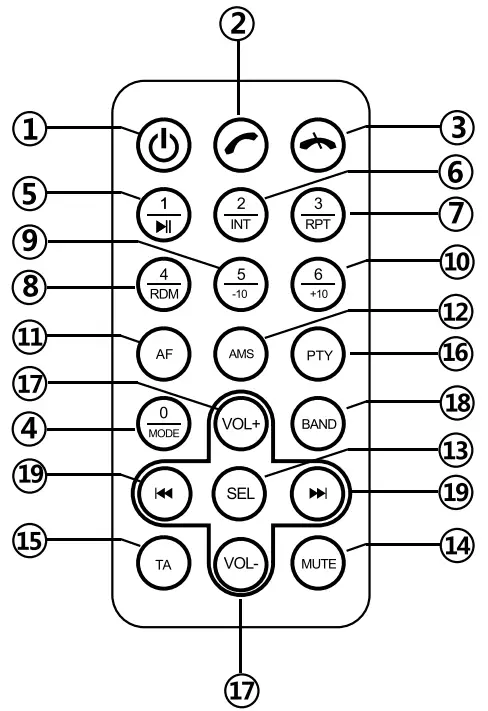
RMD REMOTE CONTROL
- Power Button
Short press to turn on the unit.
 Answer phone
On Bluetooth mode, press it to answer the phone or redial. End call
When it is on Bluetooth phone call, press it to hang up.
 Answer phone
 End call
- 0 / Mode
When the unit is on, press it for MODE switch.
- 1 /

When it is on radio mode, short press it to choose station1. Long press it to define station number to be “1”; When it is on USB/SD playing, Bluetooth music mode, short press it for pause/playing

- 2 / INT
When it is on radio mode, short press it to choose station2. Long press it to define station number to be “2”; When it is on USB/SD playing, short press it for browse playing. - 3 / RPT
When it is on radio mode, short press it to choose station3. Long press it to define station number to be “3”; When it is on USB/SD playing, short press it for repeat playing. - 4 / RDM
When it is on radio mode, short press it to choose station4. Long press it to define station number to be “4”; When it is on USB/SD playing, short press it for random playing.
- 5 / -10
When it is on radio mode, short press it to choose station5. Long press it to define station number to be “5”; When it is on USB/SD playing, short press it for -10 tracks. - 6 / +10
When it is on radio mode, short press it to choose station6. Long press it to define station number to be “6”; When it is on USB/SD playing, short press it for +10 tracks.
- AF
When the unit is on, short press it for AF on/off
- AMS
When it is on radio station, shod press it to browse stations. - SEL
SELECT Multi-functional button
- Mute
For Mute
- TA
Press it for TA on/off
- PTY
When it is on RDS radio model, It is for PTY function selection.
- VOL+
For volume +/-
- BAND
When it is on radio station, short press it for band switch.  Previous /
 Next
Next
When it is on radio model, shod press it for station scan;
 Previous /
 Next
NextWhen it is on USB/SD playing, Short press it for previous or next tracks.
Long press it for fast forward or fast backward. When it is on Bluetooth music mode, press it for previous or next track.
RMD SPECIFICATIONS
| General: | |
| Power supply | 12V DC neg. ground |
| RMS power output | 75Wx4 channels |
| Max power output | 20Wx4 channels (40 10% T.H.D.) |
| Suitable speaker impedance Fuse | 4-8 ohm 10A |
| Dimensions (WxDxH) | 190x133x59mm (outer sizes) 178x108x5Omm (built-in part) |
| Radio: | |
| FM Stereo Radio | |
| Frequency range | 87.5-108.0 MHz (Europe) |
| Signal/noise ratio | 50dB |
| Radio sensitivity | 10dB |
| DAB Stereo Radio | |
| Frequency range | 174 — 240MHz |
| Antenna type | Screen mount / male SMA connector / active (with +5V phantom power source) |
| USB / SD: | |
| Frequency response | 20Hz-20KHz |
| Signal/noise ratio | >50dB |
| T.H.D. | <3% (1 KHz) |
| USB charge output | 5V, max. 1.1A |
| Transmission | |
| Bluetooth Freq range: | 2402-2480 Mhz |
| Max e.r.p: | <100mW/20dBm |
Note: Specifications and the design are subject to change without notice due to improvements in technology.
We are continuously improving/updating our products and product information.
It’s therefore possible that there is a slight difference between the description in this manual to the operation of the product.
If something is different or not clear; always check our website for the most current version.
RMD 052DAB-BT
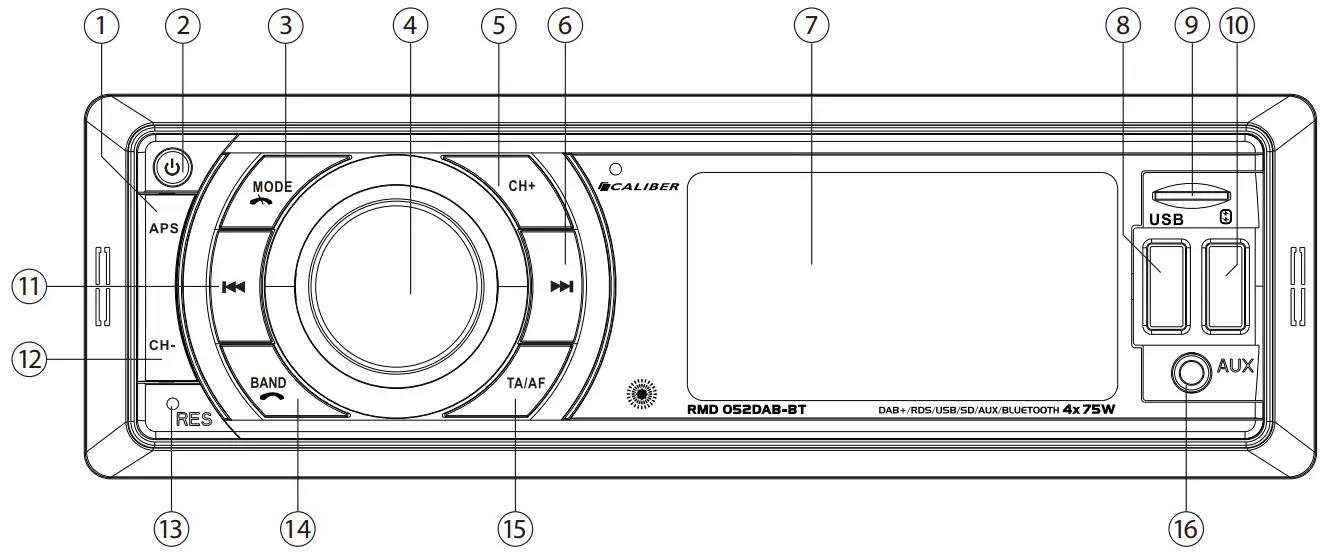
| Key | System | Tuner | MP3/WMA | Bluetooth | |||
| Short press | long press | Short press | long press | Short press | long press | Short press | |
| 1 | APS | ||||||
| 2 | Power ON | Power OFF | Mute | Mute | Mute | ||
| 3 | Mode | Mode | Mode | End call / reject | |||
| 4 | Rotary volume / Light mode (press) | ||||||
| 5 | Preset Channel up | ||||||
| 6 | Manual up | Seek up | Track up | fast forward | Track up | ||
| 7 | LCD display | ||||||
| 8 | USB port for MP3 playback (32GB max.) | ||||||
| 9 | microSD card reader (32GB max.) | ||||||
| 10 | USB charge port (5V charge output) | ||||||
| 11 | Manual down | Seek down | Track down | fast backward | Track down | ||
| 12 | Preset Channel down | ||||||
| 13 | Reset | ||||||
| 14 | Band | Answering call | |||||
| 15 | TA | AF | |||||
| 16 | AUX-in for optional wired connection | ||||||
| Description of the functions | |
| Power | Power function to activate or deactivate the unit. |
| Band | Band selection allows you to select different reception bands, f.i. FMO-FM9, DAB1, DAB2, DAB3 etc. |
| Manual up/down | Short press to move the radio frequency number up/down step by step. |
| Seek up/down: | Long press to search automatically to the next radio station. |
| Audio Menu | The Audio menu button gives you the possibility to adjust your sound system with the following options: Bass, Treble, Balance, Fader, Loud, EQ, DX/LOCAL and Stereo/mono. These options can be used to fine tune your sound. |
| Mode | The mode button allows you to go from one source to another source (f.i. Tuner) by pushing the button as many times as needed. |
| AF | In tuner mode it will automatically store the strongest stations. Note: all previous stored stations are lost. |
| Rotary volume | This knob allows you to adjust the volume from minimum to maximum level. NOTE high sound levels may cause damage to your ears. |
| Pause/Play | This button allows you in USB or SD mode to play or to pause the music. |
| Intro (INT) | Intro will play 10 seconds of each song on the USB or SD. If the preferred song is playing, push again and it will play that song. |
| Repeat (RPT) | Repeat will play a selected song or album continuously. Available in USB and SD mode. |
| Shuffle (RMD) | Shuffle will play all the songs random. Available in USB and SD mode. |
| Track down/up | In MP3 mode press this button to go up or down one track |
| fast forward/backward | Long press to fast forward to the USB or SD. |
| 3,5mm AUX jack in | To connect an external audio system. |
| USB poort | When inserting a USB stick the unit will switch to USB mode. (Max 32GB) |
| SD card input | When inserting a SD card the unit will switch to SD mode. (Max 32GB card) |
| Reset | Use a non-metallic pointed object to press and hold the reset button for 5 seconds. The unit will be set to factory default. |
| Bluetooth | Open Bluetooth by pressing the “MODE” button |
| Pairing | Activate Bluetooth on your mobile phone, and search for available devices. Select “RMD052DAB-BT_CALIBER”, password “0000” (if necessary). If succesfull “BT ON” is displayed, if not “NO CON”. The unit will go back to the previous mode. |
| Reconnect | The unit will normally auto-reconnect. |
| Reject incomming call | Press (12) button if you not wish to answer the call, and return to normal playing mode. |
Note! Do not operate the unit while driving!
RMD PRECAUTIONS
WARNING
Points to observe for safe usage
- Read this manual carefully before using this system. They contain instructions on how to use this product in a safe and effective manner. Caliber Europe B.V. cannot be responsible for problems resulting from failure to observe the instructions in this manual.
 WARNING
This symbol means important instructions.
Failure to heed them can result in injury or material property damage.
Do not operate any function that takes your attention away from safely driving your vehicle.
Keep the volume at a level where you can still hear outside noises while driving.
Listening at loud volume levels in a car may also cause hearing damage.
Do not disassemble or alter.
This device is designed for mobile 12V applications and should also be used as such.
Use only in cars with a 12V volt negative ground.
Use the correct ampere rating when replacing fuses.
Use for other than its designed application may result in fire, electric shock or other injury.
Keep small objects such as screws out of the reach of children.
Do not block vents or radiator panels.
Maintenance.
When there is a problem, turn the unit immediately off and contact your authorized Caliber dealer.
Product cleaning.
Use a soft dry cloth for periodic cleaning of the product. For more severe stains, please dampen the cloth with water only. Anything else has the chance of dissolving the paint or damaging the plastic.
Temperature.
Be sure the temperature inside the vehicle is between 0°C (+32°F) and +45°C (+113°F) before turning your unit on.
 Old appliances and/or batteries must not be disposed with garbage! If the device/battery can not be used anymore, every user is legally obliged to dispose of old appliances and/or batteries separated from the garbage, e.g. at a collection point of his municipality/district.

APPAREIL ET EMBALLAGES A TRIER
Pour en savoir plus :
www.quefairedemesdechets.fr
Caliber hereby declares that the item RMD052DAB-BT is in compliance with the essential requirements and other relevant provisions of Directive 2014/53/EU (RED) and 2011/65/EU (ROHS).
Latest declaration form can be found at: www.atlibereurope.corn/nImedia/formsIDeclarationRMD052DAB-BT.pdf
CAUBER EUROPE BV
- KortakkEr 10
- 4264 AE Veen
- The Netherlands