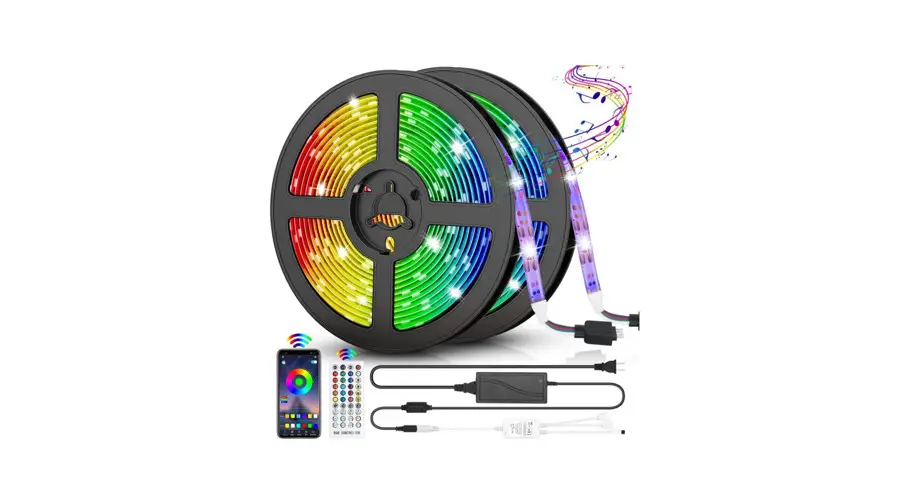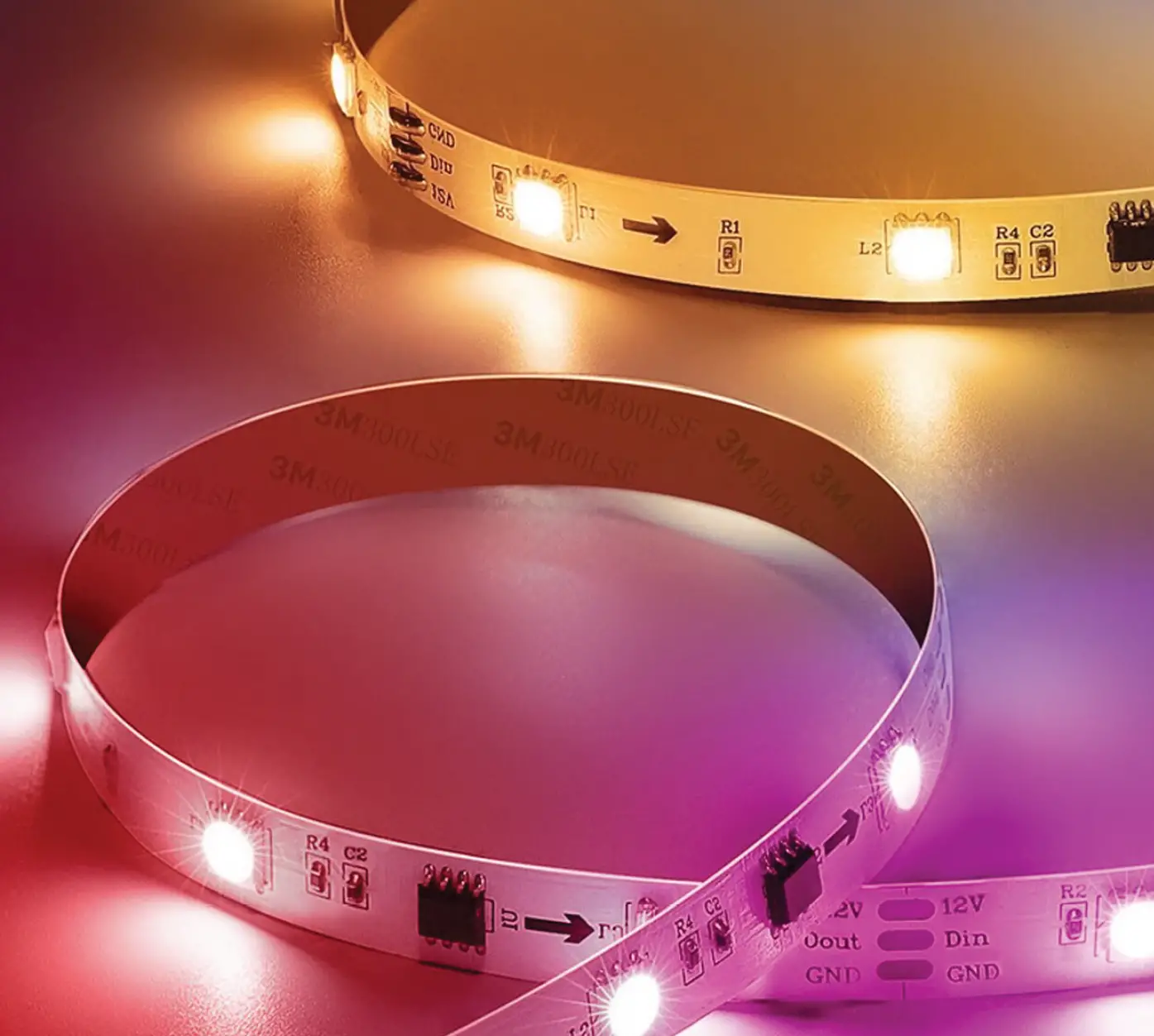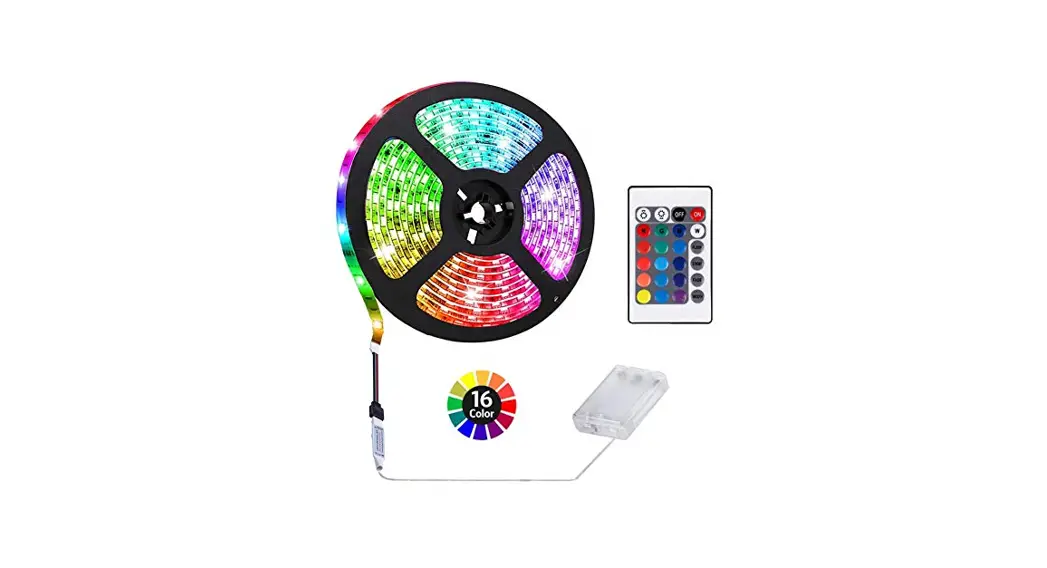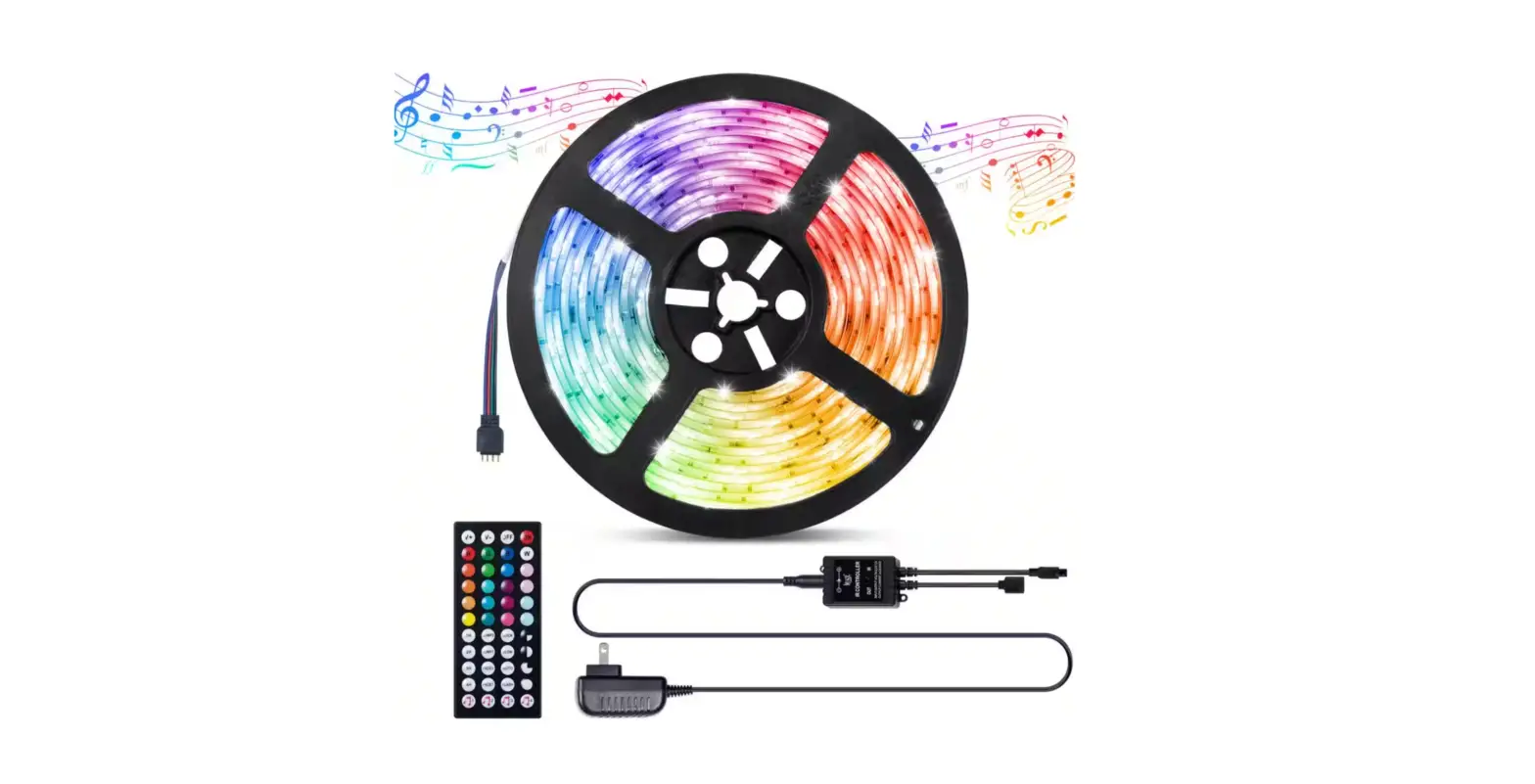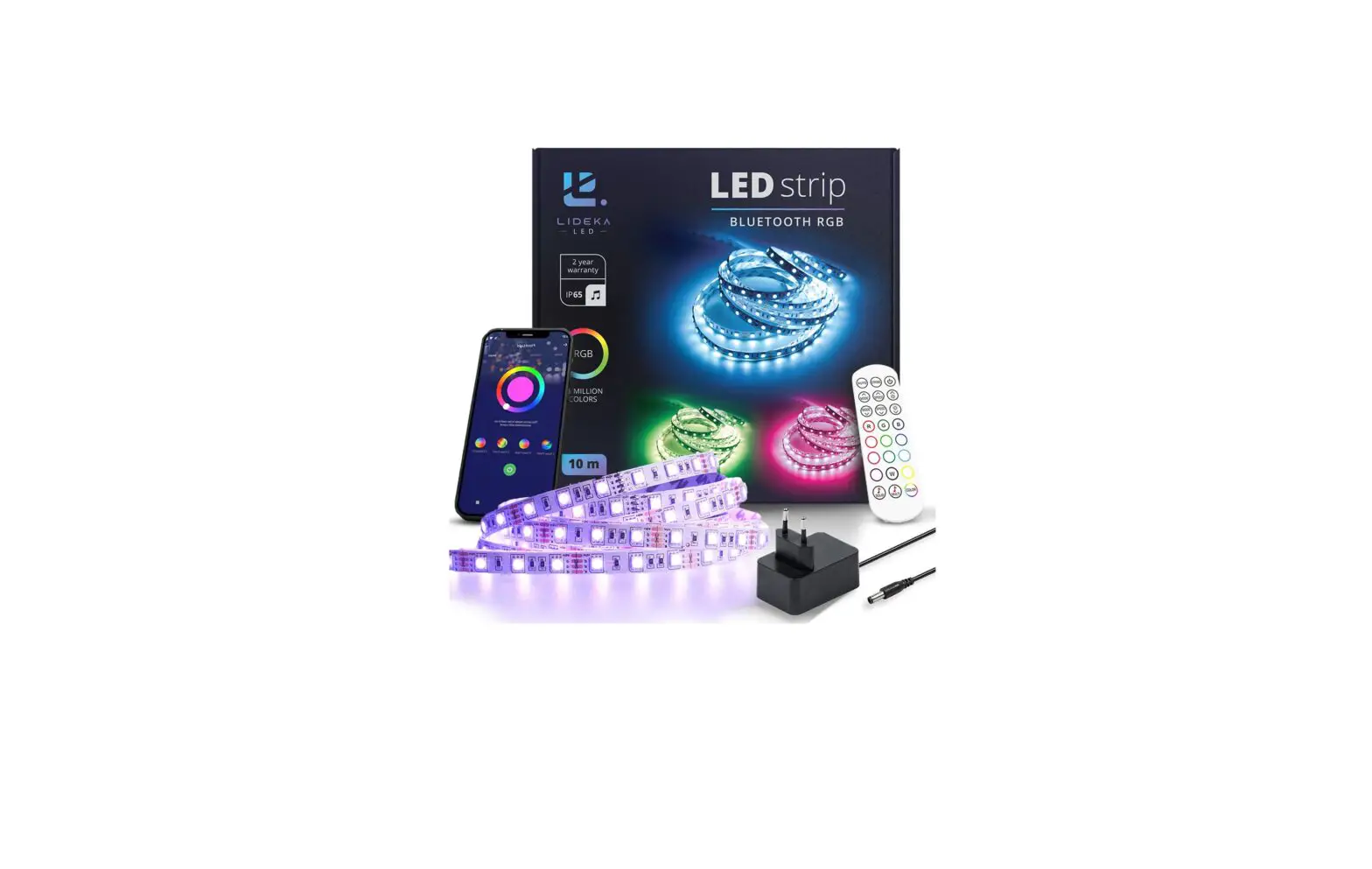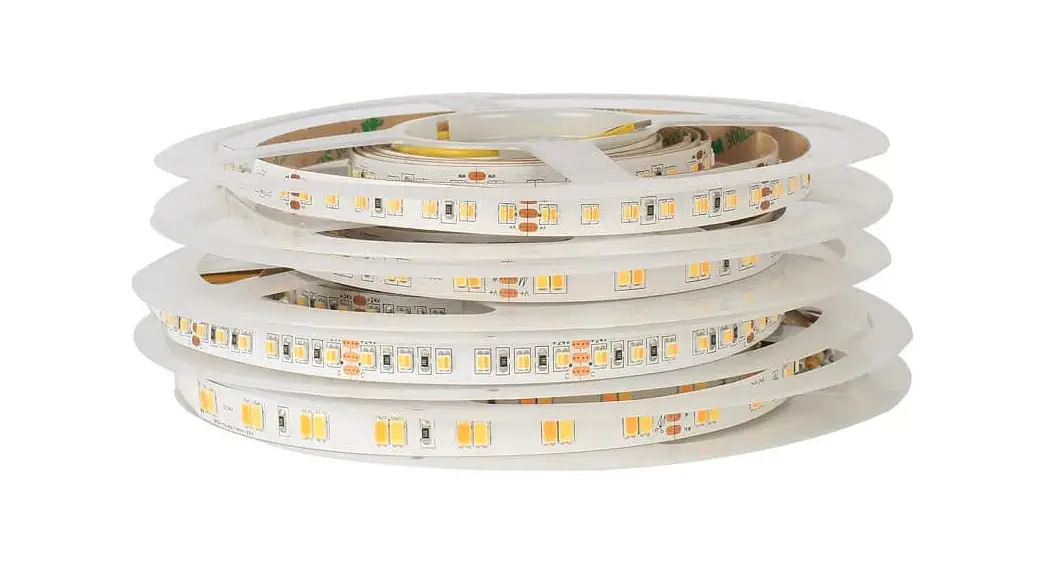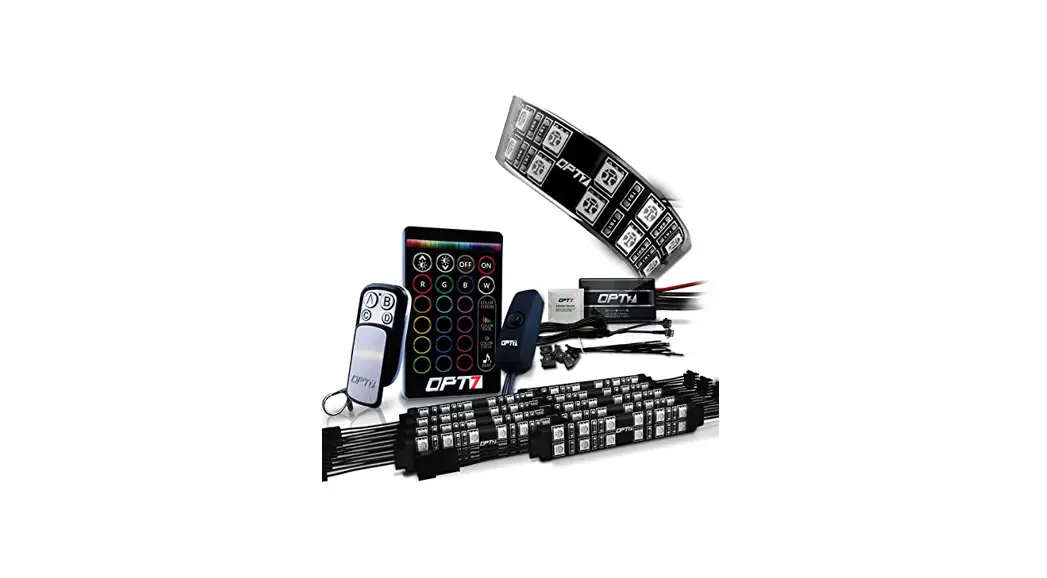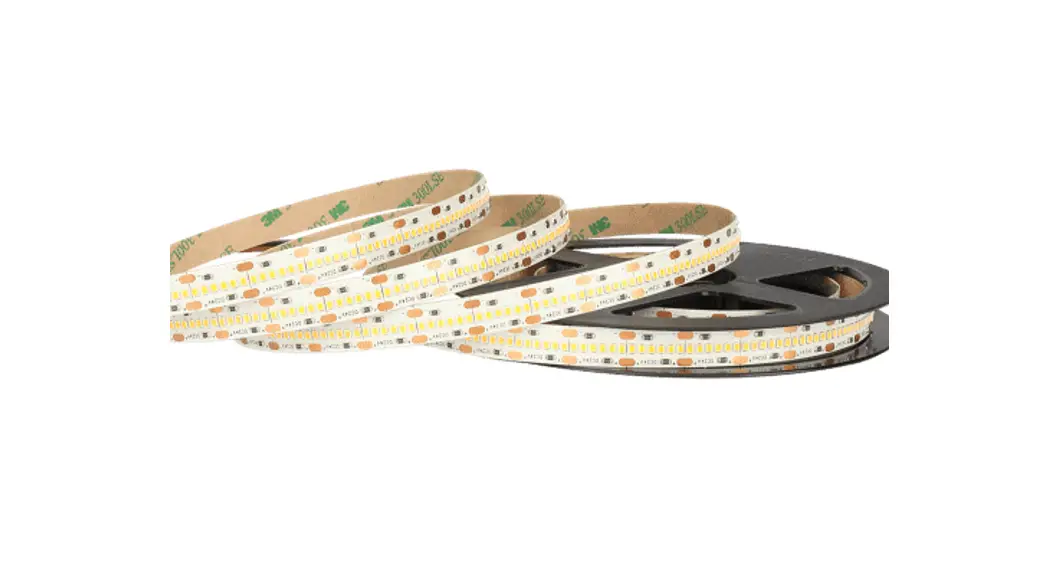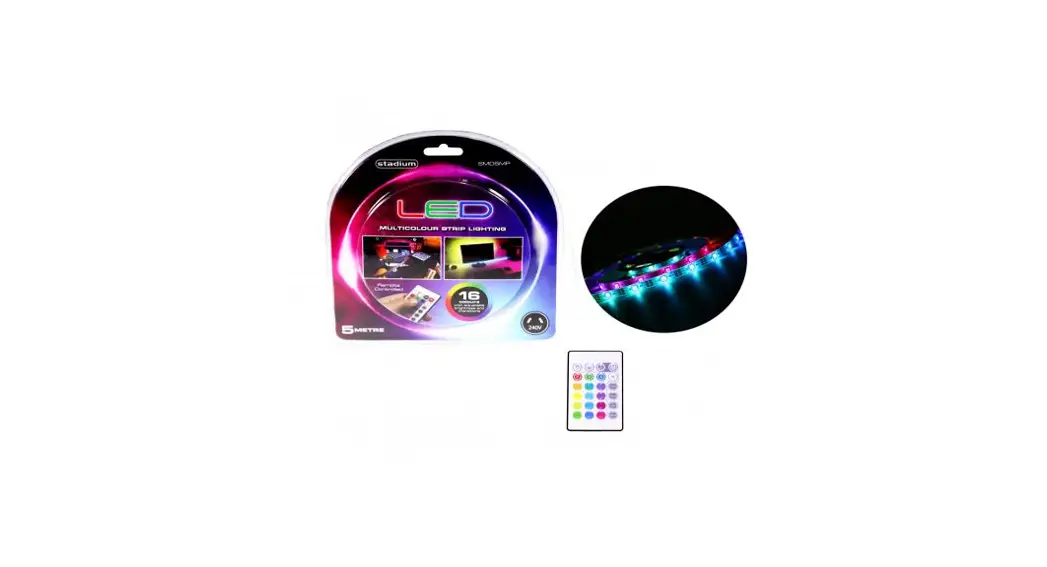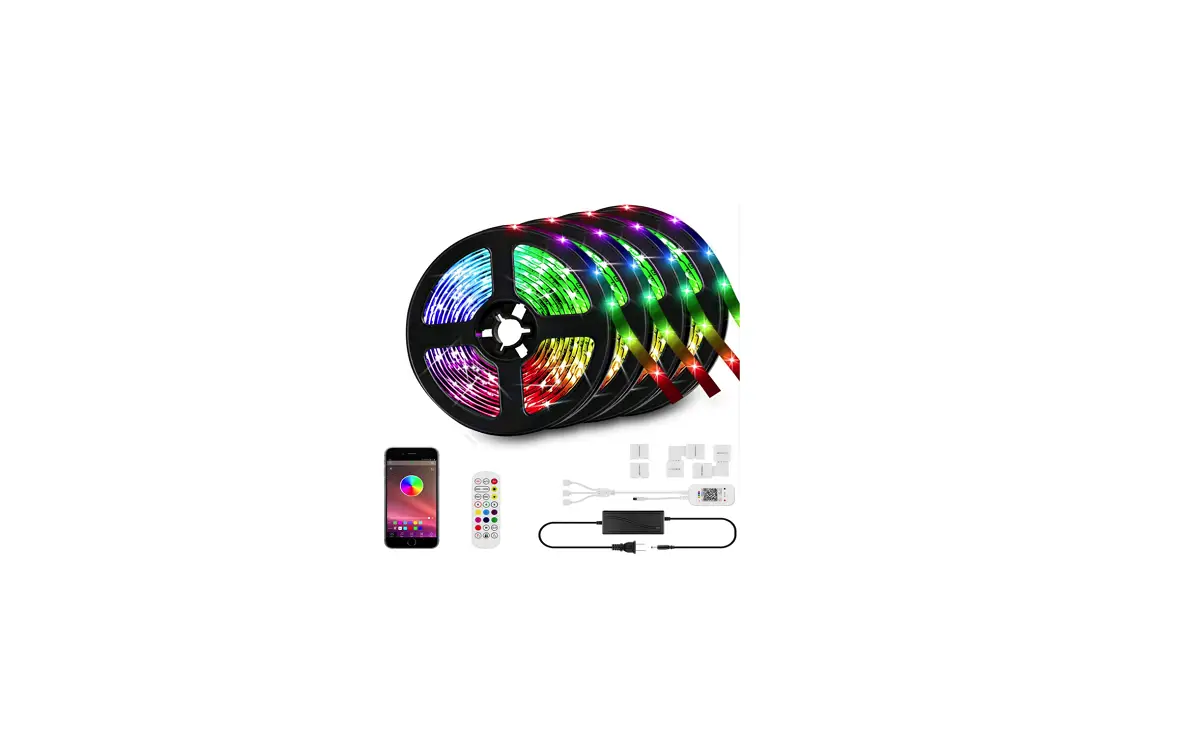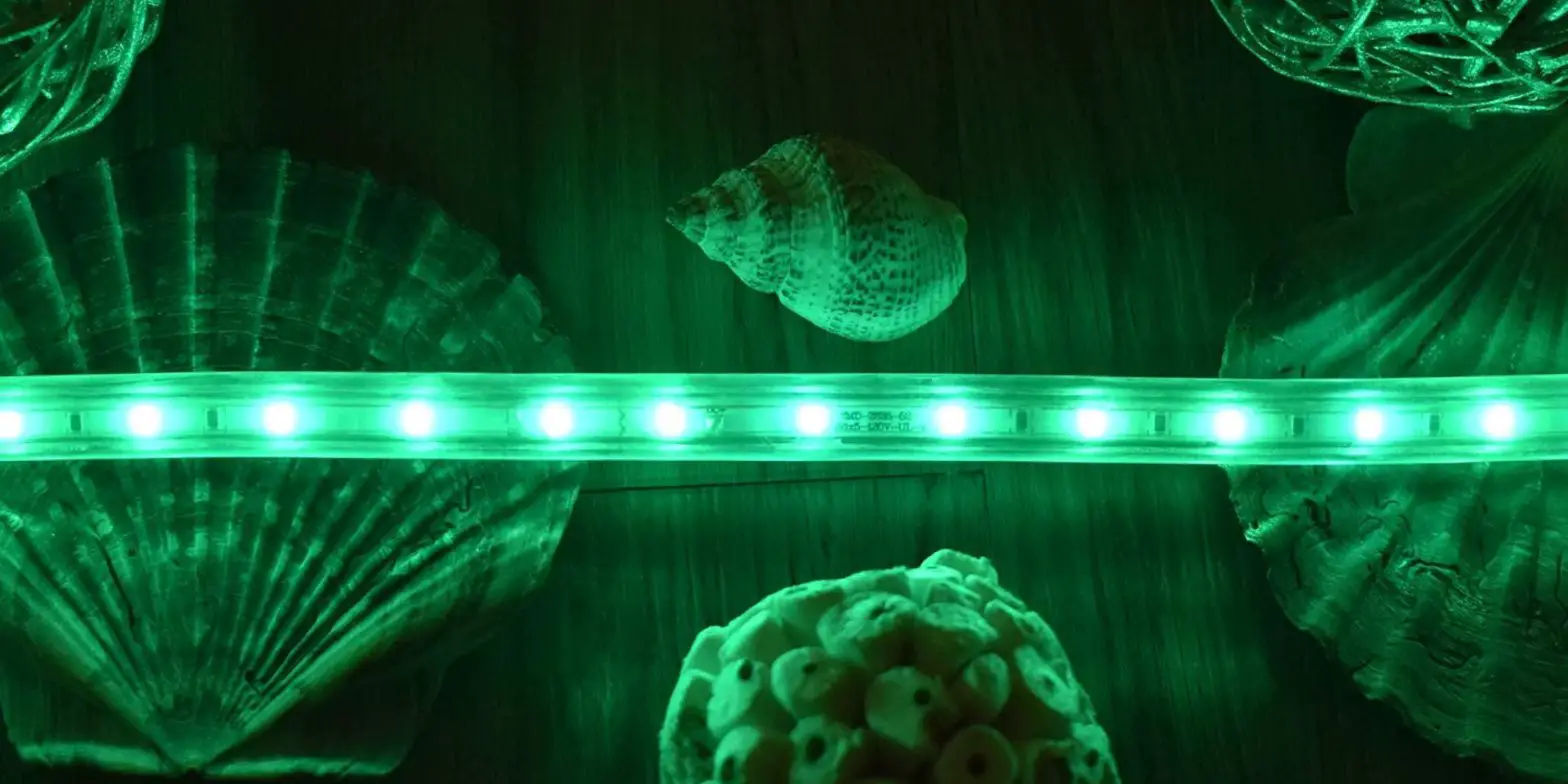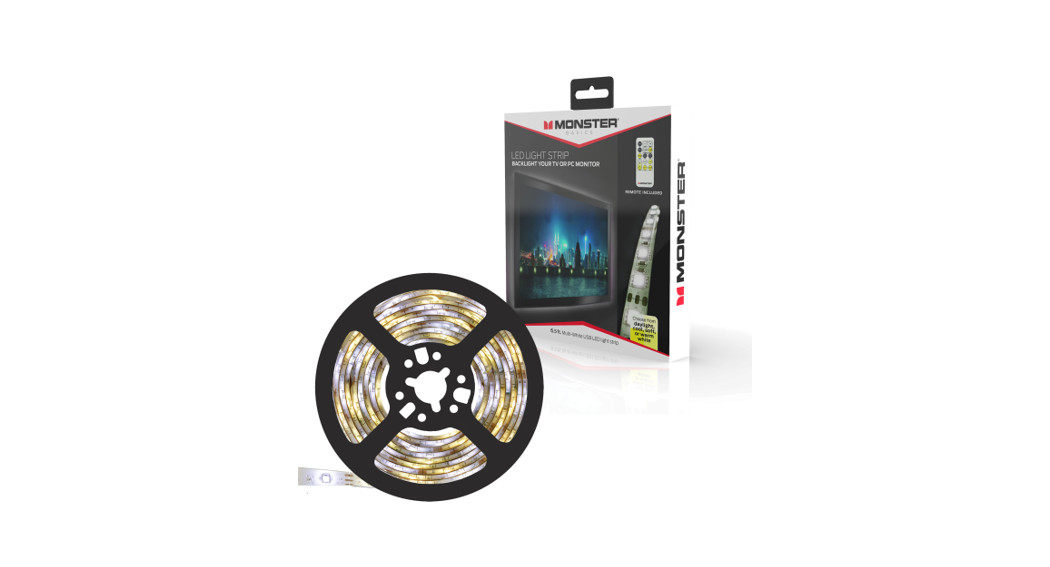
 Lights Strip 16.4 ft. LED White and Multi-Color
Installation Guide
Remote Control
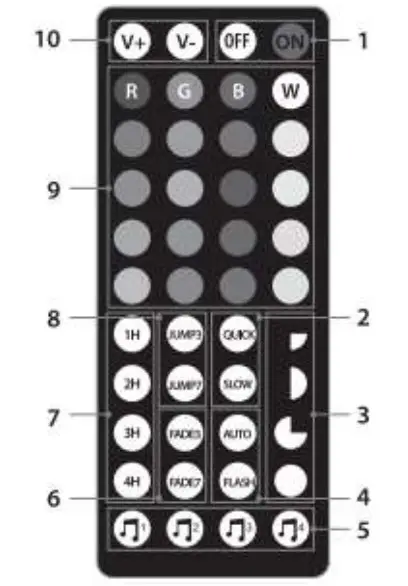
- Power On and Off
- Quick/Slow Flash Setting
- Brightness adjustment (25%, 50%, 75%, Full)
- Automated or Flash Setting
- 4 Sound-Syncing Modes
- Fade Effects (3-Color Fade or 7-Color Fade)
- Timer Settings (1 hour, 2 hours, 3 hours, 4 hours)
- Jump Light Effects (3-Color Jump, 7-Color Jump)
- RGBW color settings with 16 additional color selections
- Adjust the color saturation
Remote Control Battery
Note: The remote control comes with a 3V battery installed.
If you need to replace, the battery(CR2025 3V battery) the compartment is located on the narrow side of the remote.
Installation
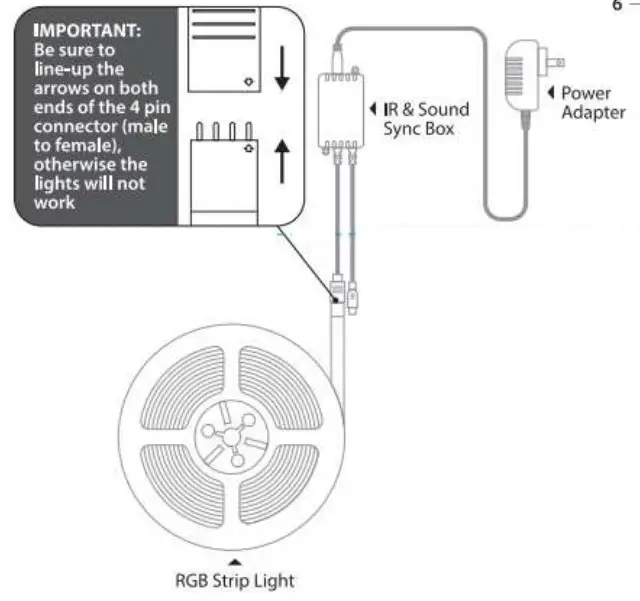
- Be sure to dean the surface you intend to install the strip lights on.
- Peel off the adhesive backing, making sure to not remove the actual adhesive.
- Press and firmly hold the light strip in place for 30 seconds.
- Connect strip lights to the IR controller and connect the receiver to a power source.
- Remove the tab from the battery compartment of the remote control.
Notes: Not all surfaces have the same textures, and some surfaces may require additional support to hold up the strip lights.
NEED HELP? EMAIL US:
[email protected]
Technical Support:
If you are experiencing problems, do not attempt to fix the product yourself or return it to the store you purchased it from. Pl~ase refer to the user manual or just contact our helpful tech support team: