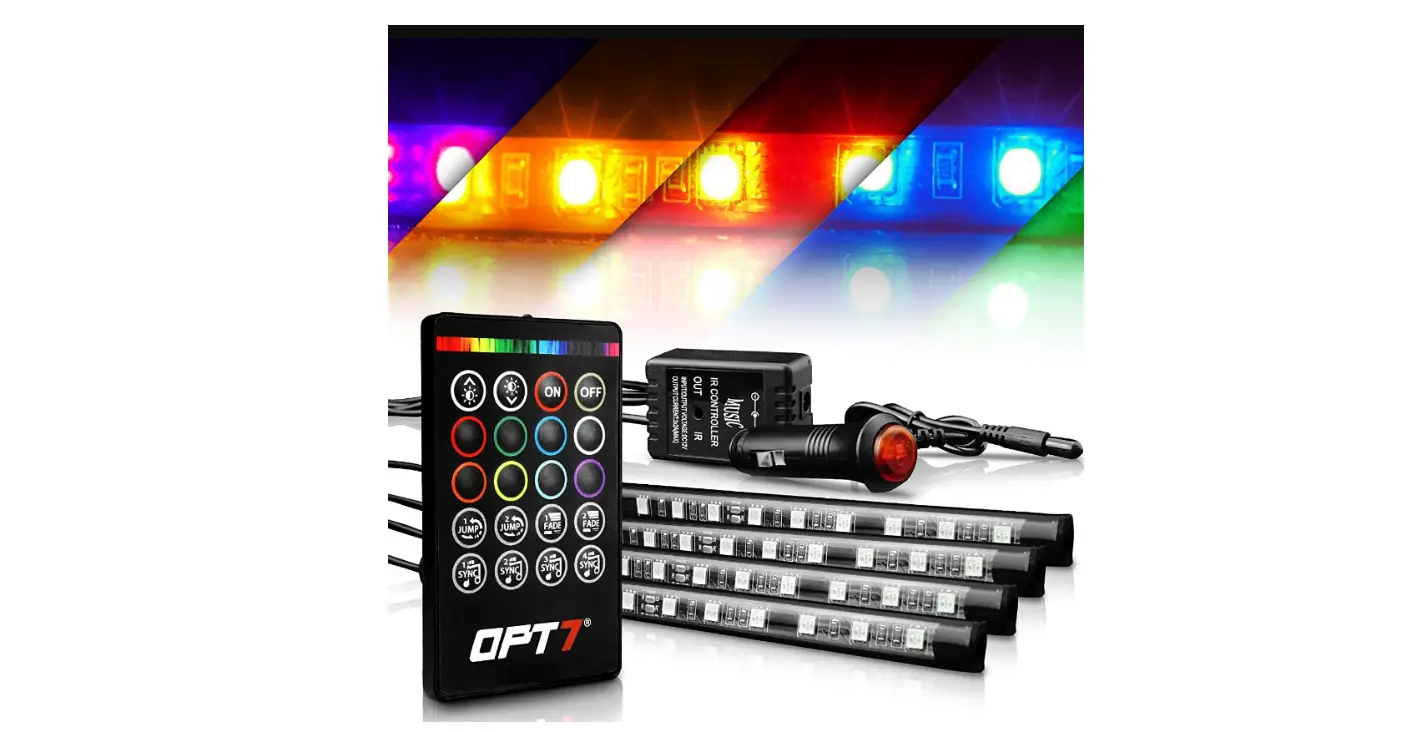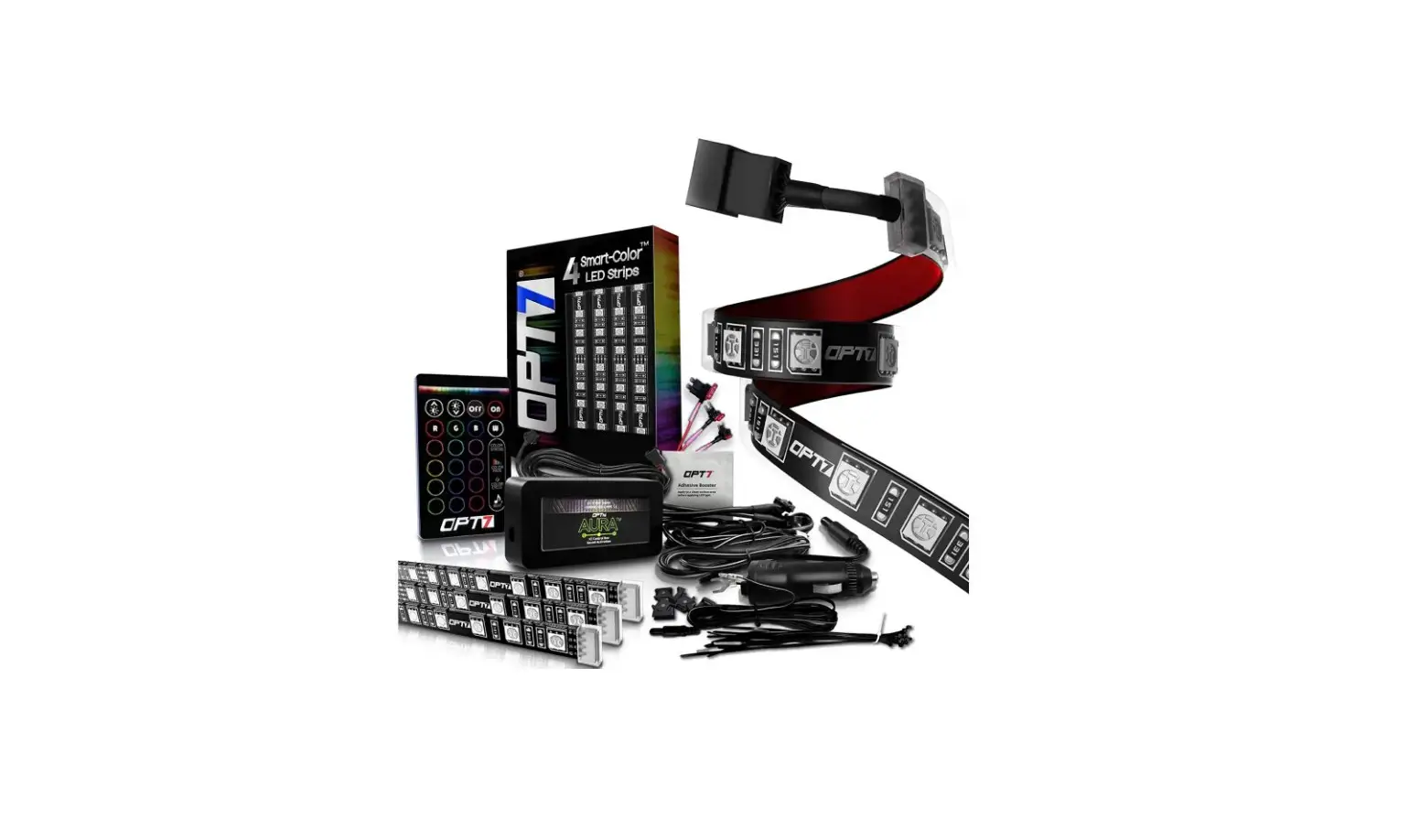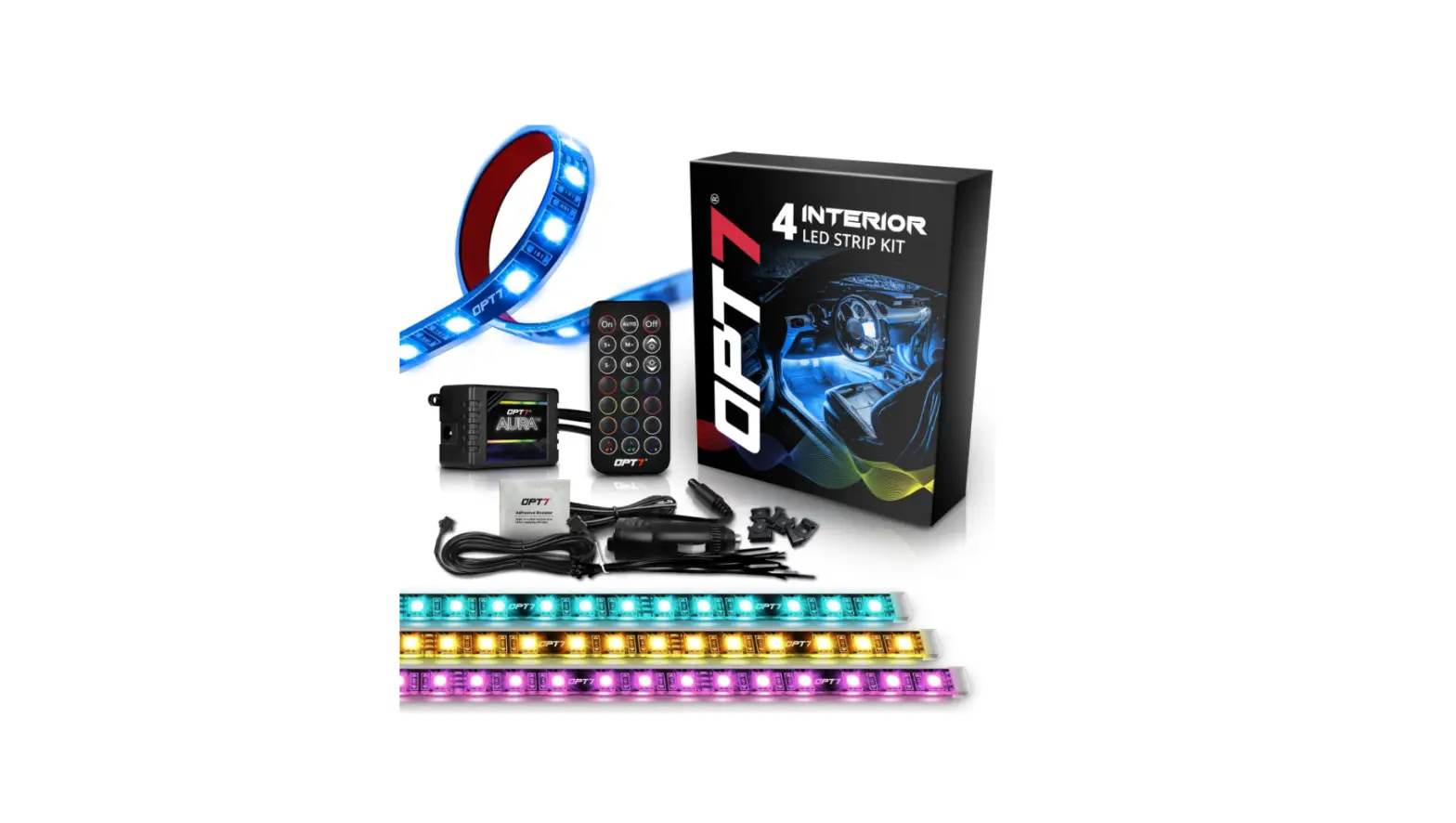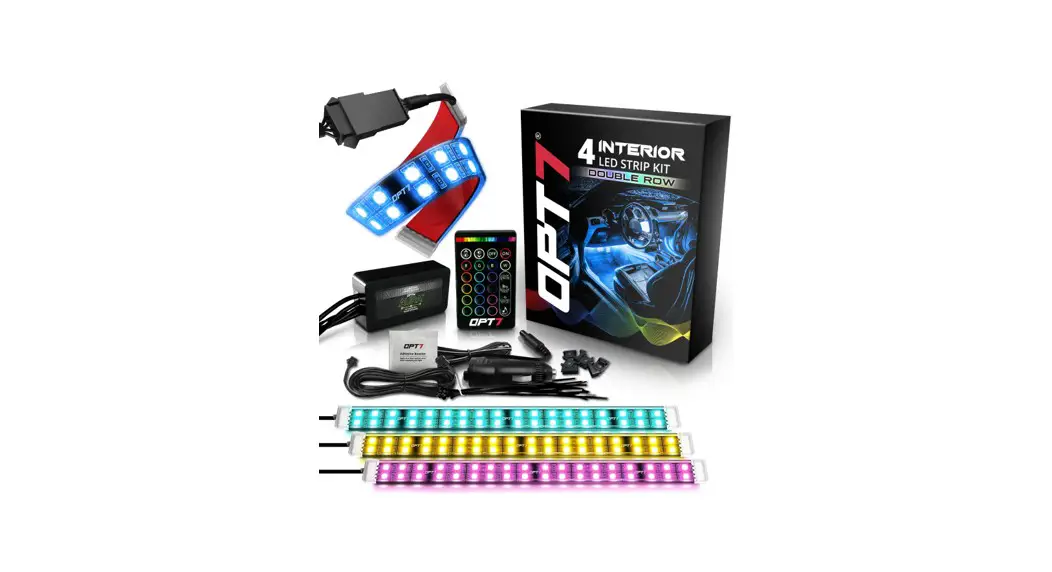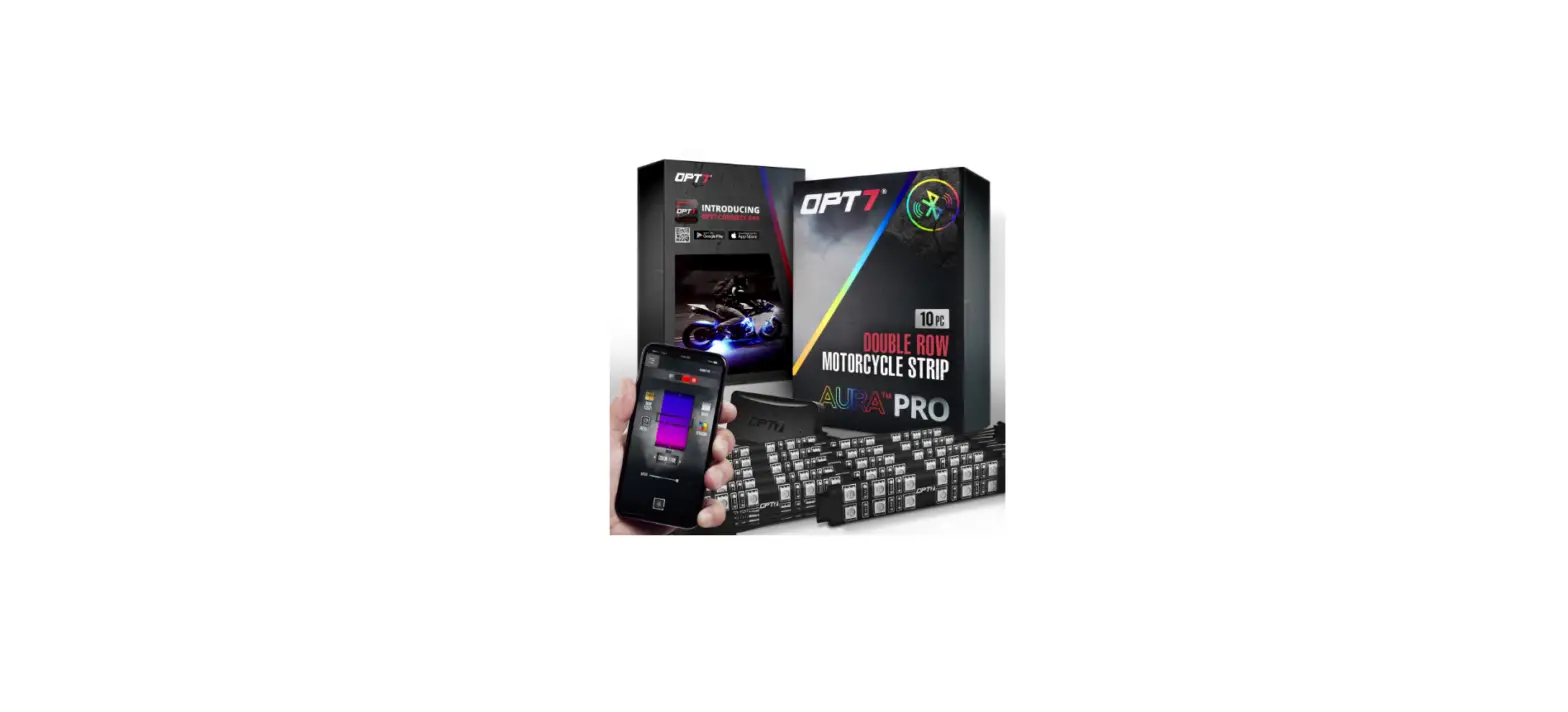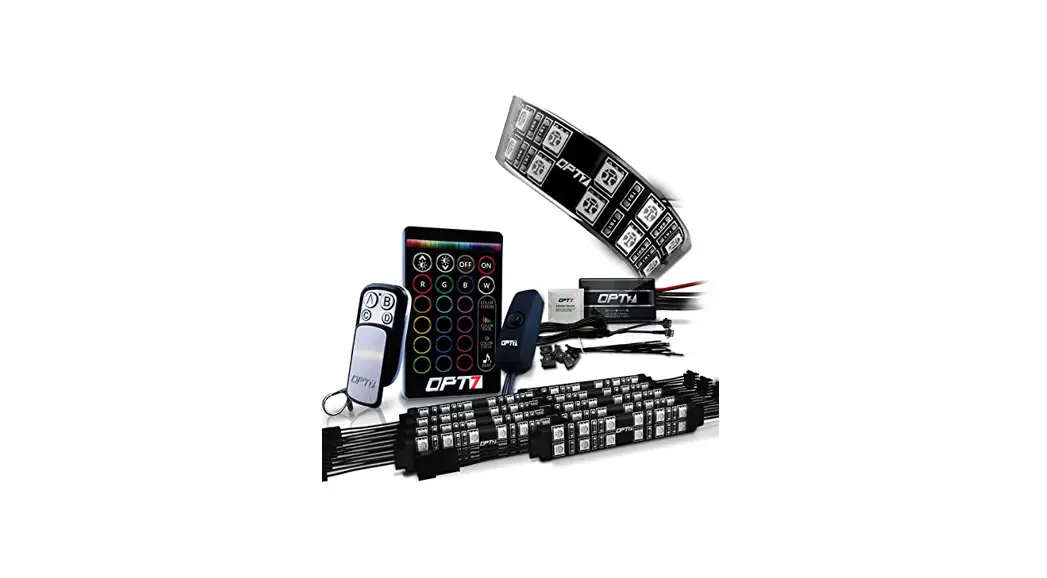


DOUBLE ROW MOTORCYCLE
INSTALLATION GUIDE
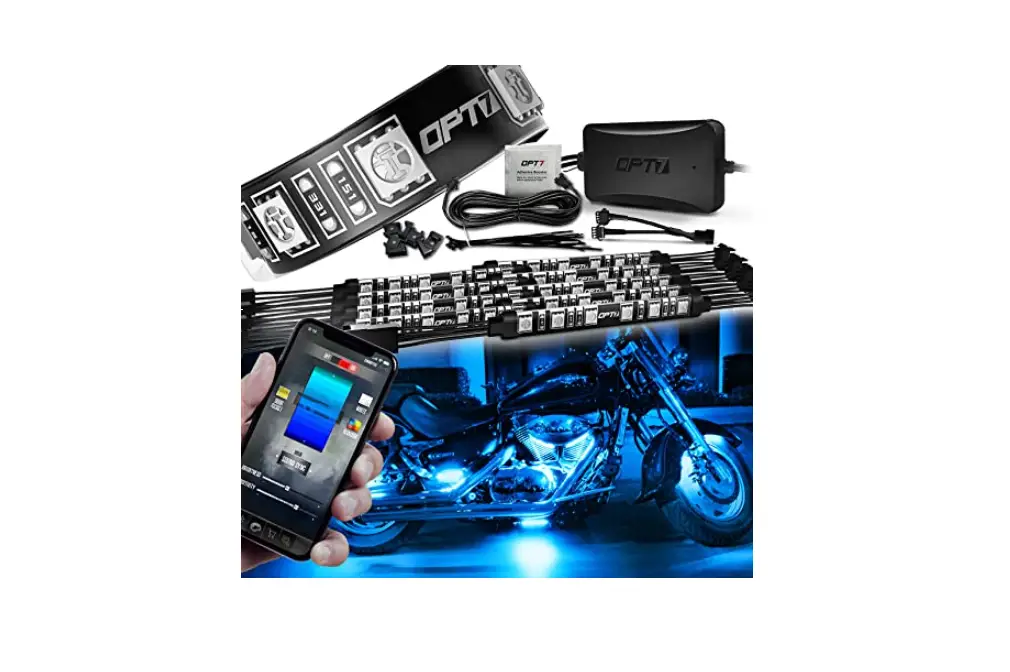
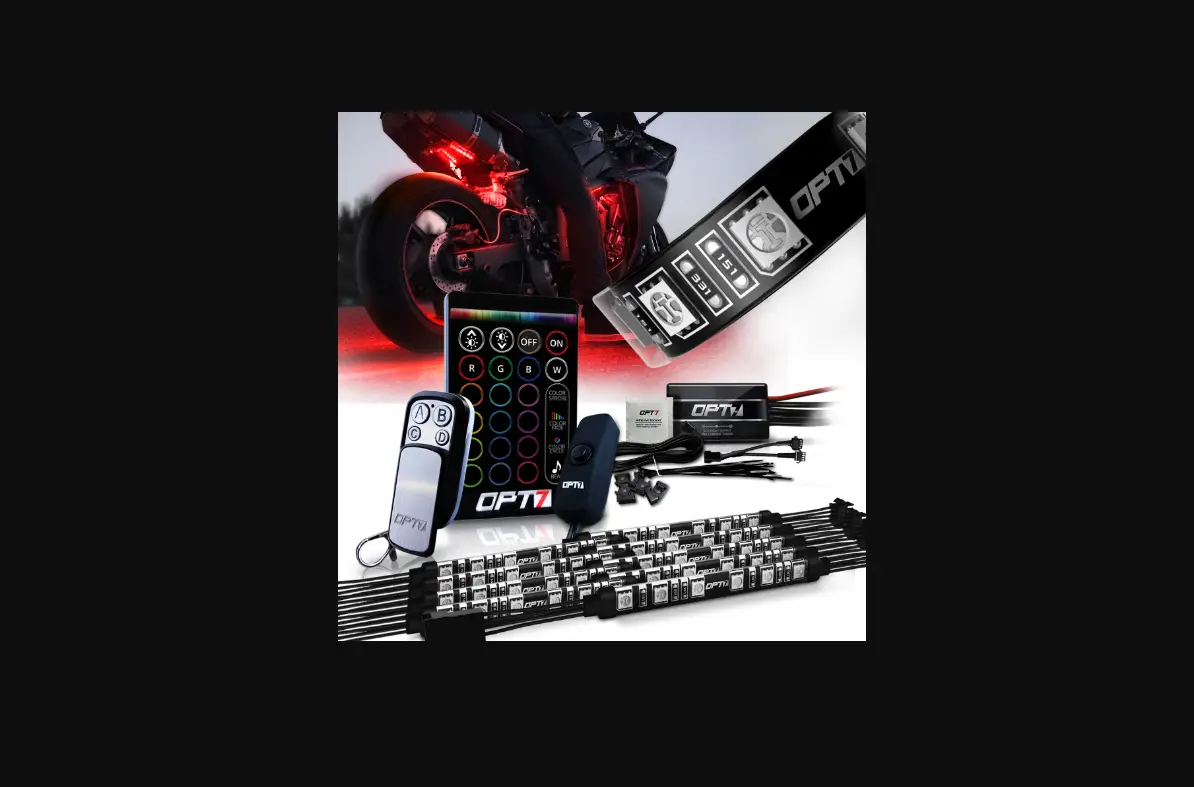
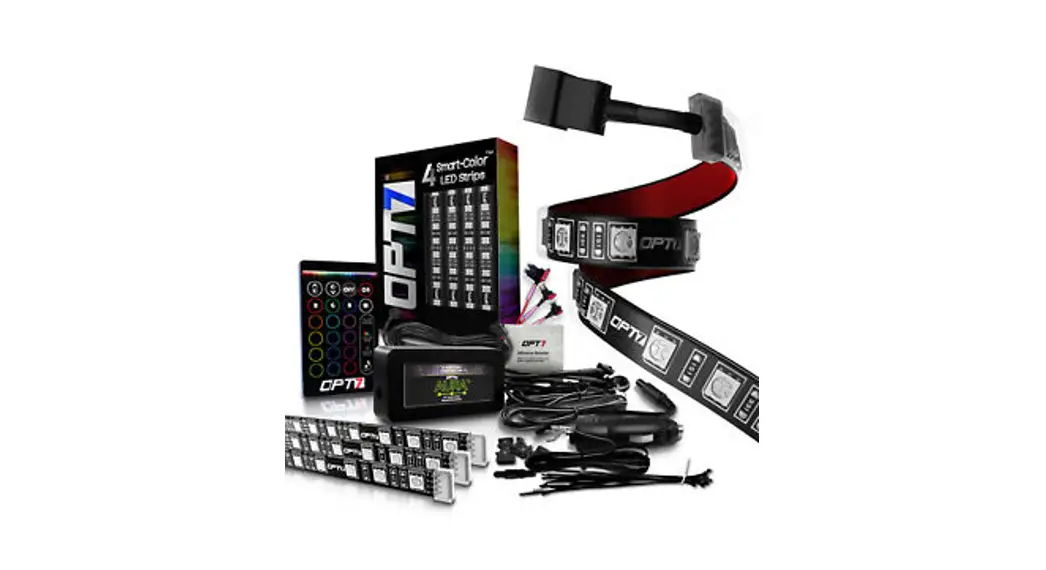
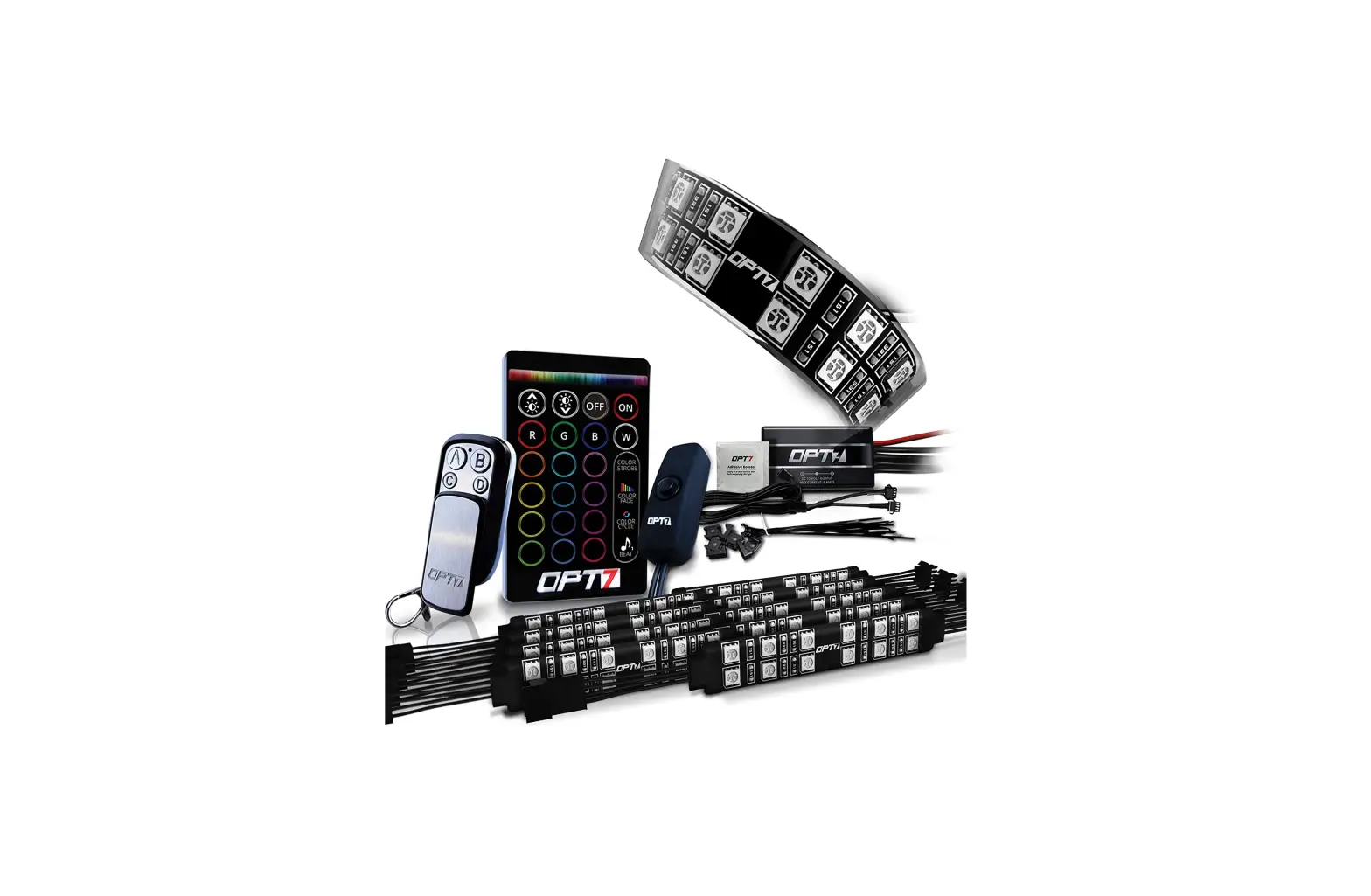
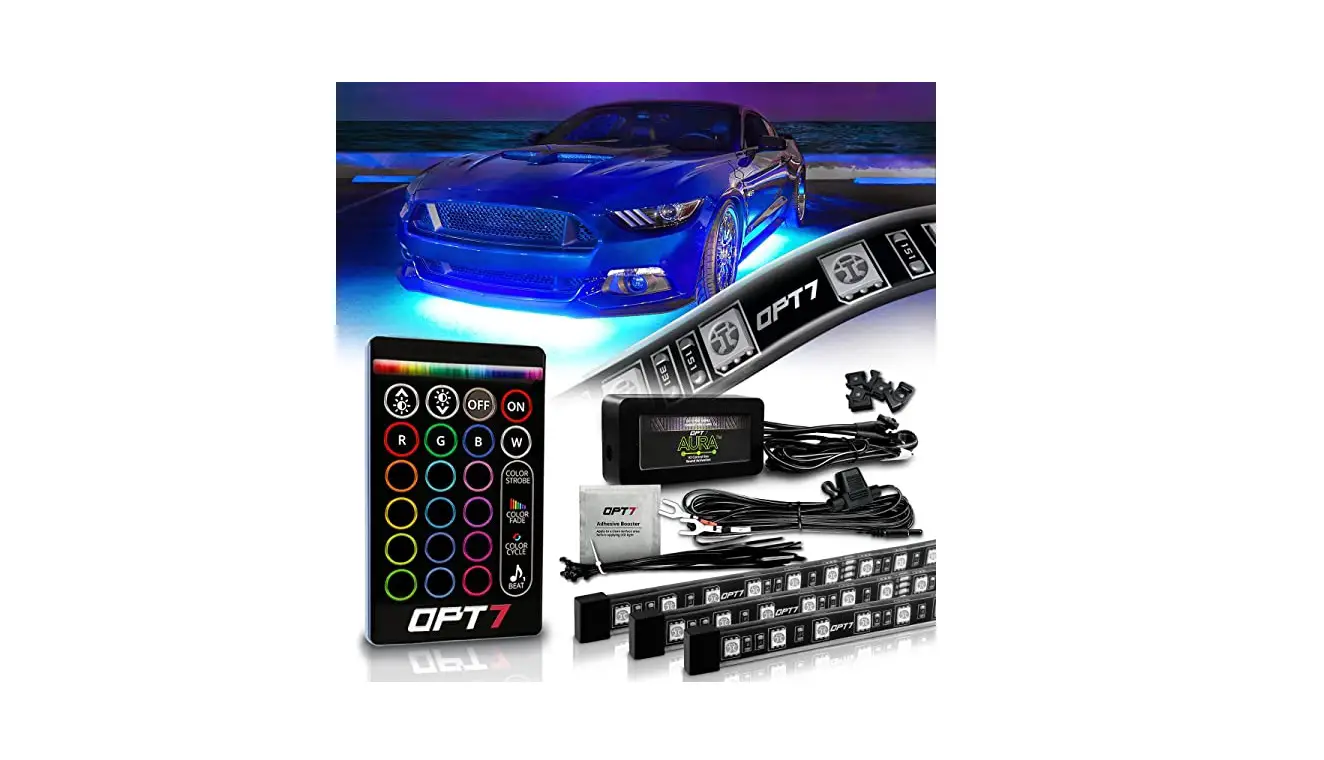
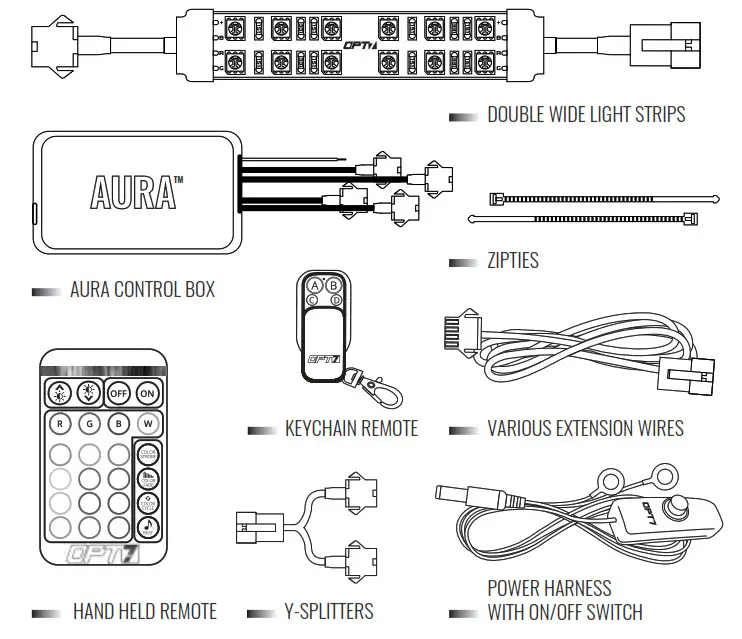
COMPONENTS
INSTALLATION
STEP 1
Decide where to locate the light strips and ensure wiring has enough length for the control box to be installed in the desired location.
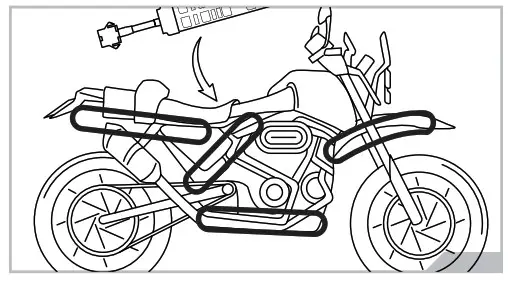
EXAMPLES
IMPORTANT NOTE!! Before You Start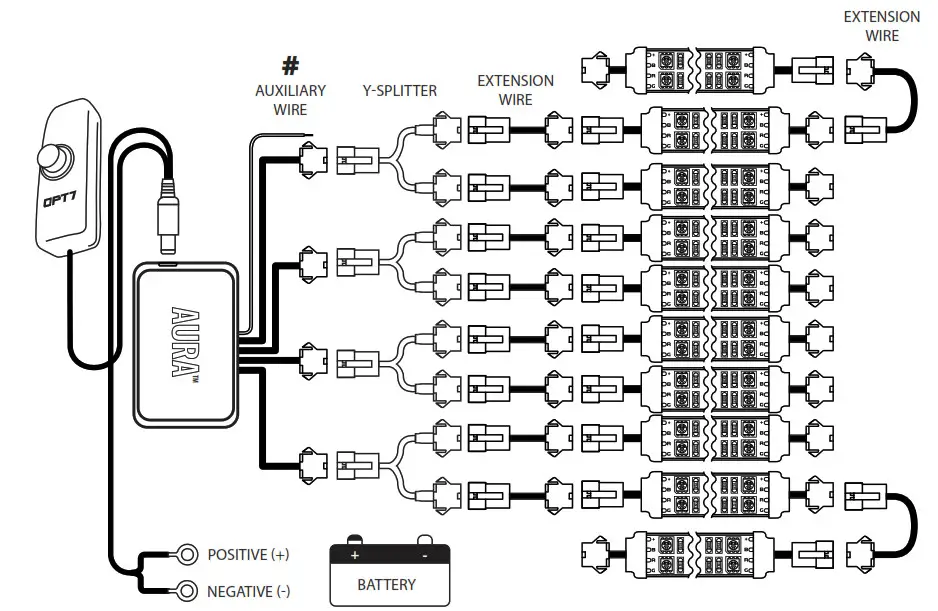 We provide multiple sets of extension wires for you to configure. You can quickly extend them wherever you want to install them.
# AUX WIRING FOR A BRAKE LIGHT
This feature will activate when the aux wiring is connected to the trigger wire for positive(+) wire of brake light.
NOTE The default color is “RED” so that when you apply the brake, it will also sync with the brake light.
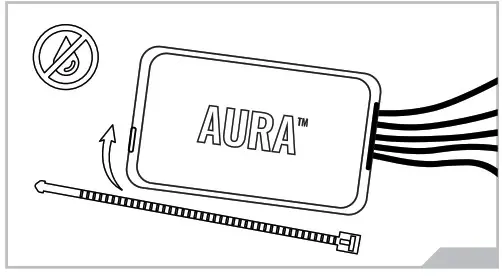
STEP 2 Secure Control box in the desired location with Velcro or zip ties.
* CONTROL BOX NOT WATERPROOF
Ensure the control box is safely and securely hidden from exposing elements of moisture.
STEP 3
Secure the light strips using the zip ties to tie all the wiring away from the moving components.
* IMPORTANT: The LED connectors are not waterproof.
You will need to use HEAT SHRINK TUBE or ELECTRICAL TAPE around the LED connectors to ensure the longevity of the lighting kit.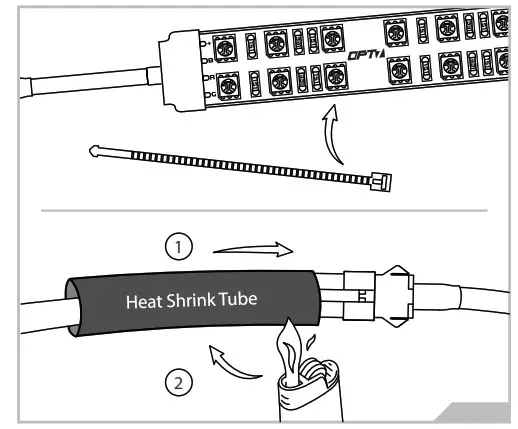
STEP 4
Use the included E-Z Remote or Keychain Remote to select your desired color or pattern.
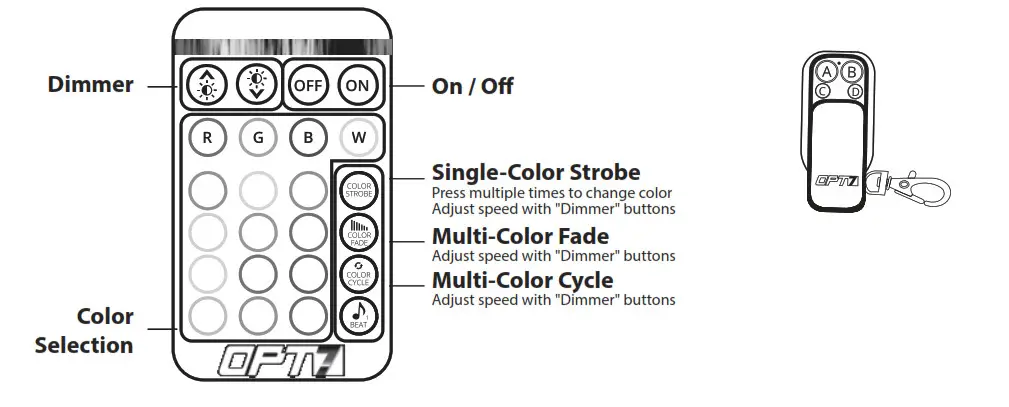
A – ON/OFF
B – Pattern Control UP
C – Pattern Control Down
D – Speed Control
OPTIONAL UPGRADE
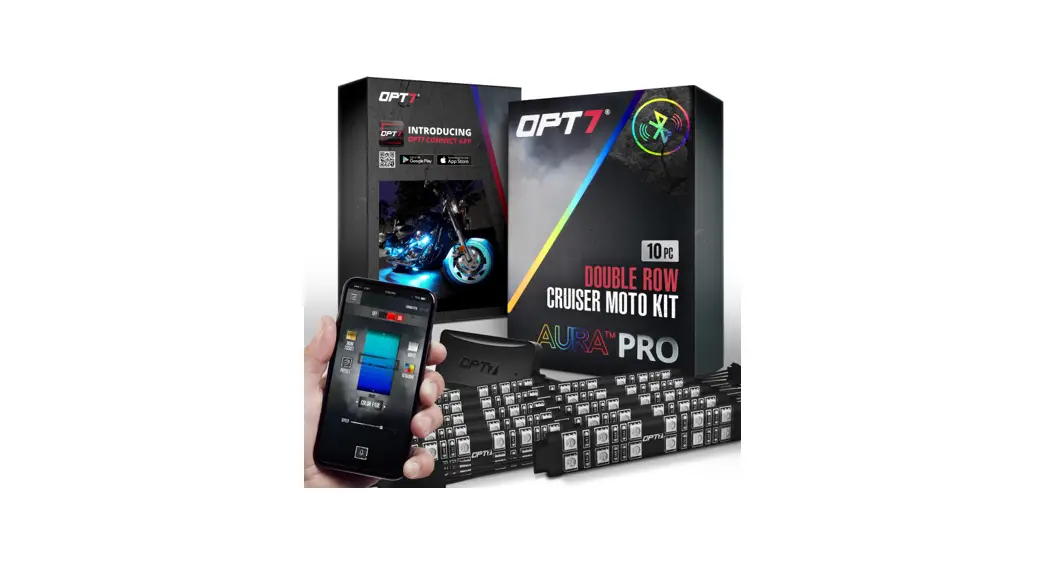
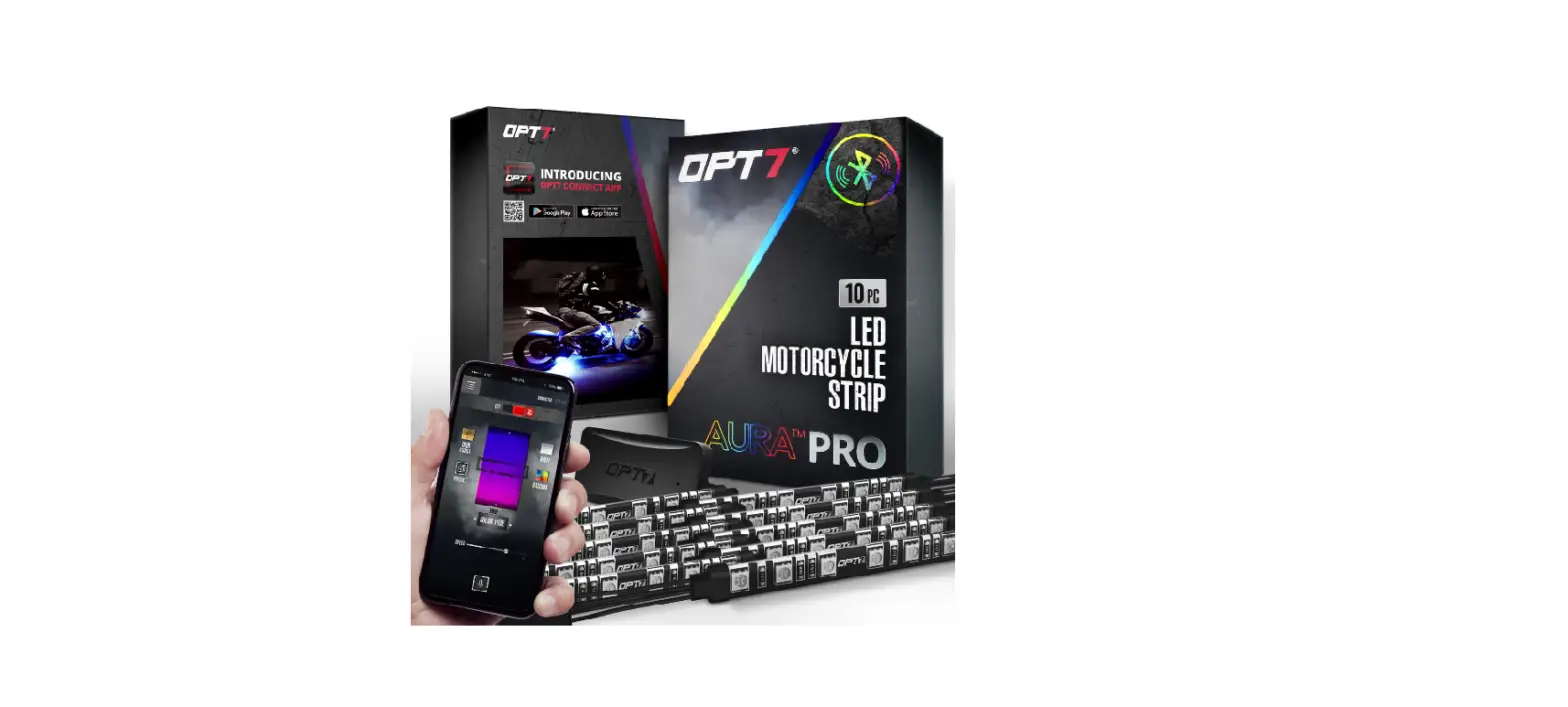
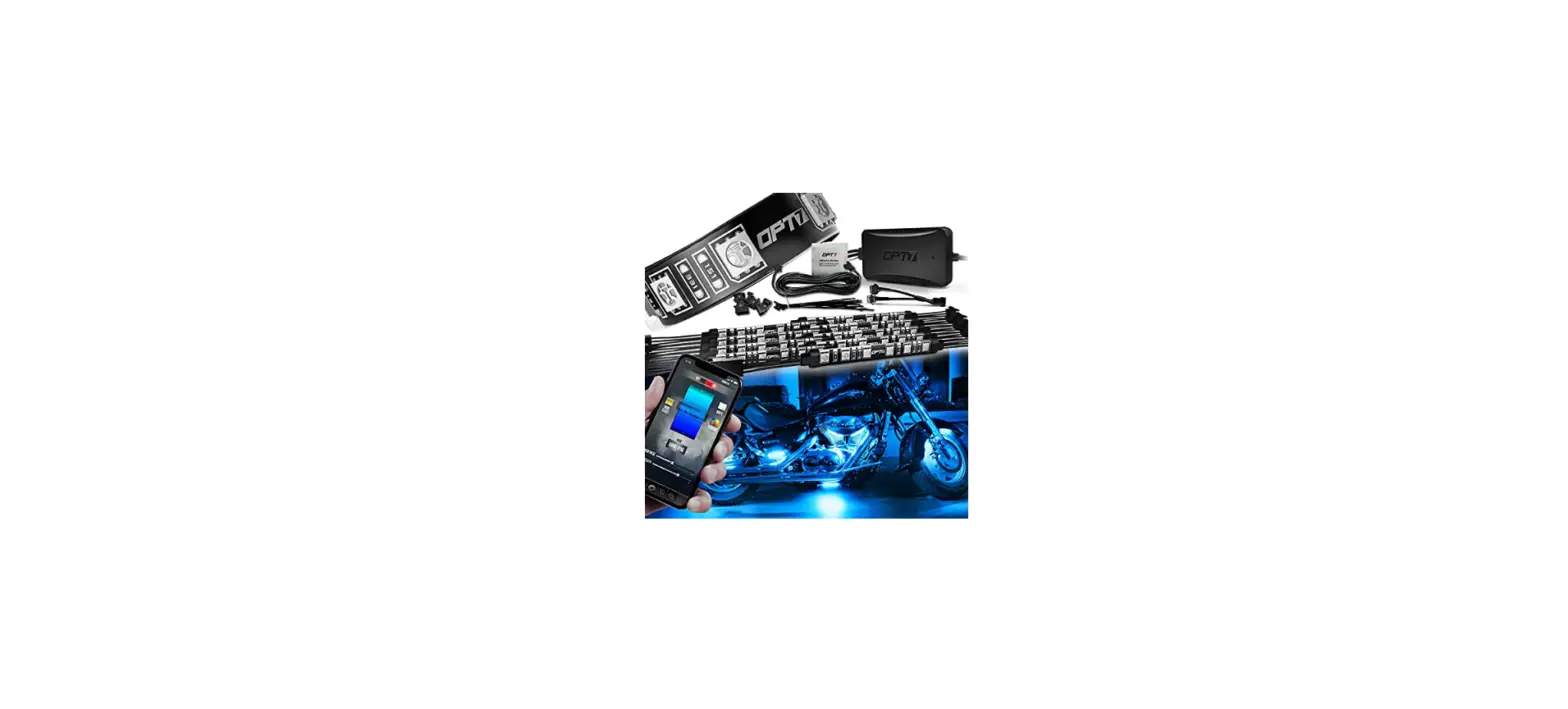
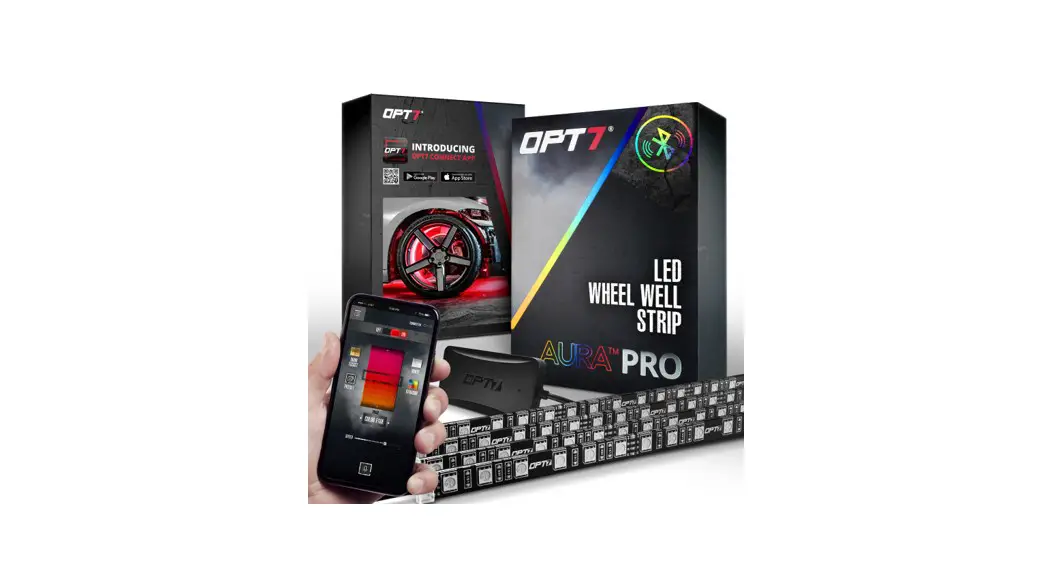
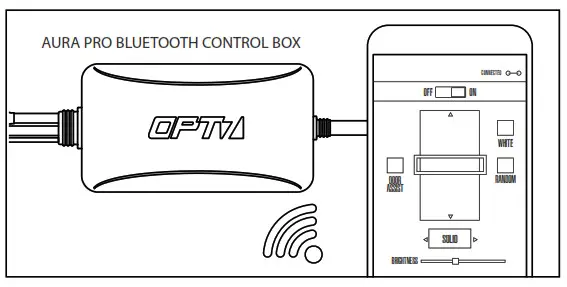
Upgrade your Aura Original Control Box to the Aura Pro Bluetooth Control Box. All new AURA Pro Bluetooth is App-enabled by a smartphone controller (iOS & Android Compatible).
DISCLAIMER
OPT7 Lighting is not liable for damages or personal injuries while installing this product. The Installation Guide is intended as assistance to reduce setup time.
OPT7 Lighting assumes no responsibility for improper installation.
If you are unfamiliar with your vehicle or inexperienced with aftermarket upgrades, please seek professional assistance.
OPT7 recommends installation for safety and guidance.
Modified installations or installation recommendations not specified by OPT7
Lighting will void the product warranty.
NEED SUPPORT?
Scan for tutorial videos, troubleshooting tips, and more.