 PRO
PRO
 PRO
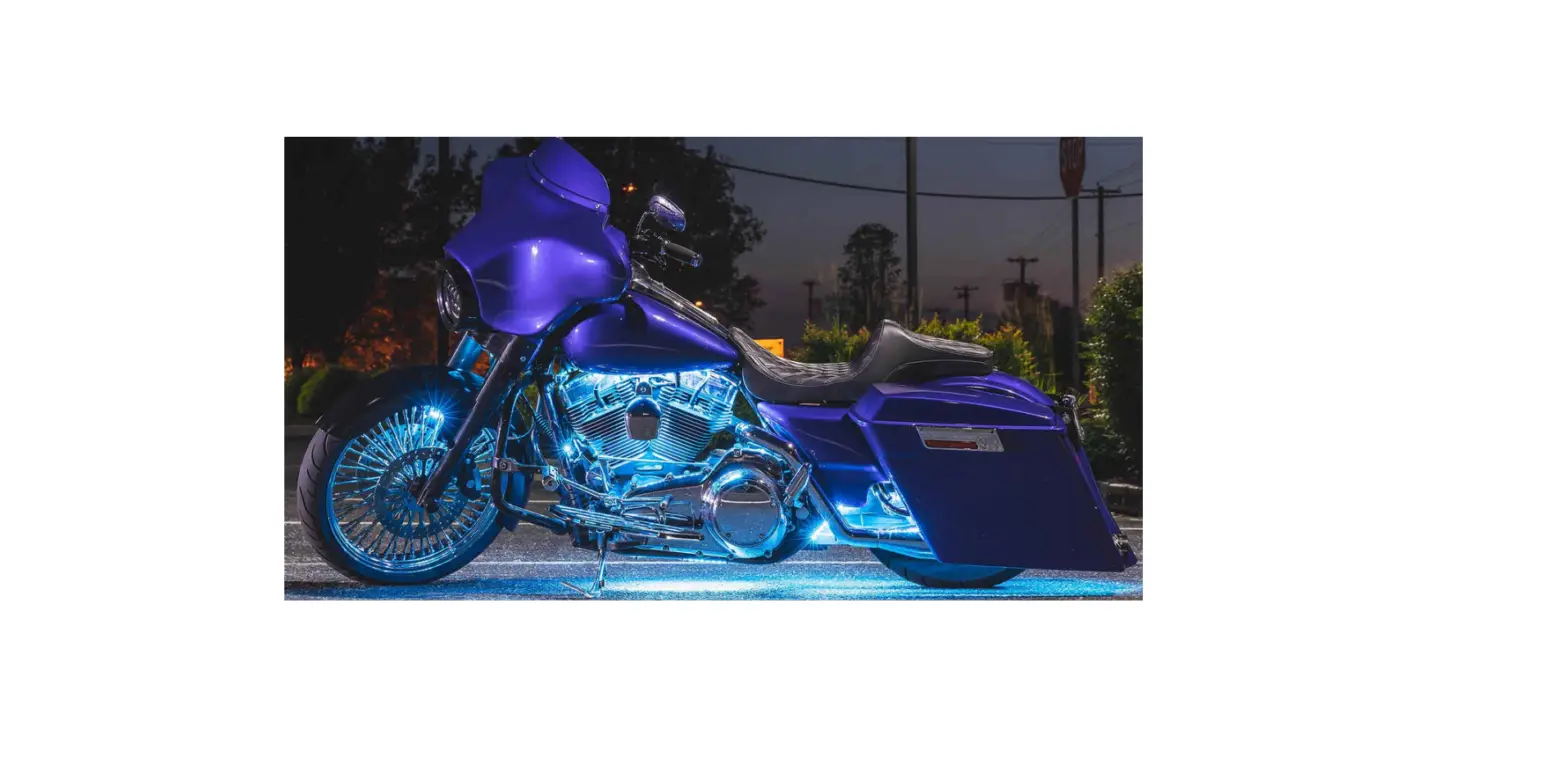
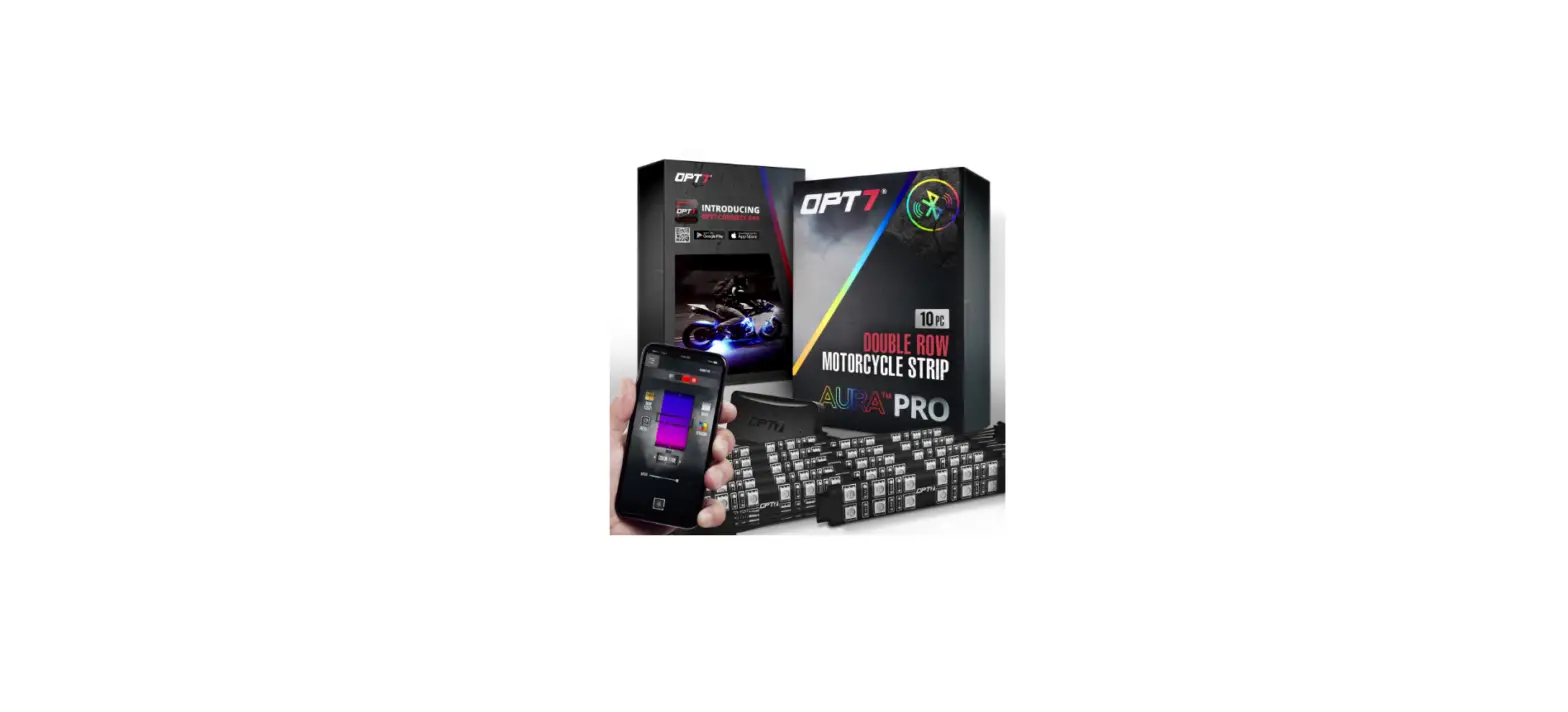
PROMOTORCYCLE
INSTALLATION GUIDE
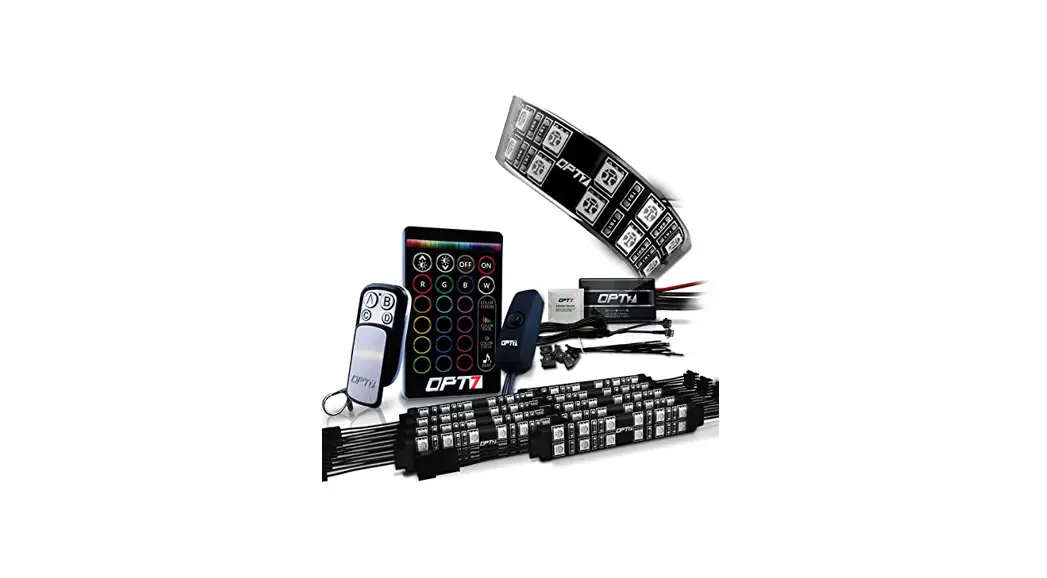
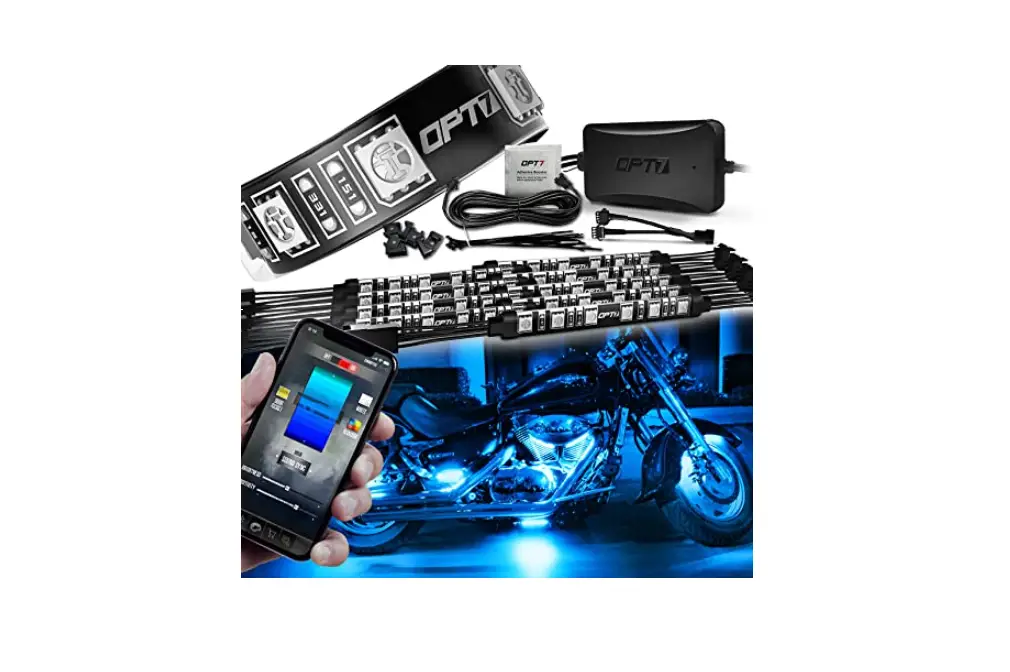
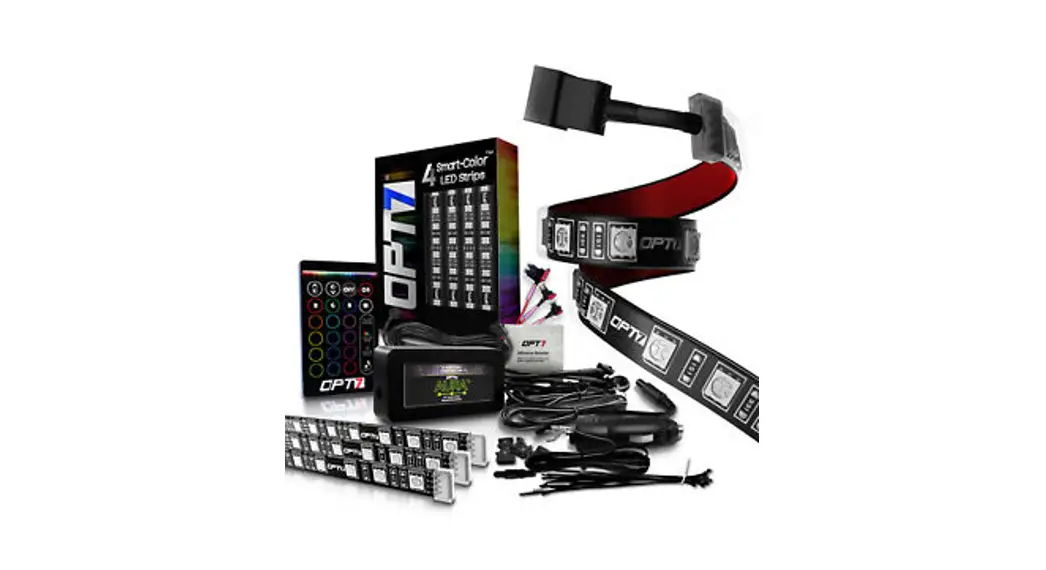
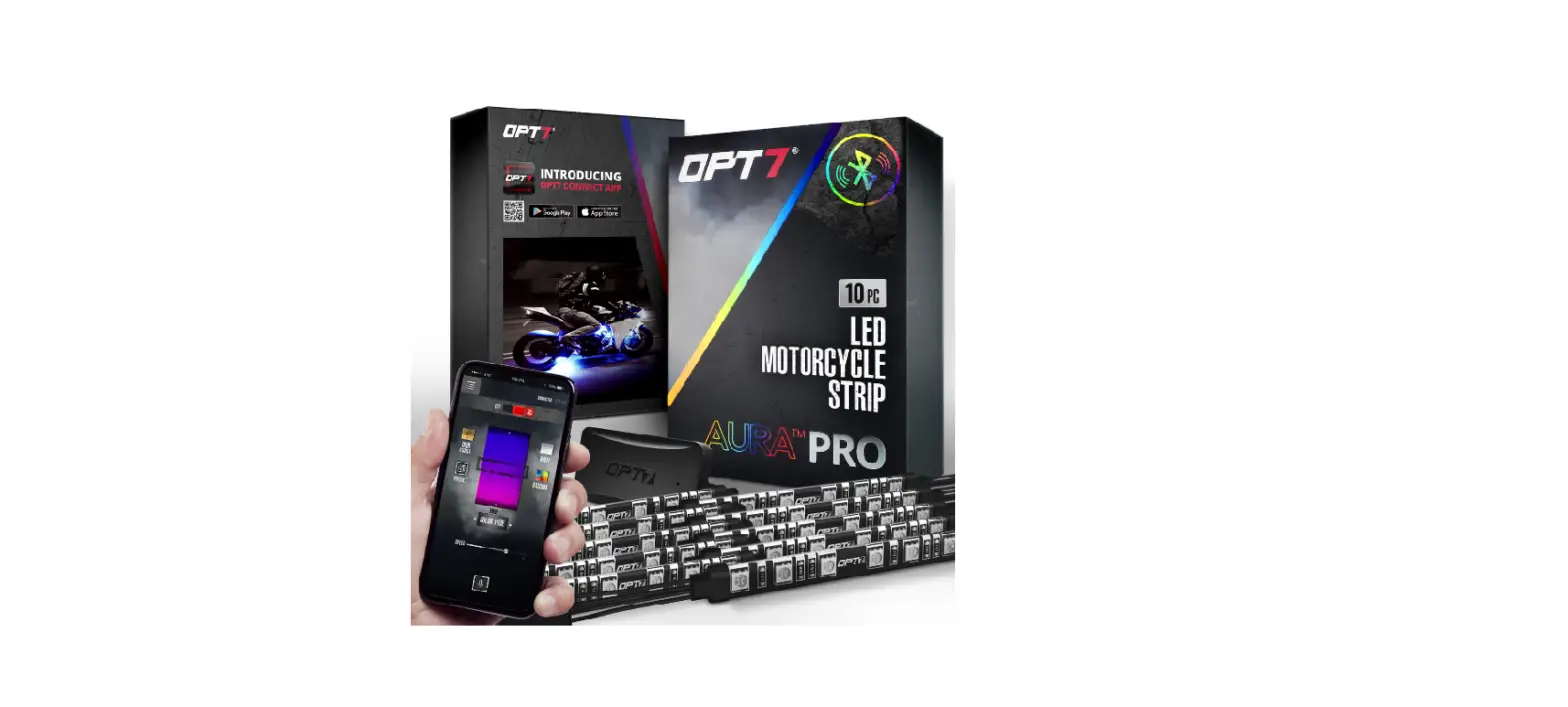
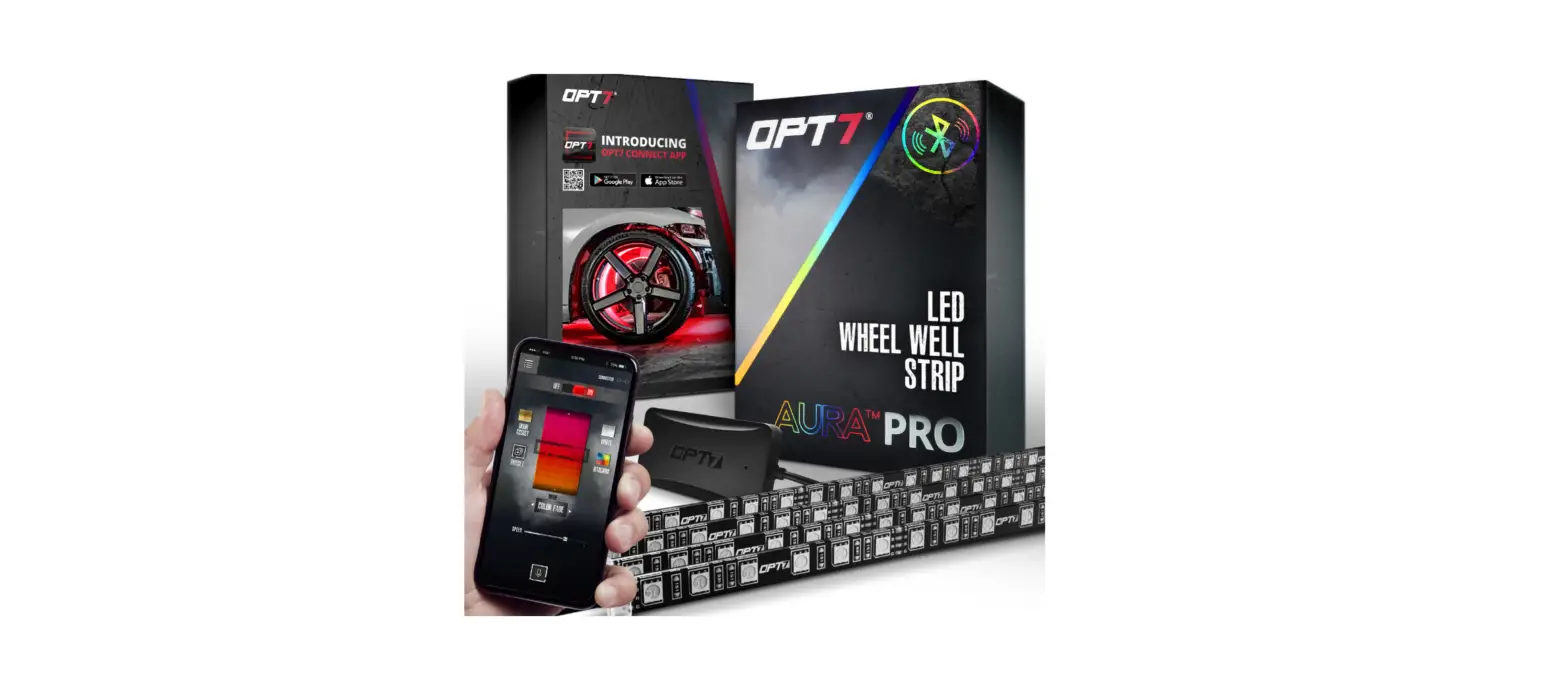
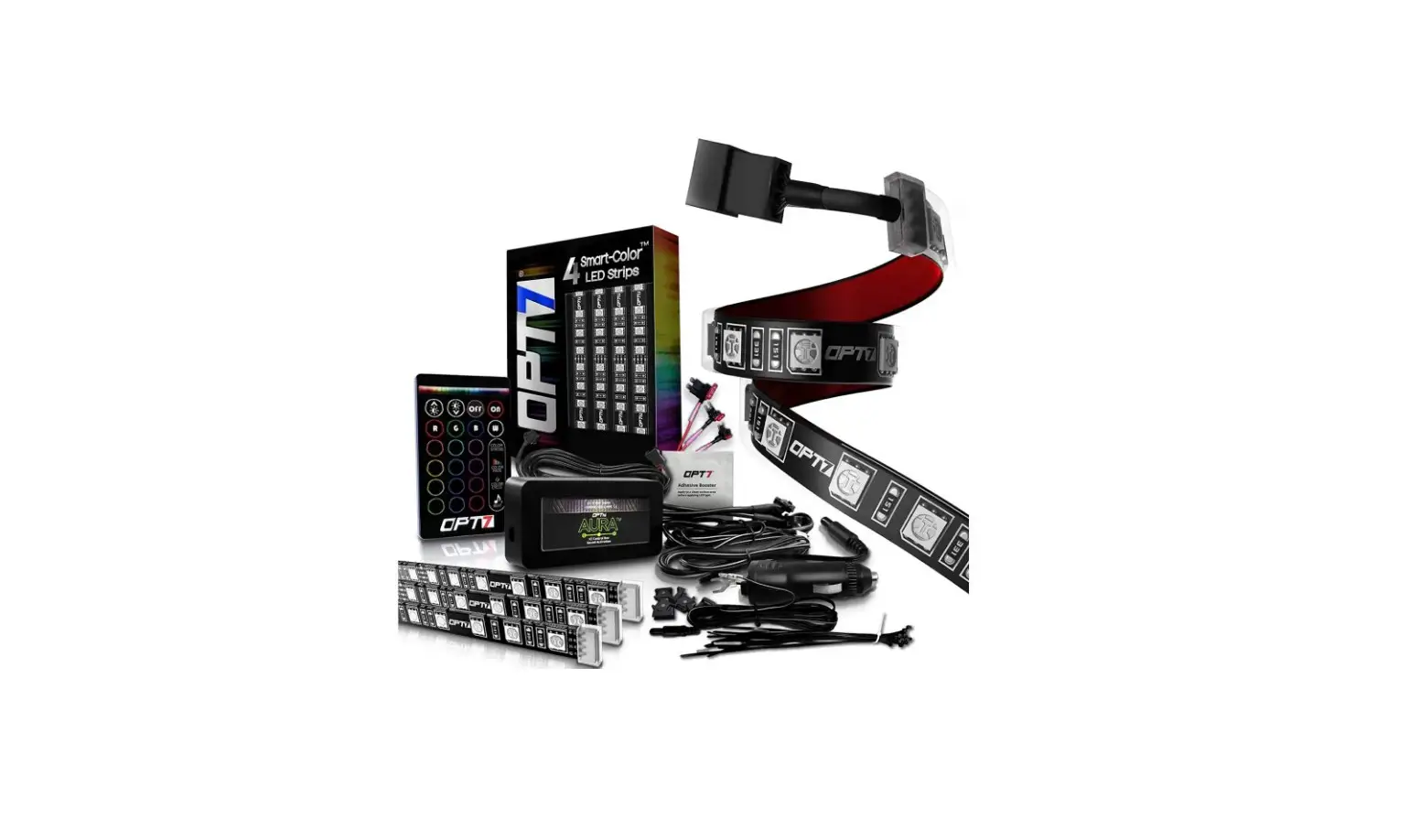
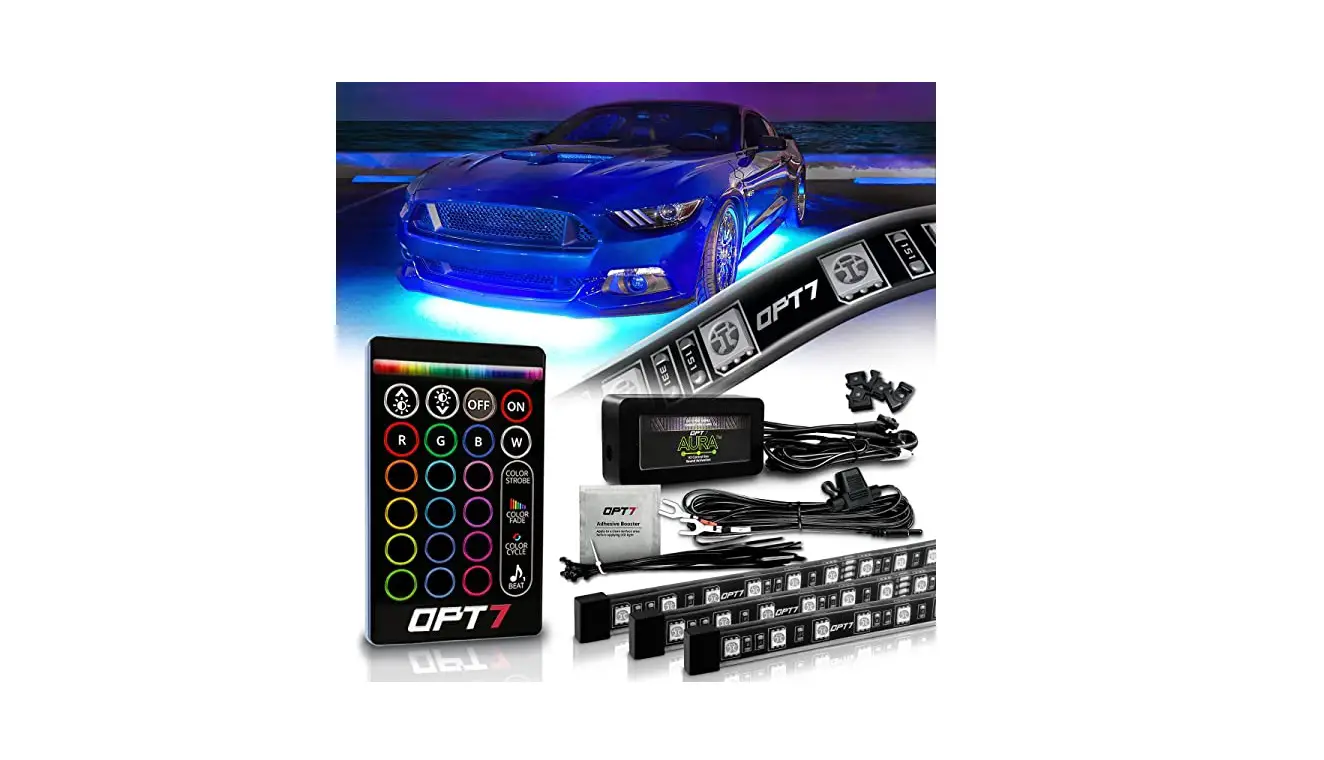
COMPONENTS
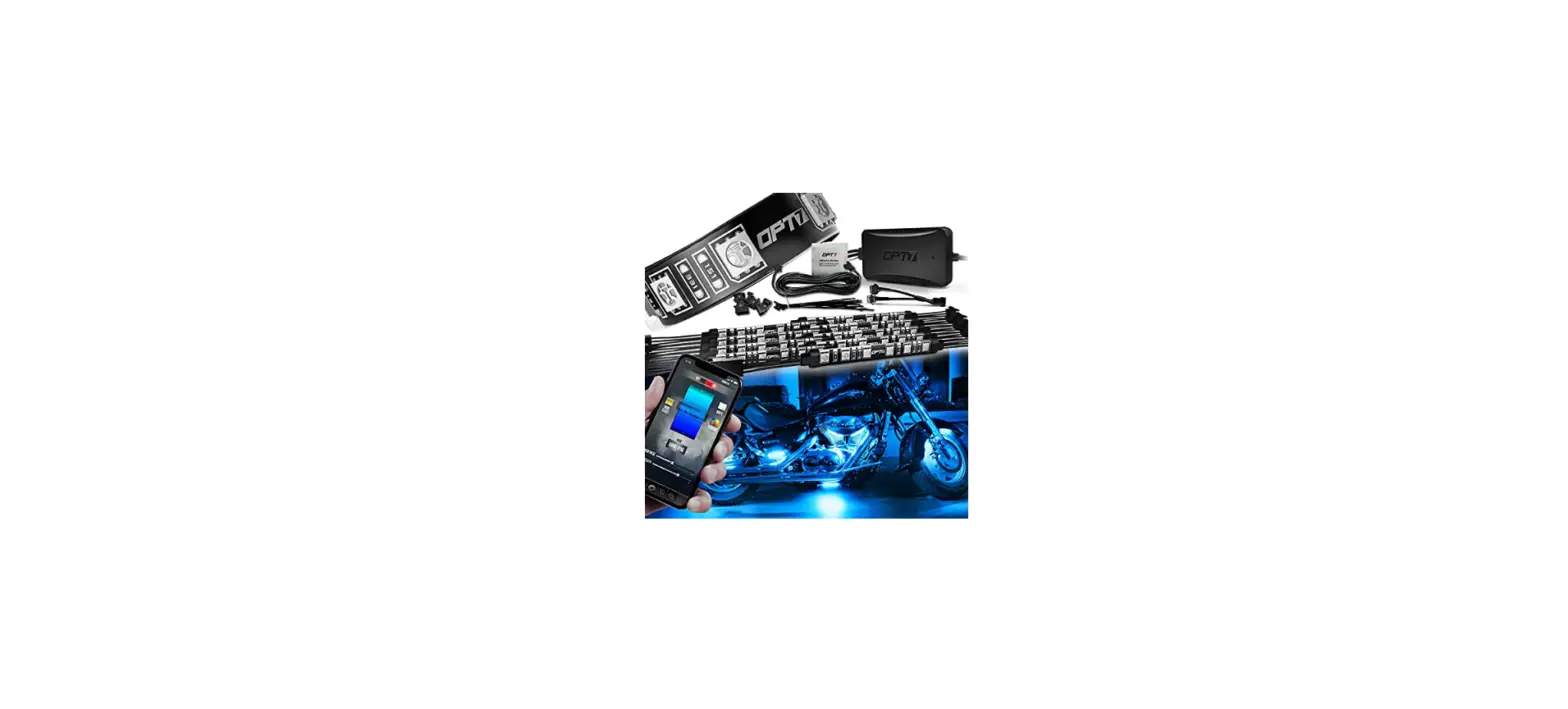
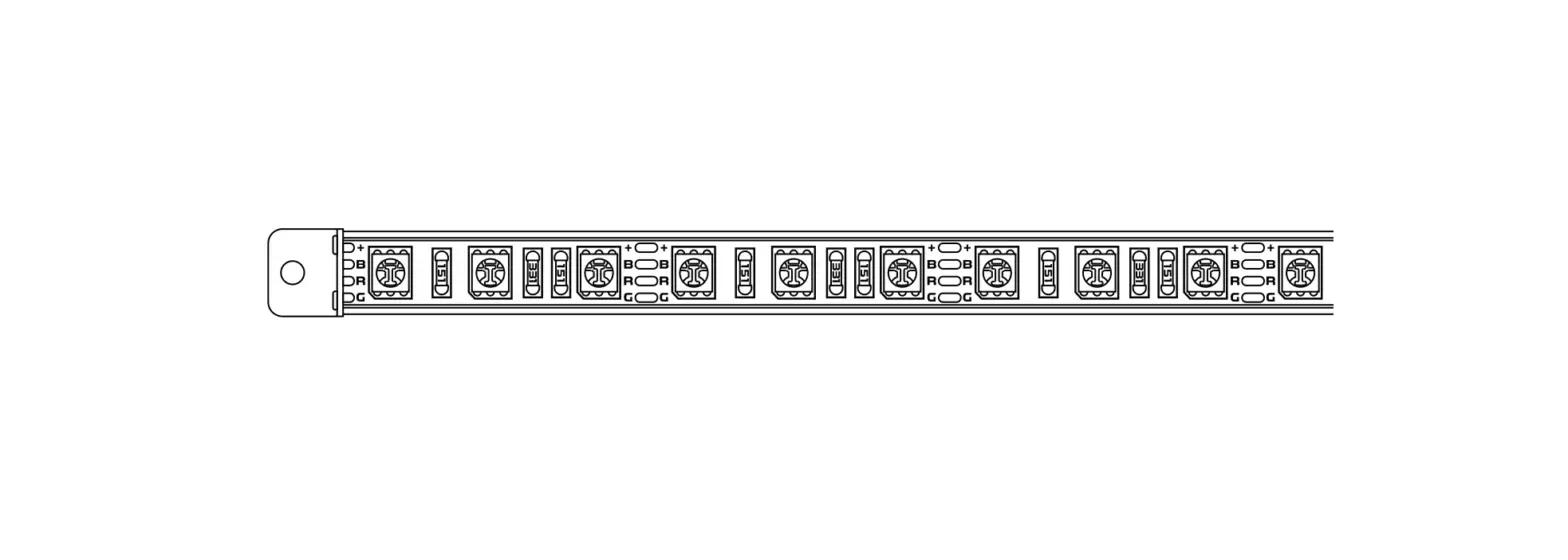
 LIGHT STRIPS
 AURA BLUETOOTH CONTROL BOX
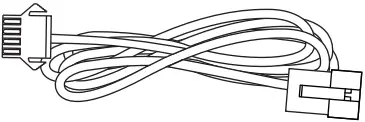 VARIOUS EXTENSION WIRES
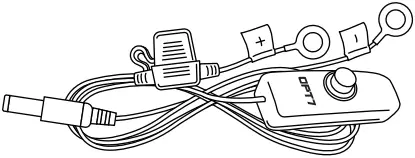 POWER HARNESS WITH ON/OFF SWITCH

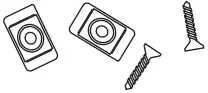
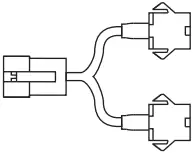
ZIPTIES MOUNTING KIT Y-SPLITTERS
INSTALLATION
STEP 1 Inspect kit to ensure all contents was included.
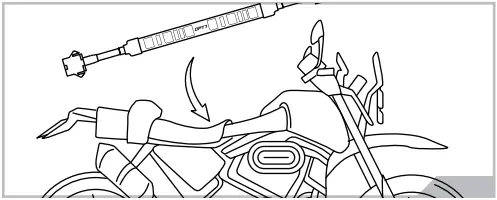
STEP 2 Decide where to locate the light strips and ensure wiring has enough length for control box to be installed in desired location.
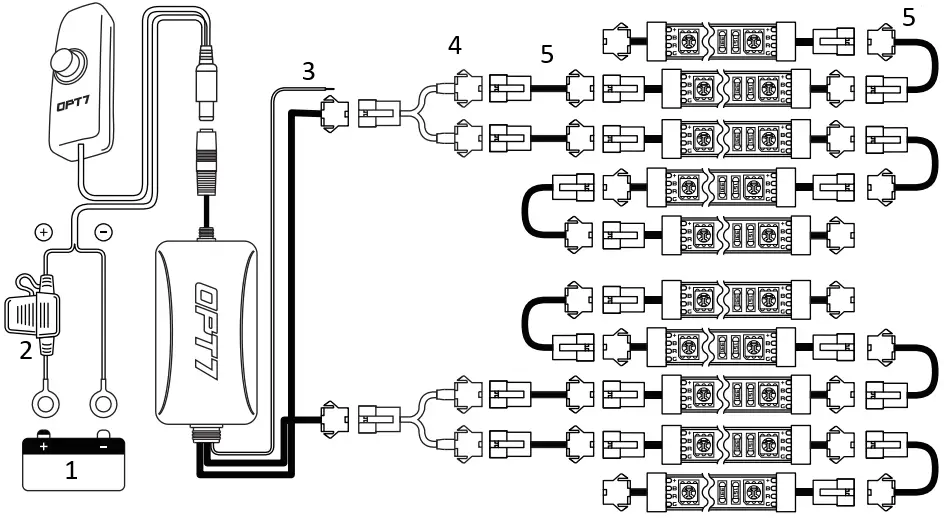
- BATTERY
- FUSE
- AUXILIARY WIRE
- Y-SPLITTER
- EXTENSION WIRE
 WARNING
- Connecting to more than 10 AMP will override the kit and cause early failure, ensure it is 10AMPs or less!!
- Please ensure that the LED bars or strips/control box/wiring all are mounted in areas where will not exceed 85°C or 185°F.
IMPORTANT NOTE!! Before You Start
We provide multiple sets of extension wires for you to configure. You can quickly extend them wherever you want to install.
AUX WIRING FOR A BRAKE LIGHT
You may choose the desired color choice directly on the OPT7 Connect app This feature will activate when the aux wiring is connected to the trigger wire for positive (+) wire of your brake light wire.
WARNING NOTE
You should ONLY set the color of your aux wire to “red” in color choices within the app. If you plan on connecting the aux wire to your brake signal wire.
STEP 3
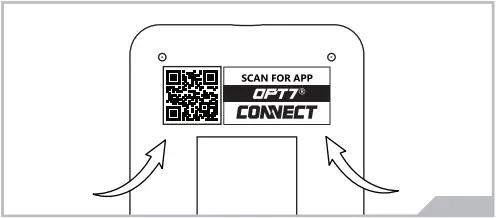
Scan the QR code on the back of the control box to download the app.
STEP 4
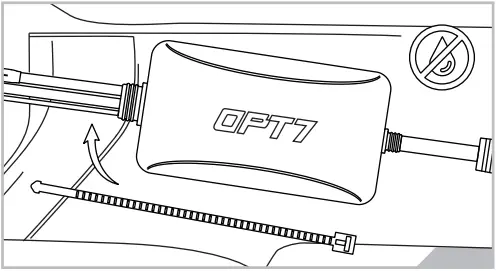
Secure Control box in desired location with Velcro or zipties.
* The control box is NOT waterproof. Tuck it away from the elements.
STEP 5
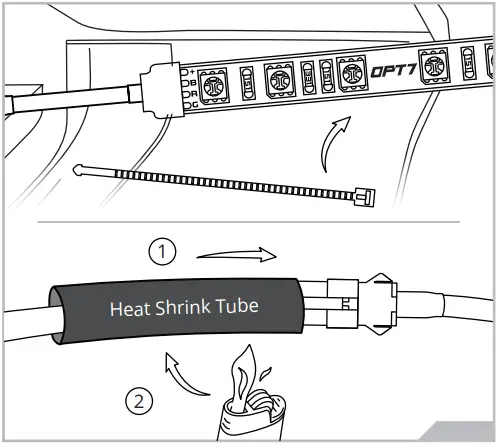
Secure the light strips using the zip ties to tie all the wiring away from the moving components.
* IMPORTANT:
The LED connectors are not waterproof. You will need to use HEAT SHRINK TUBE or ELECTRICAL TAPE around the LED connectors to ensure the longevity of the lighting kit.
STEP 6
Open the “OPT7 Connect” App, pair your smart phone to the control box, and pick your desired color!
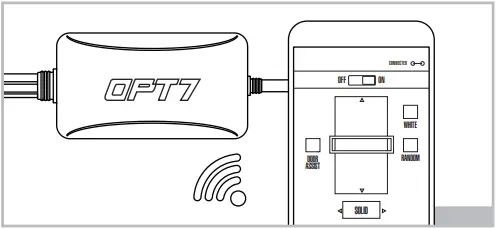
OPT7 CONNECT APP
– Colors
– Modes
– Door Assist
– Support
– Ability to control up to 4 devices at once
QR CODE TO DOWNLOAD



Download the free “OPT7 CONNECT” App
- App iOS (12+) available on App Store
- Android (6 +) available on Google Play
DISCLAIMER
OPT7 Lighting is not liable for damages or personal injuries while installing this product. The Installation Guide is intended as assistance to reduce setup time. OPT7 Lighting assumes no responsibility for improper installation. If you are unfamiliar with your vehicle or inexperienced with aftermarket upgrades, please seek professional assistance.
OPT7 recommends installation for safety and guidance.
Modified installations or installation recommendations not specified by OPT7 Lighting will void product warranty.