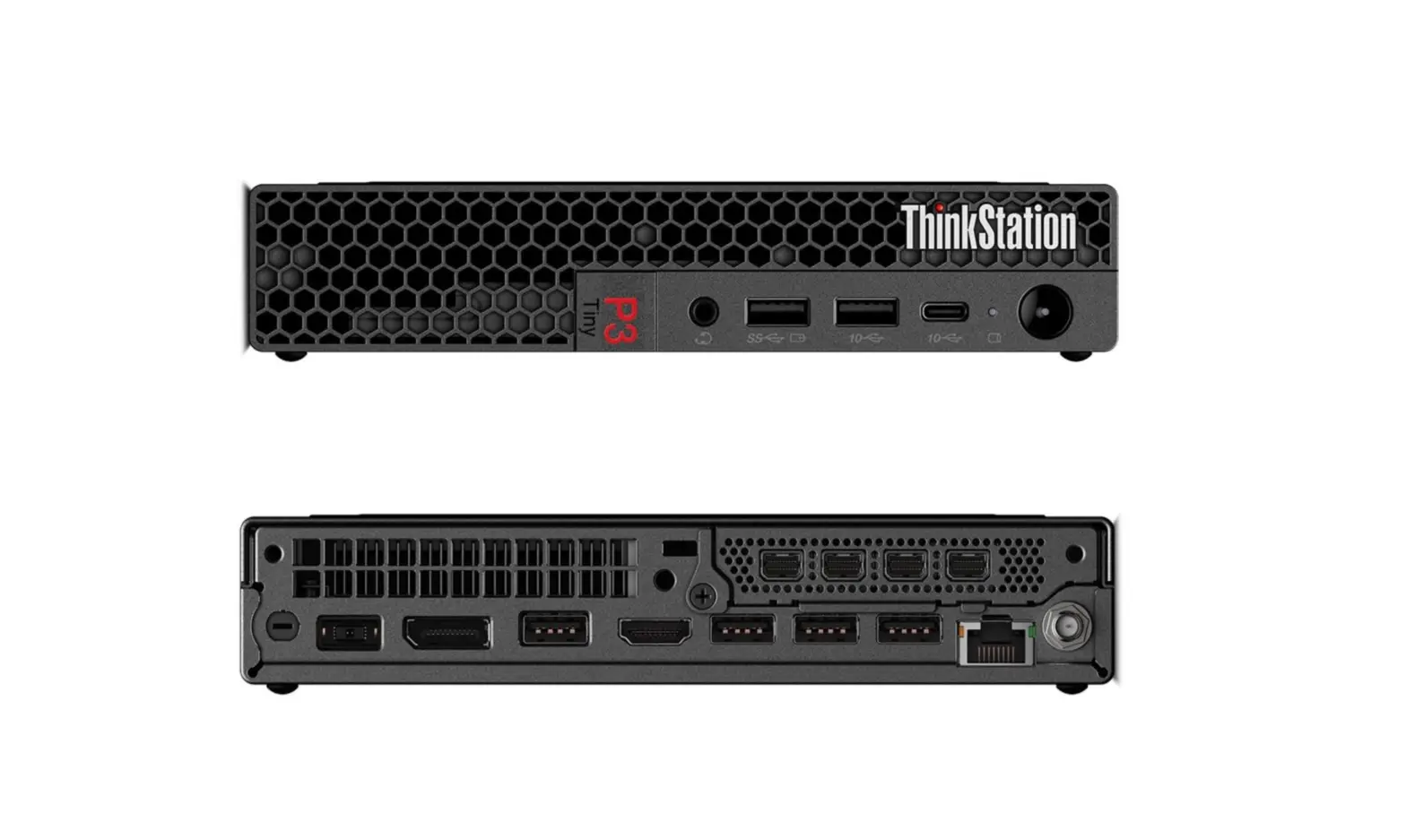
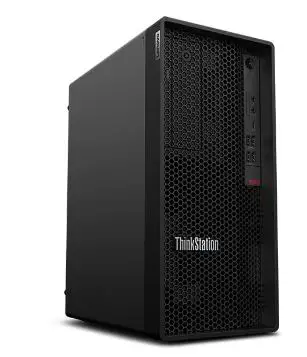
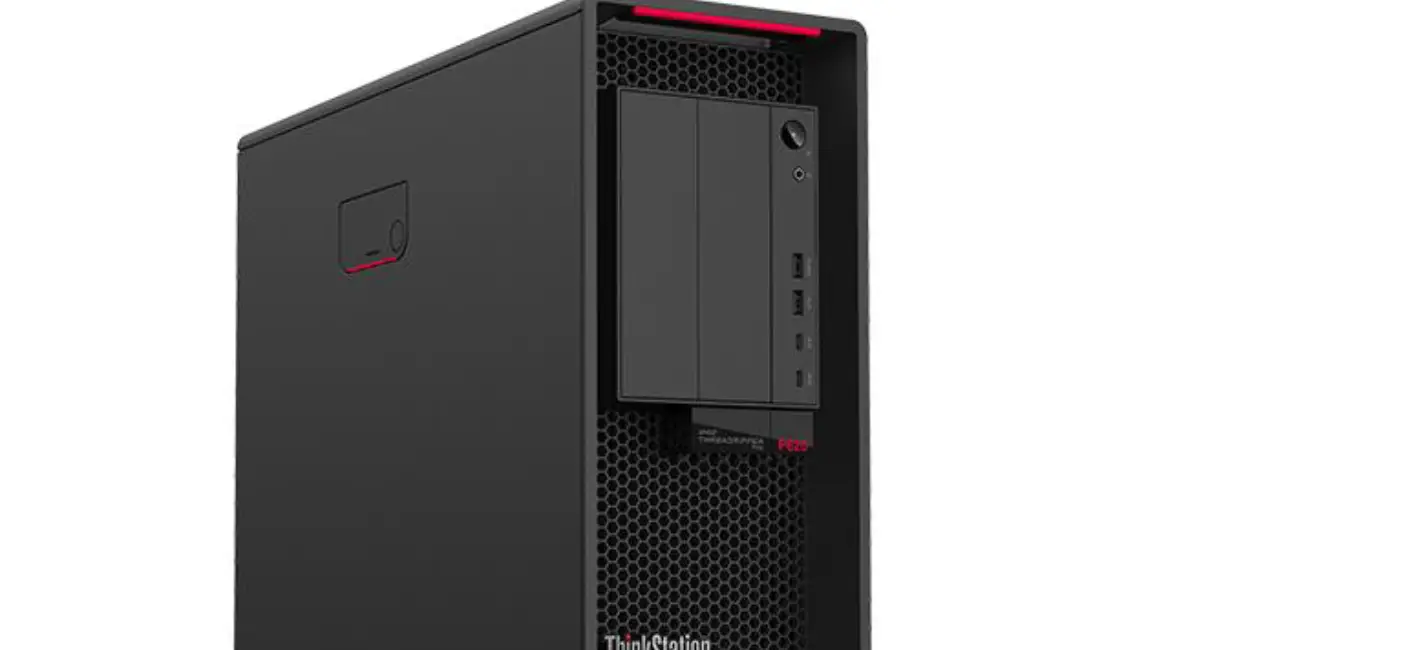
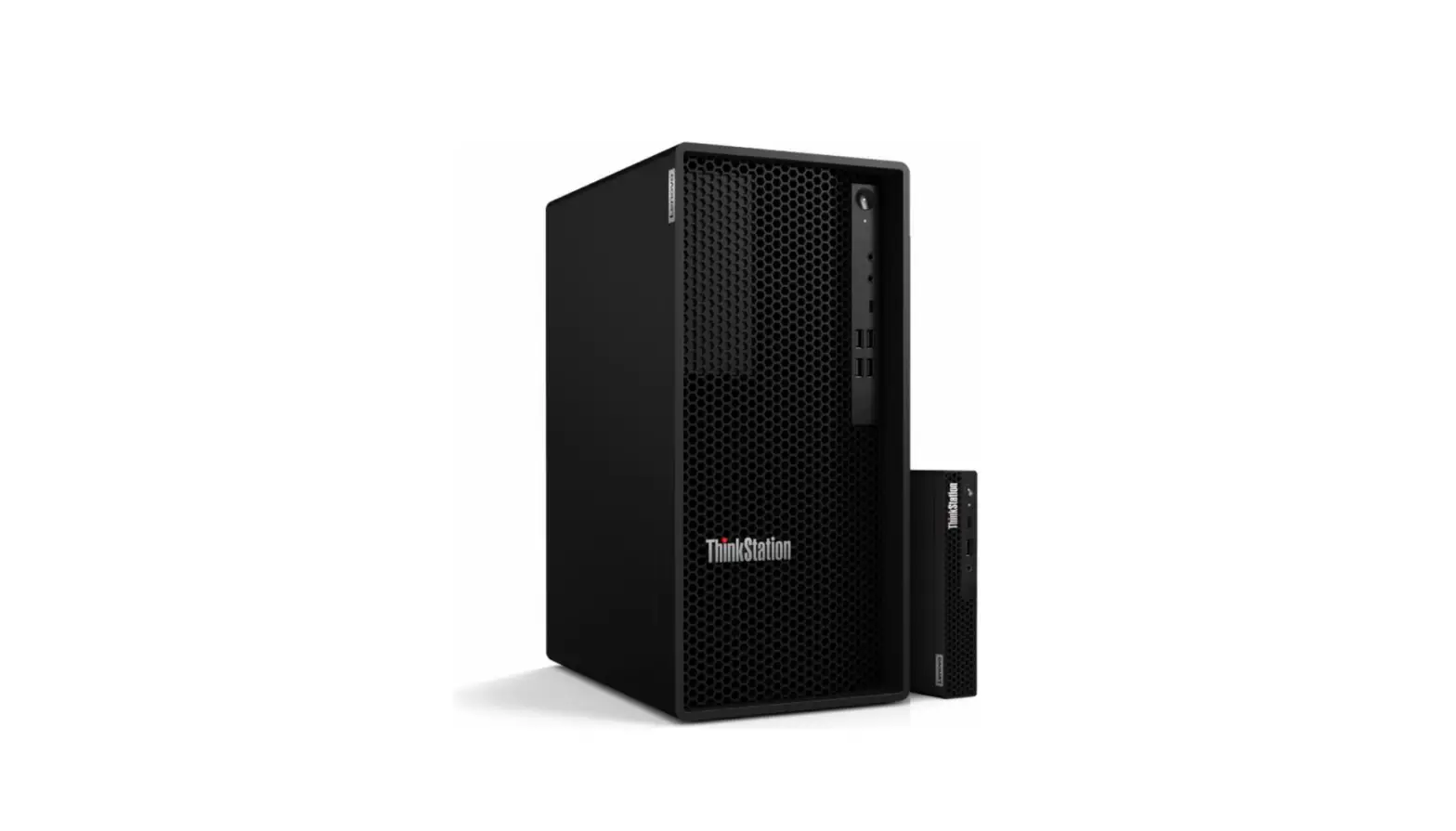
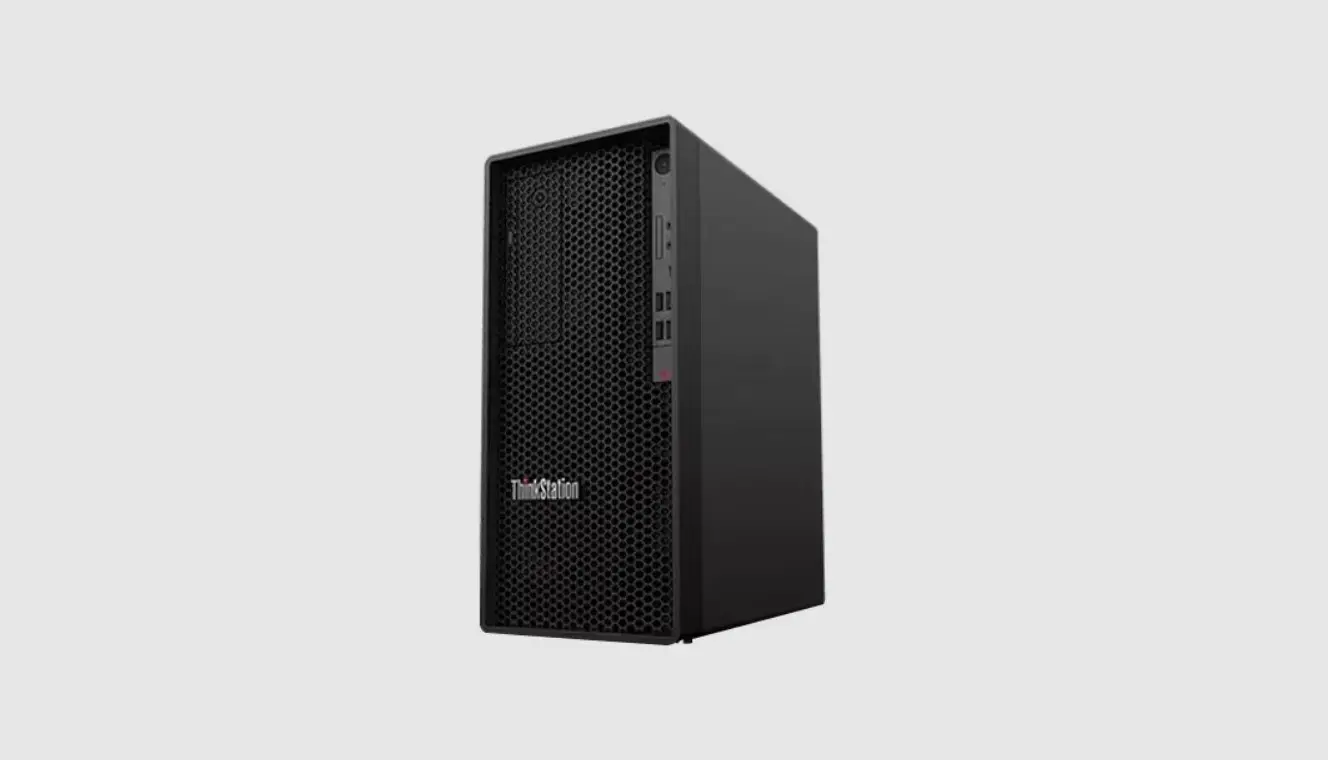
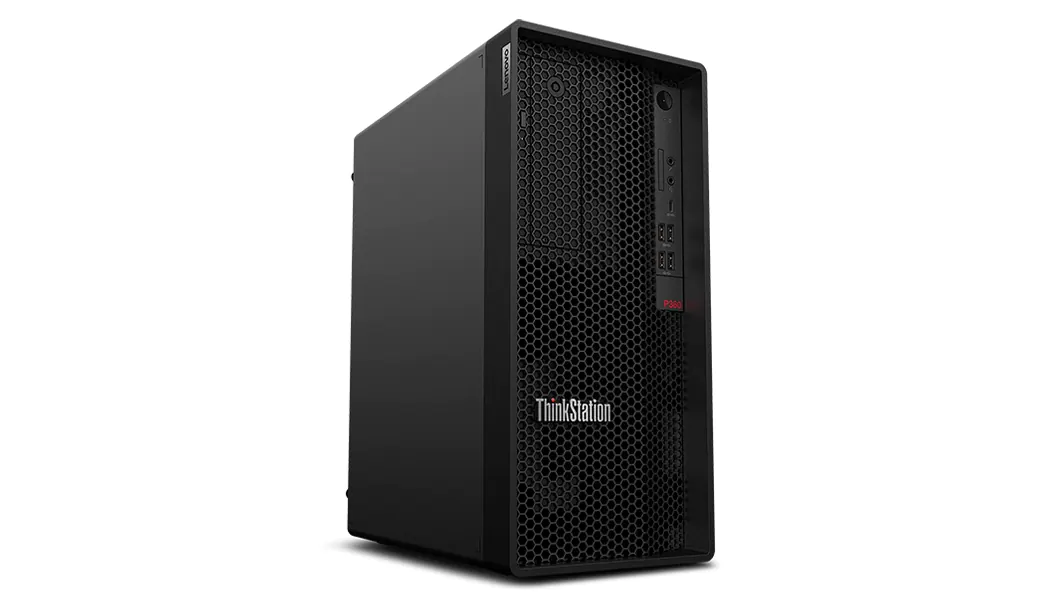
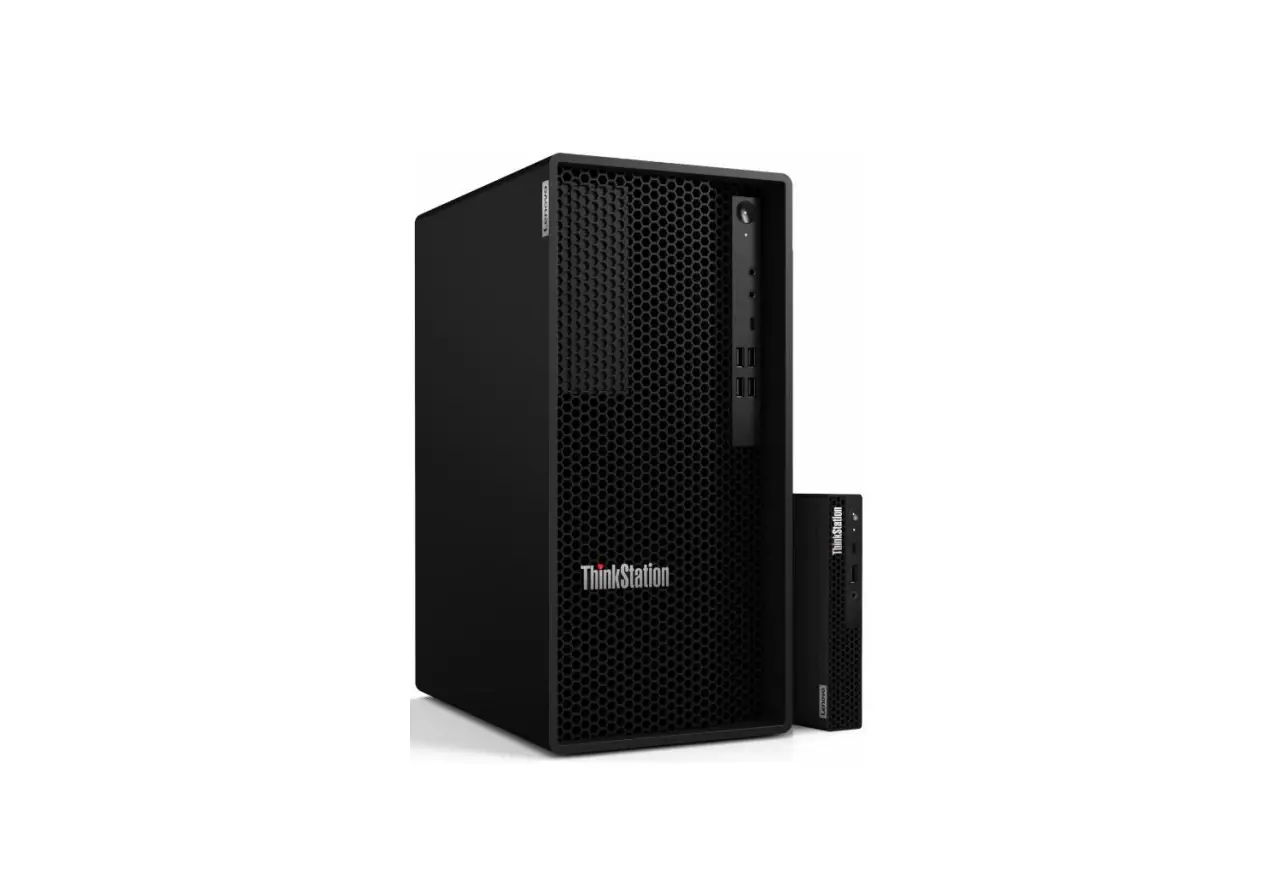
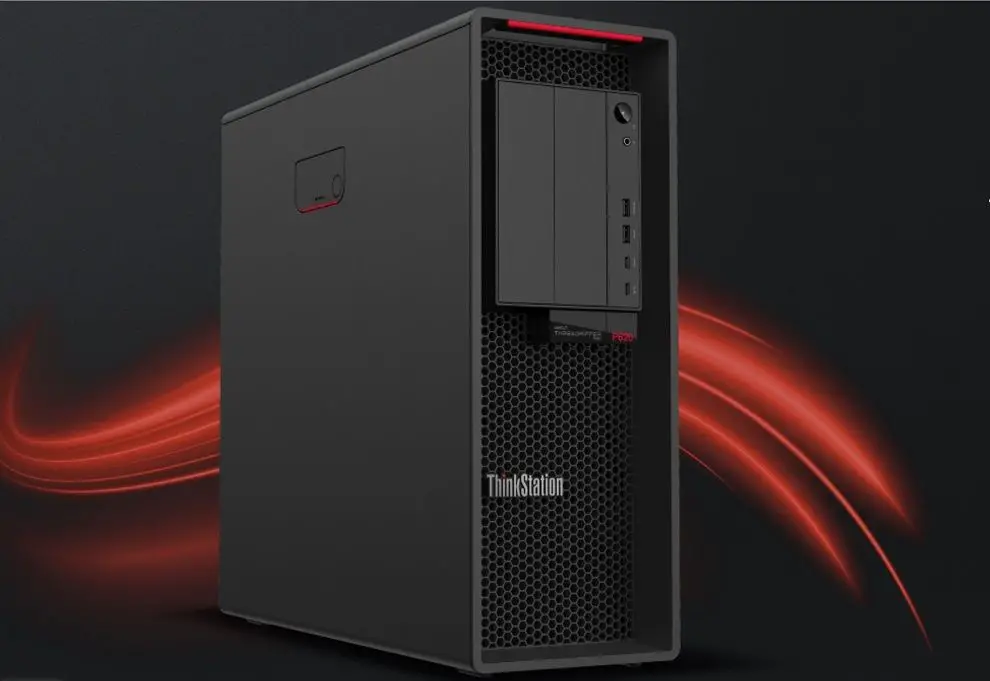
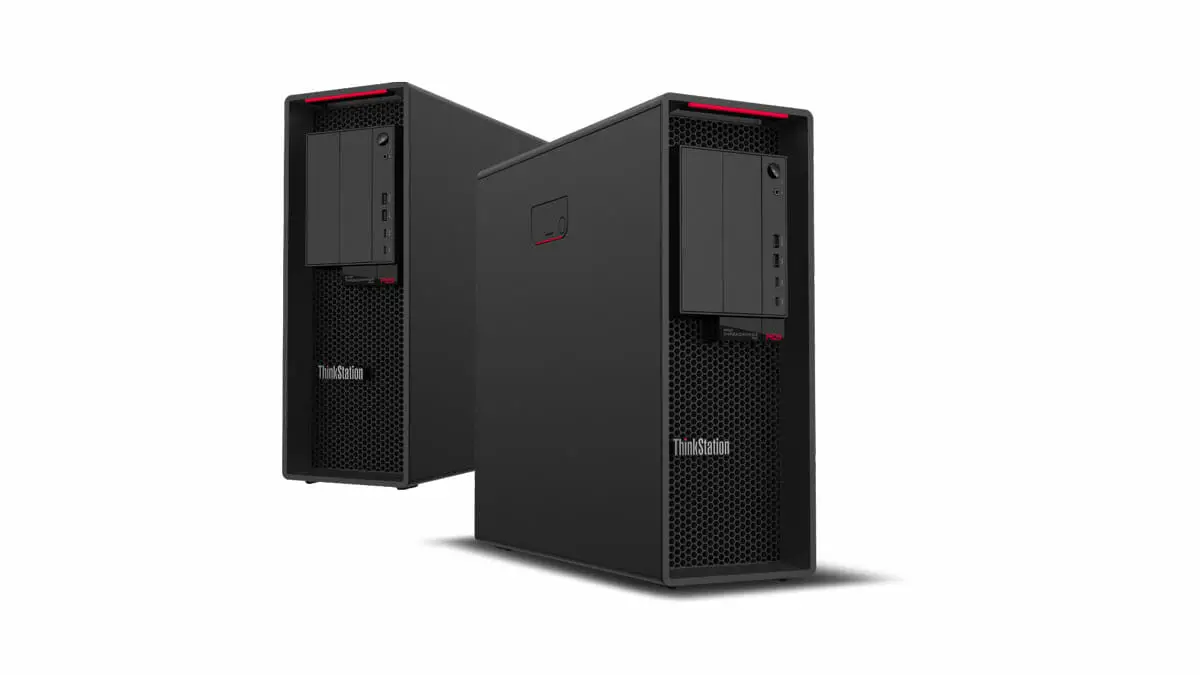
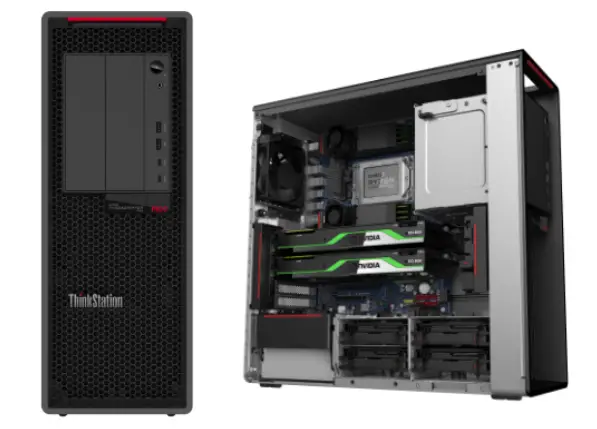
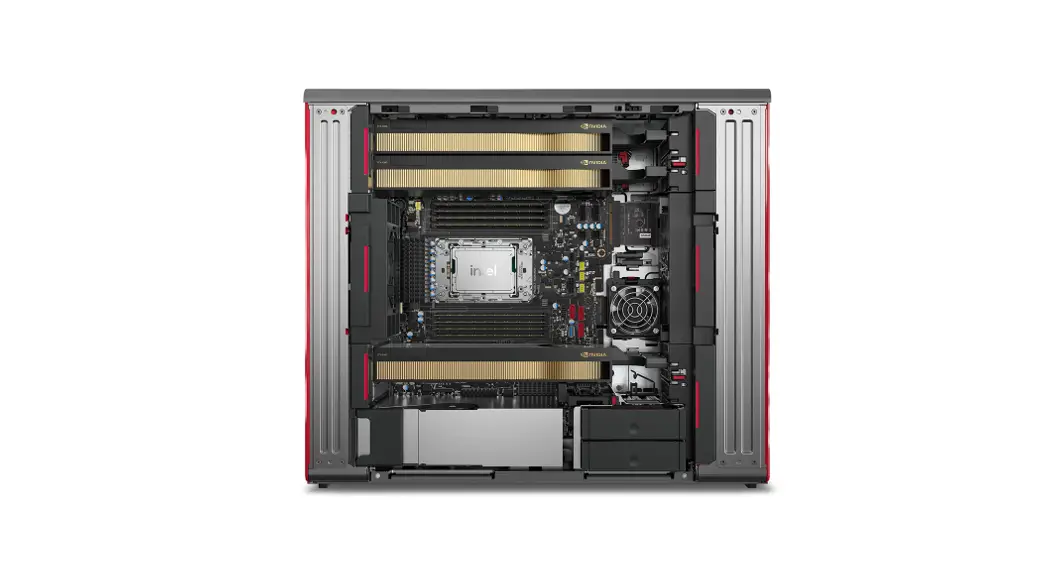
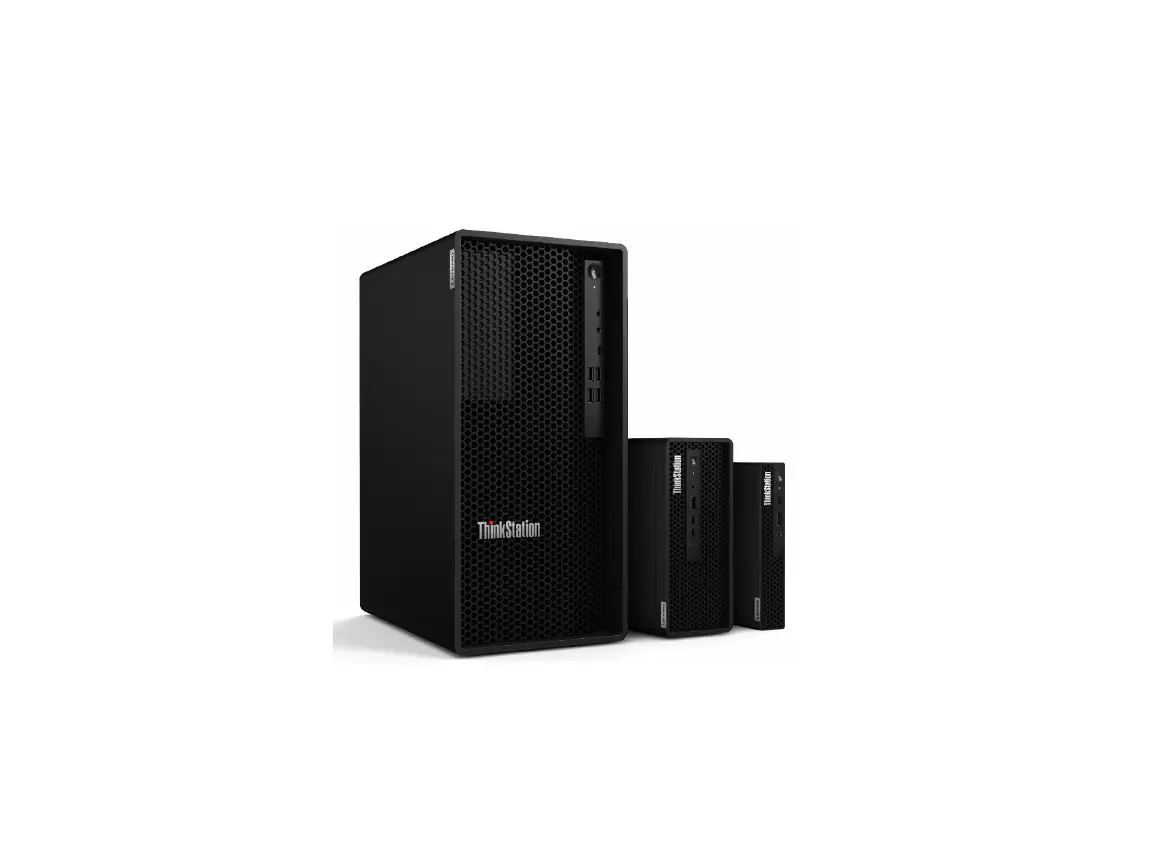
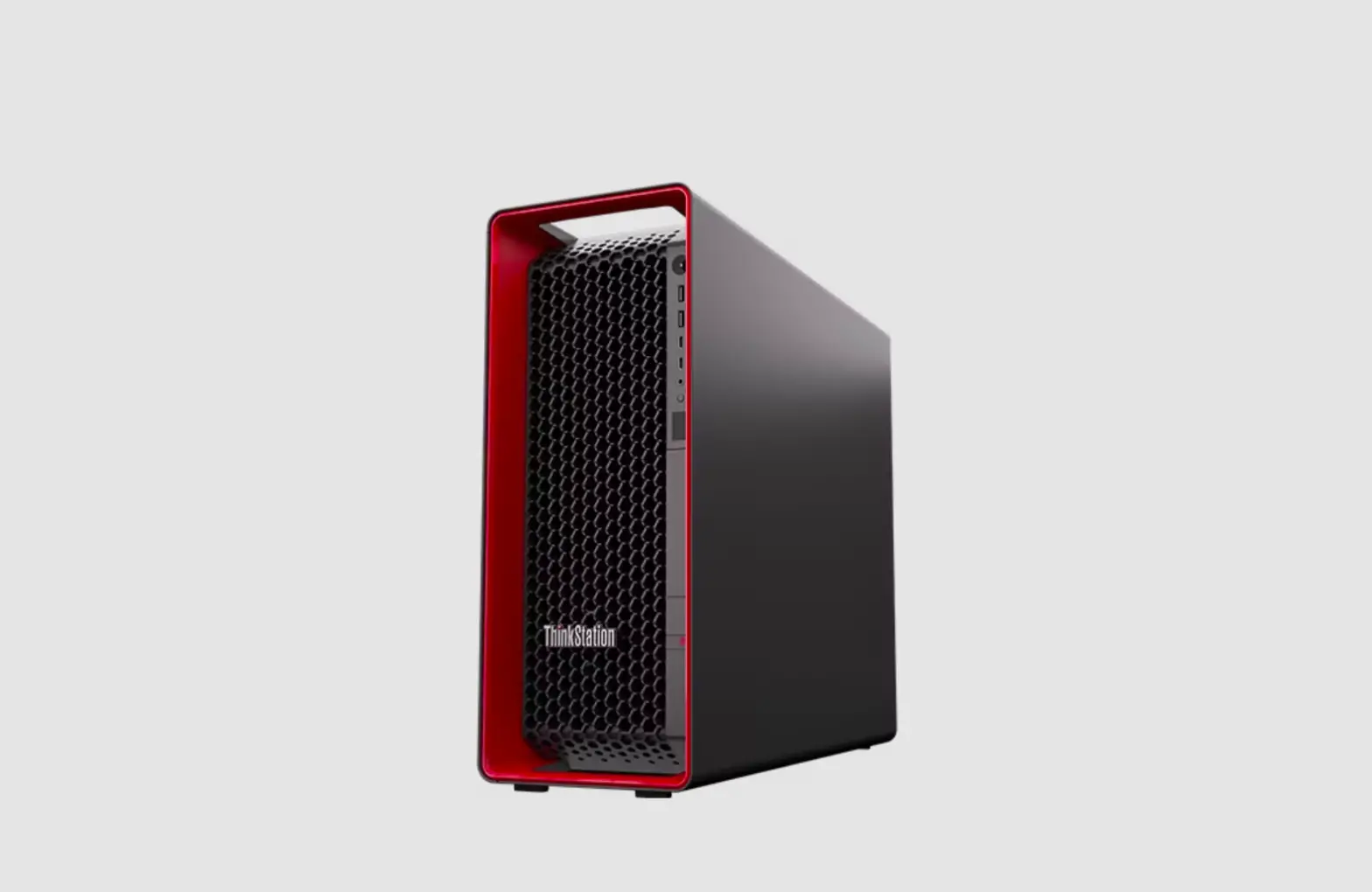
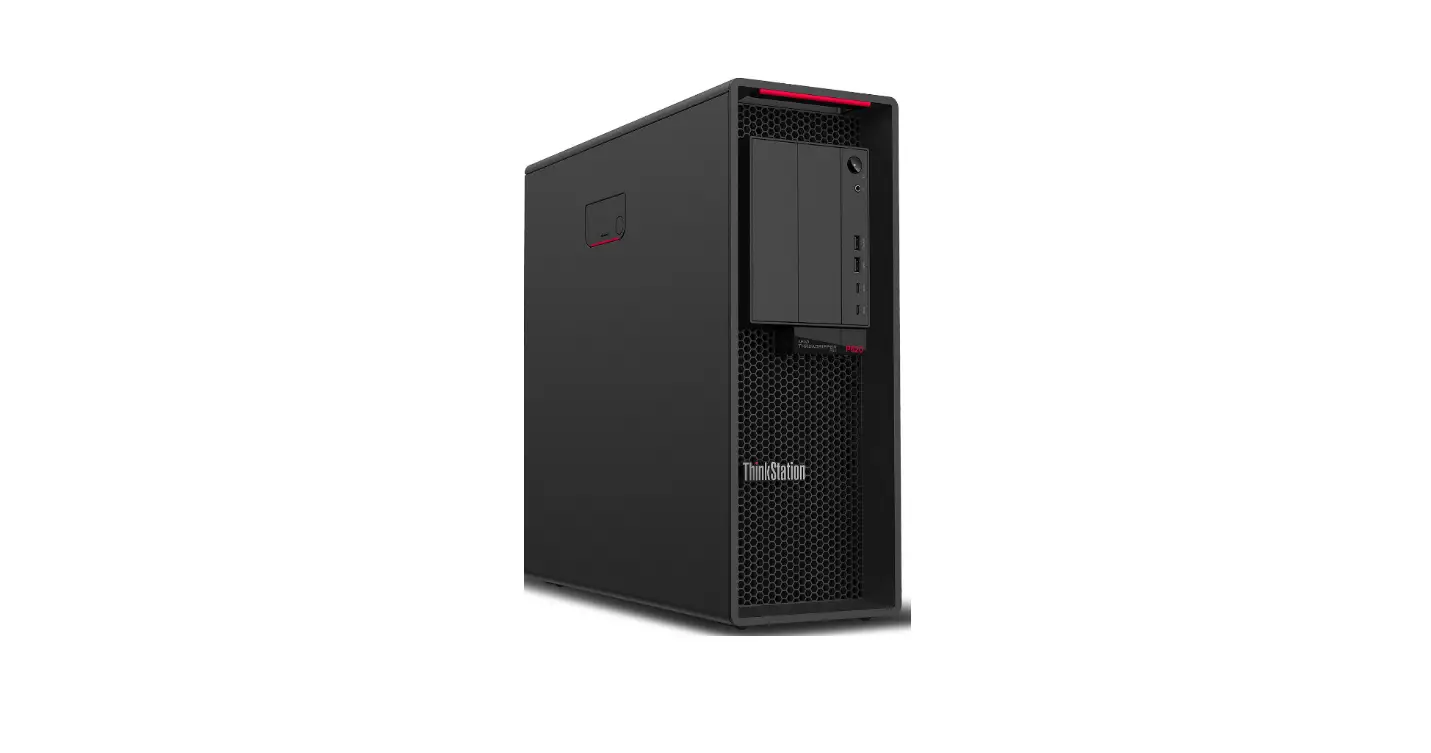
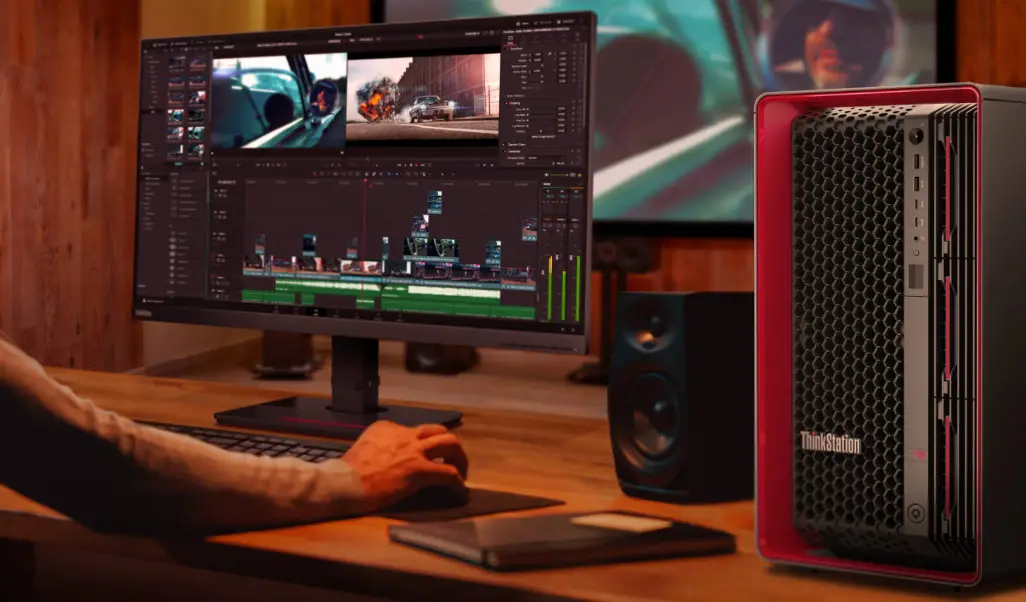
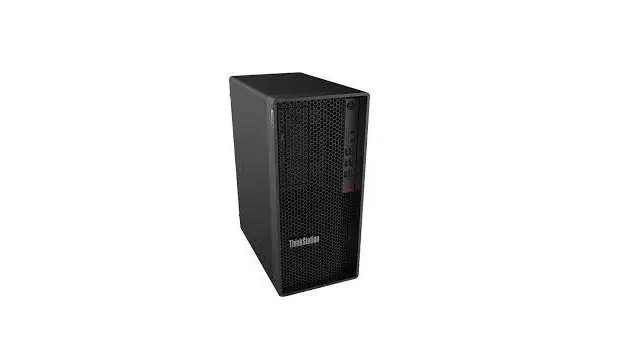
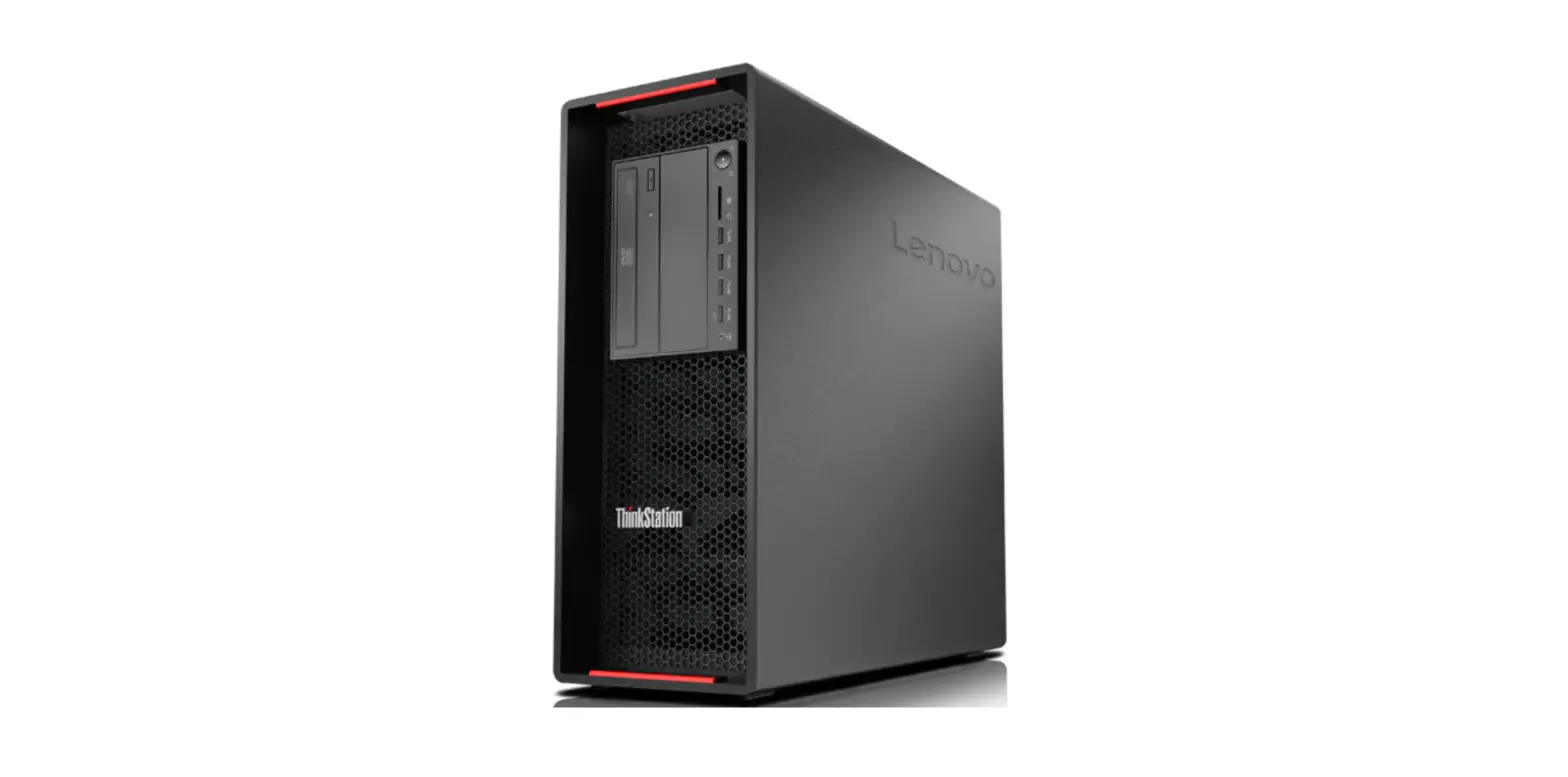
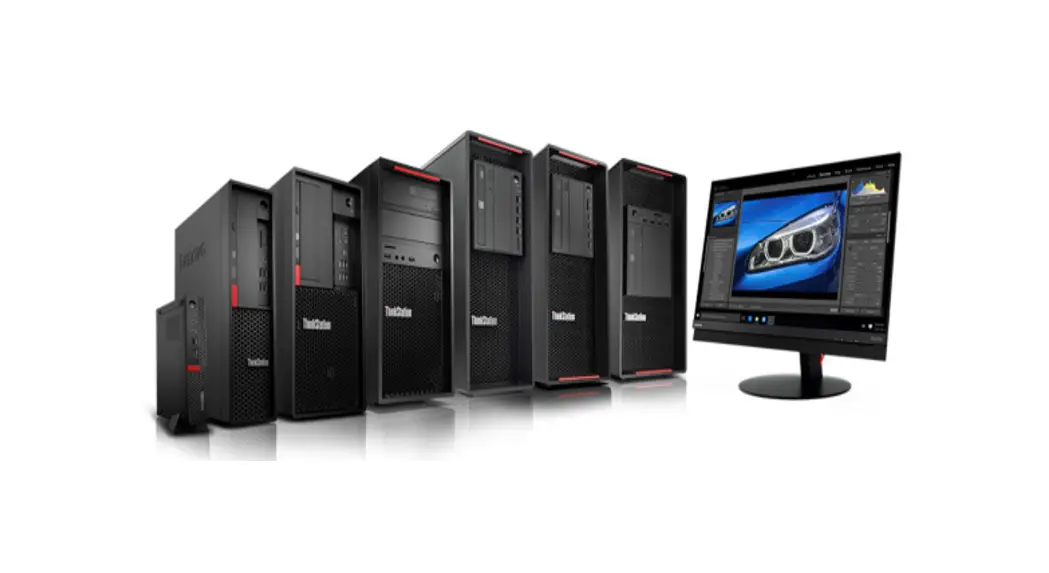
Thinkstation P3 Tower Workstation
Product Information
The P3 Tower is a versatile and expandable computer tower
designed for various applications. It supports multiple expansion
modules and storage options, providing users with flexibility and
scalability.
Expansion Modules
- Memory module (up to 4): The tower can accommodate up to 4
memory modules for increased system performance. - PCIe card (up to 4): The tower supports up to 4 PCIe cards,
allowing users to add additional functionality such as graphics
cards or network adapters. - M.2 solid-state drive (up to 2): The tower can hold up to 2 M.2
solid-state drives, enabling fast and efficient storage
solutions. - SD card: The tower features an SD card slot for easy data
transfer and storage. - 3.5-inch front-access storage enclosure: The tower includes a
front-access storage enclosure for convenient access to additional
storage drives. - 3.5-inch secondary storage drive cage: Users can install a
secondary storage drive in the dedicated 3.5-inch drive cage. - 3.5-inch primary storage drive cage (up to 3): The tower can
accommodate up to 3 primary storage drives in the dedicated
3.5-inch drive cage.
Note: In the 3.5-inch front-access storage enclosure or 3.5-inch
storage drive cages, users can install either a 3.5-inch storage
drive or a 2.5-inch storage drive with a storage drive
converter.
Product Usage Instructions
- Expansion Modules:
- To install a memory module, refer to the user guide for
detailed instructions specific to your model. - To install a PCIe card, open the tower’s case, locate an
available PCIe slot, align the card with the slot, and firmly press
it down until it is securely seated. - To install an M.2 solid-state drive, locate the M.2 slot on the
motherboard, align the drive with the slot, and gently insert it at
a slight angle. Secure the drive using the provided screws. - To use an SD card, simply insert it into the SD card slot on
the tower.
- To install a memory module, refer to the user guide for
- Storage Options:
- To install a 3.5-inch storage drive in the front-access storage
enclosure or drive cages, open the enclosure or cage, connect the
drive to the appropriate cables, and secure it in place using
screws. - If you want to install a 2.5-inch storage drive in the
front-access storage enclosure or drive cages, you will need a
storage drive converter. Follow the same steps as for a 3.5-inch
drive but use the converter to secure the smaller drive.
- To install a 3.5-inch storage drive in the front-access storage
For more information about the product and its features, scan
the User Guide QR code provided in the manual. The QR code will
provide additional information about the product and details about
the USB transfer rate.
P3 Tower
Scan the User Guide QR code to learn more information about the product and the USB transfer rate. QR USB QR USB USB QR QR USB .
* For selected models I I I I
-1 –
Expansion Modules I I I I
Memory module (up to 4) 4
( 4 ) ( 4)
( 4 )
PCIe card (up to 4) PCIe 4
PCIe ( 4 ) PCIe ( 4) PCIe ( 4 )
M.2 solid-state drive (up to 2) M.2 2 M.2 ( 2 ) M.2 ( 2) M.2 ( 2 )
SD card* SD * SD * SD * SD *
3.5-inch front-access storage enclosure* 3.5 * 3.5 * 3.5 * 3.5 * 3.5-inch secondary storage drive cage* 3.5 * 3.5 * 3.5 * 3.5 *
3.5-inch primary storage drive cage (up to 3) 3.5 3 3.5 ( 3 ) 3.5 ( 3) 3.5 ( 3 )
In the 3.5-inch front-access storage enclosure or 3.5-inch storage drive cages, you can install 3.5-inch storage drive or 2.5-inch storage drive with a storage drive converter. 3.5 3.5 3.5 2.5 3.5 3.5 3.5 2.5 3.5 3.5 3.5 2.5 ( ) 3.5 3.5 3.5 2.5 ( ) .
* For selected models I I I I
– 2 –
First Edition (May 2023) © Copyright Lenovo 2023.
LENOVO, LENOVO logo, THINKSTATION, and THINKSTATION logo are trademarks of Lenovo. Mini DisplayPort (mDP) and DisplayPort are trademarks of the Video Electronics Standards Association. The terms HDMI and HDMI High-Definition Multimedia Interface are trademarks or registered trademarks of HDMI Licensing LLC in the United States and other countries. USB-C is a registered trademark of USB Implementers Forum. All other trademarks are the property of their respective owners.
LIMITED AND RESTRICTED RIGHTS NOTICE: If data or software is delivered pursuant to a General Services Administration “GSA” contract, use, reproduction, or disclosure is subject to restrictions set forth in Contract No. GS35F-05925.
Reduce Reuse Recycle
For FSC Mix logo only
– 3 –
Printed in China PN: SP41H31953
-4 –