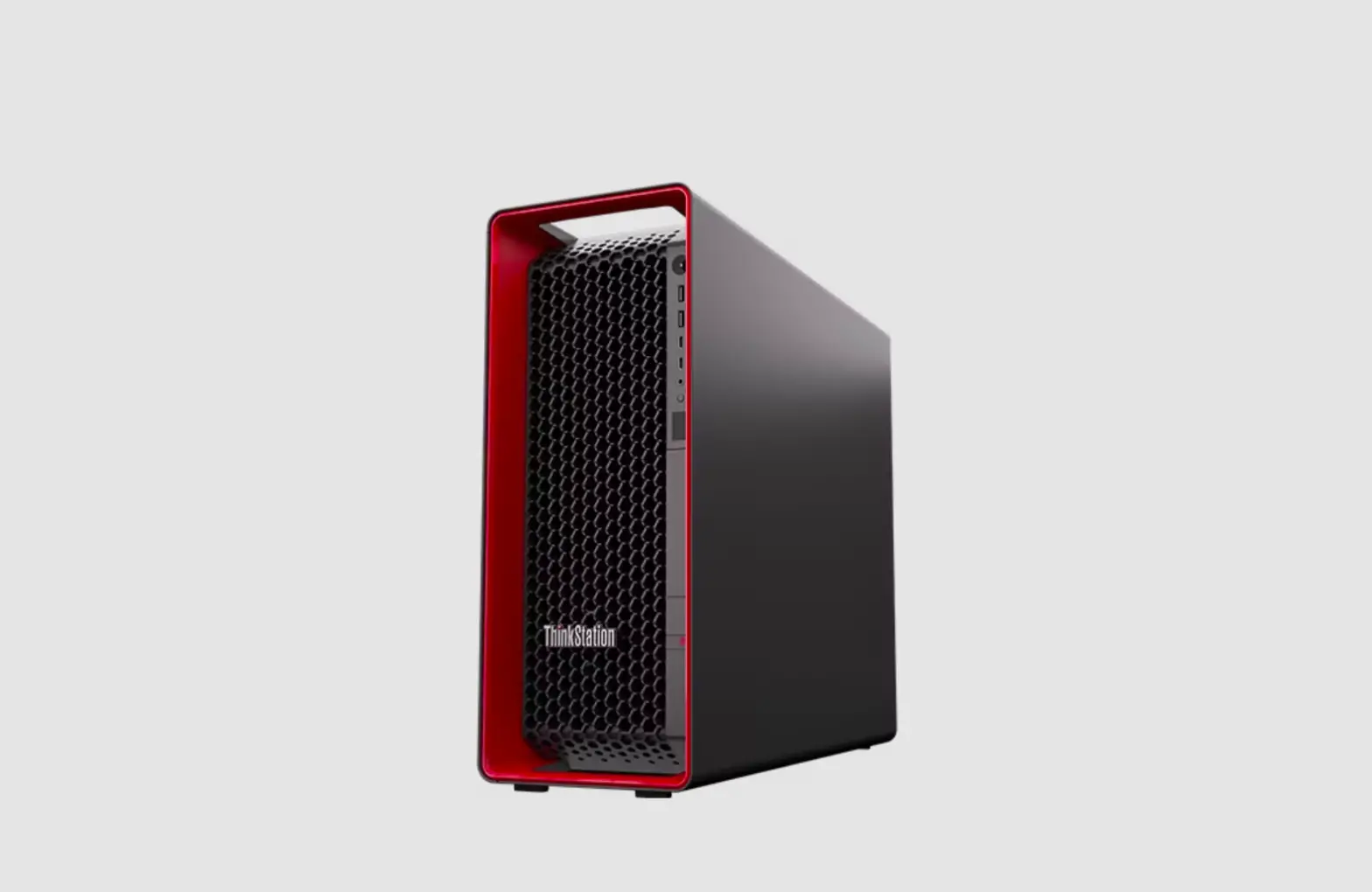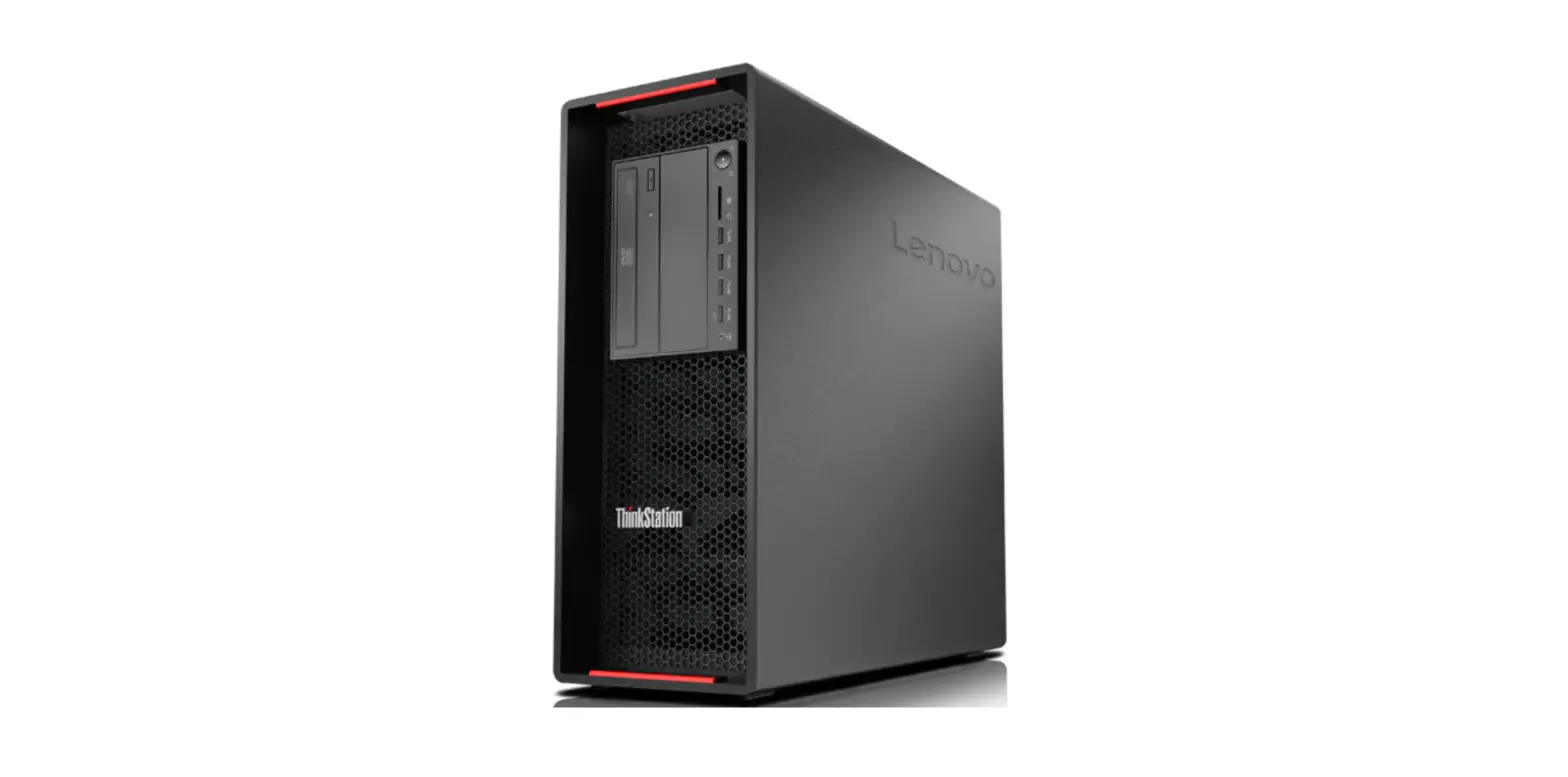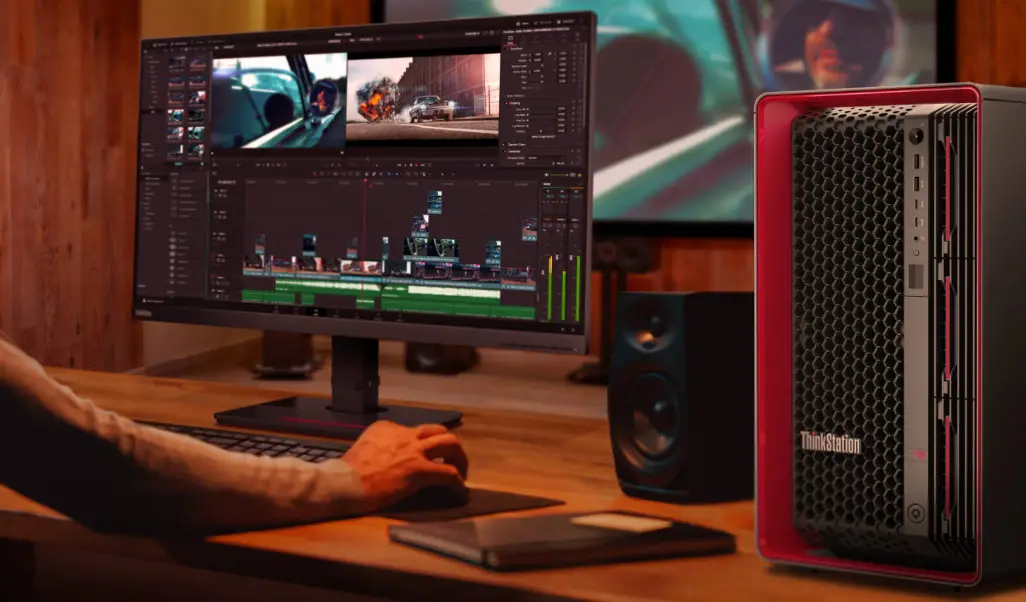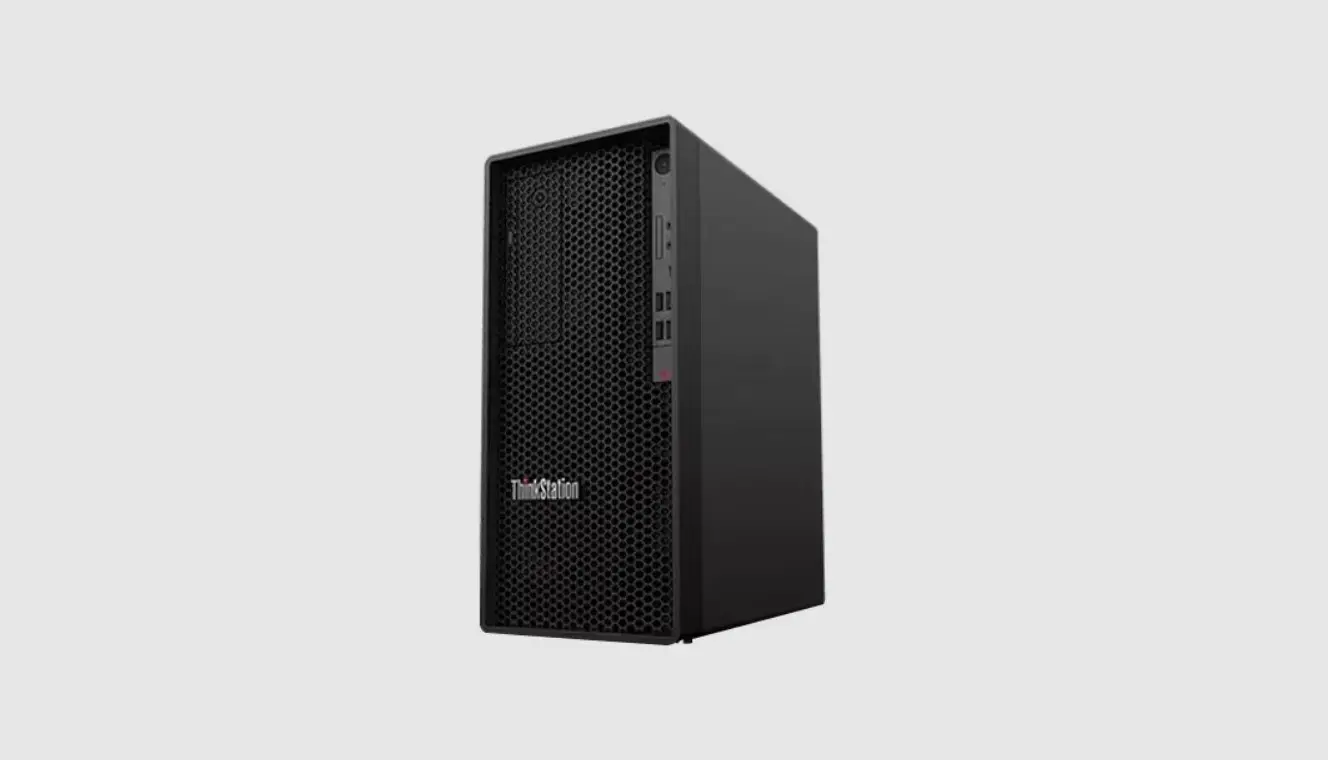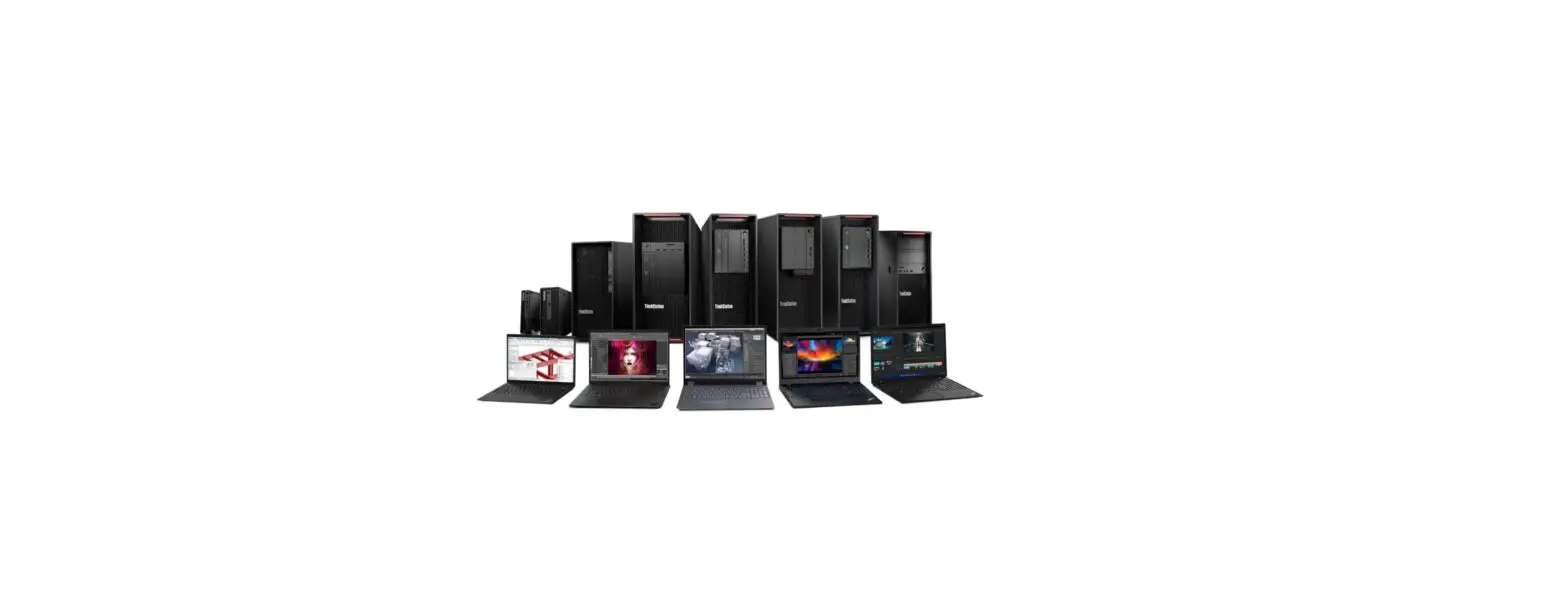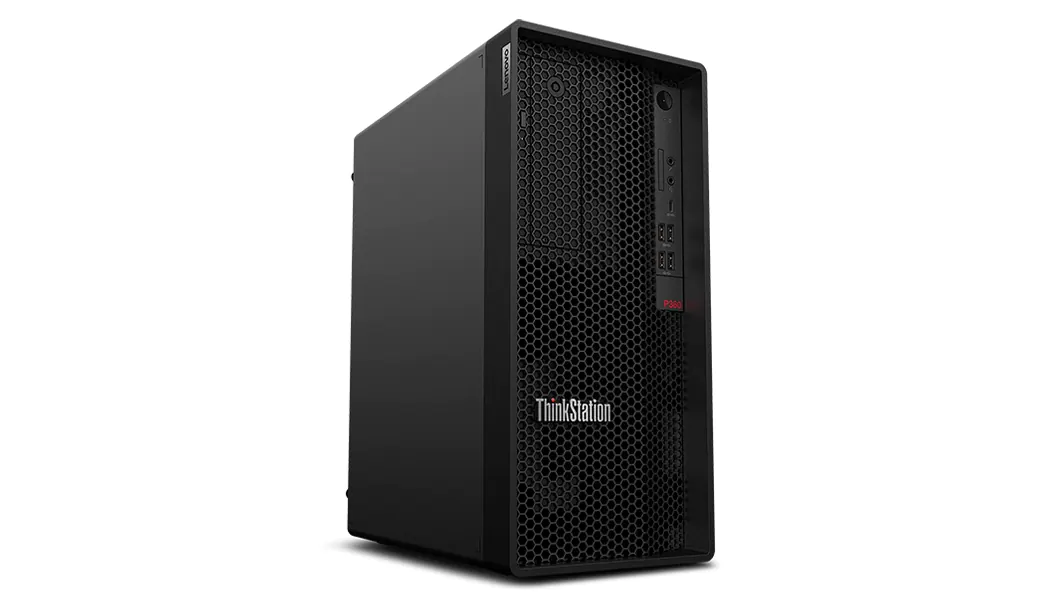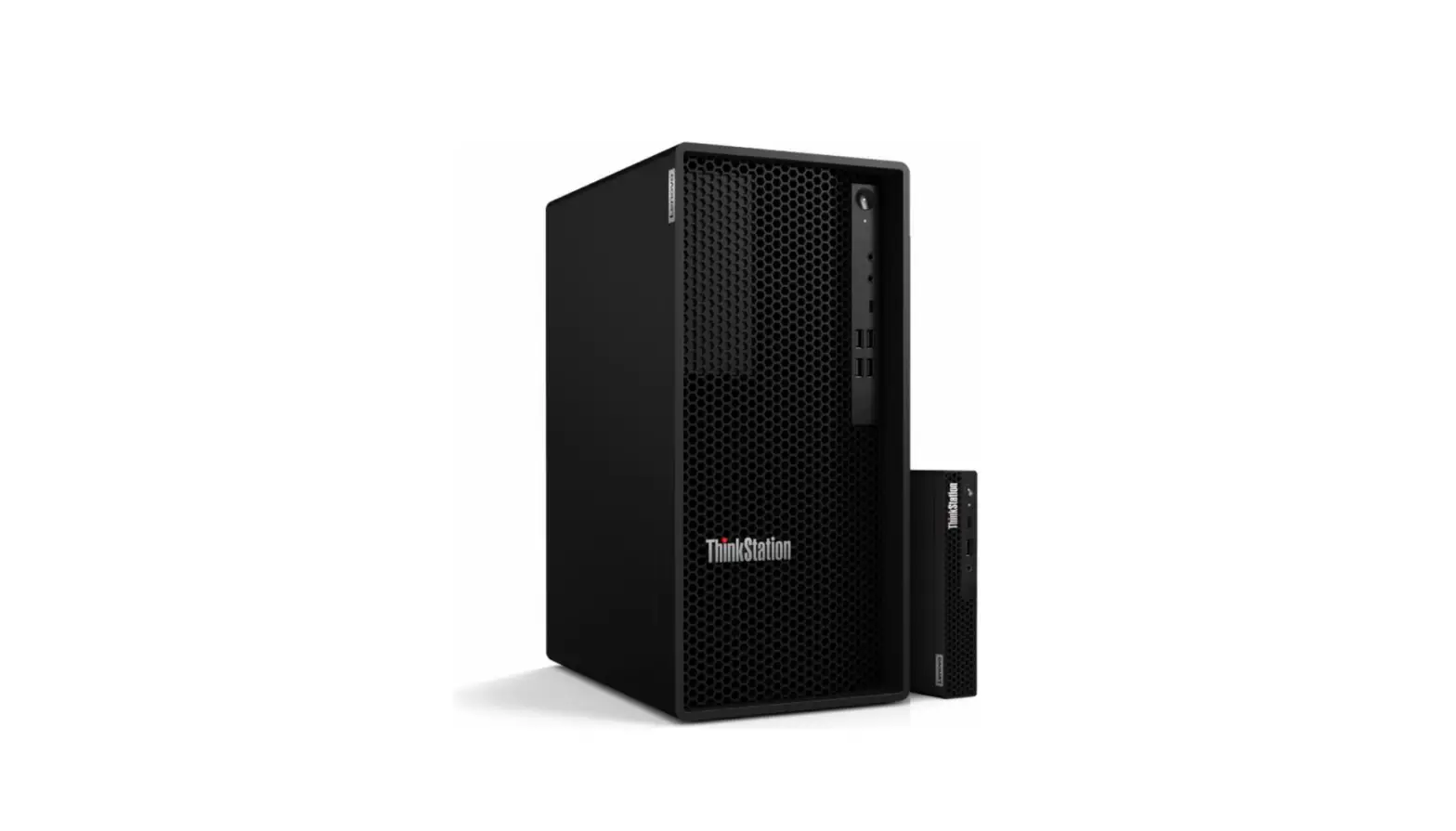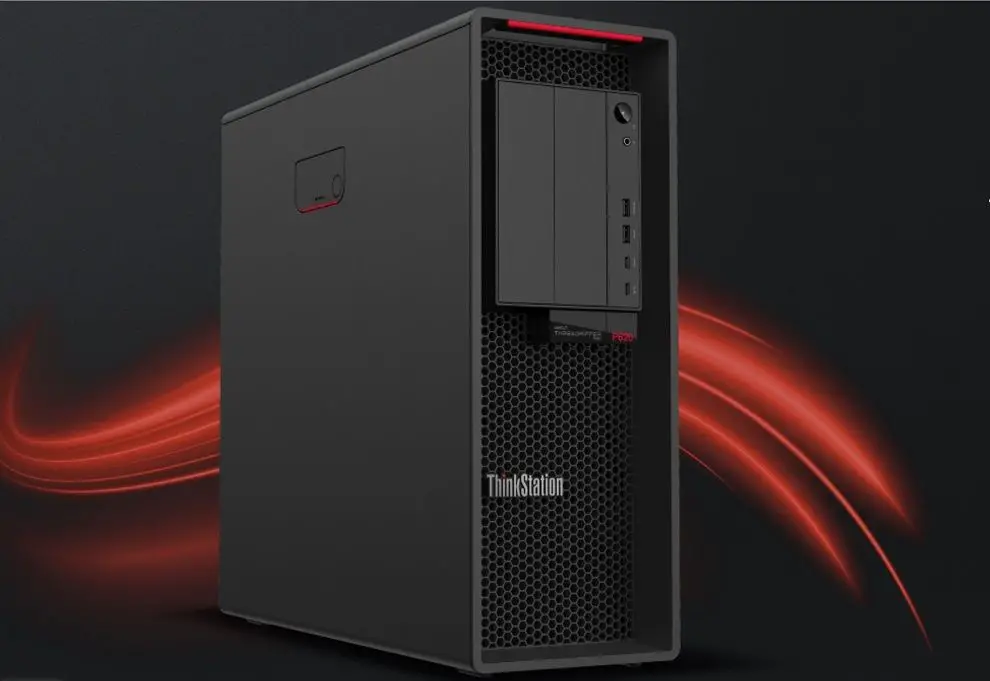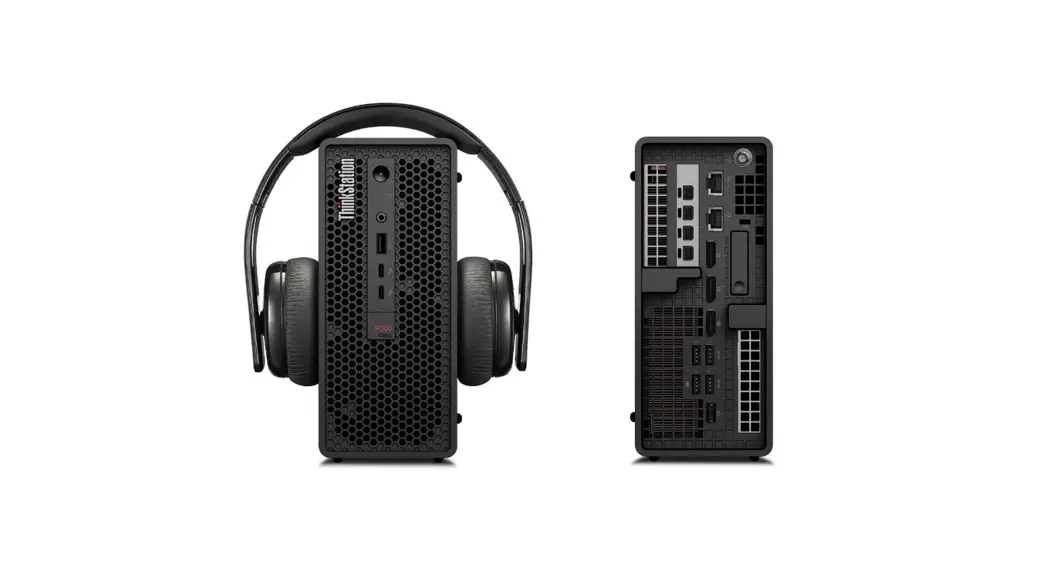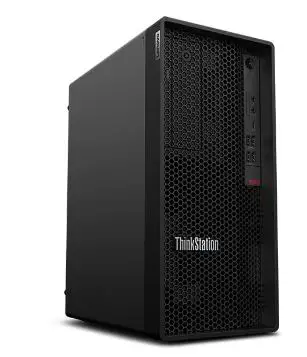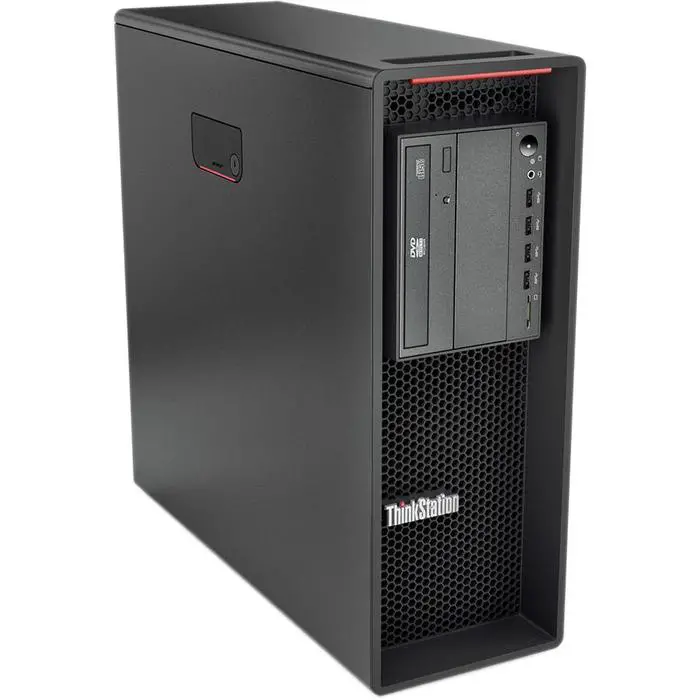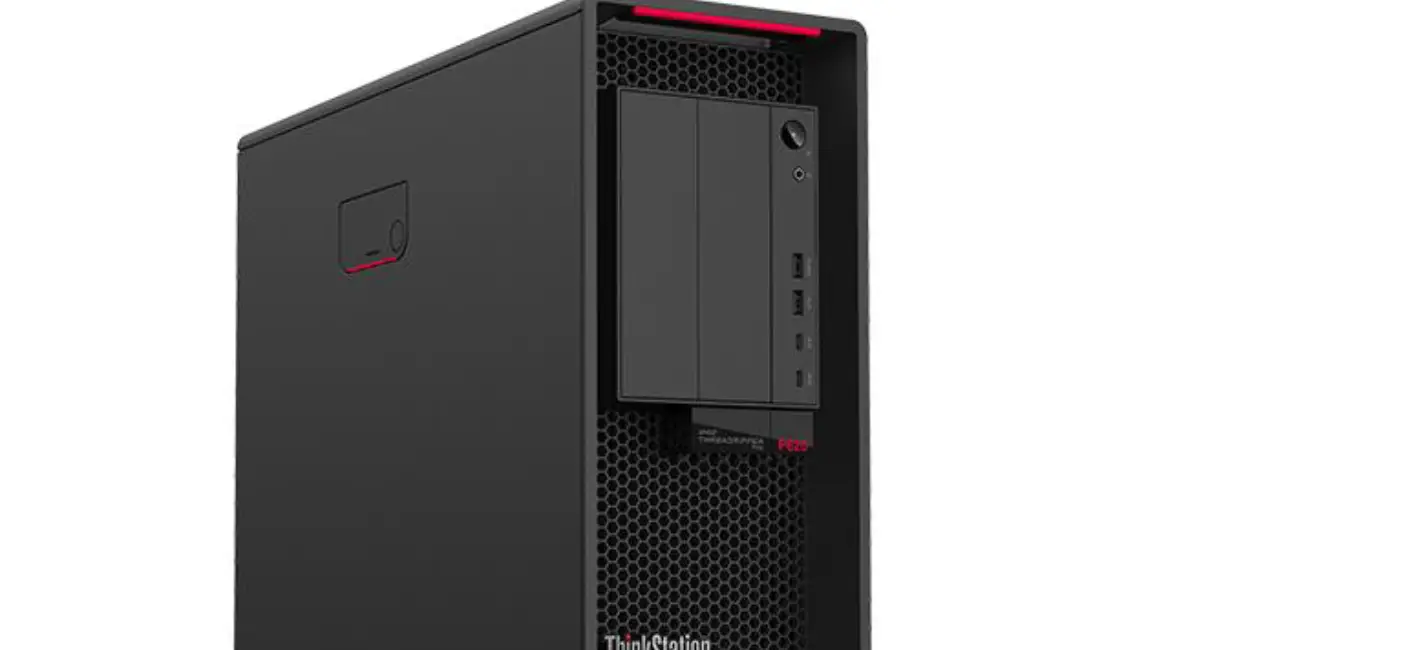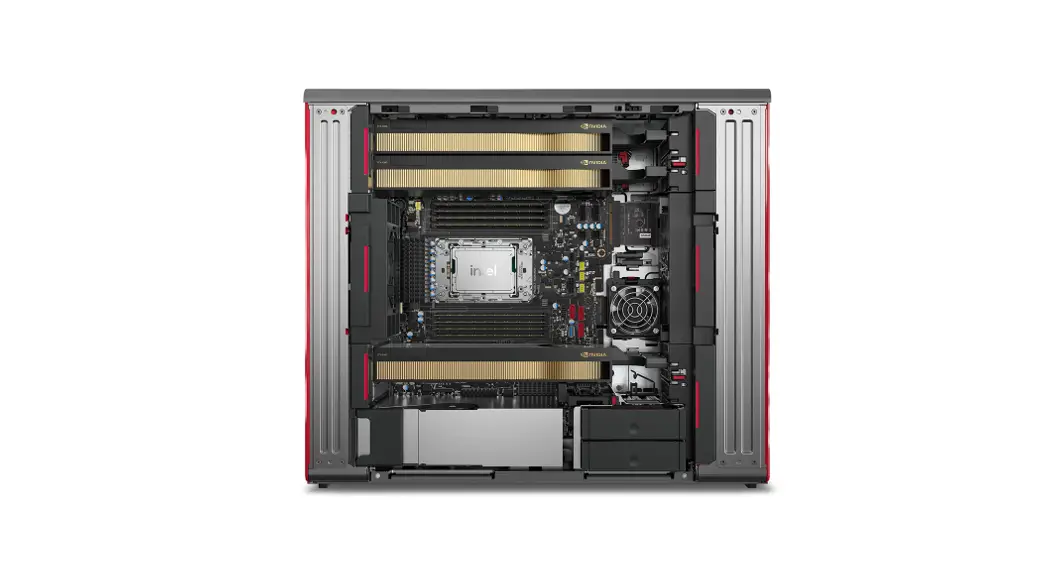


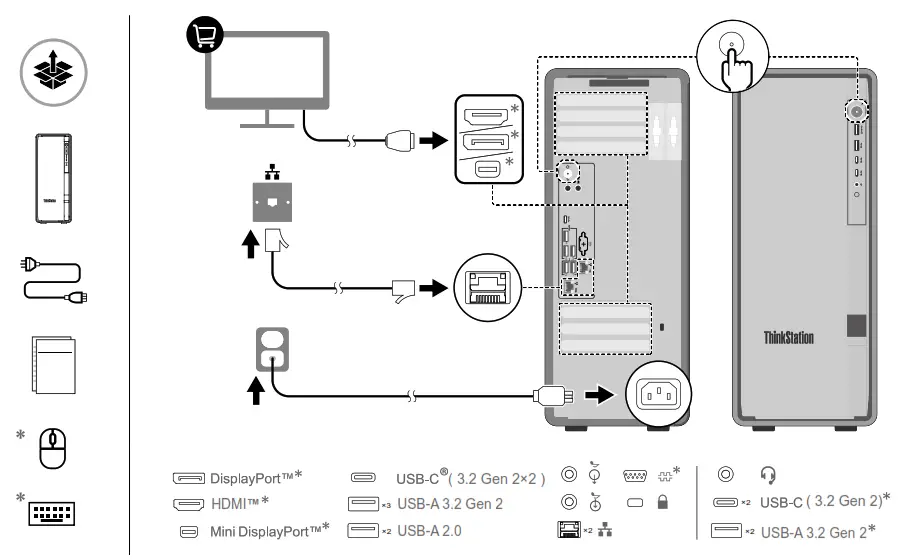
ThinkStation P7 Workstation
Scan the User Guide QR code to learn more information about the product and the USB transfer rate.
*For selected models
 https://support.lenovo.com/docs/thinkstation_p7
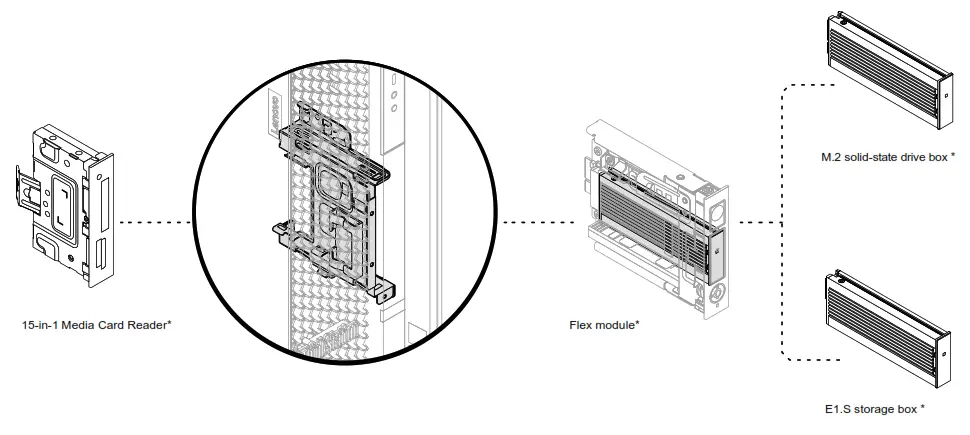
Flex bay*
European Union (EU) / United Kingdom (UK) — radio frequency and power
This radio equipment operates with the following frequency bands and maximum radiofrequency power:
| Technology | Frequency band [MHz] | Maximum power transmit |
| WLAN 802.11b/g/n/ax | 2400 – 2483.5 | < 20 dBm |
| WLAN 802.11a/n/ac/ax | 5150 – 5725 | < 23 dBm |
| WLAN 802.11a/n/ac/ax | 5725 – 5875 | < 13.98 dBm |
| WLAN 802.11ax | 5945 – 6425 | < 23 dBm |
| Bluetooth BR/EDR/LE | 2400 – 2483.5 | < 20 dBm |
Note: Not all wireless bands may be enabled depending on your product configuration. Usage of this device is limited to indoor locations in the bands 5150 – 5350 MHz and 5945 – 6425 MHz.
First Edition (May 2023)
LENOVO, LENOVO logo, ThinkStation, and ThinkStation logo are trademarks of Lenovo. DisplayPort is a trademark of the Video Electronics Standards Association. The terms HDMI and HDMI High-Definition Multimedia Interface are trademarks or registered trademarks of HDMI Licensing LLC in the United States and other countries. USB-C is a registered trademark of USB Implementers Forum. All other trademarks are the property of their respective owners.
© Copyright Lenovo 2023.
LIMITED AND RESTRICTED RIGHTS NOTICE: If data or software is delivered pursuant to a General Services
Administration “GSA” contract, use, reproduction, or disclosure is subject to restrictions set forth in Contract No. GS35F-05925.