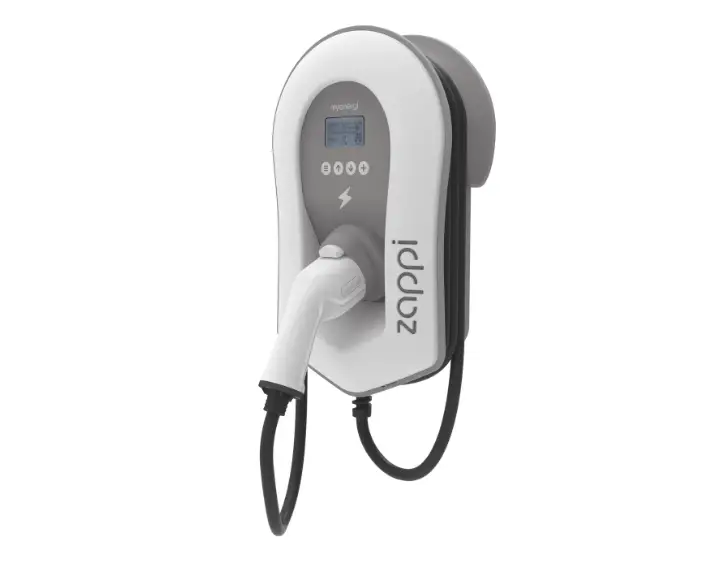
Go EV Charging
Product Information:
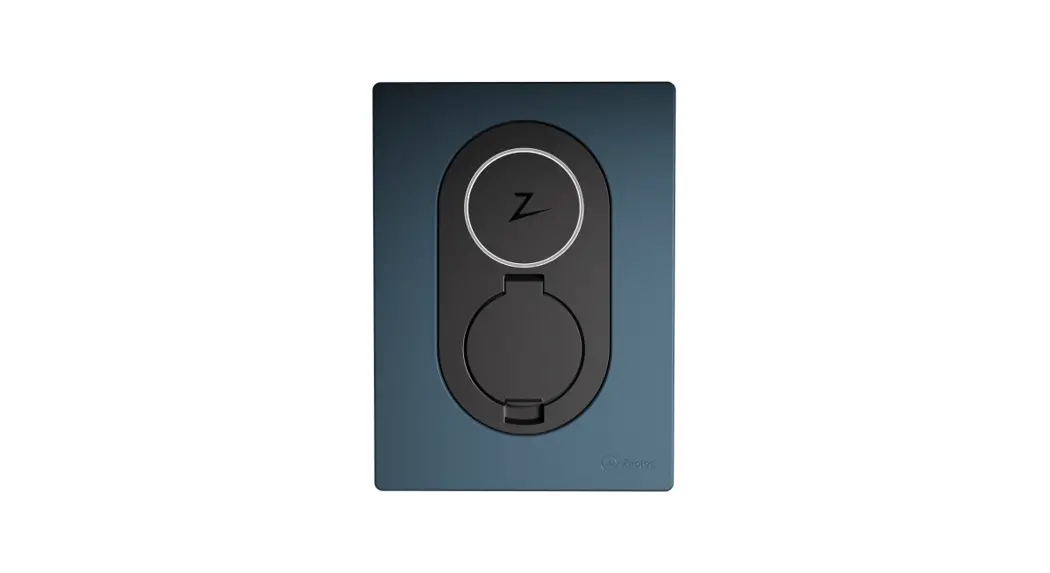
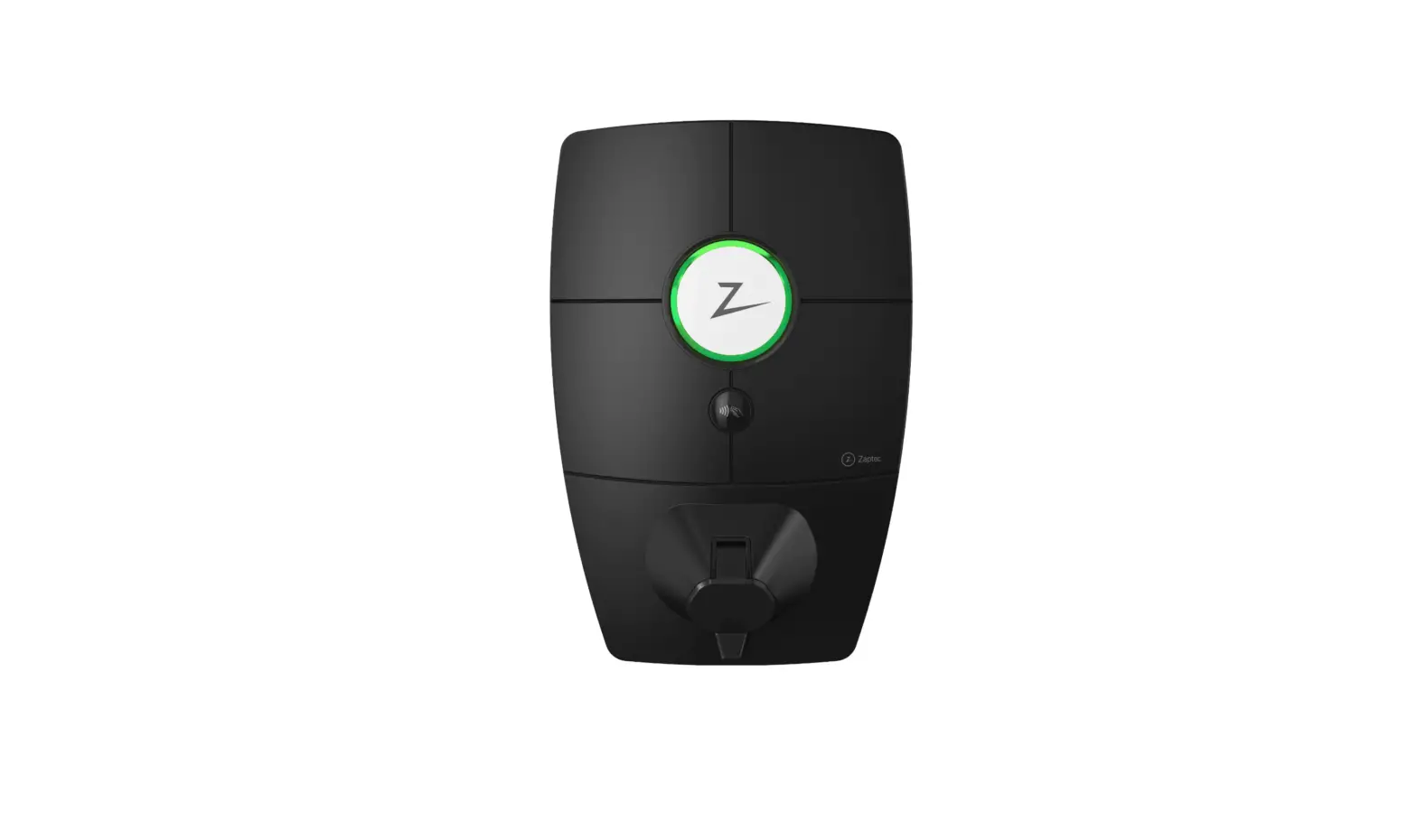
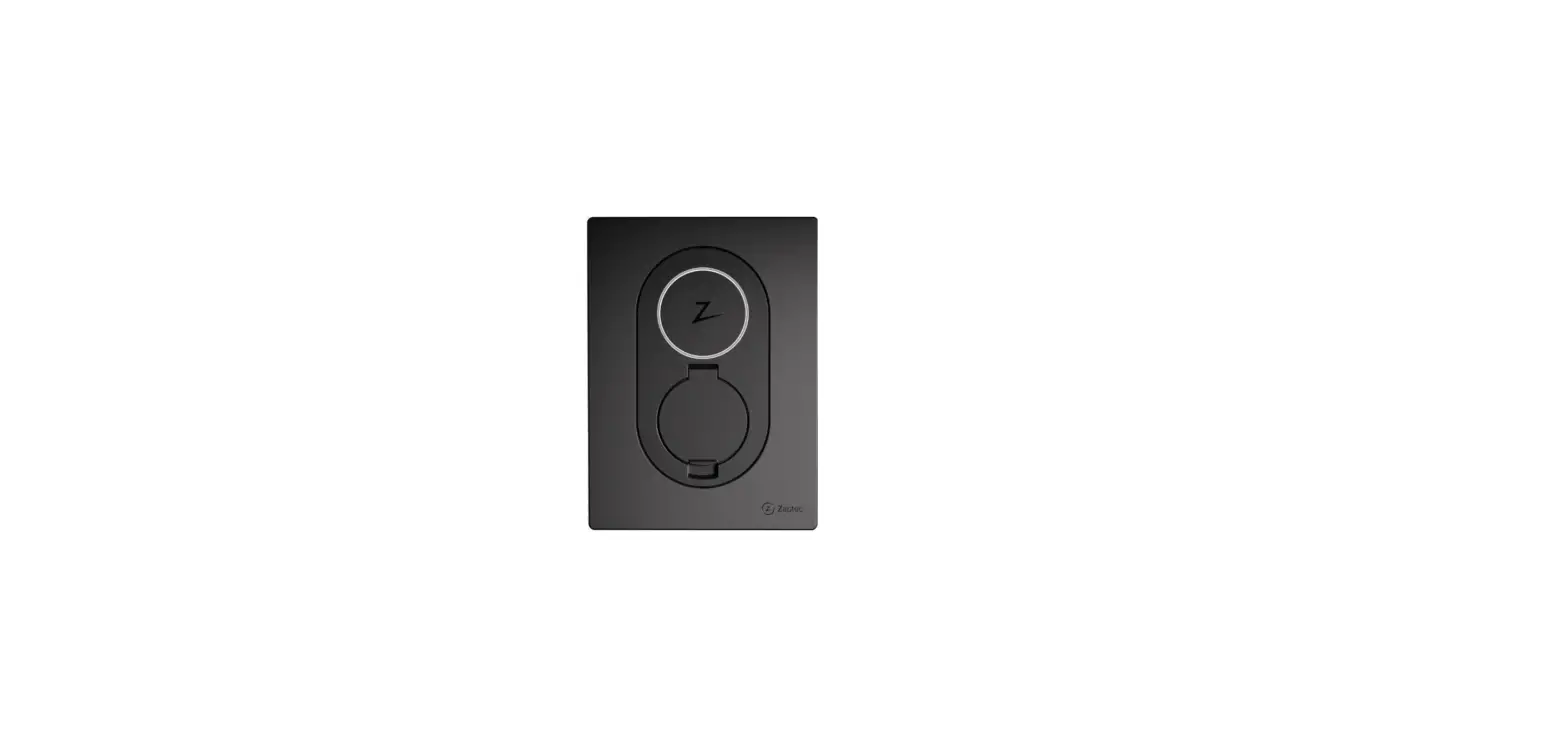
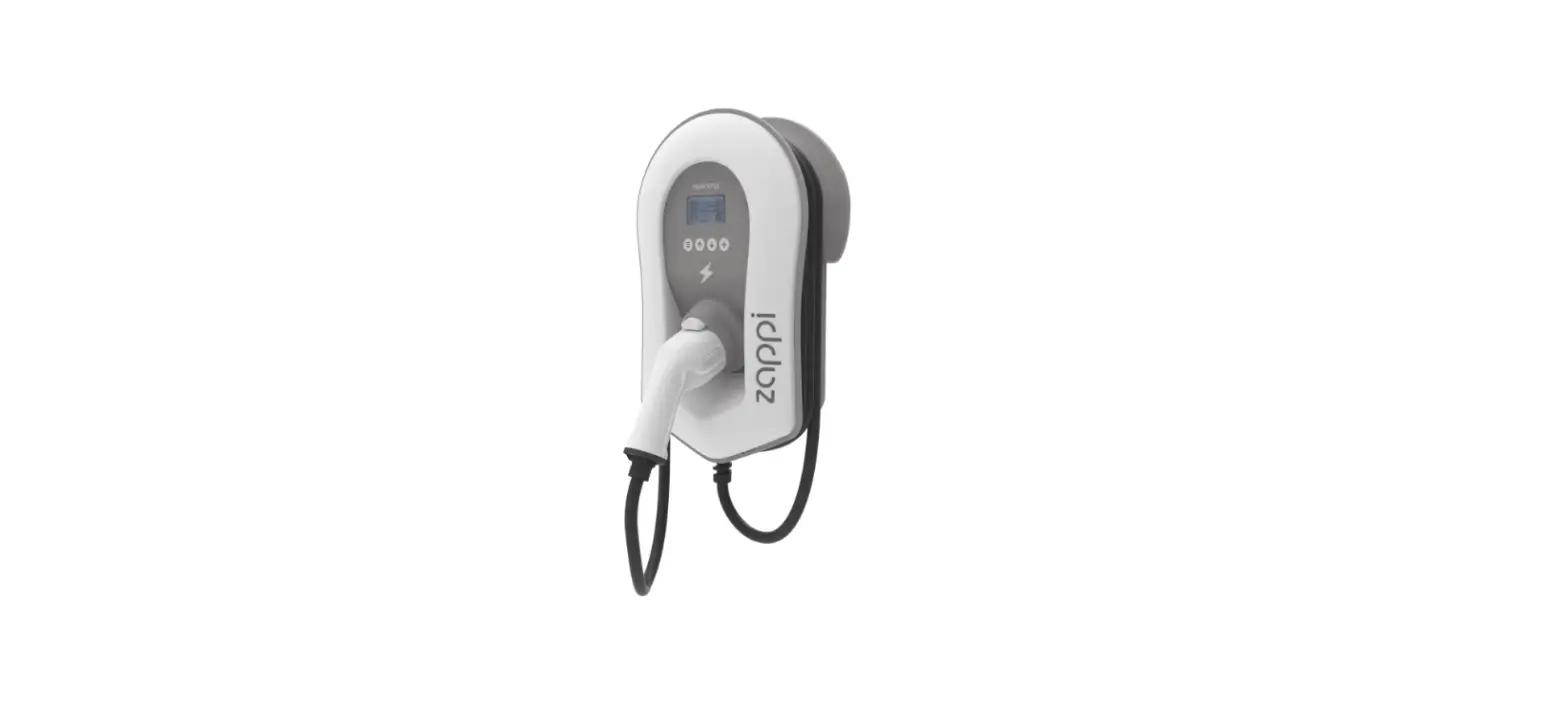
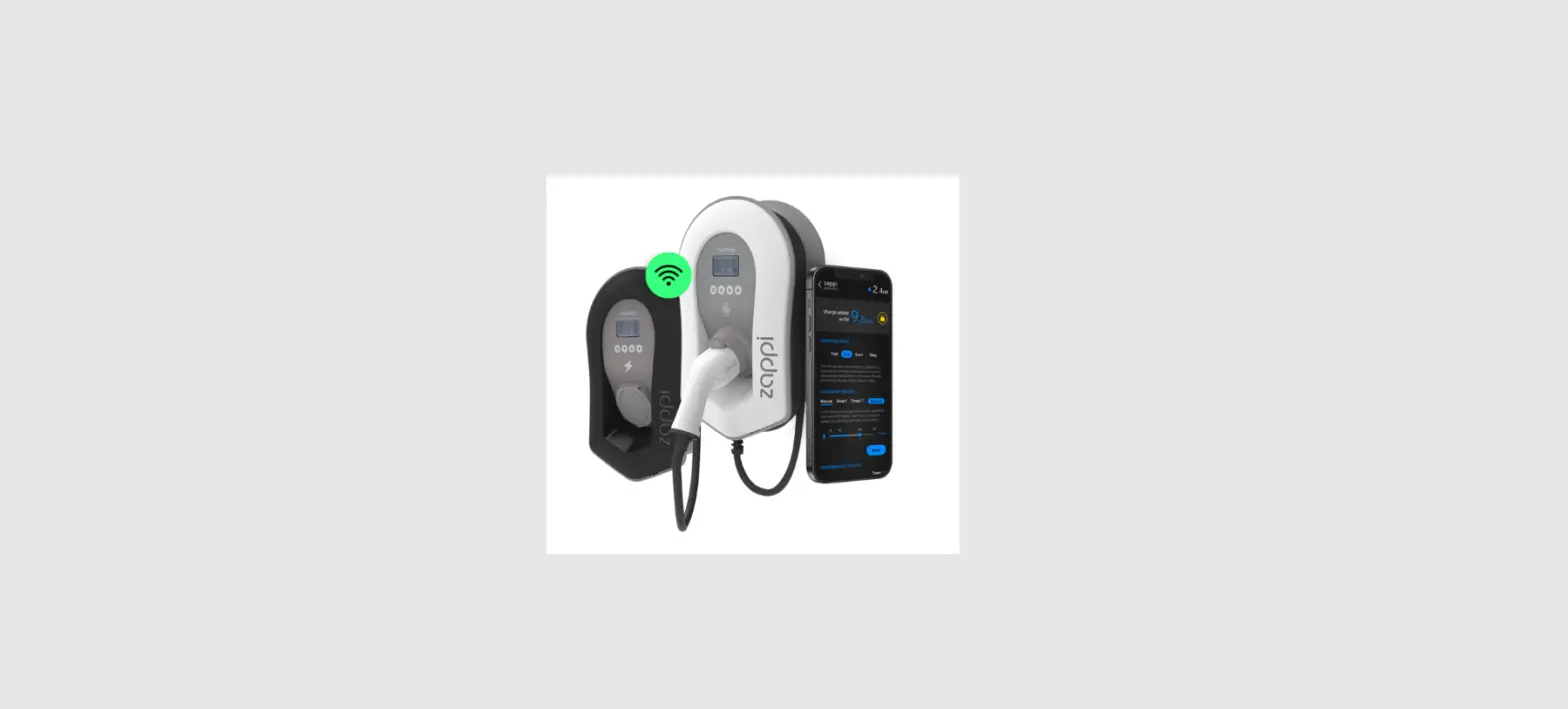
Product Name: Zaptec Go
Description: Zaptec Go is a smart and compact charger for electric
vehicles. It is built on Norwegian green technology, making it both
efficient and environmentally friendly. The charger is designed to
be simple to use and install, while also being safe and
reliable.
Product Usage Instructions:
1. Before using or maintaining the product, it is important to read
and understand the safety instructions provided in the user manual.
2. Ensure that the equipment is installed, repaired, and maintained
by qualified personnel only. Repairs should be carried out by
Zaptec or a pre-approved workshop. 3. Follow all applicable local,
regional, and national laws and regulations when installing,
repairing, and maintaining the product. 4. Do not install or use a
damaged product. Refer to the support and repairs section of the
manual for more information. 5. Use only approved cabling for the
installation. 6. Avoid inserting foreign objects into the Type 2
socket. 7. Do not use high-pressure washers to clean the charger
station. 8. Use only the specified cables and connectors approved
by the vehicle manufacturer or charger producer. 9. Read the
guarantee provided at zaptec.com/guarantee or contact Zaptec
support for a copy. 10. To install Zaptec Go: – Remove the front
cover. – Mount the charging station, ensuring it is straight and at
the appropriate height. – Connect the power cable, choosing one of
the three entry options provided. – Secure the cable using the
cable clamp and screws, and make the installation water resistant
with the cable seals. – Make the electrical connection by
connecting all wires and pressing down all levers firmly. Replace
the terminal cover and turn on the circuit breaker. – Configure the
charging station by installing the Zaptec App from the App Store
(iOS) or Google Play Store (Android) and ensuring Bluetooth is
switched on. 11. For additional information and support, refer to
the user manual and installation manual provided with the product.
Please note that the above instructions are a summarized version.
For complete and accurate instructions, refer to the user manual
and installation manual provided with the product.
Zaptec
Smart, small and safe
Zaptec Go Installation Manual
Zaptec Go works with any car
No matter what you drive or where you’re going, Zaptec Go is the surest way to power your journey. Built on leading edge Norwegian green tech, we’ve created a charger, that’s as smart on the inside as it is simple on the outside.
English
Important information
Before using or maintaining this product, it is important to read the following safety instructions. Failure to follow and apply all the instructions and procedures covered in this quick guide will invalidate the guarantee and cause Zaptec Charger AS and direct partners to waive all liability and claims for compensation.
WARNING! ! Read through the instructions carefully and familiarize yourself with the equipment
before you start using it. ! This equipment must only be installed, repaired, and maintained by qualified
personnel. Repairs must be carried out by Zaptec or a pre-approved workshop. ! All applicable local, regional, and national laws and regulations must be followed
when installing, repairing, and maintaining the product. ! Do not install or use a product which is damaged in any way. See the information
in the chapter on Support and Repairs. ! Only use approved cabling for the installation. ! Do not insert foreign objects into the Type 2 socket. ! Do not use high-pressure washers to clean the charger station.
Follow the instructions in the chapter Storage and Maintenance. ! Avoid installing the charger in a location which is exposed to direct sunlight. ! Adapters are permissible A conversion adapter from the charger outlet must only
be used if specified and approved by the vehicle manufacturer or charger producer ! Read the guarantee at zaptec.com/guarantee or contact Zaptec support
and request a copy.
4
Installing Zaptec Go
English
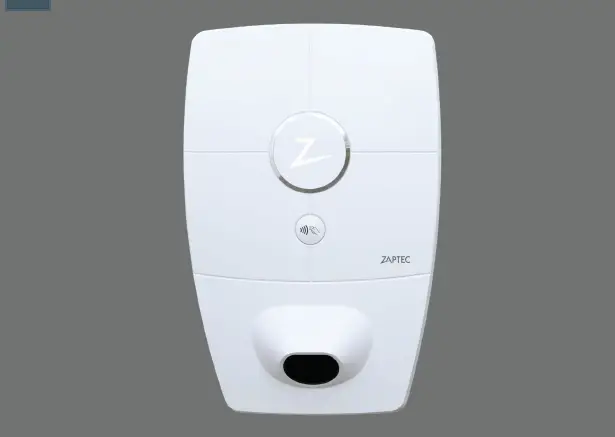
Status light Charge card authentication (RFID)
Type 2 socket QR-code for installation and activation
Scan here for the installation video
5
English
Included in the box
1 x Zaptec Go
4 x T20
2 x T20
2 x T20
3 x Cable seals
C B A
1 x Cable clamp
12-18 mm cable diameter
8-14 mm cable diameter
User Manual
Installation Manual
6
1. Remove the front cover
English
C
2. Mount the charging station
Using the built-in spirit level, make sure it’s straight and at the appropriate height.
A Recommended height 0,9 m
7
English
3. Connect the power cable
Choose between three entry options
1
(top, back and bottom). Punch out the hole.
Carefully pull the terminal cover downwards
to remove it. Do not pull it towards you. The
cover is much easier to remove if you gently
press on the retaining tab (through the hole
by the configuration switch) while pulling
2
downwards.
The Zaptec Go needs an upstream circuit breaker and dual pole RCD Type A
3
4. Secure cable
Prevent the cable from being dislocated by using the cable clamp and screws (max torque 3 Nm). Use the cable seals to make the installation water resistant.
B 8
5. Electrical connection
English
PE N L
Electrical wire dimensions
Max 12 mm
Max 6 mm2
Connect all wires and firmly press down all levers as illustrated. When the wires are safely attached, replace the terminal cover and turn on the circuit breaker.
Ferrules are optional.
Click!
9
English
6. Configure charging station
Before you begin, install the Zaptec App from the App Store (iOS) or Google Play Store (Android) and make sure the Bluetooth on your phone is switched on.
When the Zaptec Go charger is switched on,
Zaptec
the status indicator will be orange.
This means it is ready to be configured.
Scan here for the configuration video
To configure the Zaptec Go with a Zaptec account
To configure the Zaptec Go without a Zaptec account
1. Open the Zaptec app and log in with your Zaptec account
2. From the Home, tap the symbol 3. Select the “Install product” button 4. Scan the QR code located inside
the charger 5. Set the installation details (circuit breaker
size, maximum current and country) 6. If the settings are set correctly, tap
Finish
1. Open the Zaptec App 2. Tap “Install a charging station” 3. Scan the QR code that is located
inside the charger 4. Set the installation details (circuit
breaker size, maximum current and country) 5. If the settings are set correctly, tap Finish
10
English
Switch configurations:
1 – 6 Amps 2 – 10 Amps 3 – 13 Amps 4 – 16 Amps 5 – 20 Amps 6 – 25 Amps 7 – 32 Amps 8 – Not in use 9 – Not in use 0 – Unconfigured or configured with App
456
3
7
2
8
1
9
0
To configure with the switch
Zaptec recommends that you use the Zaptec App to configure the charger whenever possible. However, you can configure the charger without using the app by using the switch. Note that configuring this way will limit the functionality of the charger:
· Circuit breaker value and available power for charging is set to the same value set by the switch
11
English
7. Confirm status indicator
Configuration is complete when the circular light (status indicator) changes from green to white.
8. Mount the front cover
Secure and lock the front cover (max torque 1 Nm).
C
12
English
9. That’s it!
If you have followed all the steps so far, then the Zaptec Go should be configured and online. Make sure you hand over the User Manual to the owner of the charger. ! Remind the owner that they should create a Zaptec App account to activate
and connect to the Zaptec Go charger.
13
English
10. Install multiple chargers
Load Balance = max 32A in total to the chargers. NB: Equal value
40A
Circuit breaker and dual pole RCD type A.
Must be equal in value on installations with several Zaptec Go.
One circuit breaker and RCD type A per Zaptec Go.
40A
40A
Integrated residual current protection RDC-DD (6mA DC) according to IEC 62955
Integrated open PEN fault detection according to BS 7671:2018 Amendment 1:2020 clause 722.411.4.1 (iv)
14
11. Status light indicator
English
No light White Blue Green
Check charger power.
The configuration is complete and the charger is ready for the owner to start connecting and activating it through their app.
Charging.
Charging complete or charging is waiting for scheduled start.
Yellow Orange
Waiting for authorization via Zaptec App or RFID.
Charger not configured.
Red Purple
Error detected. Unplug vehicle and restart the charging station.
Updating firmware. This normally takes a few minutes.
15
English
12. Support and repairs
If you discover an issue, please read the Troubleshooting section before contacting Zaptec Support, or visit zaptec.com/support.
16
13. Troubleshooting
English
The charging station
· Inadequate network coverage.
is not online (4G LTE-M)
· 4G not activated on the charging station. · 4G base station not supporting LTE -M.
Unable to connect to Wi-Fi
Check that the SSID (network name) and the password for the Wi-Fi are correct. If the network is not visible, you must check that the Wi-Fi access point uses 2.4 GHz (5 GHz is not supported), and that it uses channels between 1 and 11. If the SSID is hidden, you must enter the SSID and password manually using “Other” in the network list.
Charging does not start
· If the status indicator is yellow, this is because it is waiting for authorization. Check if authorization is enabled.
· If it is green, then check that the charger is scheduled to charge* and has the correct current allocated in the Zaptec portal**.
*In accordance with UK Smart Charging legislation, the charger is supplied pre-configured with a schedule that prevents charging between 8am and 11am and 4pm and 10pm on weekdays. During these times, charging will be paused. The schedule can be disabled or amended by using Configure product in the Zaptec App.
**Zaptec Portal is the brains behind our smart charging infrastructure. It continuously monitors, balances, and optimizes the load between the various charging stations.
The charging is slow
The limitation on the charging effect will be governed by the weakest of the following factors: main power grid, the circuit breaker, charging cable, On-Board Charger (OBC), Eco Mode (in selected countries).
· Check the standalone current setting is set to the correct value by repeating the «Install Zaptec Go in the Zaptec App»
· Check the installation and charger power management settings in the Zaptec Portal. Read more on zendesk.zaptec.com
Zaptec Charger AS collects data from the product via the network. More information on our privacy guidelines can be found at zaptec.com/privacy.
17
English
14. Storage and Maintenance
The product must be kept in a dry room with a stable temperature. The following periodic maintenance is recommended:
· Wipe down the charging station with a damp cloth.
· Check that the charging connector is free of all foreign materials.
· Check that the charging station has no external, physical damage. In the case of publicly accessible installations, an annual inspection
must be carried out by qualified personnel in accordance with Norwegian legislation and regulations.
In the case of publicly accessible installations, an annual inspection must be carried out by qualified personnel in accordance with local legislation and regulations.
18
15. Technical specifications
English
Mechanical and installation
PARAMETER
TEST CONDITION
MIN
TYP
MAX
Dimensions
Weight Altitude Input cable cross section Input cable diameter
H: 242 W: 180 D: 75
1.3
2000
1.5
6
9
18.5
Degree of protection
IP54
Charging mode
Mode 3, case B
Mechanical strength
IK08
Pollution degree
Installation environment
4
Support for ventilation Access
According to EN 61851-1 6.3.2.2
According to EN 61851-1 5.4
No
Restricted and non-restricted access
UNIT mm
kg m mm2 mm
19
English
15. Technical specifications (continued)
General
PARAMETER
Rated voltage (Un)
Rated current (In) Rated frequency Standby power consumption Ambient operating temperature Maximum charging power Protection class Overvoltage category
TEST CONDITION Phase-Neutral Phase-Phase
TN 1 phase @ 32 A
MIN
TYP MAX
UNIT
207 230 253 V
360 400 440
32
A
50
Hz
2
W
-30
40
oC
7.4
kW
I
III
PROTOCOL 4G Wi-Fi Bluetooth
RFID
OCPP
Connectivity
SUPPORTED STANDARDS LTE Cat M1
802.11b/g/n (2.4 GHz) Bluetooth v4.2 (BR/EDR/BLE) ISO/IEC 14443 A (Type A, 13.56 MHz) ISO/IEC 15693 Type A (Mifare Classic, 13.56 MHz)
1.6J Core (cloud to cloud)
Integrated energy meter
PARAMETER Accuracy
TEST CONDITION
MIN TYP MAX
Line voltage, current, and power factor
+/-3
UNIT %
20
English
Integrated RDC-DD
PARAMETER
Residual DC operating current
Operating characteristics
Making and breaking capacity
Residual making and breaking capacity Rated conditional short- circuit current Rated conditional residual short-circuit current
SYMBOL Idc
Im Im
MIN
TYP
MAX
0.006
RDC-DD according to IEC 62955
500
500
Inc
3
Ic
3
UNIT A
A A kA kA
Upstream circuit breaker and RCD
PARAMETER Residual operating current Rated current Operating characteristics
SYMBOL
MIN
TYP
MAX
In
0.03
In
40
Curve C with RCD Type A according to IEC/EN 61008-1 / 61009-1
UNIT A A
Integrated open PEN fault detection
PARAMETER
Operating characteristics
Operating voltage
SYMBOL
Phaseneutral
MIN
TYP
MAX
According to BS 7671:2018 Amendment 1:2020 clause 722.411.4.1 (iv)
207
253
UNIT V
21
English 22
English 23
English
Zaptec Charger AS Professor Olav Hanssens vei 7A 4021 Stavanger Norway
Made in Norway
24
© Zaptec Charger AS 28.10.2022. All rights reserved. ZM000909
zaptec.com
 Smarte elbilladere for hjemmelading, borettslag og sameier - Zaptec AS