
Ground Wire Instruction
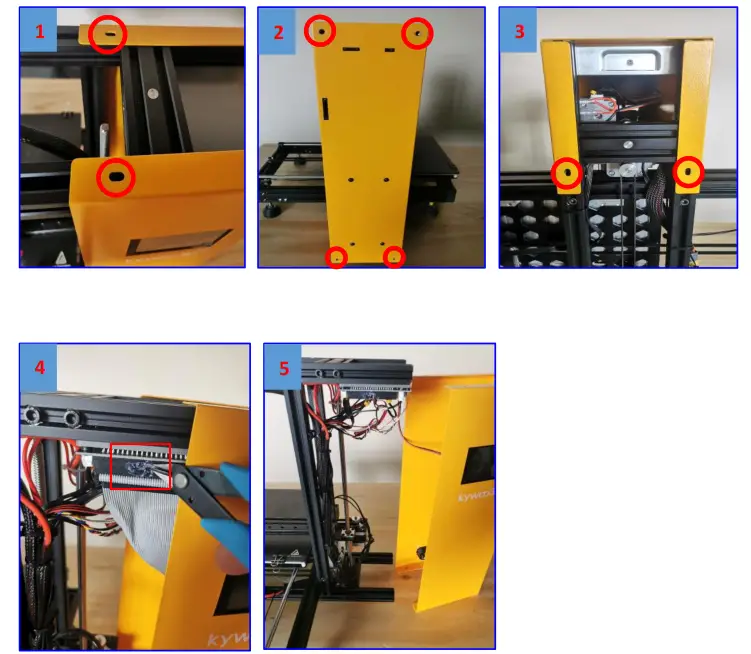
Remove the yellow Chassis
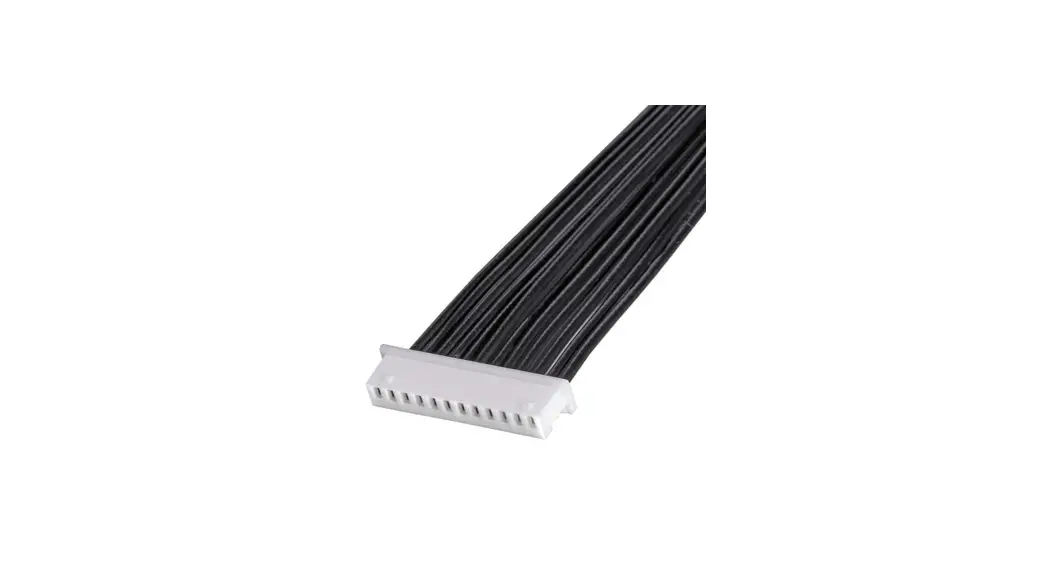
Note: Turn Off the Power Supply, remove the handle, four screws on the side and two screws on the bottom, when the chassis is halfway down, use cutting pliers to remove the hot melt glue on the ribbon cable. Unplug the ribbon cable before removing the yellow case.
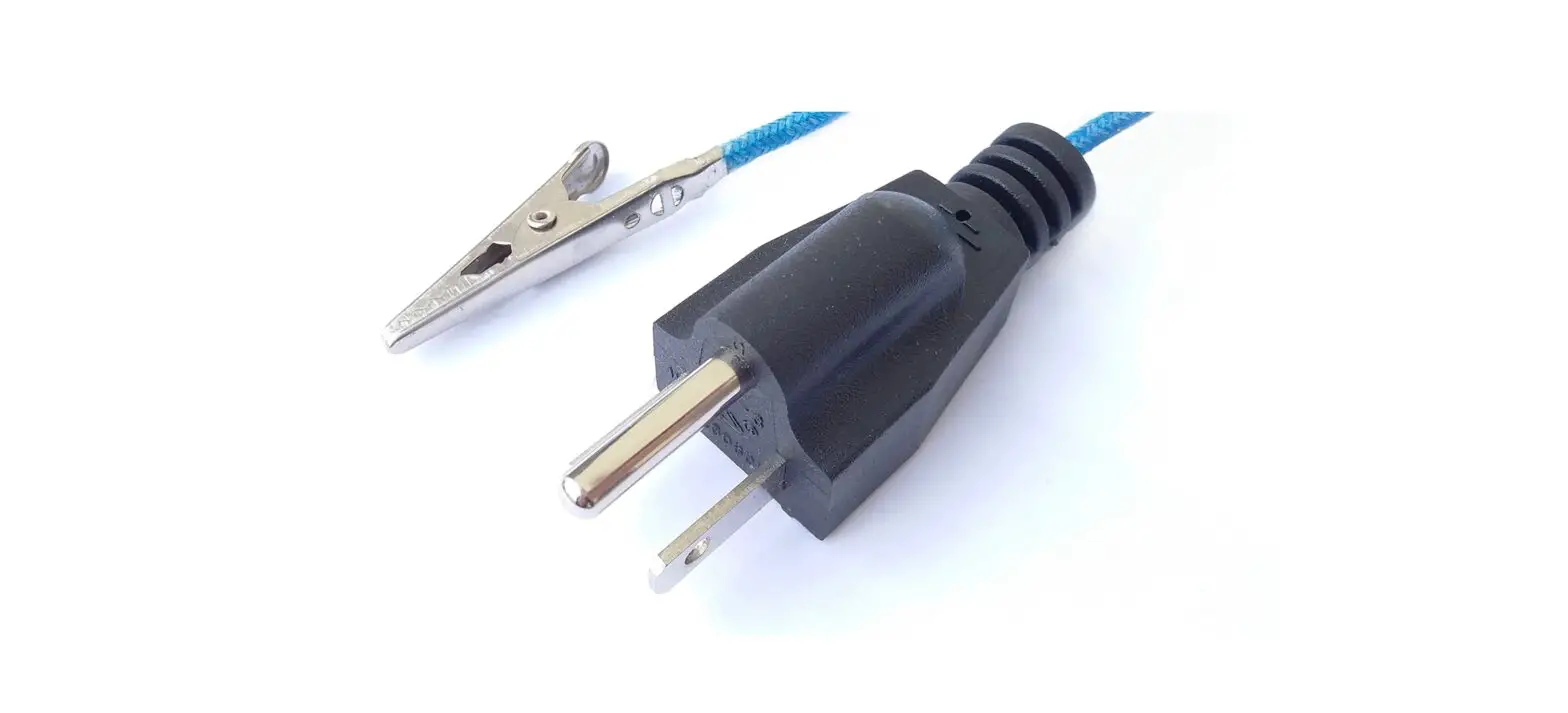
 Connect the plug ground wire interface to the power supply
 Connect the plug ground wire interface to the power supply
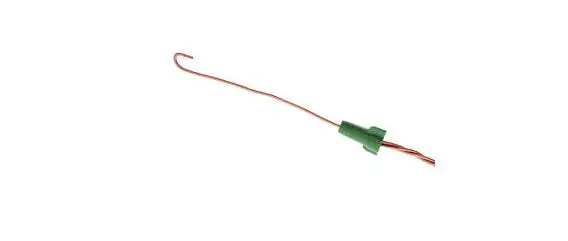
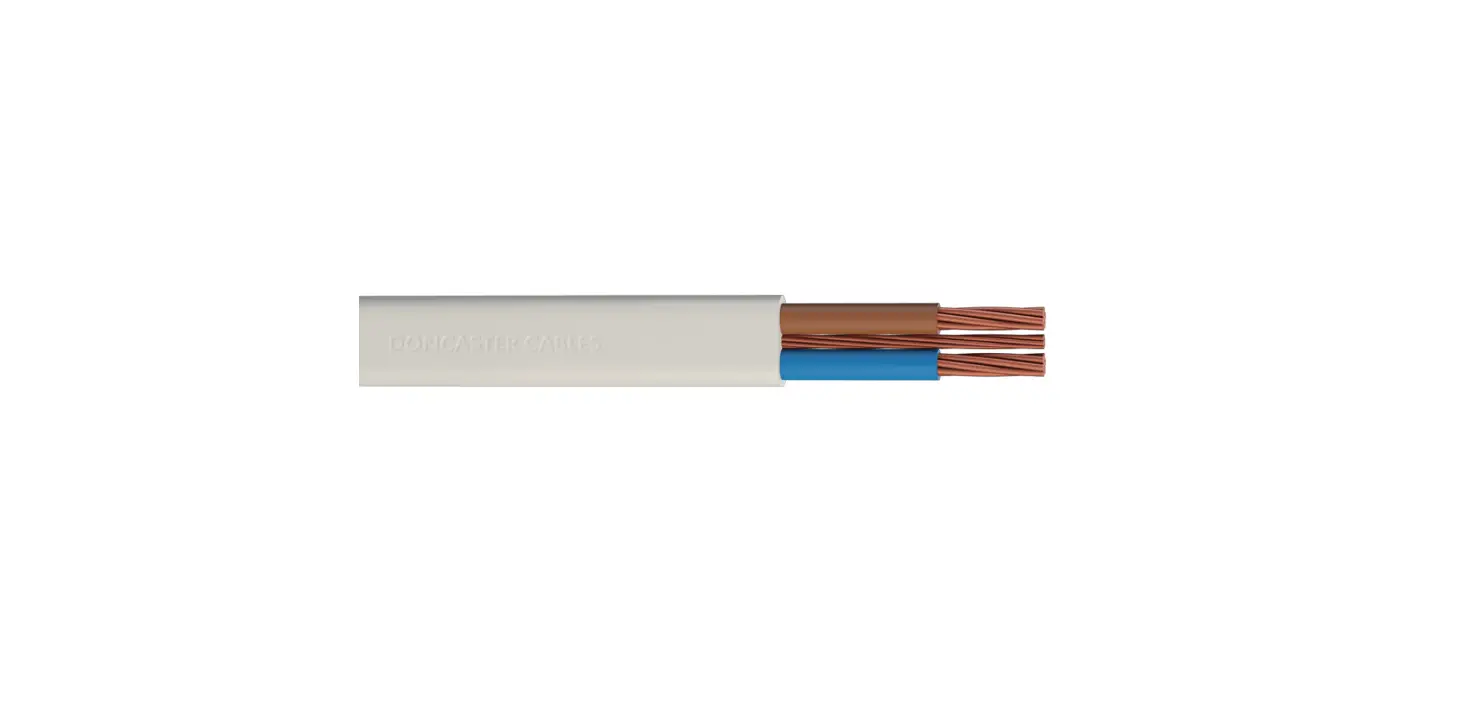
2.1 Prepare a 35-40cm long wire, cut both sides flat and expose the copper wire, as shown in the figure below: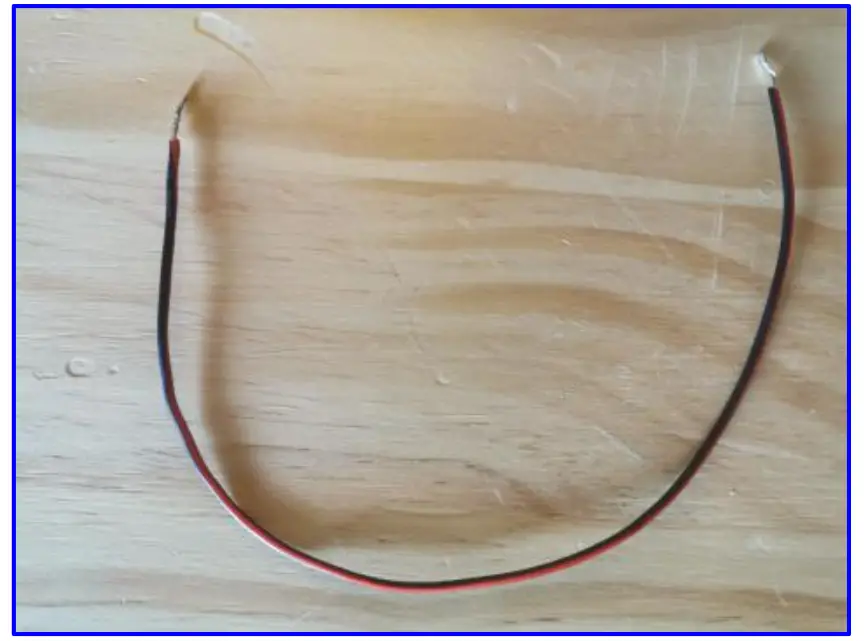 2.3 Connect one end of the wire to the ground wire of the switch and wrap it with insulating tape, as shown in the figure: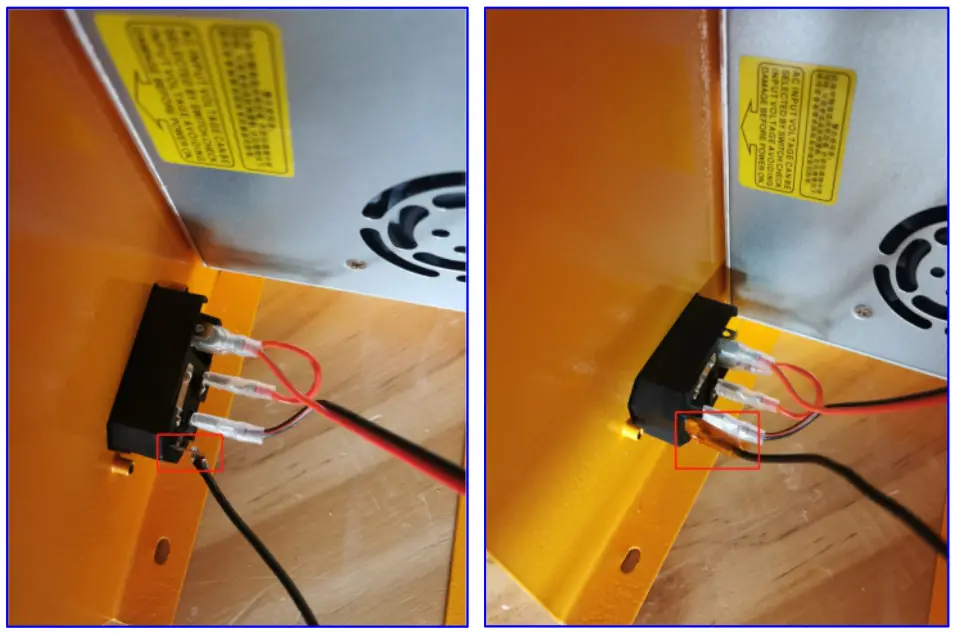
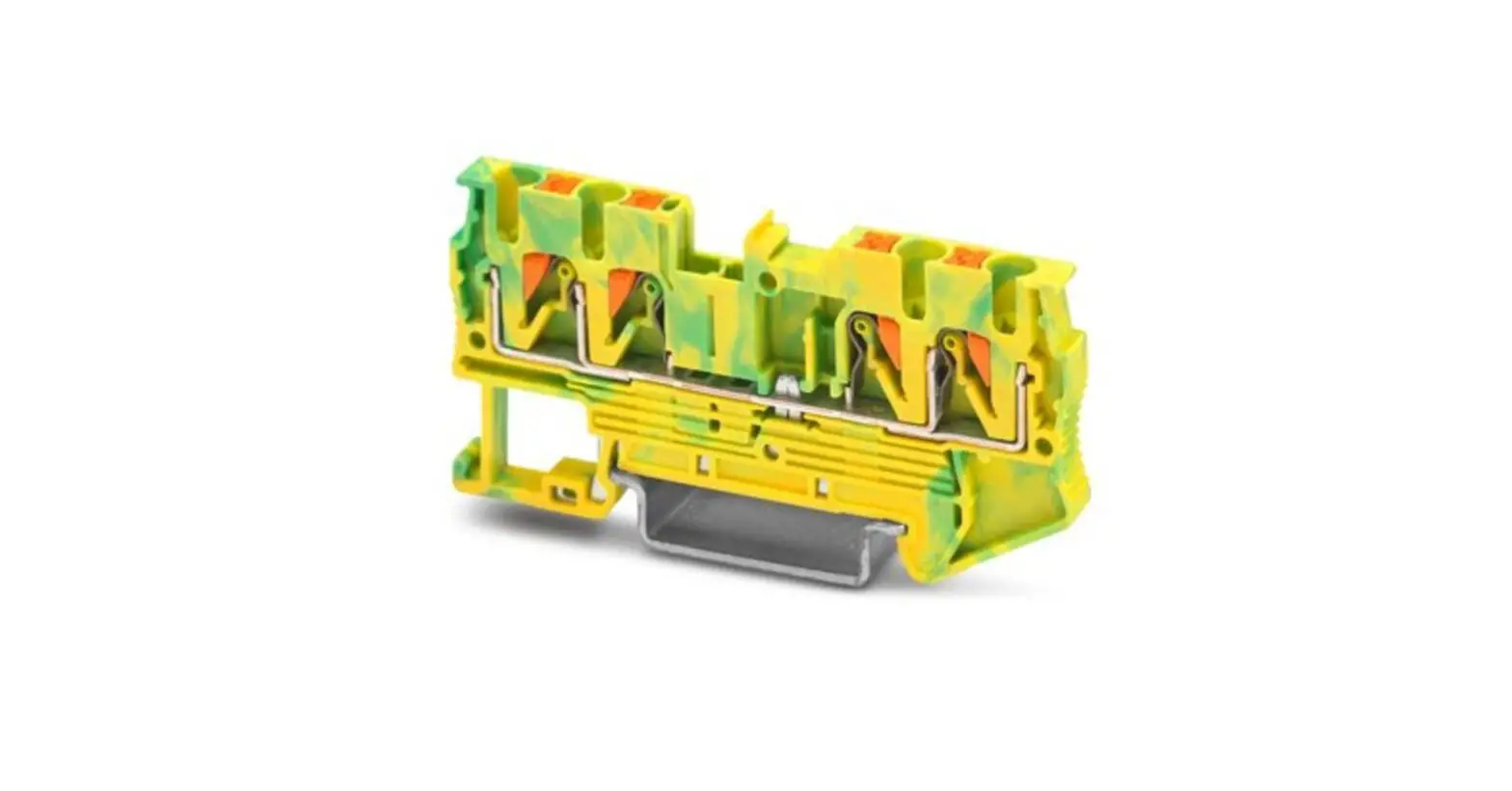
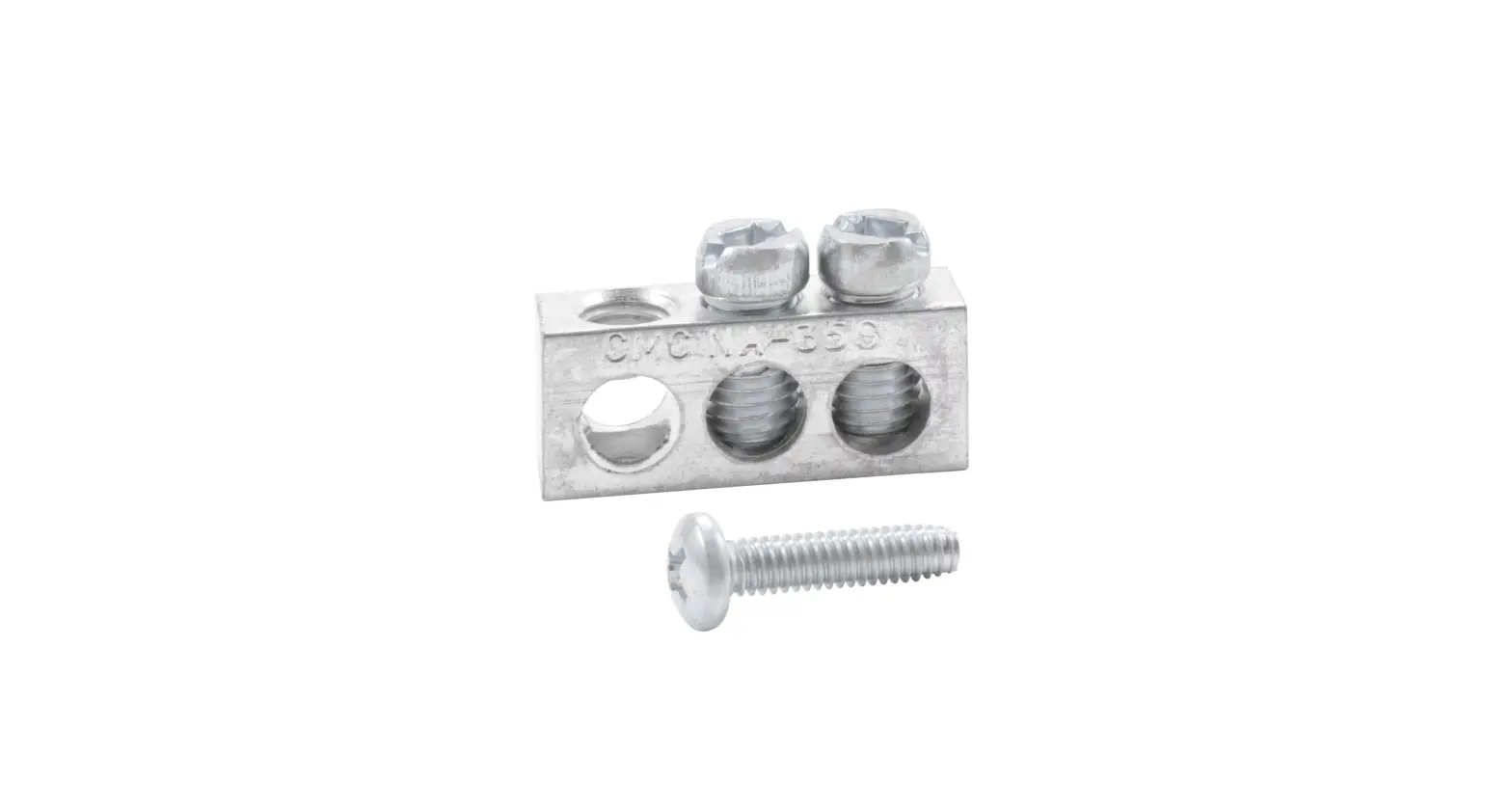
2.3. Connect the other end of the line to the third position of the power interface (uncover the transparent baffle first , loosen the screw, insert the cable into the third port of the power supply, lock the screw, and install the transparent baffle).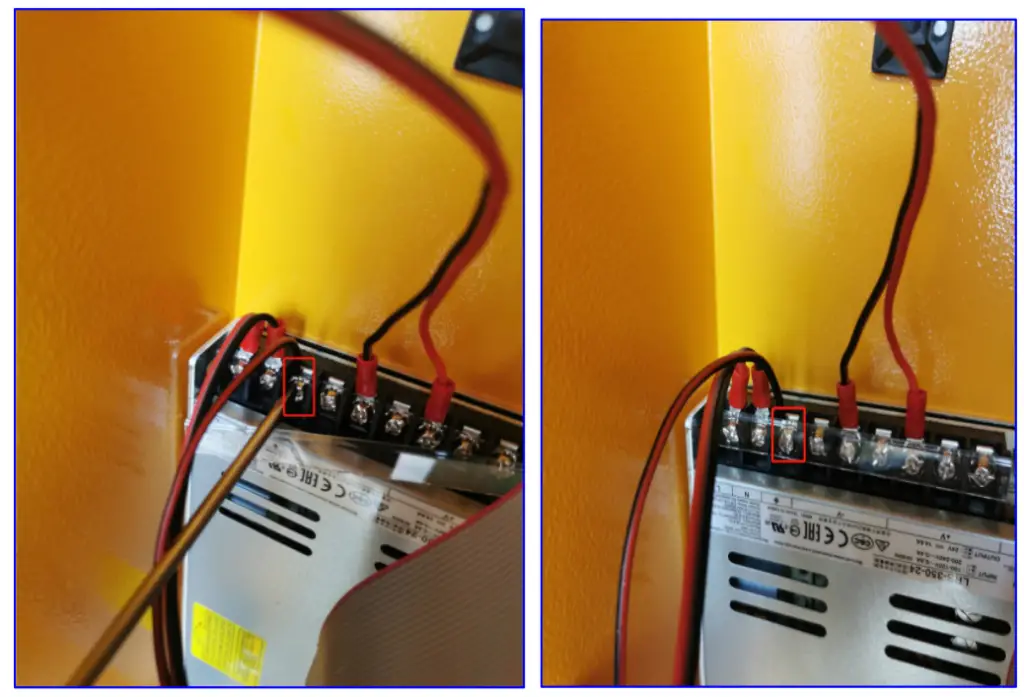
3. After connecting both ends of the cable, plug in the flat cable, install the yellow Chassis, install the screws and handle and then plug in the power supply to test.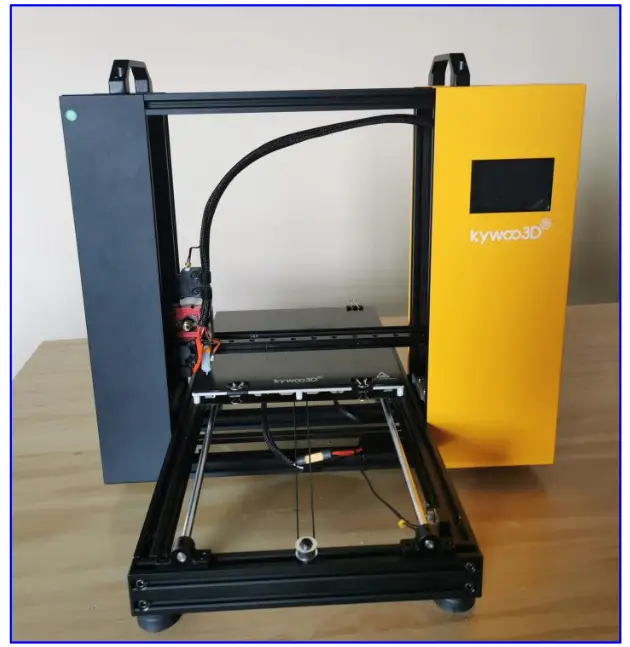
Shenzhen Kywoo 3D Technology CO., Ltd
Add: Room 601, NO.28 Hualian Industry Park, Xinshi Community,
Dalang Street, Longhua District, Shenzhen,
China Tel: +860755-23766706 Email: [email protected]
www.kywoo3d.com