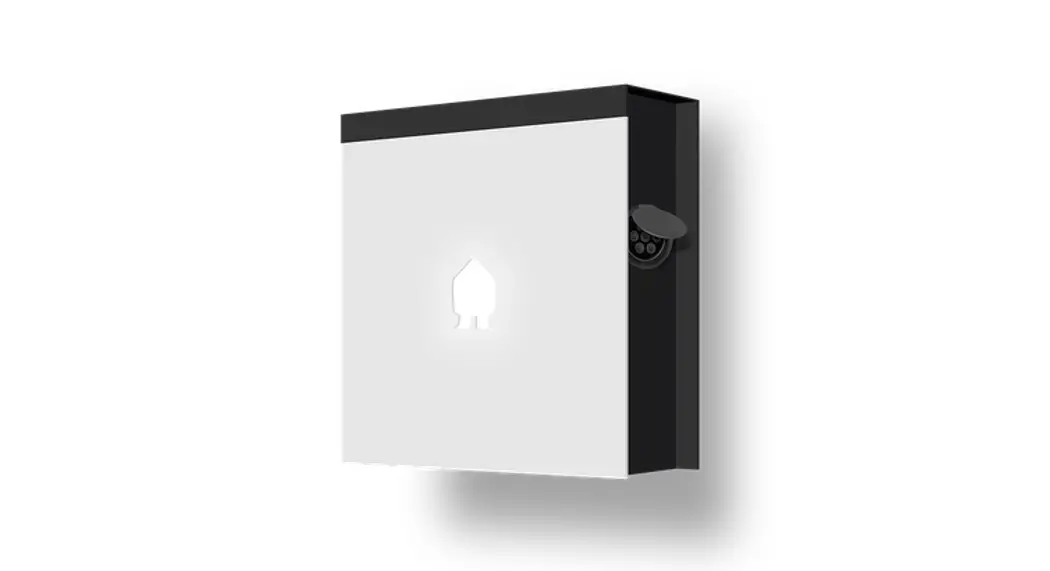
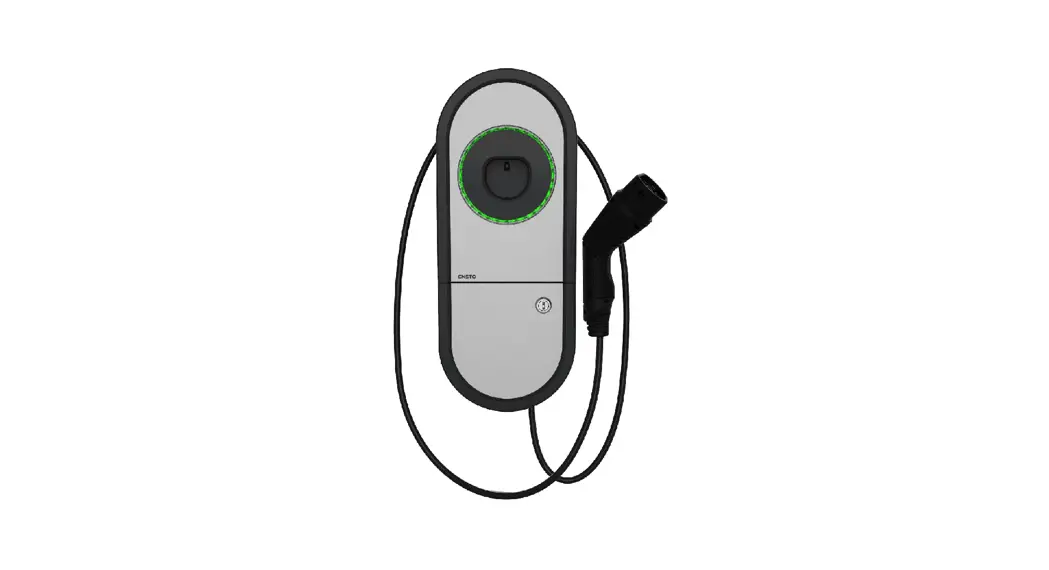
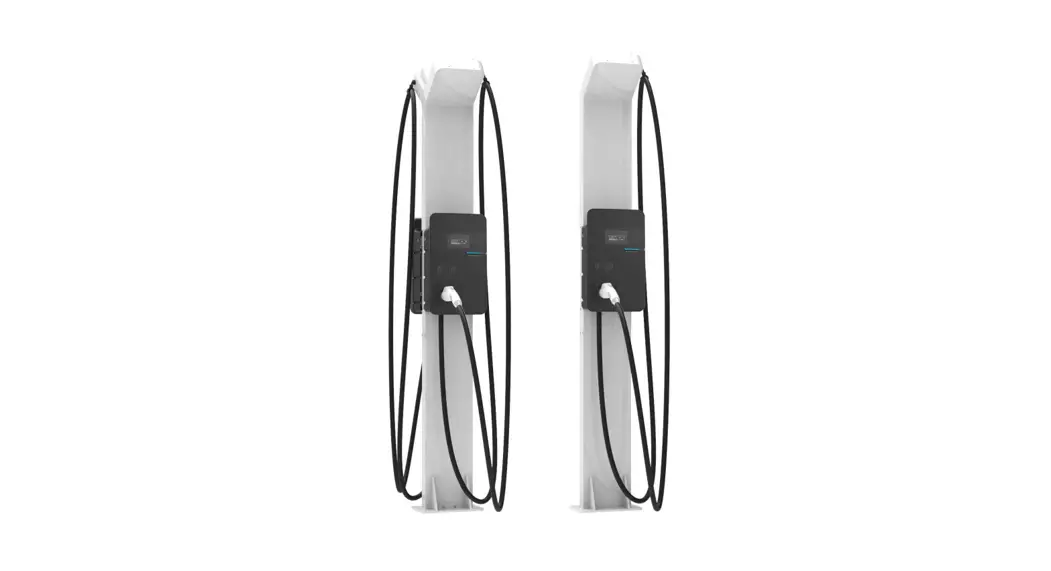
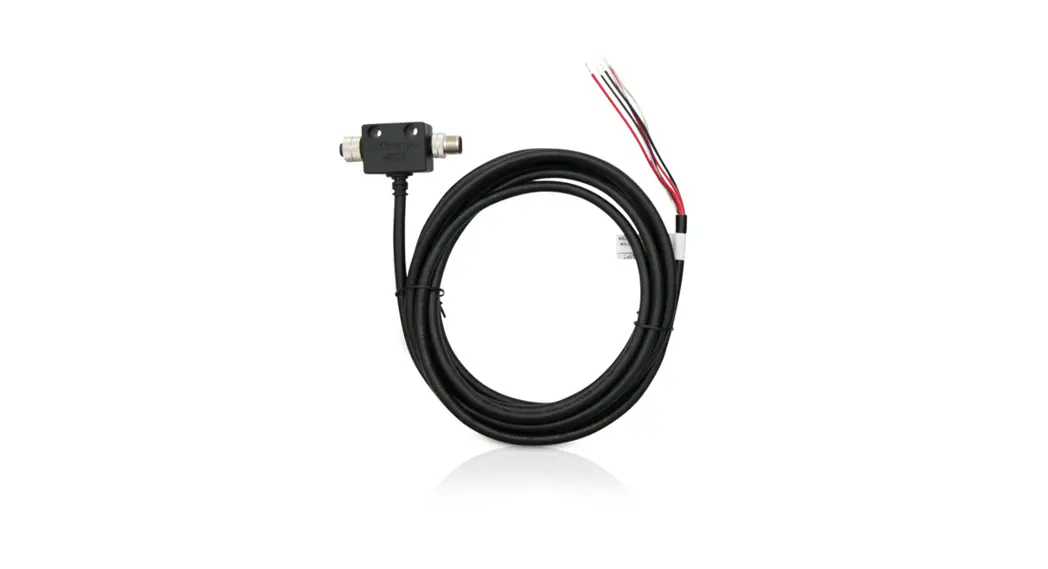
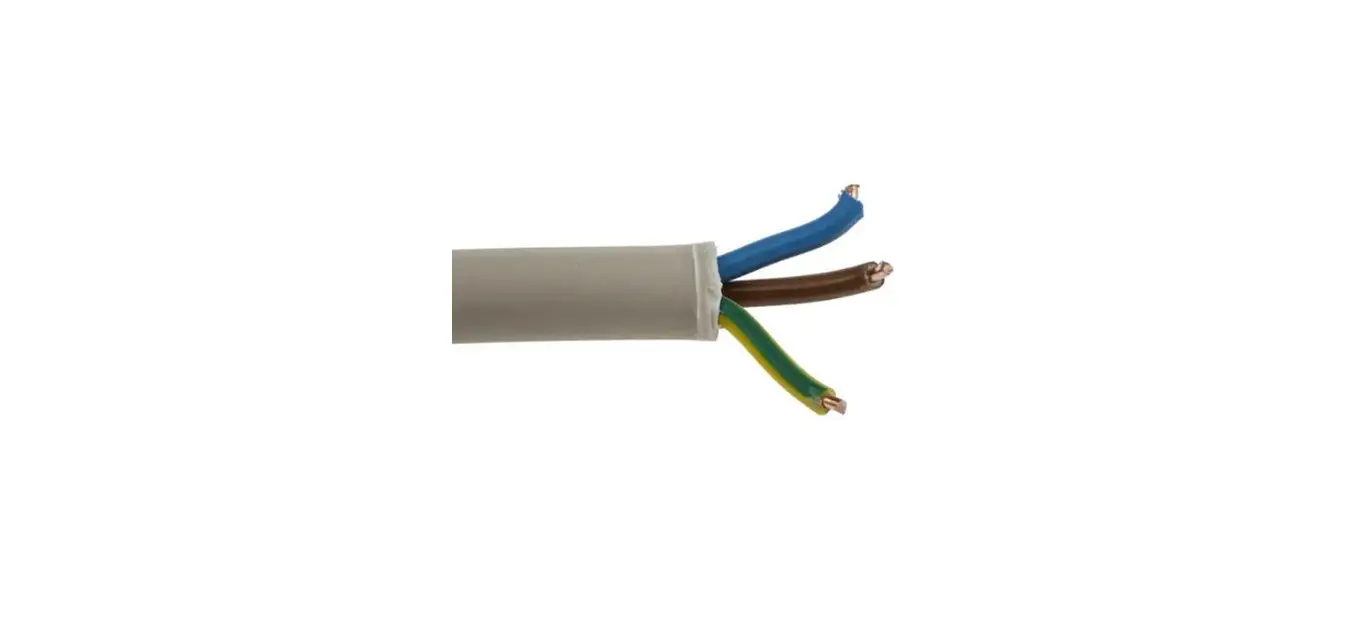
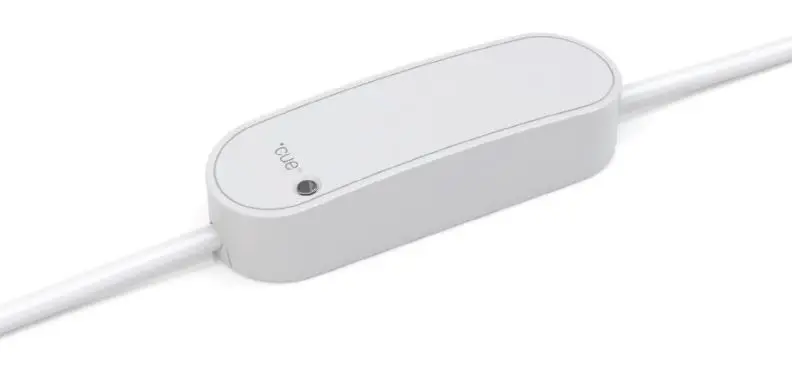
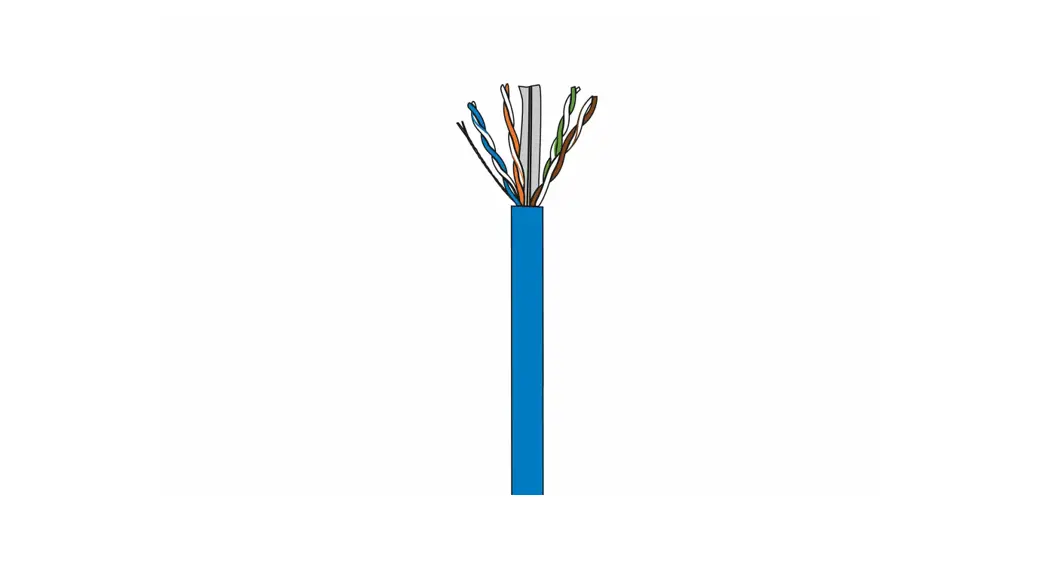
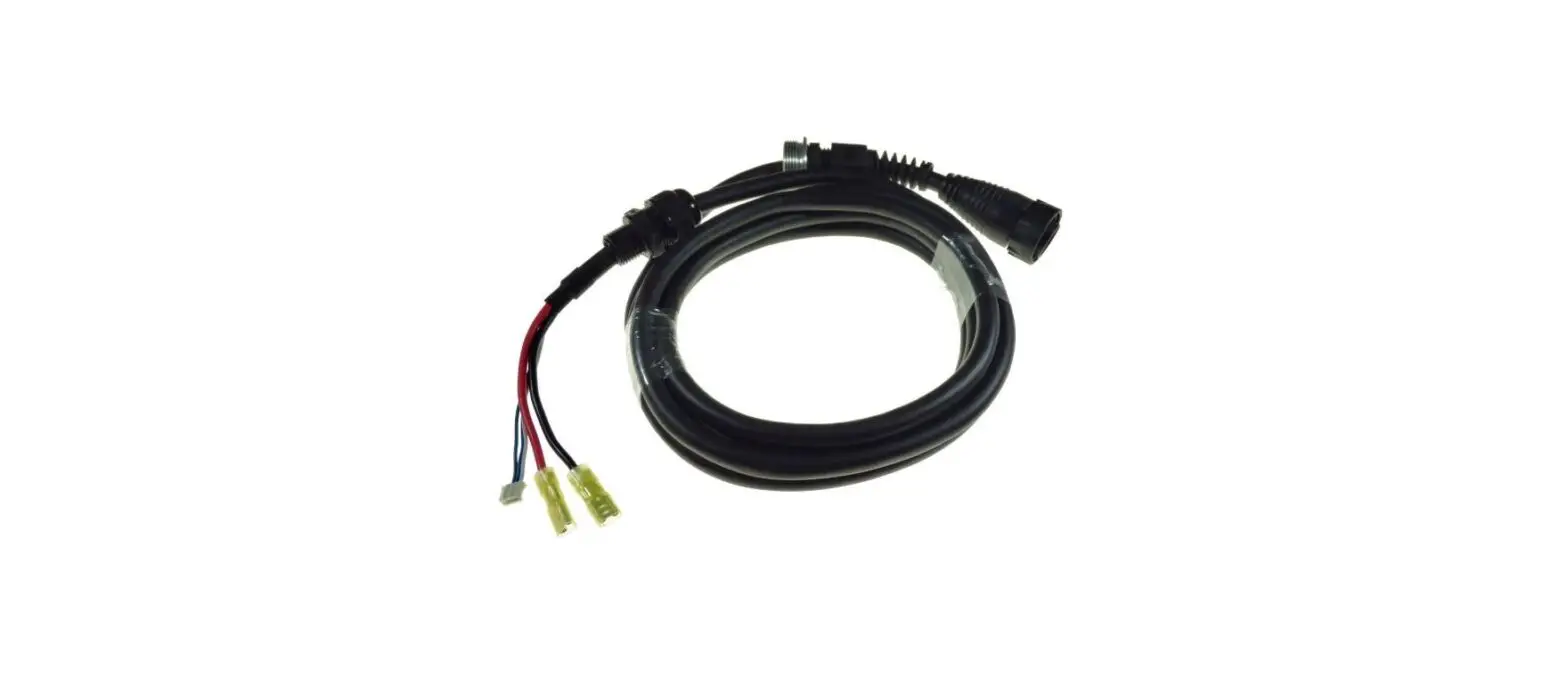
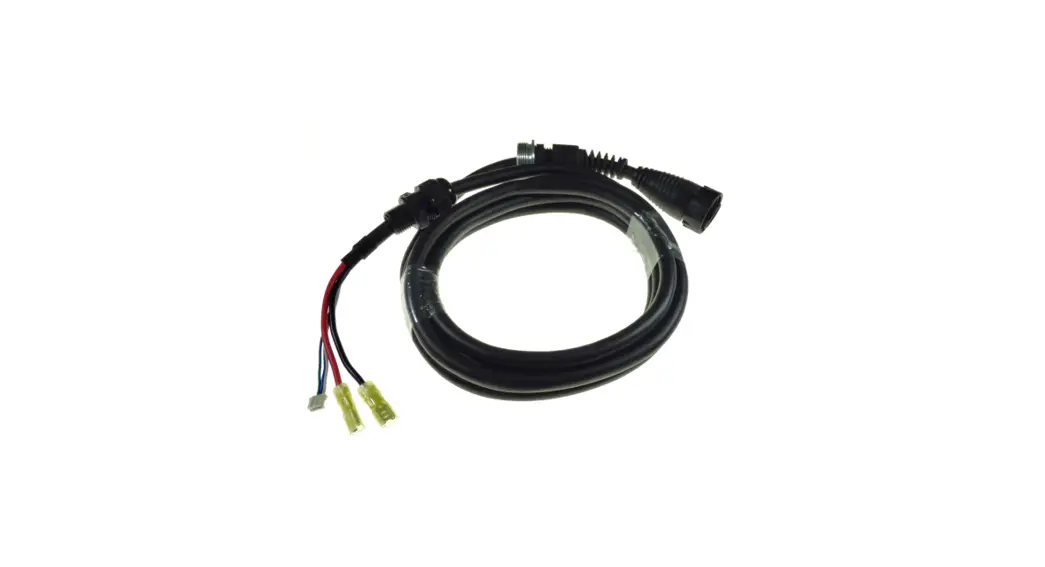
ZAPPI-2H07TB 1 Phase Type 2 with 6,50 Meter Cable
Zappi Eco-Smart EV Charge Points
Product Information:
- Models Covered: Single phase – ZAPPI-2H07TB, ZAPPI-2H07TW,
ZAPPI-2H07UB, ZAPPI-2H07UW; Three phase – ZAPPI-2H22TB,
ZAPPI-2H22TW, ZAPPI-2H22UB, ZAPPI-2H22UW - Important: Maintain the IP rating of the unit during
installation by using the provided grommets and bungs, ensuring
correct seating of the O-ring behind the cover, and using an
appropriate size and type of gland for the electricity cable and CT
wires (at least IP65). - Country: United Kingdom
- Revision: 2.1.0 May 2022
Product Usage Instructions:
- Remove zappi from its packaging.
- Unscrew the cover and unclip flat ribbon cable, keeping all CTs
(current transformers) and fixing kit to one side. CTs and fixing
kit are enclosed within the cardboard packaging. If fitting an
untethered zappi, protect the cover while it hangs down during
installation. - If installing a tethered zappi, unclip the ribbon cable and set
the cover aside. - If installing a tethered zappi, fit the enclosed cable wall
guard to the unit using the provided 4x 4mm x 12mm screws. Use an
IP65 or above rated cable gland and carefully drill a hole into the
unit to match the size of the cable gland. Attach the cable gland,
ensuring the IP rating is maintained. - Using the enclosed template, mark all the mounting holes
required. Insert the bungs provided in any mounting holes that are
not used to maintain the IP rating. - Using the fixing kit provided, secure the unit to the wall,
ensuring the sealing washers are used to maintain its IP integrity.
(Note: If using the rear cable entry, remember to insert the mains
cable before mounting to the wall!) - Connect the supply cable in accordance with the local wiring
regulations for three-phase or single-phase wiring. - If applicable, connect any relevant CTs into the termination
blocks provided. Follow the CT Golden Rules for correct
installation. - Make a note of what each CT is measuring and record it below
the CT Golden Rules section.
CT Golden Rules:
- Grid CT: Only ONE Grid CT per phase. Must be located to “see”
ALL import and ALL export current, always upstream of any junction
box. Arrow pointing in the direction of import (e.g., towards
consumer unit if on Live cable).
CT1:
___________________________________________________________
CT2:
___________________________________________________________
CT3:
___________________________________________________________
zappi
eco-smart EV charge points
Quick Install Guide
This document covers the following models: Single phase: ZAPPI-2H07TB, ZAPPI-2H07TW, ZAPPI-2H07UB, ZAPPI-2H07UW Three phase: ZAPPI-2H22TB, ZAPPI-2H22TW, ZAPPI-2H22UB, ZAPPI-2H22UW
IMPORTANT!
When installing and wiring the zappi care should be taken to maintain the IP rating of the unit. Ensure that the grommets and bungs provided are fitted, the O-ring behind the cover is seated correctly and that the electricity cable and CT wires are fitted using an appropriate size and type of gland of at least IP65.
D3405 UNITED KINGDOM
Rev 2.1.0 May 2022
Overview
zappi’s with a `H’ in their Model Number are supplied with a built-in ethernet port (RJ45 socket) and WiFi to connect to the local network (LAN). They also come with built-in Hub functionality (vHub) which means you don’t need a separate hub to link your myenergi devices to the internet / use the myenergi app. These install instructions should be read in conjunction with the vHub & WiFi Module Set-up Manual for guidance on how to set-up your device, connect to the internet, enable vHub and link multiple myenergi devices.
1.
Remove zappi from its packaging 2.
Unscrew the cover and unclip flat
and keep all CT’s and fixing kit to
ribbon cable.
one side. CT’s and fixing kit are enclosed within the cardboard packaging.
If fitting an untethered zappi protect the cover whilst it hangs down during installation.
Single Phase – 1 CT Three Phase – 3 CTs
If tethered, unclip the ribbon cable and set the cover aside.
3.
If installing a tethered zappi you 4.
There are 4 possible cable entry
will need to fit the enclosed cable
positions, carefully decide which one you
wall guard to the unit using the
are going to use from the above image.
4x 4mm x12mm screws supplied.
You will need an IP65 or above rated
cable gland.
Carefully drill hole into unit to match the
size of your cable gland. Attach cable
gland ensuring IP rating is maintained.
5.
Using the enclosed template mark 6.
To maintain the IP rating of the unit you
all the mounting holes required.
must ensure that the bungs provided
Use top and 2 bottom holes left / right for brick (use
are inserted in any mounting holes that are not used.
7mm dia. Masonry drill and
the wall plugs provided.
Use 3 vertical holes if
mounting to a stud wall or
joist.
7.
Using the fixing kit provided 8.
Ensure any cable glands used are now
secure unit to the wall ensuring
tightened.
the sealing washers are used to
maintain its IP integrity.
(Note: if using the rear cable entry remember to insert the mains cable before mounting to the wall!)
9. Connect the supply cable in accordance with the local wiring Three Phase Wiring regulations. Strip back 18mm of insulation from the wires on the mains cable and insert into corresponding terminals.
N.B There is also a dedicated stud terminal bottom right hand corner of the main circuit board where you can connect a TT earth to, using a ring terminal. There’s no need to use this stud terminal in TN-S systems.
Single Phase Wiring
D3405 UNITED KINGDOM
Rev 2.1.0 May 2022
10.
Connect any relevant CTs into the termination blocks provided. The CT Golden
Rules must be followed for the zappi to work correctly.
Hold down the spring connectors and push the CT cables into the blocks.
Make a note of what each CT is measuring and record it below E.g Grid, Generation,
AC Battery.
Ensure the RED goes to + and BLACK goes to
You can use the Harvi if hardwired CTs are impractical
CT1___________________________________________________________
CT2__________________________________________________________
CT3__________________________________________________________
CT Golden Rules
Grid CT Only ONE Grid CT per phase (check for only one ~ symbol in Linked Devices Info). Must be located to `see’ ALL import and ALL export current (i.e. always upstream of any junction box). Arrow pointing in direction of import (e.g. towards consumer unit if on Live cable).
All other CTs Arrow should point in direction of normal power flow INTO the consumer unit
3-Phase harvi CTs When using harvi in 3-phase mode, the CT inputs correspond to the phase number (e.g. CT1 = Phase 1).
11.
Ensure O-ring is
present and sits 12.
neatly into its
channel
Re-fit the cover ensuring the ribbon cable is seated firmly, both in the zappi and onto the back of the cover.
Using a torque driver, tighten all 8 front cover screws to a setting of 1.2Nm.
Now fit the black or white front fascia.
13. Ensure all relevant testing and inspection 14. has been carried out according to local wiring regulations, then powerup the zappi.
harvi Linked Devices
If using a harvi you need to ensure your zappi is first set to “master”. If this is a standalone zappi then it will already be set to master as part of the power up procedure. . Then follow the individual harvi instruction manual to ensure correct set up and pairing.
1. Put the harvi into pairing mode by pressing the button on the harvi until you see BLUE flashes. The harvi will stay in pairing mode for 2 minutes. (amount of blue flashes indicates the channel)
2. Now select “channel” on the zappi and make sure this corresponds with the channel harvi is on.
3. Put the zappi into pairing mode by selecting the menu Other Settings…> Advanced…> 0 0 0 0 >Linked Devices…>Pairing Mode…
4. The zappi will search for the harvi and display it’s serial number on the screen.
5. Press the + button to complete the pairing. After a countdown the screen will refresh and show the connected devices with the harvi listed.
D3405 UNITED KINGDOM
Rev 2.1.0 May 2022
15. Directly connected CTs
16. CTs connected using harvi
Configure any hardwired CTs that you have connected at step 10 in the CT Config menu. Three phase zappis will need one CT per phase. You will need to use a harvi to connect any other CTs you want to use (Unless you have other zappis or eddis on each phase that you can connect to instead).
(Press menu button > Other Settings >
Advanced > 0000 > CT Config)
If using a harvi, once the harvi has been paired, make sure that you
have disabled the corresponding hardwired CTs on the zappi CT
Config menu (See step 15).
i.e. If the Grid CT is wired into a harvi make sure that none of the
hardwired CTs are also set to Grid. NOTE: Do NOT wire Grid CT into
harvi if installing in UK.
LINKED DEVICES
HARVI
Readings…
TYPE: Single Phase
CT1:
Grid
CT2:
None
CT3:
None
Remove Device
At this point, refer to step 10 to see what you have connected to CT1, CT2, CT3
NB. Leave CTINT settings set to factory default unless advised otherwise by myenergi Technical Support.
IMPORTANT!
One CT must be set to GRID There must be only ONE GRID CT If the GRID CT is connected to the harvi, make sure that you have turned off the hardwired GRID CT NOTE: Do NOT wire Grid CT into harvi if installing in UK.
For more information on setting up harvi please refer to the full harvi manual instructions.
Please read vHub & WiFi Module instructions for set-up, connecting your device to the internet, enabling the built-in vHub and pairing to other myenergi devices.
Technical Support
If you experience any issues during or post set-up, please contact our technical support team by scanning the QR Code below.
https://myenergi.com/manual-support/ Please contact us directly for the quickest solution.
D3405 UNITED KINGDOM
Rev 2.1.0 May 2022
 Download centre | myenergi GB