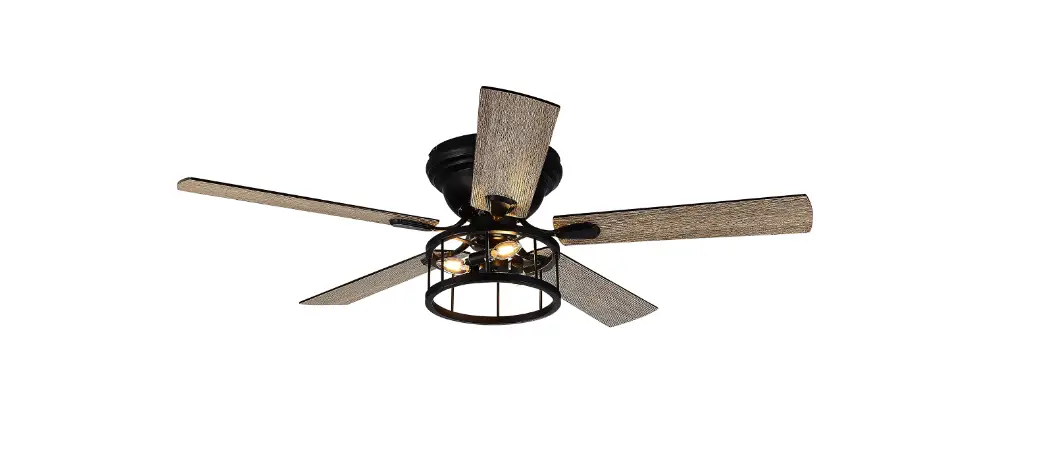
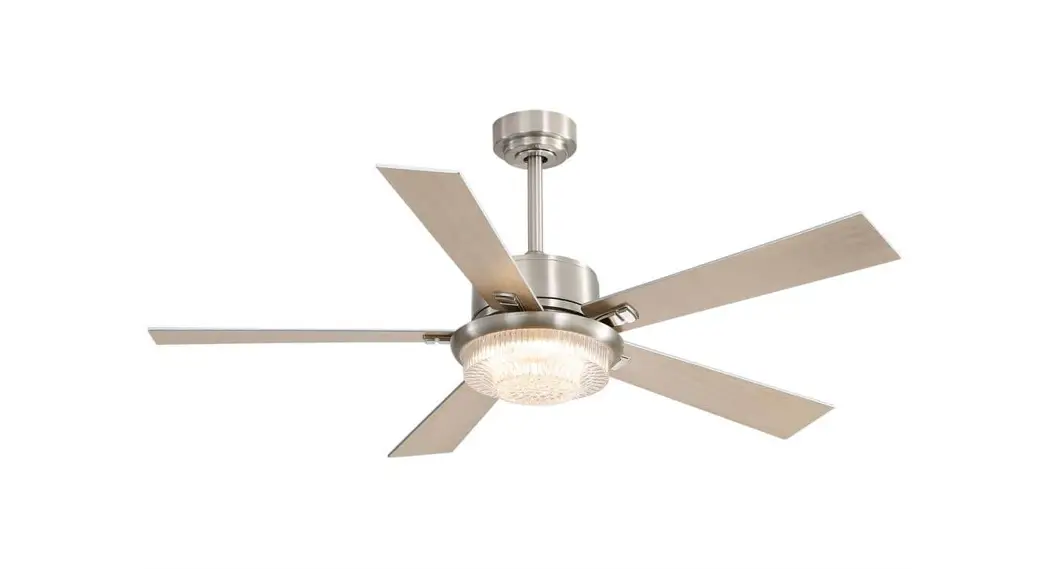
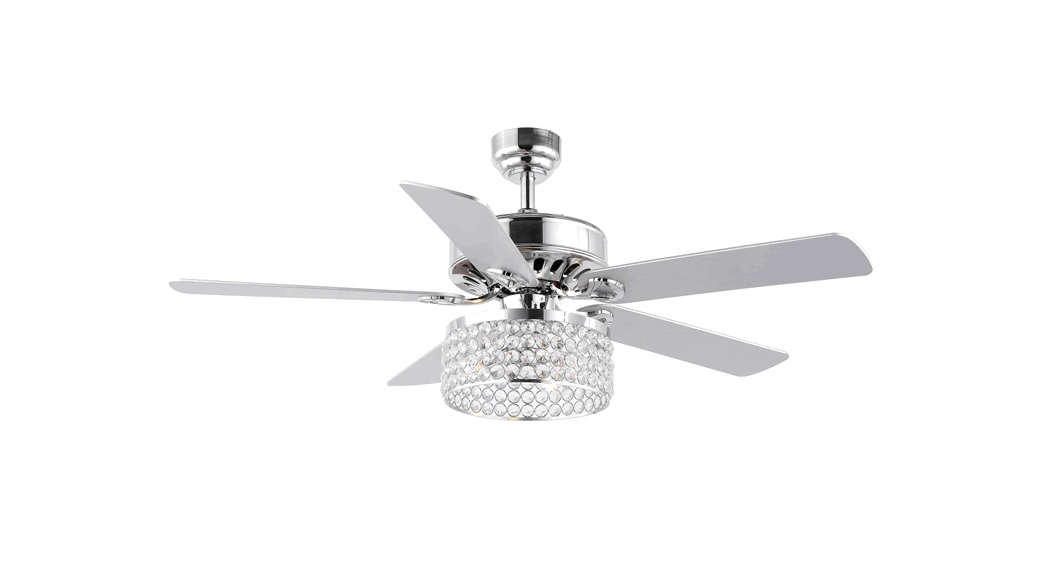
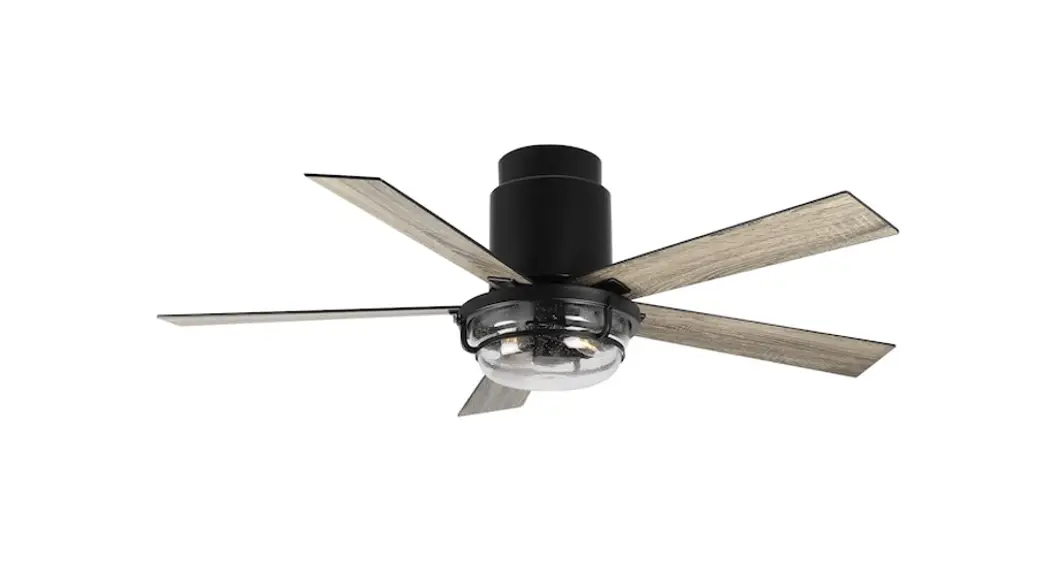
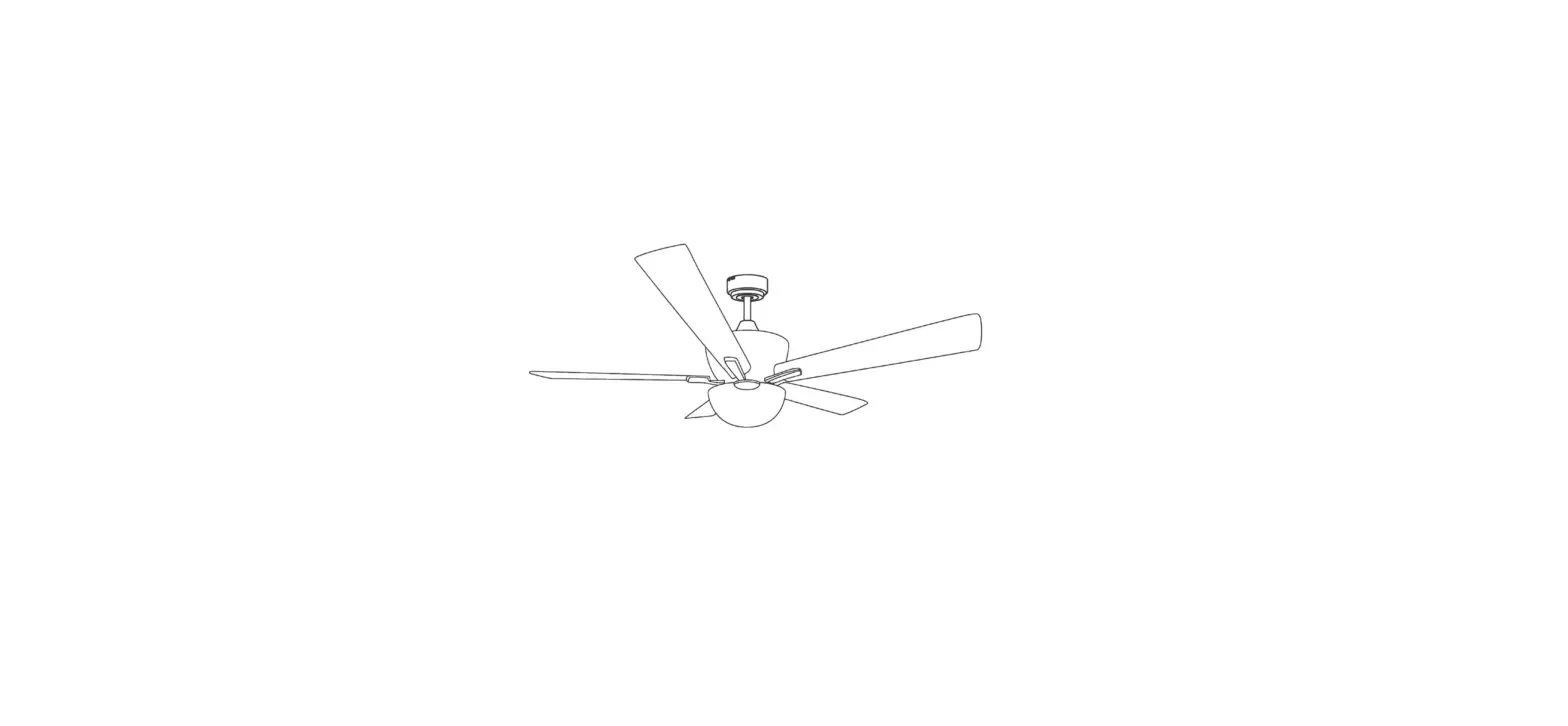
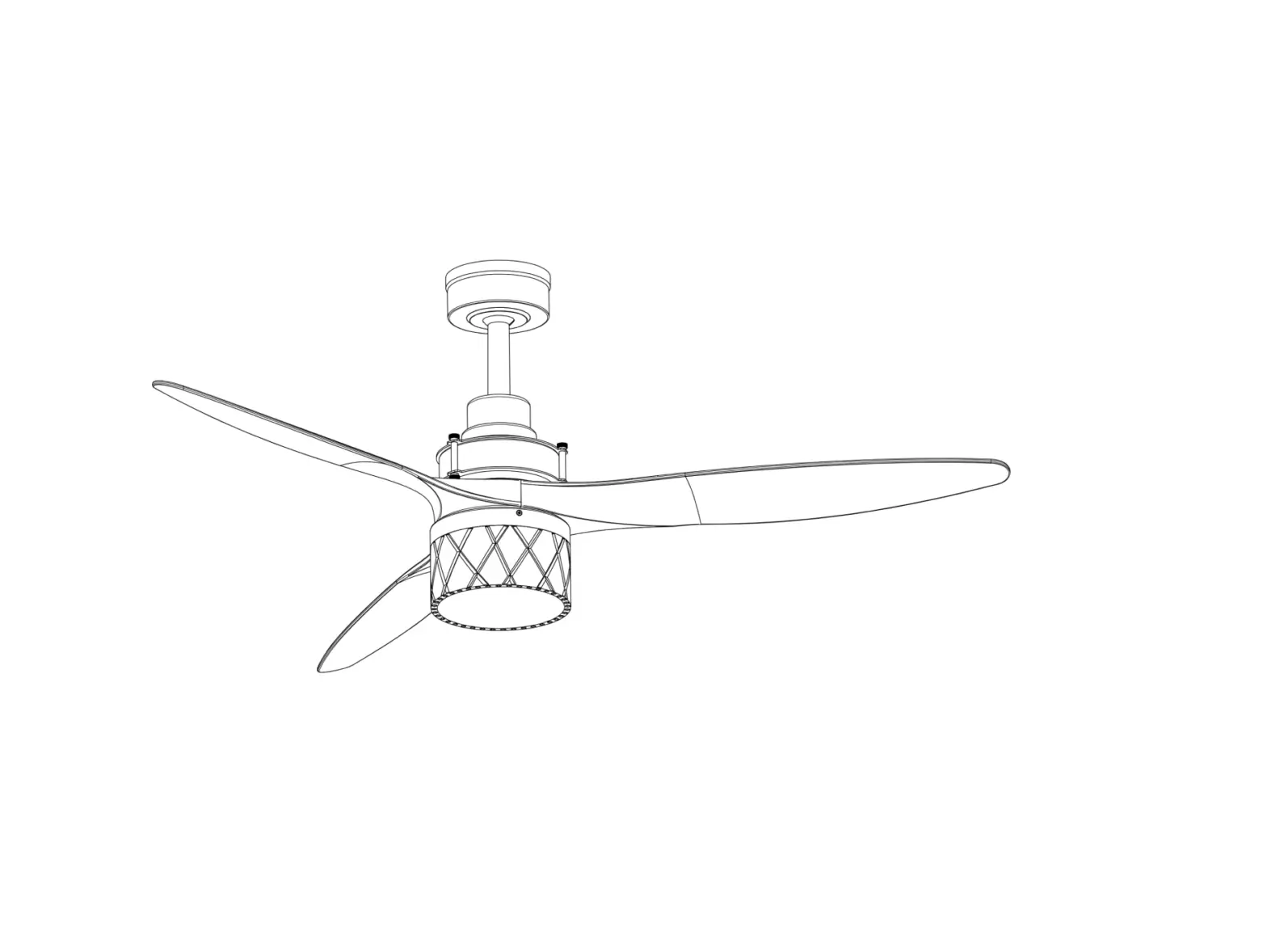
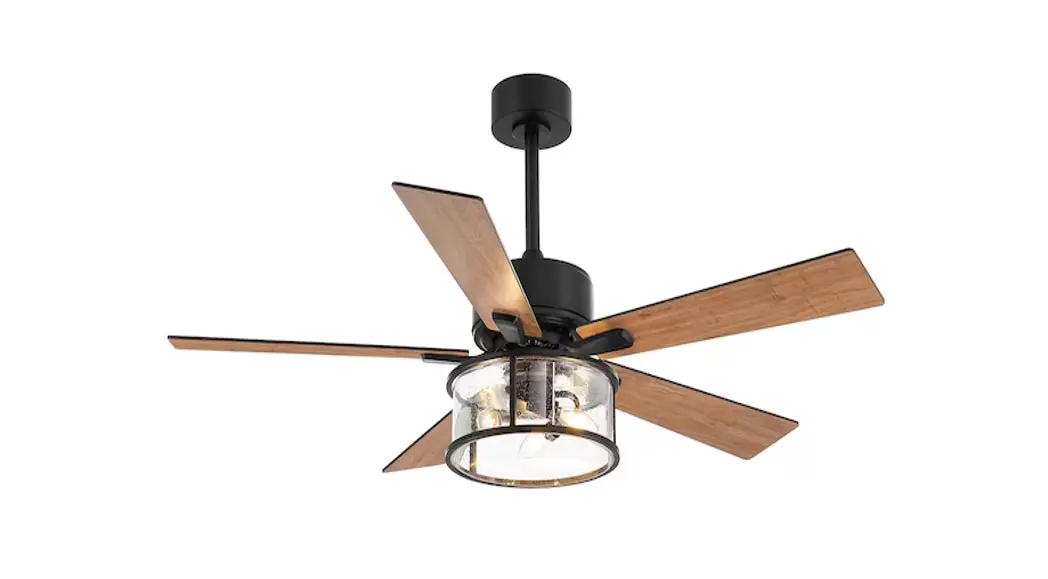
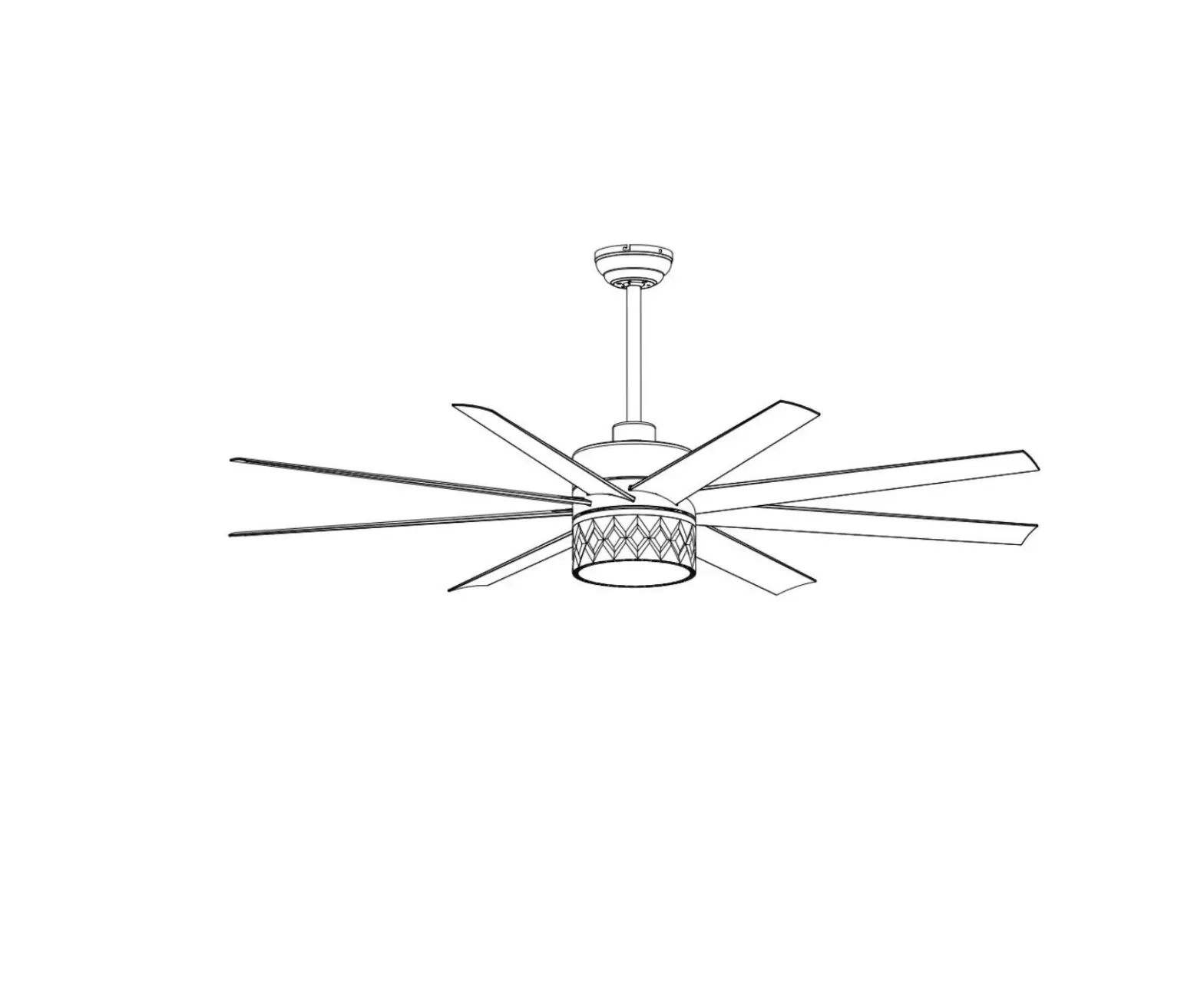
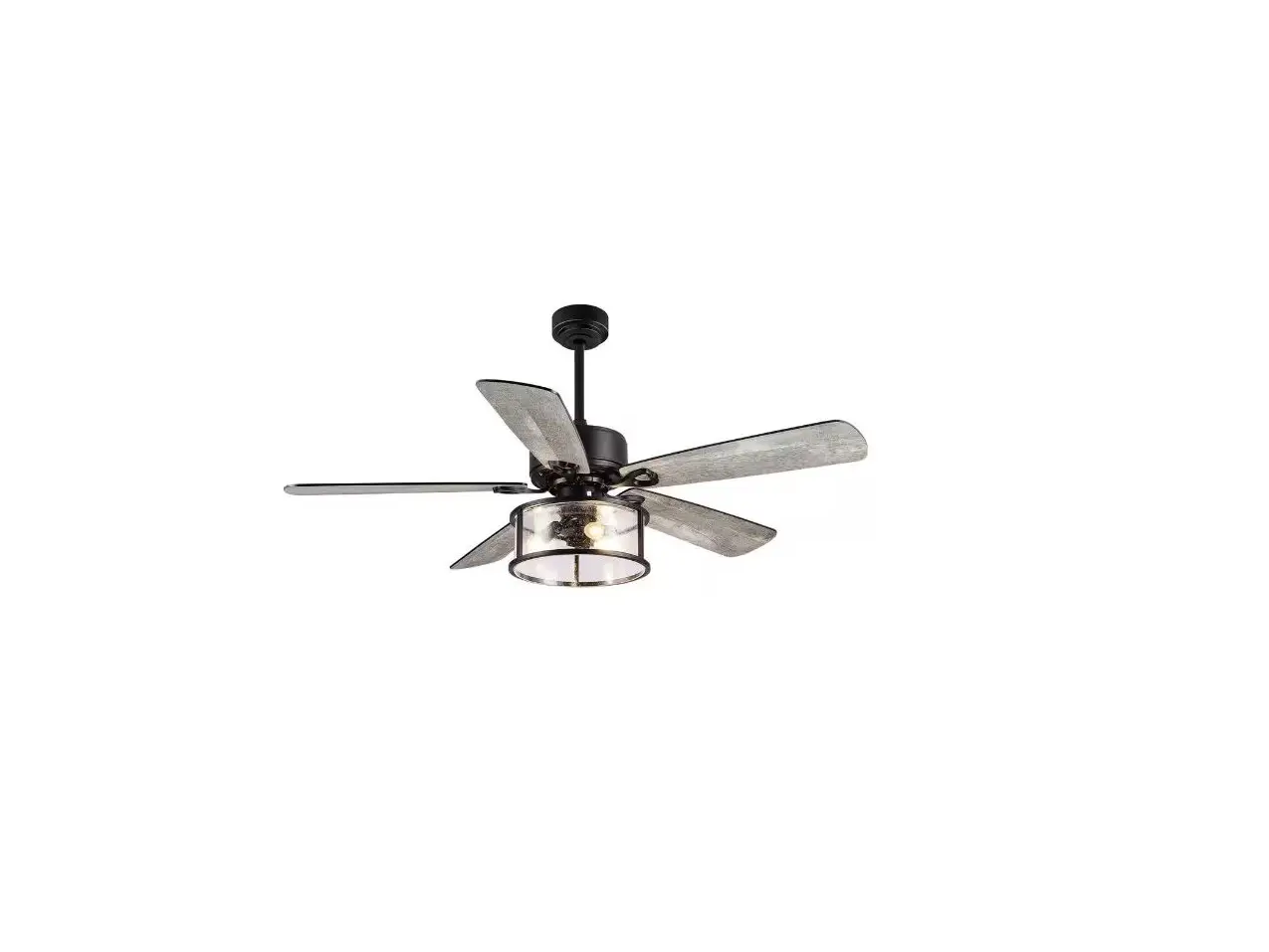
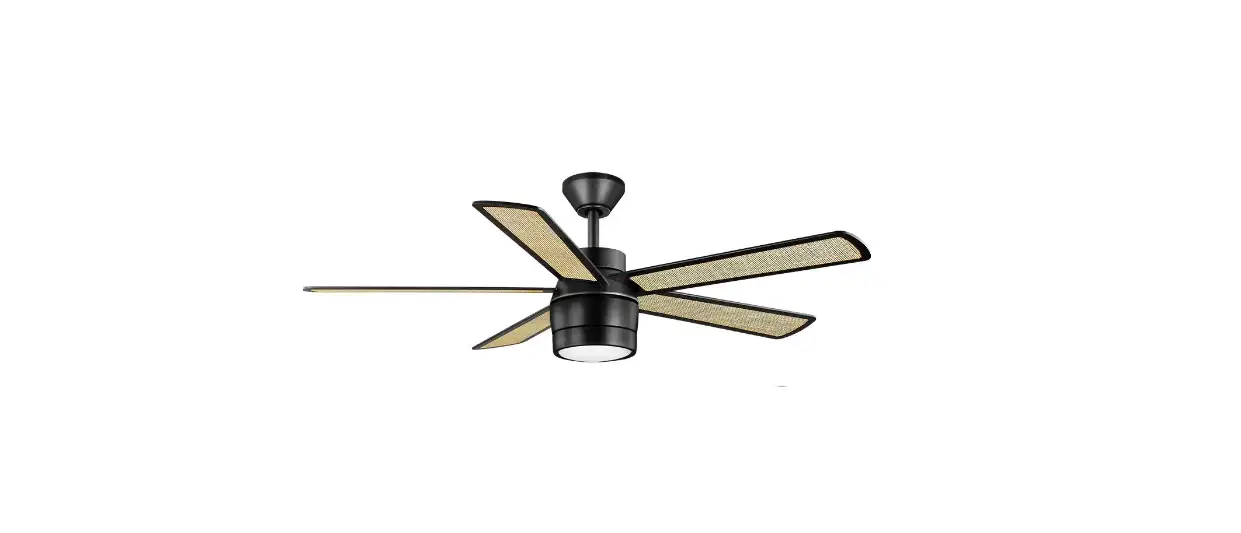
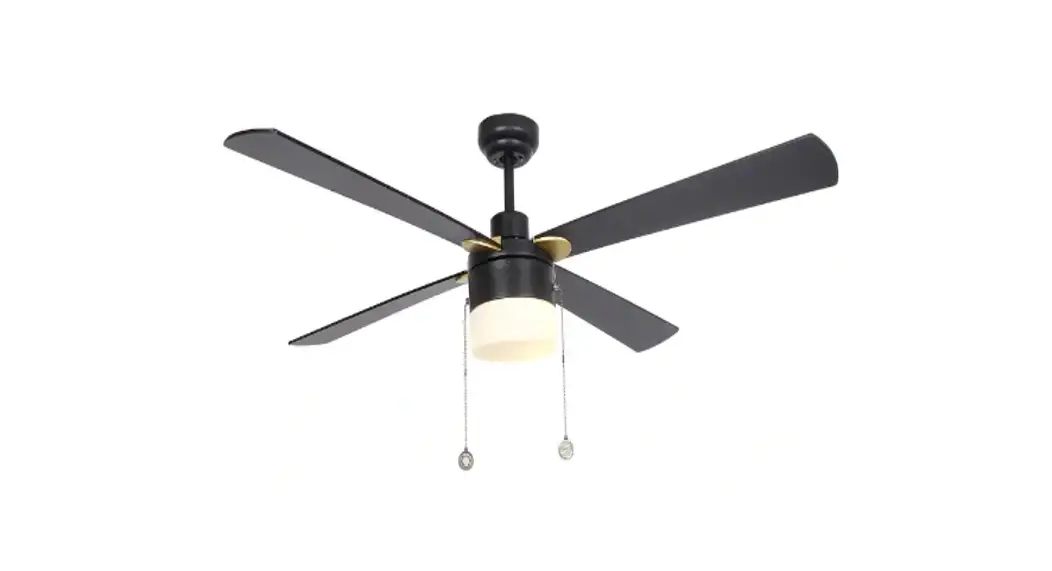
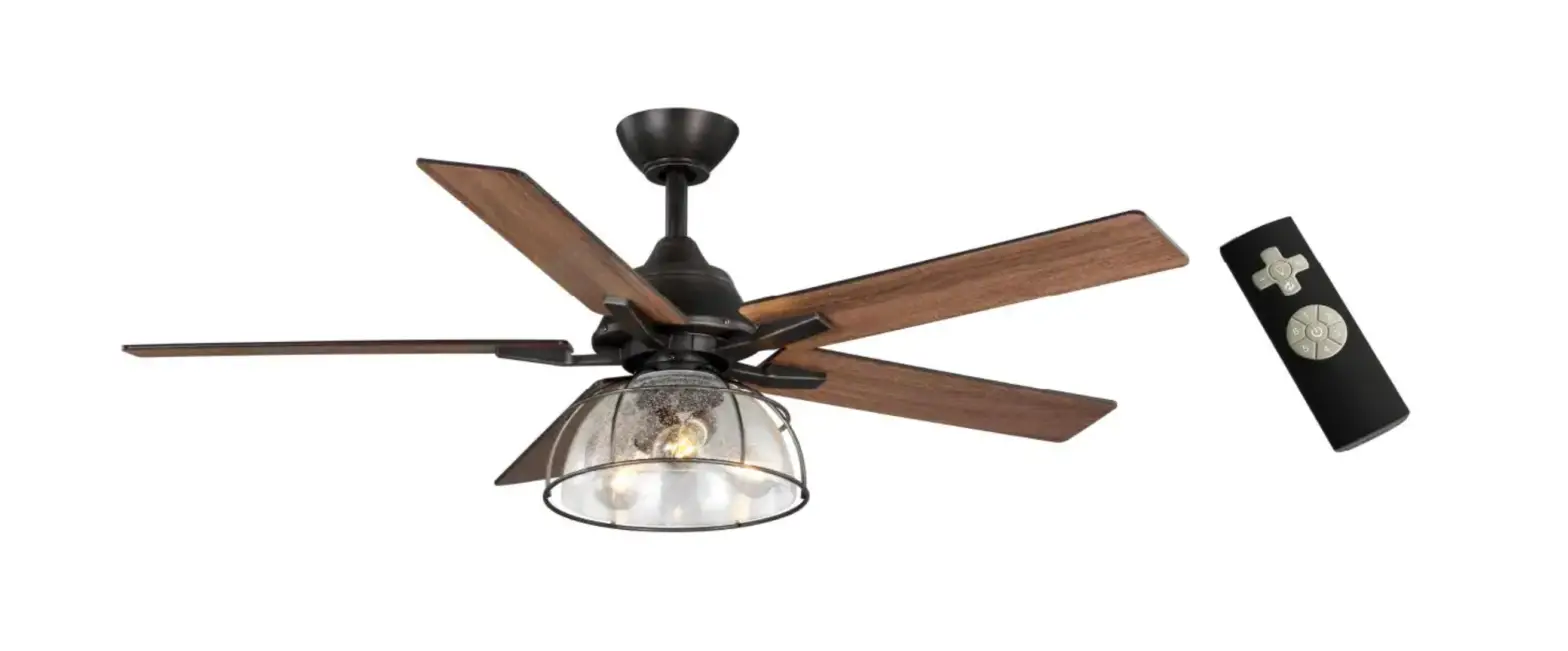
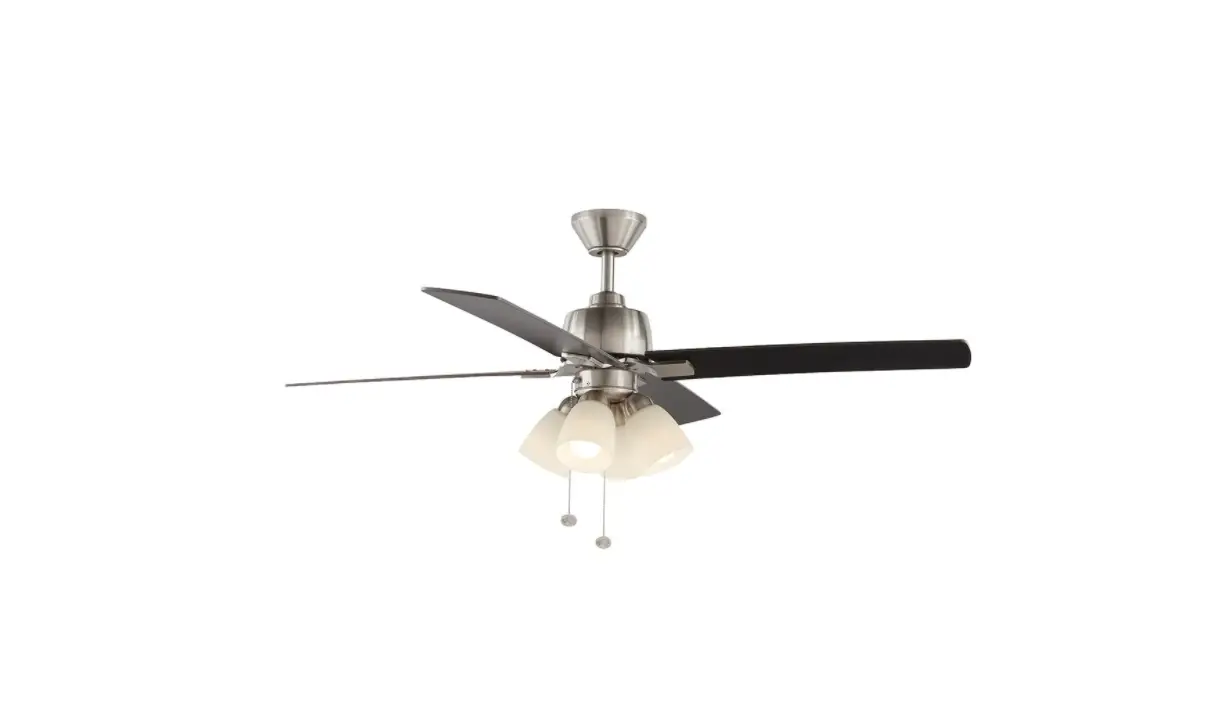
24002 52 Inch Ceiling Fan
Product Information
This product is a ceiling fan with a remote control for
operation. It comes with various parts including blades, a light
fixture, a motor assembly, a remote control receiver, and necessary
mounting hardware.
Safety Precautions
Before starting the installation process, please read and follow
these safety precautions:
- If you are not familiar with national and local electrical
codes and basic electrical wiring procedures, we recommend hiring a
qualified electrician to install the ceiling fan. - Do not install or use the fan if any part is damaged or
missing.
Pre-Installation
Materials Needed
Make sure you have the following materials before starting the
installation:
- Wiring outlet and connectors of the type required by the local
code. - Minimum 3-con (2-wire with ground) wire of the appropriate
size.
Package Contents
Check that you have received all the necessary parts listed
below:
- Mounting bracket
- Motor assembly
- Motor bracket
- Switch housing
- Remote control receiver mount plate
- Motor housing
- Wire Connectors
- Blades (x5)
- Blade brackets (x5)
- Hardware Bag
- Light kit (x1)
- Bulb (not included)
- Remote control
- Battery (not included)
- Wire Connectors (6)
- Lock Washer (4)
- Flat Washer (4)
- Spring Washer (4)
- Machine Screw (2)
- Wood Screw (2)
- Expansion sere` (2)
Installation Instructions
- The decorative motor housing has two mating slots (1) and two
mating holes (2). - Position both slots on the motor housing directly under and in
line with two screws in the mounting bracket (3). - Lift the motor housing, allowing the two screws to slide into
the mating slots. - Rotate the motor housing counterclockwise until both screws
from the mounting bracket drop into the slot recesses. - Tighten the screws securely.
How to Operate the Remote
Installation & Operating Instructions
Note: The frequency on your Receiver and Transmitter units have
been preset at the factory. Turn the coding switch in the battery
compartment on the back of the transmitter to set the required
coding combination. The factory default setting is to turn all of
them to ON. The coding combination settings of the receiver must be
consistent with those of the transmitter.
Operating The Hand Held Remote Control
To operate the remote control, follow these steps:
- Install two AAA, 1.5v batteries (not included) in the remote
control. - Remove the batteries if the remote control will not be used for
long periods of time to prevent damage.
Contact Customer Service
If you have any questions or need assistance, please contact our
customer service via email at [email protected].
Customer ser vice email: suppor t@br eezar y.com
TABLE OF CONTENTS
SAFETY PRECAUTIONS…………………………1 PRE-INSTALLATION……………………………….3 MATERIALS NEEDED……………………………..3 MATERIALS NEEDED……………………………..4 PREPARING FOR INSTALLATION……………5 MOUNTINGINSTALLATION……………………..6 MOUNTING……………………………………………7
BLADES INSTALLATION……………………………8 LIGHT FIXTURE INSTALLATION………………..9 HOW TO OPERATE YOUR REMOTE…….10 /11 PARTS INVENTORY…………………………………12 TROUBLESHOOTING……………………………..13
Before beginning the installation of your new ceilingfan, read and follow these safety precautions. If you are not familiar with national and local electriccal codes and basic electrical wiring procedures, we recommend that you have a qualified electrician install your new ceiling fan.
PRE-INSTALLATION
MATERIALS NEEDED
Wiring outlet and connectors of the type required by the local code. The minimum wire would be a 3-con (2-wire with ground) of the following size:
MATERIALS NEEDED
PACKAGE CONTENTS For your convenience,cheek — off boxes are provided next to each step. As each step is completed, place a check mark in the box. his will insure that all steps have been completed and will be helpful in finding your place should you be interrupted.
WARNING:
7l
Do not install or use fan if any part is damaged or missing.
1. Check to see that you have received the following parts:
NOTE: If you are uncertain of part description,refer to exploded view illustration provided on the last page of this install manual.
Mounting bracket
motor assembly
motor bracket
switch housing
`/
remote control receiver mount plate
motor housing
Wire Connectors
blade x5
blade bracket x5
Hardware Bag
light kit x1
Bulb(not included)
Remote control
Batter y(not included)
5
Wire Connectors (6) Lock Washer (4) Flat Washer (4) Spring Washer (4) Machine Screw (2) Wood Screw (2) Expansion sere`,(2)
4
10~11
The decorative motor housing has two mating slots (1) and two mating holes (2). Position both slots on the motor housing directly under and in line with two screws in the mounting bracket (3). Lift the motor housing, allowing the two screws to slide into the mating slots. Rotate the motor housing counterclockwise until both screws from the mounting bracket drop into the slot recesses. Tighten screws securely.
HOW TO OPERATE THE REMOTE
Installation & Operating & Instructions
NOTE: The frequency on your Receiver and Transmitter units have been preset at the factory. Turn the coding switch in the battery compartment on the back of the transmitter to set the required coding combination. The factory default setting is to turn all of them to “ON”; The coding combination settings of the receiver must be consistent with those of the transmitter.
Operating The Hand Held Remote Control
Install two AAA, 1.5v battery (not included). Remove the battery if not used for long periods of time to prevent damage to the hand held remote.
Customer service email: [email protected] 10
Learning/Pairing Process for Multiple Fan Installation
NOTE: After the AC power is on, do not press any other button on the remote control before
pressing the (
(FAN ON/OFF)button. Doing so will cause the procedure to fail.
Should you desire to install more than one fan in the home, please install one by one using the steps below to insur e one r emote oper ates each fan independently
Step 1: Turn off the main power source to all fans to begin the learning process on any single fan.
Step 2: Supply power to only one fan at a time for pairing, the rest remain off by use of your wall mounted power switch.
Step 3: Within 30 seconds of turning the fan’s AC power ON, press and hold the button for 5seconds to enter the learning function. Once the receiver has detected the set frequency, a beeping sound is emitted when pairing is complete.
Step 4: Repeat steps 1, 2 and 3 with each individual fan to insure one remote does not operate multiple fans.
Customer service email: [email protected]
11
PARTS INVENTORY
Mounting bracket
motor bracket /
°
0
.,..___ remote control
receiver mounting plate
motor assembly
switch housing
motor housing
Receiver +— Wire Connectors
<– Remote
k blade x5
blade bracket x5
+– light kit x1
12
TROUBLESHOOTING
are not touching any other component. caused by uneven blade levels.
blades can redistribute the weight