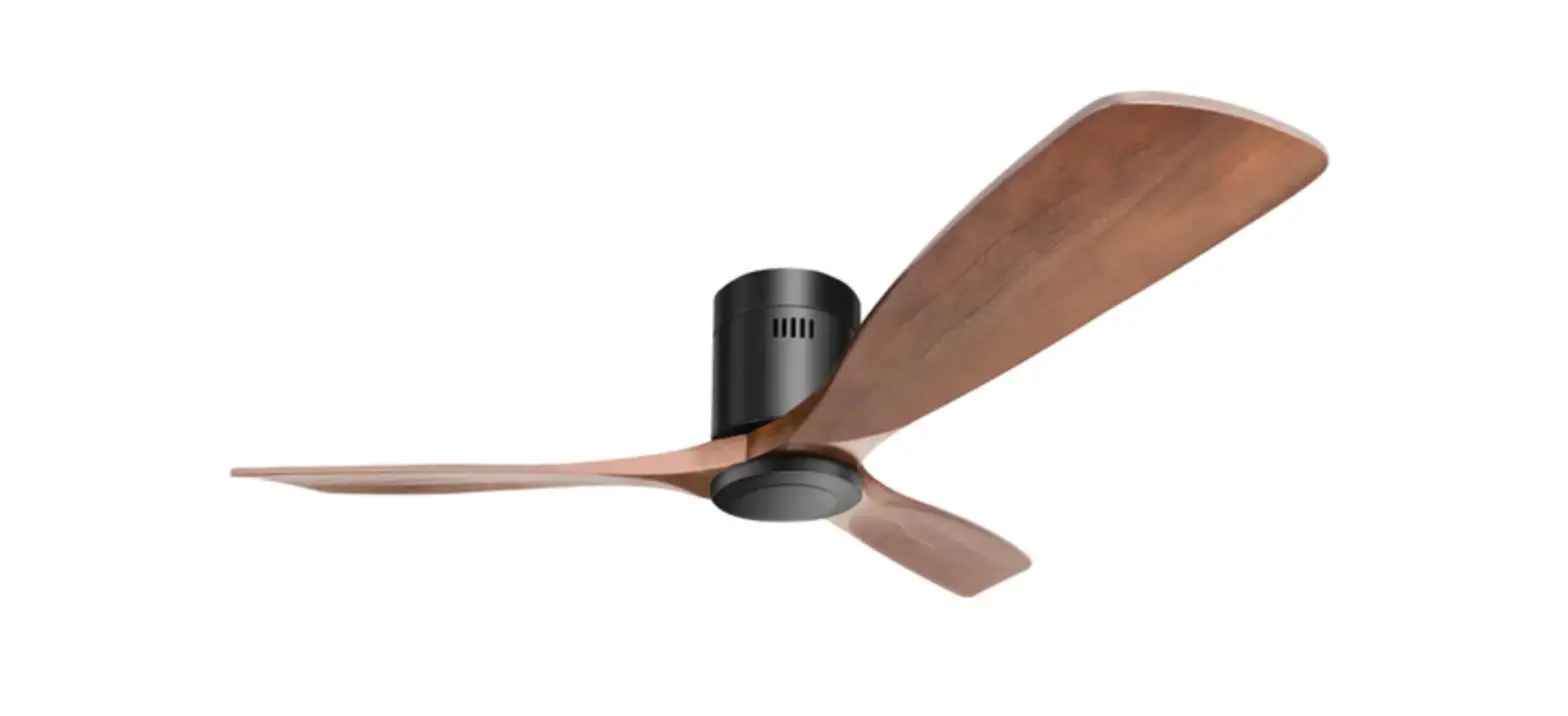
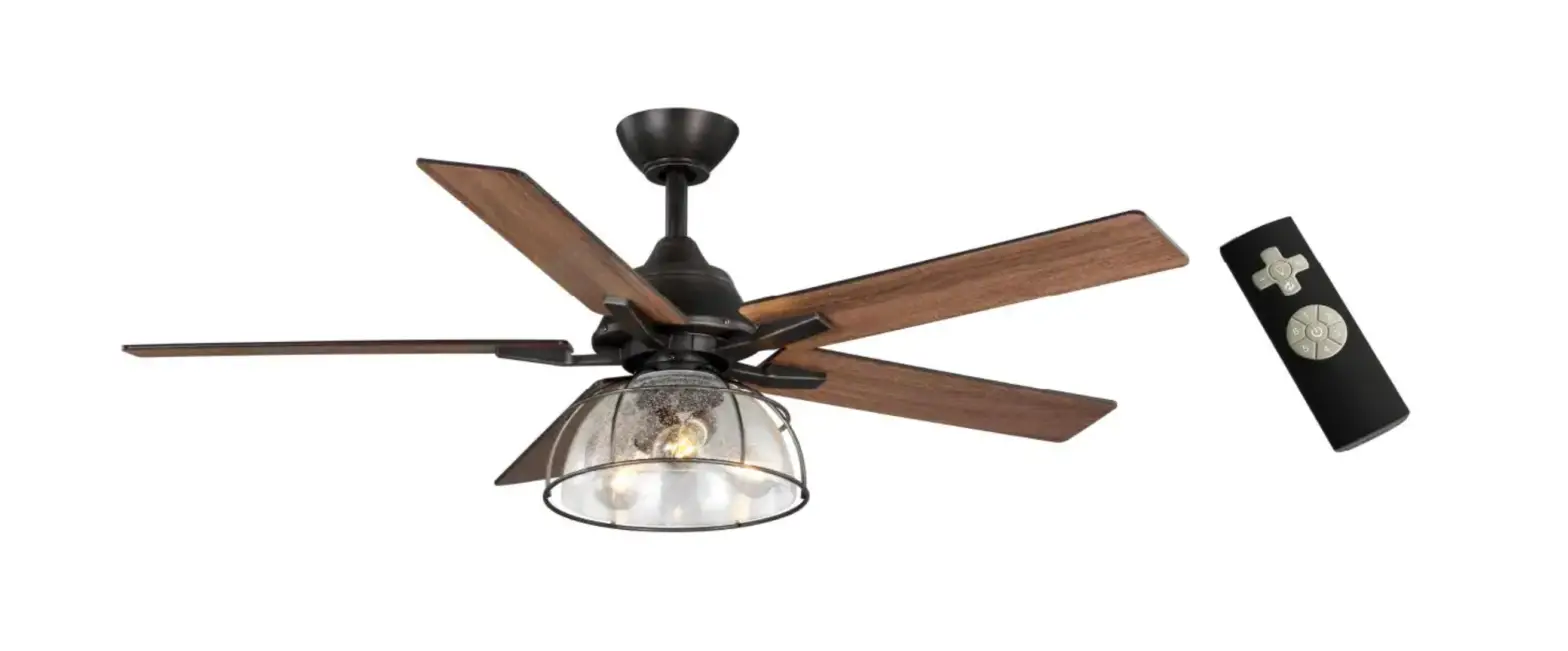
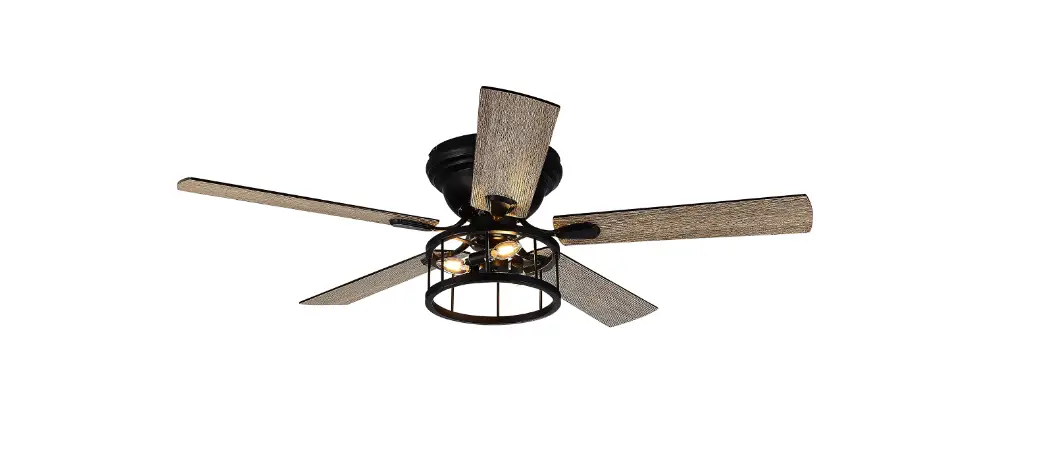
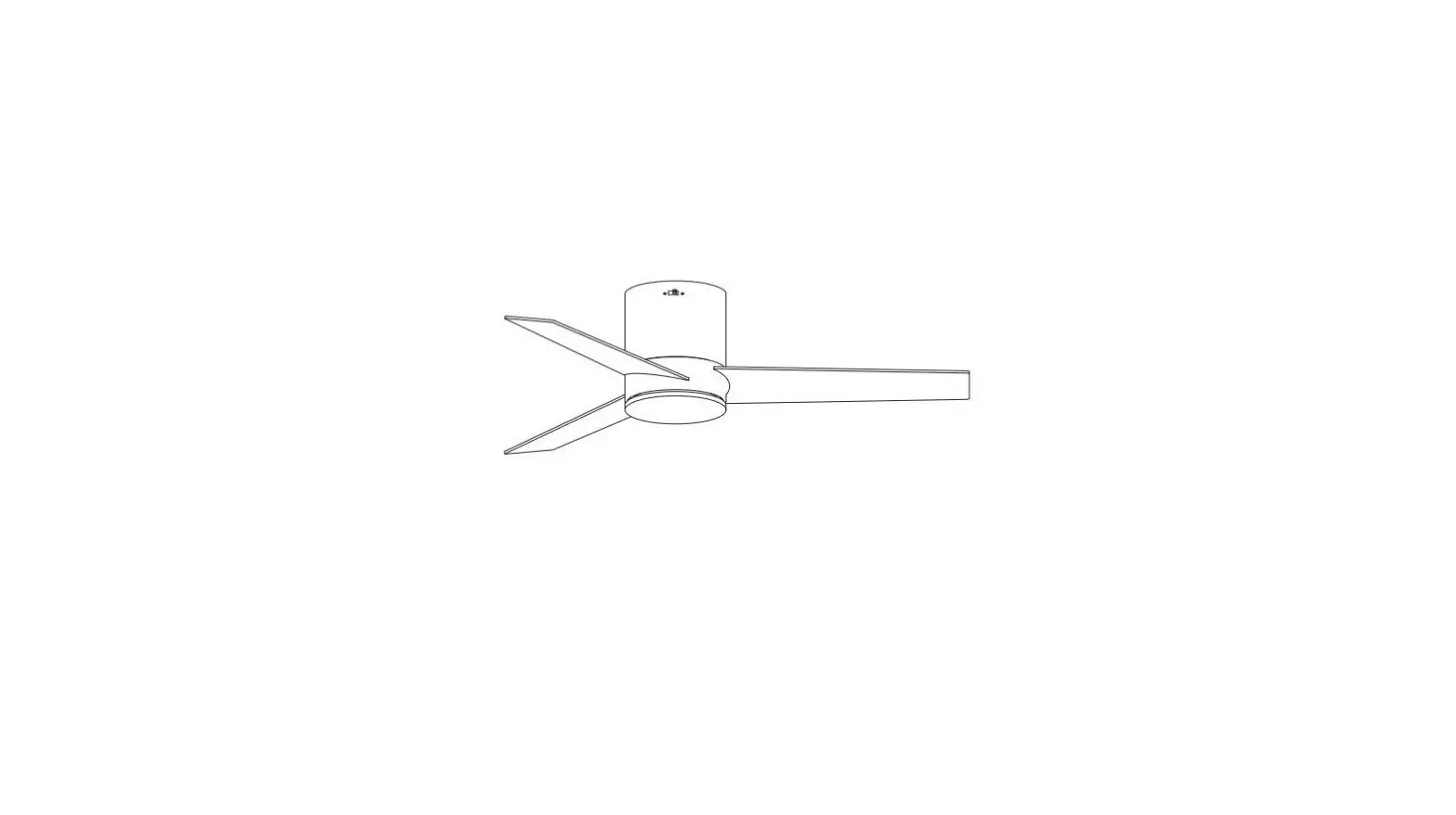
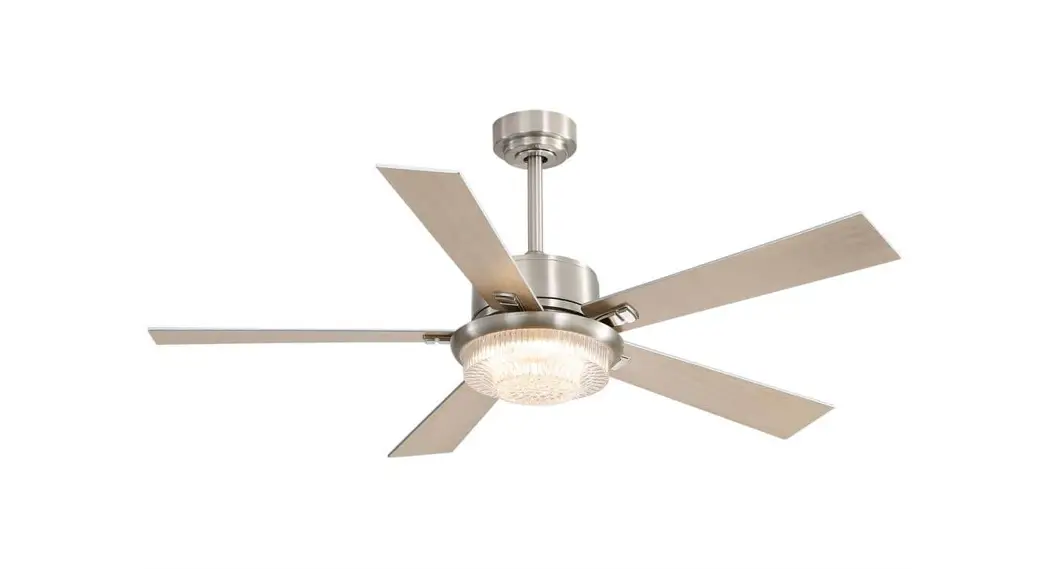
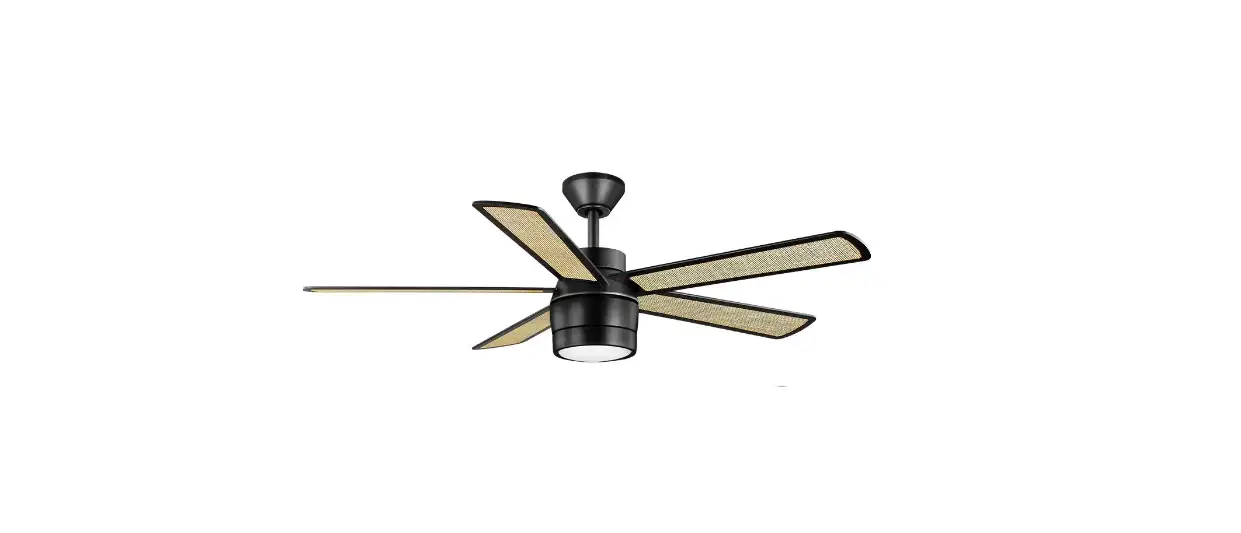
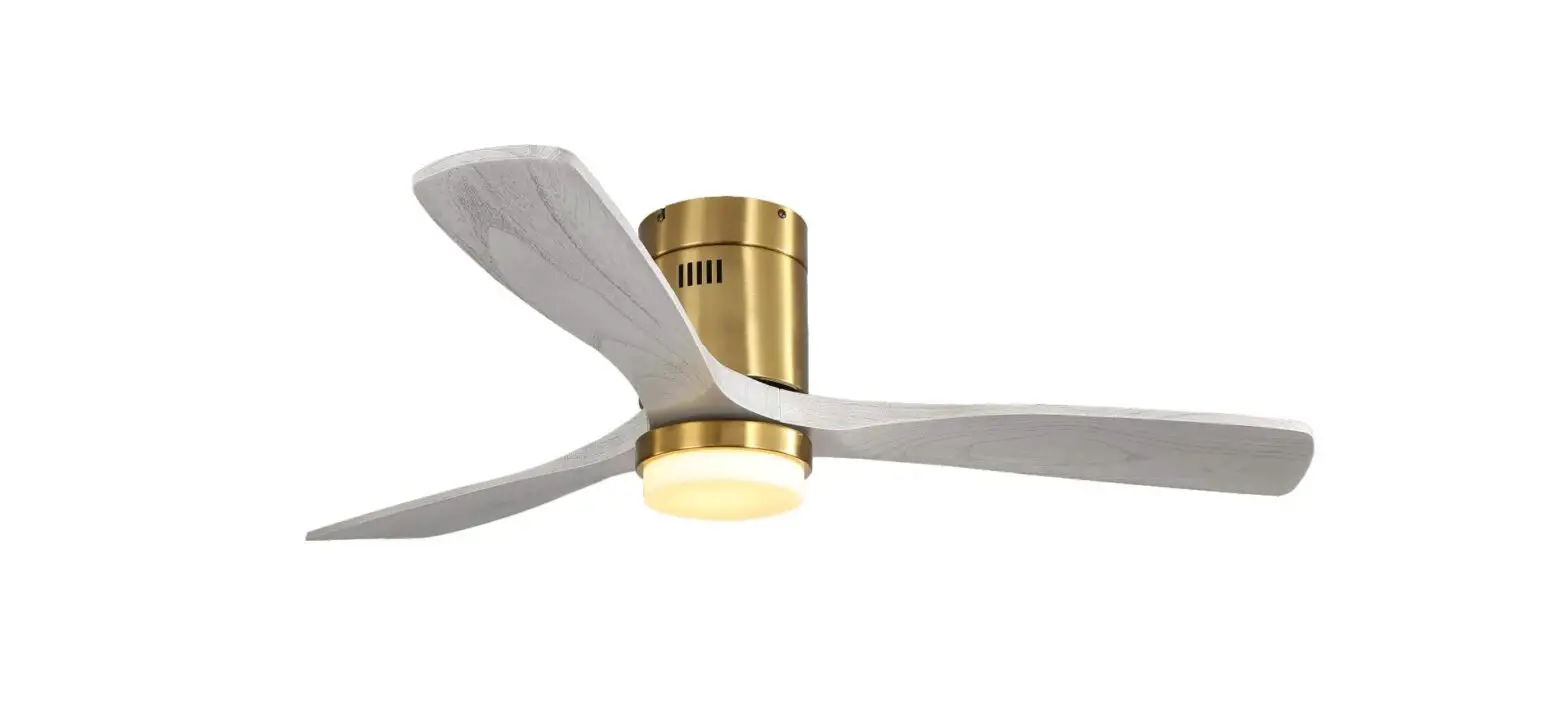
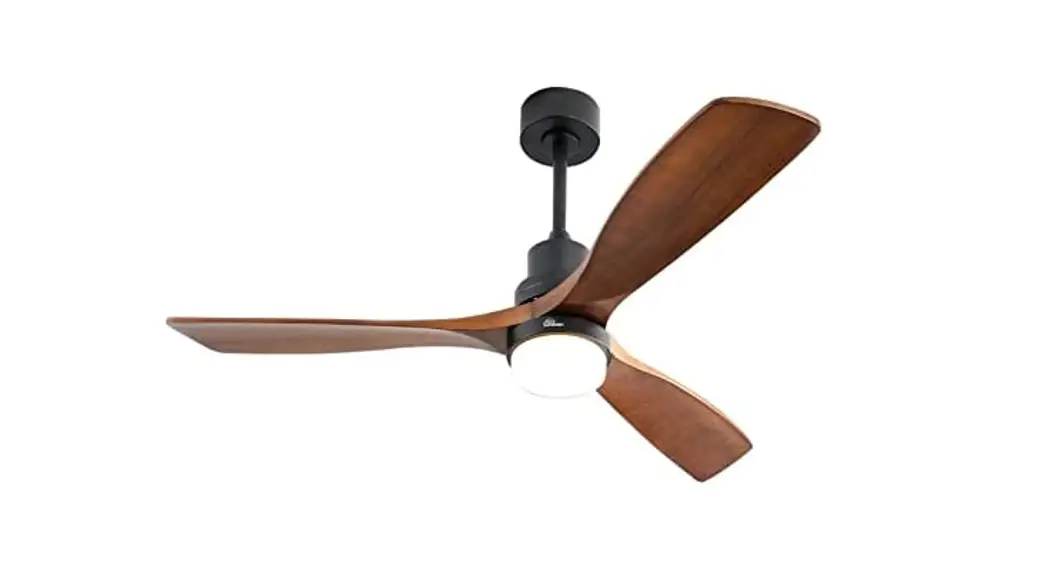
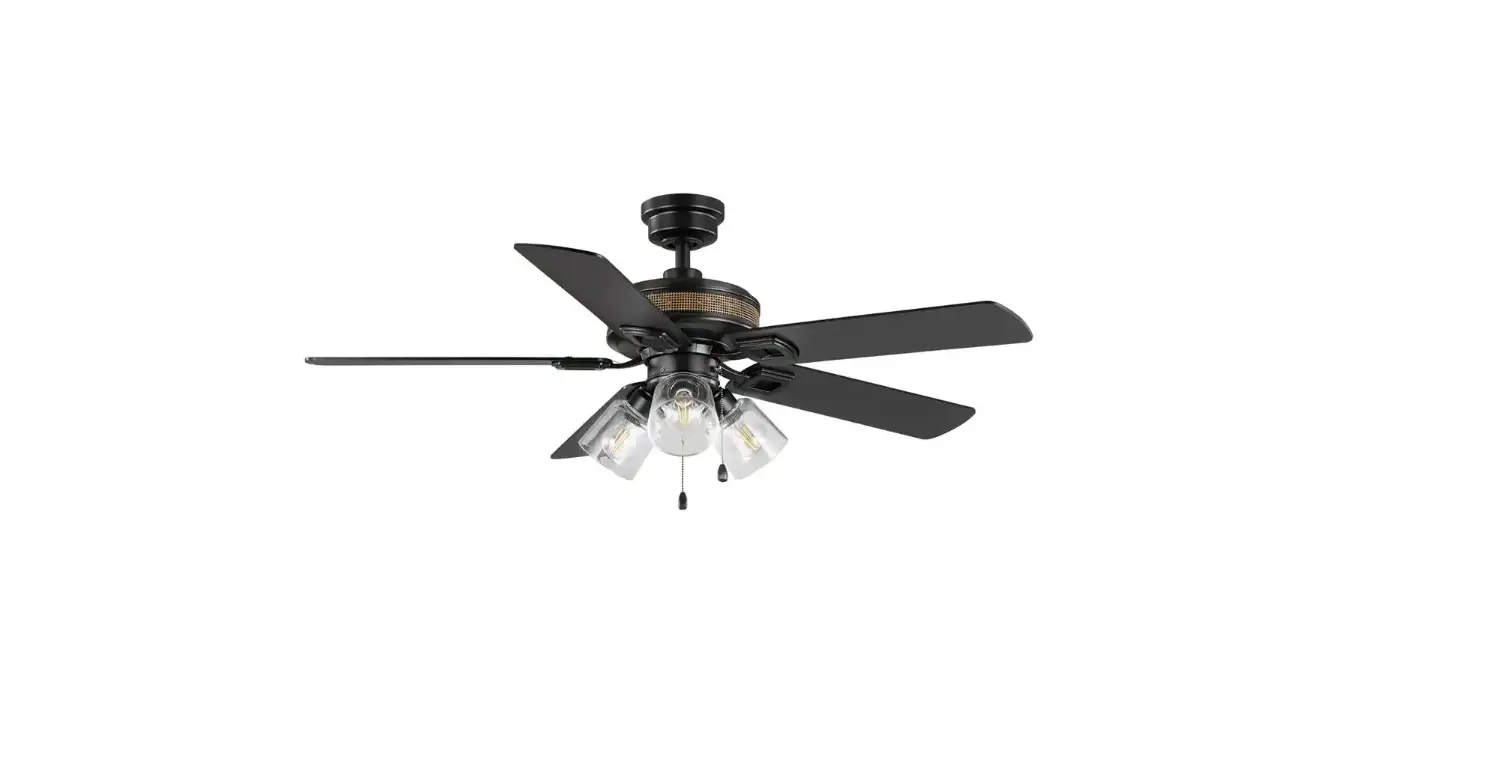
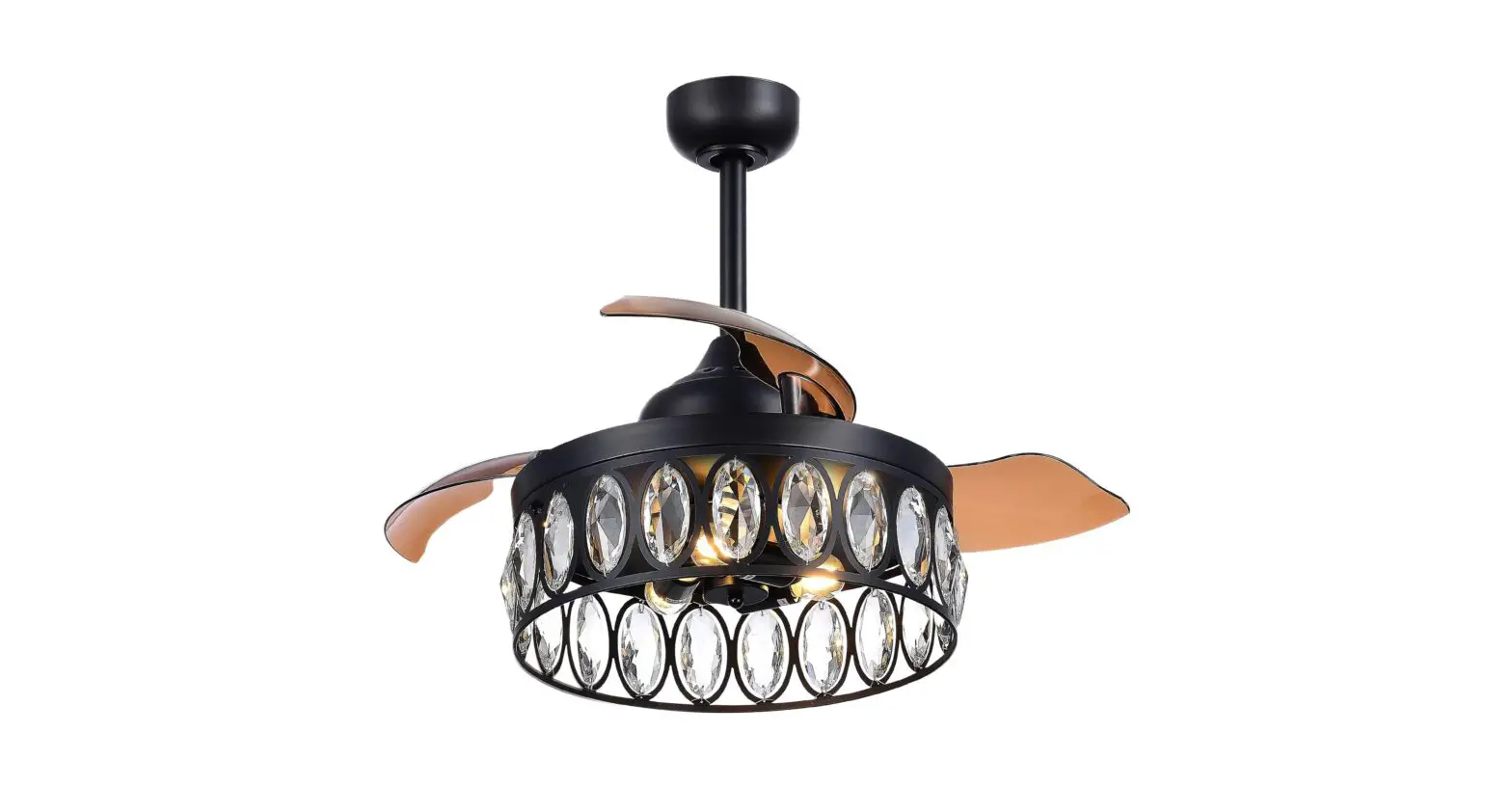
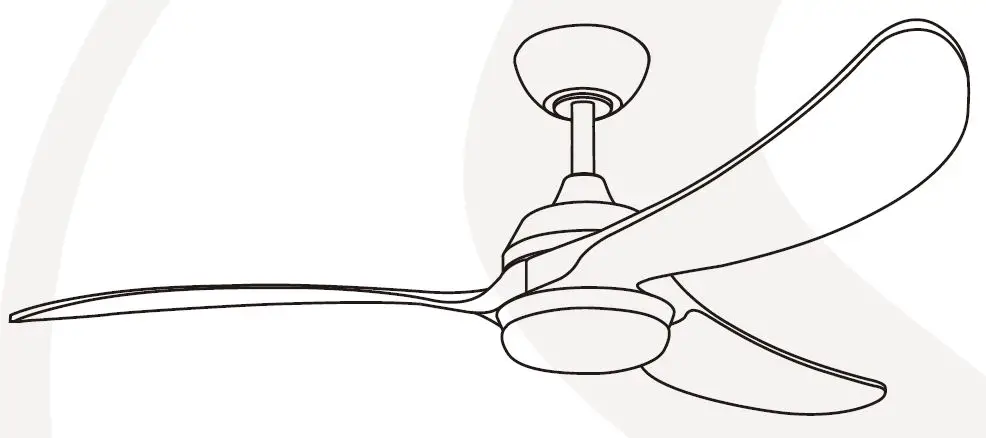
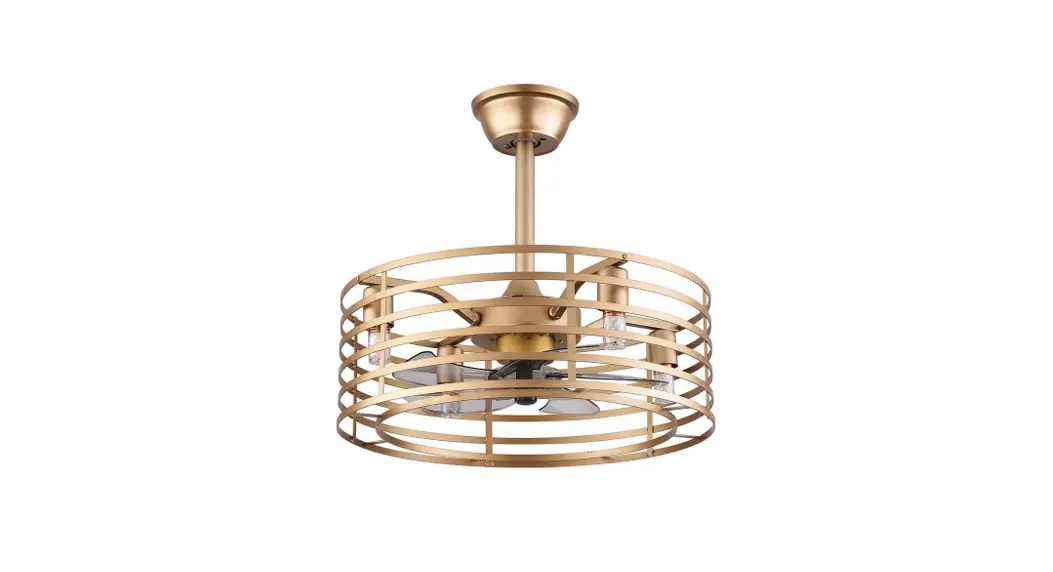
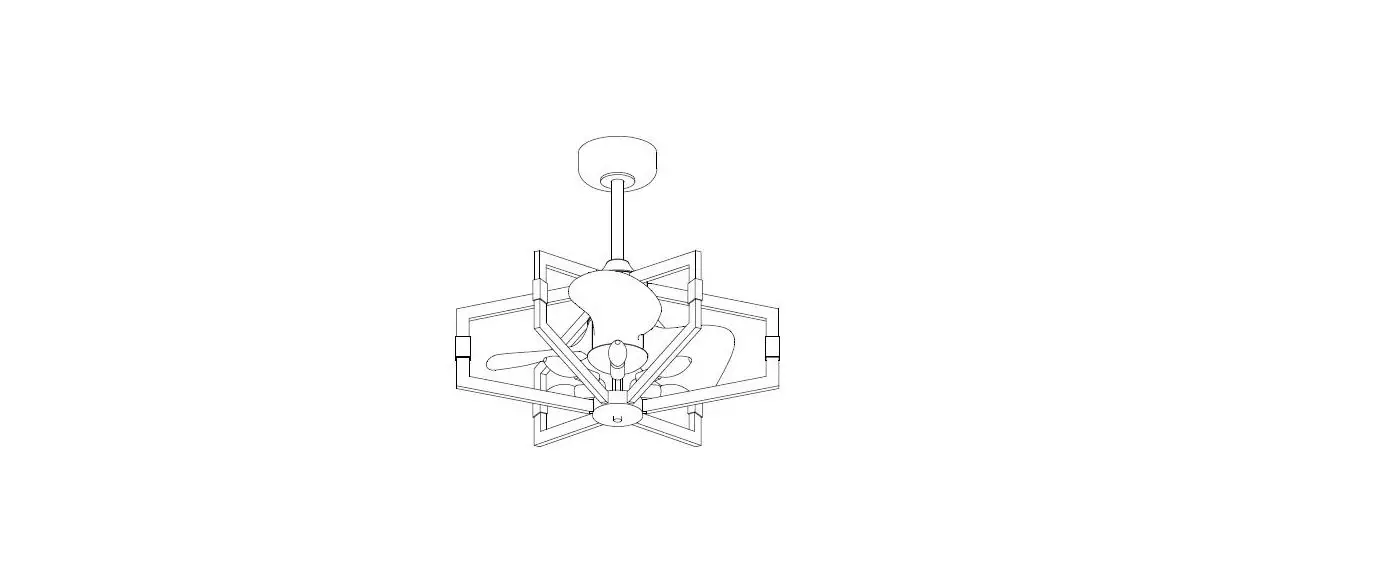
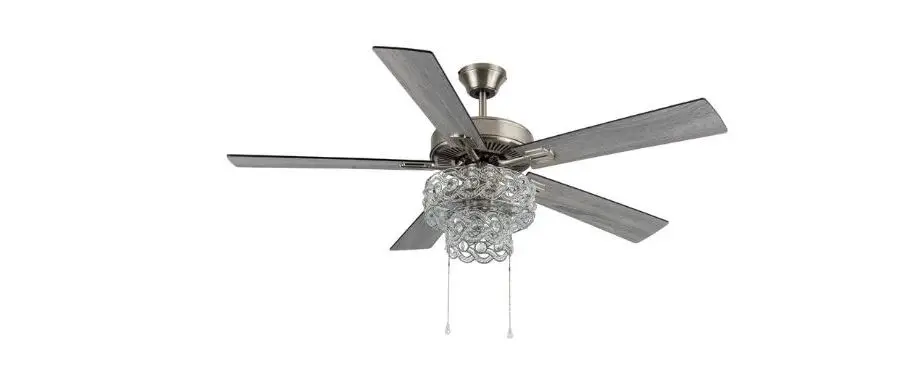
JYL9618A 52 Inch Crystal Ceiling Fan
Product Information
- Brand: JONATHAN Y
- Model: JYL9618A
- Size: 52X18.35-23.35-28.35H
- Weight: 8.7kgs / 9.7kgs (19.18lbs / 21.38lbs)
- Package Dimensions: 2.85cu.ft
- Color: Black Black
- Lampshade: S45
- Bulbs: Type B 40-watt or cfl 13-watt or led 9-watt (LED 4-watt
bulb included in the box)
Product Usage Instructions
Installing the Bulb
- Choose the bulb that closes act the role ofing.
- Screw the bulb inside the lamp holder.
Using the Intelligent Remote Control
- Pairing JONATHAN Y Mobile APP by scanning the QR code to
download the JONATHAN Y APP. - Download and open JONATHAN Y Mobile App.
- Turn on the electric power.
- Press the “+” button in the top right corner of the mobile
App. - Under “Add Manually” select “Home Appliances”.
- Select “Fan”.
- Click “Confirm” indicator rapidly blink and type in your Wi-Fi
name & password then proceed to click “OK”. - After the loading screen go back to homepage and you should be
able to find your device there.
Troubleshooting
If you cannot pair the JONATHAN Y APP:
- Please check whether the WI-FI network is 2.4g.
- Turn off the power and turn on the power again, wait for 10
seconds, then press and hold “LIGHT” and “HI” at the same time
until the receiver emits a prolonged beep sound three times. - Pairing JONATHAN Y Mobile APP again.
If your remote cannot control the receiver:
- Please turn off the power.
- Turn on the power again.
- Press and hold “LIGHT” and “HI” at the same time until the
receiver emits beep three times.
Wobbling
Please refer to page 10 of the manual for instructions on how to
fix wobbling issues.
JONATHAN Y
ITEM#:JYL9618A SIZE:52″X18.35-23.35-28.35″H
JYL9618A CH
0.308 0.515 0.726
12.2 34.5 67
100 2190
162
3481
8.7kgs 9.7kgs (19.18lbs) (21.38lbs)
2.85cu.ft
180 4500
Lampshade
II 16
BLACK BLACK
Black Black
BLACK
S45 4W*3PCS
Choose the bulb that closes act the role ofing, screw bulb inside lamp holder. Type “B” 40-watt or cfl 13-watt or led 9-watt, there is led 4-watt bulb in the box.
Reverse
Use of intelligent remote control
Pairing JONATHAN Y Mobile APP Scan the QR code to download the “JONATHAN Y ” APP
a. Download and Open “JONATHAN Y” Mobile App.
b. Turn on the electric power.
c. Press the + button in the top right corner of the mobile App. d. Under “Add Manually” select Home Appliances. e. Select Fan. f. Click “Confirm indicator rapidly blink” and type in your Wi-Fi name &
password then proceed to click “OK”. g. After the loading screen go back to homepage and you should be able to
find your device there.
Q : If you cannot pair the JONATHAN Y APP A : 1 . Please check whether the WI-FI network is 2.4g.
2. Turn off the power and turn on the power again, wait for 10 seconds, then press and hold “LIGHT” and “HI” at the same time until the receiver emits a prolonged beep sound three times.
3. Pairing JONATHAN Y Mobile APP again. Q : If you remote cannot control the receiver. A : 1. Please turn off the power.
2. Turn on the power again. 3. Press and hold “LIGHT” and “HI” at the same time. Until the receiver emits “beep” three times.
Intelligent function
In addition to the included control , you can operate your fan with the JONATHAN Y app. Upgradeable with Smart Features Scan the code to the right with your phone to find out how you can enable smart features through the JONATHAN Y app and integrate with your smart home ecosystem. NOTE : Press light toggle and season toggle and hold for 4 second if you prefer not using the app or broadcasting Wi-Fi. 1. To use the JONATHAN Y app , download it from the App Store or Google Play. 2. Open the app to create your account . You can also log in using your Facebook or Google account. 3.To set up a Wi-Fi connection you will need the SSID and Wi-Fi password for the network you wish to connect to. 4. You will rceive a prompt to name your fan device and upload an optional picture of it if you choose.
15
Wobble please refer the page 10
16