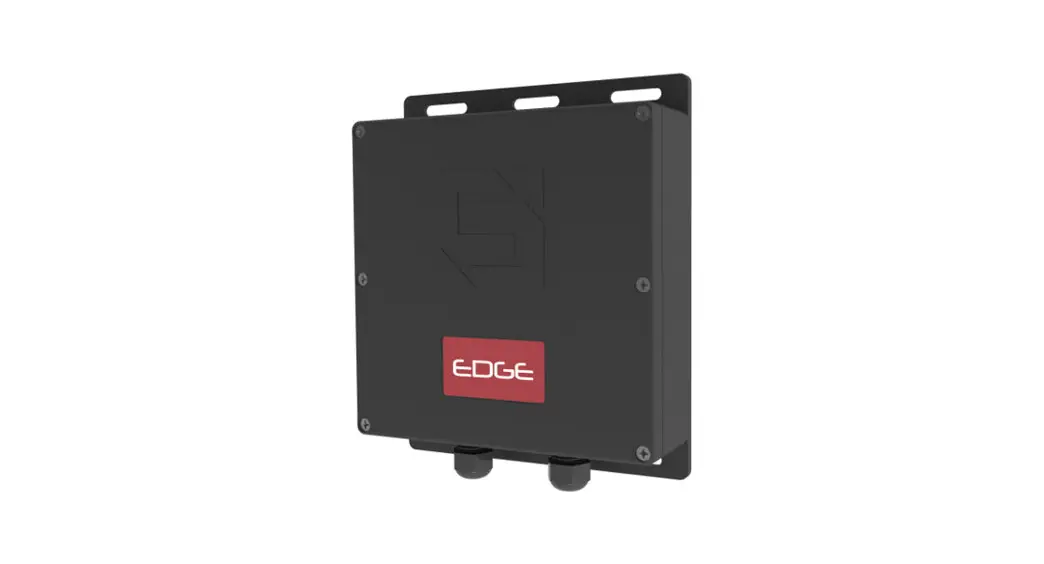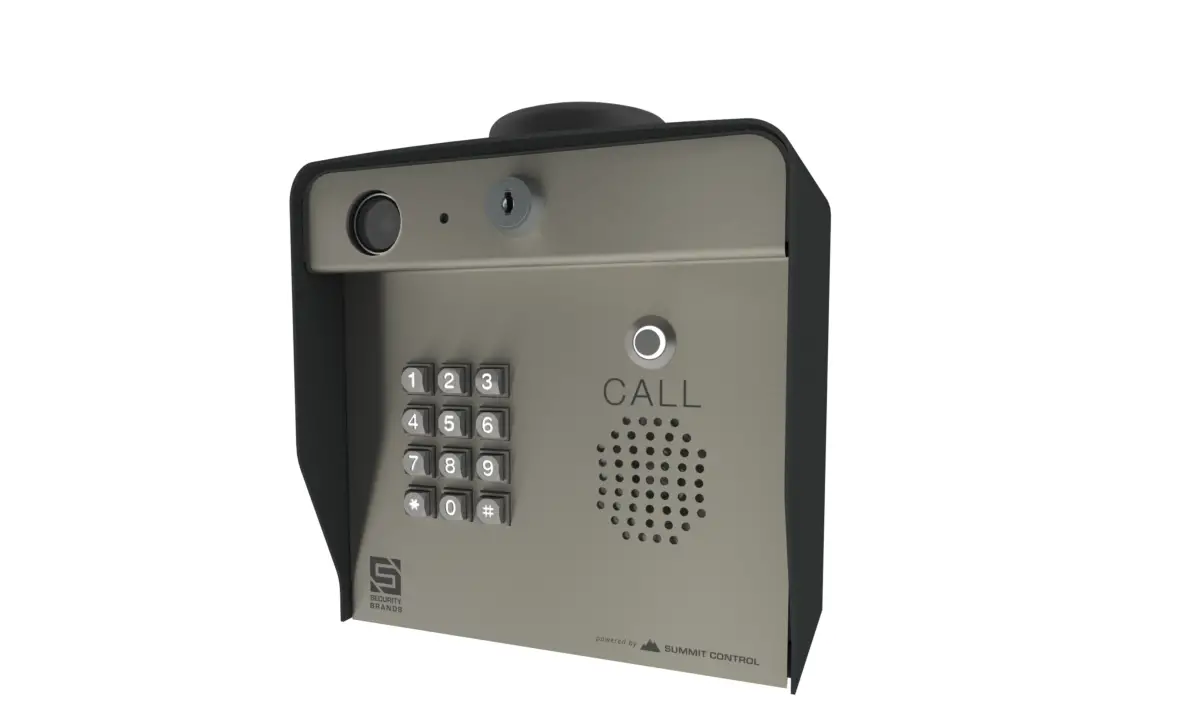

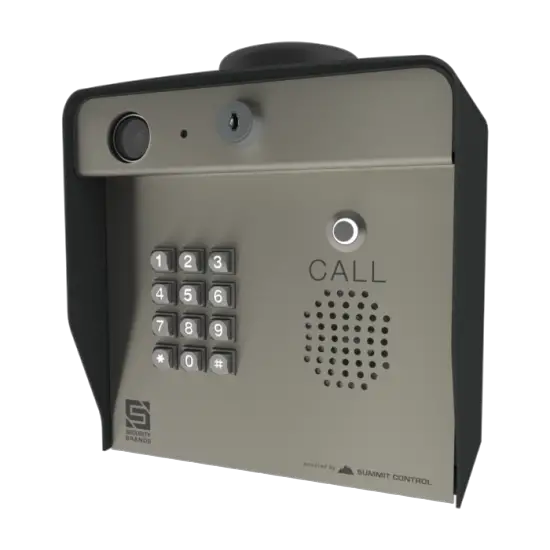
SECURITY BRANDS 16-M1 Ascent Unit
OVERVIEW
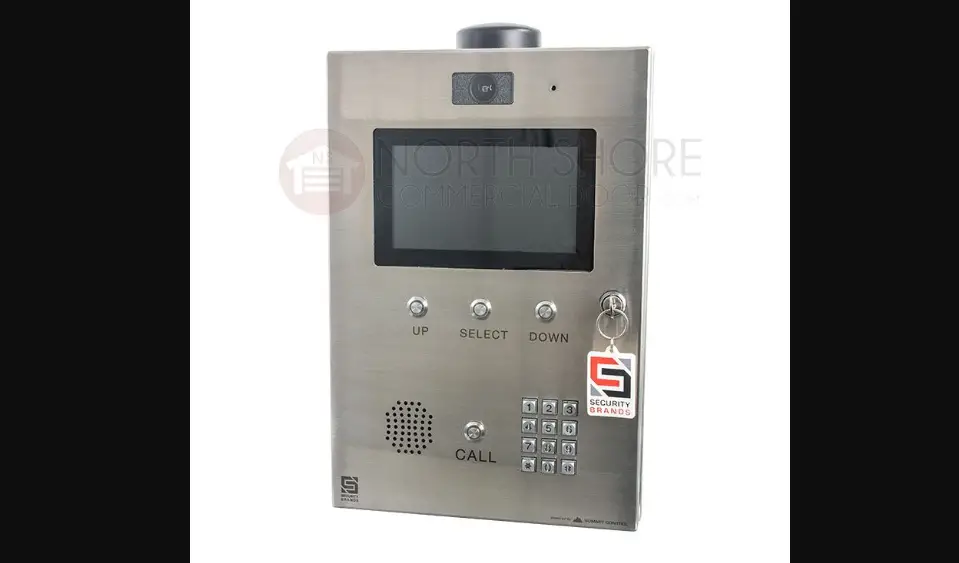
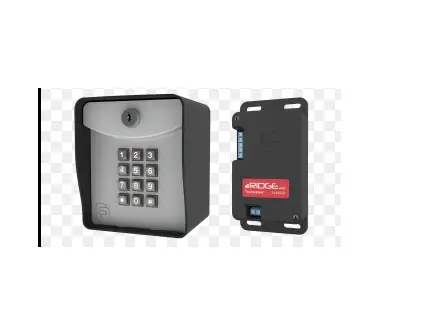
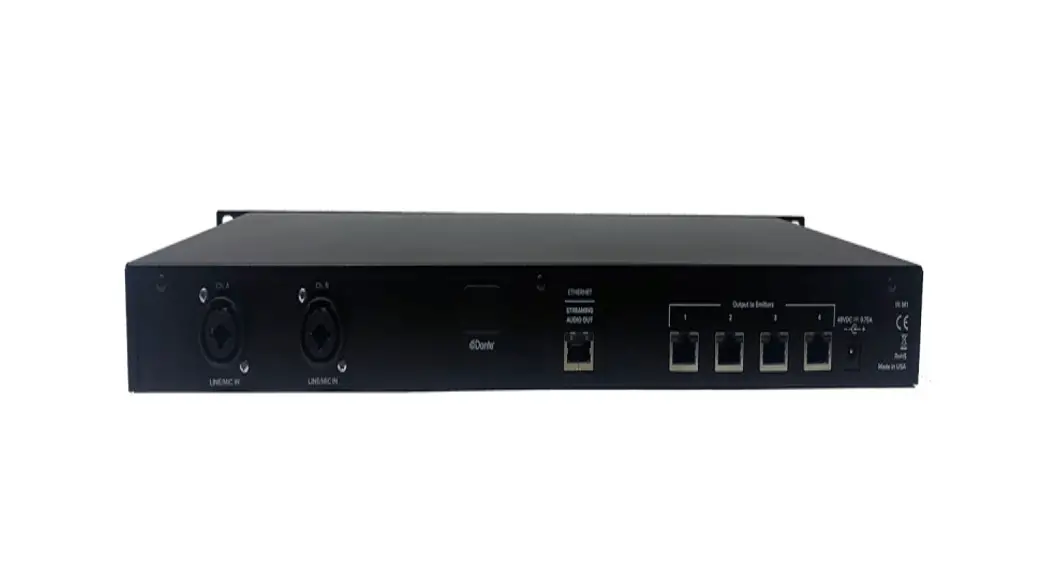
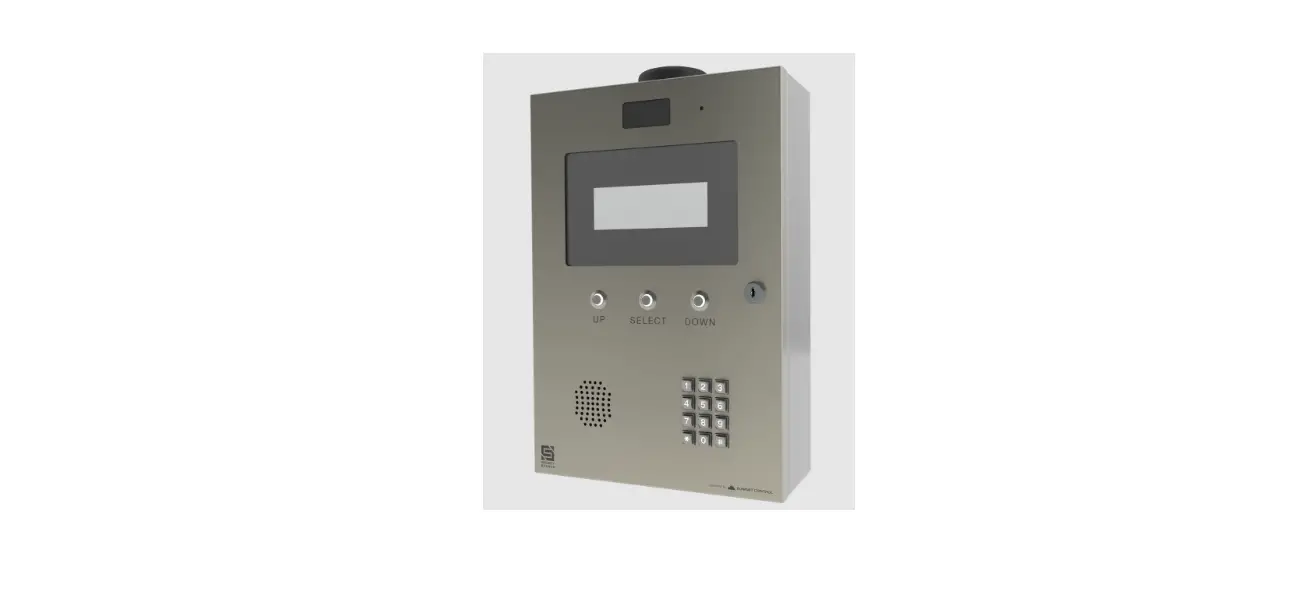
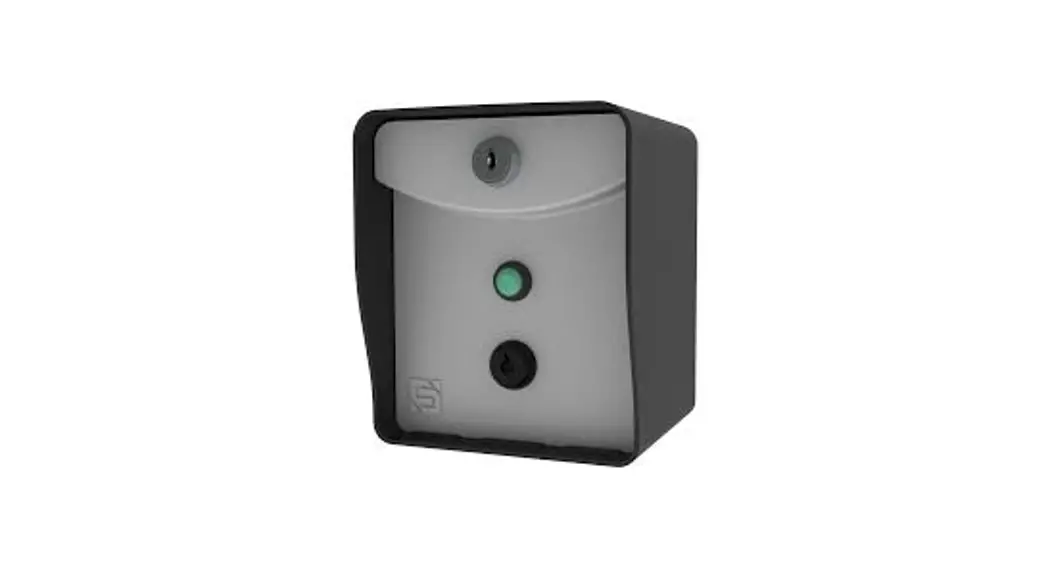
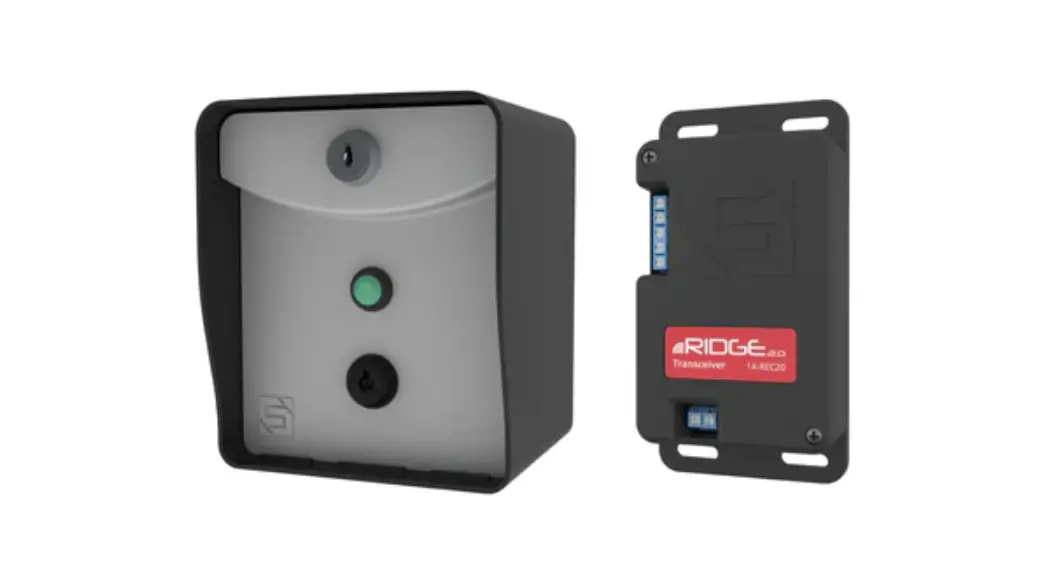
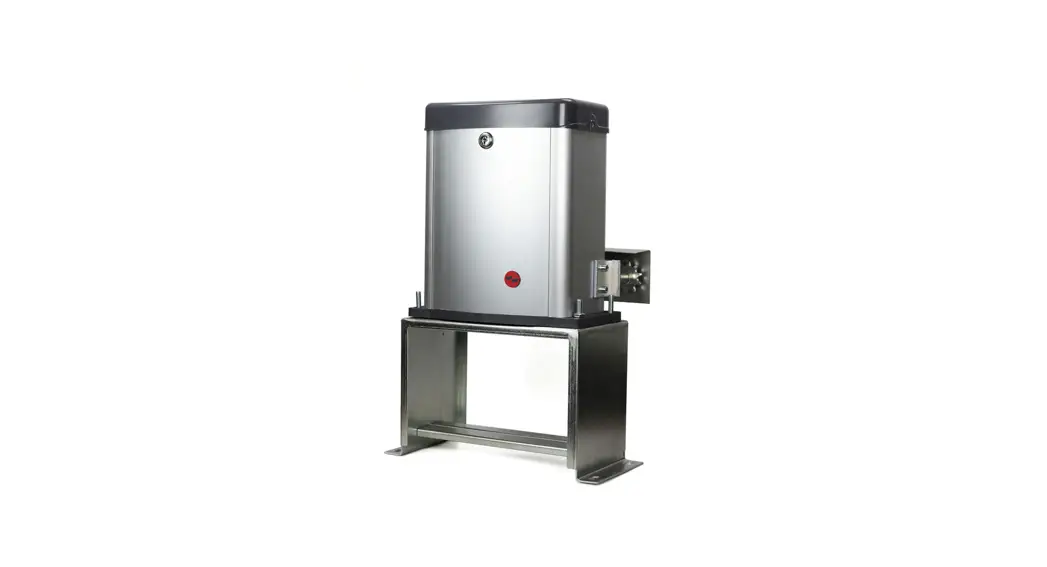
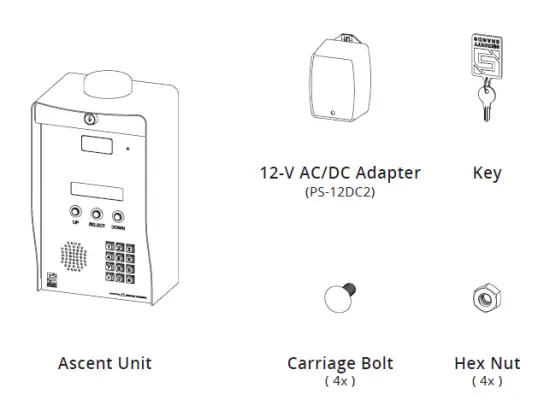
- Unpack the box and make sure you have all items shown here. (Screwdriver not shown.)

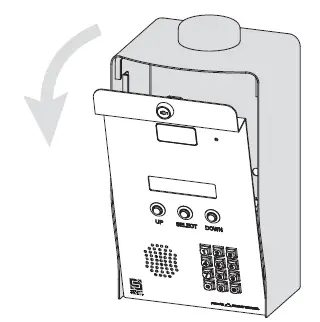
- Unlock and open front panel of unit for mounting, wiring, and setup.

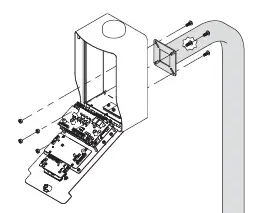
- Mount unit to pedestal using included mounting hardware. (This step may be completed later.)

IMPORTANT
We recommend mounting the unit on a gooseneck pedestal using the included mounting hardware.
If using an alternate mounting, the 4G LTE Antenna Extension Kit (Model 16-ANTX-1)
should be purchased and installed.
Failure to do so may result in NO SIGNAL!
CAUTION
Use all four carriage bolts when mounting the unit to a pedestal.
Leave the “hockey puck” antenna in place even if using an antenna extension.
Seal all openings created in the enclosure.
Failure to follow these instructions can damage the unit!
What’s what?
All important components labeled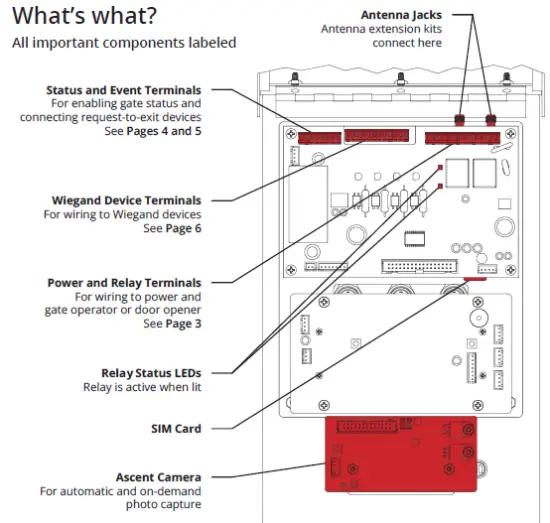
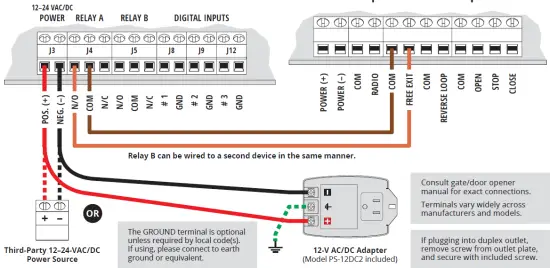
Connect wires
Feed wires through the back of the unit, and connect as shown using included screwdriver.
Excessive force can damage the unit!
Ascent Power and Relay Terminals Gate Operator / Door Opener
STOP
Before going forward, double-check all wiring and make sure the unit has power!
Wiring diagrams for connecting to accessory devices can be found on Pages 4–6.
For connecting accessories not mentioned, please contact Technical Support.
Make sure the gate path is clear before completing Step 5!
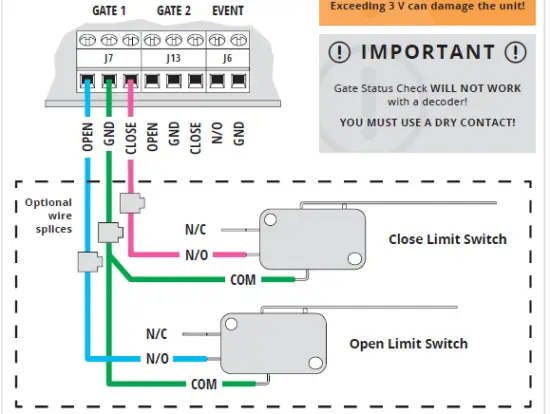
Status Check
Wiring to enable Gate Status Check
CAUTION
The Status Terminals are designed for low voltage (3 V or less). Check the voltage on your status wires before connecting. If it is above 3 V, please contact Technical Support. Exceeding 3 V can damage the unit!
Event Input
Wiring for accessories such as a request-to-exit device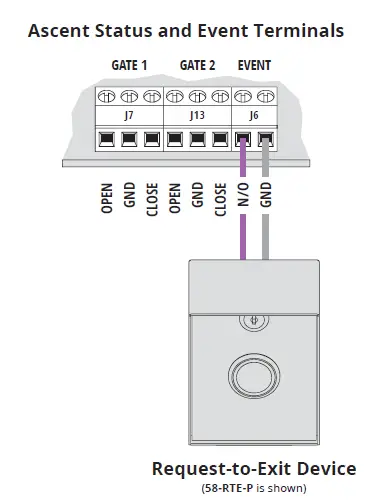
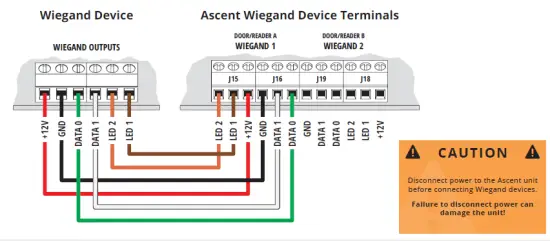
Wiegand Device
Wiring for a Wiegand device such as a card reader
IMPORTANT
Verify that your power source is compatible with the unit’s electrical specifications below.
Not intended for solar applications!
- Input: 12–24 VAC/DC no more than 10% beyond this range
- Current Draw: less than 600 mA @ 12 VDC less than 320 mA @ 24 VDC
NEED HELP
- Call (972) 474-6422
- Email [email protected]
- We are available Mon–Fri / 8 am–5 pm Central